First & Last Frame to Video AI
Add where it starts and where it ends. The model fills in the 5 to 8 seconds between, so the last shot is exactly the one you chose.
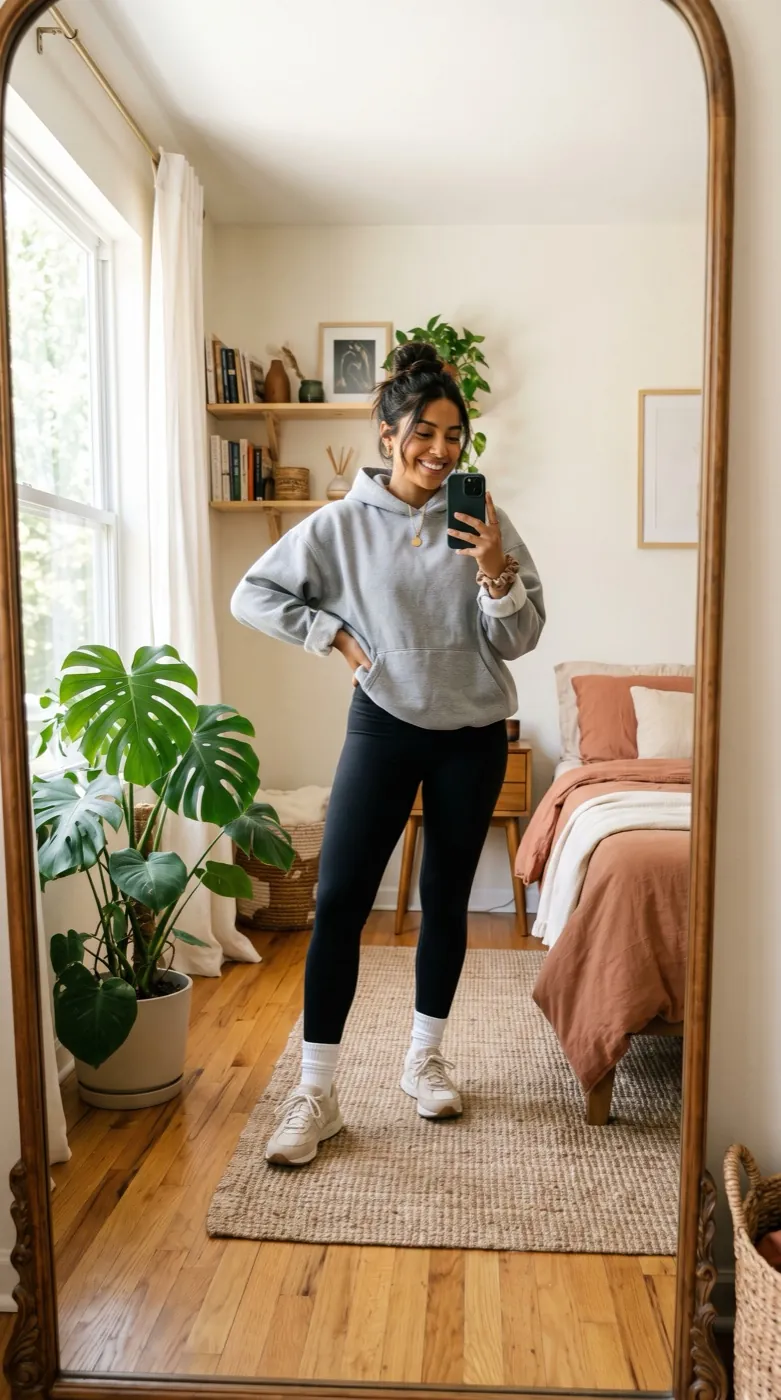
Seedance 2 · 5sShe spins once and her outfit and hair change mid-turn, smooth transition, camera stays still.
Start from a recipe
Each card keeps both frames, the words and the model. One tap loads the start frame, the end frame and the prompt.
1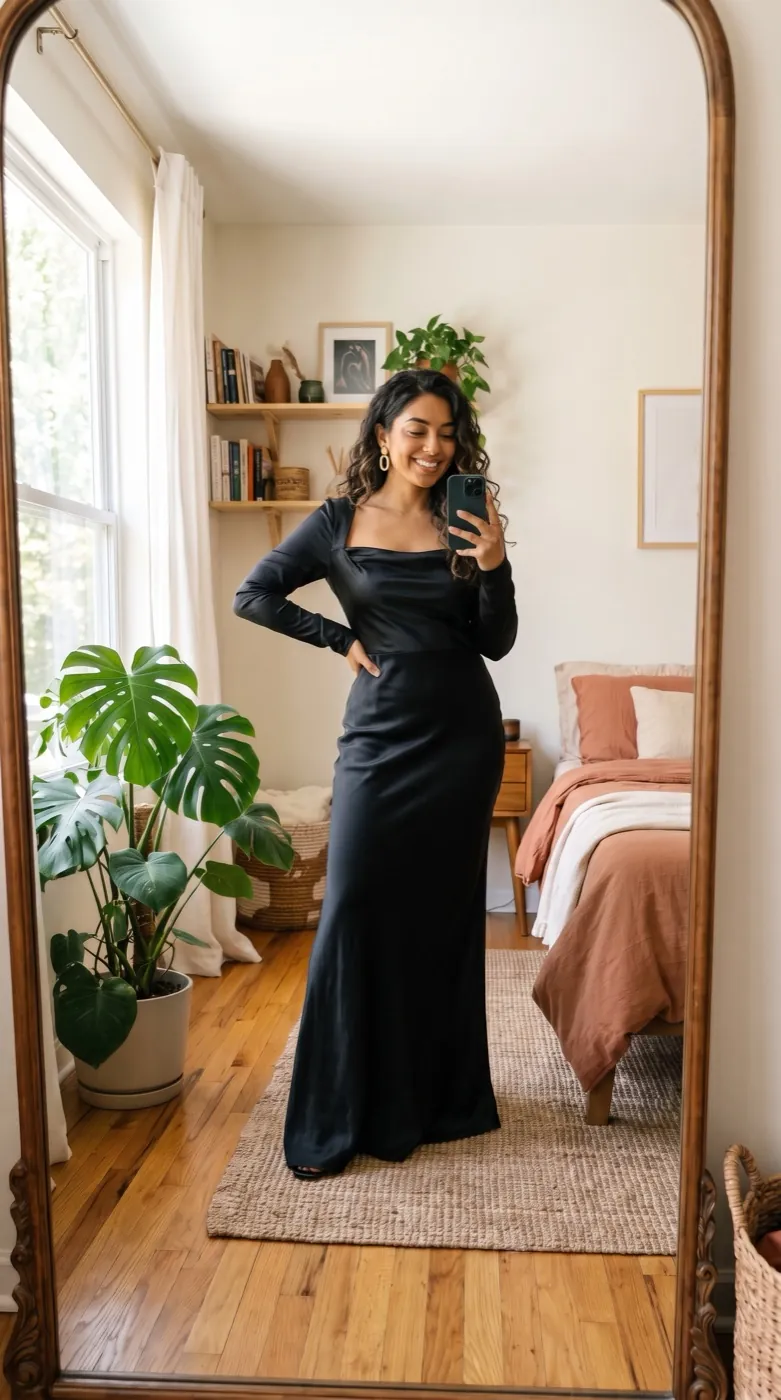 2
Spin into a new outfit
She spins once and her outfit and hair change mid-turn camera stays still smooth transition 5 s
 Seedance 2
 1
 2
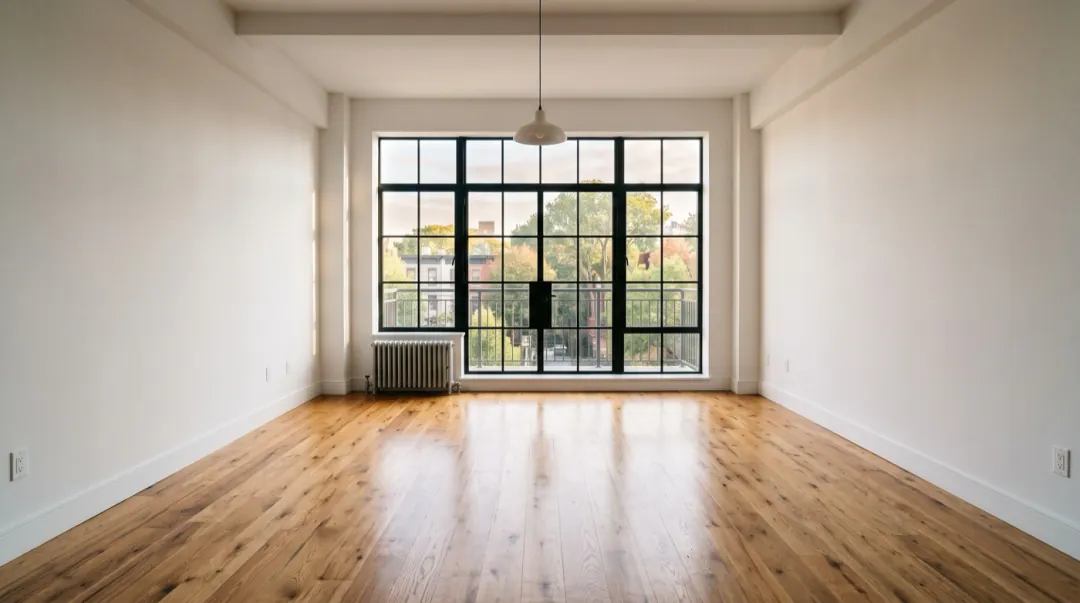
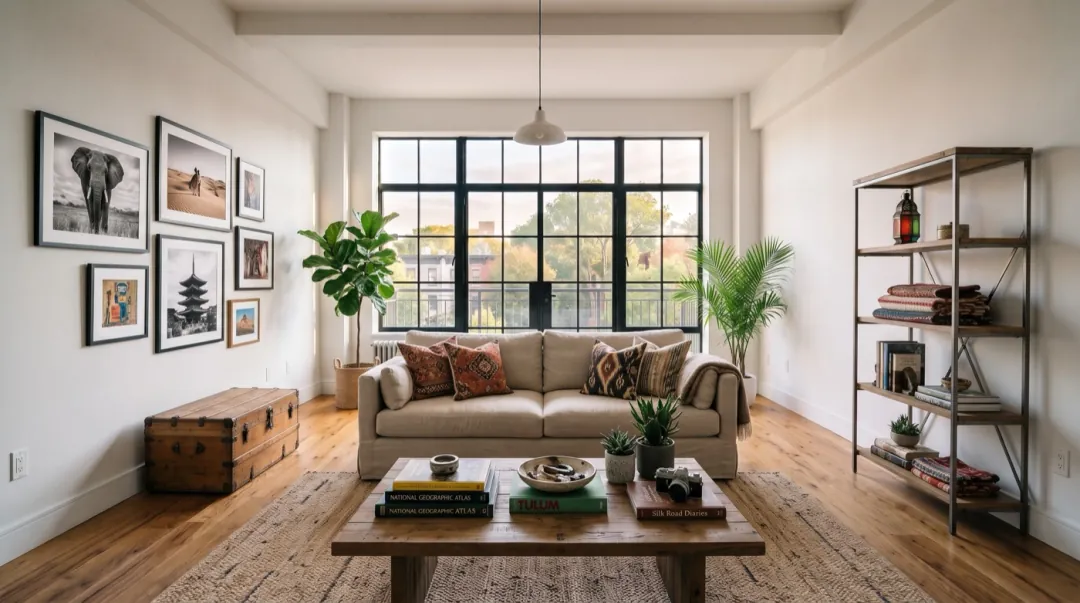
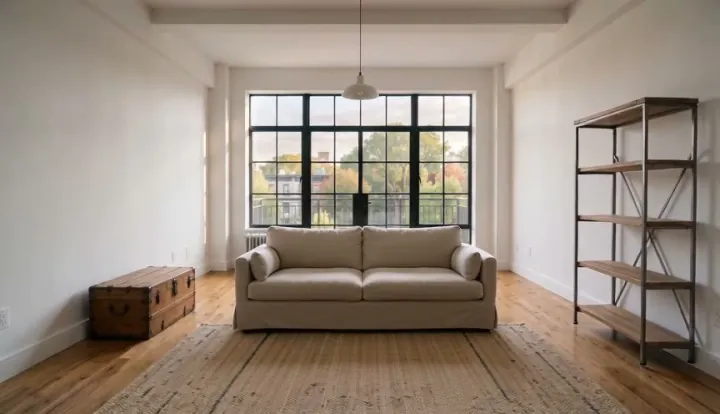
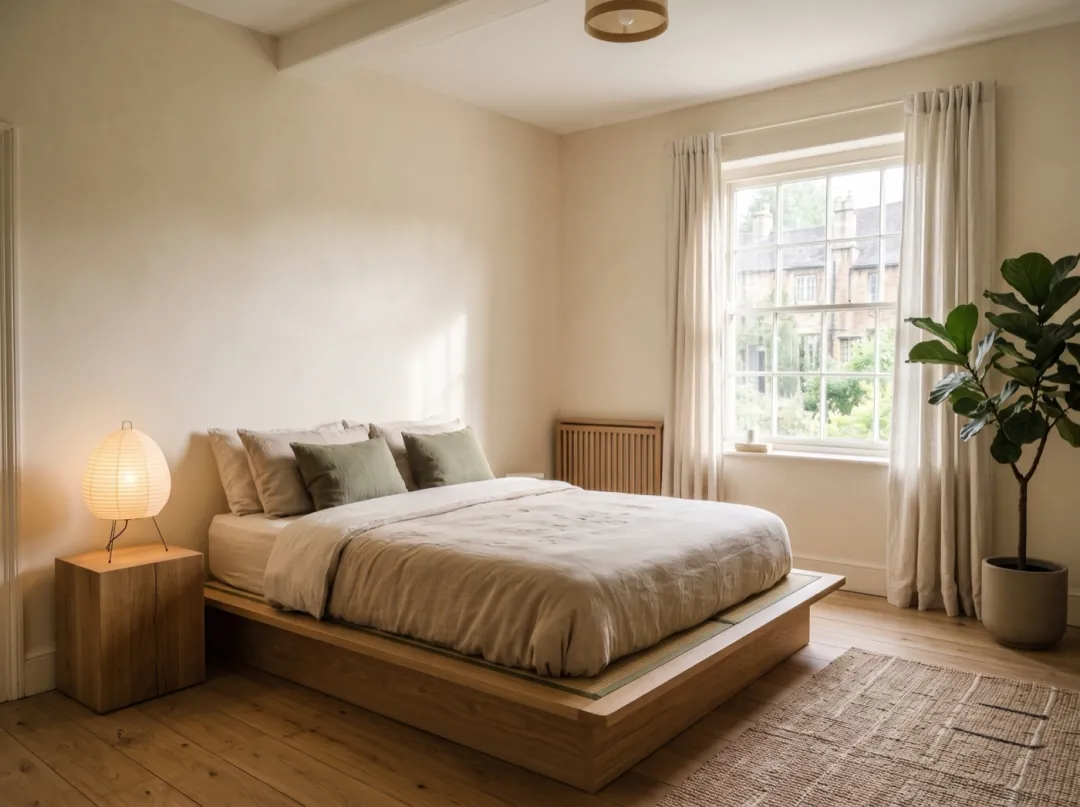
Empty room to styled
Furniture appears piece by piece until the room is styled camera stays still smooth time-lapse 5 s
 1
 2
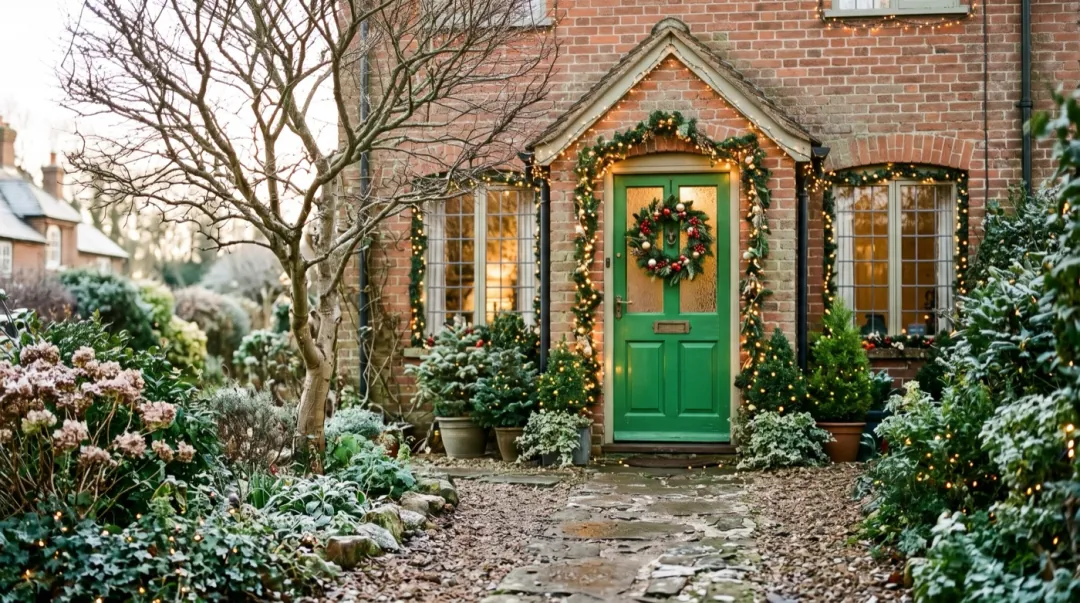
Porch, day to night
Day turns to night camera stays still snow falls and the lights switch on one string at a time 5 s
 1
 2
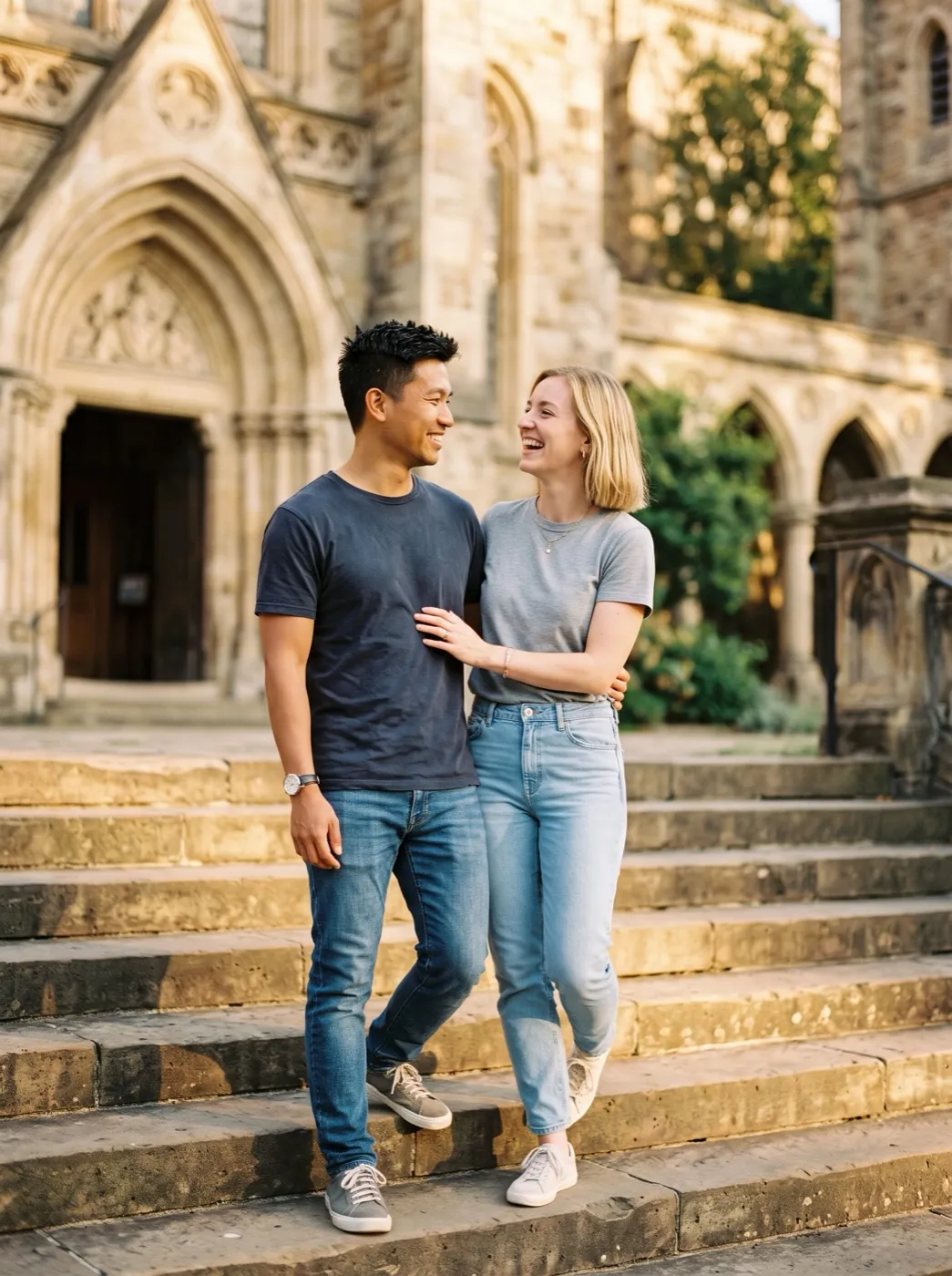
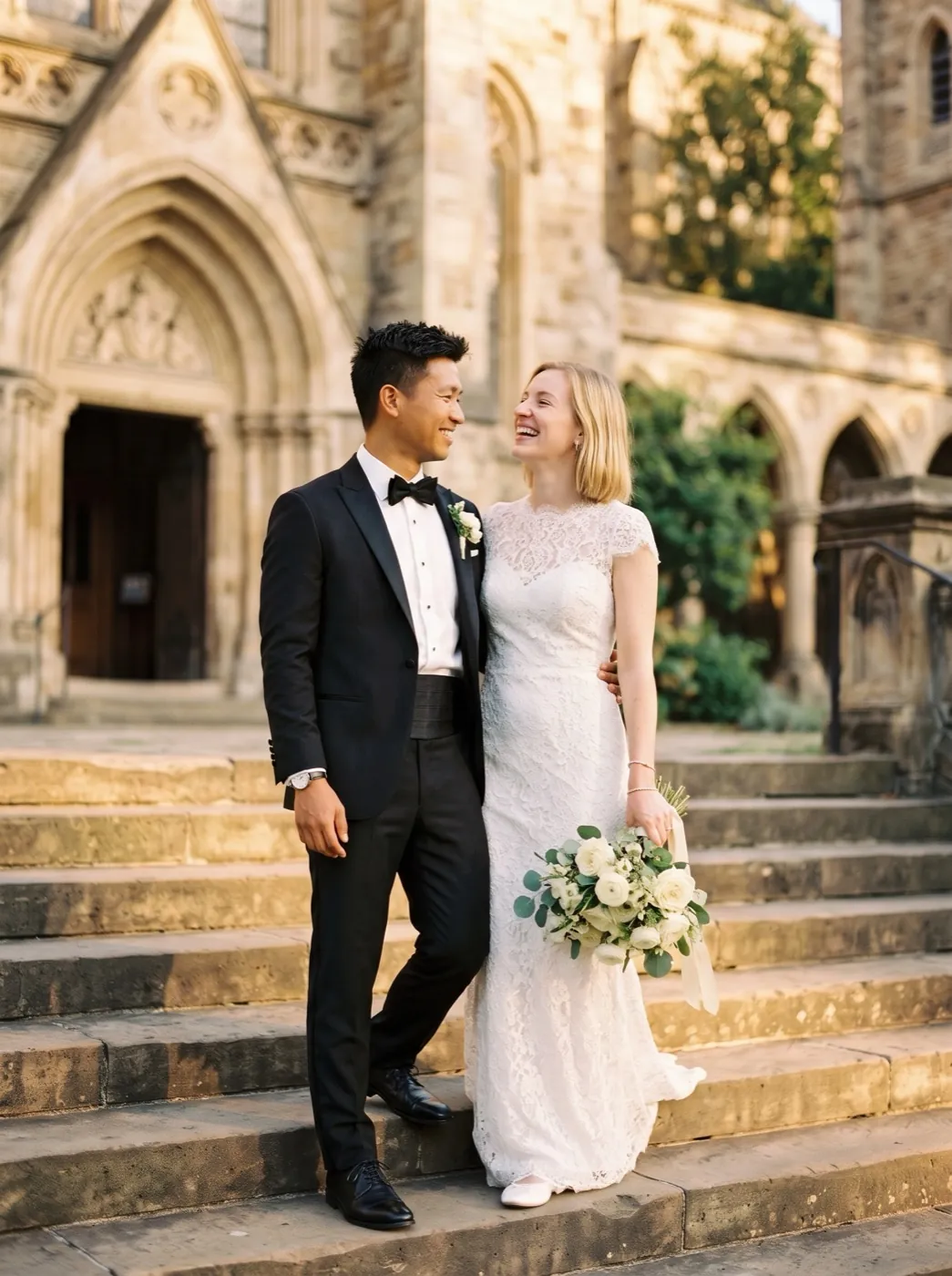
One step into the wedding
They take one step down and their clothes change into wedding outfits camera stays still petals fall 5 s
How first and last frame works
Two pictures fix the ends. Your words describe the middle.
Add the start and the end
JPG, PNG or WEBP · up to 10 MB. Two photos of the same scene from the same spot. The first one sets the shape of the clip.
Say what happens between
Name the change and keep the camera still. The model already knows both ends.
Get the in-between
Ready in one to four minutes, landing on your last frame.
Start, middle, end
The two frames on the outside went in. The clip in the middle is what the model made to join them.
1One step down2Wedding clothes3Petals fall4Camera holdsWhat to write between two frames
Both ends are already pictures, so your words only cover the middle. Say what they do, what changes on the way, what drifts past, and keep the camera where both photos were taken.
“They take one step down, and their clothes change into wedding outfits, petals fall, camera stays still.”
Which model for which pair
Seedance 2 Mini is the default. Switch when the change between your frames is big, slow or needs sound.
| Your frames | Pick | Why | Credits | |
|---|---|---|---|---|
 Any pair, first try | Seedance 2 Mini | Cheap and lands cleanly on the last frame | 30 · 480P 5s | |
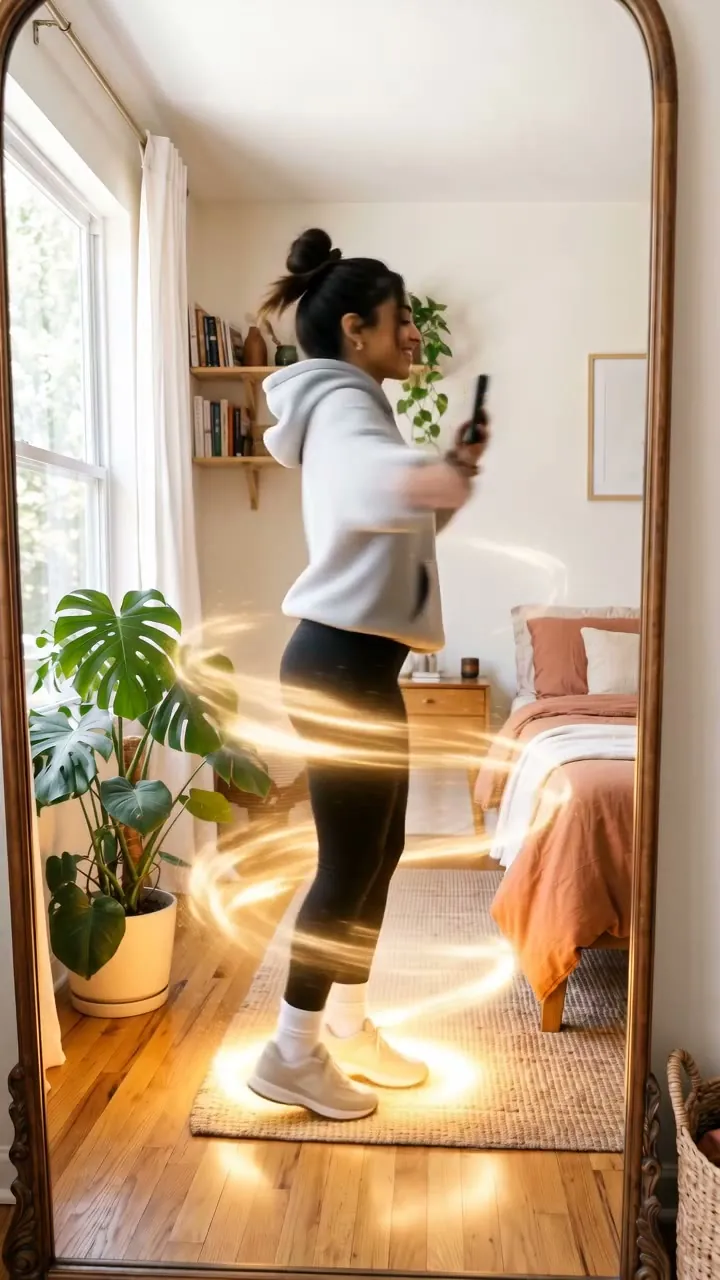 A person changes look | Seedance 2 | Keeps the face while clothes and hair change | 95 · 480P 5s | |
| Slow change, 8 seconds | Veo 3.1 Fast | More time between frames, real light | 40 · 720P 8s | |
| Sound for the least | MiniMax H3 | The lowest-cost frames run with audio | 15 · 480P 5s | |
| Big moves between frames | Kling 4.0 | Handles a lot of motion without warping | 180 · 720P 5s |
 Veo 3.1 Fast
 MiniMax H3
 Kling 4.0
Before you add the frames: a 4-point check
Most clips that warp start from a pair that does not match. Fix the pair and the motion follows.
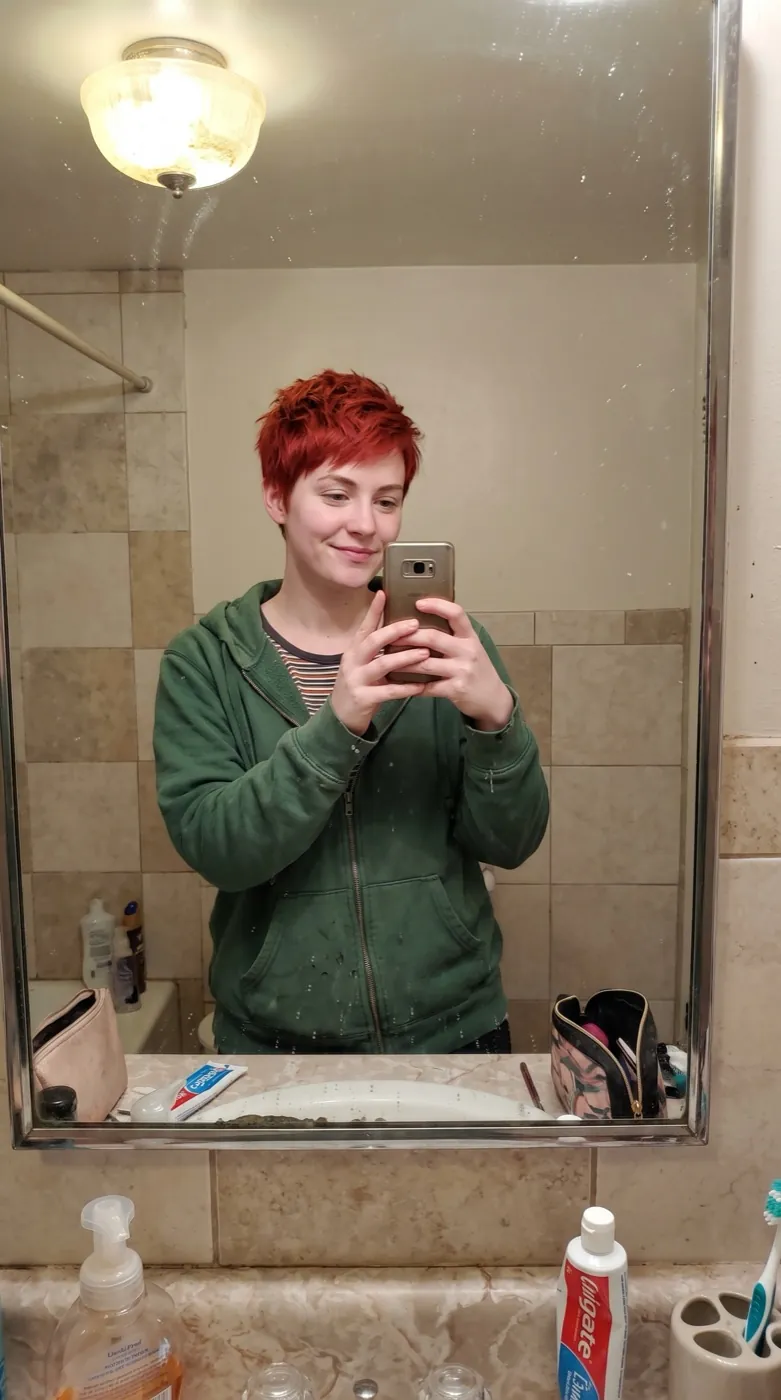
A different face in the last frame makes the model melt one person into another.
Shoot both from where you stand. A zoom between the frames reads as a jump.
A soft last frame makes the end of the clip soft too.
Unless light is the change, like day to night, keep it the same in both.
Before and after the frames
Make the missing end frame, or keep going from the one you landed on.
Your clip
A clip that ends on exactly the frame you chose.
Make it from the first
Edit the first frame into the last: new outfit, new furniture, night instead of day.
Image to ImageChain the next shot
Your last frame becomes the first frame of the next clip, with no visible cut.
First and last frame FAQ
What people ask before their first pair.
What is first and last frame to video?
You give the AI two pictures: the one the clip starts on and the one it ends on. It makes the 5 to 8 seconds of motion between them, so the clip lands exactly on the shot you chose.
How do I make the end frame?
Take a second photo from the same spot after the change, or edit the first frame on Image to Image: change the outfit, add the furniture, switch day to night. Keep the camera angle and the person the same.
Which models take a start and an end frame?
12 of them: Seedance 2 Mini, Seedance 2 Fast, Seedance 2, MiniMax H3, MiniMax H3 Max, Grok Imagine Video 1.5, Wan 3.0, Kling 4.0, Veo 3.1 Fast, Veo 3.1, Veo 3.1 Lite and Gemini Omni 1.2 Flash. Seedance 2 Mini is the default at 30 credits for a 480P 5s clip.
What should the prompt say?
Only what happens between the frames and what the camera does. Both ends are already fixed, so a short line such as “she spins and her outfit changes, camera stays still” works better than describing the pictures.
Do both frames need the same size?
Use the same shape for both, JPG, PNG or WEBP, and crop the second to match the first. The clip takes its shape from the first frame unless you pick another aspect ratio.
How much does a frames to video clip cost?
The credits show on the button before you start; the default run is 30. A new account gets 10 free credits for images, packs start at $9.90 and plans at $9.9 a month. A run that fails gives its credits back.
Other ways to make a video
Same models and credits, a different starting point.
 Mode
Make the end frame by editing the start frame.
 Mode
Only have one photo? Say how it moves and let it run.
 Mode
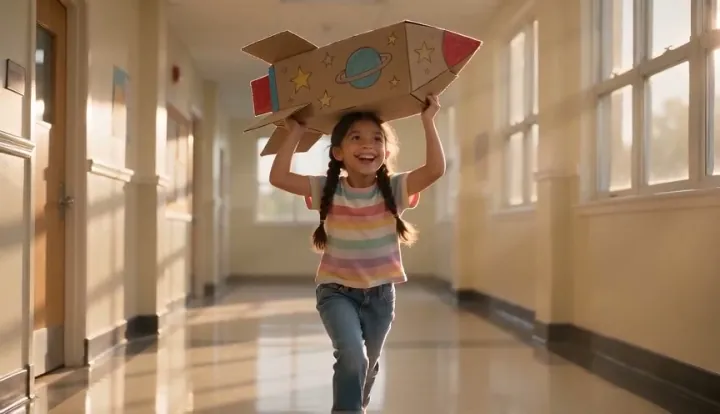
Put a person, product or pet into a new scene.
 Mode
No photos at all. Describe the scene and the camera.
Choose the last shot first.
Add your start frame here; it lands in the generator, ready for the end frame.
These two frames and one line“Day turns to night, snow falls and the lights switch on one string at a time, camera stays still.”