Image to Image AI
Add the photo, say what changes and what stays. The face, the product and the room keep their shape; everything else follows your words.
 Example
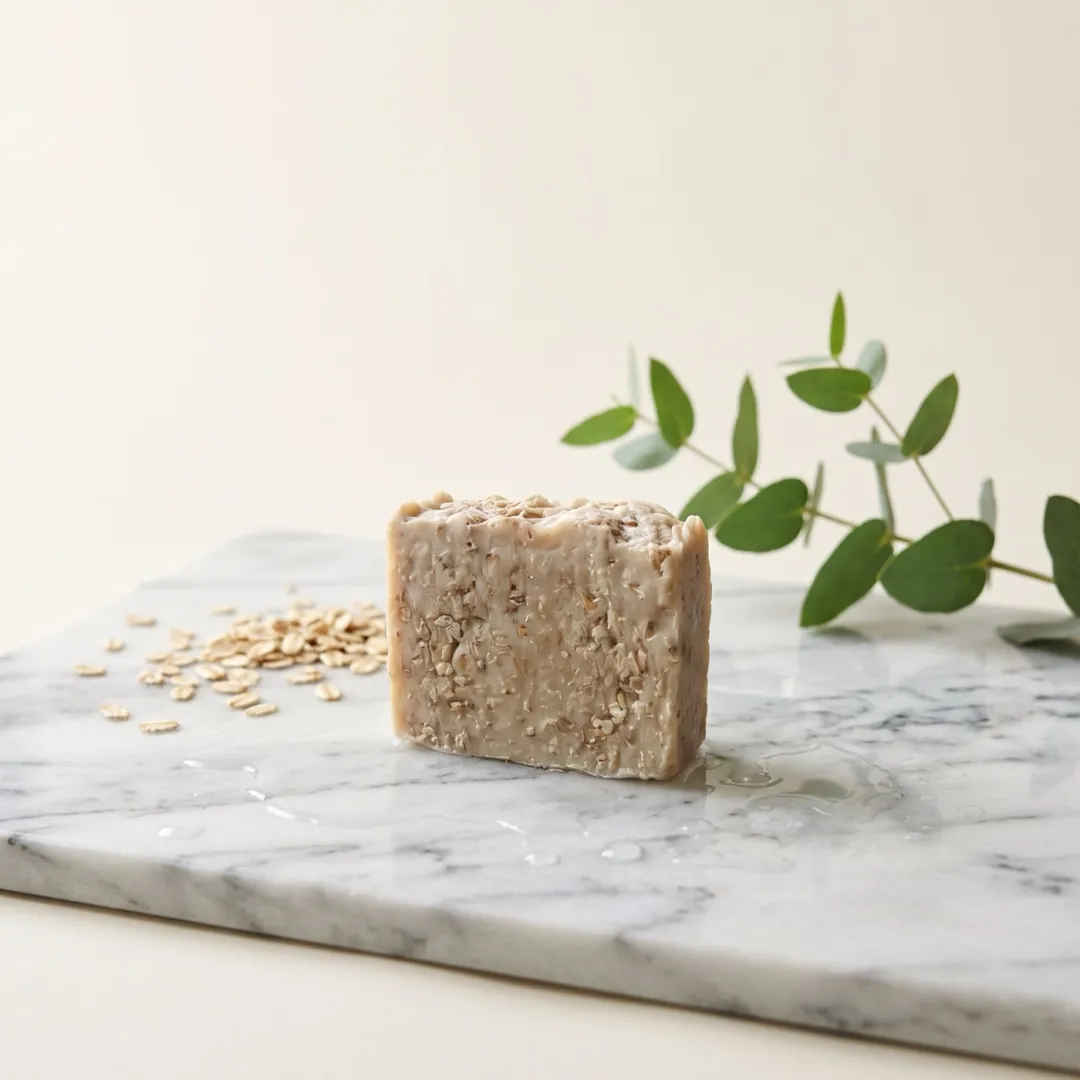
Made with Nano Banana 2 · loads Nano Banana 2.1Make this a product photo for an online shop: the same soap bar on a wet marble slab with oats and a eucalyptus sprig, soft window light, clean cream background; keep the soap exactly as it is.
Start from a recipe
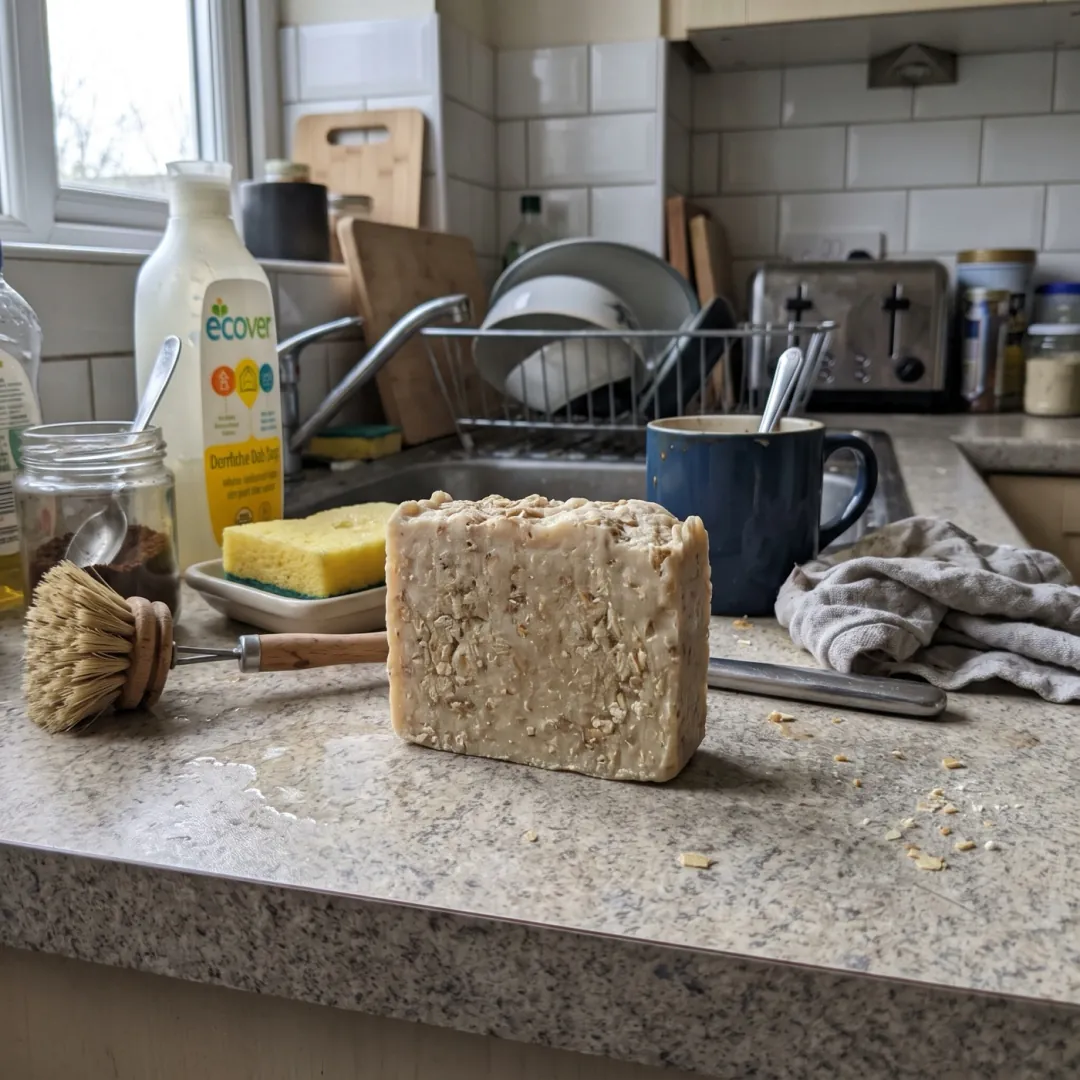
Each picture began as the small photo in its corner. One tap loads that photo, the words and the model.
ProductKitchen counter to shop photo
Make this a product photo: the soap on a wet marble slab keep the soap exactly as it is oats, a eucalyptus sprig, soft window light
 Nano Banana 2.1
 Interior
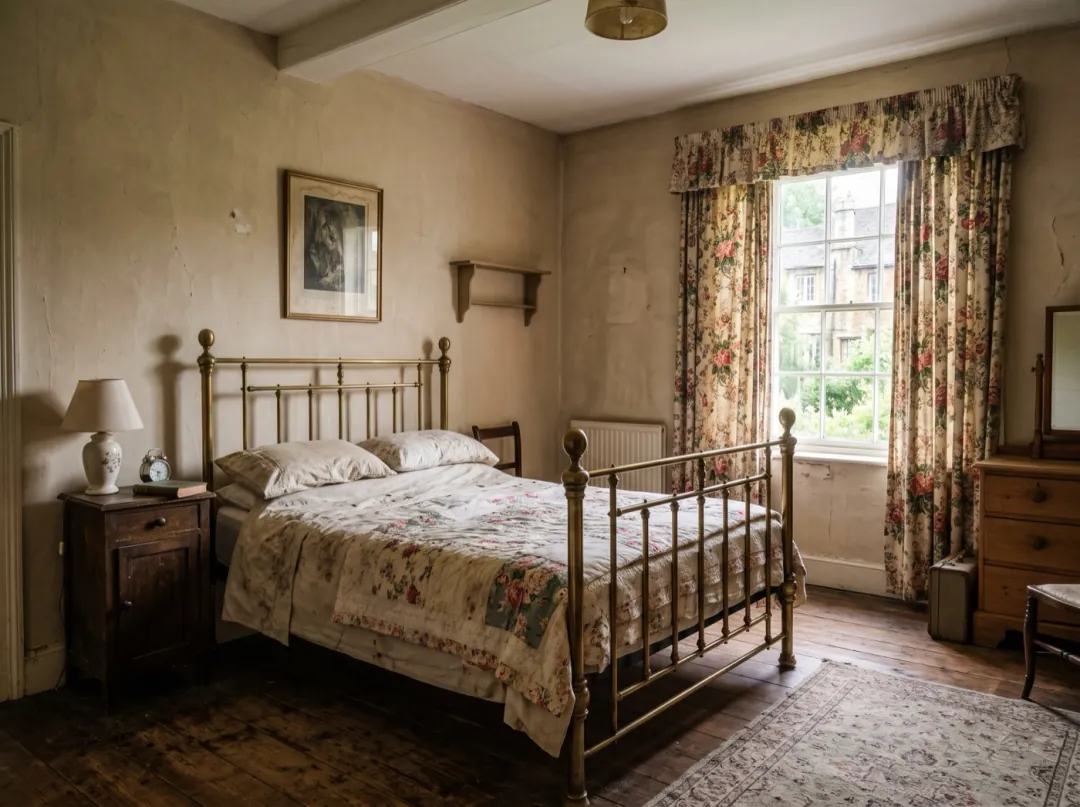
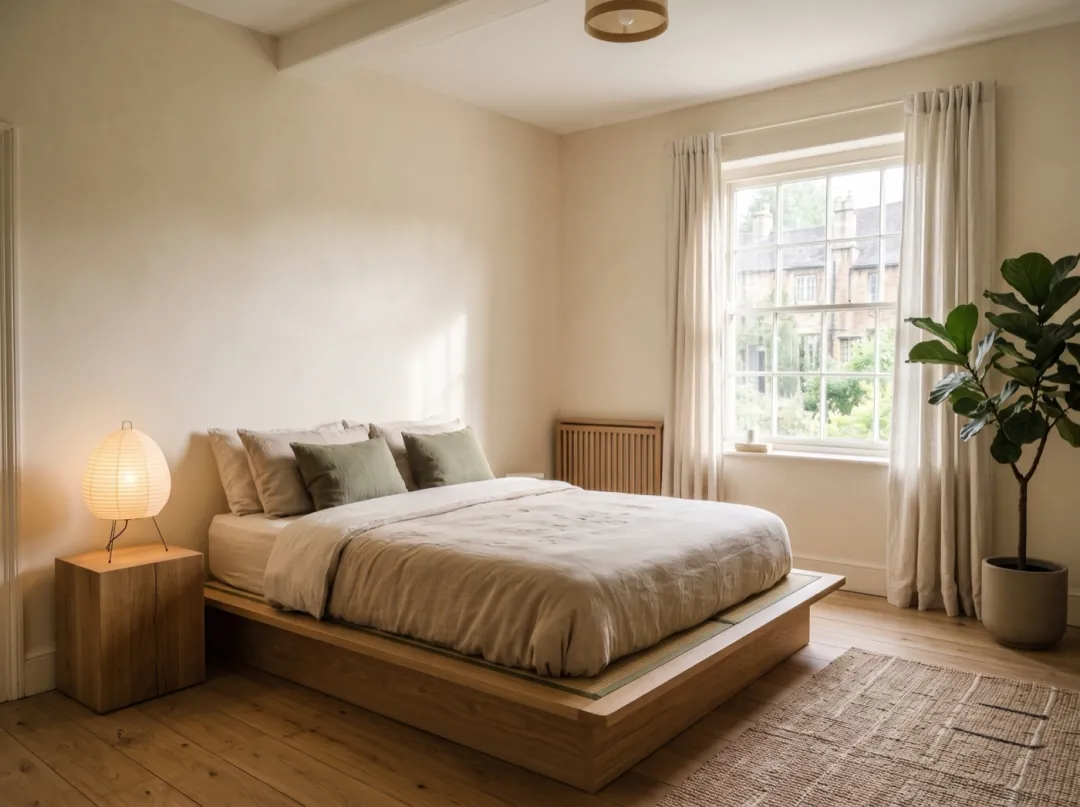
Rental bedroom, restyled
Restyle this bedroom: low oak bed, linen bedding, paper lamp same window and angle calm Japandi style, plain walls
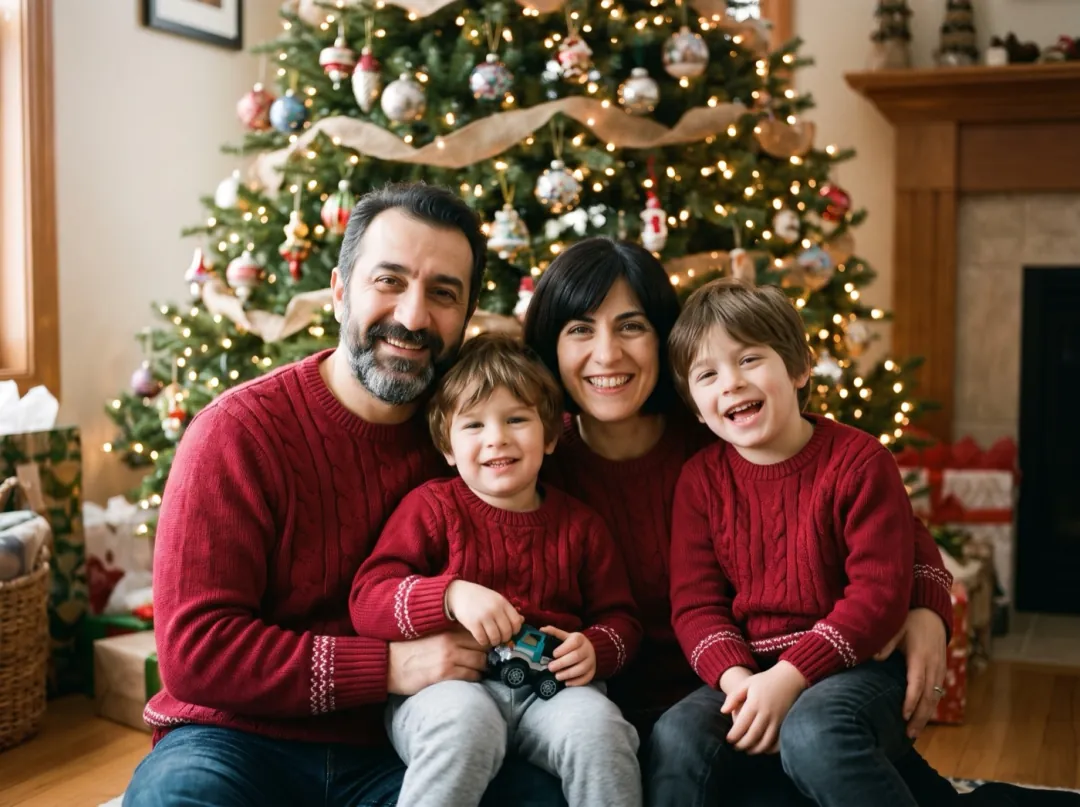 Family
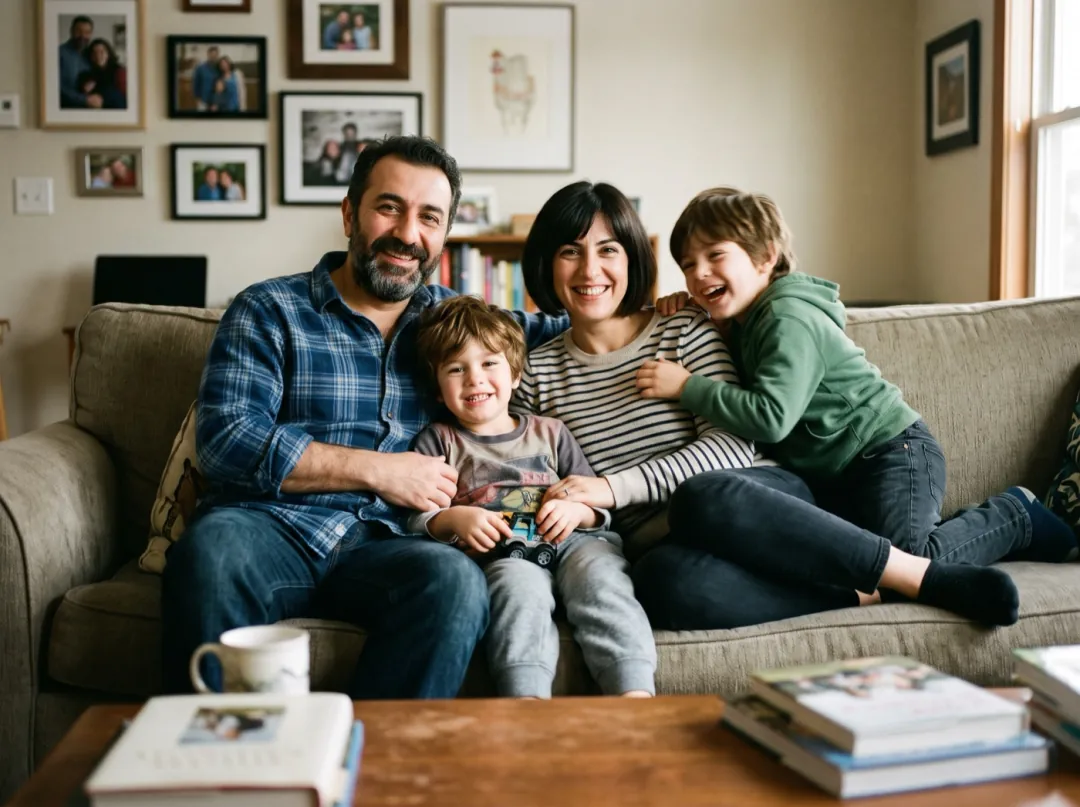
Sofa snap to holiday card
The same family in matching red knit sweaters keep every face exactly as it is a decorated tree with warm lights behind them
 Try-on
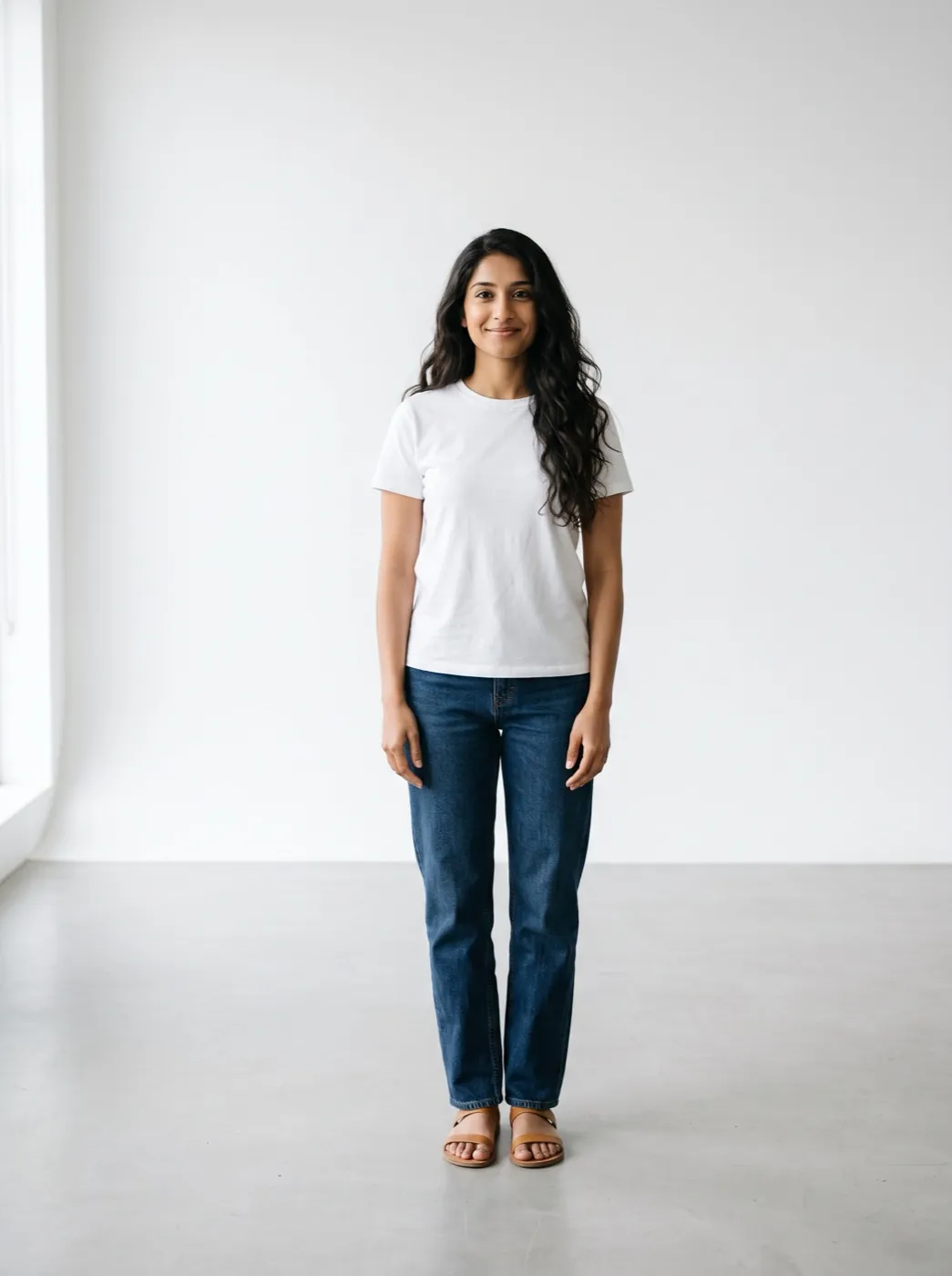
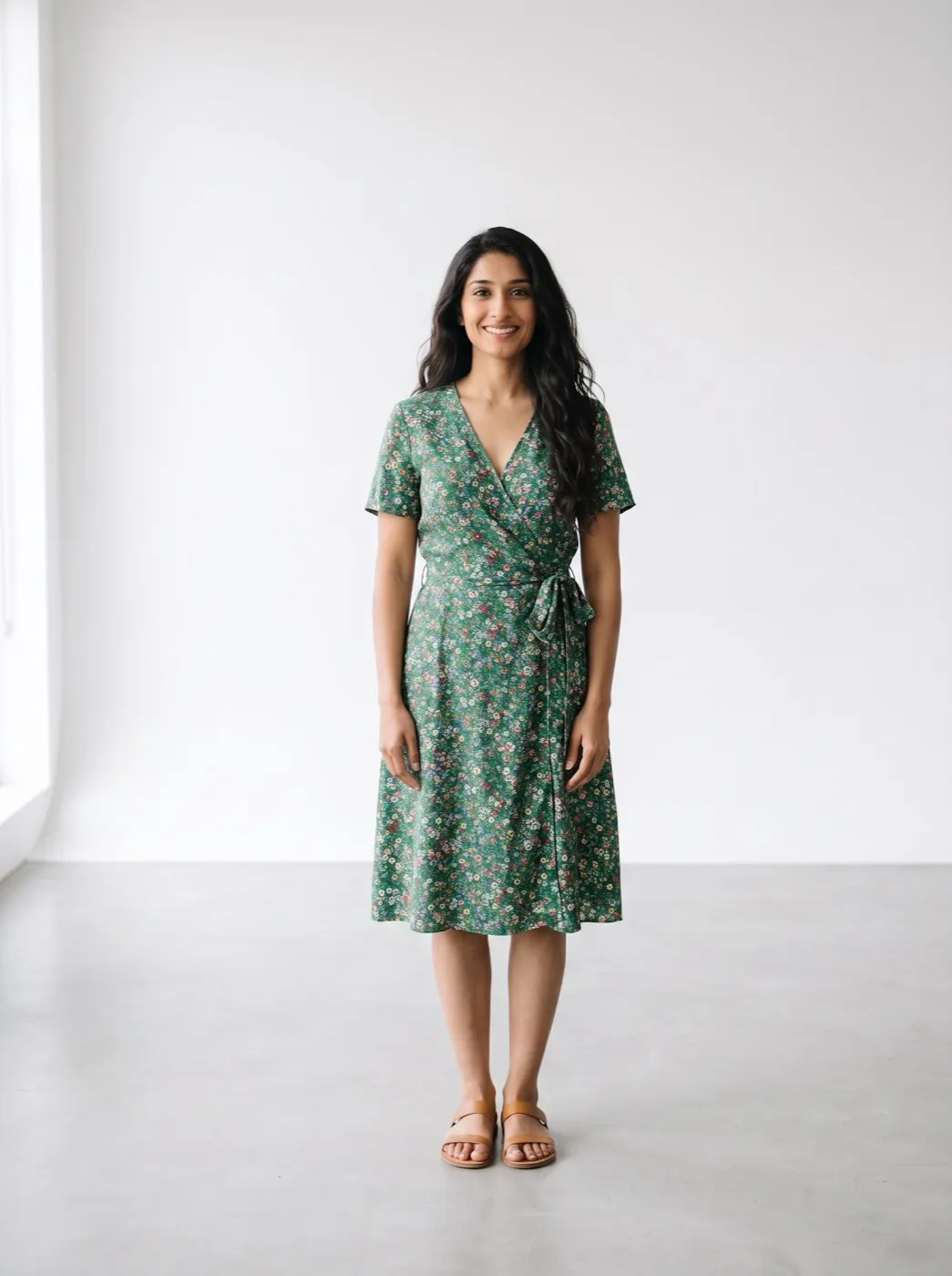
Try on a summer dress
Dress her in a green floral wrap dress and tan sandals keep her face, hair, pose and the studio
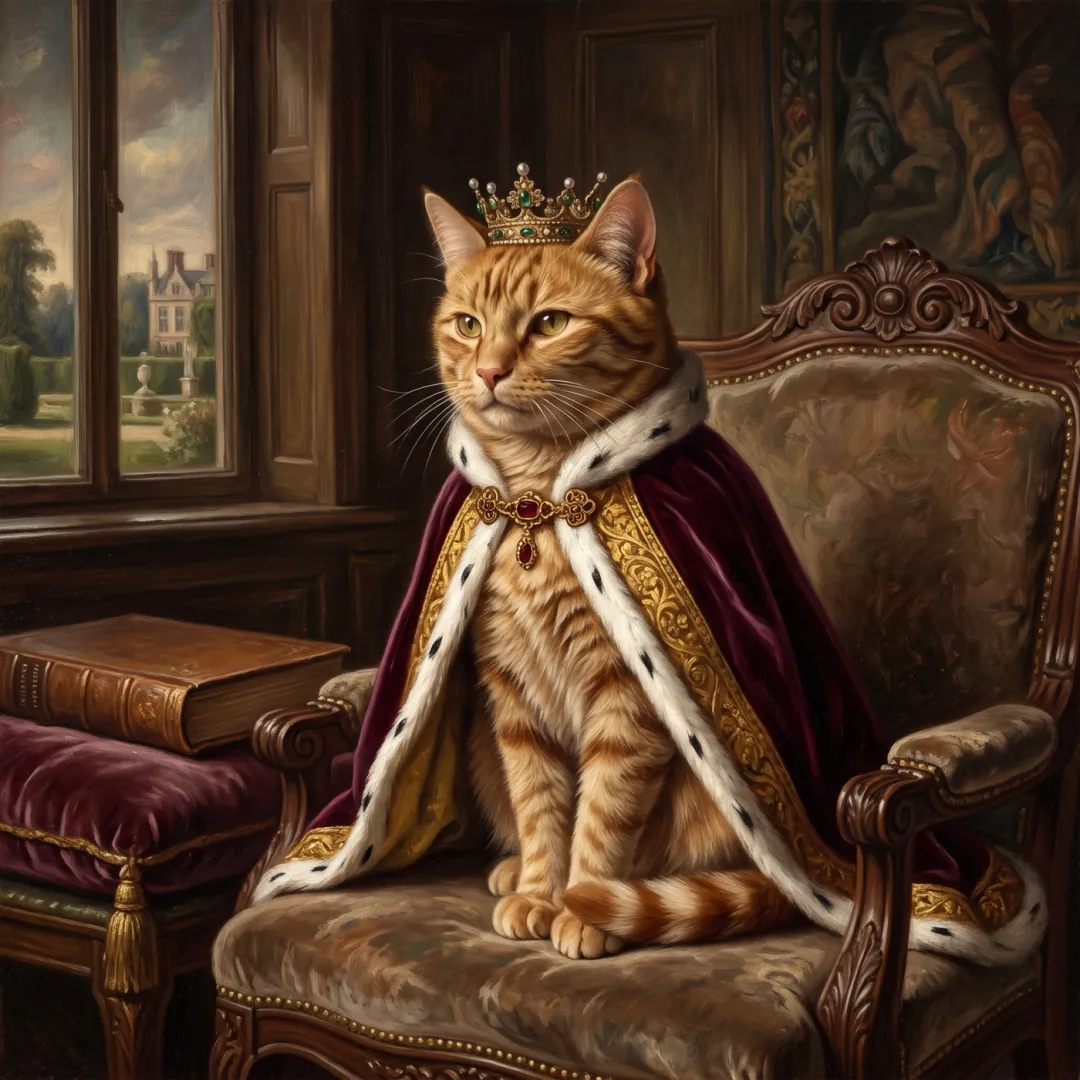 Pets
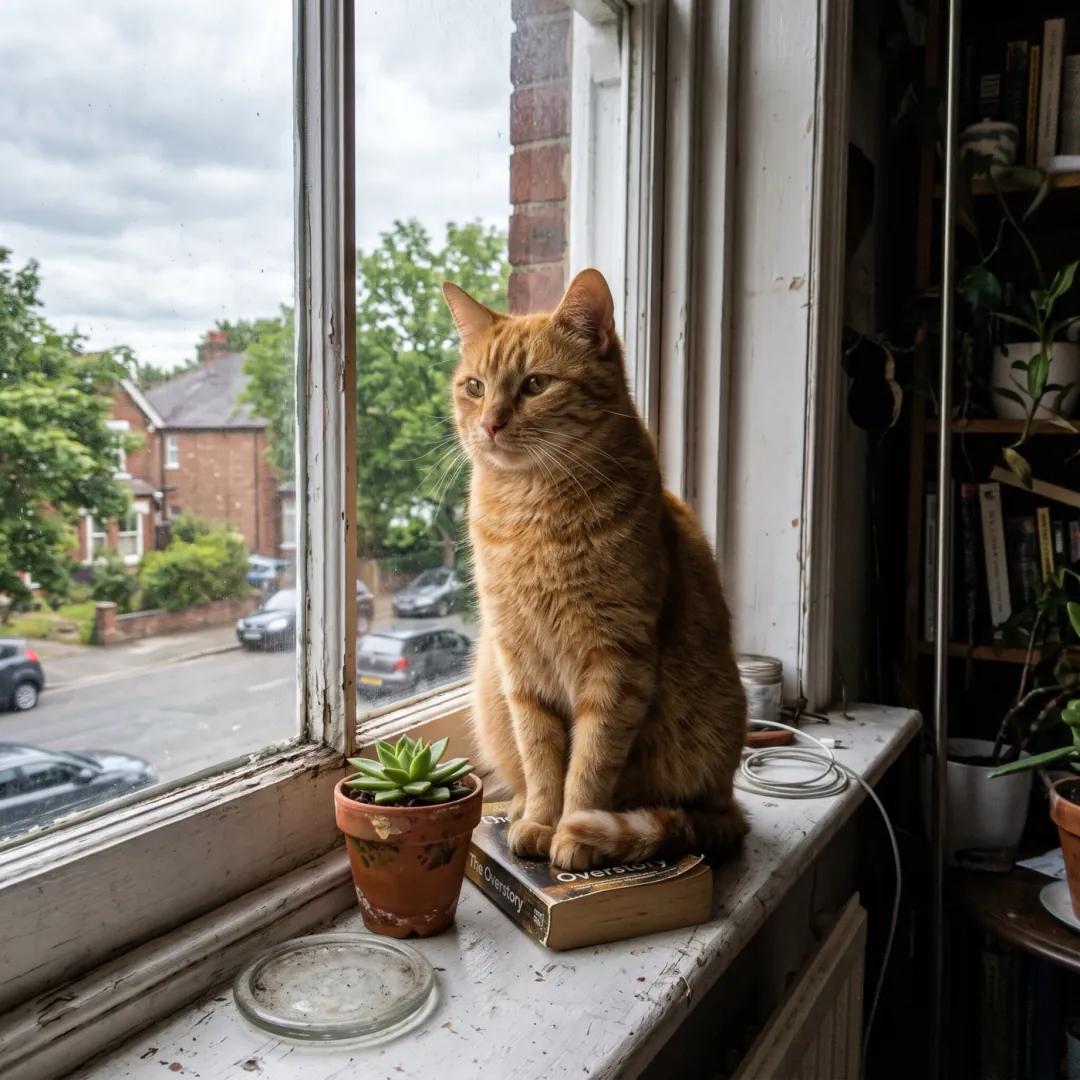
The cat, as royalty
The same cat in a velvet cape and a small gold crown keep its face and markings royal oil-painting look
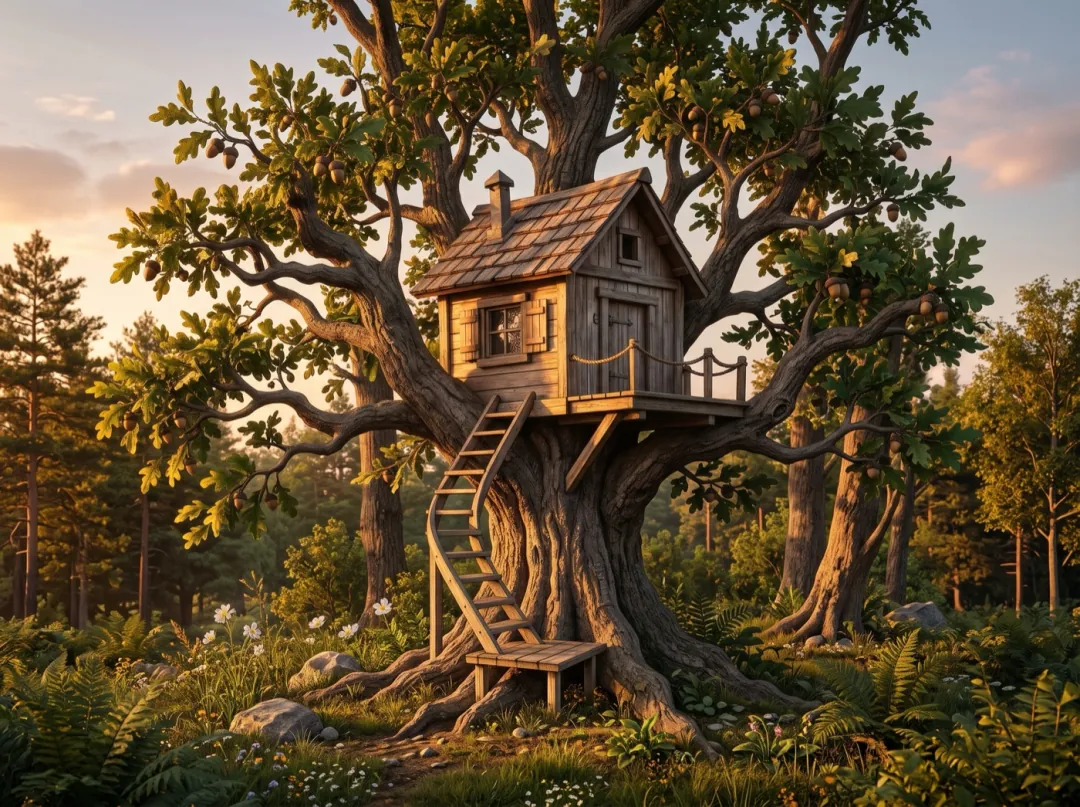 Sketch
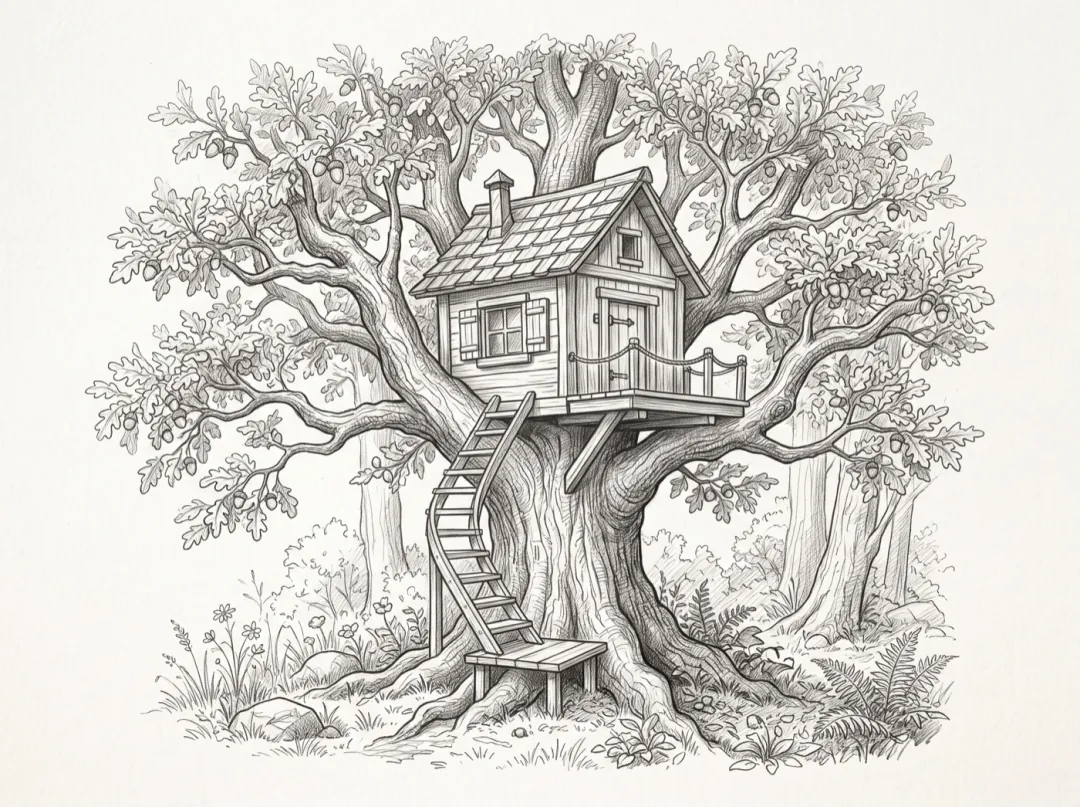
Pencil sketch to photo
Turn this sketch into a real photo the same treehouse in the same oak tree at golden hour
How image to image works
One photo in, one new picture out, in seconds.
Add the photo
JPG, PNG or WEBP · up to 10 MB. The one that is nearly right. A phone shot is fine.
Say what changes, and what stays
One change per run works best. Name the thing that must not move.
Get the new picture
Ready in seconds. Run it again on the result to keep going.
Photo in, new picture out
Drag the line. Left is the photo that went in, right is what came back from the words on its recipe.
SNew bedCSame windowAJapandiPSame angleWhat a good edit asks for
Three parts, then the one line people forget: what has to stay put. That line is what keeps your photo yours.
“Restyle this bedroom with a low oak bed and linen bedding, calm Japandi style, plain walls and a paper lamp, same window and angle.”
Which model for which edit
GPT Image 2.5 Flare is the default: it follows long instructions closely. Switch when the edit is about a face, lettering or print size.
| Your edit | Pick | Why | Credits | |
|---|---|---|---|---|
| Any edit, first try | GPT Image 2.5 Flare | Follows long, detailed instructions closely | 3 · 1K | |
| Faces that must stay | Nano Banana 2.1 | Fast all-rounder. Best for keeping a face the same | 4 · 1K | |
| Words on the picture | GPT Image 2 | Careful edits and clean lettering | 3 · 1K | |
| Fine detail, big prints | Nano Banana Pro | The most detail and the most accurate lettering | 6 · 1K | |
| Posters and bold colour | Seedream 5.0 Pro | Bold colour, posters and sharp large prints | 9 · 1K | |
| Looks like a real photo | FLUX 3 Klein | Photo-real pictures and edits, up to 4K | 3 · 1K |
 GPT Image 2.5 Flare
 Seedream 5.0 Pro
 FLUX 3 Klein
Before you upload: a 4-point check
The edit keeps what is in the photo, including its flaws. A better photo in means a better picture out.
A soft face or label stays soft. The edit cannot add detail the photo never had.
A small product in a big room gets redrawn. Crop in close before you add it.
Faces in shadow come back as someone slightly different. Use the brightest shot.
A photo saved from a chat app or a screen grab has lost detail. Use the file from the camera.
After the edit
The new picture is a starting point too.
Your picture
A new version of your photo, ready to download.
Animate the picture
Send the new picture straight to video: the dress swirls, the steam rises.
Image to VideoFilm the change
Use the old photo as the first frame and the new one as the last.
Frames to VideoUpscale for print
Take the result up to 4K for a card, a poster or a shop banner.
Image UpscalerImage to image FAQ
What people ask before their first edit.
What is AI image to image?
You add a photo and say what to change. The AI makes a new picture from it: a new background, outfit, style or room, while the parts you name stay as they were.
What can I change in a photo?
Backgrounds, clothes, furniture, the season, the light or the whole style, from a watercolour to a product shot. You can also turn a sketch into a photo. One change per run gives the cleanest result; run it again on the new picture for the next one.
Will faces stay the same?
Say so in the prompt: keep her face, keep every face exactly as it is. Nano Banana 2.1 is the best at it. Start from a sharp photo with the faces in good light.
Can I add more than one image?
Yes, up to 14 on some models. Add the person and the dress, or the product and the scene, and say which image is which, for example: dress the woman from the first image in the dress from the second.
Can it keep or add text and logos?
GPT Image 2 and Nano Banana Pro handle lettering best. Put the exact words in quotes and say “keep the logo exactly as it is” for a label that is already there.
How much does an image edit cost?
The default run is 3 credits at 1K, and every model shows its price on the button. A new account gets 10 free credits for images. After that, packs start at $9.90 and plans at $9.9 a month. A run that fails gives its credits back.
Who owns the new picture?
You do, as long as the photo you started from is yours to use. Pictures made with paid credits carry no watermark.
Other ways to start
Same credits, a different input or a moving result.
 Mode
No photo yet? Describe the picture and get it from scratch.
 Mode
Happy with the picture? Say how it moves.
 Mode
Turn your before and after into one smooth clip.
 Mode
Put the product or the outfit on someone in a moving scene.
Your photo, the way you pictured it.
Add it here; it lands in the generator, ready for your words.
This photo and one line“Restyle this bedroom in a calm Japandi style: low oak bed, linen bedding, paper lamp, plain walls; same window and angle.”