Photo to Video AI
Add a picture from your phone or an old print, say who moves and how, and watch the moment play out the way you remember it.
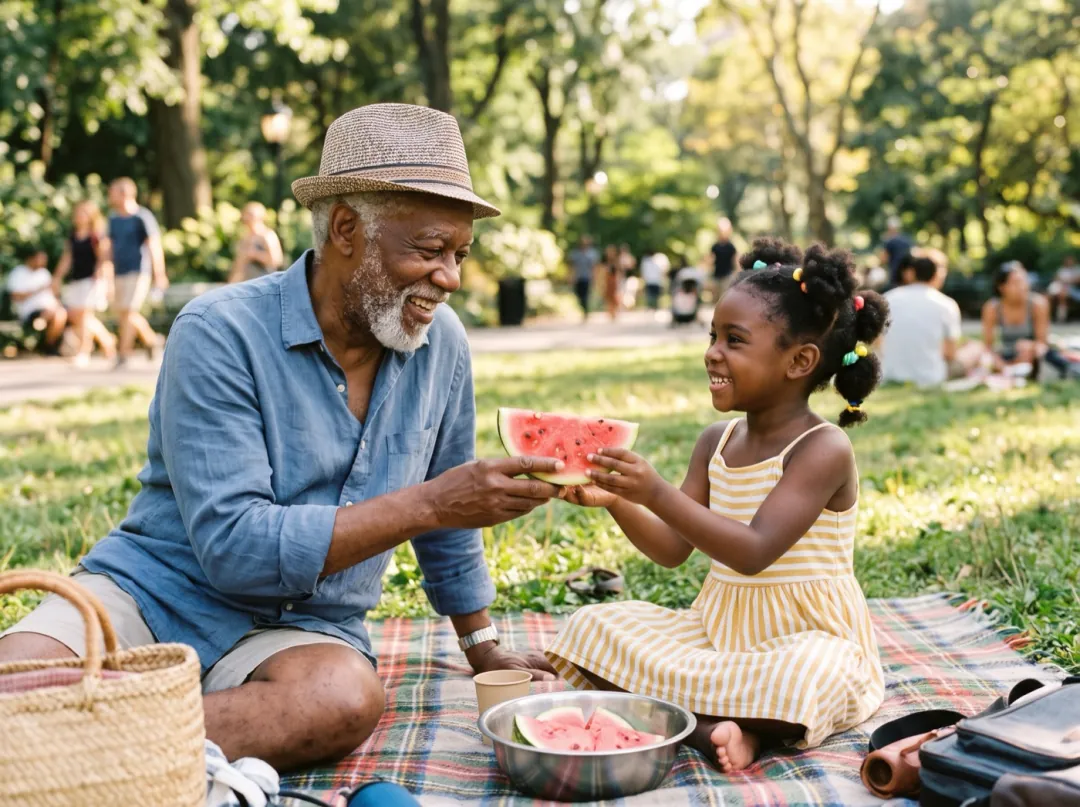
Kling 4.0 · 5sShe offers him the watermelon, he takes a big bite and they both laugh, leaves move in the breeze.
Start from a recipe
Each clip began as the photo in its corner. One tap loads the photo, the line and the model that made it.
Watermelon in the garden
She offers him the watermelon, he takes a big bite they both laugh, leaves move in the breeze 5 s
 Kling 4.0
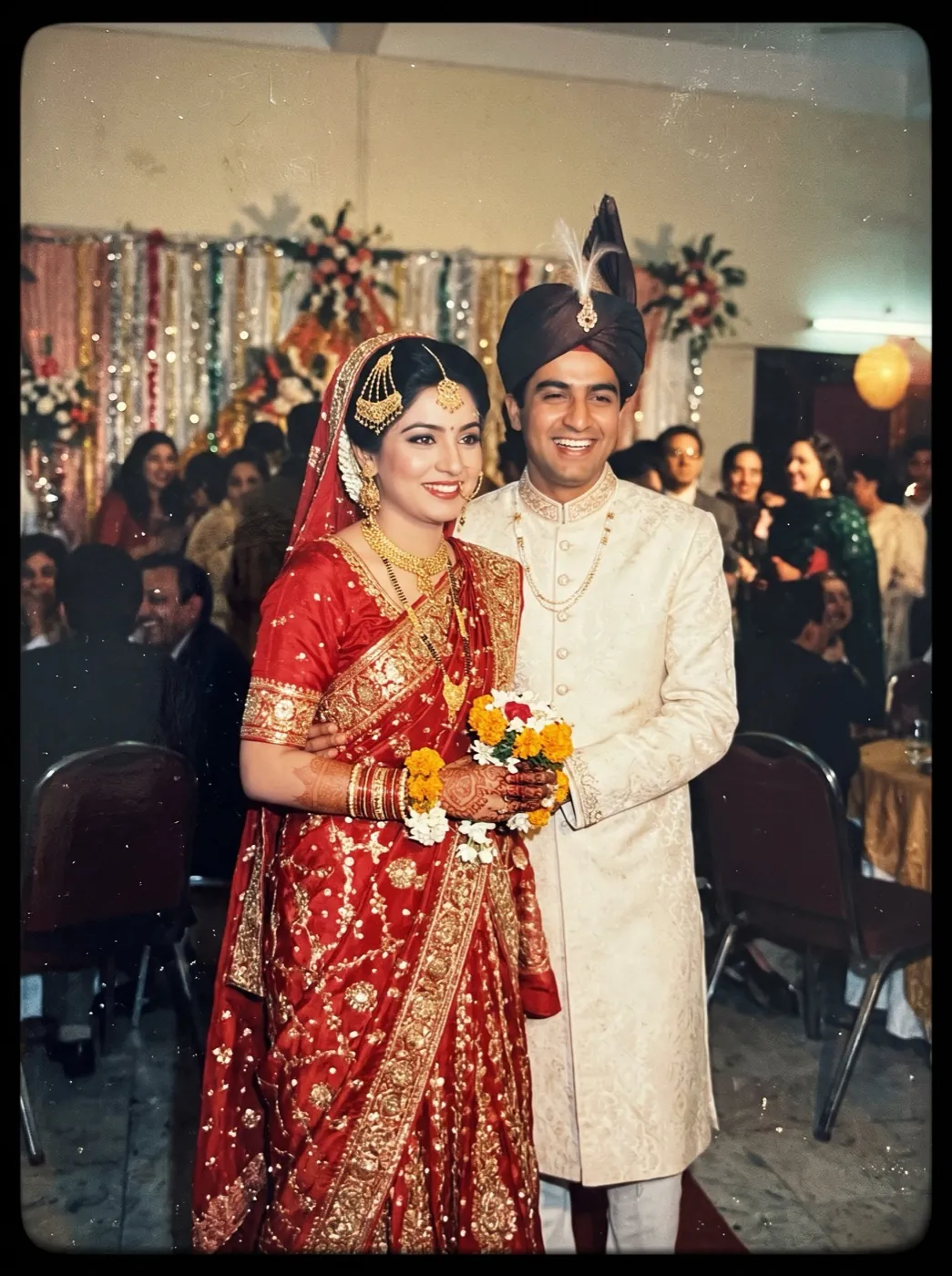
The 1985 wedding print
She glances at him and laughs, he squeezes her hand the marigold garlands sway 6 s
 Hailuo 2.3
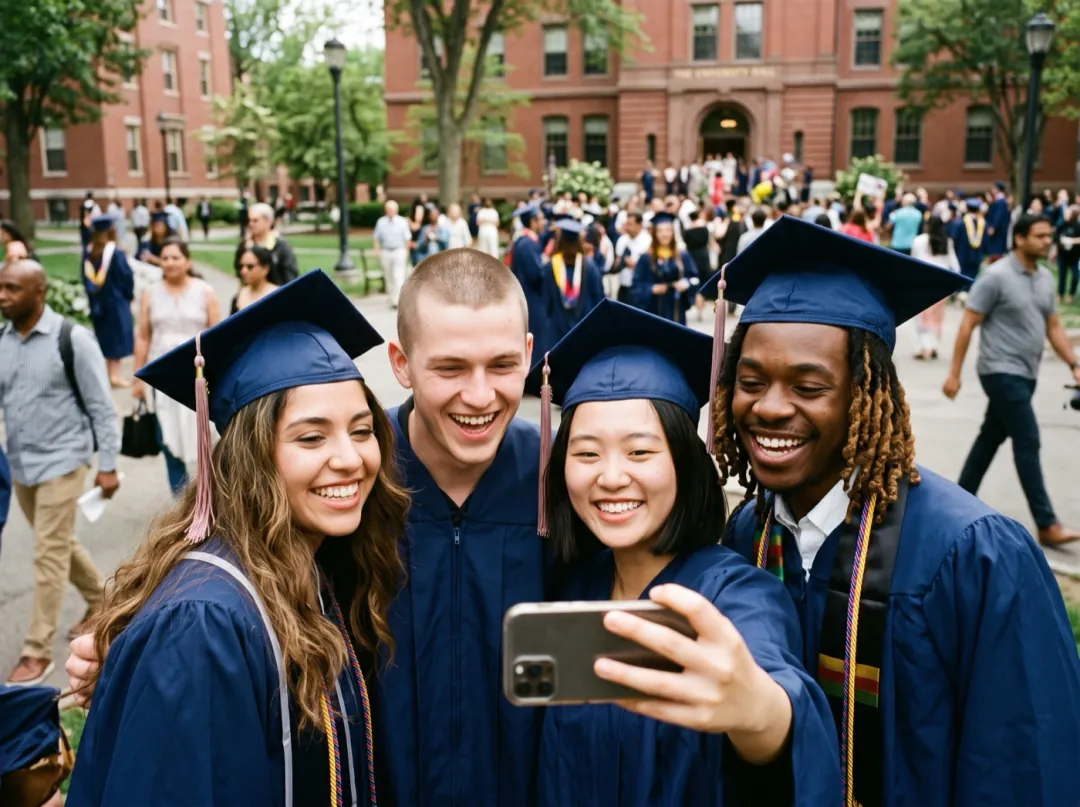
Caps in the air
They squeeze closer, throw their caps up and cheer the campus trees sway behind them 5 s
 Seedance 2 Mini
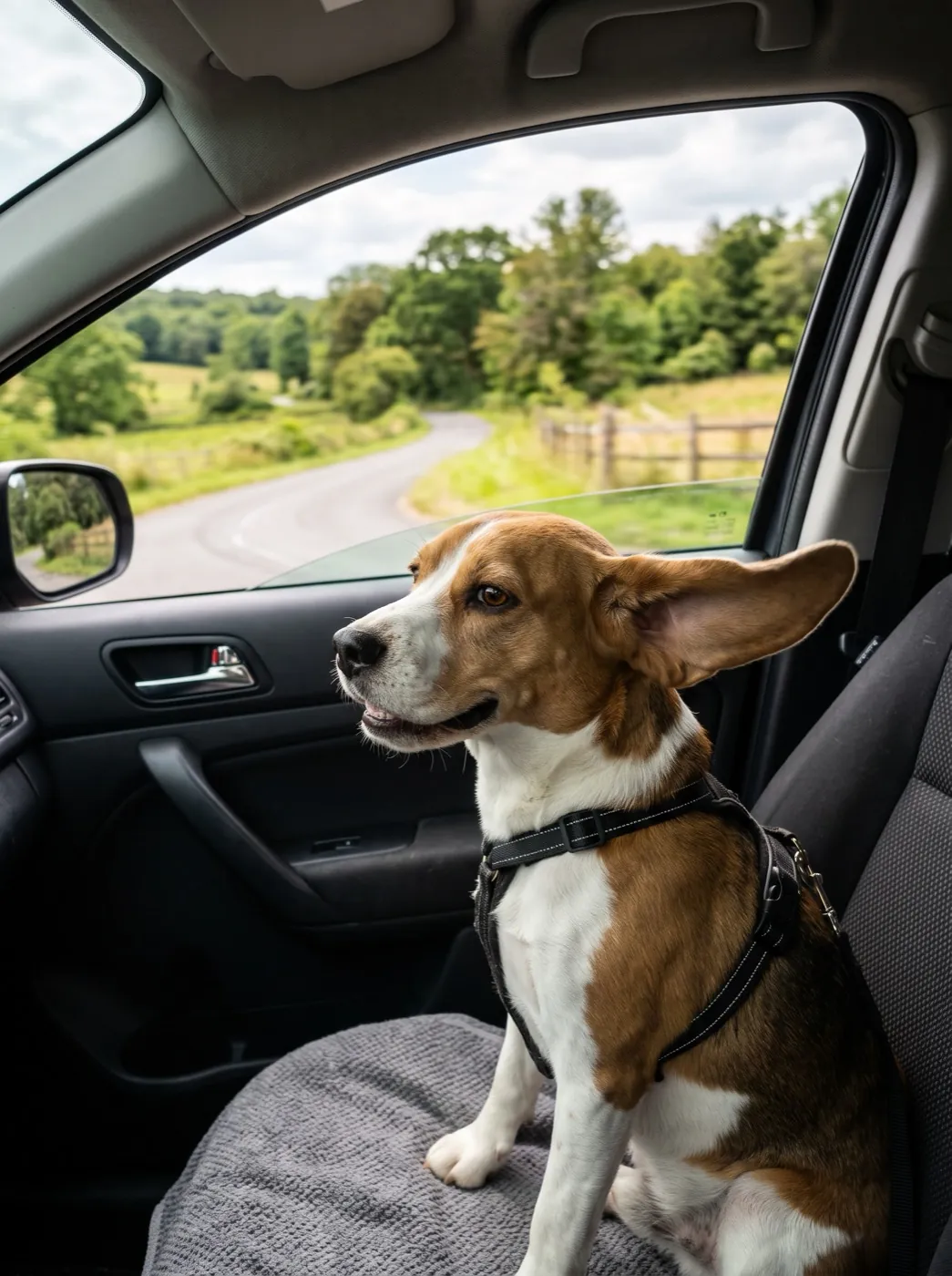
Beagle on the road trip
The beagle sticks its head out of the window ears flapping in the wind, eyes half closed with joy 5 s
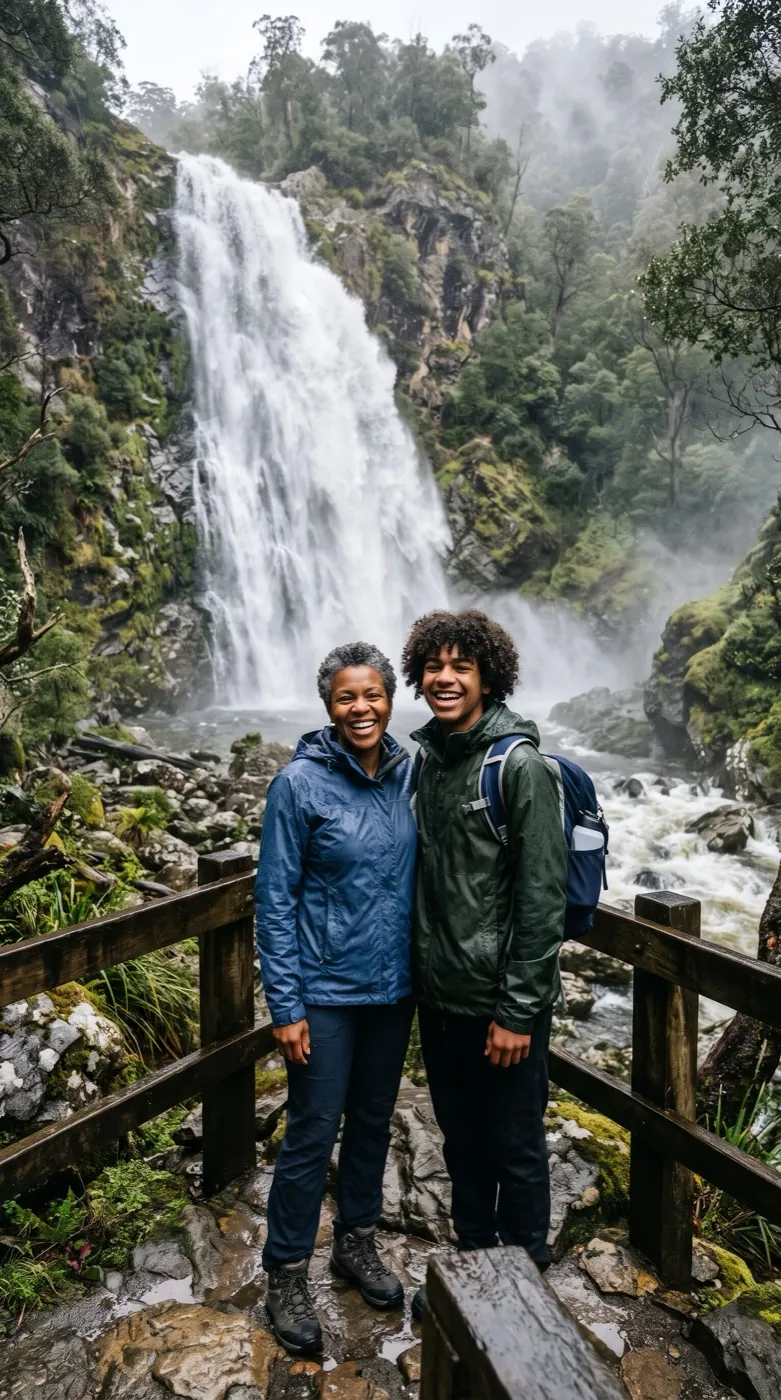
Spray at the waterfall
The son points at the falls, the mother laughs and wipes her face spray drifts over them 5 s
How photo to video works
One picture and one line. The people in it do the rest.
Add the picture
JPG, PNG or WEBP · up to 10 MB. From your camera roll, or a straight, bright phone photo of a print.
Say who moves
One small, real action per person: a laugh, a glance, a squeeze of the hand.
Watch it play
Ready in one to four minutes. Save it, or send it to the family chat.
The same moment, moving
Each clip plays full size, with the photo it was made from in the corner. Hover or hold the photo to see it whole.
Hailuo 2.3 · 768P 6sKling 4.0 · 720P 5s1She offers it2He takes a bite3Both laugh4Leaves moveWhat to write for a family photo
The faces come from the picture, so your words only add the moment. Give each person one small move, let them answer each other, and name one thing that moves on its own. Leaving the camera out is fine: none of the recipes above asked for a camera move. The next block shows six you can add.
“She offers him the watermelon, he takes a big bite, and they both laugh, leaves move in the breeze.”
Six camera moves to ask for
All six start from the same dock photo. Add one phrase to your line and the camera moves while the family stays as they were. Pick one move per clip.
Push in
Closes in on one face until her laugh fills the frame. Name the person you want it to end on.
Say slow push-in
Pull back
Starts on the three of them and opens out to the whole lake. A natural last clip for a slideshow.
Say camera pulls back slowly
Pan
Leaves the family and sweeps across the water to the far shore, so the clip shows where you were.
Say camera pans slowly to the right
Tilt up
Lifts from the dock past their faces to the evening sky. Leave room above heads in the photo.
Say tilts up slowly to their faces
Orbit
Swings around the side of the group as they lean in and laugh. Works when people sit close together.
Say camera circles slowly around
Rise
Climbs over the dock until the family is small and the lake fills the frame, like a drone shot.
Say camera rises slowly straight up
Which model for which photo
Seedance 2 Mini is the default. Switch for a close-up face, an old print or a crowd.
| Your photo | Pick | Why | Credits | |
|---|---|---|---|---|
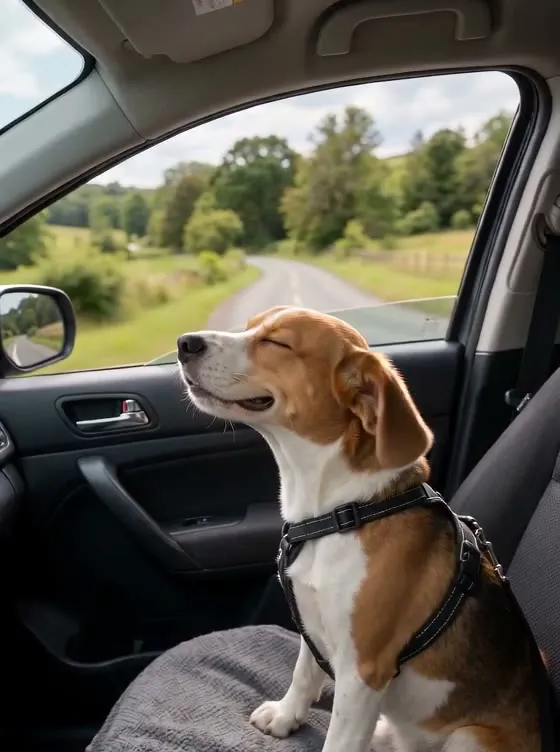 Pets, trips, everyday shots | Seedance 2 Mini | Everyday moments for a few credits, the scene stays put | 30 · 480P 5s | |
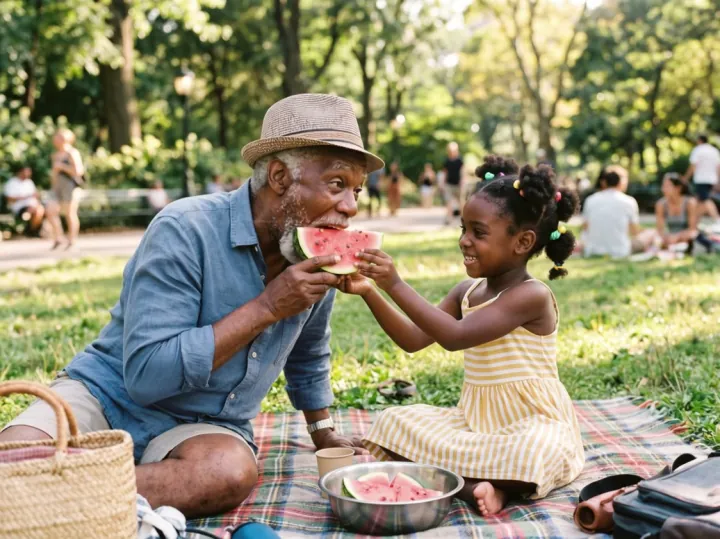 Close-up of grandparents | Kling 4.0 | Faces, beards and hands stay true | 180 · 720P 5s | |
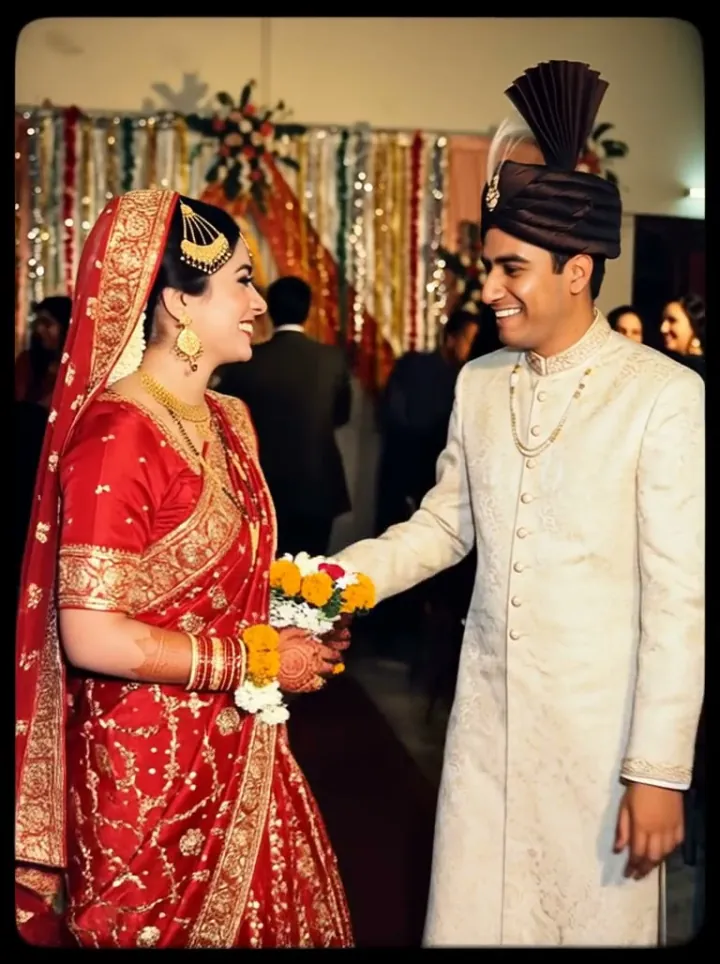 A scanned print | Hailuo 2.3 | Six seconds of small, natural moves | 66 · 768P 6s | |
| Four or more faces | Seedance 2 | Keeps each person apart and in place | 95 · 480P 5s | |
| With the sound of the day | MiniMax H3 | Waves, wind and voices for the fewest credits | 15 · 480P 5s |
 MiniMax H3
Getting an old photo ready
The clip keeps everything in the picture, the shine and the crop included.
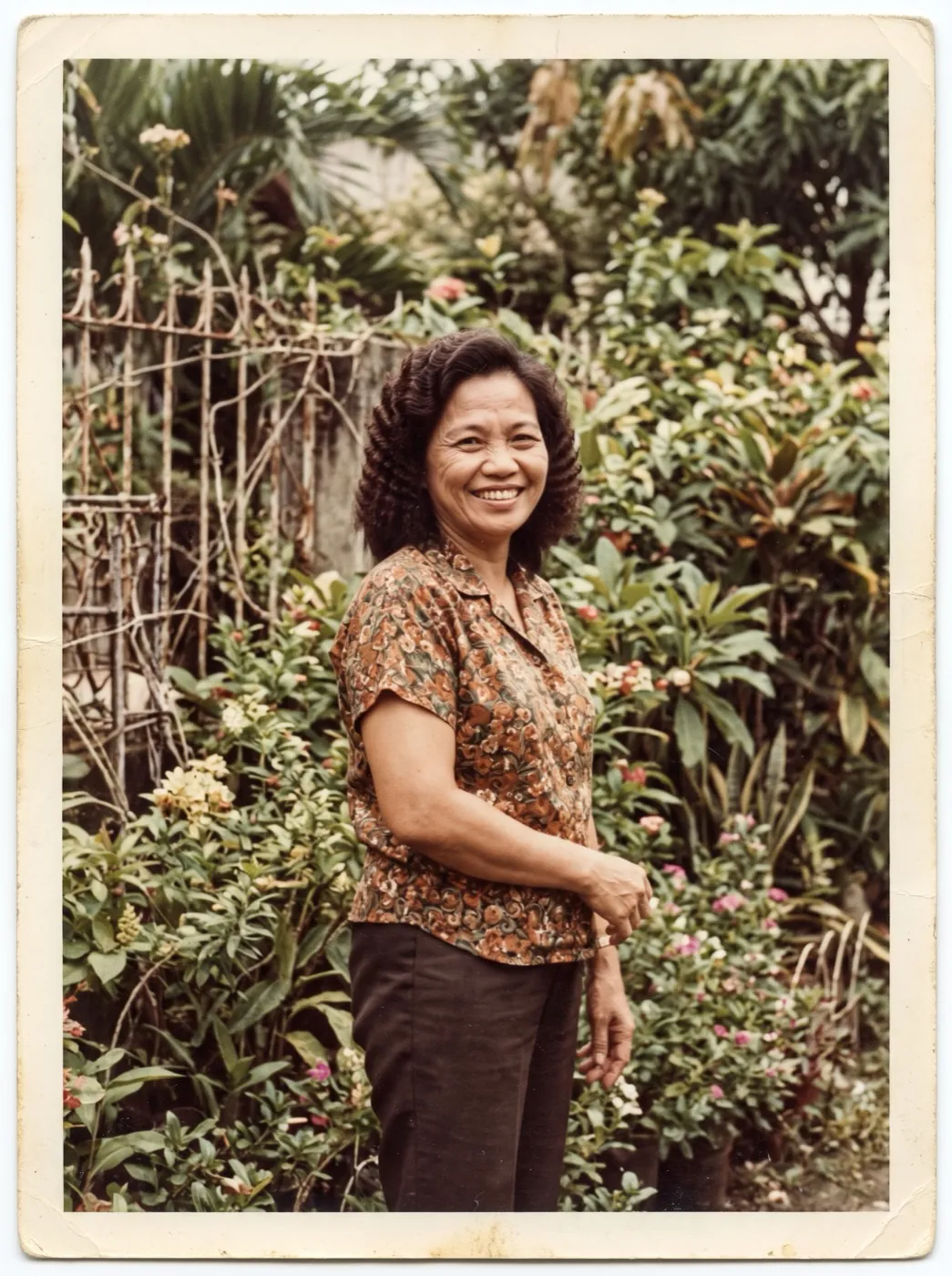
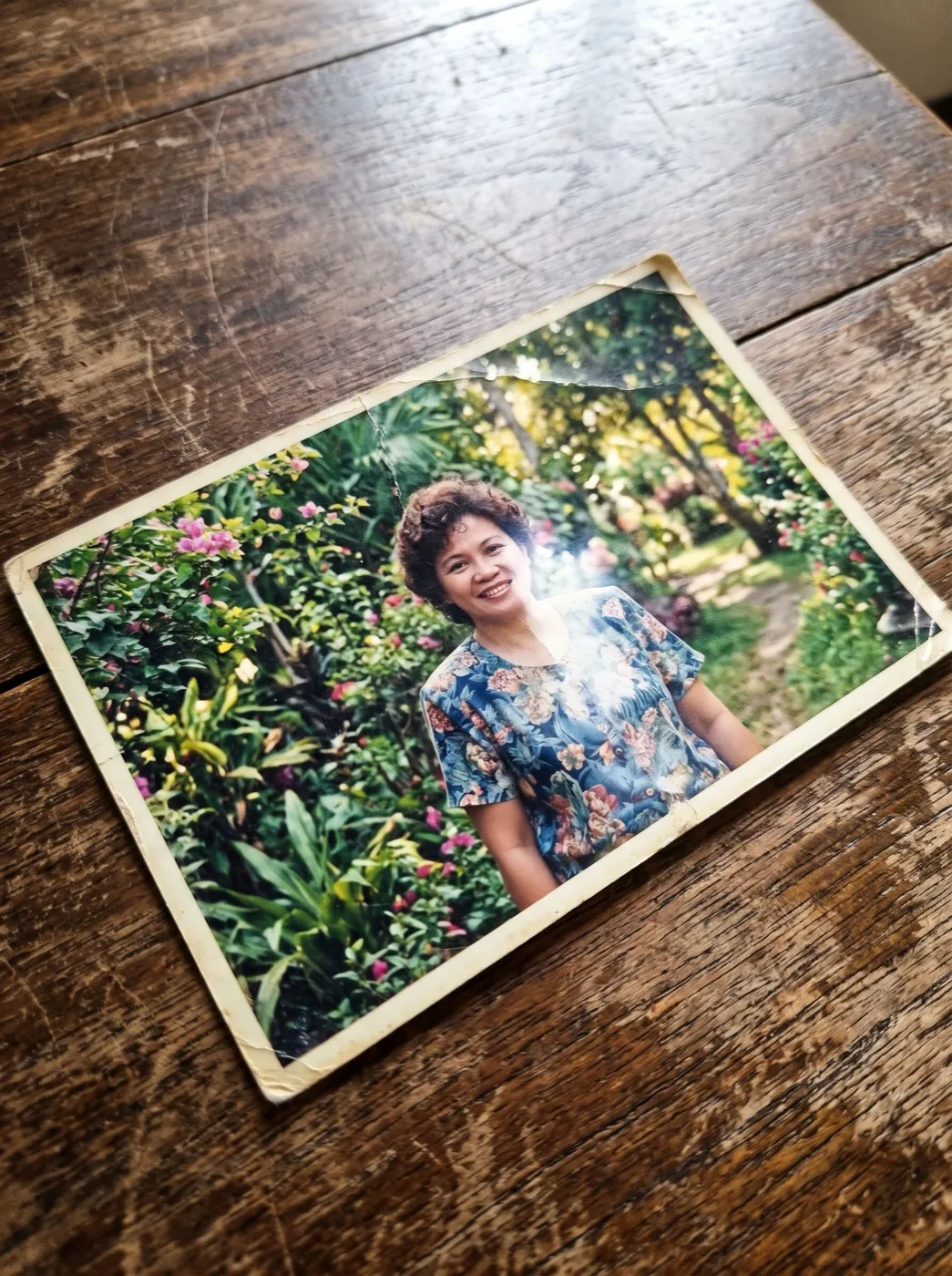
Lay the print flat by a window, phone straight above it. A shine across a face stays in every frame.
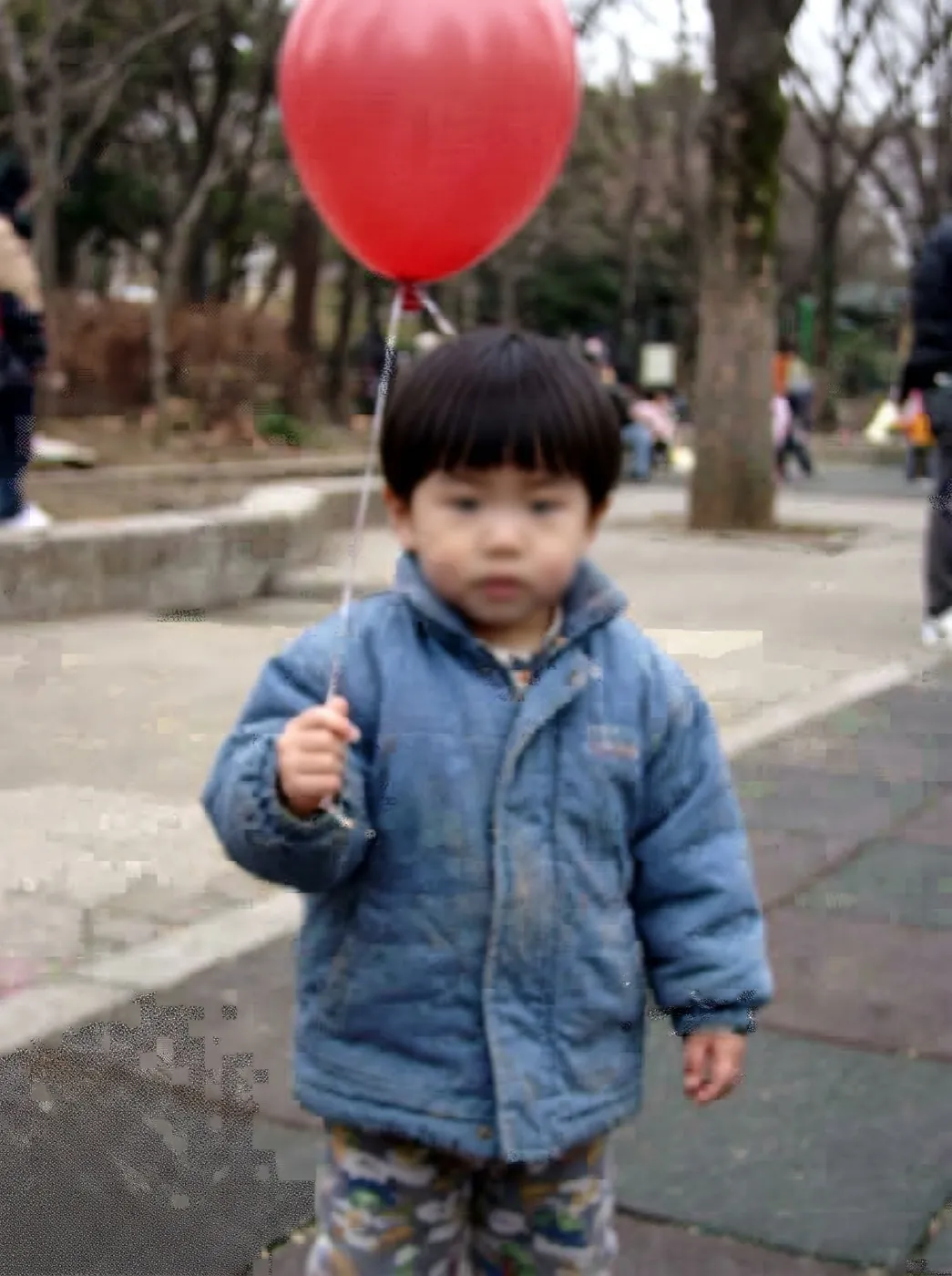
A tiny copy from a chat app turns faces to mush. Use the original or a fresh scan.
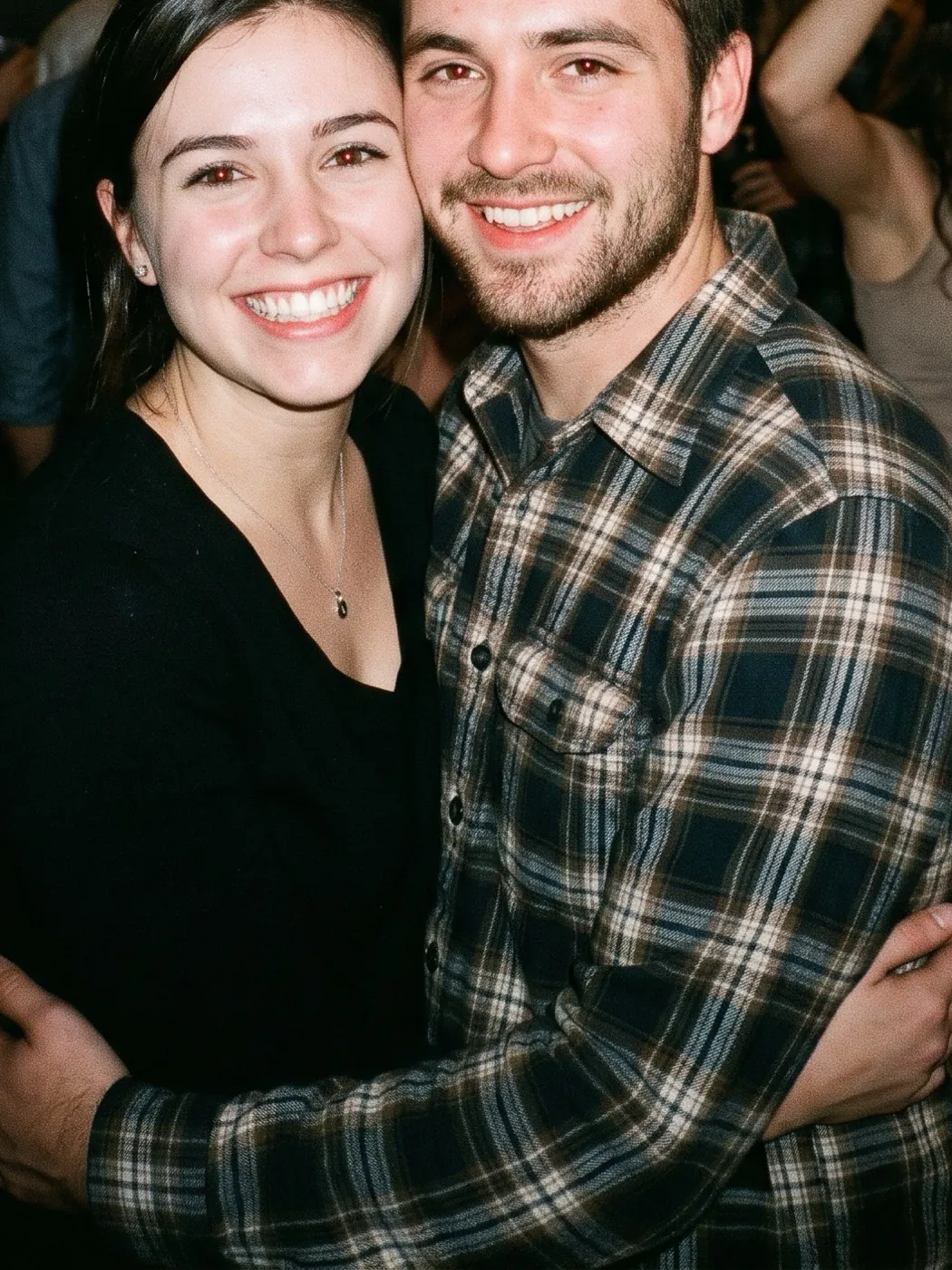
Cropped heads come back with made-up tops. Leave a little room above everyone.
If a face is lost in shadow, the model guesses it. Brighten the photo first.
Faded or torn? Restore it first
A clean copy moves better. Three steps from the shoebox to the screen.
The print
A flat, bright phone photo of it is enough.
Bring it to life
Come back here with the restored copy and say who moves.
Photo to video FAQ
What people ask before animating a family photo.
How do I turn a photo into a video?
Add the photo, write one line about who moves and how, and press Generate. The clip is ready in one to four minutes and plays in your library, ready to download or share.
Can I animate an old printed photo?
Yes. Lay the print flat by a window and take the photo straight from above, or use a scanner. Restore it first if it is torn or faded. For a face that has to stay true, Kling 4.0 and Hailuo 2.3 do best.
Will it still look like my family?
Small, real moves keep faces closest: a laugh, a glance, a hand squeeze. Big turns of the head make the model fill in what the photo never showed. Ask for one action per person.
Can I animate a photo of someone who has passed away?
Many people do, to see a parent or grandparent smile again. Keep the motion gentle and share the clip with the family first. Only use photos you have the right to use.
How much does a photo to video clip cost?
A 480P 5s clip on Seedance 2 Mini is 30 credits, and the price shows on the button before you start. Sign-up credits are for pictures; video starts with a pack from $9.90 or a plan from $9.9 a month. A run that fails gives its credits back.
Is there a free way to try it?
A new account gets 10 free credits for pictures, so you can restore or retouch the photo first. Making the clip itself takes video credits.
Are my photos private?
Your photos and clips stay in your own library and are not shown to anyone else. Delete them there whenever you like.
Other ways to start
One tap, two photos or several: the same credits.
EffectOne tap for a gentle blink and smile on an old portrait.
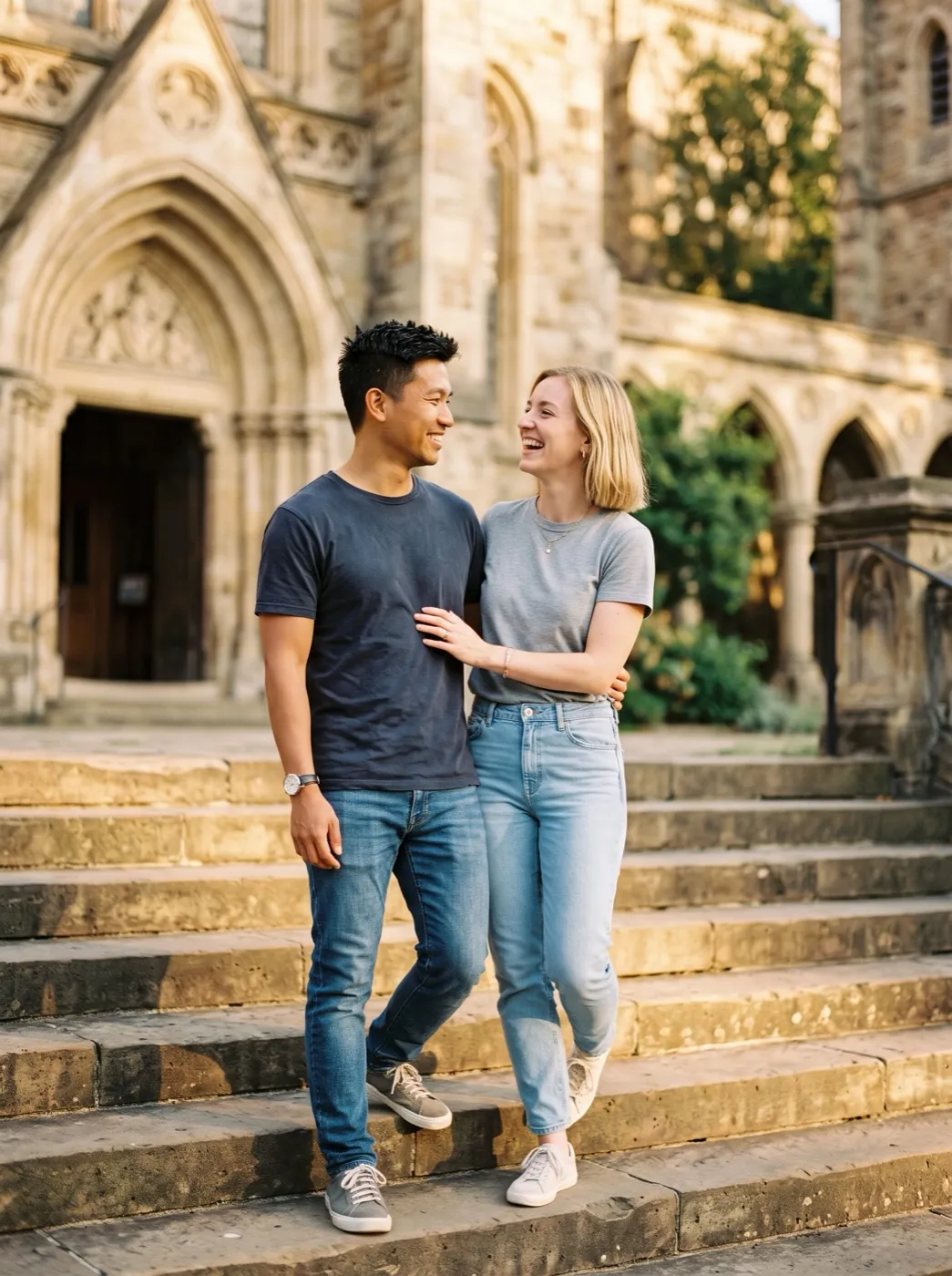 Mode
Two photos of the same day? Move from one to the other.
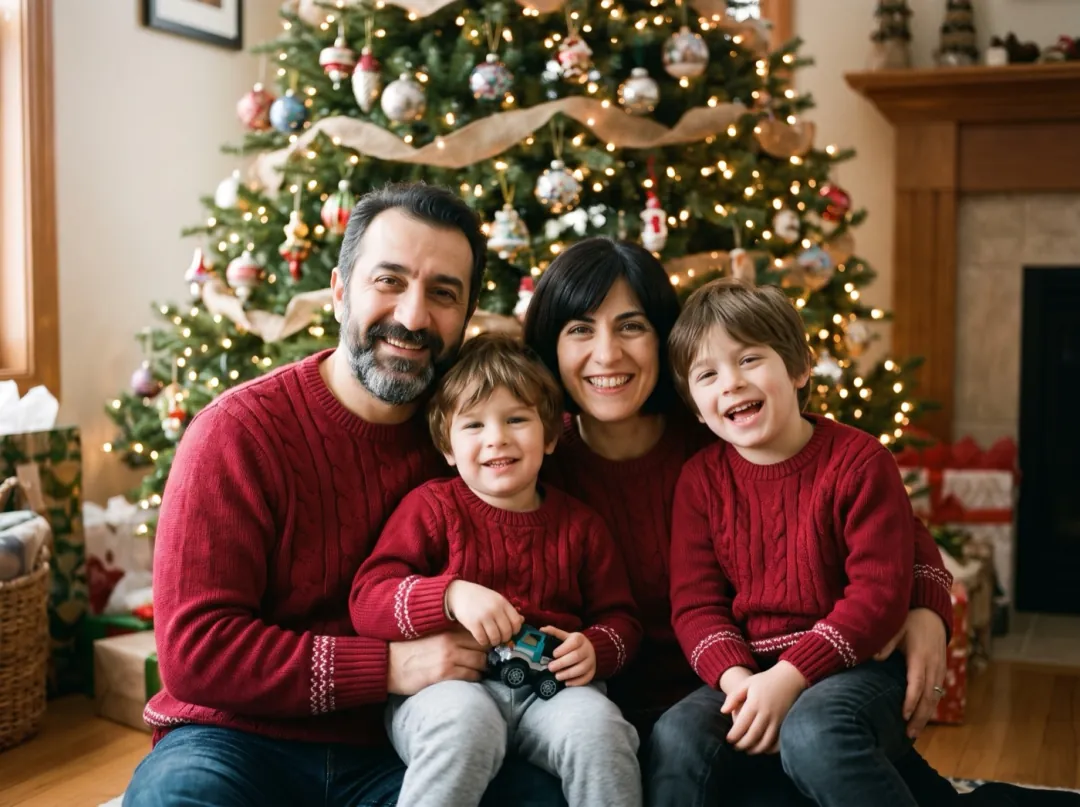 Mode
Turn the family snap into a holiday card first.
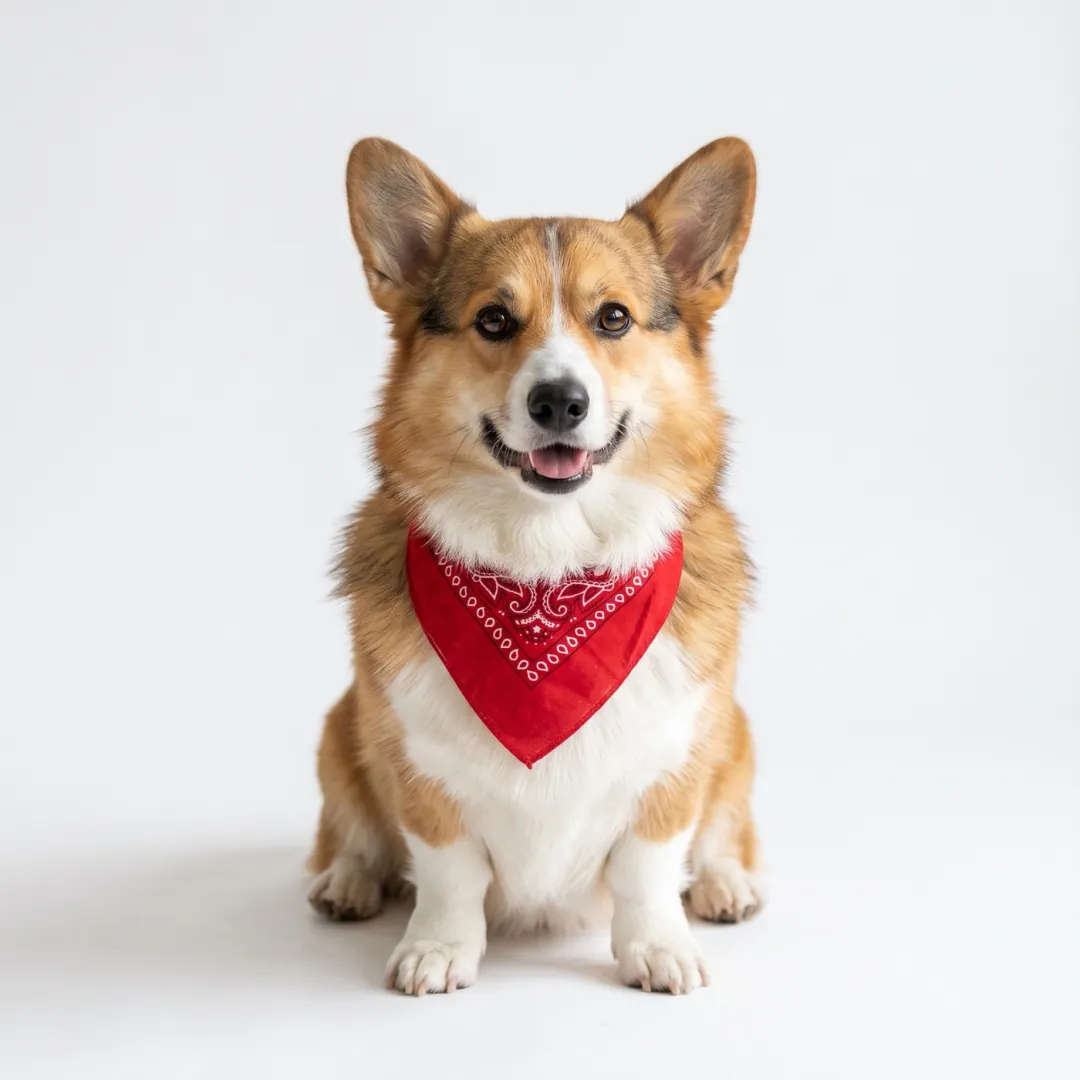 Mode
Put your dog somewhere it has never been.
Somebody in your camera roll is waiting to laugh again.
Add the picture here; it lands in the generator, ready for one line.
This photo and one line“They squeeze closer, throw their caps up and cheer, the campus trees sway behind them.”