Resize Image
Exact pixels or a ready size · freeAdd a photo, type the pixels or pick where it is going, and save it at that size.
Your photo never leaves this device.
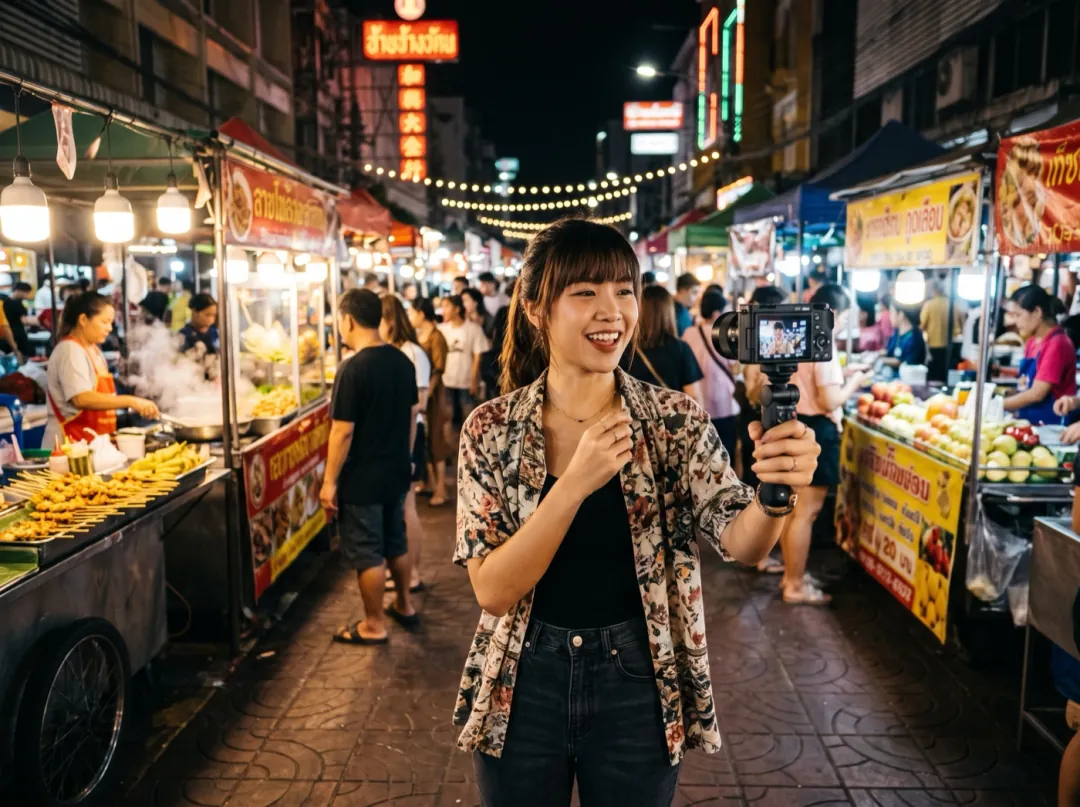
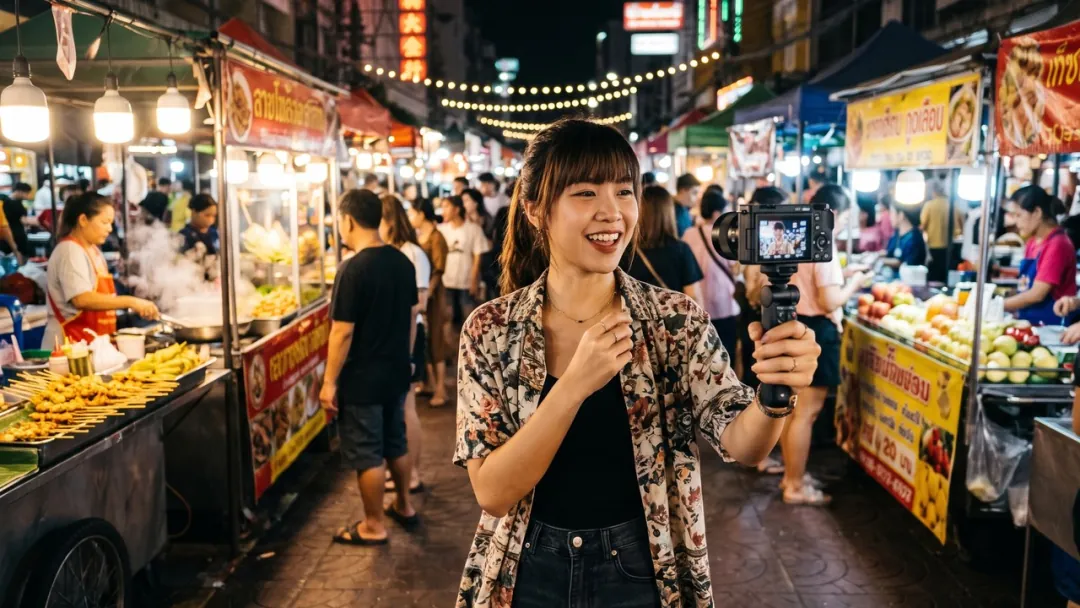
One photo, the size each place asks for
Three photos, each saved at a ready size on this page. Nothing was stretched to fit.
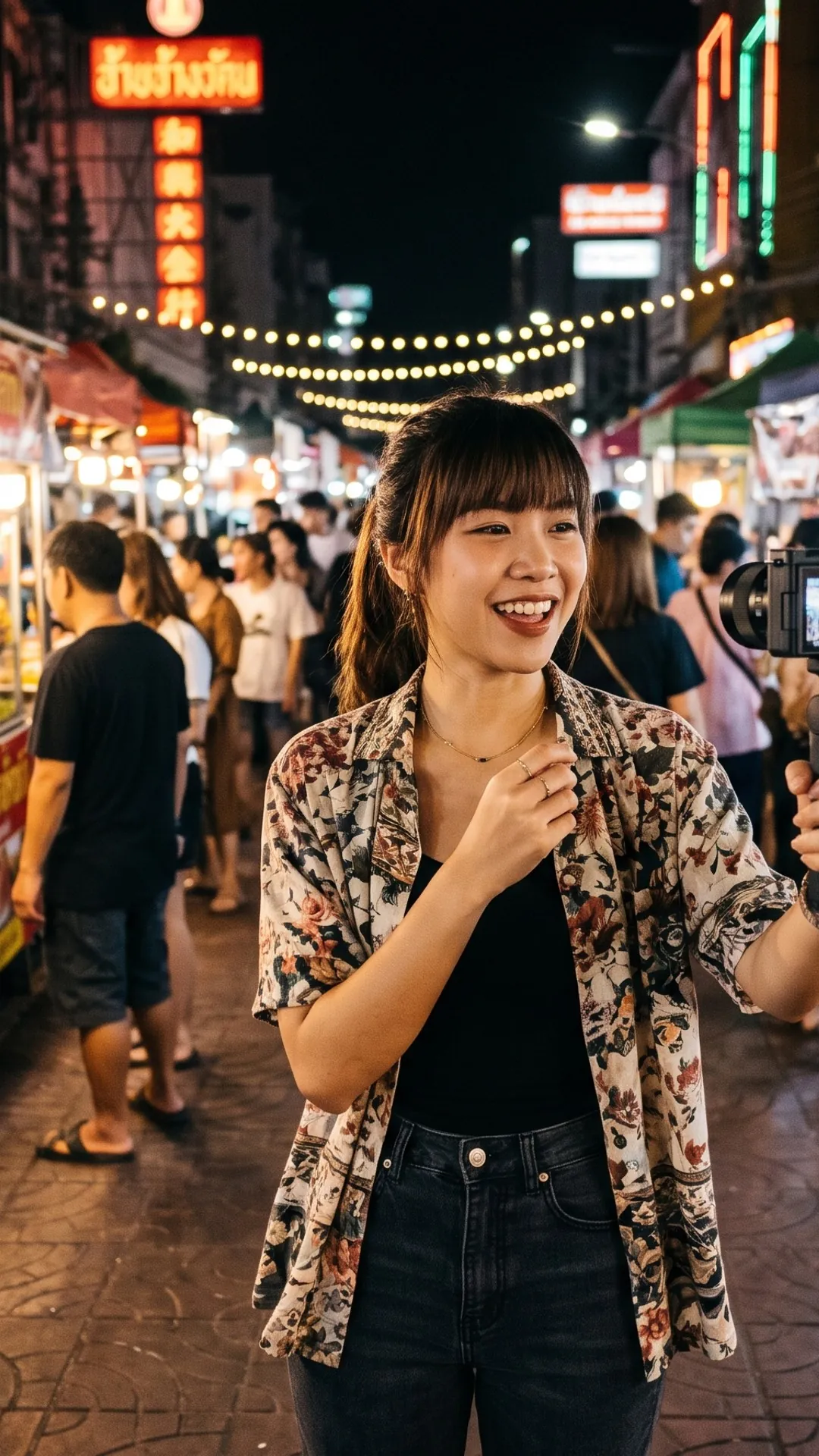
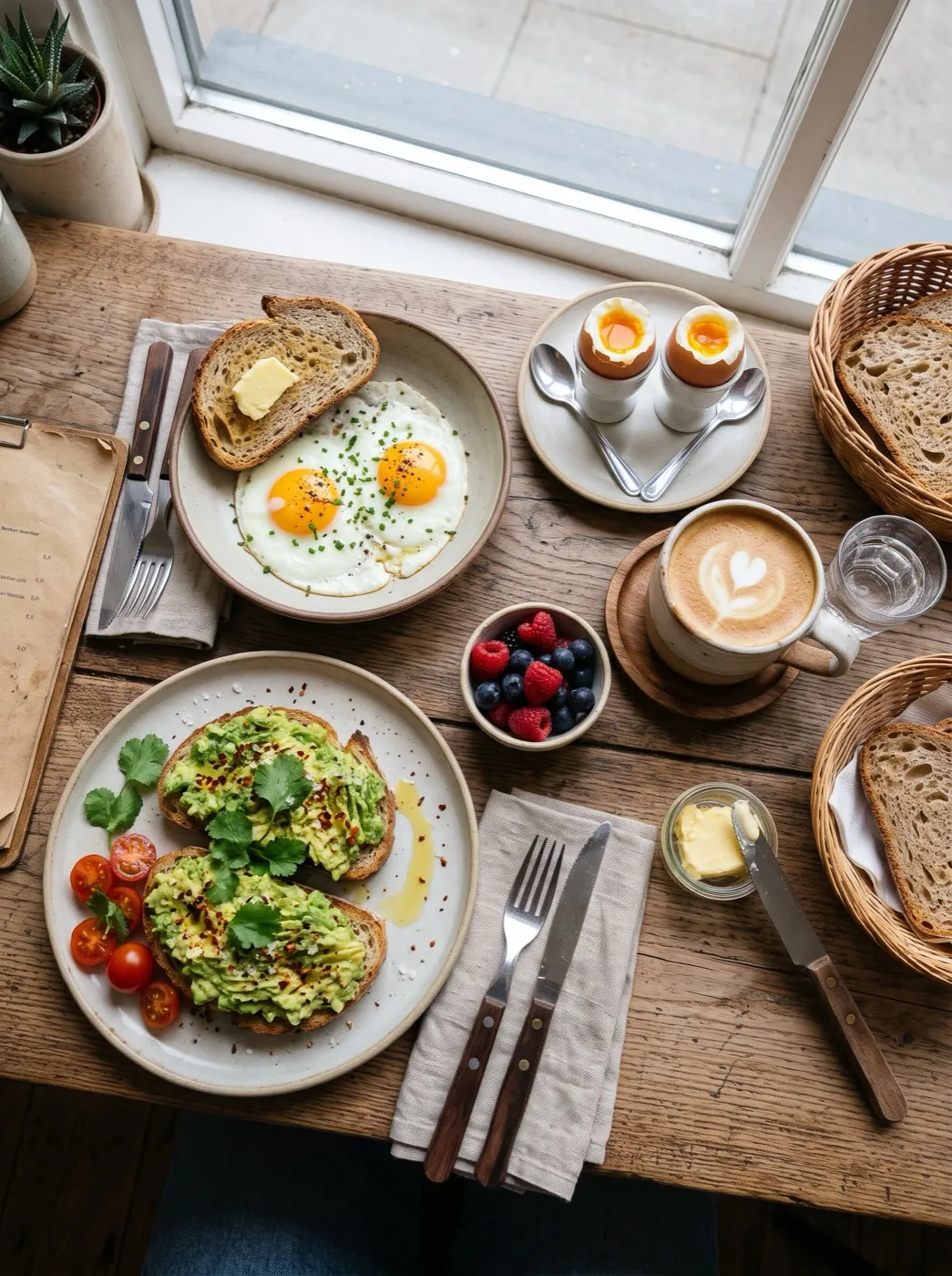
A thumbnail and a story from one vlog shot
YouTube wants a 1280 × 720 thumbnail; a story or reel cover wants 1080 × 1920. Same trip, two frames that do not match the camera’s.
Pick each size and the photo is trimmed evenly to fill it. The thumbnail came out at 295 KB, the story at 560 KB, both well under YouTube’s 2 MB thumbnail cap.
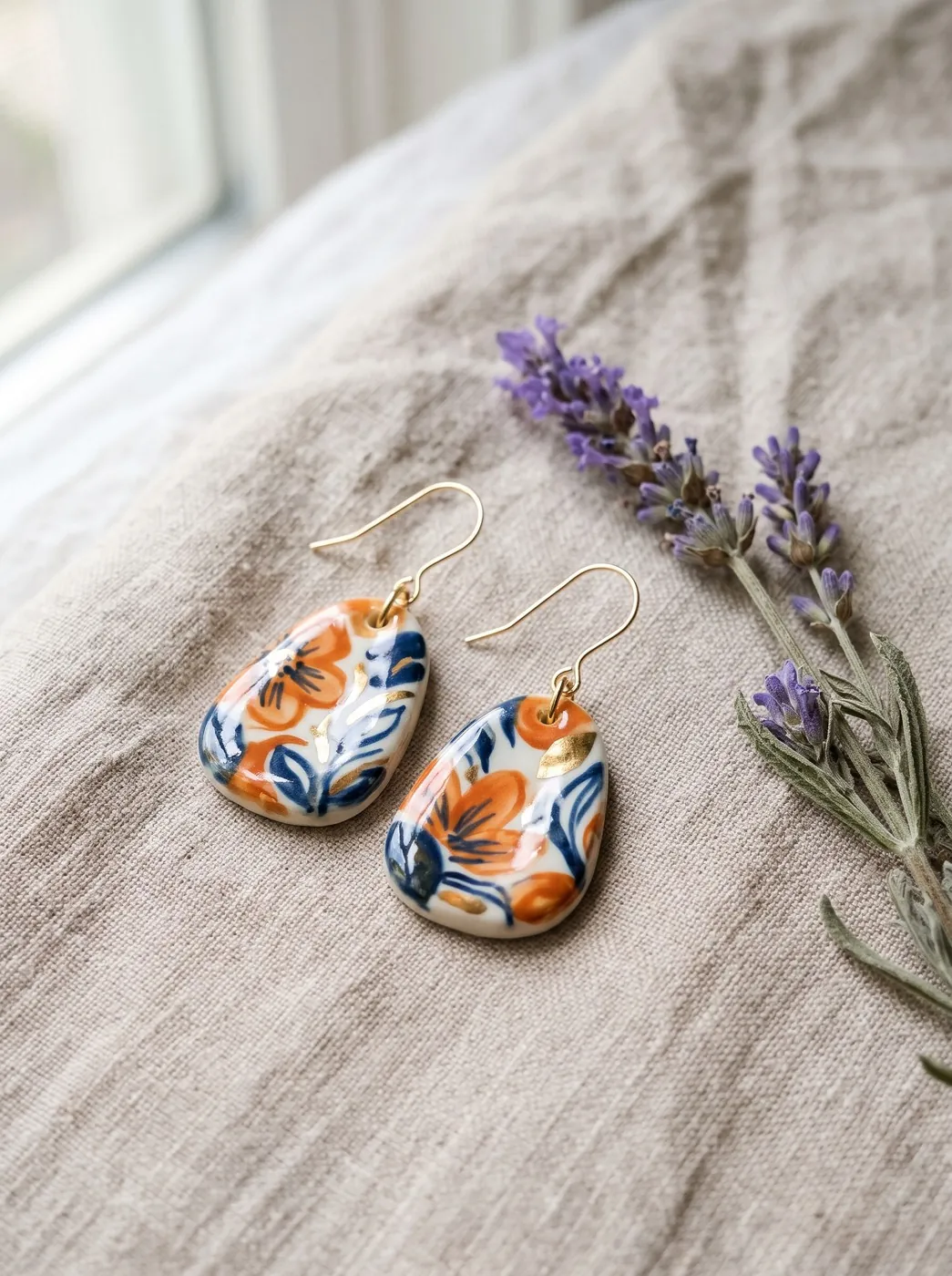
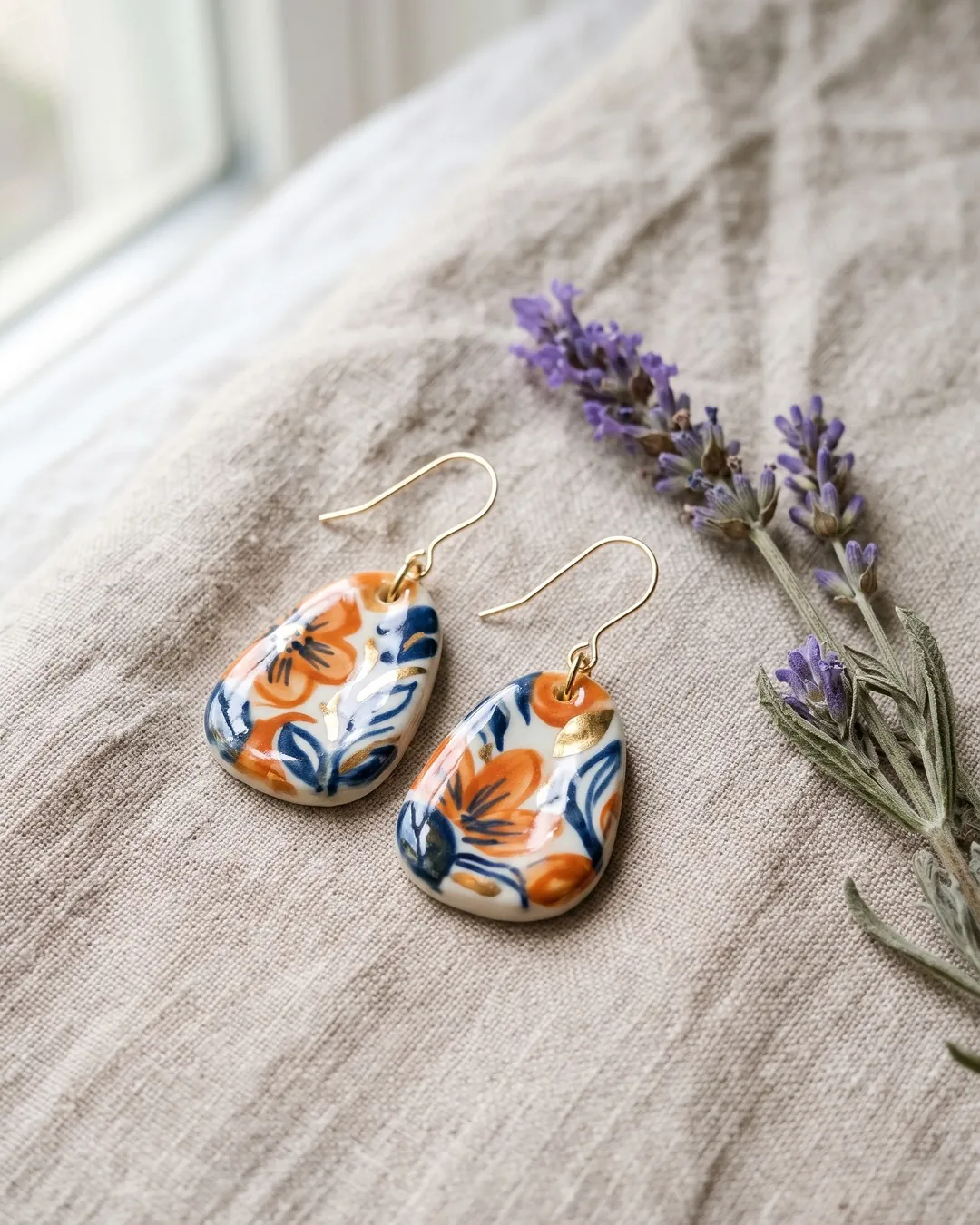
A product shot for an Instagram post
Instagram shows portrait posts at 4:5, 1080 × 1350. Upload anything else and the app crops it for you, often through the product.
Resized here first, you see exactly what stays in. These ceramic earrings came out at 1080 × 1350 and 388 KB, ready to post.
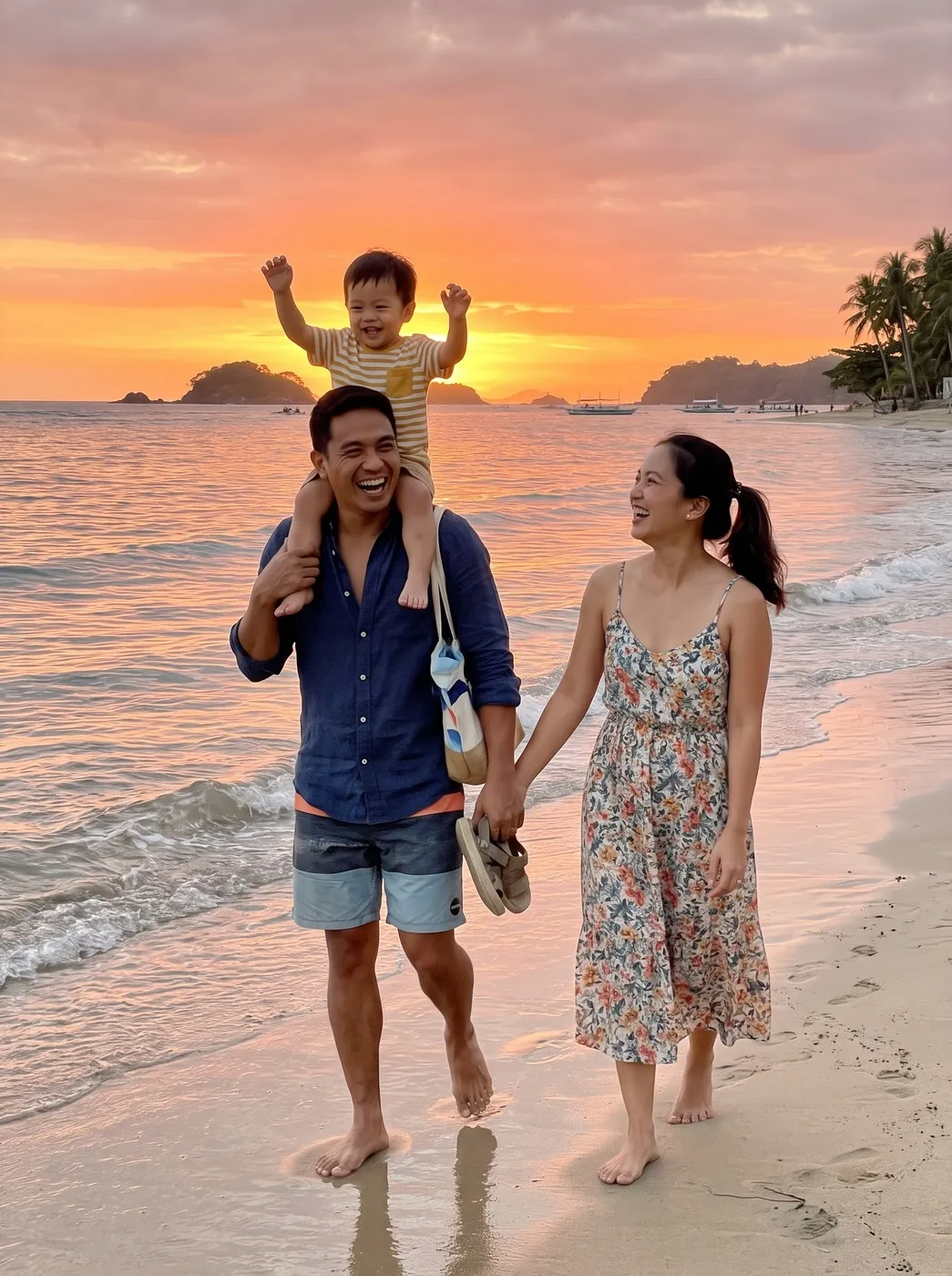
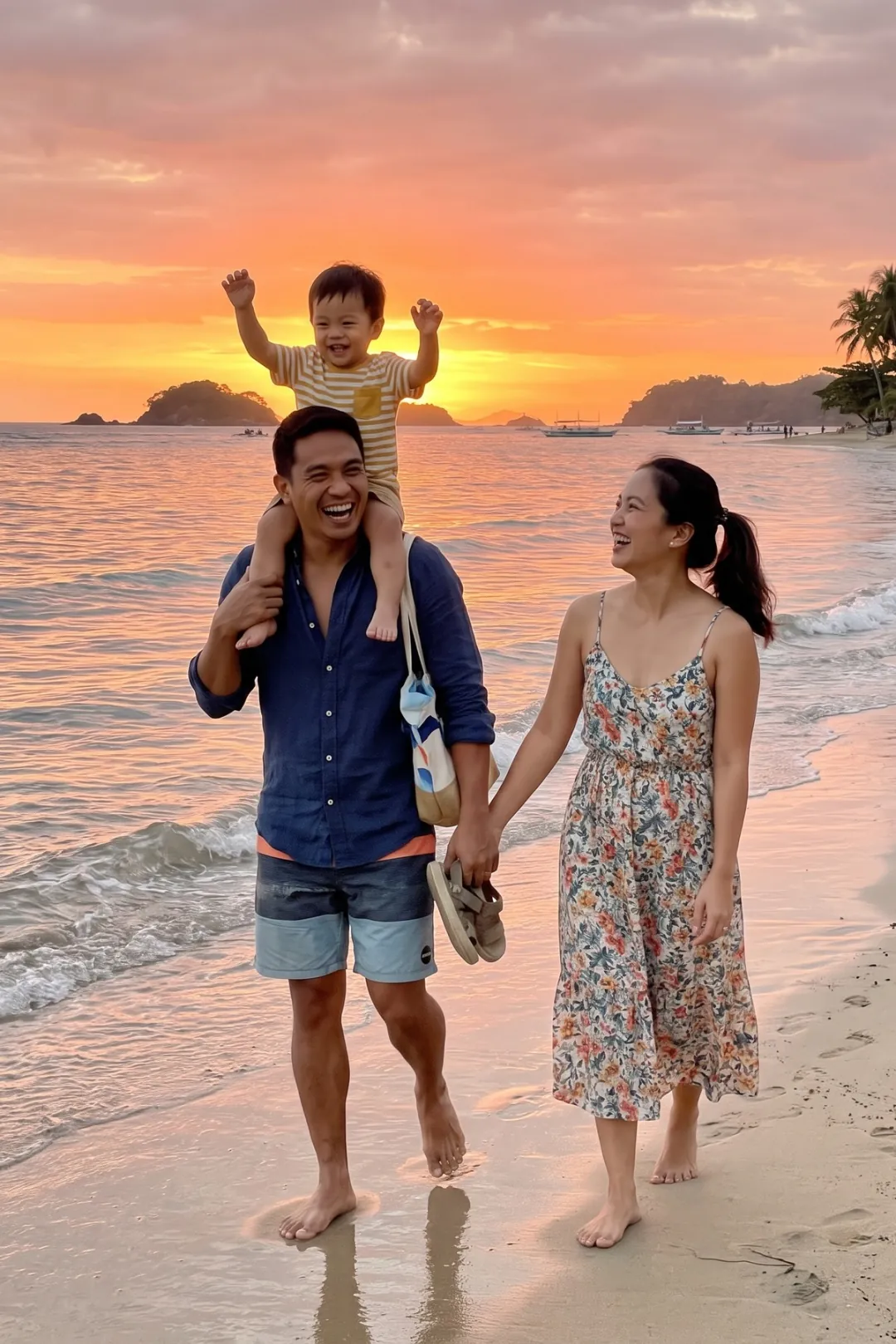
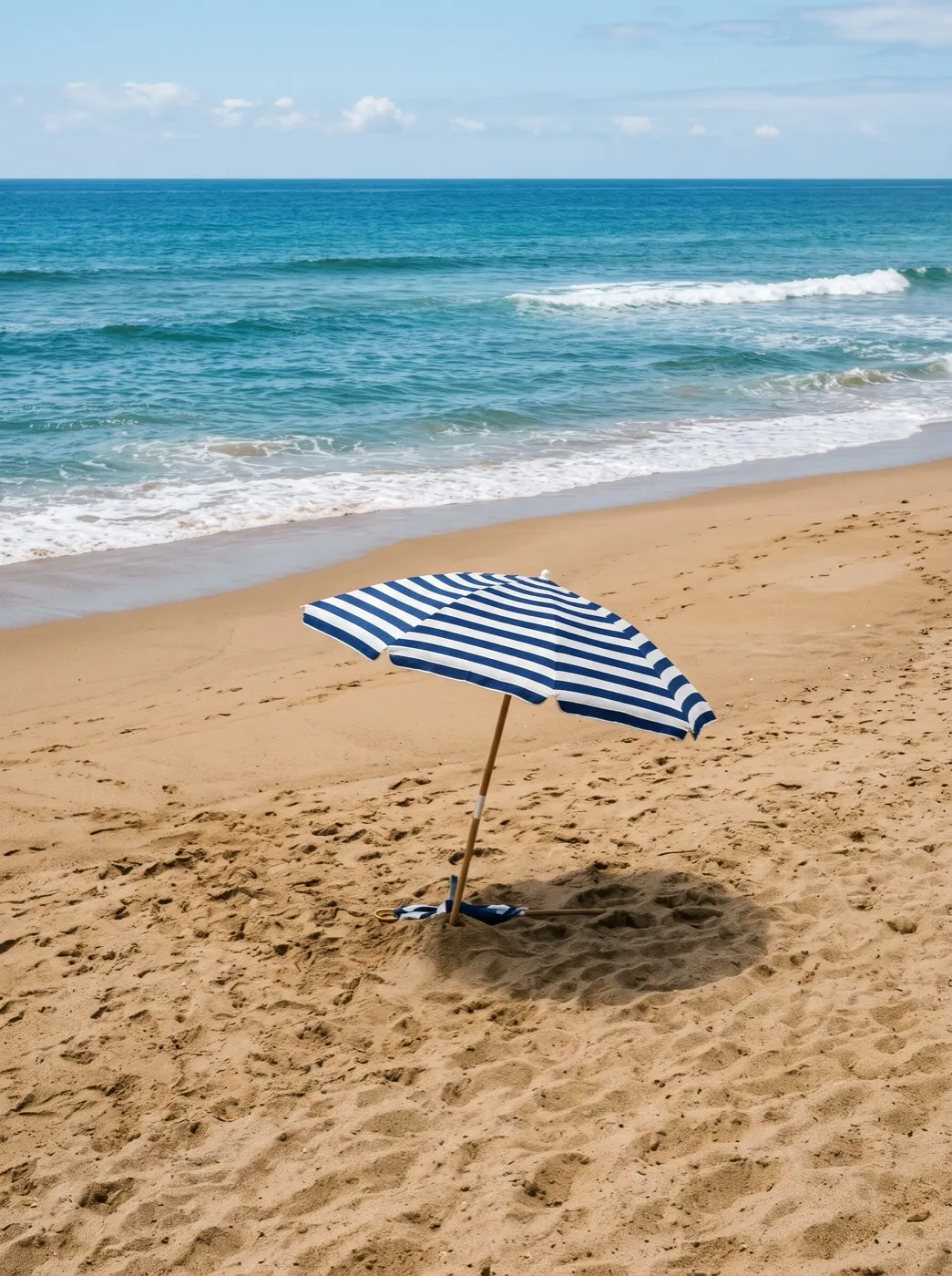
A beach photo ready for a 4×6 print
Print shops want pixels to match the paper. At 300 pixels an inch, the common print standard, a 4×6 is 1200 × 1800.
The family photo was saved at exactly that, 544 KB, turned to match the photo. Upright stays upright, so nobody gets cut off sideways.
Who resizes photos
Anyone posting one photo to more than one place.
CreatorsVideo makers
Thumbnails and story covers cut from the same shot.
ShopsSellers
One product photo sized for the listing and for each social post.
PrintFamilies
Phone photos at the exact pixels a print shop expects.
Where resizing fits
Get the size right, then post, print or animate it.
Resize Image
Exact pixels or a ready size.
Image Upscaler
For a big print from a small photo, add real detail instead of stretching.
Upscale itResize image FAQ
Sizes, shapes and quality.
Is Resize Image free?
Yes. It runs in your browser with no sign-in and no limit on how many photos. Each photo can be up to 50 MB.
Will Resize Image stretch or squash my photo?
No. With a ready size, the photo is trimmed evenly to fill the new shape. With your own pixels, keep proportions is on until you switch it off.
Which ready sizes does Resize Image have?
Instagram post 1080 × 1350, Instagram square 1080 × 1080, story or reel 1080 × 1920, YouTube thumbnail 1280 × 720, Etsy listing 3000 × 2250, and 4×6, 5×7 and 8×10 prints at 300 pixels an inch.
Can Resize Image make a photo bigger?
It can, up to 8192 pixels a side, but enlarging only spreads the same detail out, so it looks soft. The page warns you and links the Image Upscaler, which adds detail.
What format does Resize Image save?
The one you gave it: JPG stays JPG, PNG stays PNG, WebP stays WebP. HEIC photos are saved as JPG so they open anywhere.
Does Resize Image upload my photo?
No. Your browser does all of it and the photo never reaches our servers.
Related tools
More free fixes for a photo, plus one paid one.
 Free
Choose what stays in the frame yourself.
 Free
Same pixels, a smaller file for upload limits.
 Image
Need a new shape without trimming? Grow the edges instead.
 Image
Enlarge 2×, 4× or 8× with detail filled in.
The right size, first time.
Add a photo and pick where it is going. It comes back filled edge to edge, never stretched.