Image Upscaler
2× · 4× · 8× · 2× free to tryAdd a small photo, pick how much bigger, and get it back with the detail filled in.
 600×4484× upscaled
Small photos, given their detail back
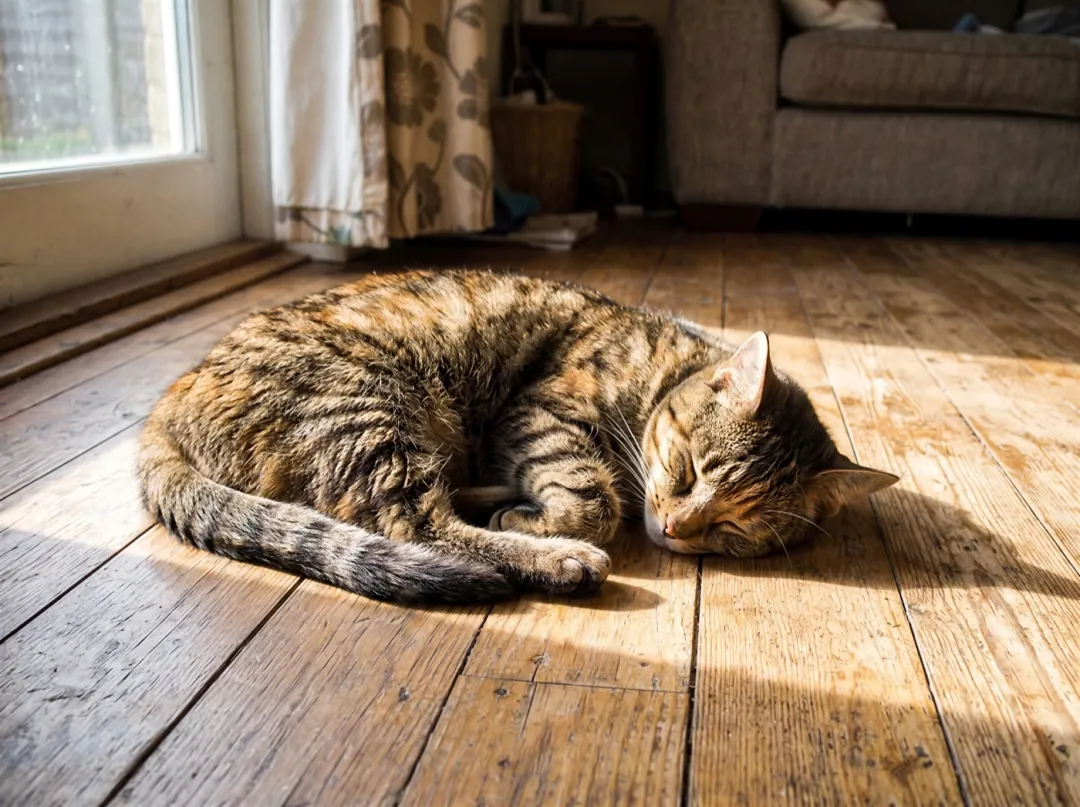
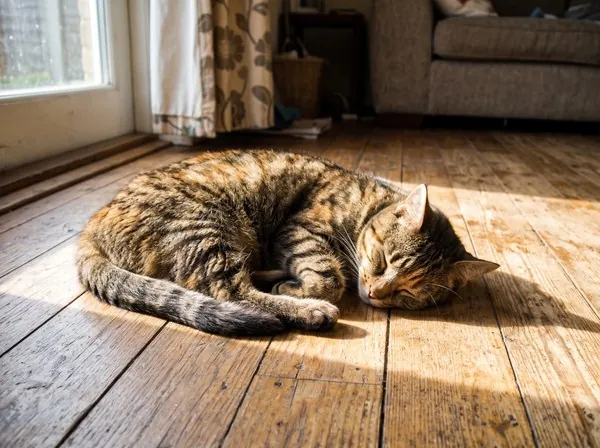
Each left side is the 600 pixel photo that went in, stretched to fit. The right side is the same photo after a 4× upscale.
A phone snap of the cat, sharp enough to frame
An old phone photo looks fine as a thumbnail and falls apart the moment you make it bigger: the fur turns to mush and the sunbeam to a smear.
At 4× the stripes, whiskers and the weave of the blanket come back, so the picture holds up as a print or a phone background.
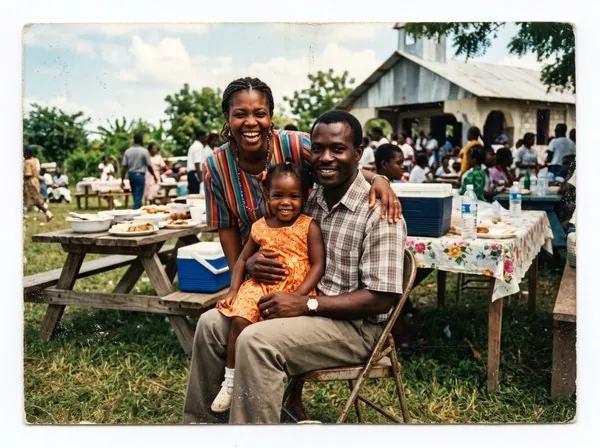
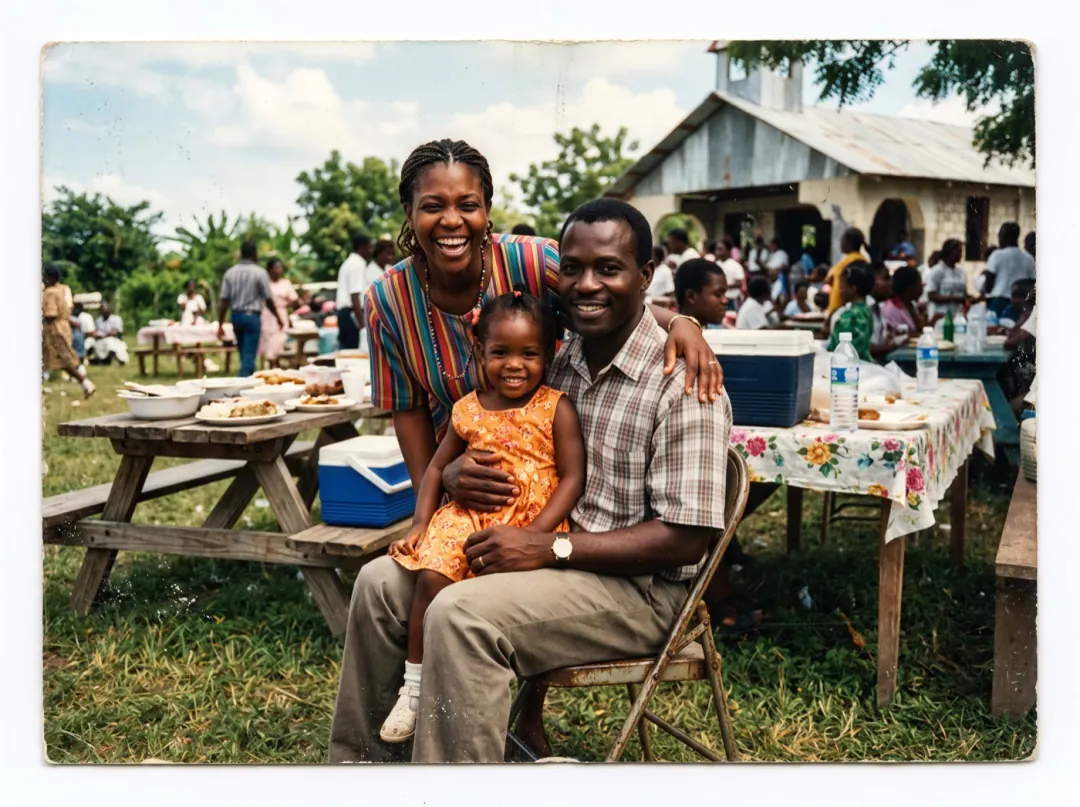
A small scan of a family print, faces you can see
A 1990s print scanned small leaves faces as a few blurry pixels. Blowing it up in a normal editor only makes bigger blurry pixels.
The upscaler draws in eyes, hair and the pattern of the clothes at the new size, while keeping the look of the original print.
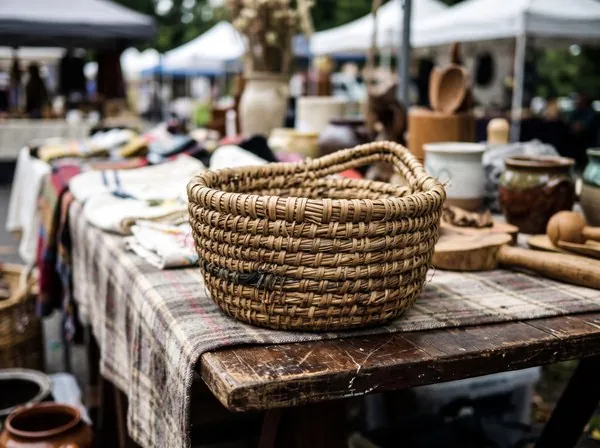
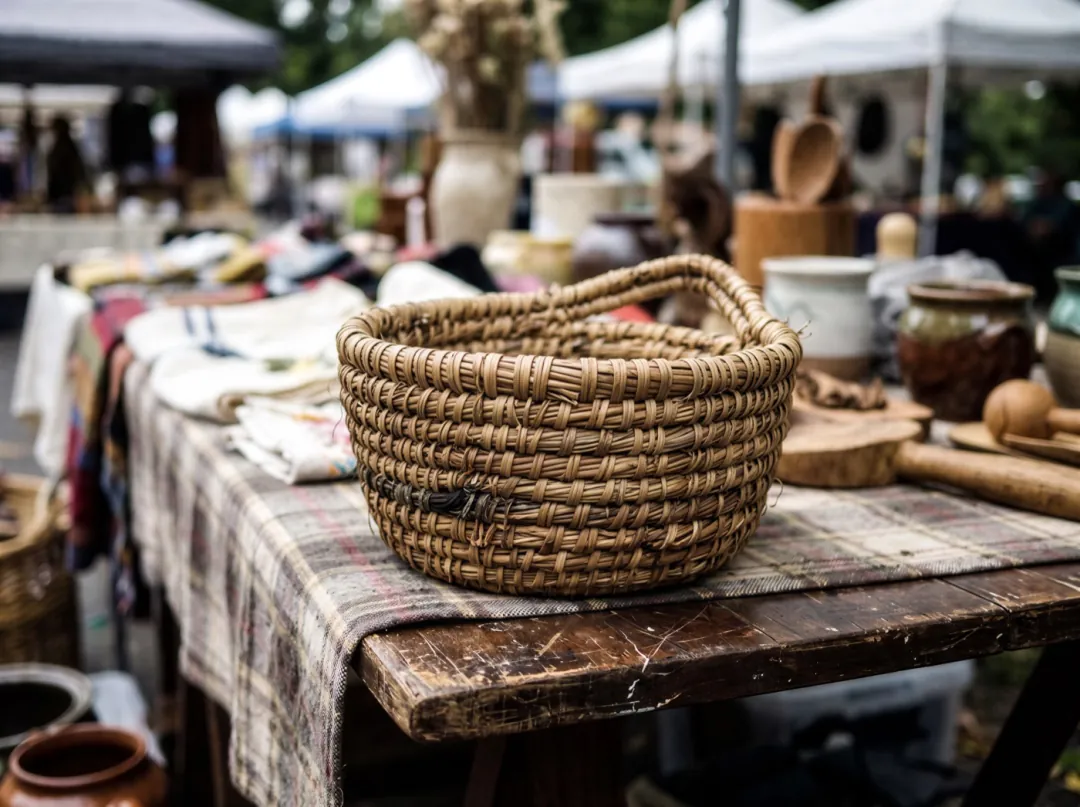
A basket photo big enough for a shop page
Shop pages zoom in on hover, and a small product photo shows its blur right where buyers look.
After the upscale the weave of the basket and the grain of the table read clearly, so the zoom shows the craft instead of the pixels.
How big each scale makes a photo
The boxes are drawn to scale on an 8× result of a 600×448 photo. Larger photos are scaled down first, so each scale has a top size.
- 1×600×448 · the photo inOriginal
- 2×1200×896 · up to about 6 MP2 credits
- 4×2400×1792 · up to about 14 MP4 credits
- 8×4800×3584 · up to about 25 MP8 credits
Who upscales photos
Most of them start with a photo that was only ever meant for a screen.
4×Family historians
Small scans and old phone photos made big enough to print, frame or put in an album.
4×Small shops and makers
Product photos that hold up when a buyer zooms in, without a reshoot.
2×Phone backgrounds and posts
A favorite snap sized up for a lock screen or a post, free to try at 2×.
Where the upscaler fits
Mend and clean the photo first, then make it big at the end.
Image Upscaler
2×, 4× or 8×, detail filled in.
Image upscaler FAQ
Cost, sizes, files and the free try.
How much does the image upscaler cost?
2 credits for 2×, 4 for 4× and 8 for 8×, per photo. 2× is also free to try three times a day without an account. A failed run gives the credits back.
How big can the image upscaler make a photo?
Small photos go up the full amount: 600×448 becomes 4800×3584 at 8×. Bigger photos are scaled down before the upscale, so the result tops out around 6 megapixels at 2×, 14 at 4× and 25 at 8×.
Which scale should I pick in the image upscaler?
2× for a screen or a post, 4× to print a small photo at photo-album size, 8× for a tiny thumbnail or a crop you want to print large.
What files does the image upscaler take?
JPG, PNG and WebP up to 10 MB. The result comes back as a PNG.
Does the image upscaler change the photo?
It keeps the framing, colors and people, and fills in detail at the new size. On very small or very blurry photos it has to guess more, so check faces and text in the result.
Related tools
What people do to a photo before or after an upscale.
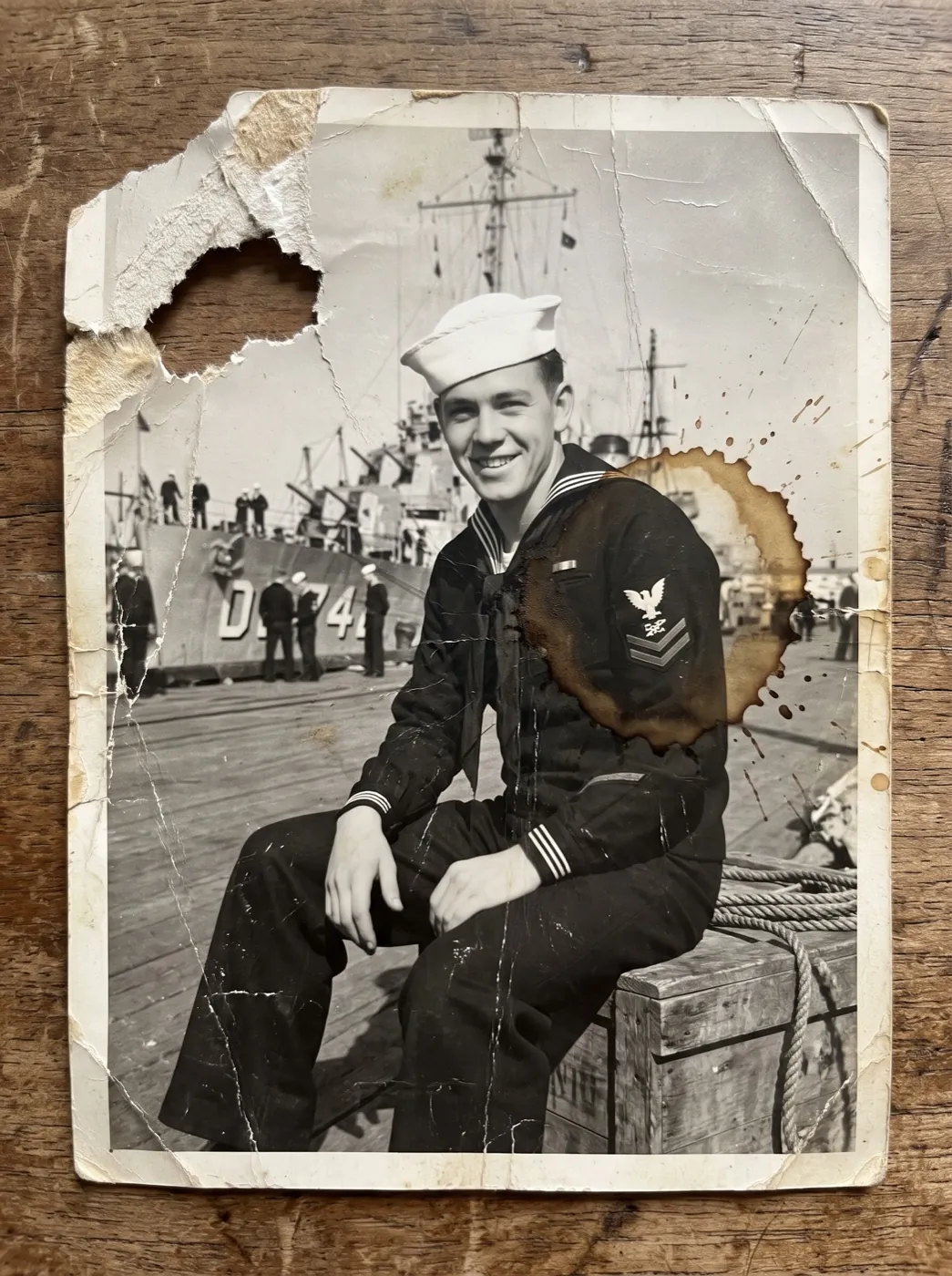 Image
Mend scratches, tears and fading on an old print.
 Image
Clear text and marks laid over your own photo.
 Image
Grow a photo into a wider or taller frame.
 Video
The same for a clip: 1080p, 2K or 4K with its sound kept.
Make the small photo the one you print.
Add a photo, pick 2×, 4× or 8×, and get it back with the detail filled in.