 by Google
Veo 3.1 video
Google's model for 8 second scenes with sound: a spoken line, the room, the street outside. Fast is the low-priced way in; the full model goes to 4K.

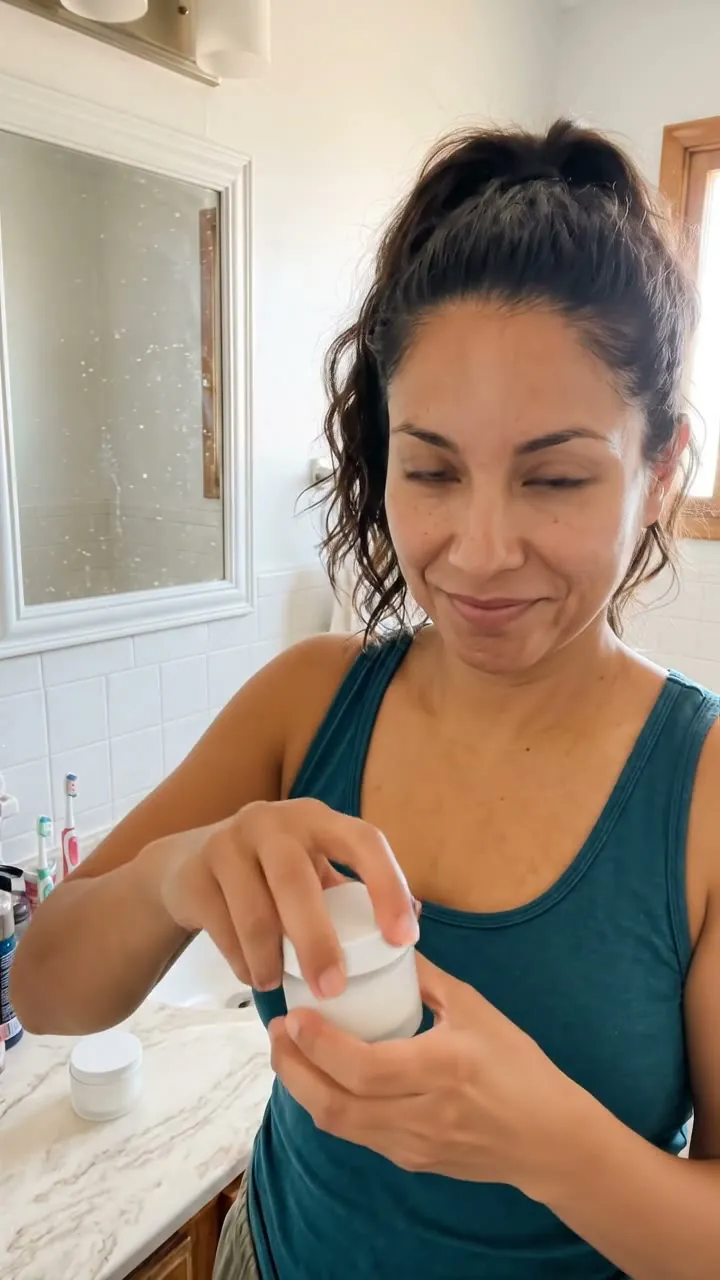
Veo 3.1 Fast · 8sShe opens the jar, dabs some on her cheek and says: "Okay, this one actually sinks in." Natural room sound.
SDabs it on, speaksCSelfie distanceARoom soundPNaturalHow Veo 3.1 reads a prompt
Veo writes the sound from your words, so put the spoken line in quotes and name what the room sounds like. One action and one line fill the clip.
“She opens the jar, dabs some on her cheek and says one line, held at selfie distance, natural room sound behind her voice, natural, 8 seconds.”
Veo 3.1 next to the other 9
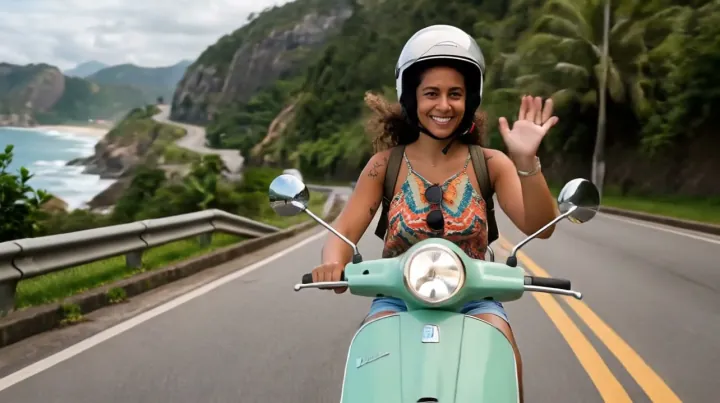
One card per model family, with the credits for its cheapest clip. A card with a play mark shows a clip that model made here.

When to switch to another model
Veo is the pick for longer scenes with sound. Three cases where another model suits better.

A short loop is enough
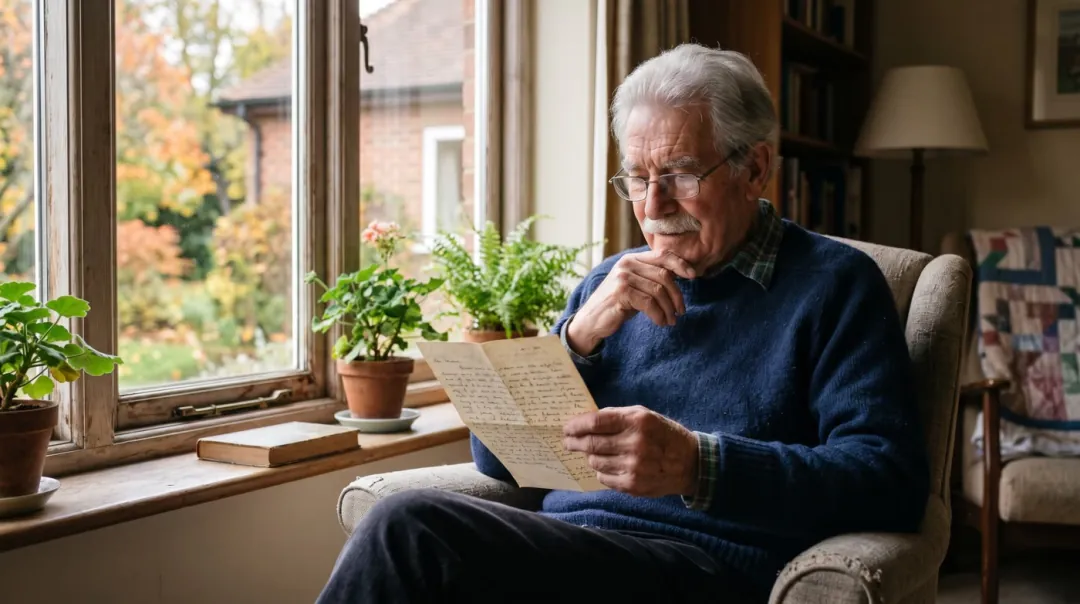
Every Veo clip is the full length. For a quick loop for a story or a reel, Grok Imagine makes a short clip with sound for less.

Several reference photos
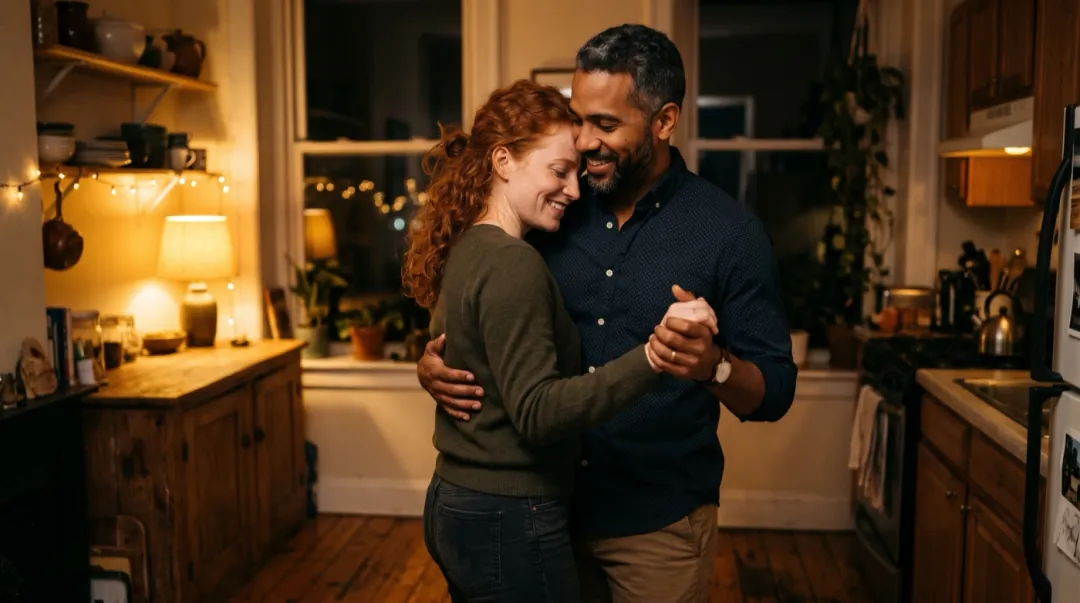
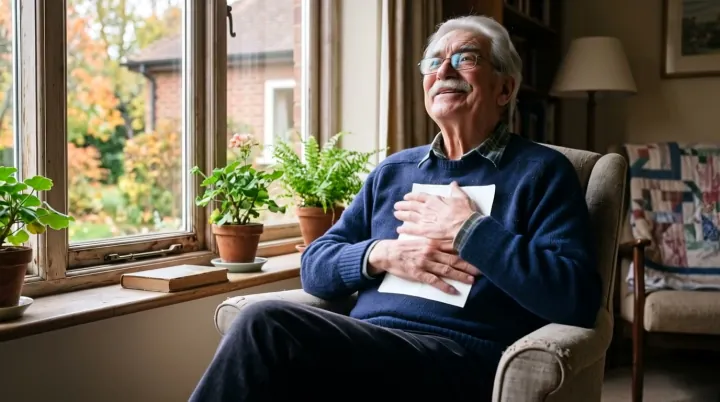
Veo starts from one photo, two frames or words. To keep a person or product from several reference photos, Seedance 2 takes them in one run.
A face that must not change
For a close portrait where the same person has to hold for the whole clip, Hailuo 2.3 puts its effort into the face.
Recipes made with Veo 3.1
Each clip came from the photo and words on its card. One tap fills the generator above with all of it.
A face-cream review
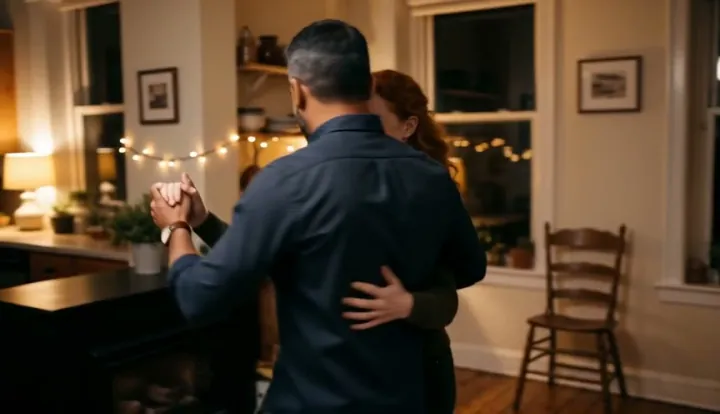
She opens the jar, dabs some on her cheek and says one line natural room sound 8 s
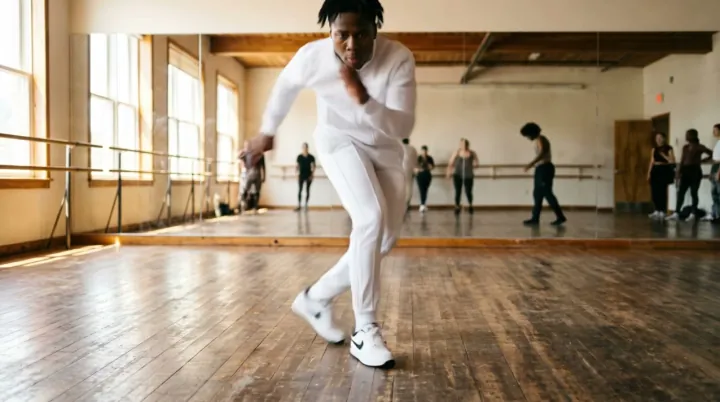
One trend dance, same photo
Two shoulder bounces, a hip sway, a half spin, then she points at us 8 s
Veo 3.1 or another model?
Veo is the long one with sound; here is how the others compare.
| Veo 3.1 | Seedance 2 | Kling 4.0 | Gemini Omni | MiniMax H3 | |
|---|---|---|---|---|---|
| Credits, lowest quality | 40 | 30 | 120 | 30 | 15 |
| Length | 8 s | 5, 8 or 10 s | 5 or 10 s | 5 or 10 s | 5 or 10 s |
| Sound in the clip | Yes | Yes | Yes | Yes | Yes |
| Top resolution | 4K | 4K | 1080P | 4K | 1080P |
| Starts from | Photo or Text | Photo or Text | Photo or Text | Photo or Text | Photo or Text |
| Pick it for | Longer scenes, ambient sound | Most first tries, products | Dance, sport, people | Greetings with a voice, 4K | Cheap clips with sound |
Veo 3.1 FAQ
Credits, versions and when another model fits better.
How many credits does Veo 3.1 use?
Veo 3.1 Fast: 40 at 720P, 40 at 1080P and 184 at 4K for a 8 second clip. Veo 3.1: 280 at 720P, 280 at 1080P and 424 at 4K for a 8 second clip. Veo 3.1 Lite: 48 at 720P, 56 at 1080P and 216 at 4K for a 8 second clip. A run that fails gives its credits back.
Why are all Veo 3.1 clips 8 seconds?
Every Veo 3.1 version here makes 8 second clips, so there is no length to pick; the credits cover the whole clip, sound included.
Lite, Fast or Veo 3.1: which one?
Veo 3.1 Fast starts at 40 credits and goes up to 4K; Veo 3.1 starts at 280 credits and goes up to 4K; Veo 3.1 Lite starts at 48 credits and goes up to 4K. Fast is the usual start; the full model is for a final clip at the top size.
Can Veo 3.1 start and end on photos I choose?
Yes. In First and last frame, add the opening and the closing photo and describe what happens in between; Veo fills the clip.
Other models
One balance of credits covers all 10. These four suit different photos from Veo 3.1.
 4K
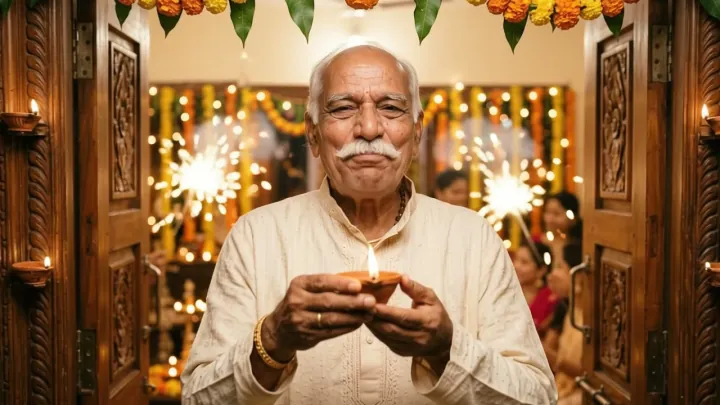
From 360p drafts to 4K, with sound and speech in every clip.
DefaultSteady camera paths with sound, from low-cost Mini drafts to 4K.
 Cheapest
The lowest-cost clips that come with sound, up to 1080p.
 References
People and pets from your reference photos in one busy scene.
Give your photo eight seconds and a sound.
Veo 3.1 Fast: 40 credits for 720P · 8 s with sound. Failed runs give the credits back.