Tools
Fix, enlarge and finish your photos and clips. Most take one tap and under a minute. Four are free and run right in your browser.
Video Upscaler
Sharpen a clip to 1080p, 2K or 4K, with its sound and length kept.
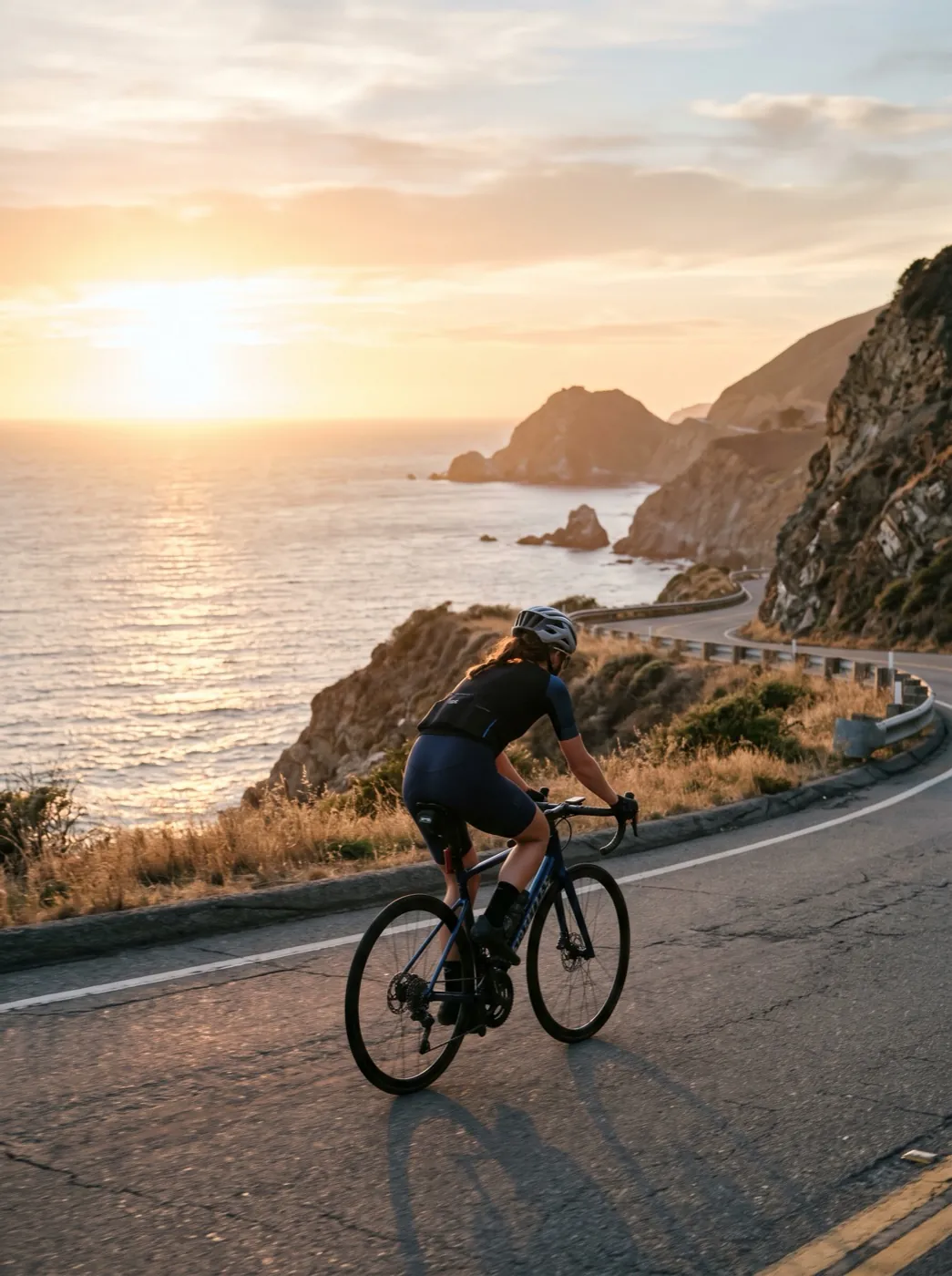
Remove Video Watermark
Upload a clip; the watermark is found and removed from every frame, no marking needed.

Remove Video Background
Cut a person out of a clip and drop in a color or a new scene.

Motion Control
Copy the moves from a short video onto the person in your photo.

Lip-Sync Video
Make a face in a photo or clip speak or sing along to audio.

Image Upscaler
Enlarge a photo 2×, 4× or 8× without the blur.


Background Remover
Cut out a person, pet or product in one tap, with clean edges.


AI Image Extender
Make a photo wider or taller and fill in the rest of the scene.


Watermark Remover
Remove proof marks, logos and dates stamped on a photo.


Photo Restorer
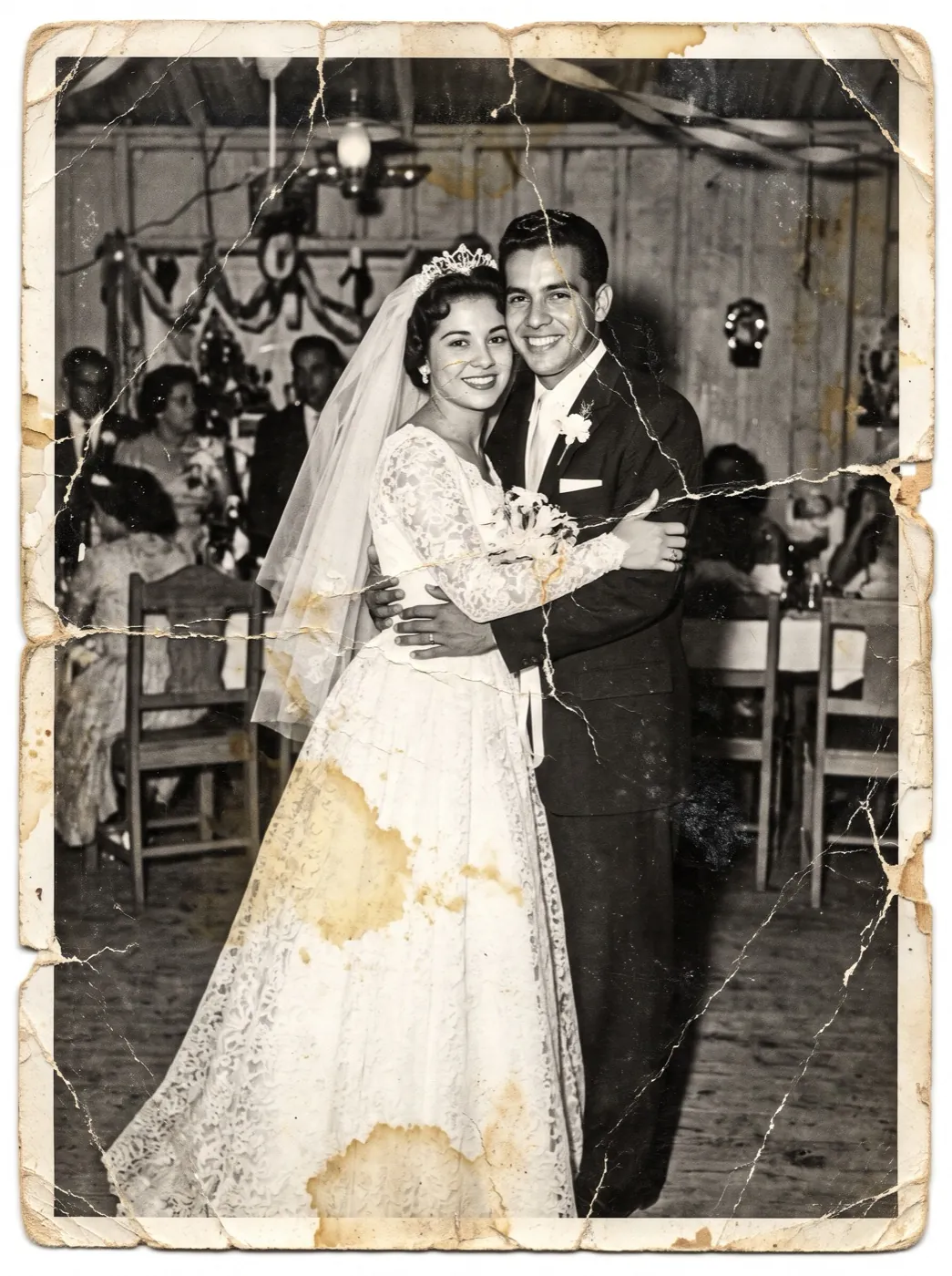
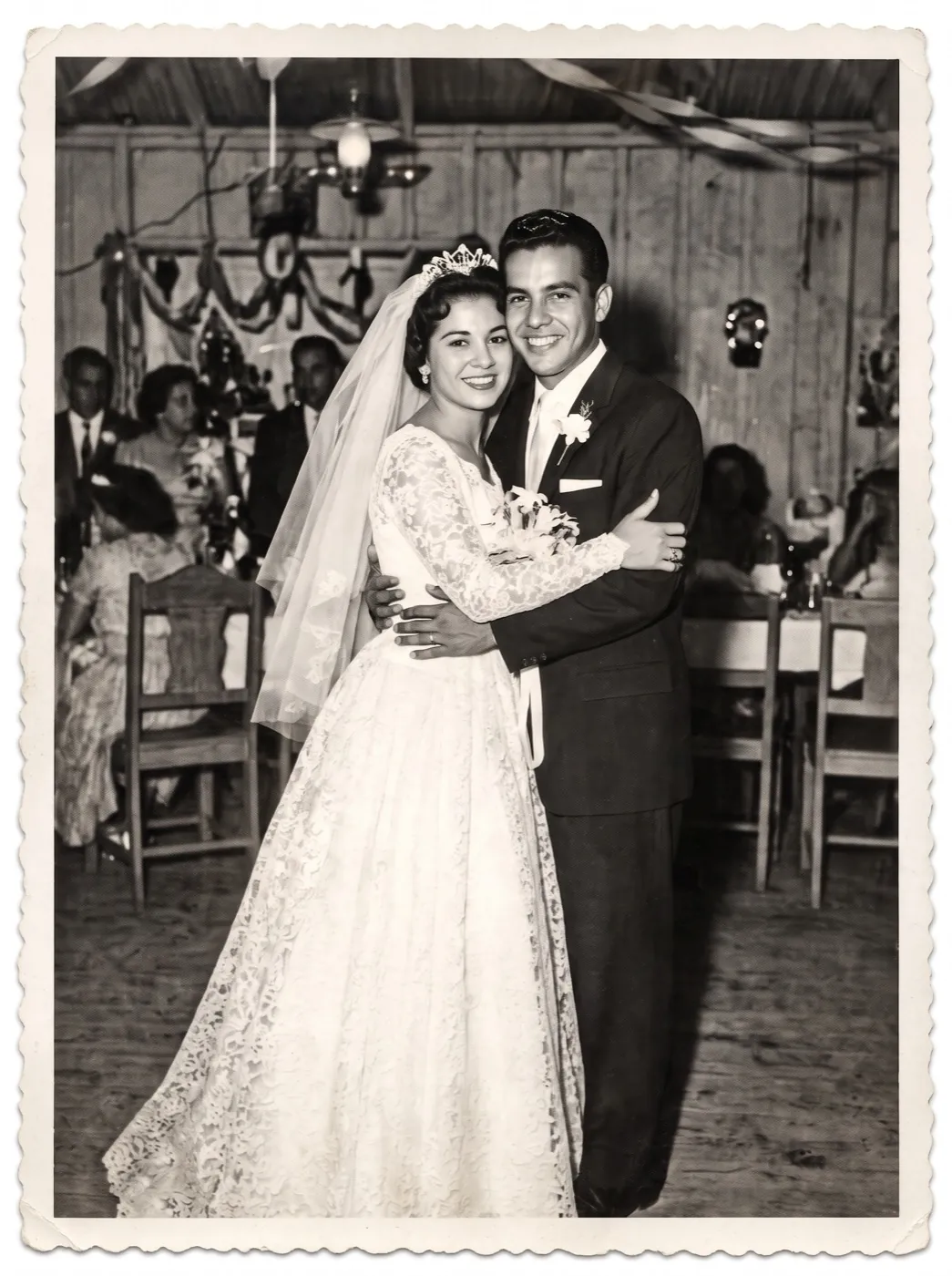
Fix tears, water stains and cracks on old prints.
Convert FormatFree
HEIC to JPG, PNG to JPG or JPG to WebP, in your browser.


Compress ImageFree
Make a listing photo smaller for email or upload limits.


Resize ImageFree
Set exact pixels or pick a size for each social app.


Crop ImageFree
Square, story, circle avatar, grid or carousel slides, nothing uploaded.


Tools work best in a row
Three jobs people do every day, and the tools they use for each, in order. Each step takes the file the last one made.
Bring an old print back
4 steps · credits shown before each one
Turn a product photo into an ad
3 steps · credits shown before each one


Four tools are free, with no sign-in
Convert, compress, resize and crop run in your browser. Your photo never leaves your device.
Tools FAQ
How credits, watermarks and chaining work across the tools.
Which tools are free?
Convert Format, Compress Image, Resize Image and Crop Image are free, with no sign-in. They run in your browser, so the photo never leaves your device. The image tools can also use the 10 credits you get when you sign up.
How are video tools charged?
By the second of video, and you see the total before you start. Upscaling to 1080p costs 3 credits a second, 2K costs 5 and 4K costs 9. If a run fails, the credits come back.
Do tools add a watermark?
Not on paid credits. An image made with the free sign-up credits carries a small watermark, the same as everywhere else on the site. The four free browser tools never add one.
How do Motion Control and Lip-Sync work?
Motion Control takes a video of someone moving, 3 to 30 seconds long, and copies the moves onto the person in your photo. Lip-Sync makes a face follow an audio track of 2 to 10 seconds. Both are charged by the second, shown on the button before you run.
Can I chain tools?
Yes. Each tool takes the file the last one made, so you can restore a print, animate it and upscale the clip in a row. The three jobs on this page show the usual order.
Can I use a video made somewhere else?
Yes, whatever made it. Each tool checks its own limits before uploading: the Video Upscaler takes MP4 or MOV up to 60 seconds and 50 MB, Motion Control up to 100 MB and Lip-Sync up to 100 MB.
Make the clip, then finish it here.
Add a photo to turn it into a video. Upscale it, clean it up or make it talk with the tools above.