Guides
Short, tested how-tos for turning photos into clips. Every example was made on this site.
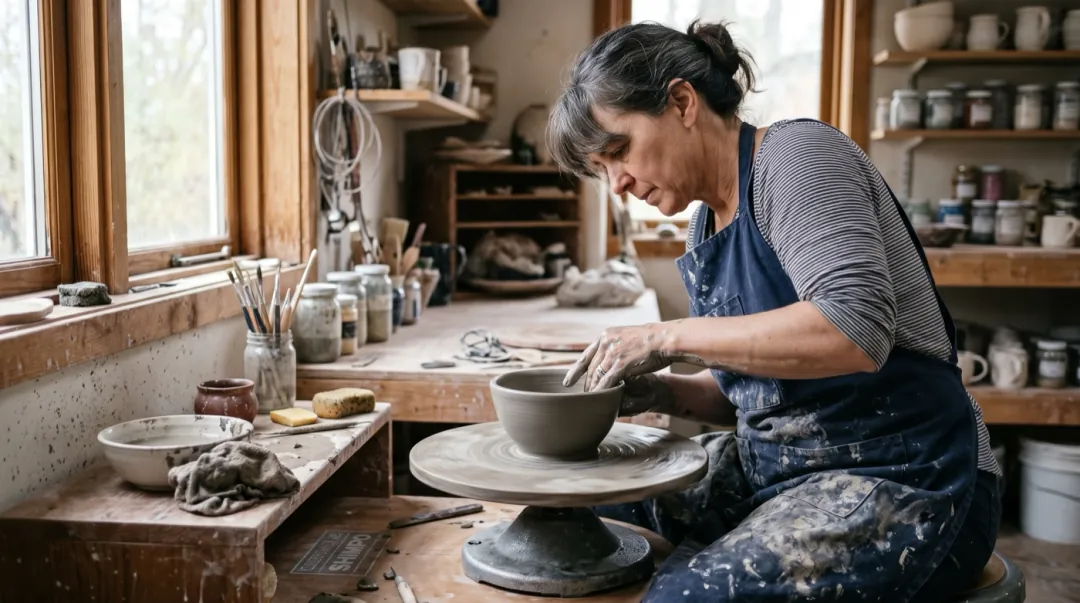
Start here
How to turn a photo into a video with AI
The four choices that decide whether a clip looks right: the photo, the words, the model and what to change when it goes wrong.
Read the guideStart from what you want to make
Three guides for each goal, in the order we would read them.
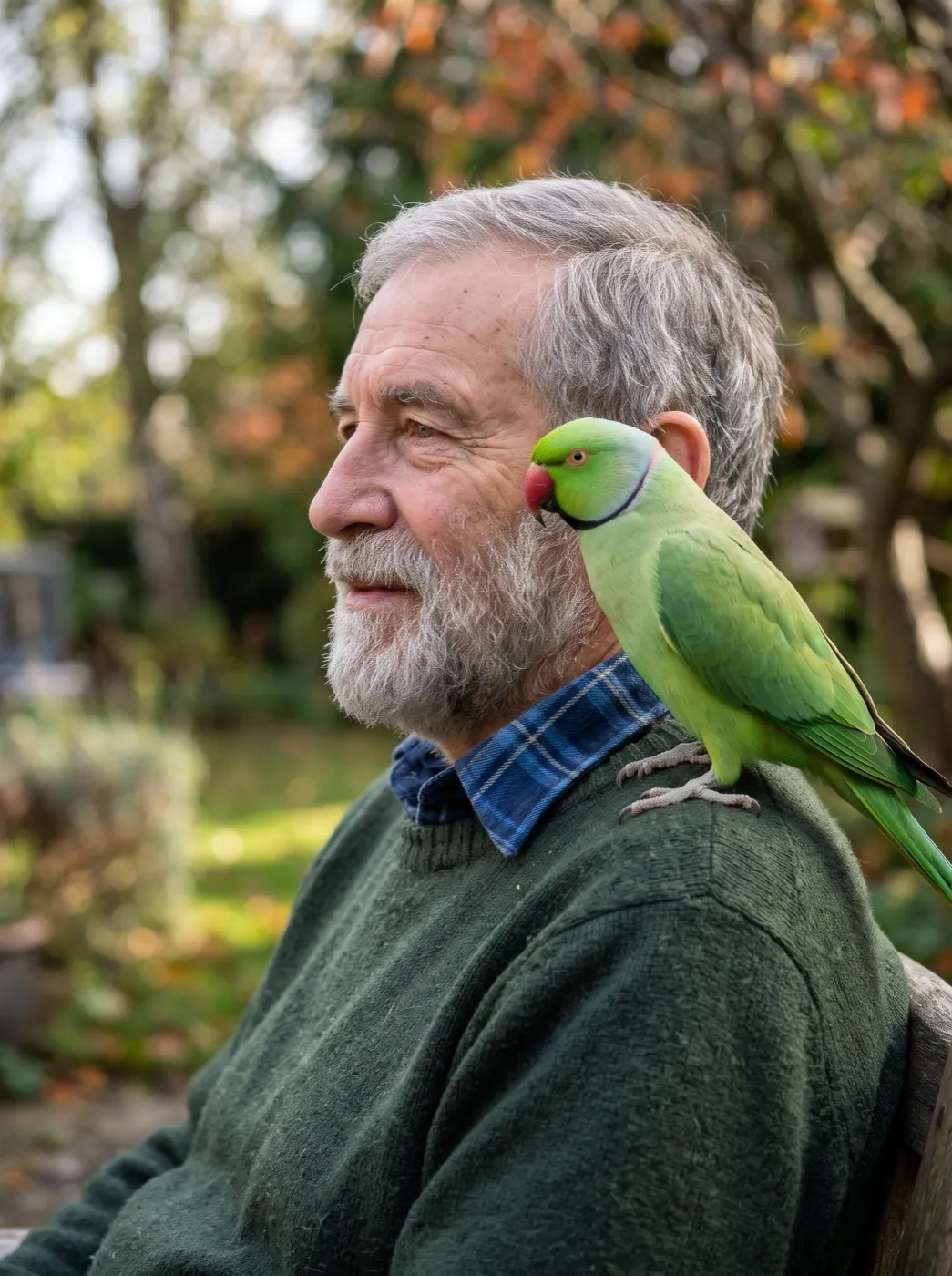 Bring people and pets to life
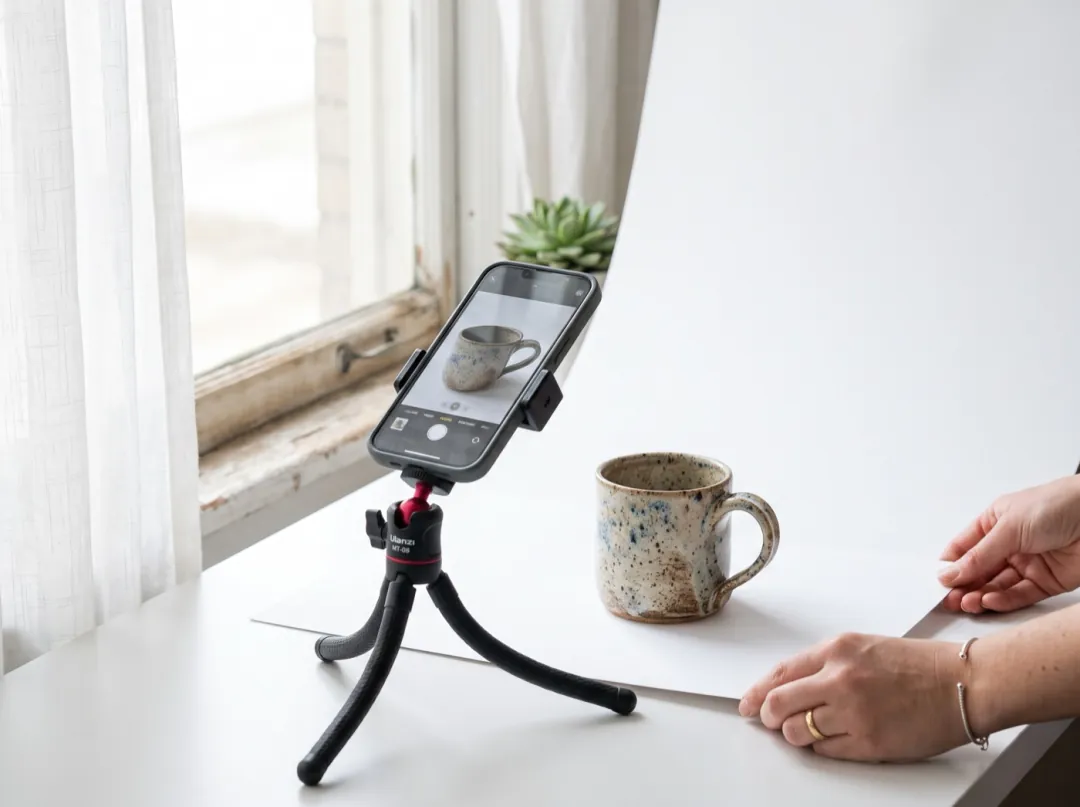 Sell something
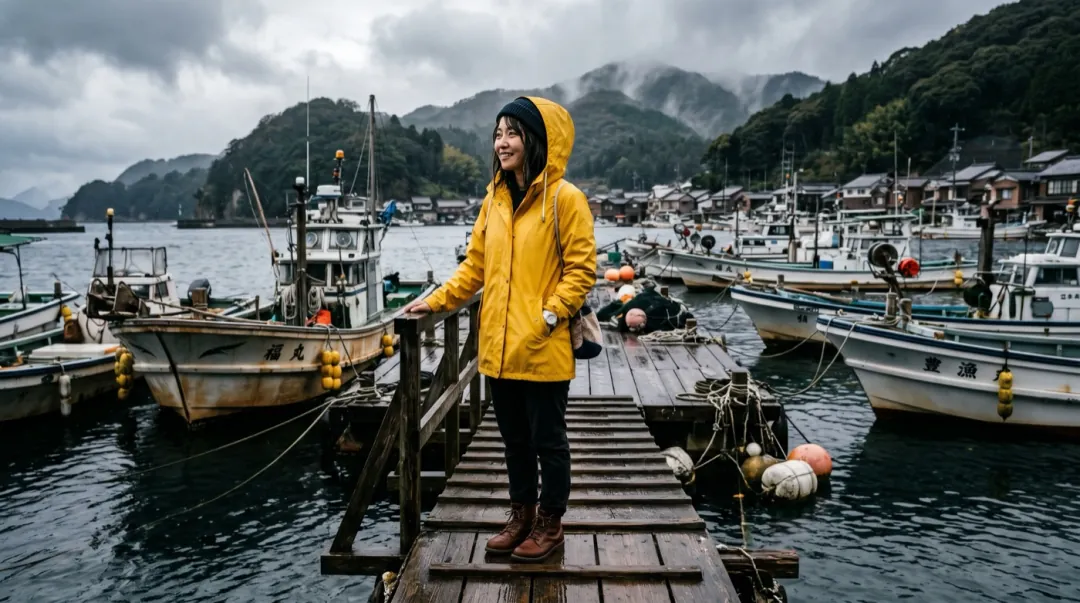 Get the shot you pictured
 Finish and spend less
Latest guides
Workflows
How to turn a photo into a video with AI
6 min read · Nov 2026
Prompts
Image to video prompts: what to write and what to leave out
6 min read · Nov 2026Prompts
AI camera movements: dolly, orbit, crane and handheld
5 min read · Nov 2026
Photos
How to bring an old family photo to life
5 min read · Nov 2026
Photos
Turn a pet photo into a video
5 min read · Nov 2026
Business
Turn one product photo into a short ad
5 min read · Nov 2026Prompt cheat sheet
The four parts of a motion prompt, with words that work. Mix one from each column.
Who moves
One person or thing and one action.
- she turns and smiles
- the cat blinks
- he lifts the cup
Camera
One move, said plainly.
- slow push-in
- pan left
- camera holds still
What else moves
Small things around the subject.
- hair in the wind
- steam rises
- lights flicker
Pace and length
How fast, and for how long.
- calm, 5 s
- quick and playful
- slow motion
A learning path in four guides
From your first clip to a finished one you can post.
Read enough? Try it on a photo.
Every guide opens the editor with its example filled in. Swap in your photo and press Generate.