Compress Image
Smaller files · freeAdd a photo, choose how small, and see the new file size before you save it.
Your photo never leaves this device.
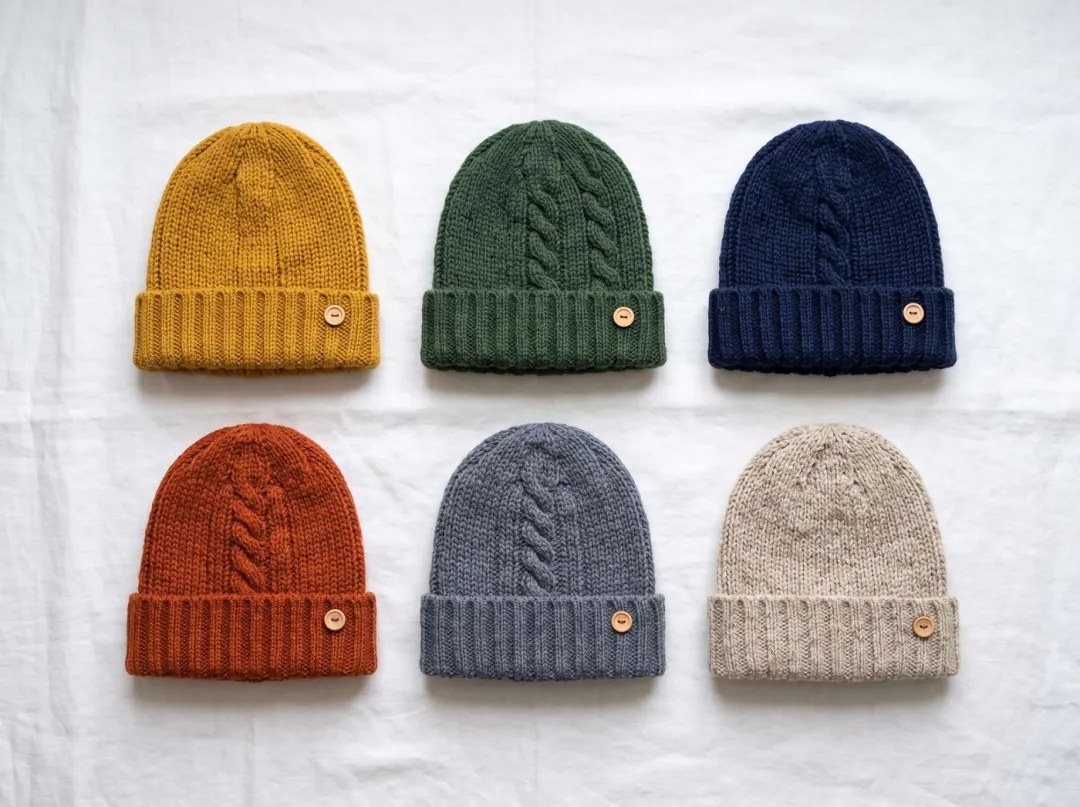
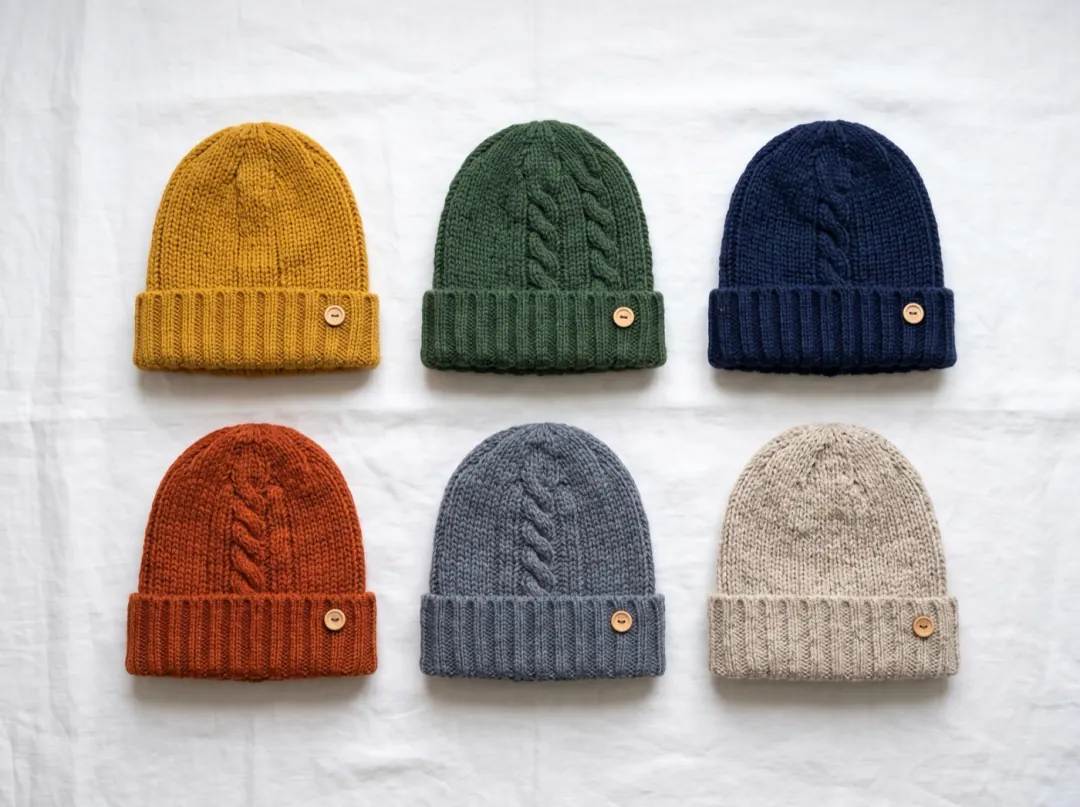 Original · 3.62 MBSmallest · 457 KB
Three upload limits, cleared
Same tool, three settings. Every size below is the file this page saved.
A product photo under the shop’s limit
A phone photo of hand-knitted beanies came out at 3.62 MB. Plenty of shop and marketplace forms cap uploads well below that, or crawl while a big file goes up.
Kept at full size, Balanced saved it at 635 KB and Smallest at 457 KB. Zoom in and the knit is still there; the stitches are what buyers look at.
A header photo that doesn’t slow the page
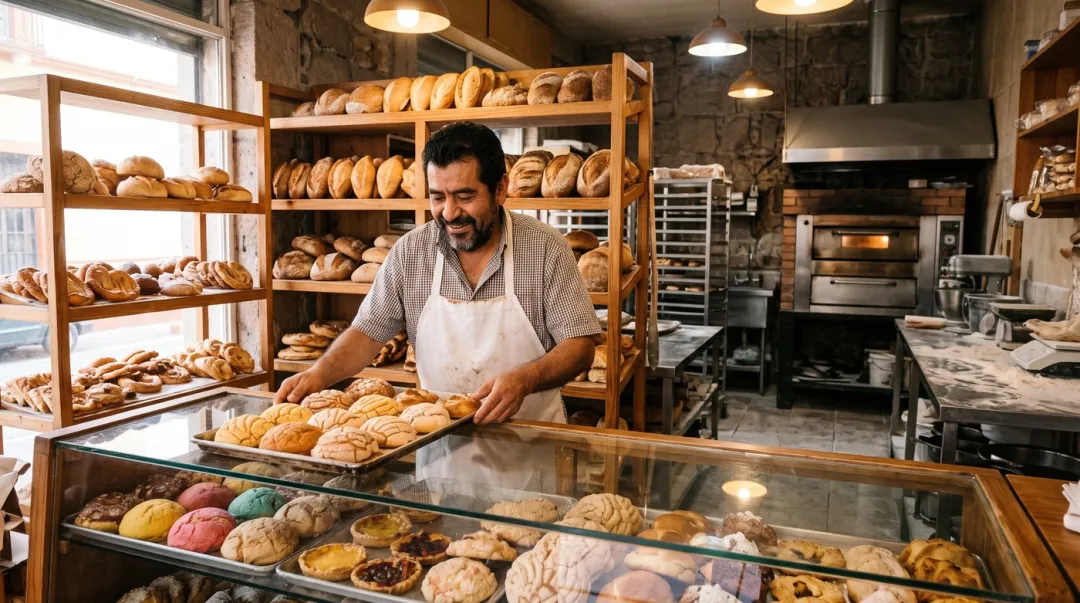
A bakery’s front-page photo at 3.91 MB makes the page wait on mobile data. Nobody views a website header at 2752 pixels wide anyway.
Capped at 1920 px on Balanced, it came out at 358 KB, 91% smaller, still sharp across a laptop screen.
Room photos that all fit in one email
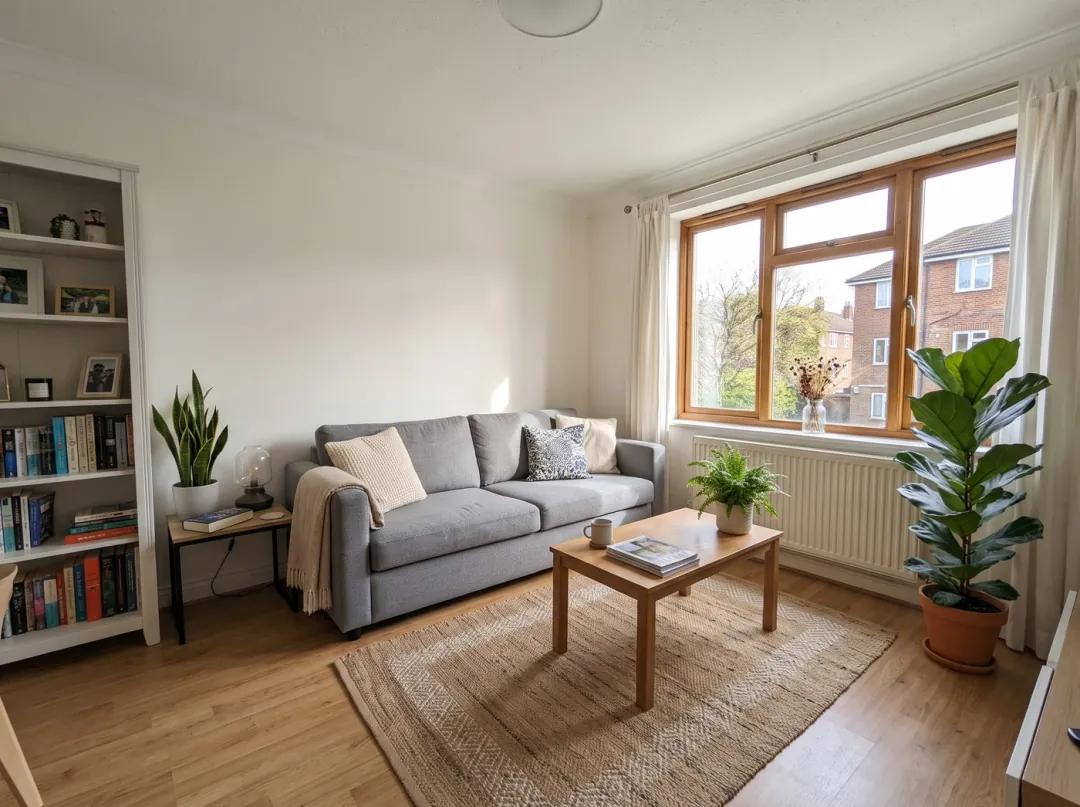
Ten room photos at 3.3 MB each come to 33 MB, past the attachment limit most email services set. The message bounces, or turns into a download link.
Capped at 1280 px on Smallest, this living room came out at 121 KB, 96% smaller, and still shows the room clearly on any phone.
Who compresses photos
Usually someone with a size limit and a deadline.
ShopsSellers
Listing photos under the marketplace limit without losing the detail buyers zoom in on.
WebsitesSmall business sites
Header and gallery photos that load on a phone before the visitor leaves.
EmailAgents and landlords
A whole set of room photos in one email, under the attachment limit.
Where compressing fits
Usually the last step before an upload.
Compress Image
Smaller files, same pixels or fewer.
Compress image FAQ
Quality, sizes and privacy.
Is Compress Image free?
Yes. It runs in your browser: no sign-in, no daily limit, no credits. Photos up to 50 MB.
Does Compress Image upload my photo anywhere?
No. Your browser does the work, so the photo stays on your device. That also makes it quick: the new size shows as you change the setting.
Which setting should I pick in Compress Image?
Balanced for listings and social posts. Smallest when you need to clear a strict limit. Best quality for photos you may print. Capping the longest side saves the most.
Why did Compress Image make my file bigger?
Some photos are already squeezed hard, often ones saved by a messaging app. The page tells you when that happens; try Smallest, a smaller longest side, or keep your original.
What format does Compress Image save?
JPG for photos and HEIC. A PNG or WebP is saved as WebP, which keeps any see-through parts; browsers that cannot write WebP get a JPG on white instead.
Can Compress Image shrink a photo to an exact file size?
Not to the exact kilobyte. You see the size before saving, so step down from Balanced to Smallest, then cap the longest side, until it is under the limit.
Related tools
More free fixes for a photo, plus one paid one.
 Free
Set exact pixels, or the size each social app asks for.
 Free
HEIC to JPG, PNG to JPG, JPG to WebP.
 Free
Trim to a square, a story or a circle avatar.
 Image
The other way: make a small photo bigger with detail filled in.
Under the limit, still sharp.
Add a photo, pick how small, and see the size before you save.