Image to Video AI
Add a photo, say how it should move, and get a 5 to 8 second clip. Old prints, group shots and pets included.
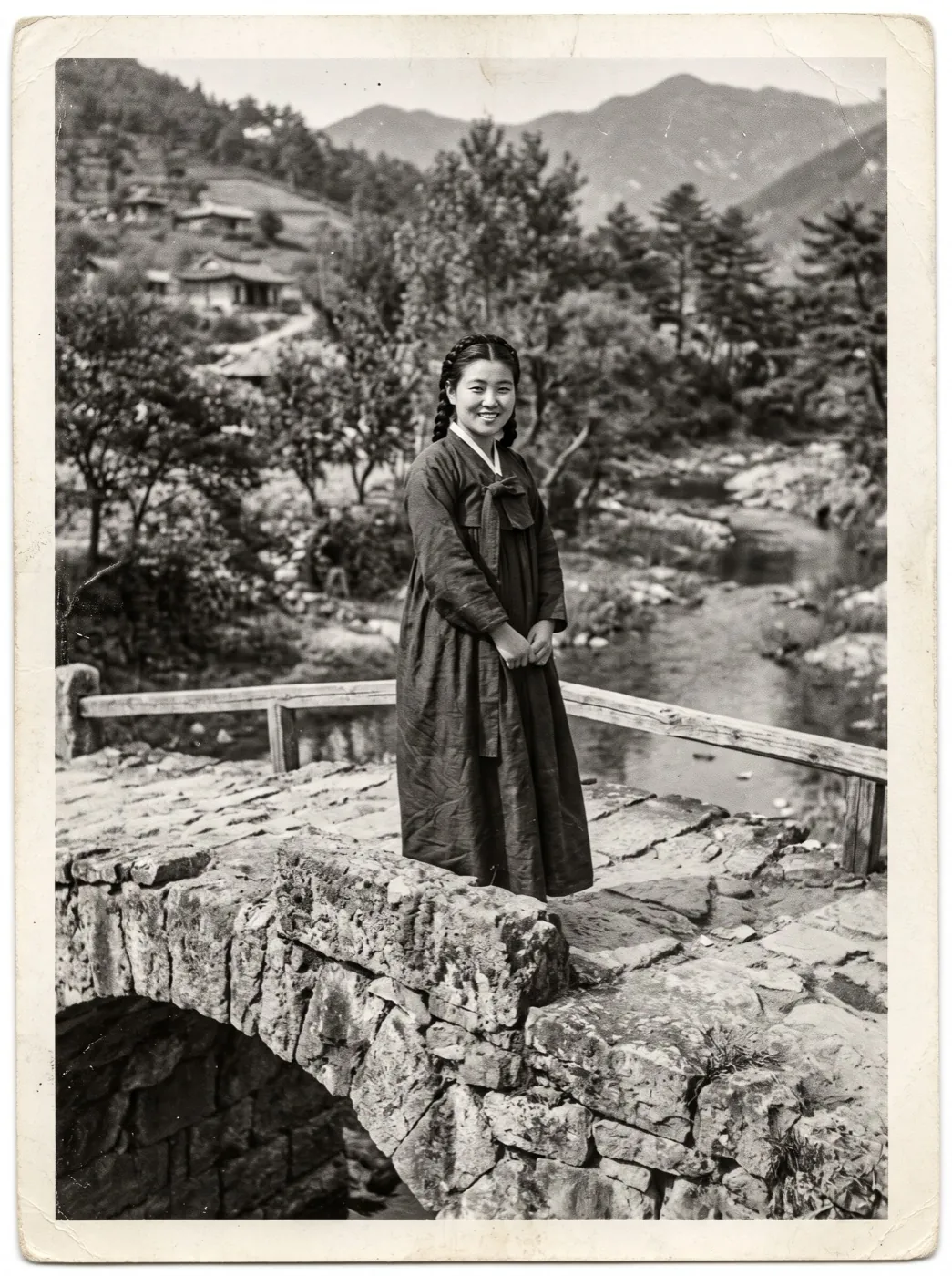
Hailuo 2.3 · 6sShe blinks, smiles shyly and tucks a strand of hair behind her ear, the willow branches move behind her.
Start from a recipe
Every clip here began as one photo. Each card keeps the photo, the words, the model and the length, so one tap fills the generator with all of it.
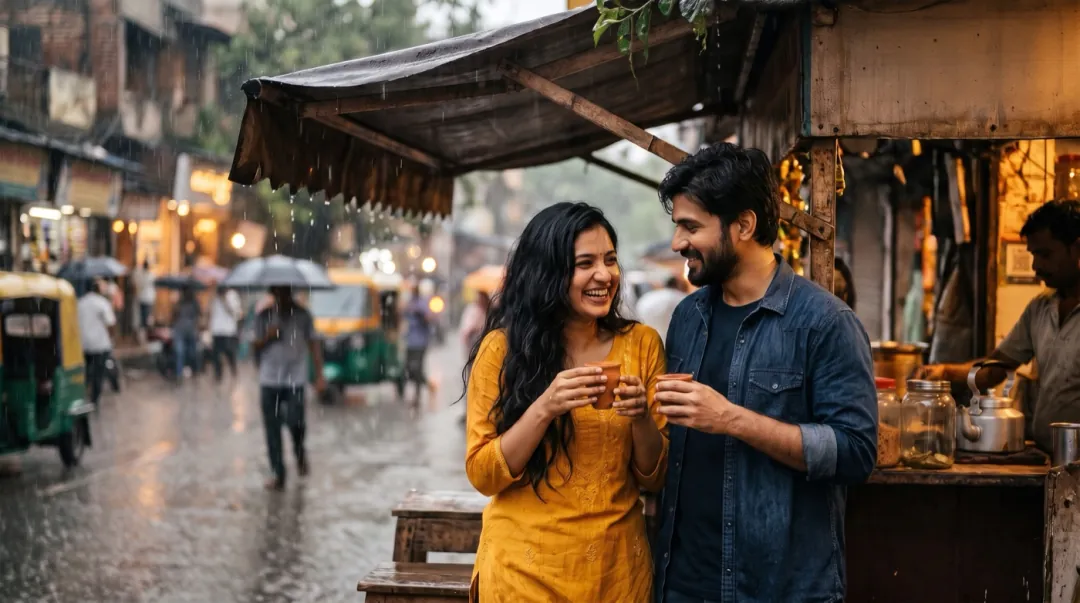 Couples
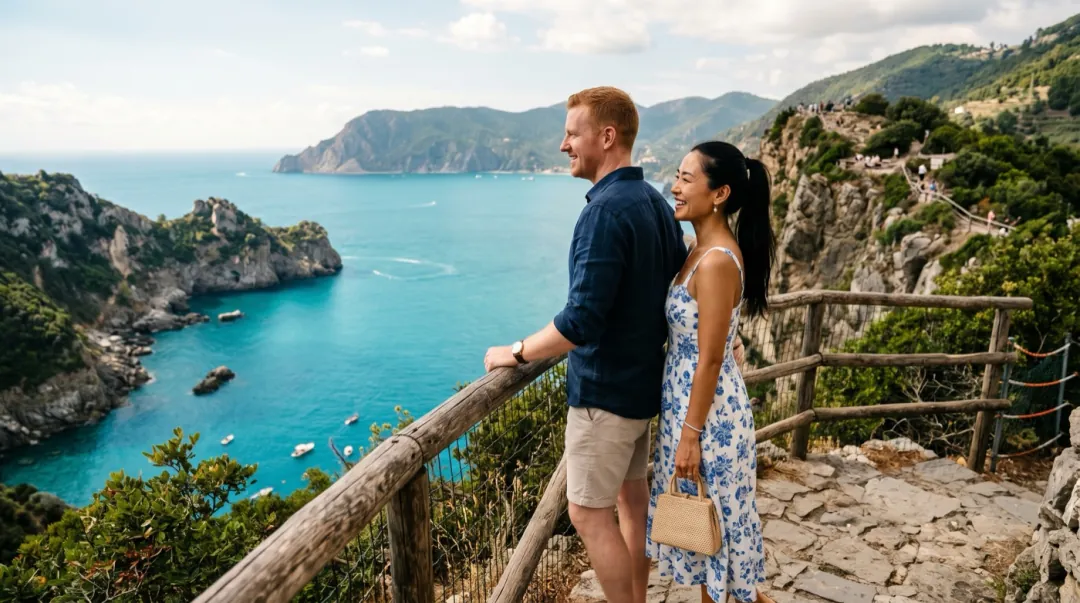
Monsoon at the chai stall
She leans on his shoulder, he laughs and puts his arm around her rain pours off the awning, steam rises from the cups 5 s
 Kling 4.0
A 1960s print on a bridge
She blinks, smiles shyly and tucks her hair behind her ear the willow branches move behind her 6 s
 Hailuo 2.3
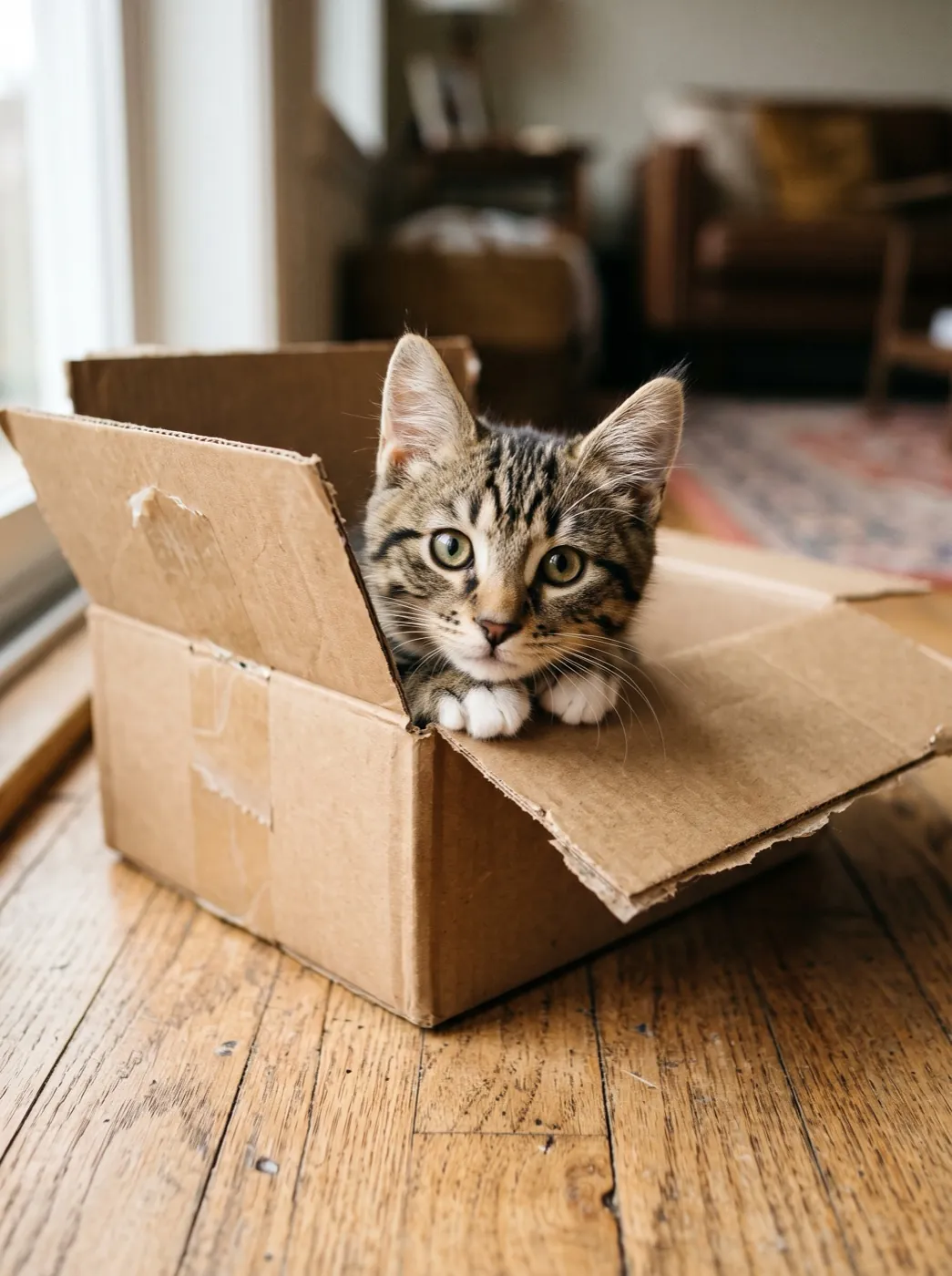
Kitten in a delivery box
The kitten pops up, looks left and right, then ducks back in 5 s
 Seedance 2 Mini
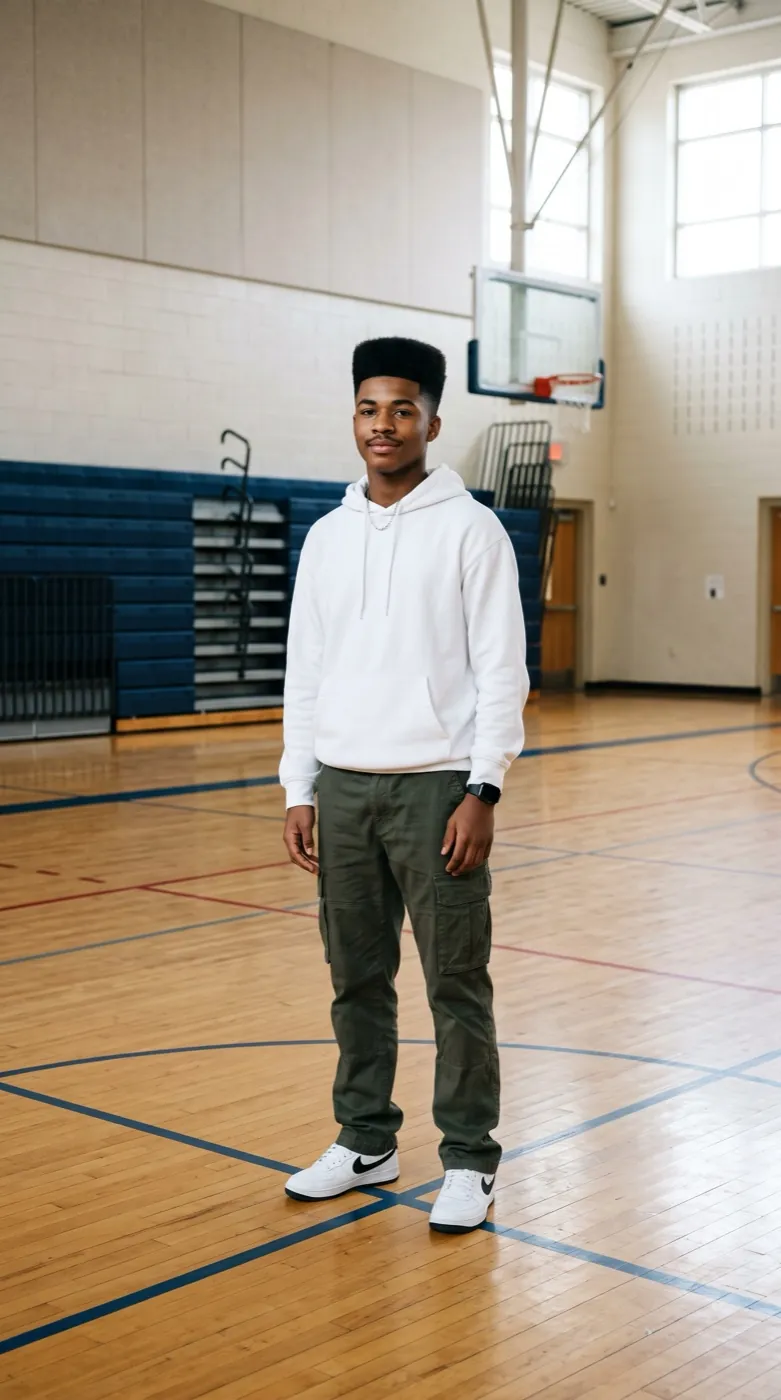
Footwork in the school gym
He does quick footwork, a spin and freezes with one hand up sneakers squeak on the floor 5 s
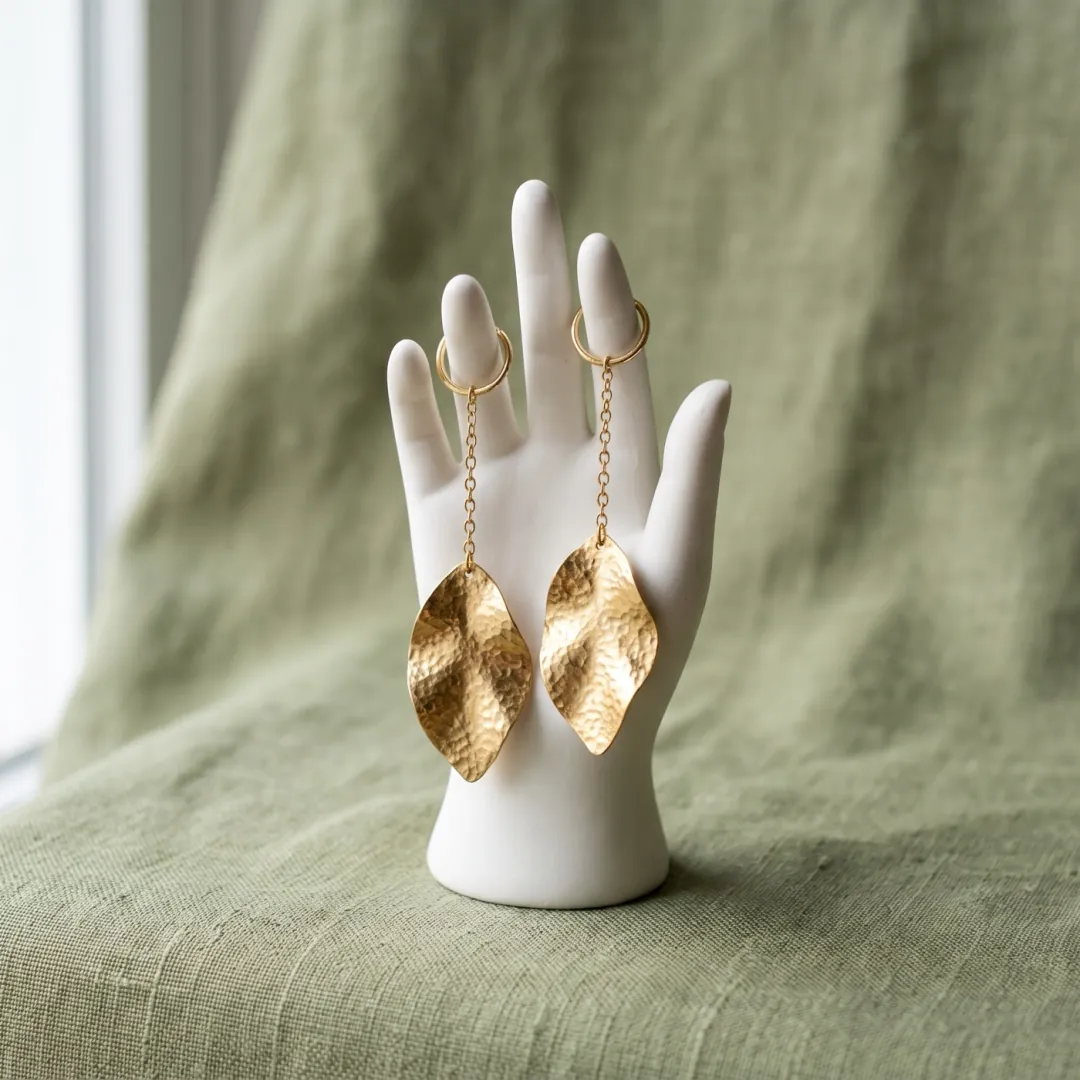
Handmade gold earrings
The stand turns slowly slow push-in the earrings swing and catch the light 5 s
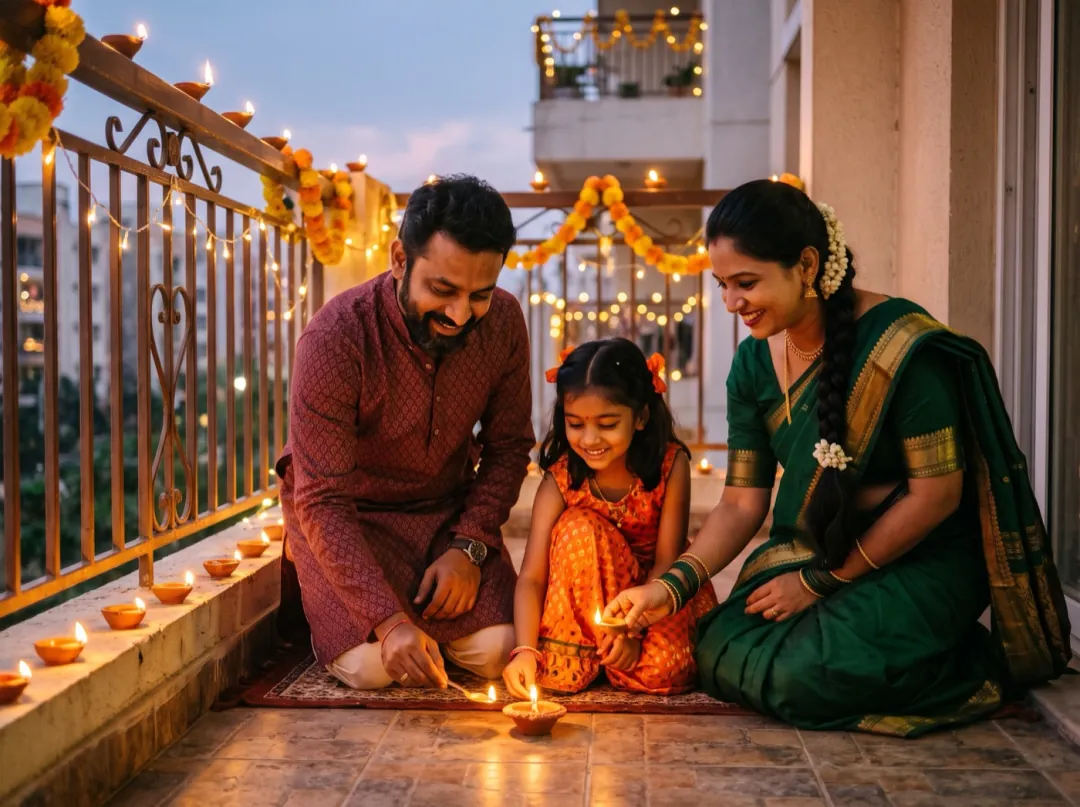
Diwali on the balcony
The girl lights the last lamp and they look up sparklers glow, fireworks light the sky 5 s
How image to video works
Three steps. The middle one is the only place you type.
Add one photo
JPG, PNG or WEBP · up to 10 MB. Sharp, well lit, with the subject filling the frame. The clip keeps its face, light and framing.
Say how it moves
Who moves, what the camera does, what else moves, how fast. One short sentence is enough.
Get the clip
Ready in one to four minutes. Download it, run it again for a new take, or sharpen it in the upscaler.
Photo in, video out
The photo that went in sits in the corner of each clip, with the same face, light and frame. Hover or hold it to lay it back over the clip.
 Seedance 2 Mini · 5sHailuo 2.3 · 6sSLeans on himCPush-inARain poursPCalm, 5 s
What a good prompt is made of
Four parts, in this order. You rarely need all four, but each one you add removes a guess the model would otherwise make.
“She leans her head on his shoulder and he puts his arm around her, slow push-in from table height, rain pours off the awning and steam rises from the cups, calm, 5 seconds.”
Six camera moves to ask for
Each move is a short phrase in the prompt. One move per clip looks best; two moves in five seconds starts to feel shaky.
Push in
Moves toward the subject. Draws the eye to a face or a product.
Say slow push-in
Pull back
Reveals the scene around the subject. A natural last shot.
Say camera pulls back
Pan
Slides across the scene. Use it on wide places and shop rows.
Say pan left to right
Tilt up
Looks up from feet to face, or from ground to sky.
Say tilt up slowly
Orbit
Circles the subject. Best on a product or one person.
Say orbit around them
Rise
Lifts up and over, like a drone at the end of a scene.
Say camera rises above
Which model for which photo
Seedance 2 Mini is the default because it is cheap and steady. Switch when your photo needs something it does not do well.
| Your photo | Pick | Why | Credits | |
|---|---|---|---|---|
| Anything, first try | Seedance 2 Mini | Cheap, steady, keeps the scene | 30 · 480P 5s | |
| Old print, one face | Hailuo 2.3 | Holds a face steady as it turns | 66 · 768P 6s | |
| Two people, a real hug | Kling 4.0 | Hands and faces stay natural | 180 · 720P 5s | |
 Group or product | Seedance 2 | Several subjects, clean edges | 95 · 480P 5s | |
 You want sound, cheaply | MiniMax H3 | The lowest-cost run with audio | 15 · 480P 5s | |
 A view, 8 seconds | Veo 3.1 Fast | Longer scenes, real light | 40 · 720P 8s | |
 Dancing, night, music | Grok Imagine Video 1.5 | Lively motion, with sound | 20 · 480P 5s |
 MiniMax H3
 Veo 3.1 Fast
 Grok Imagine Video 1.5
Before you upload: a 4-point check
Most clips that look wrong start from one of these. Fix it in the photo and the video follows.
Motion makes blur worse. Use the original file, not a screenshot.
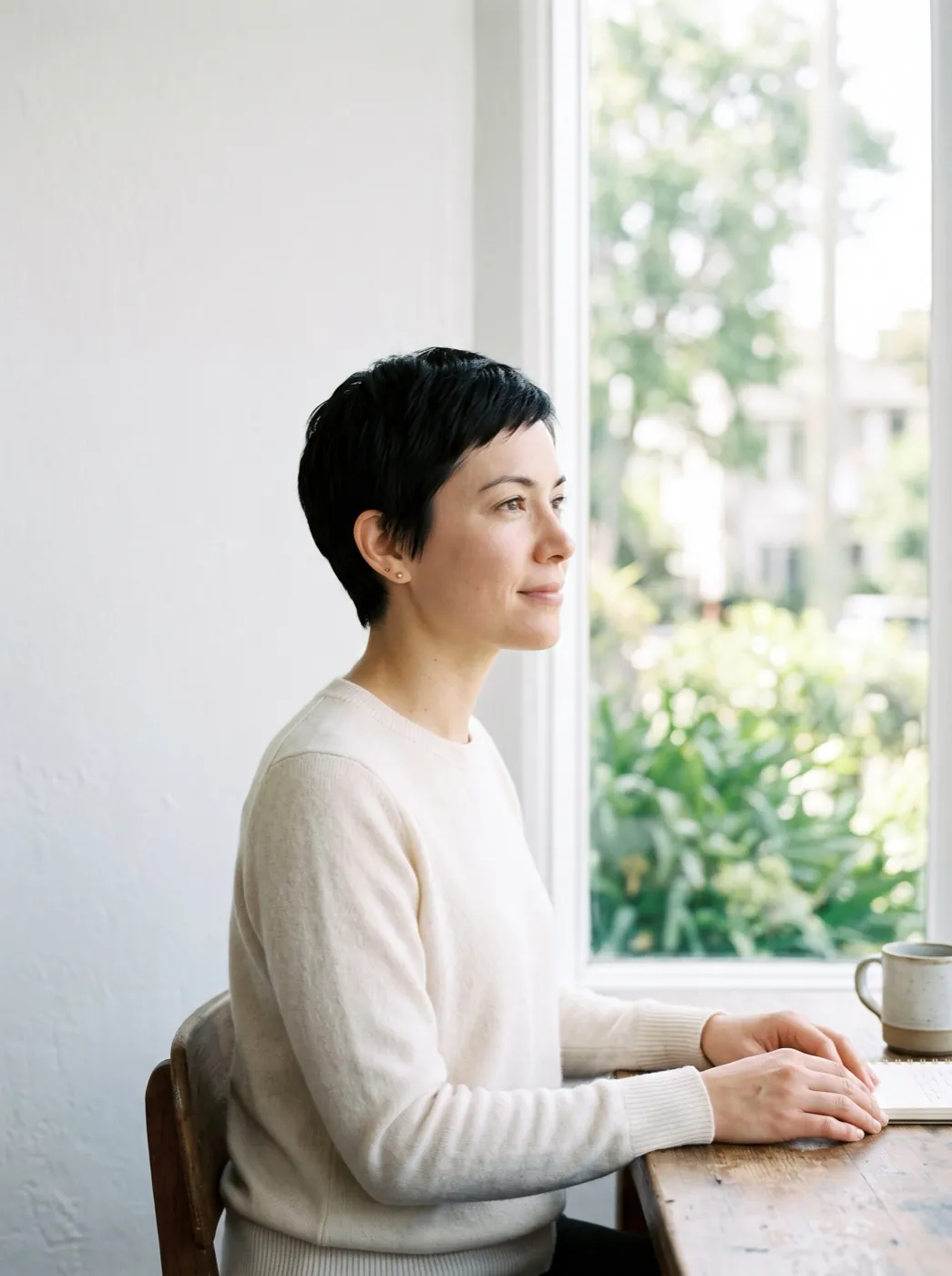
A face in shadow comes out muddy once it starts to turn.
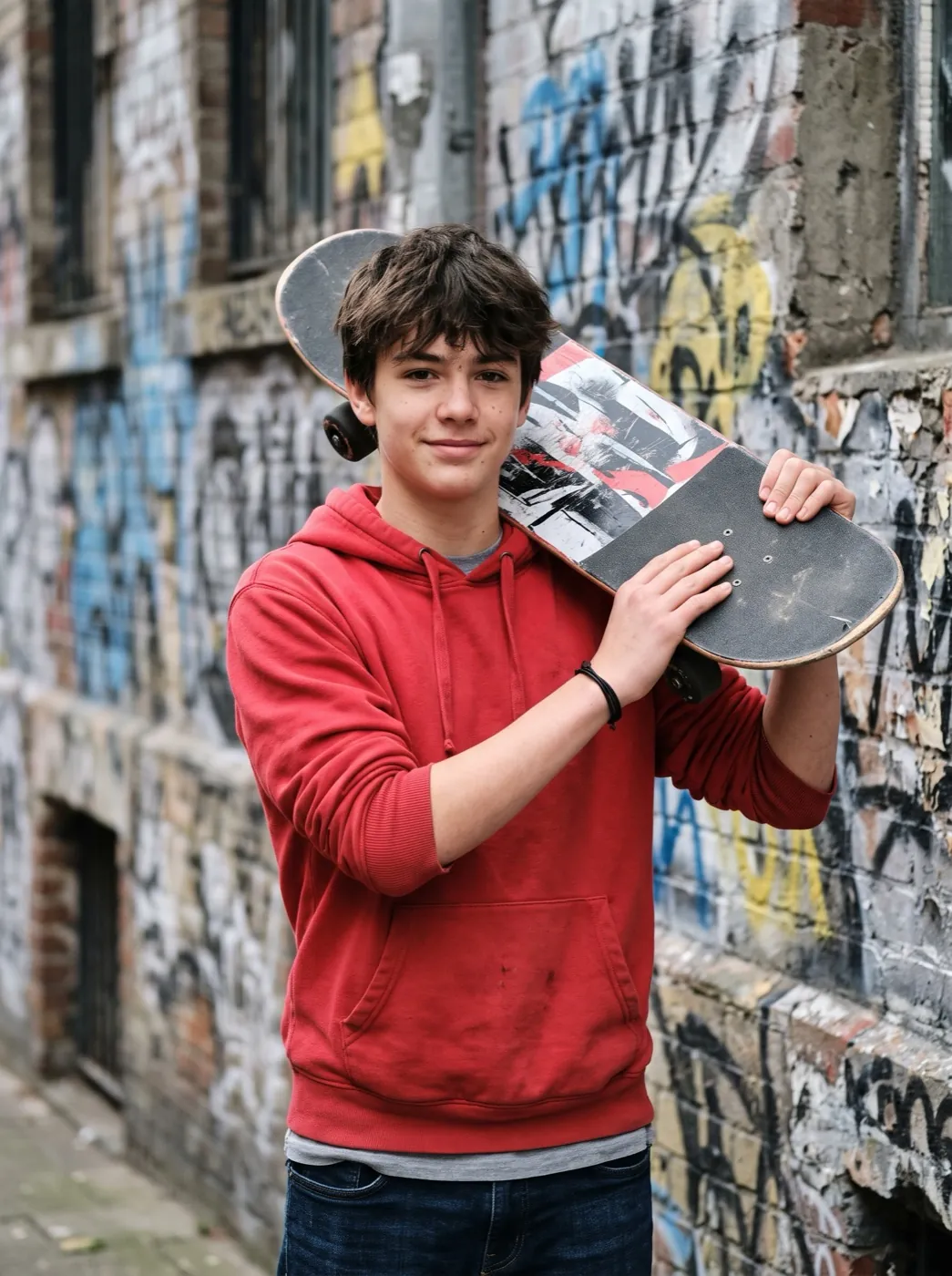
A tiny person far away gets few pixels to move with.
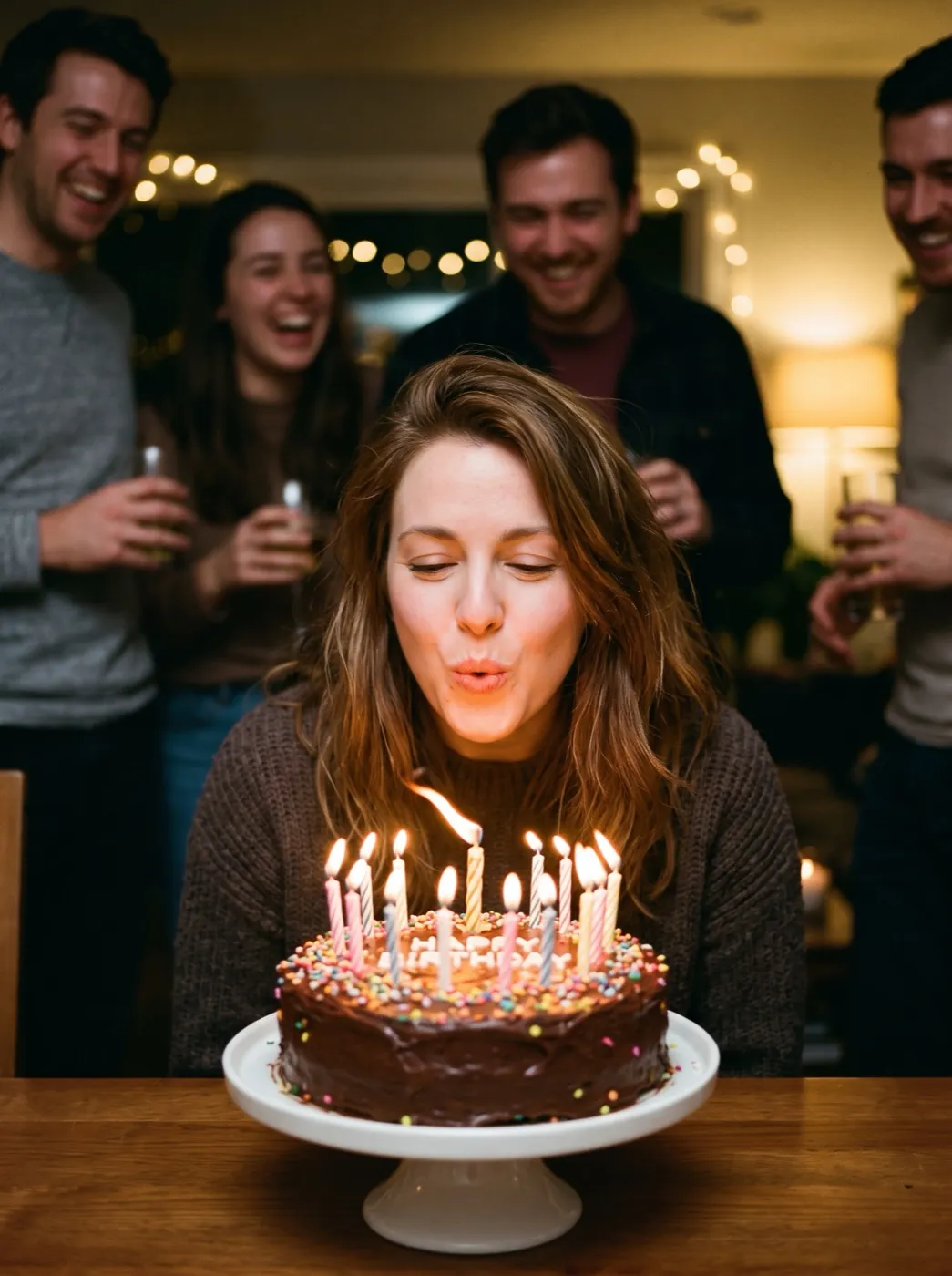
Lips ready to blow, a hand on the cup: the action begins where the photo is.
After the clip: what people do next
Download it, or take it one step further. Each step starts from the clip you already have.
Your clip
A 5 to 8 second clip from your photo, ready to download.
Run it again
Same photo and words, a new take. Keep the one you like.
Start the next clip
Save a frame you like and use it as the first frame of the next one.
Frames to VideoImage to video FAQ
What people ask before their first clip.
How do I turn an image into a video with AI?
Add the photo, write one sentence on who moves, what the camera does and what else moves around them, then press Generate. A clip is ready in one to four minutes, and the credits show on the button before you start.
Which image to video model should I pick?
Start with Seedance 2 Mini: it is the cheapest steady run at 30 credits. Pick Hailuo 2.3 when a face must stay the same, Kling 4.0 for pets and fast action, Veo 3.1 Fast for 8 second scenes, and MiniMax H3 for the cheapest run with sound.
Does it work on a scan of an old print?
Yes. Take a straight, well-lit phone photo of the print or scan it, crop off the border, and say what should move: a blink, a small smile, a turn of the head. Small, slow moves look most natural on old faces.
Does it work with more than one person in the photo?
Yes. Keep everyone in the frame and say who moves, for example: the girl on the left waves while the others stay still. Up to about four faces works well.
What photos work best for image to video?
JPG, PNG or WEBP up to 10 MB, sharp, with the subject lit and filling the frame. The clip keeps your photo's shape unless you pick another aspect ratio.
Is image to video free?
A new account gets 10 free credits for images. Videos use paid credits: the cheapest clip is 15 credits, packs start at $9.90 and plans at $9.9 a month. A run that fails gives its credits back.
Who owns the video?
You do. Clips made with paid credits carry no watermark and can go into ads, shops and social posts.
Other ways to make a video
Same models and credits, a different starting point.
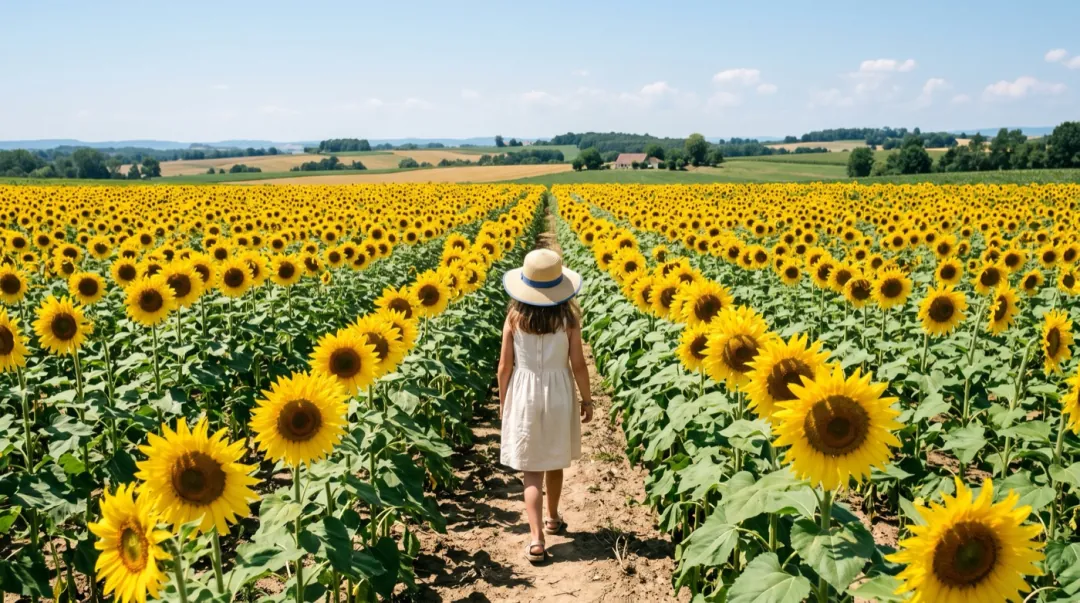 Mode
Pick the photo it starts on and the one it ends on.
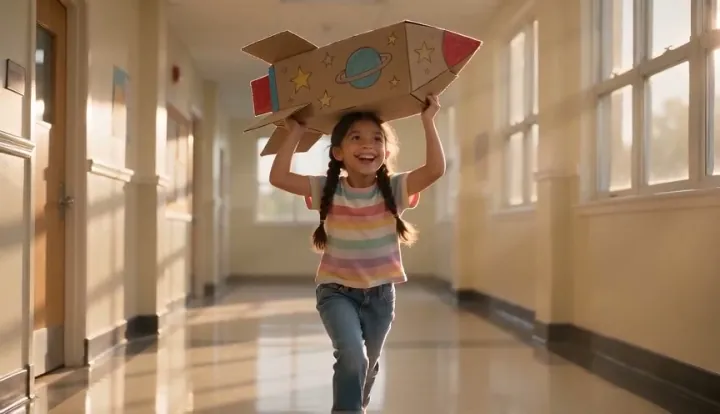 Mode
No photo, just words. Describe the scene and the camera.
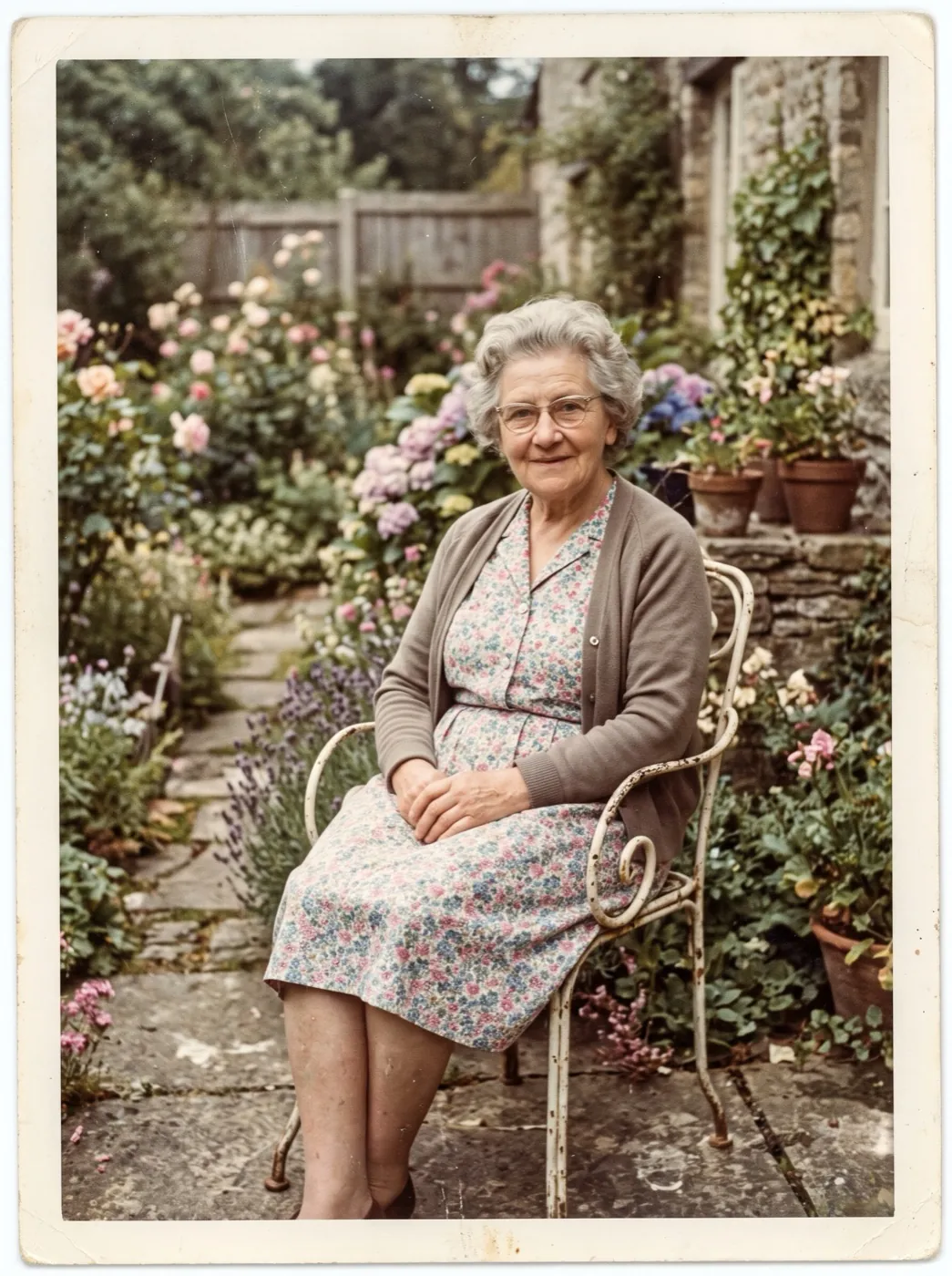 Effect
A tested prompt for prints: they blink, smile and turn.
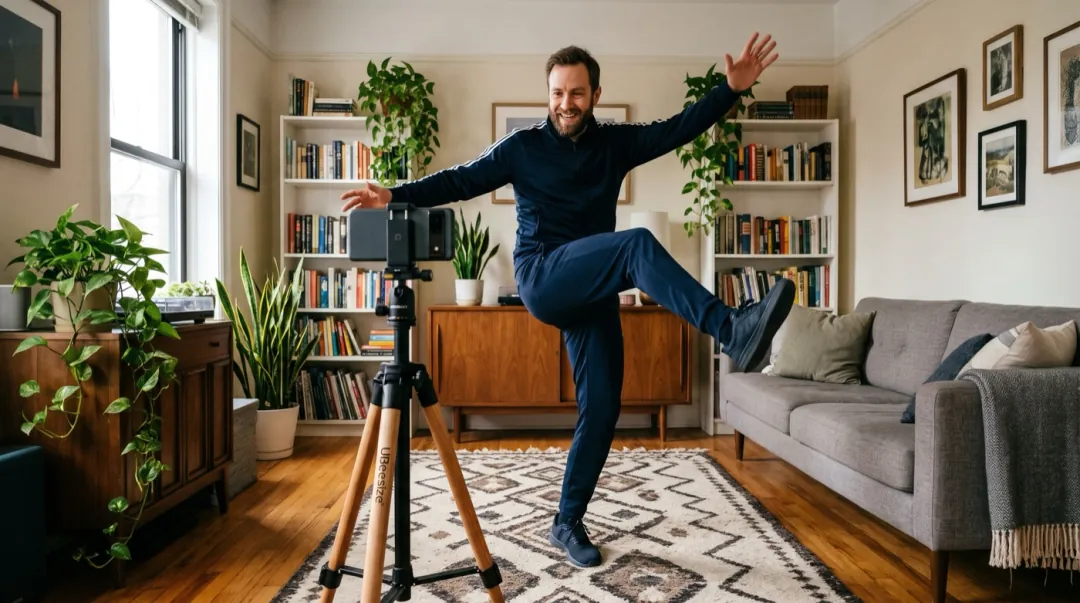 Mode
Several photos of one subject keep it the same in every shot.
Your photo is one sentence away from moving.
Add a photo here and it lands in the generator at the top, ready for your words.
This photo and one line“The girl lights the last lamp, sparklers glow, they look up as fireworks light the sky.”