AI Effects
Pick a look, add one photo, get a clip. 62 effects, each with the prompt, the model and the length already set.
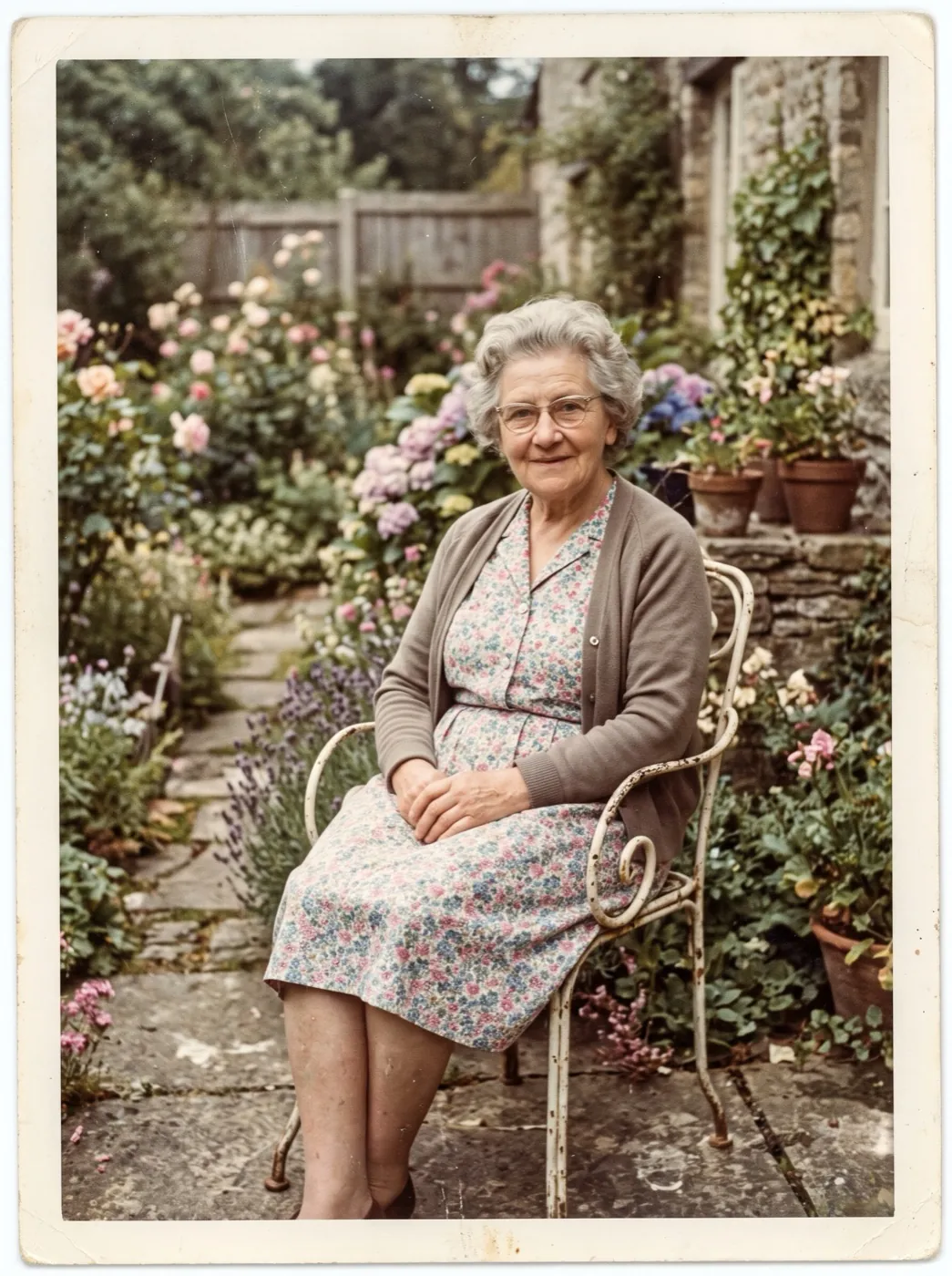
Old photo comes alive
A faded family print is restored first, then given a breath, a blink and a slow smile. Made for birthdays, memorials and family history. 70 credits for both steps.
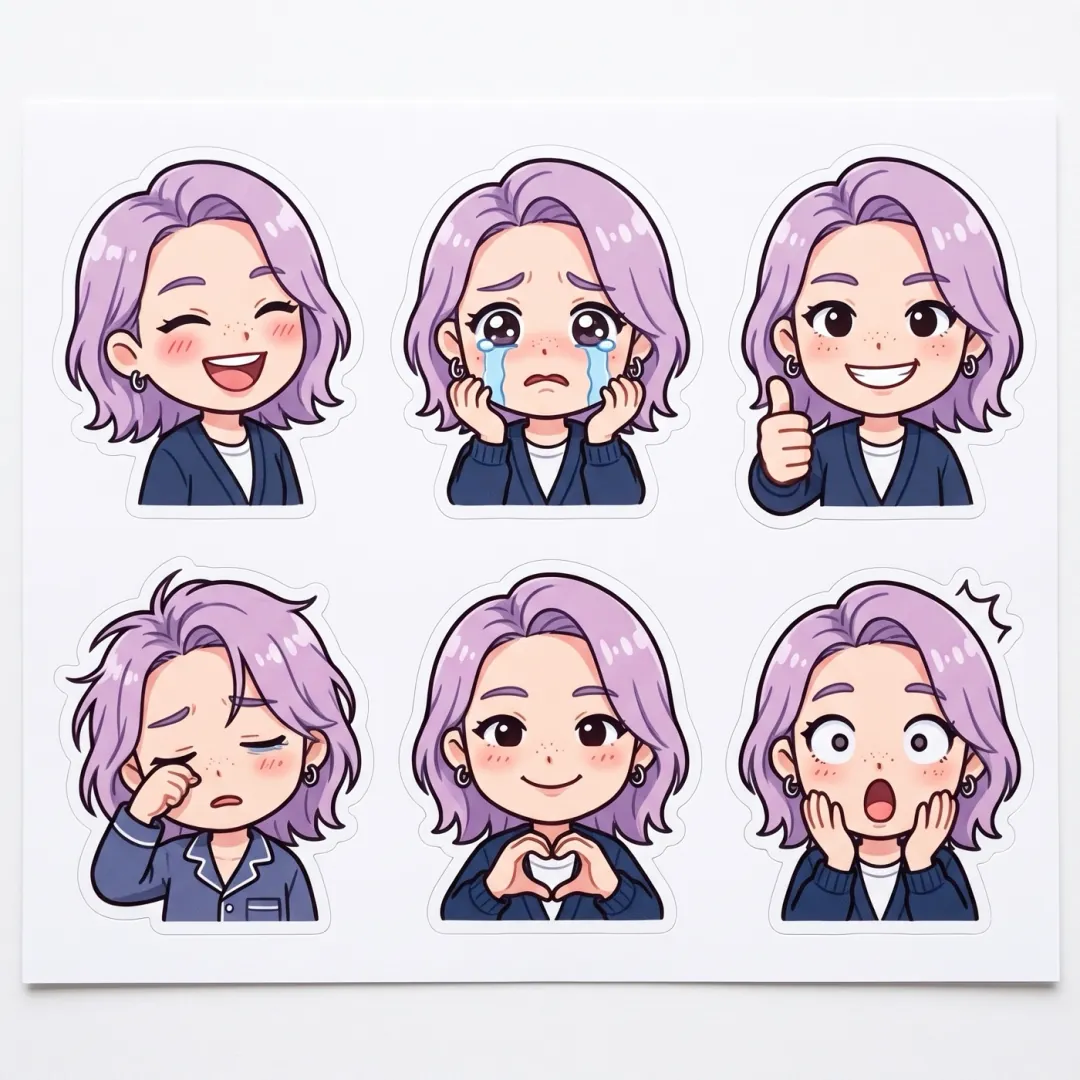 FunSticker packNEWFunImpossible dunkNEWFunNeon duo danceNEWFunZombie coupleNEWFunBroom rideNEWFunFairy-tale tiptoeStylesGolden hour glowStylesProduct spin
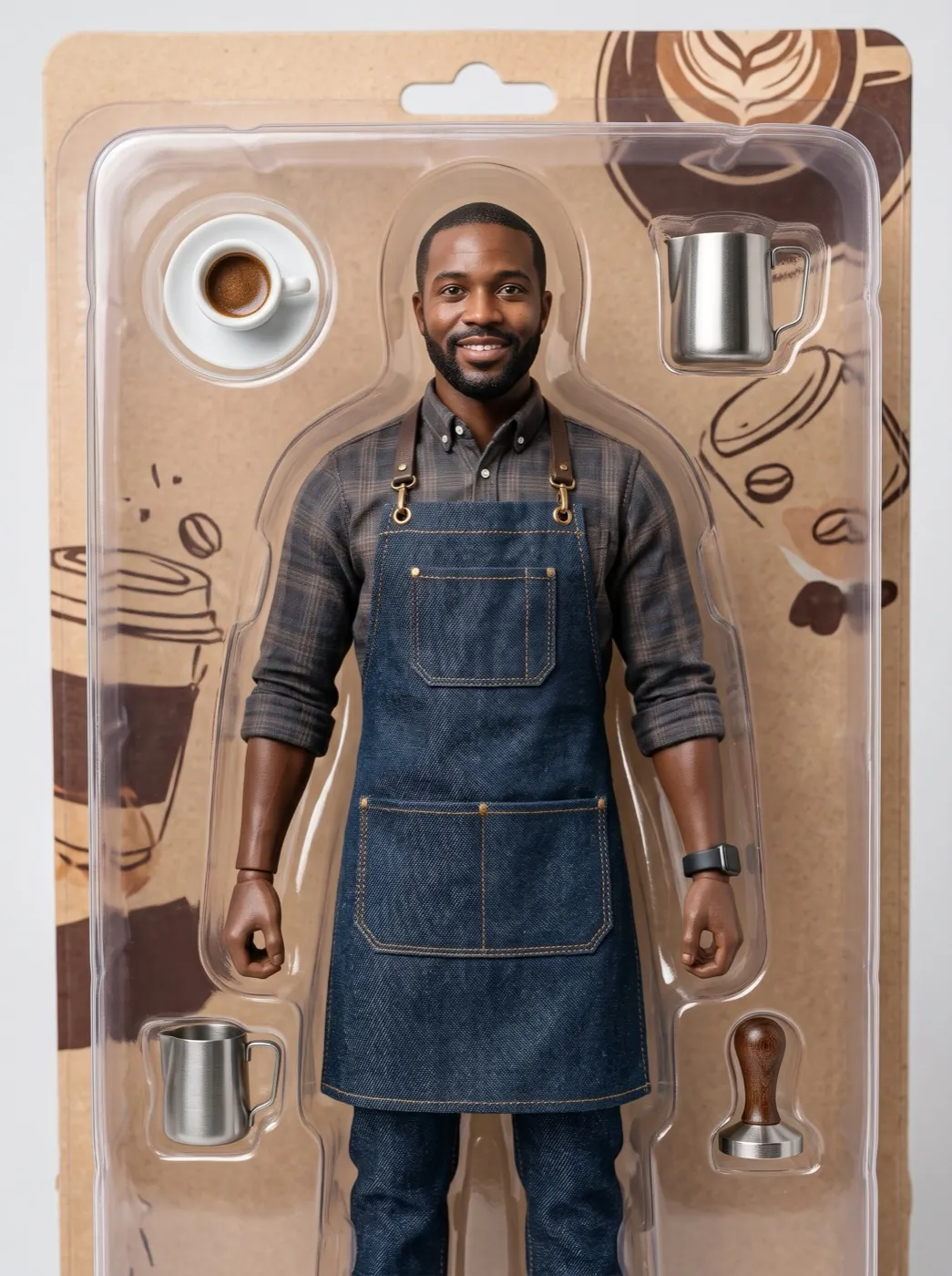 StylesAction figure box
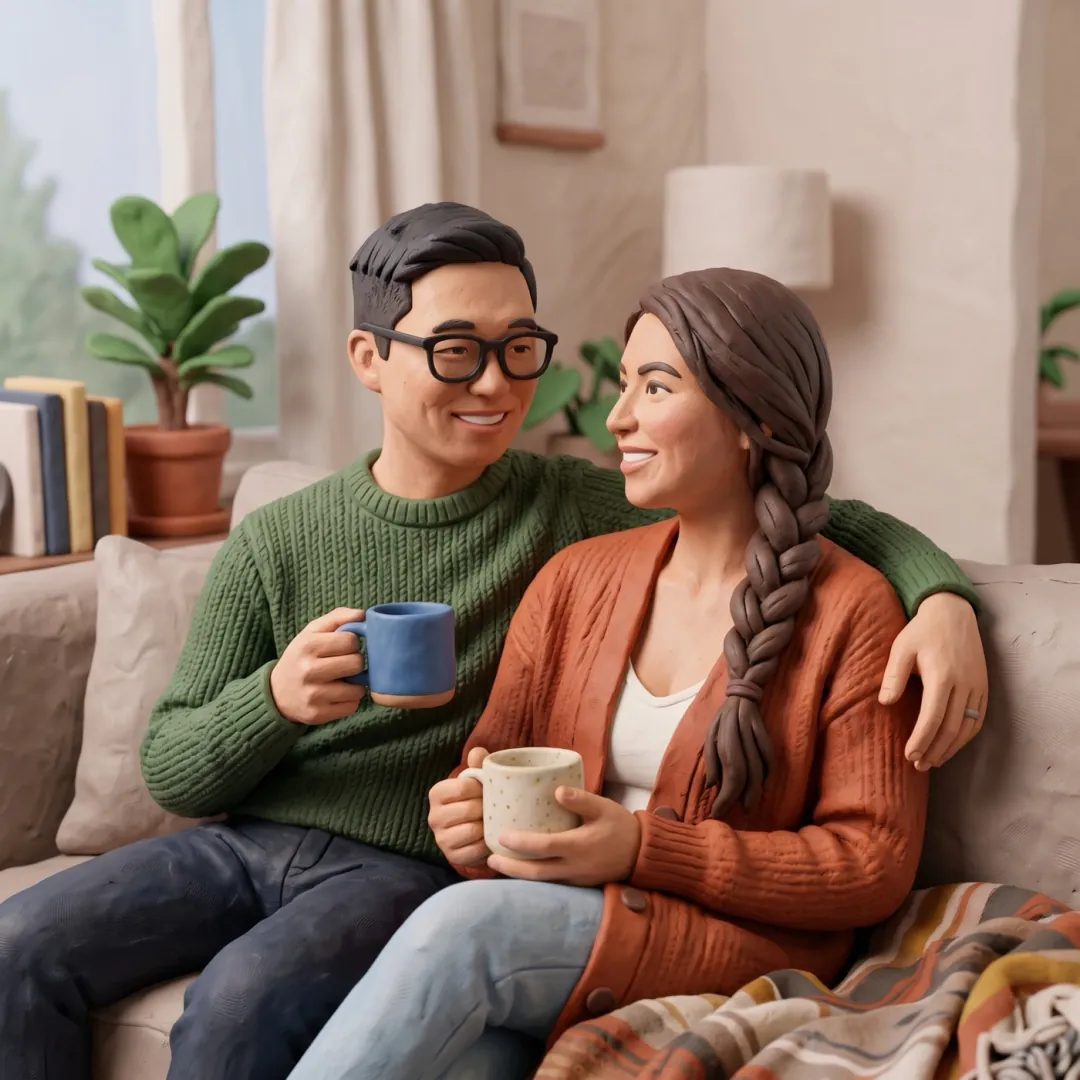 StylesClay figure
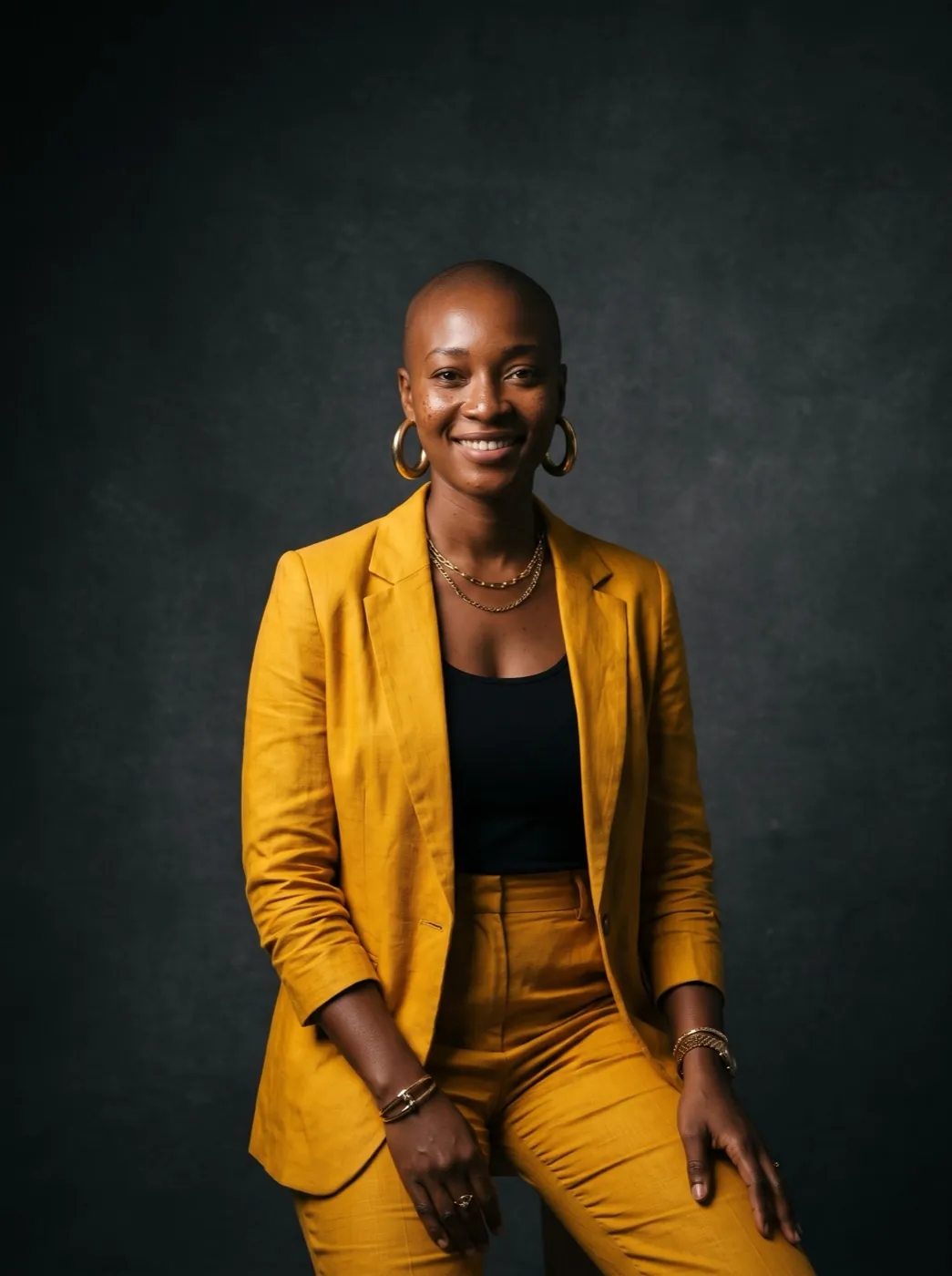 StylesMagazine cover
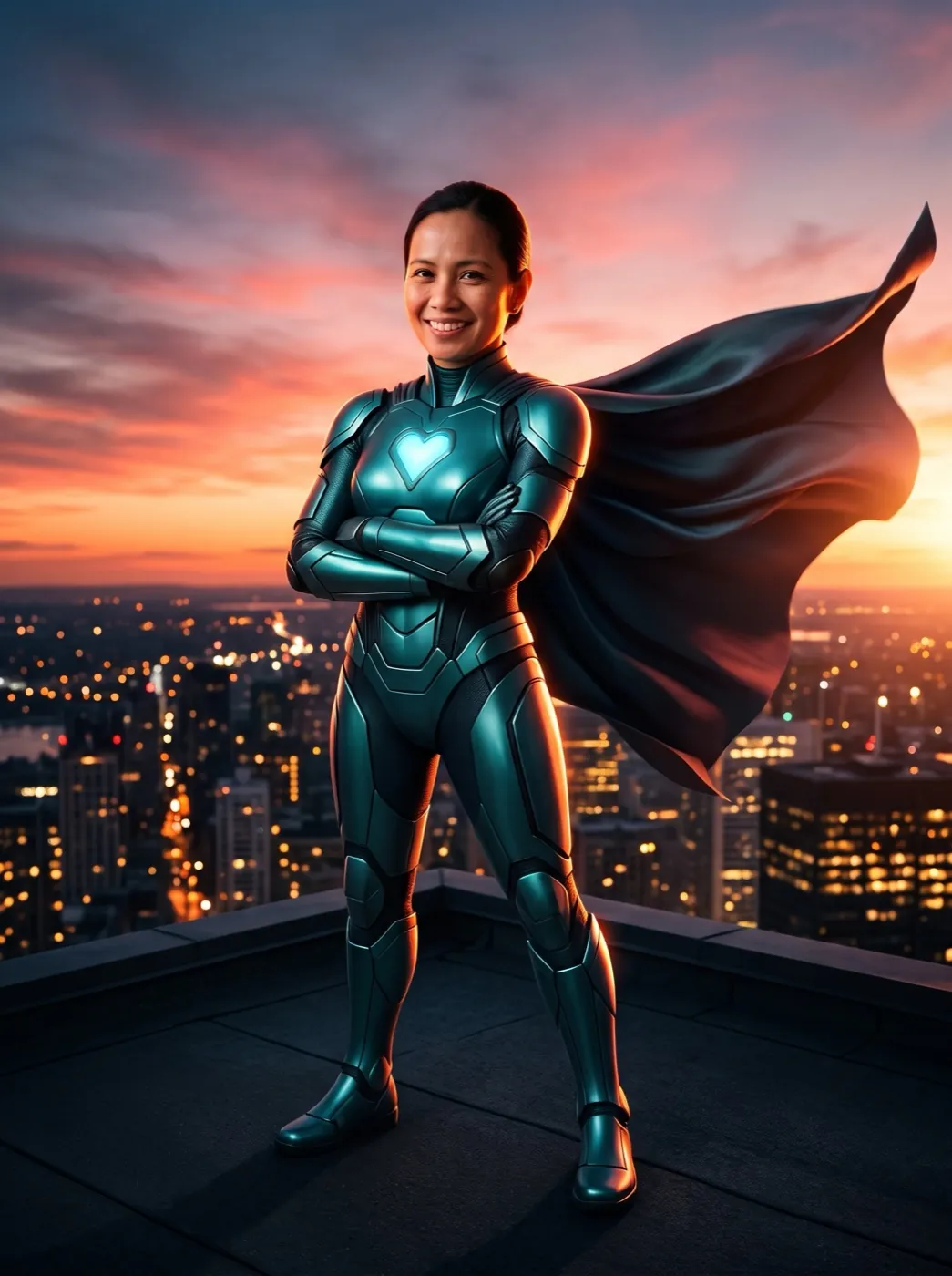 NEWStylesSuperhero poster
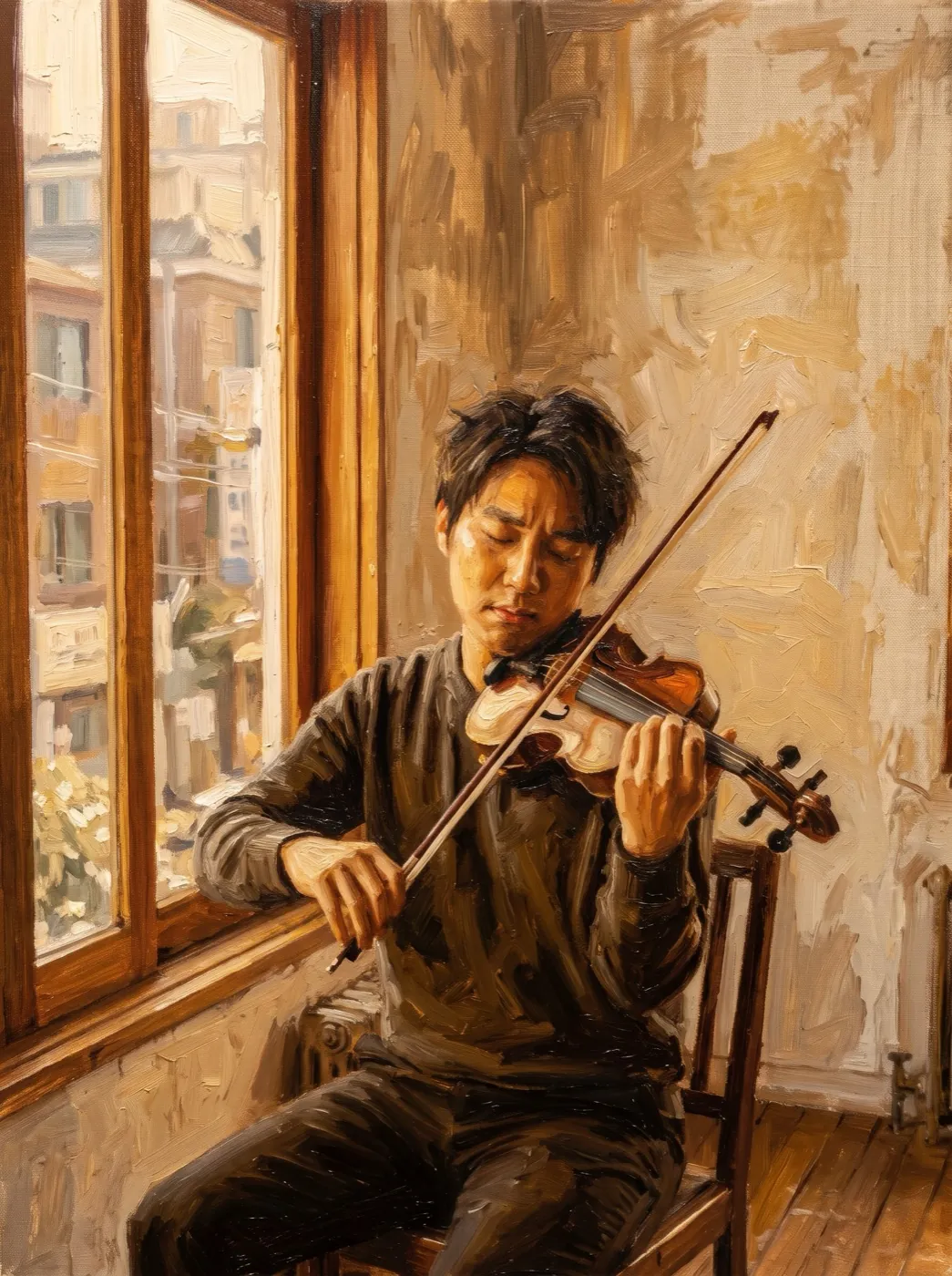 NEWStylesOil painting
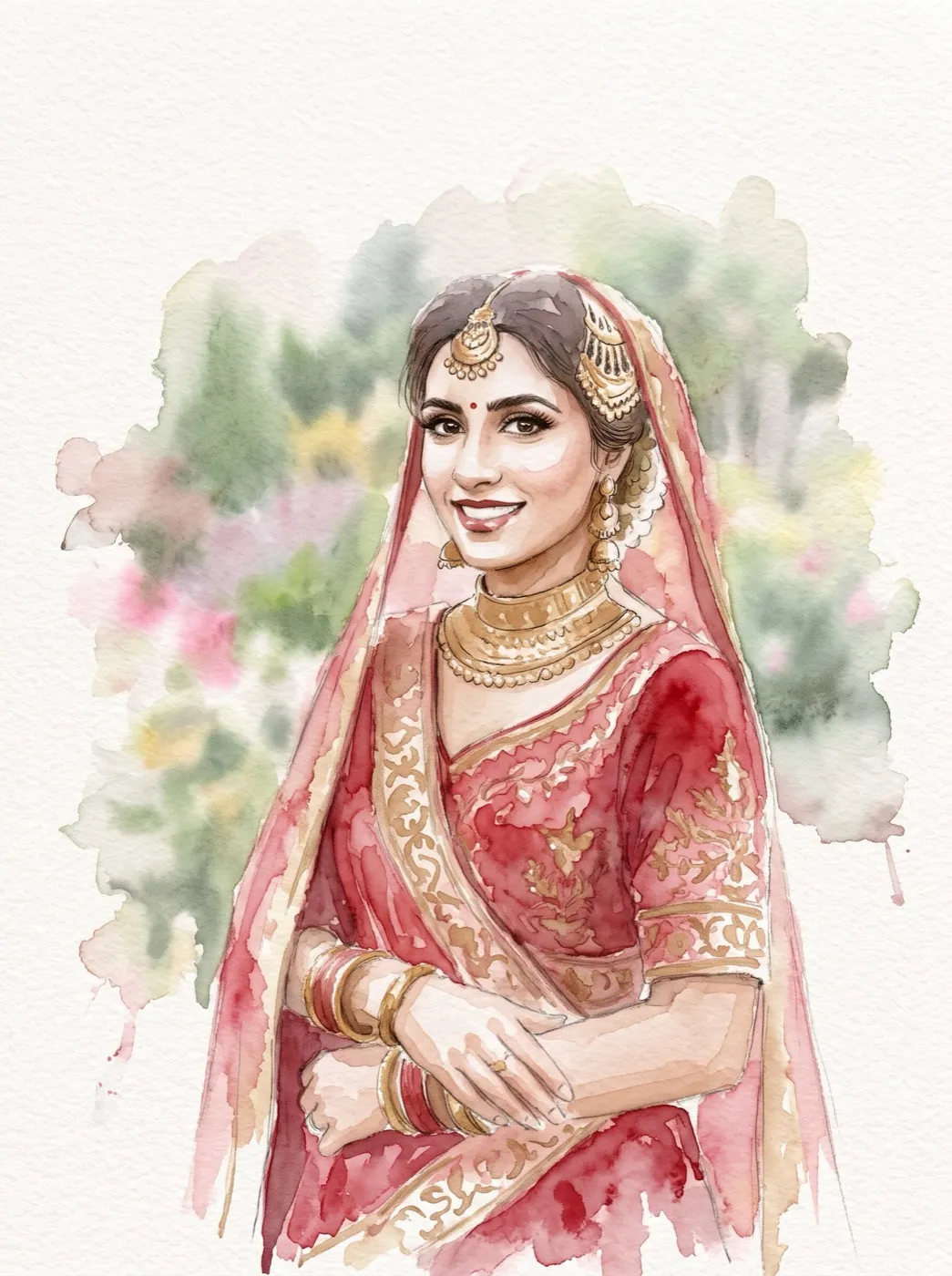 NEWStylesWatercolor portrait
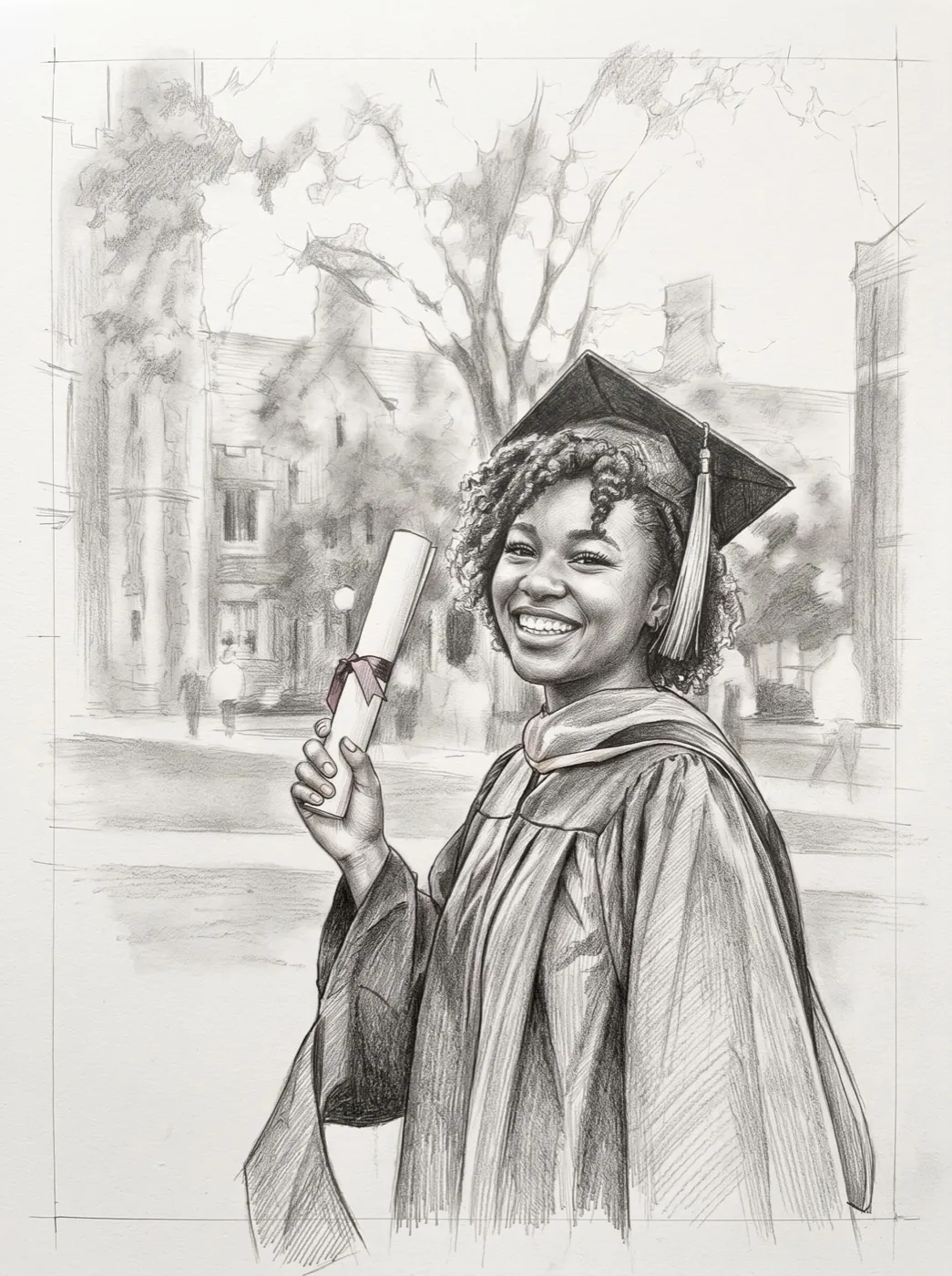 NEWStylesPencil sketch
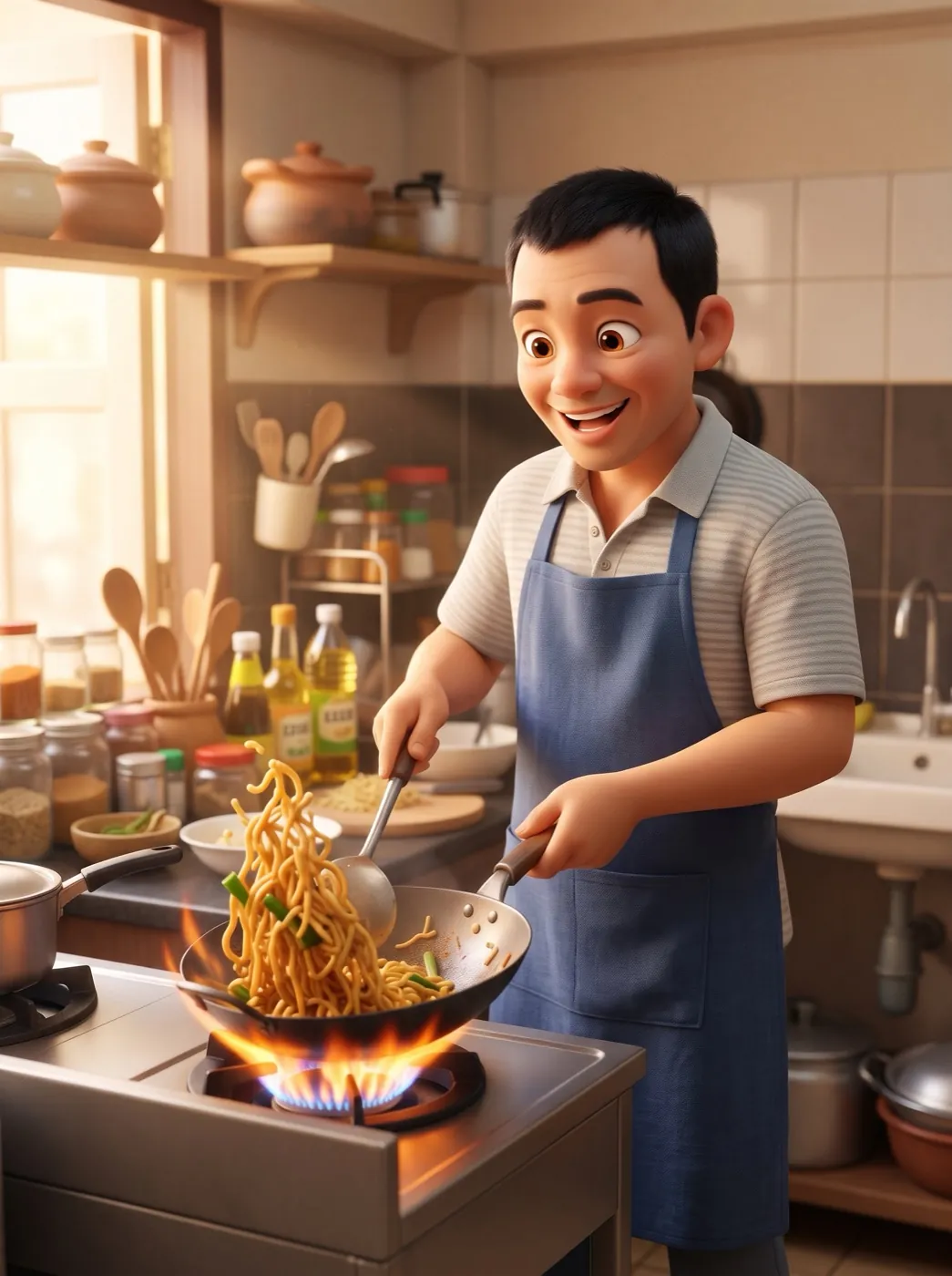 NEWStyles3D cartoonPortraitBig laughPortraitHair in the windPortraitFamily hugPortraitWave helloPortraitOver-the-shoulder lookPortraitWink
 PortraitProfessional headshotNEWPortraitFirst kissNEWPortraitGrowing up
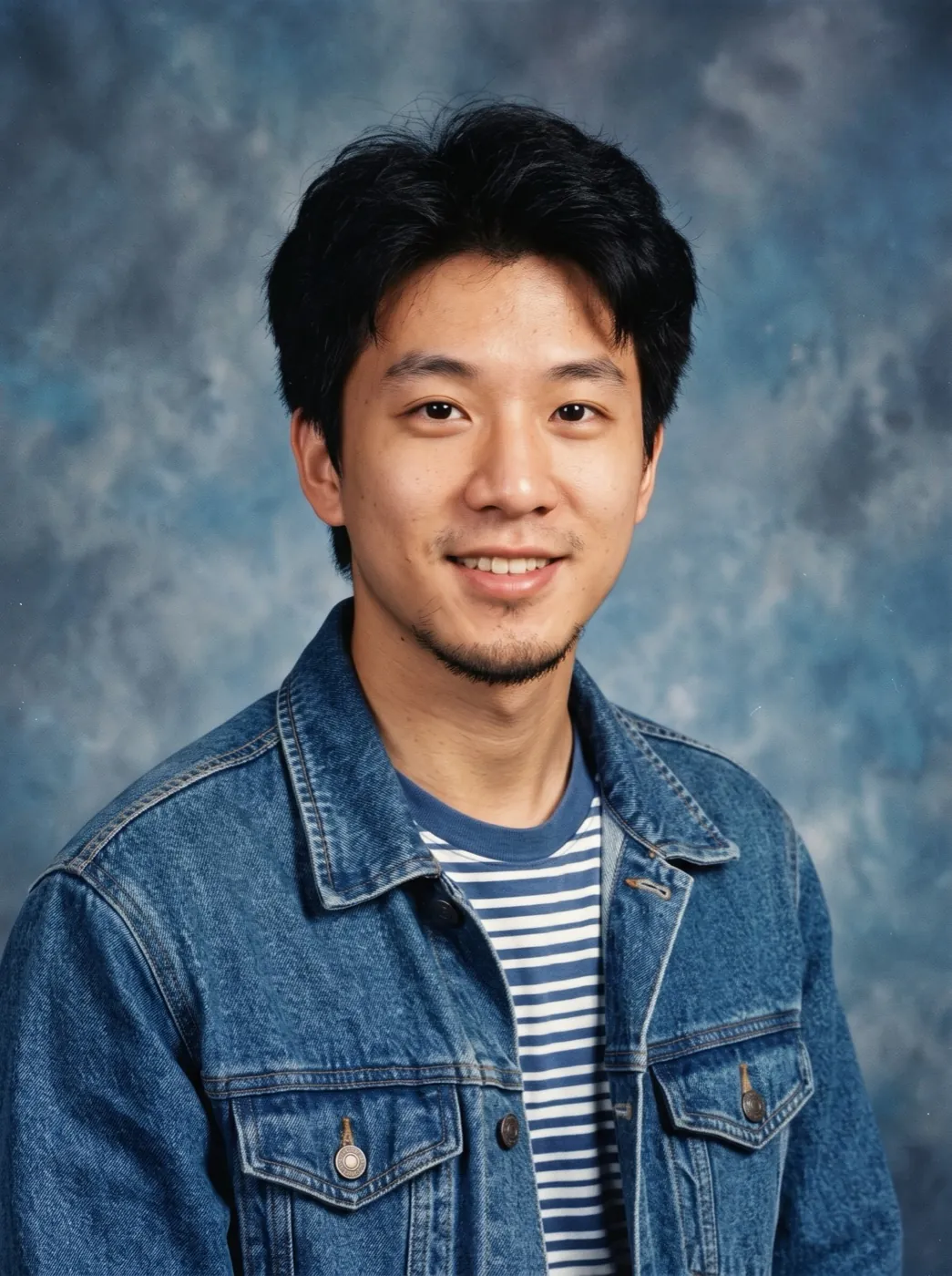 NEWPortrait90s yearbook photo
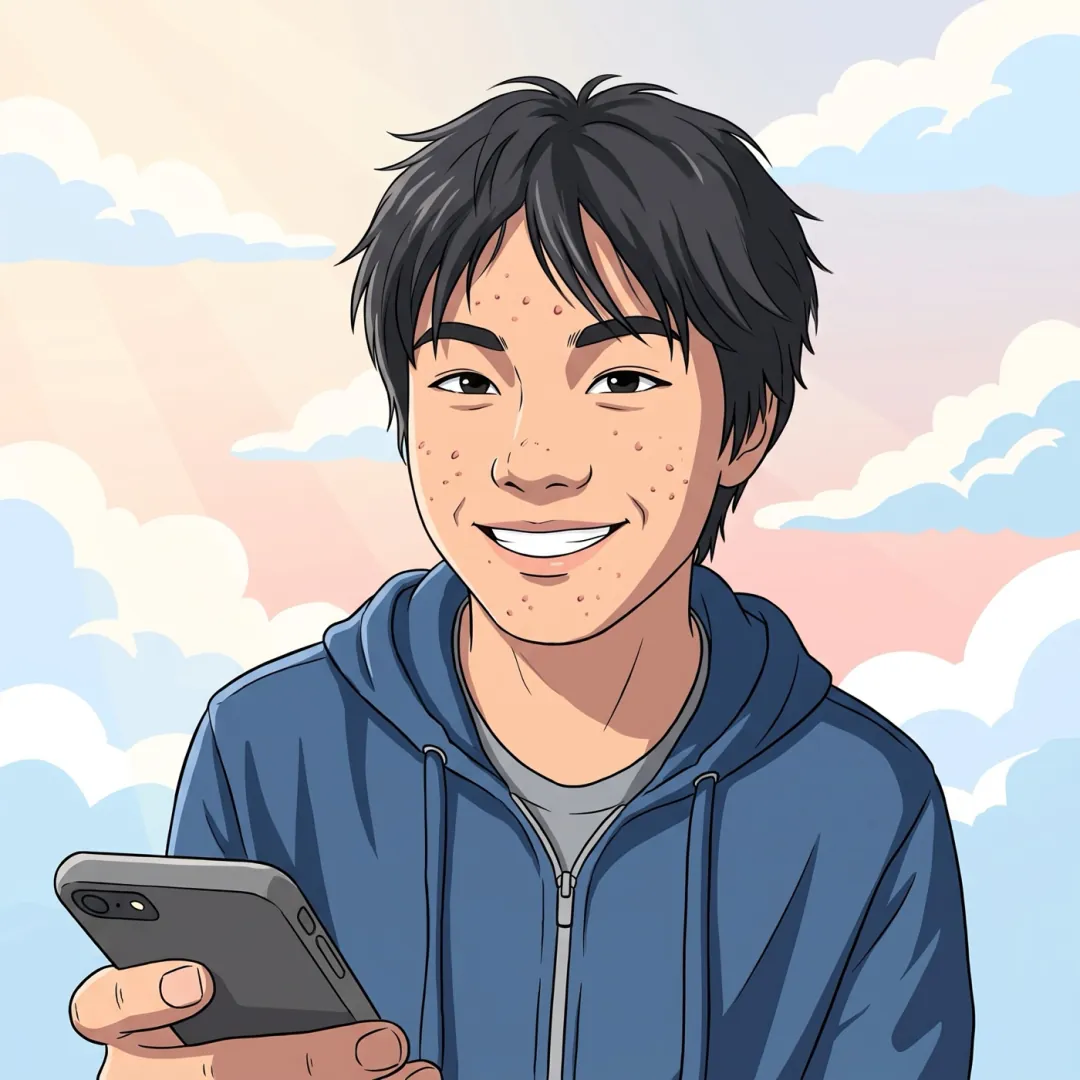 AnimeAnime portraitAnimeAnime in motionAnimePhoto to animeNEWPetsCat says hiPetsGallop awayPetsDog head tiltPetsPuppy runs to you
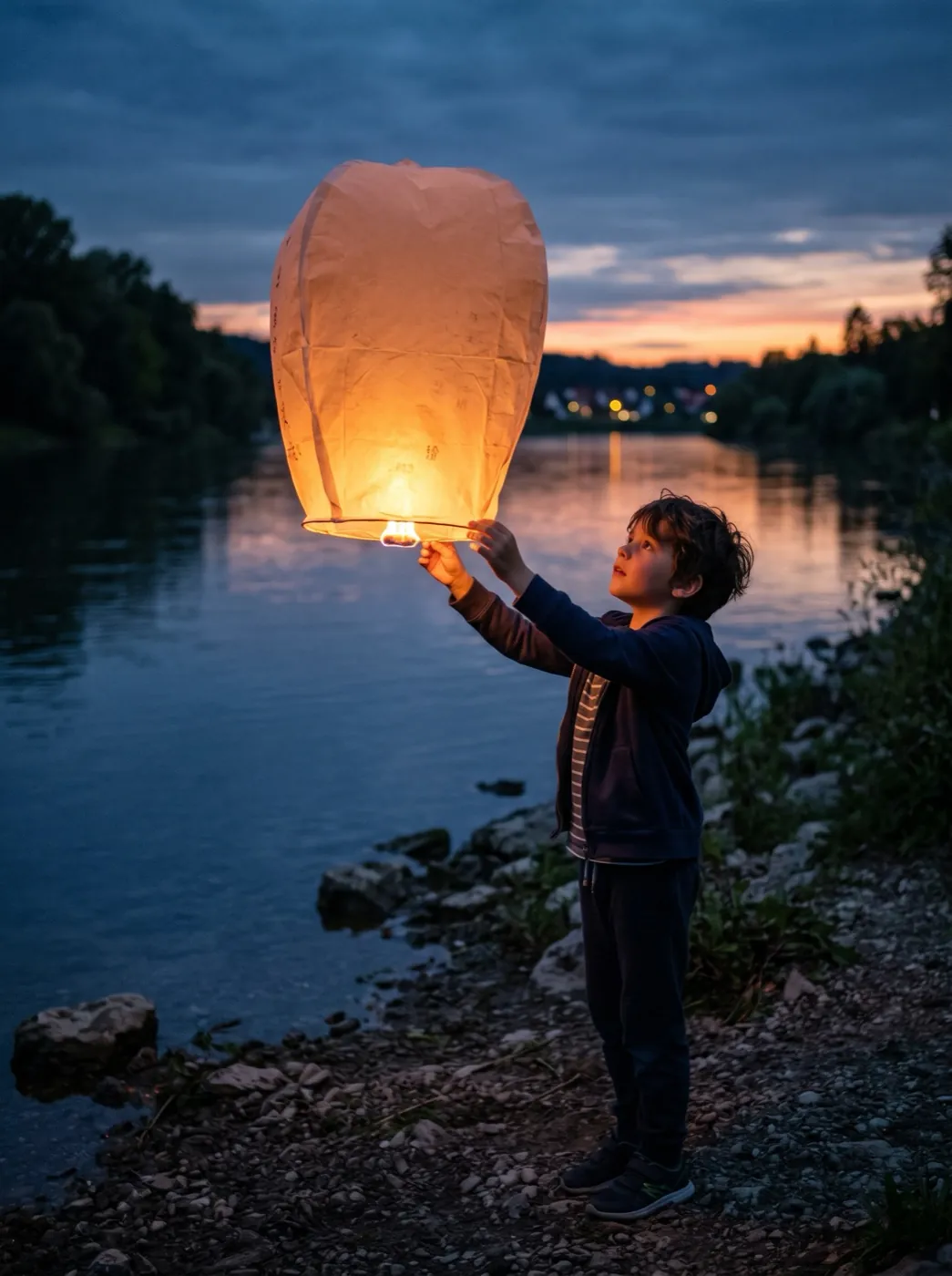
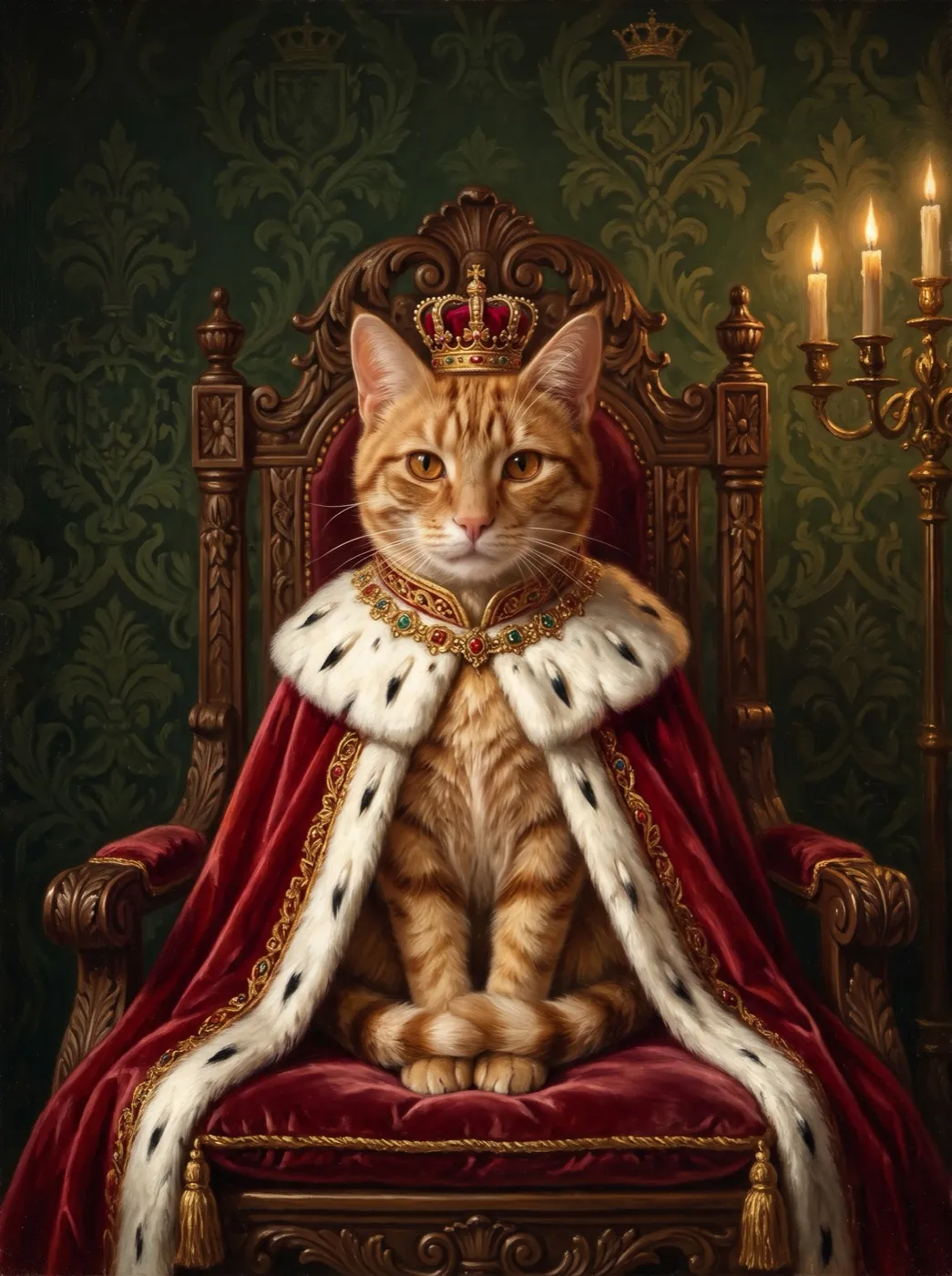 NEWPetsRoyal pet portraitHolidayLanterns floatHolidayPetals fallHolidaySnowfallHolidayFireworks nightHolidayBirthday candlesHolidayJack-o'-lantern glowNEWHolidayChristmas morningNEWHolidayMidnight toast
Find an effect by occasion
What are you making the clip for? Each set is three effects that suit the moment and the photo you are likely to have.
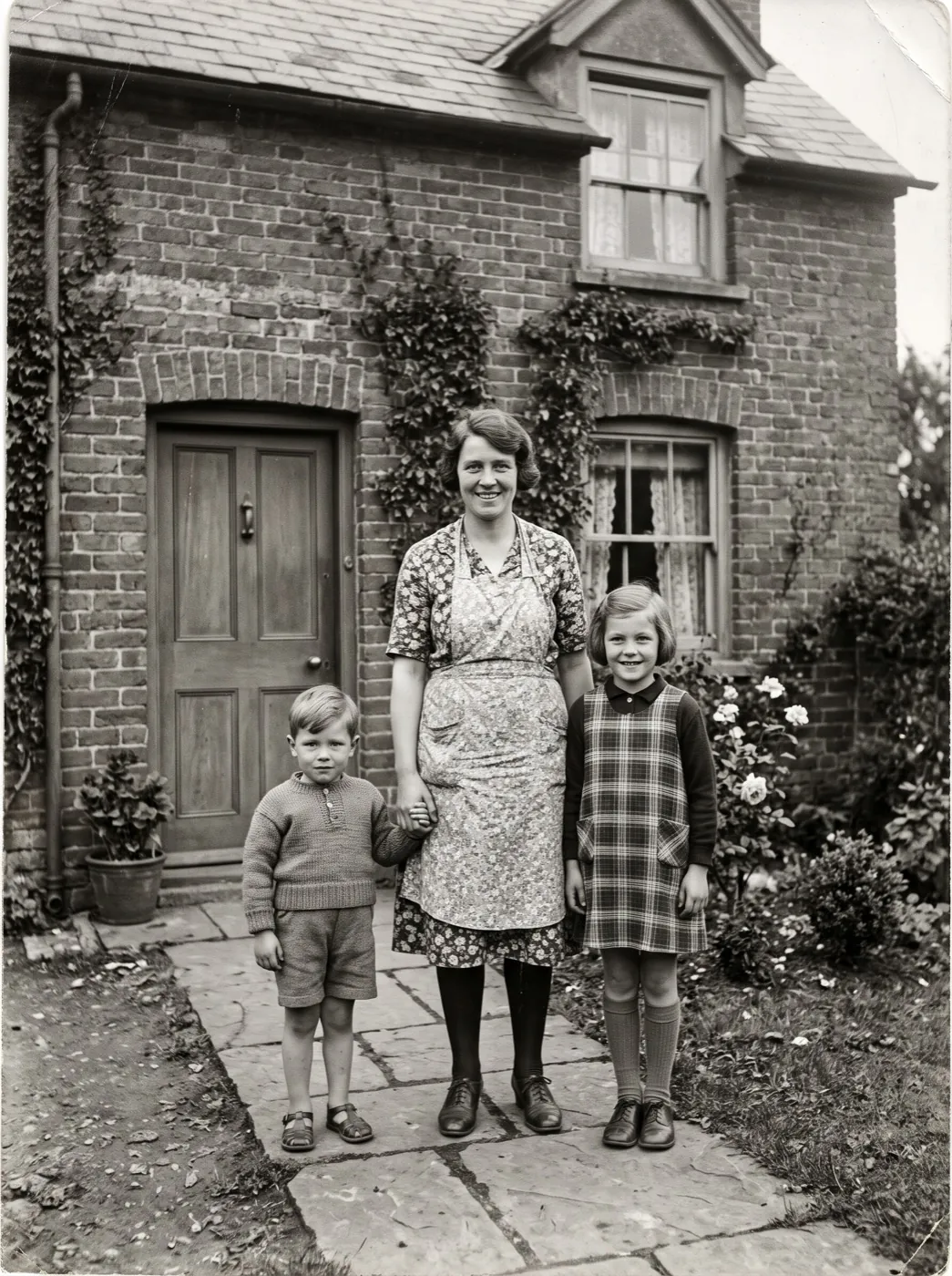
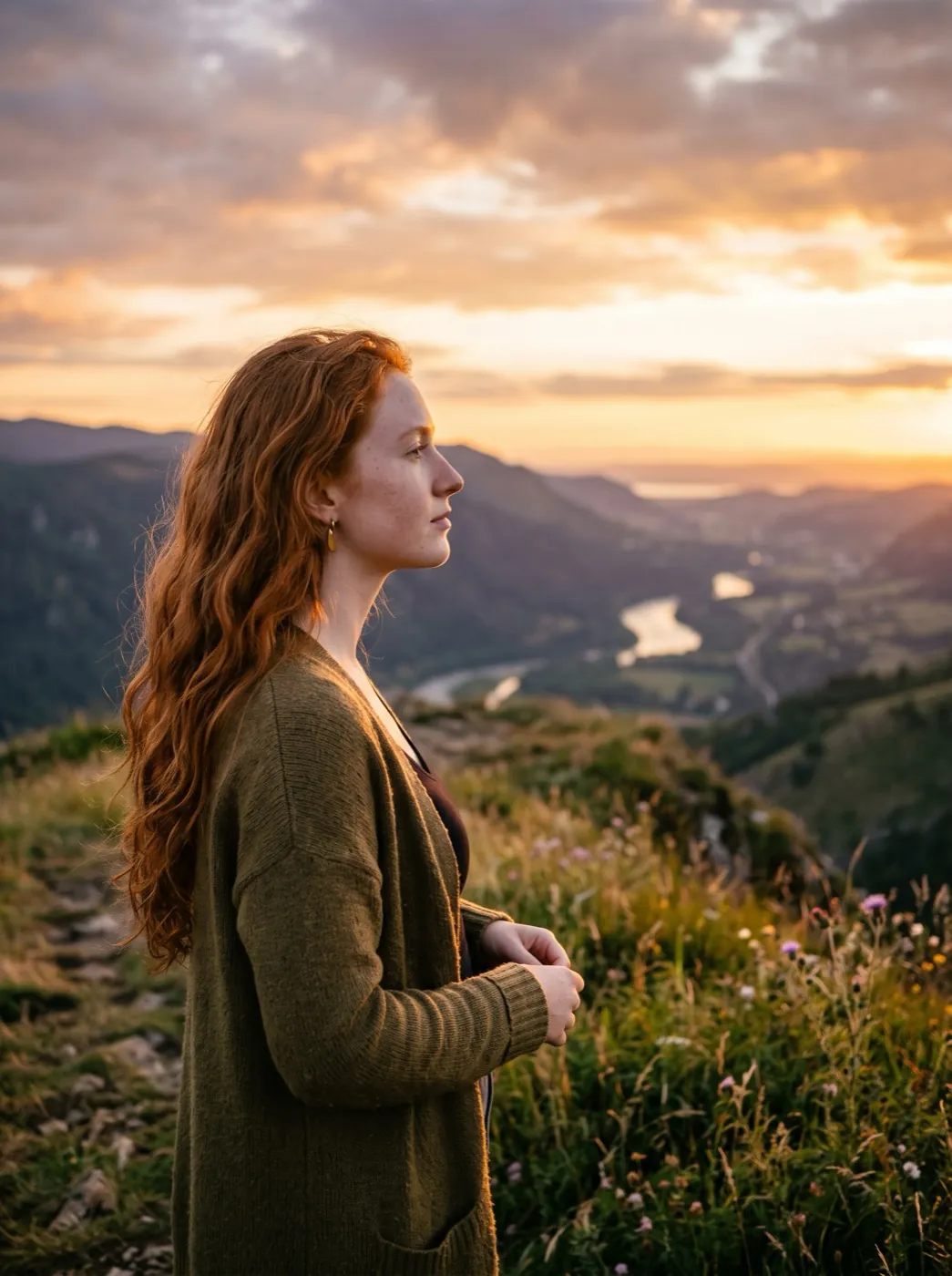
Memorials and family history
Gentle moves for old prints and portraits.
Old photo comes aliveFamily hugHair in the wind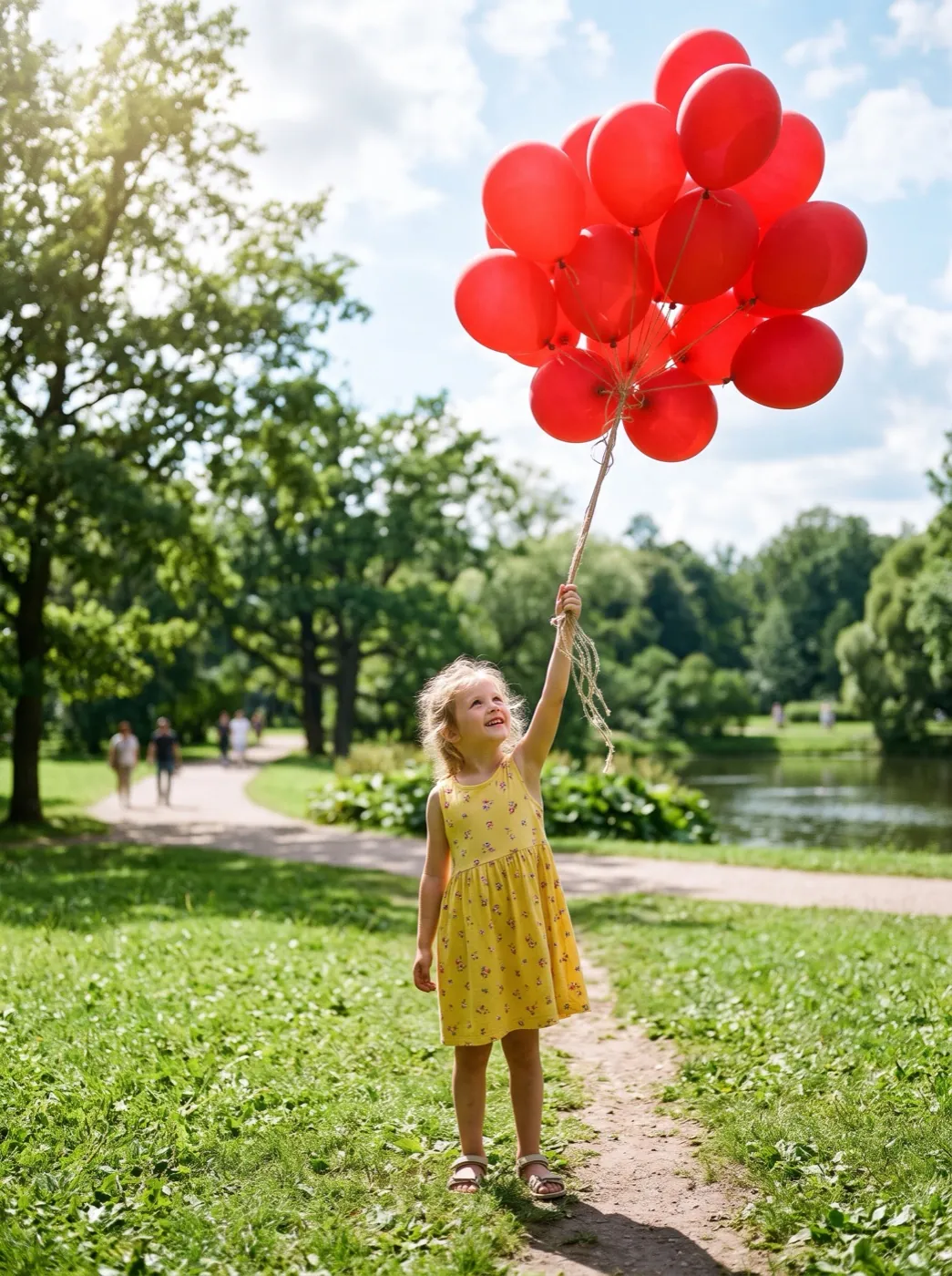
Birthdays and parties
Laughs, lanterns and candles for the group chat.
Big laughLanterns floatBalloon lift-off
Shops and products
Spins, pours and warm light for listings and ads.
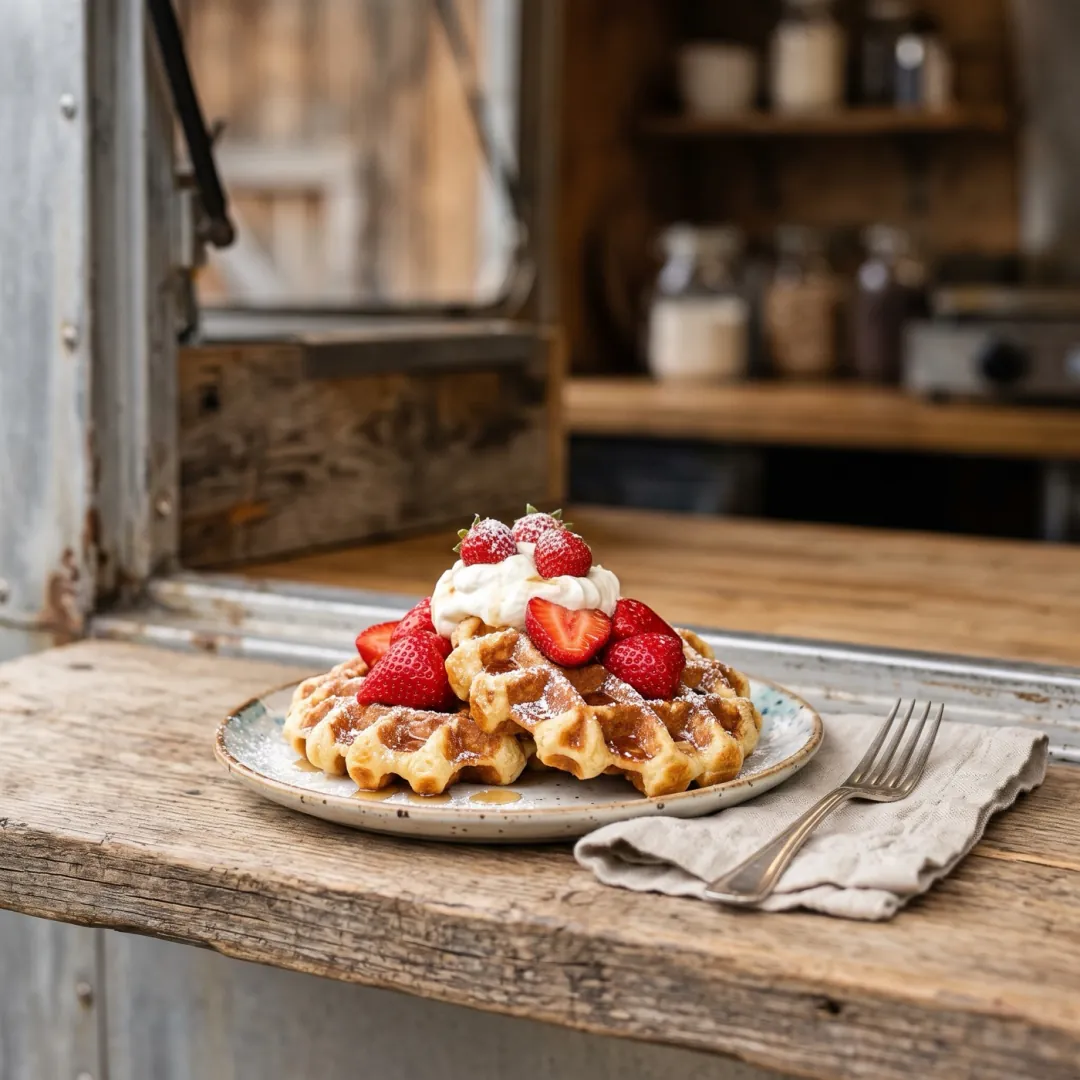
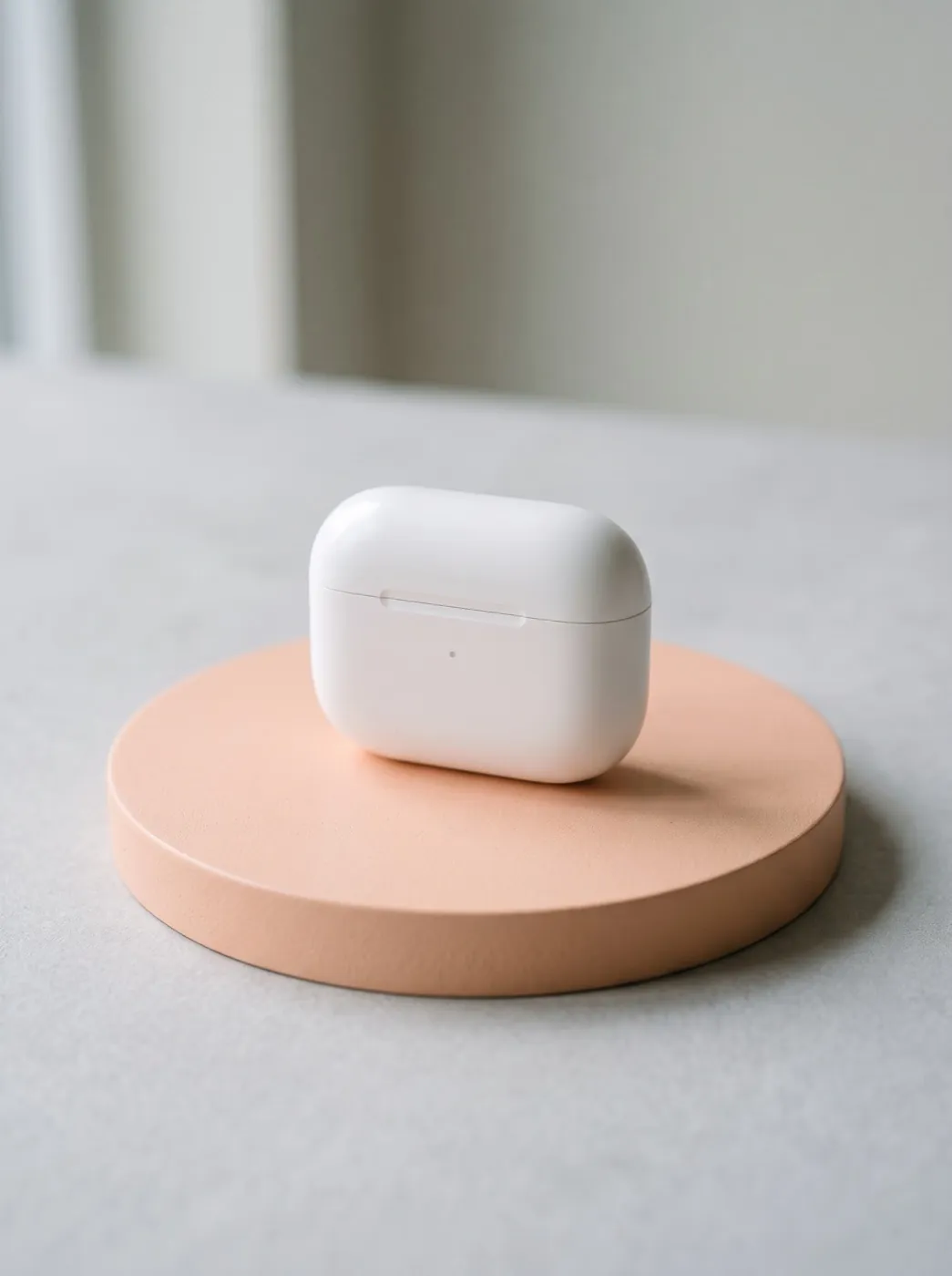
Golden hour glowSyrup pourProduct spin
More clips made with these effects
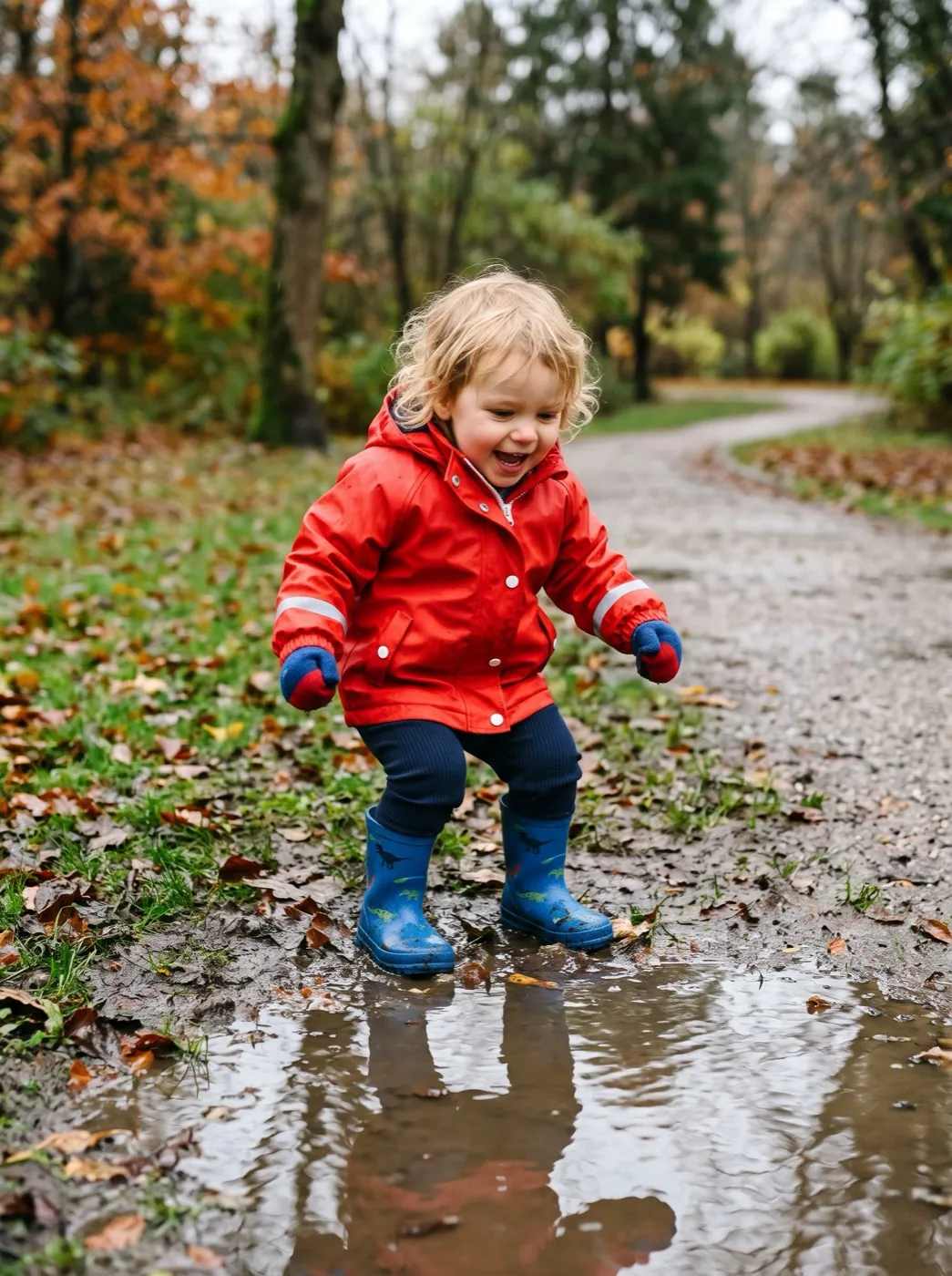
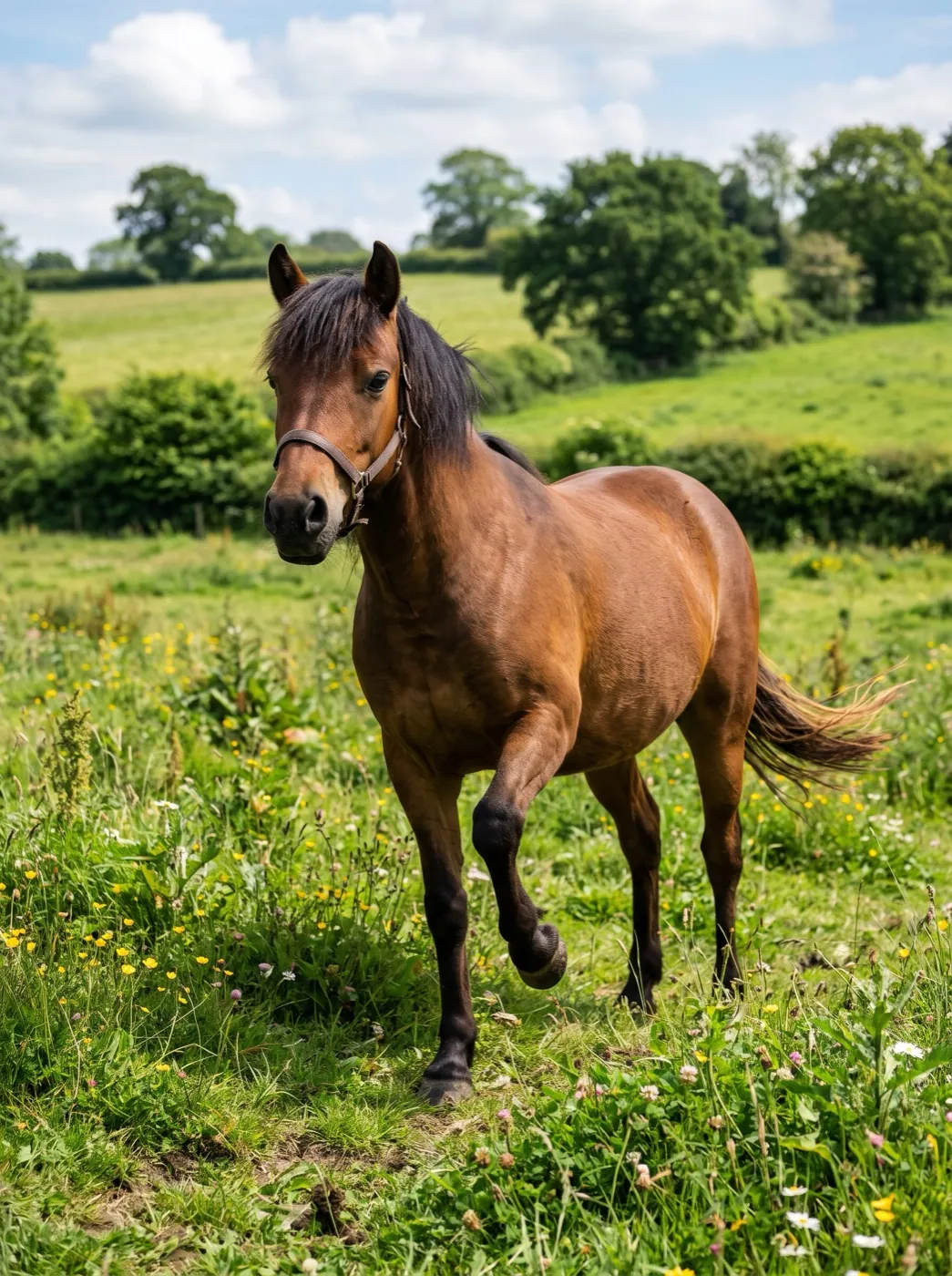
Second takes from the effect pages, each made with the effect named on it. Hover to pause; tap one to use that effect on your photo.
How effects work
Three steps and about two minutes. The effect already knows the motion, the model and the length.
Pick an effect
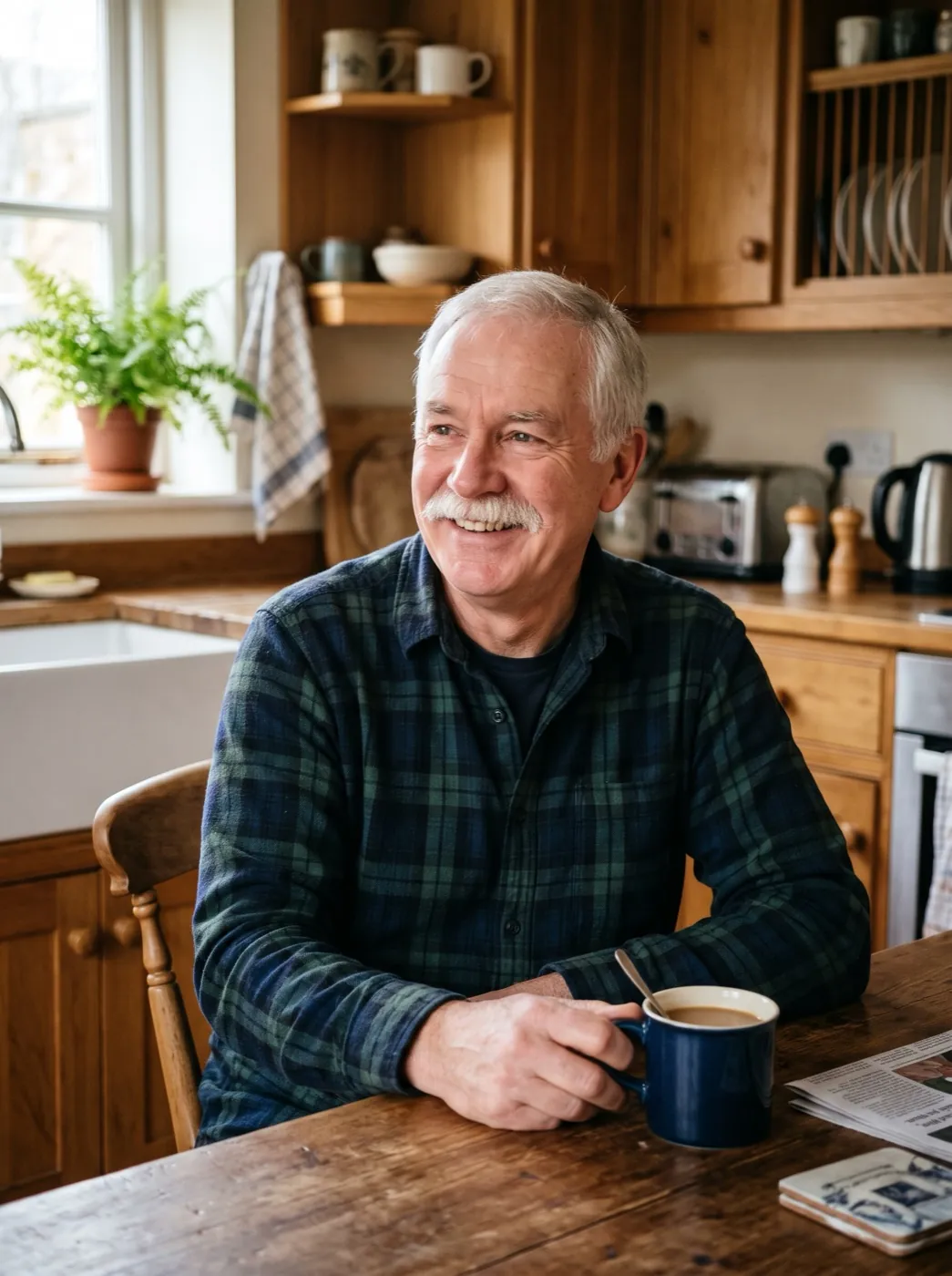
Play the sample to see the motion you will get on your own photo.
Add your photo
One face or one product works best. Or try a sample photo first.
Download the clip
No watermark on paid credits. Failed runs give the credits back.
Effect or your own prompt?
Both start from one photo. Pick the one that fits how much you want to decide.
| AI effect | Photo to video | |
|---|---|---|
| You write a prompt | No, it is set | Yes, or we write one |
| Choose the model | Set for the effect | Any of 16 |
| Cost of one clip | 30 to 70 credits | From 15 credits |
| Best for | One look, done fast | Your exact idea |
| Restore for old prints | Yes, built in | Restore first in Image to Image |
| Edit the prompt anyway | Yes | Yes |
AI effects FAQ
How effects, credits and edits work.
What is an AI effect?
A ready-made motion with the prompt, model and settings already chosen. You add one photo and press Generate; there is nothing to write. Each effect has its own page with examples and photo tips.
How is an effect different from photo to video?
Photo to video lets you describe any motion and pick any of 16 models. An effect does one thing well with the model and length already set, so you only add the photo.
How many credits does an effect use?
Video effects use 30 to 70 video credits, shown on the button before you start. Old Photo Animation costs 70 because it restores the print first. The 13 picture effects, such as Sticker Pack, use 4 image credits, which your 10 free sign-up credits cover.
Can I change the prompt of an effect?
Yes. Open the effect and press Edit prompt. Your change applies to that run only; the effect stays the same for next time.
What if a run fails?
The credits come back to your balance on their own. If a photo is blocked before the run starts, nothing is charged.
Do effects add a watermark?
Not on paid credits. Clips are yours to post, print or use in ads. Pictures made with the free sign-up credits carry a small watermark.
One photo. 62 ways to move it.
Pick an effect, add a photo and get a clip in about two minutes. No prompt needed.