Crop Image
Crop, circle, grid, split · freeAdd a photo, drag the box over the part you want, and save one file or every piece in a ZIP.
Drag the box or its corners. Saved at full quality.
Your photo never leaves this device.

More than a rectangle
Four ways to cut, three of them shown here on real photos. Sizes are the files this page saved.
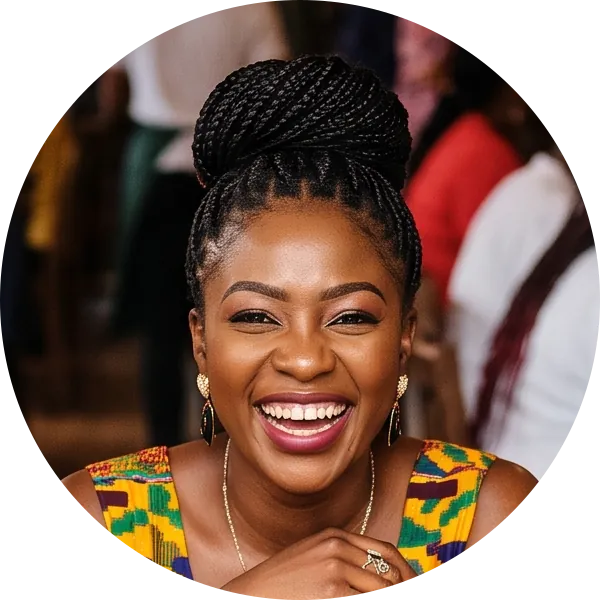
A round avatar out of a group photo
The only good photo of you is from the team day, five people wide. Profile pictures on most apps show as a circle anyway.
Place the circle on your face and save it. The corners come back see-through, so it sits cleanly on any background: 600 × 600, 636 KB as PNG.
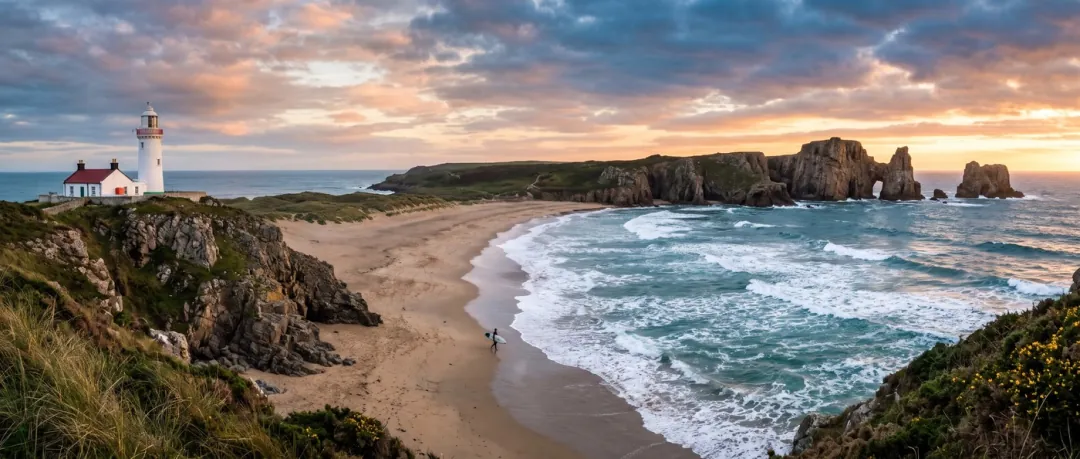
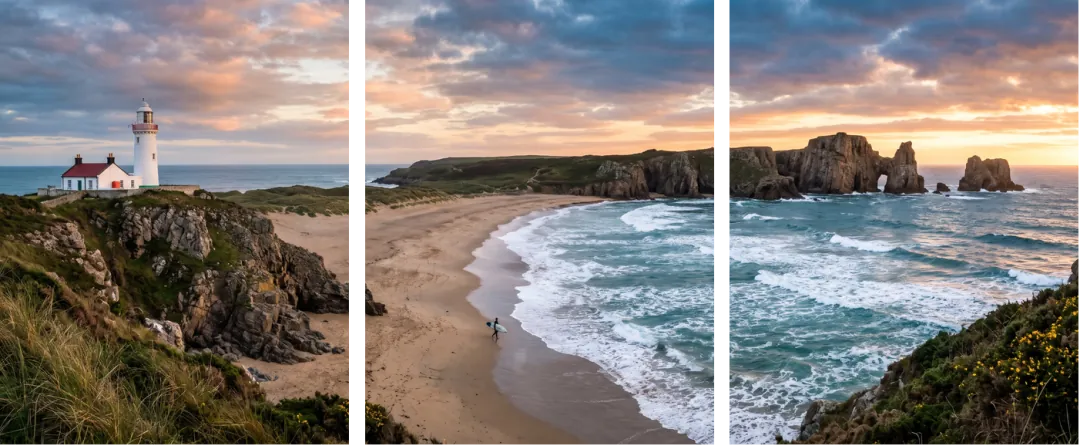
A wide coast that swipes as one picture
A panorama posted whole turns into a thin strip on a phone. Cut into equal slides, it fills the screen and pans as you swipe.
This coast went into 3 slides of 1056 × 1344, numbered in order inside one 1.43 MB ZIP. Wide photos split left to right, tall ones top to bottom.
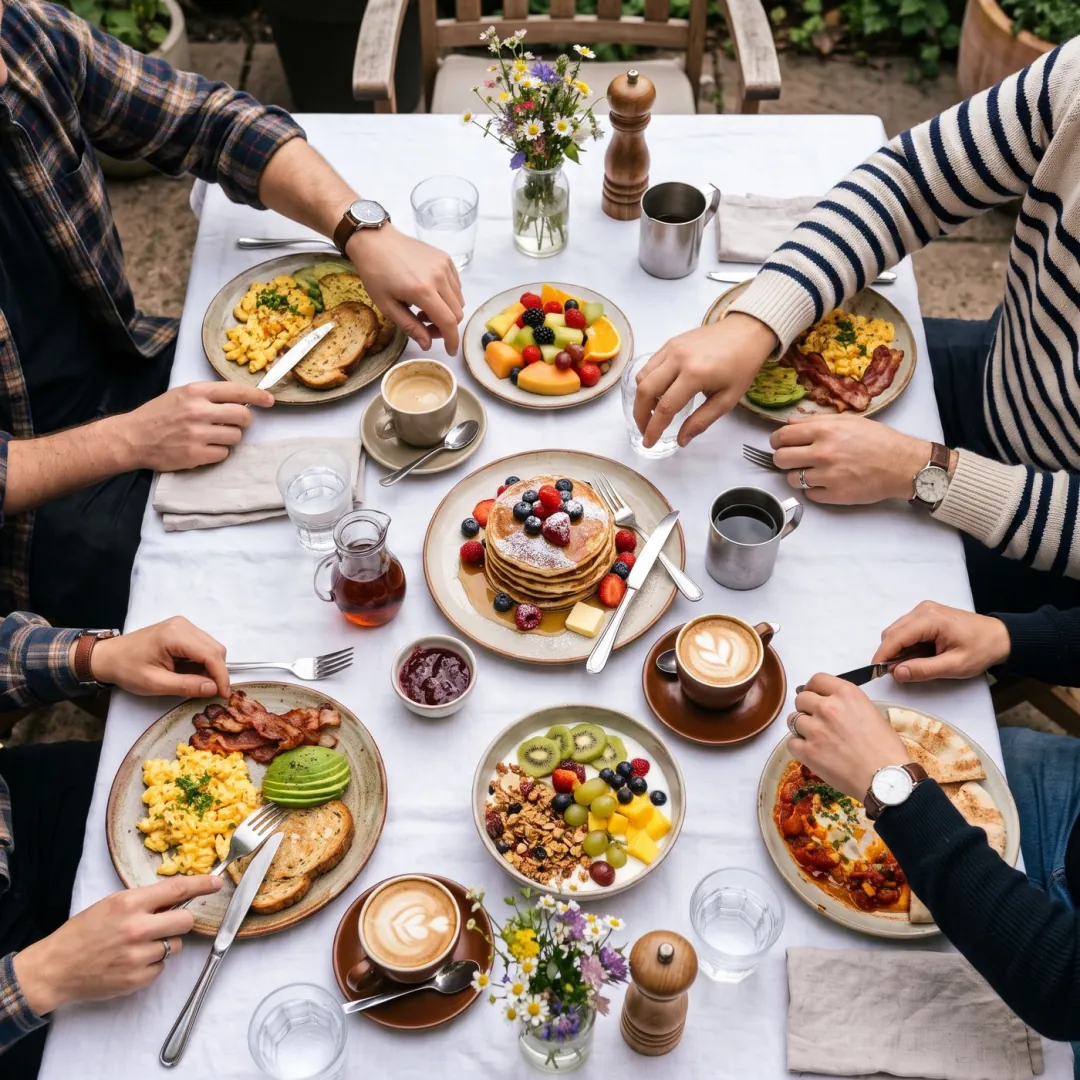
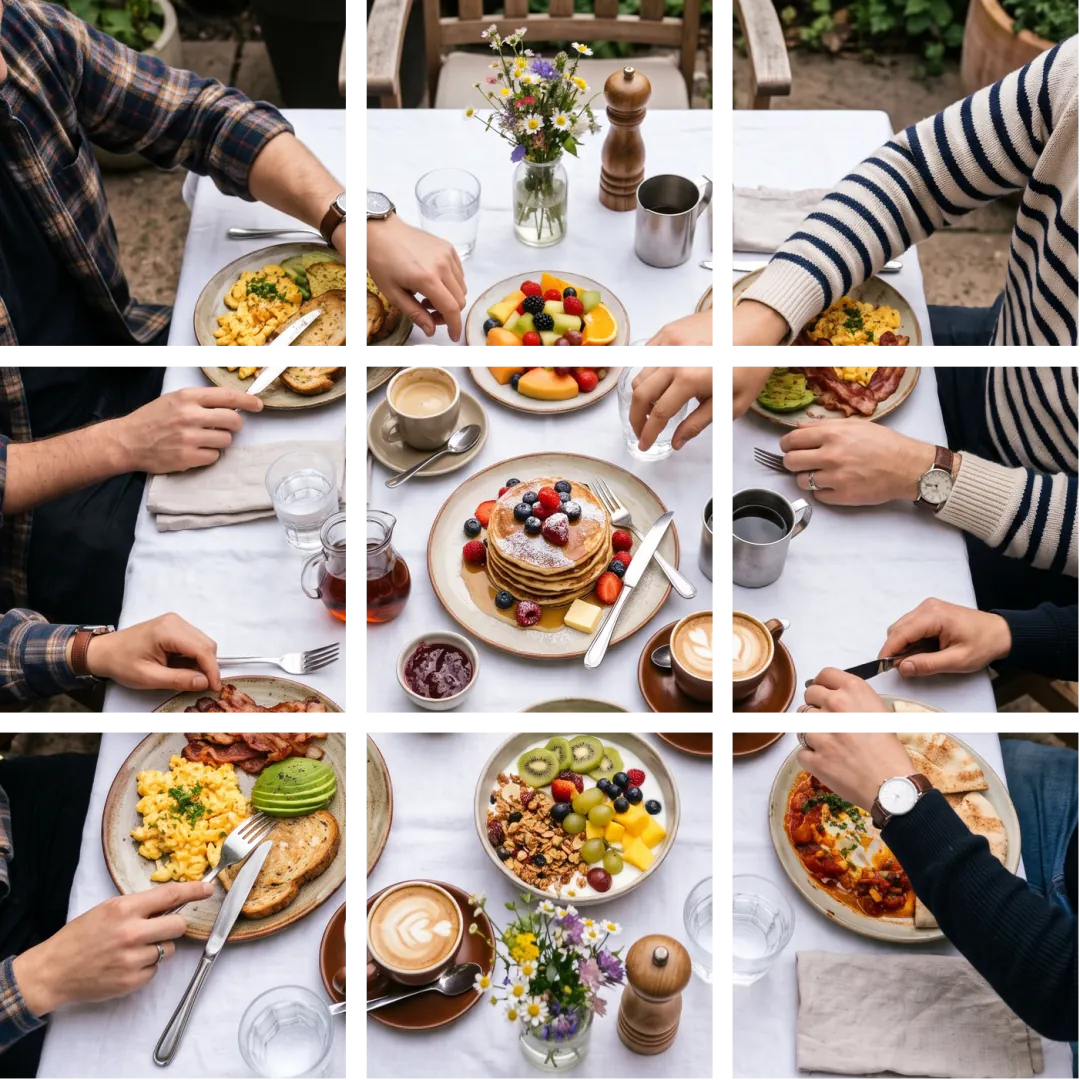
A brunch table across nine tiles
A profile grid where one photo spans nine posts needs the tiles cut exactly, or the joins show.
Pick 3 × 3 and the square is cut into nine 683 × 683 tiles, named 01 to 09 left to right, top to bottom, so you post them in the right order. One ZIP, 1.33 MB.
Who crops photos
Whoever needs one photo to fit a frame someone else chose.
ProfilesAnyone updating a profile
A round avatar from the one photo where you look right.
CarouselsTravel and food posters
Panoramas cut into slides that swipe as one picture.
GridsBrands and creators
Profile grids where one image spans several posts.
Where cropping fits
Choose the frame, then make it the right size or set it moving.
Crop Image
Rectangle, circle, grid or slides.
Crop image FAQ
Shapes, pieces and privacy.
Is Crop Image free?
Yes. No sign-in, no credits, no limit on photos. It runs in your browser, up to 50 MB a photo.
Which shapes can Crop Image cut?
Free, the photo’s own shape, 1:1, 4:5, 3:4, 4:3, 16:9 and 9:16 rectangles, plus a circle. Grids and slides cut the box into equal pieces.
Why does Crop Image save a circle as PNG?
A JPG can’t be see-through, so the corners would turn white. PNG keeps them clear and the avatar sits on any color.
How does Crop Image name grid and carousel pieces?
With numbers in order: photo-grid-01, photo-grid-02 and on for a grid, photo-split-01 and on for slides, left to right and top to bottom. They come in one ZIP.
Does Crop Image lower the quality?
It keeps the photo’s own pixels inside the box, so there is no stretching. JPG and WebP are saved at high quality; PNG is saved without loss.
Does Crop Image upload my photo?
No. The photo is cut by your browser and never sent to our servers.
Related tools
More free fixes for a photo, plus one paid one.
 Free
Instagram, YouTube and print sizes in one tap.
 Free
HEIC to JPG, PNG to JPG, JPG to WebP.
 Image
Lift the person out entirely for a clean avatar.
 Image
Crop cuts the frame down; this grows it out.
Keep the part that matters.
Add a photo, drag the box, and save one crop or every piece at once.