 by xAI
Grok Imagine 1.5 video
A quick, low-cost model for lively clips: clubs, DJ sets, dance trends. Sound comes in the same run, from a photo or from words.
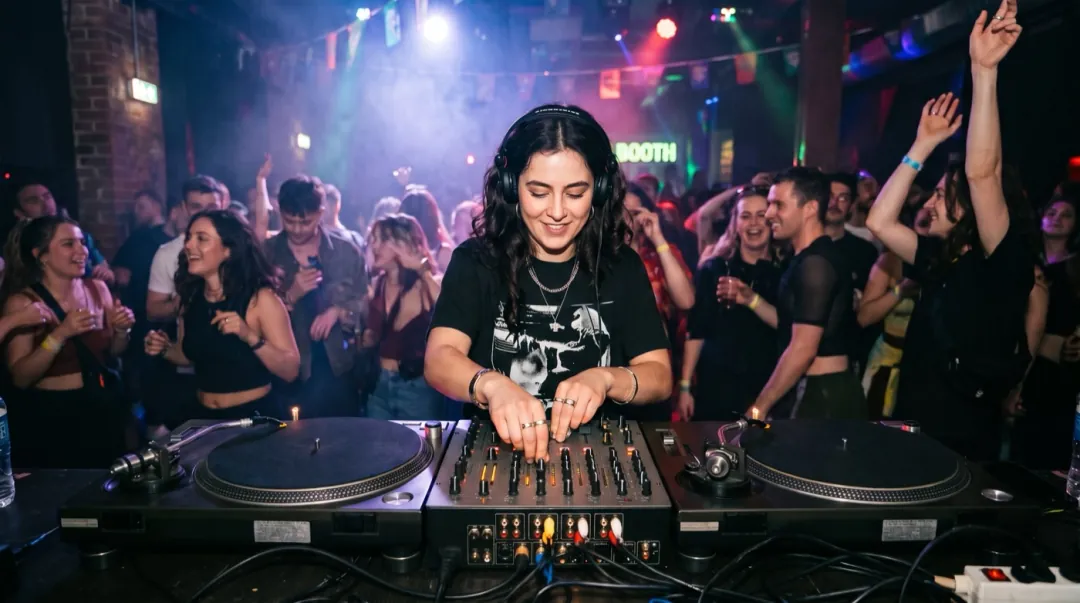
Grok Imagine Video 1.5 · 5sShe drops the beat, nods to the music and throws one hand in the air as the crowd lights flash.
SDrops the beatCHolds on the boothACrowd lights flashPUpbeatHow Grok Imagine reads a prompt
It follows rhythm words closely and keeps the camera simple. Lead with the beat, then add one thing in the background.
“She drops the beat, nods and throws one hand in the air, camera holds on the booth, the crowd lights flash, upbeat, 5 seconds.”
Grok Imagine 1.5 next to the other 9
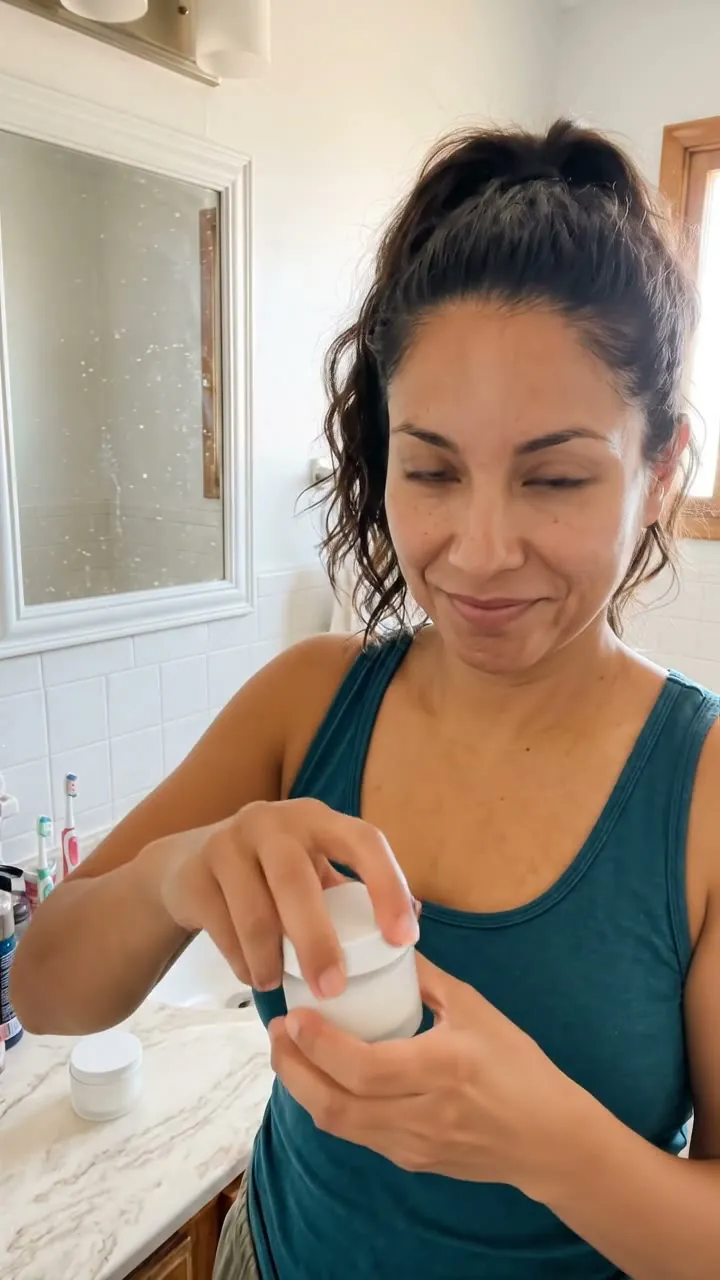
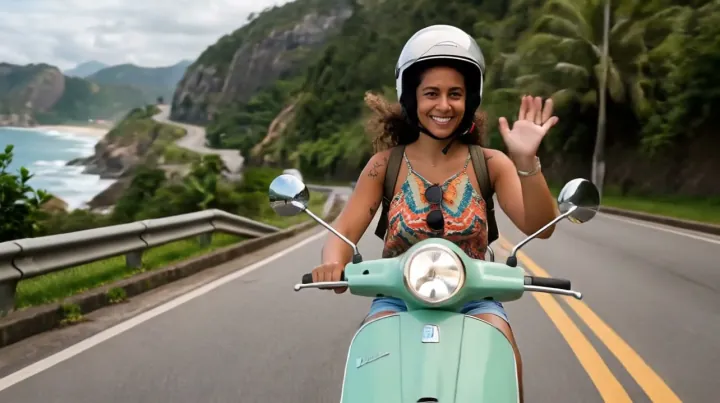
One card per model family, with the credits for its cheapest clip. A card with a play mark shows a clip that model made here.

When to switch to another model
Grok is the cheap first try. In these three cases another model is worth the extra credits.
A face fills the frame
For a tight close-up where the eyes and smile carry the clip, Hailuo 2.3 puts its effort into the face.
It has to be bigger than 720p
Grok tops out at 720p. For a TV or a big screen, Gemini Omni goes up to 4K, also with sound.
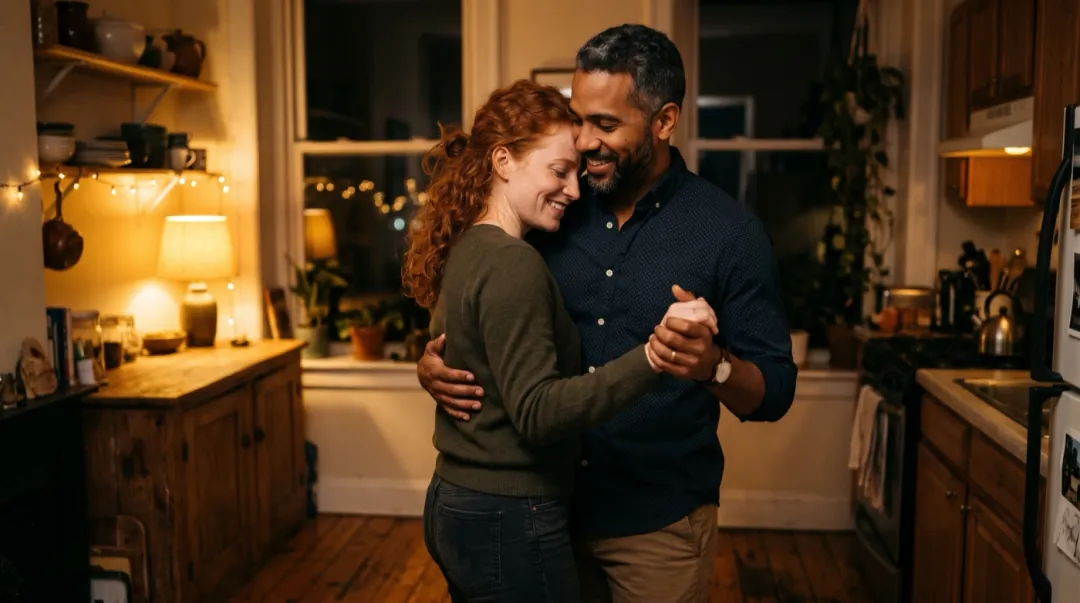
A slow, steady camera path
Grok keeps the camera simple. For a slow orbit around people or a product, Seedance 2 holds the path steady.
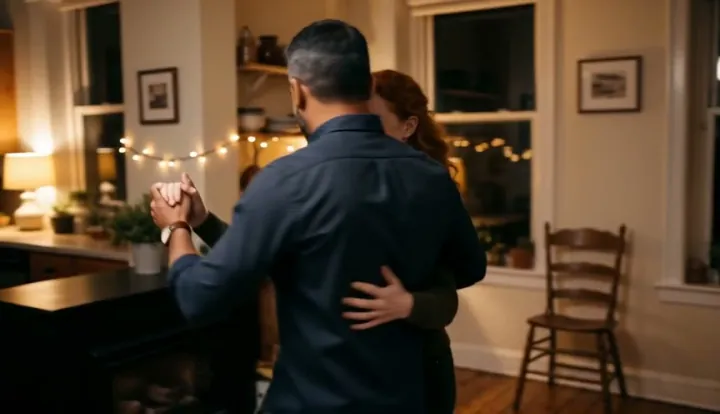
Recipes made with Grok Imagine 1.5
Each clip came from the photo and words on its card. One tap fills the generator above with all of it.
The drop in a packed club
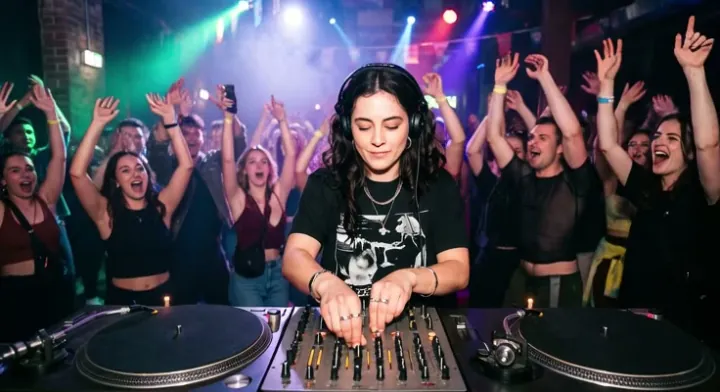
She drops the beat, nods and throws one hand in the air the crowd lights flash 5 s
One trend dance, same photo
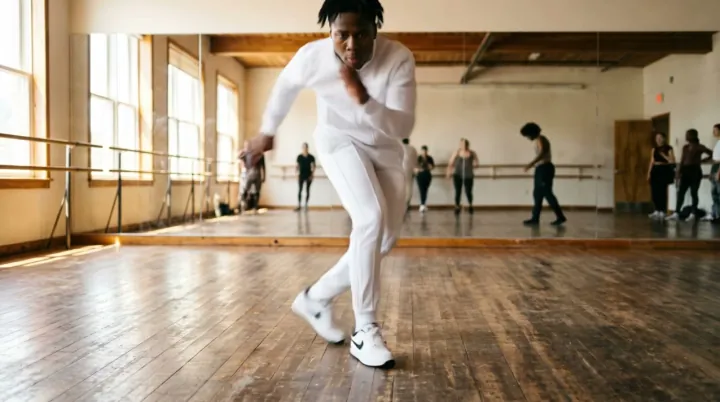
Two shoulder bounces, a hip sway, a half spin, then she points at us 5 s
Grok Imagine 1.5 or another model?
Start cheap, then switch when the photo needs something Grok does not do well.
| Grok Imagine 1.5 | Seedance 2 | MiniMax H3 | Veo 3.1 | Hailuo 2.3 | |
|---|---|---|---|---|---|
| Credits, lowest quality | 20 | 30 | 15 | 40 | 66 |
| Length | 5 or 10 s | 5, 8 or 10 s | 5 or 10 s | 8 s | 6 s |
| Sound in the clip | Yes | Yes | Yes | Yes | — |
| Top resolution | 720P | 4K | 1080P | 4K | 1080P |
| Starts from | Photo or Text | Photo or Text | Photo or Text | Photo or Text | Photo only |
| Pick it for | Music, dance, night | Most first tries, products | Cheap clips with sound | Longer scenes, ambient sound | Close-up faces, portraits |
Grok Imagine 1.5 FAQ
Credits, versions and when another model fits better.
How many credits does Grok Imagine 1.5 use?
Grok Imagine Video 1.5: 20 at 480P and 35 at 720P for a 5 second clip. A run that fails gives its credits back.
Does Grok Imagine make sound?
Yes. Version 1.5 writes the music and background sound in the same run as the picture, so the clip is ready to post.
Can I start from text only?
Yes. Leave the photo empty and describe the scene. It also works from a photo, or from a first and last frame.
Why would I pick it over the default?
It starts at 20 credits with sound and suits music, dancing and night scenes. For a face that must not change, Hailuo 2.3 is the safer pick.
Other models
One balance of credits covers all 10. These four suit different photos from Grok Imagine 1.5.
DefaultSteady camera paths with sound, from low-cost Mini drafts to 4K.
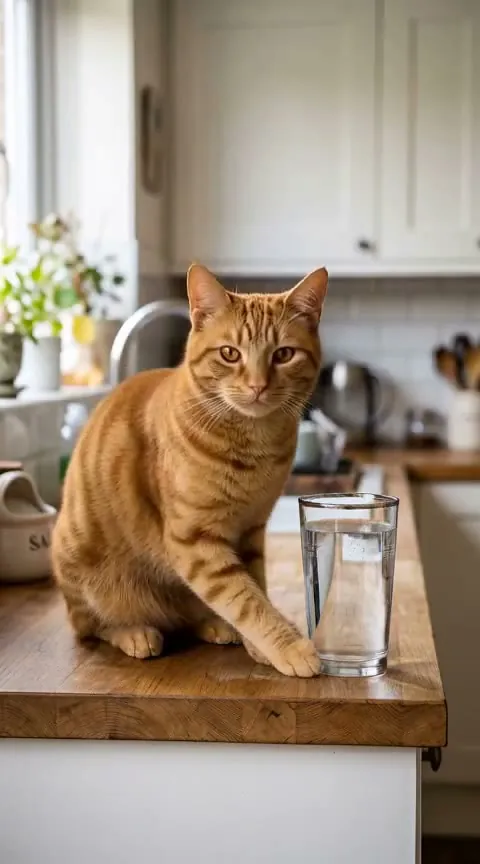 Cheapest
The lowest-cost clips that come with sound, up to 1080p.
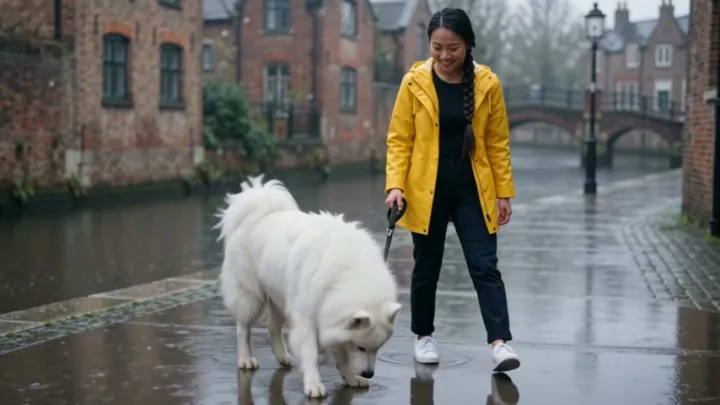 References
People and pets from your reference photos in one busy scene.
 People
Full-body moves and lifelike people, with sound, up to 1080p.
Try Grok Imagine on your photo.
Grok Imagine Video 1.5: 20 credits for 480P · 5 s with sound. Failed runs give the credits back.