Reference to Video AI
Add the person, the product and the place as separate images, then say who does what. The clip keeps each one recognisable.
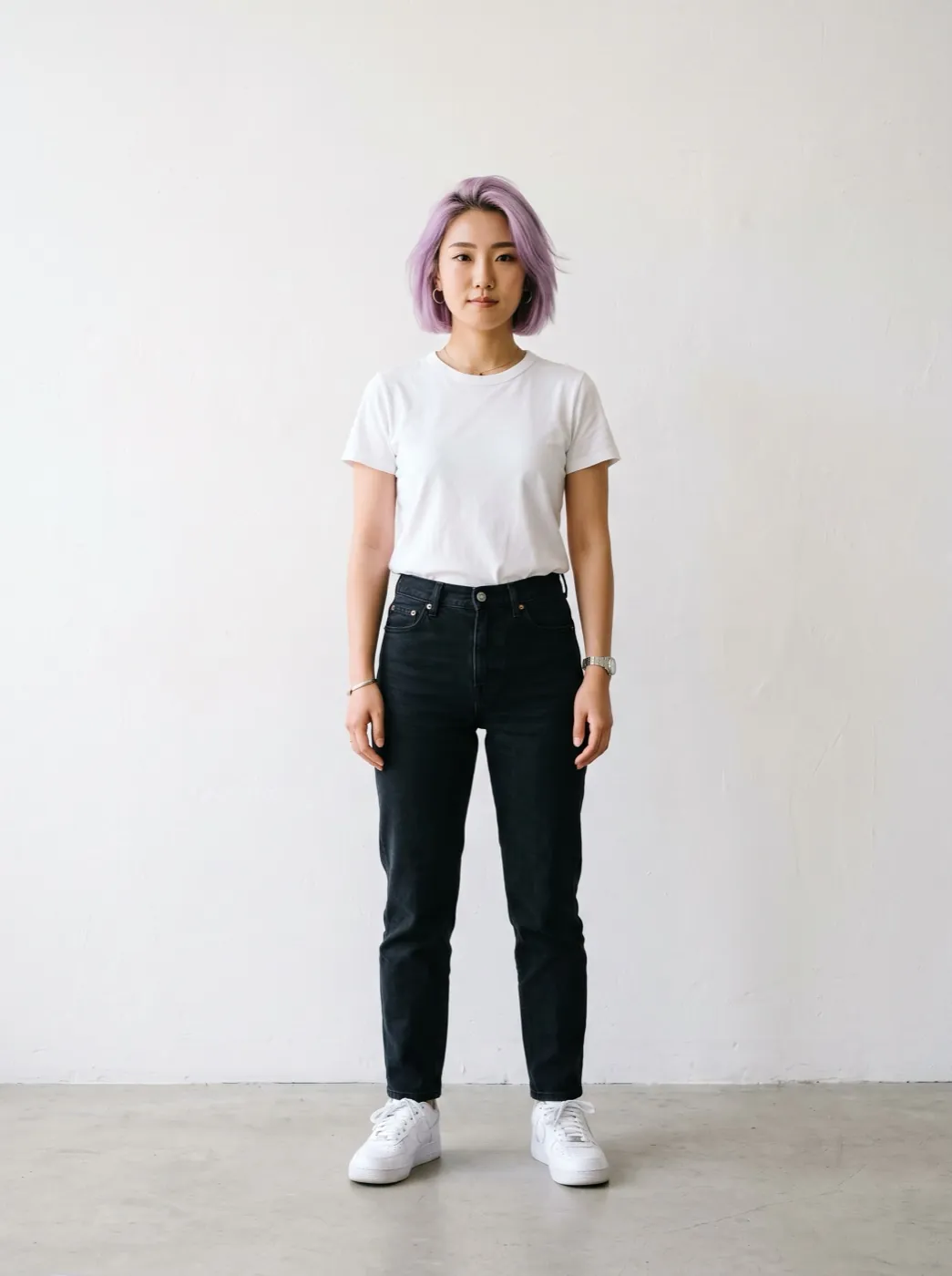
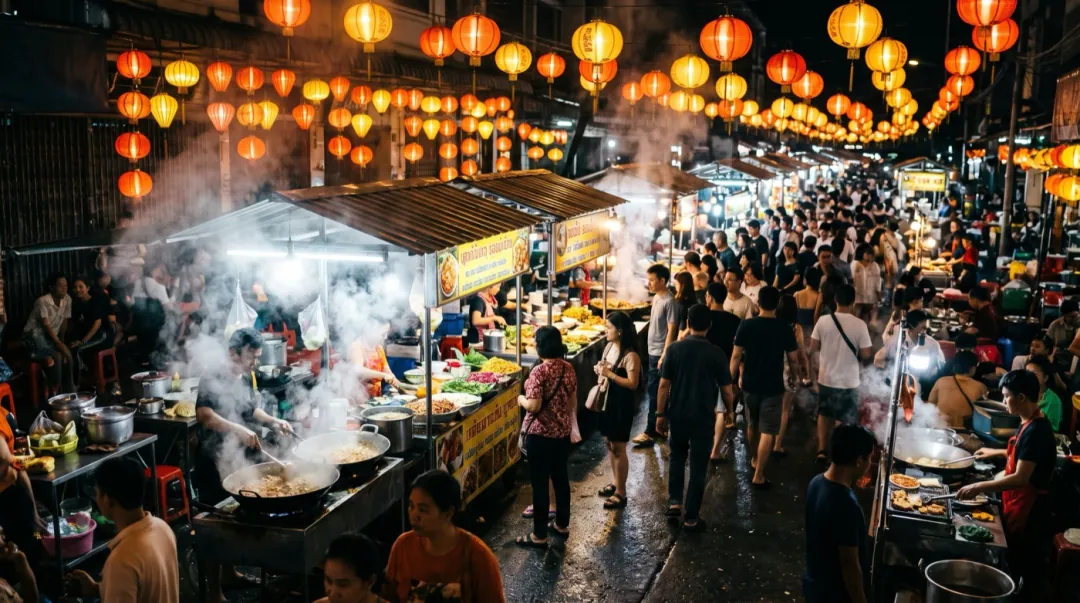
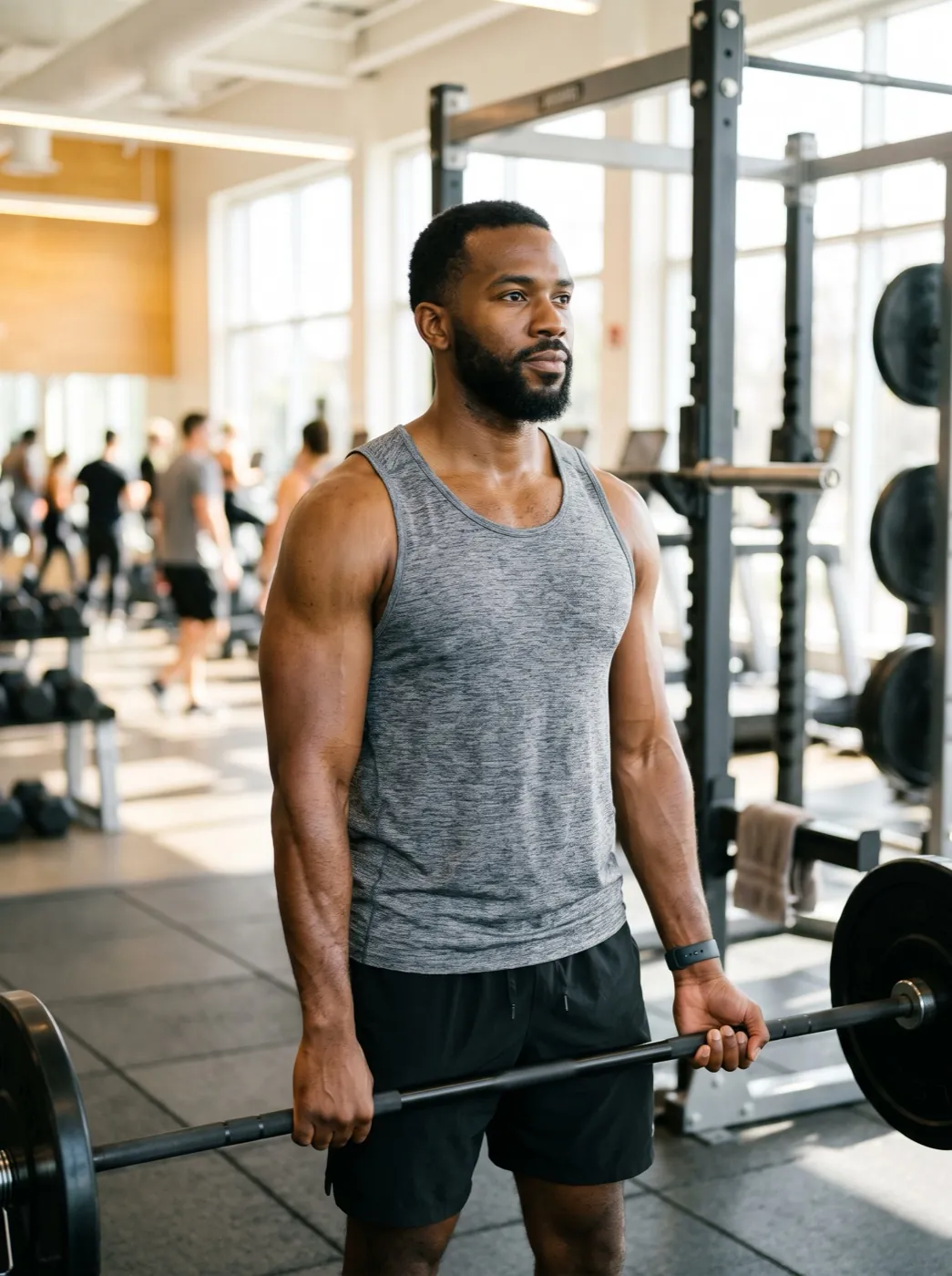
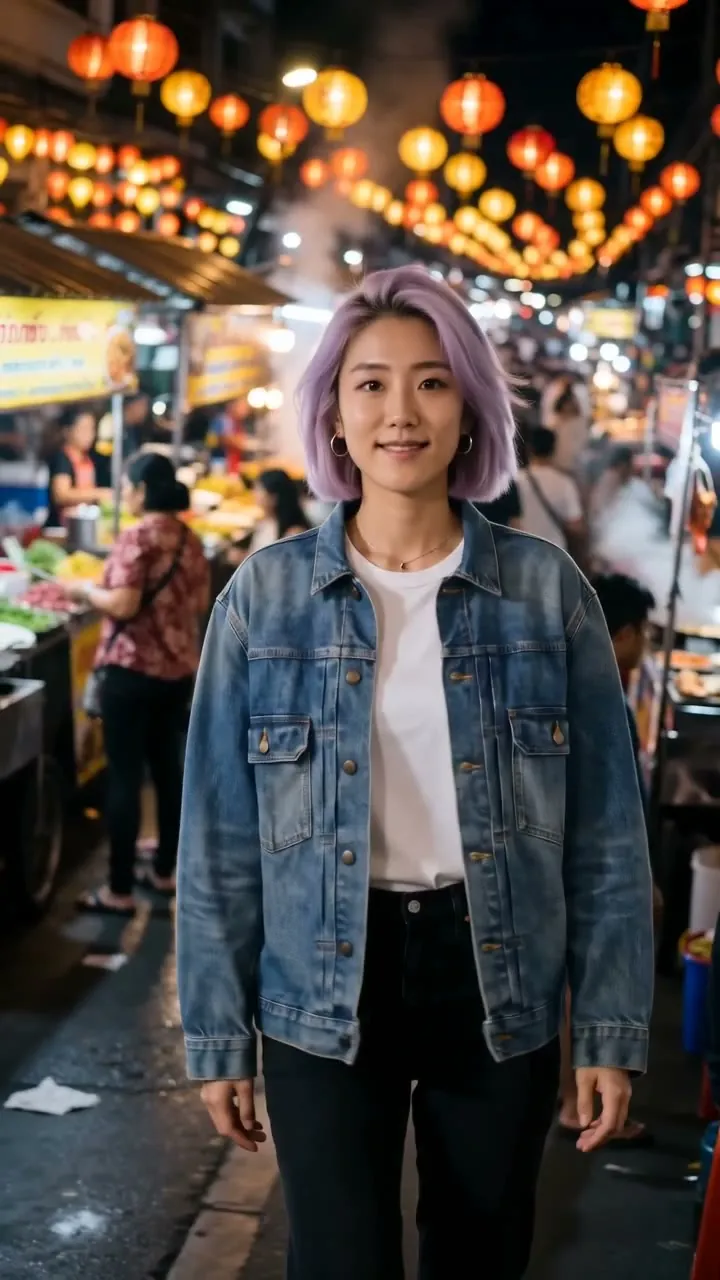
Seedance 2 · 5sThe woman from the first image, wearing the jacket from the second image, walks through the market from the third image toward the camera and does a little twirl.
Start from a recipe
Each card keeps every image in its order, the words and the model. One tap loads all of them.
1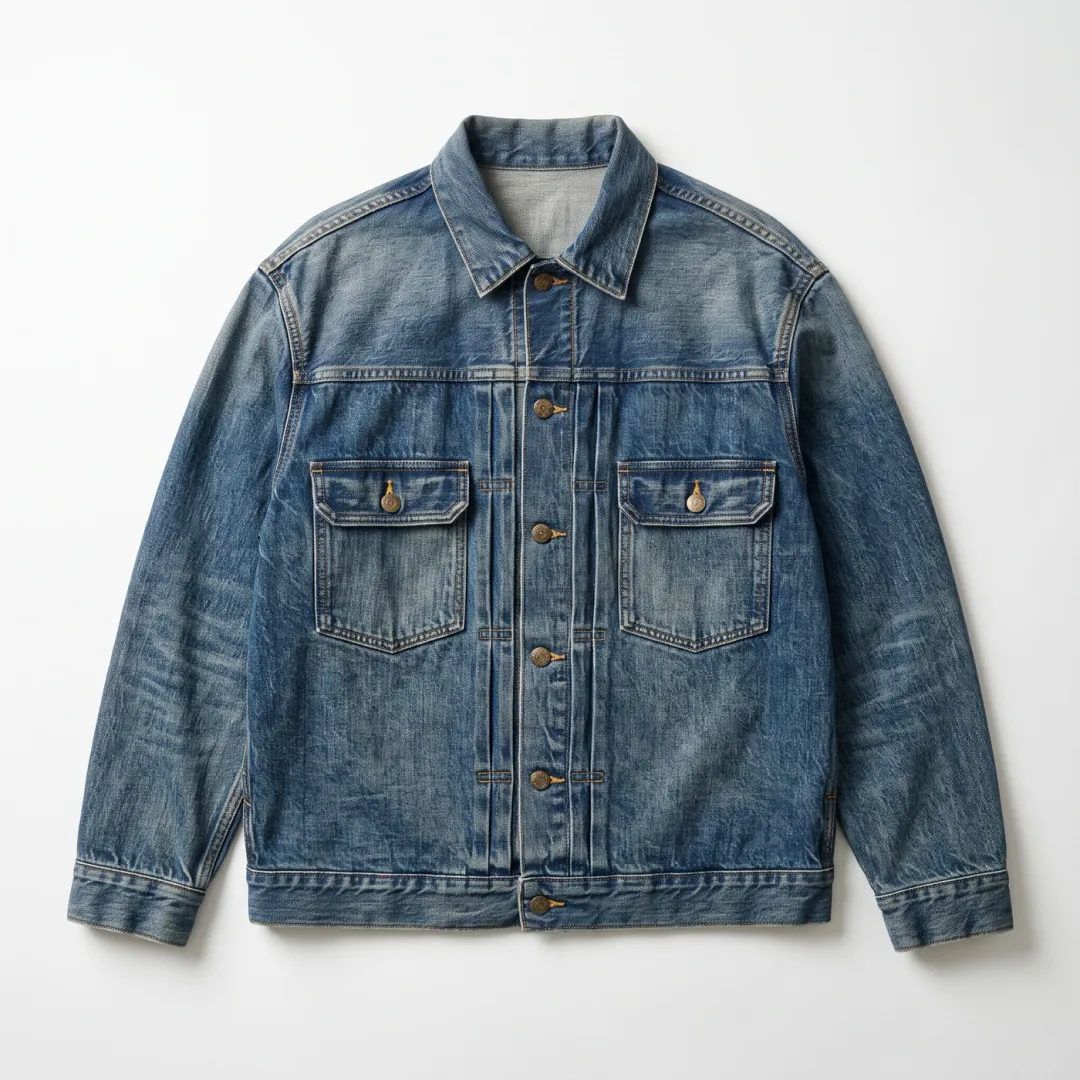 2
 3
Jacket try-on at the market
The woman from the first image, wearing the jacket from the second toward the camera walks through the market from the third image and does a little twirl 5 s
 Seedance 2
 1
 2
Post-workout sip
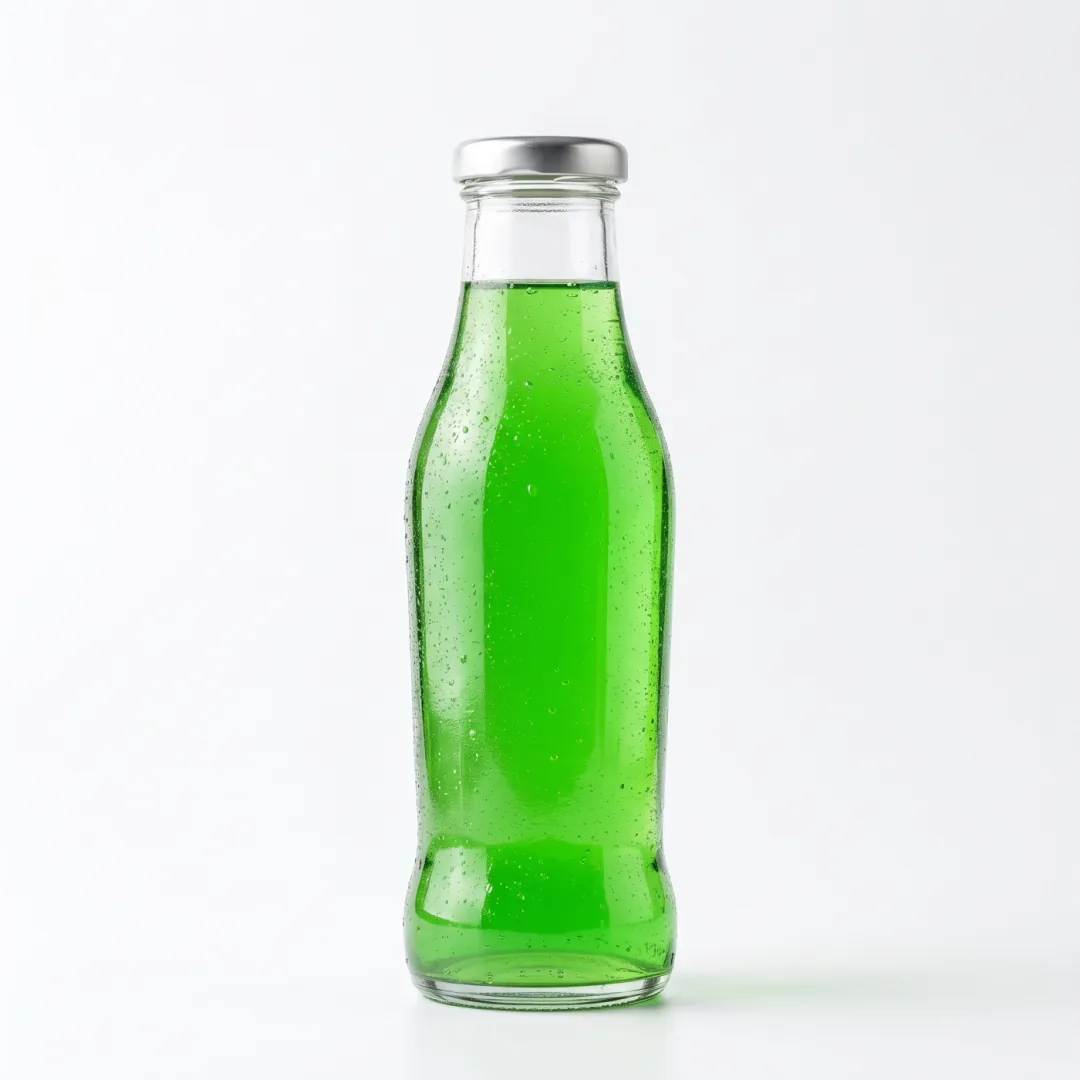
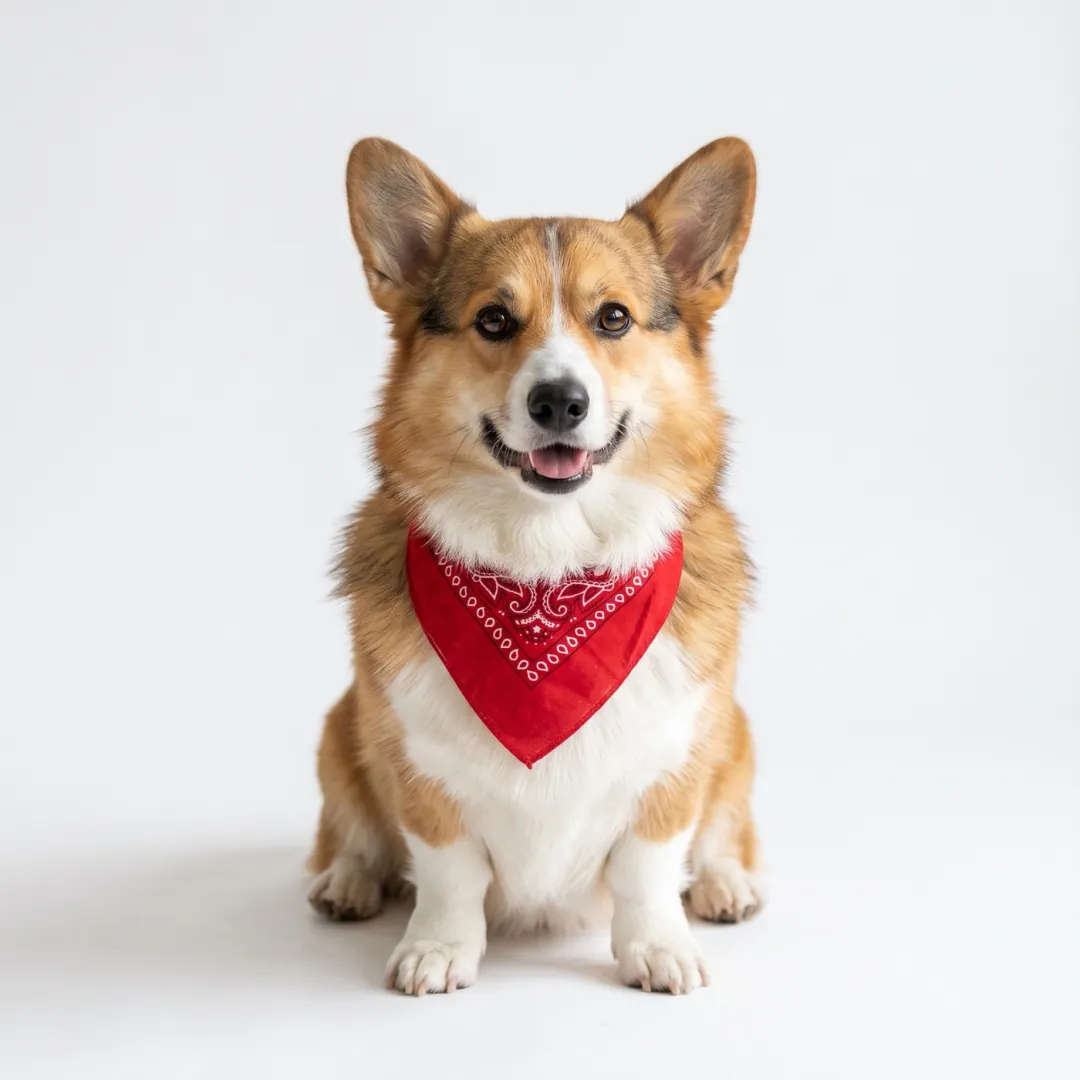
The man from the second image holds the bottle from the first handheld phone look takes a long sip and gives a thumbs up 5 s
 1
 2
Corgi at the cabin
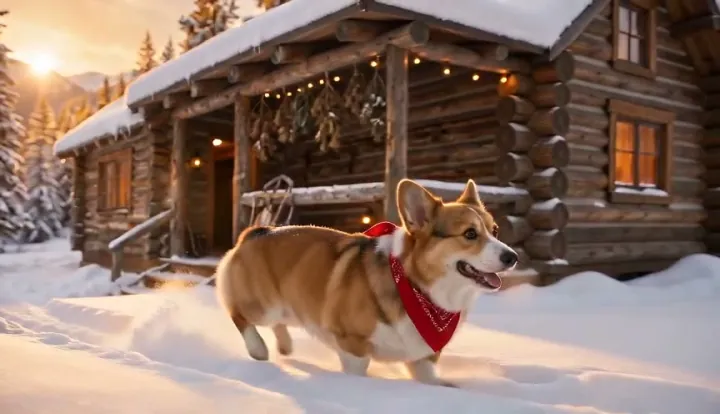
The corgi from the first image bounds through the snow at the cabin from the second image, slides on its belly 5 s
Three images, one clip
Each image brings one thing. The prompt names them by number, in the order they were added.
123“The woman from the first image, wearing the jacket from the second image, walks through the market from the third image, toward the camera and does a little twirl.”
How reference to video works
Separate images in, one scene out.
Add one image per thing
JPG, PNG or WEBP · up to 10 MB. The person, the product, the pet, the place: each on its own, in the order you will name them.
Say which is which
Call them the first image, the second image and so on, then say what happens.
Get them together
Ready in one to four minutes, with each one still recognisable.
What makes a good reference
The clearer each image is about the one thing it brings, the better that thing survives into the clip.
Alone, plain background Product
Nothing else in the shot, so the model knows exactly which object to carry over.
Whole body, even light Person
Head to shoes, facing the camera. Clothes from another image go on cleanly.
The place, empty Place
No people or animals in the scene image, or they turn up in the clip too.
Which model for which mix
Seedance 2 Mini is the default. Switch when a face, a product close-up or a big set of images needs more.
| Your images | Pick | Why | Credits | |
|---|---|---|---|---|
 Any mix, first try | Seedance 2 Mini | Cheap and keeps each image recognisable · up to 9 images | 30 · 480P 5s | |
 A person in new clothes | Seedance 2 | Holds a face and an outfit together · up to 9 images | 95 · 480P 5s | |
| Sound for the least | MiniMax H3 | The lowest-cost reference run with audio · up to 9 images | 15 · 480P 5s | |
| A product in close-up | Kling 4.0 | Clean edges and fine detail at 720p · up to 10 images | 180 · 720P 5s | |
| Many images at once | Wan 3.0 | Room for a large set of references · up to 10 images | 50 · 480P 5s |
 MiniMax H3
 Kling 4.0
 Wan 3.0
Around the clip
Clean up an image before it goes in, or keep the scene going after.
Your clip
Everything you added, together in one 5 to 8 second scene.
Clean up a product image
Take the background off so only the product goes in.
Background RemoverKeep the scene going
Use the last frame of this clip as the start of the next one.
Frames to VideoReference to video FAQ
What people ask before they mix their first images.
What is reference to video?
You add separate images of the things that must appear, such as a person, a product, a pet or a place, and say what they do together. The AI makes one clip with all of them in it.
How many reference images can I add?
Between 3 and 10, depending on the model; the generator shows the limit for the one you pick. Two or three clear images usually work better than many similar ones.
How does the model know which image is which?
By the order you add them. Name them in the prompt as the first image, the second image and so on, for example: the man from the second image holds the bottle from the first image.
Can I make a product video with a person holding it?
Yes. Add the product on a plain background as one image and the person as another, then say how they hold or use it. Small printed text on a label may not come out exact, so check the close-ups.
Will the person look exactly the same?
Close, from a sharp, well-lit photo facing the camera, but not always exact. When one face must not change at all, start from that photo on Image to Video instead.
How much does a reference to video clip cost?
The credits show on the button before you start; the default run is 30 for 480P 5s. A new account gets 10 free credits for images, packs start at $9.90 and plans at $9.9 a month. A run that fails gives its credits back.
Whose photos can I use?
Your own, or ones you have the right to use. Only put a real person into a clip with their permission.
Other ways to make a video
Same models and credits, a different starting point.
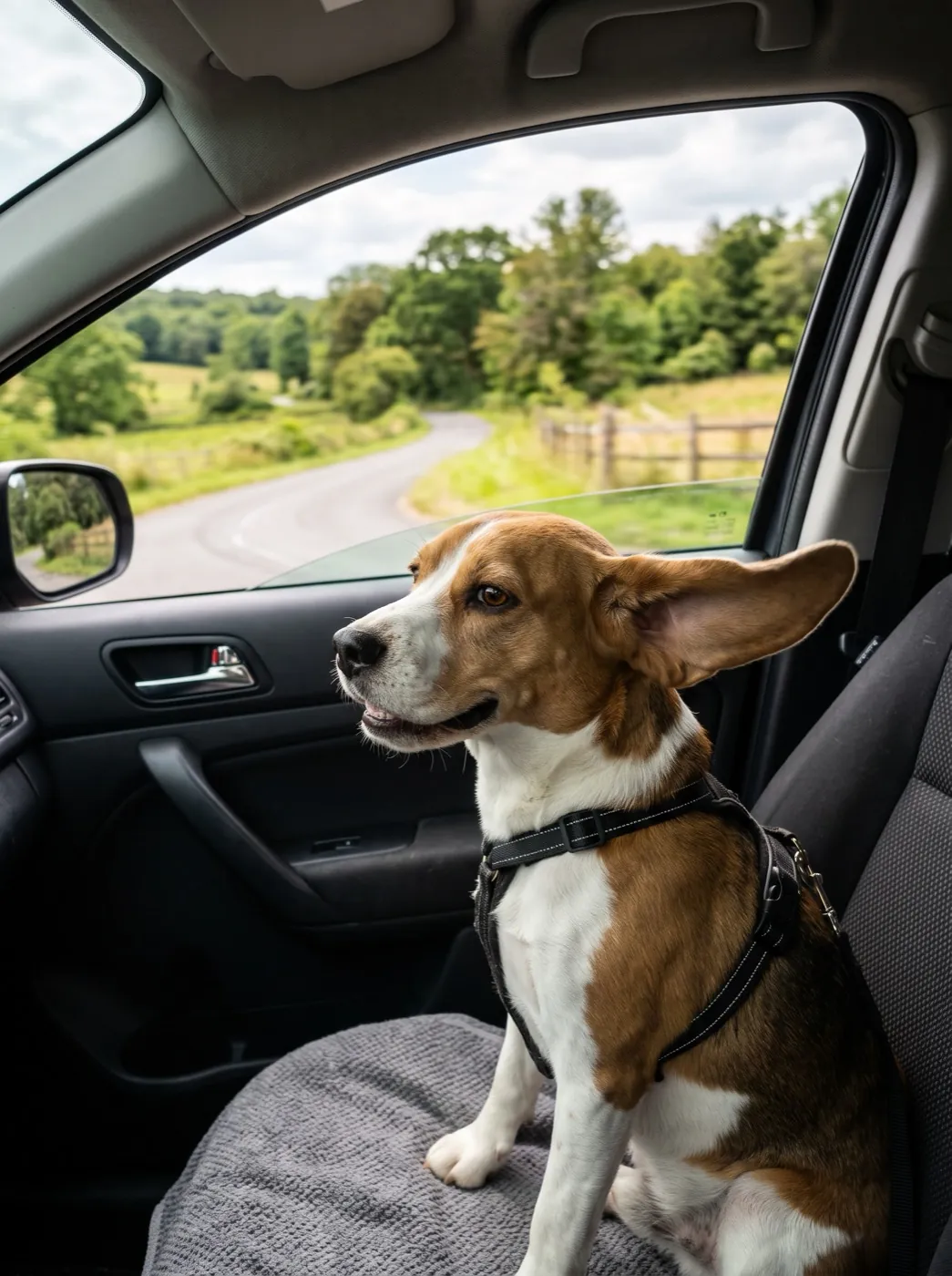 Mode
One photo, already in the right place? Just make it move.
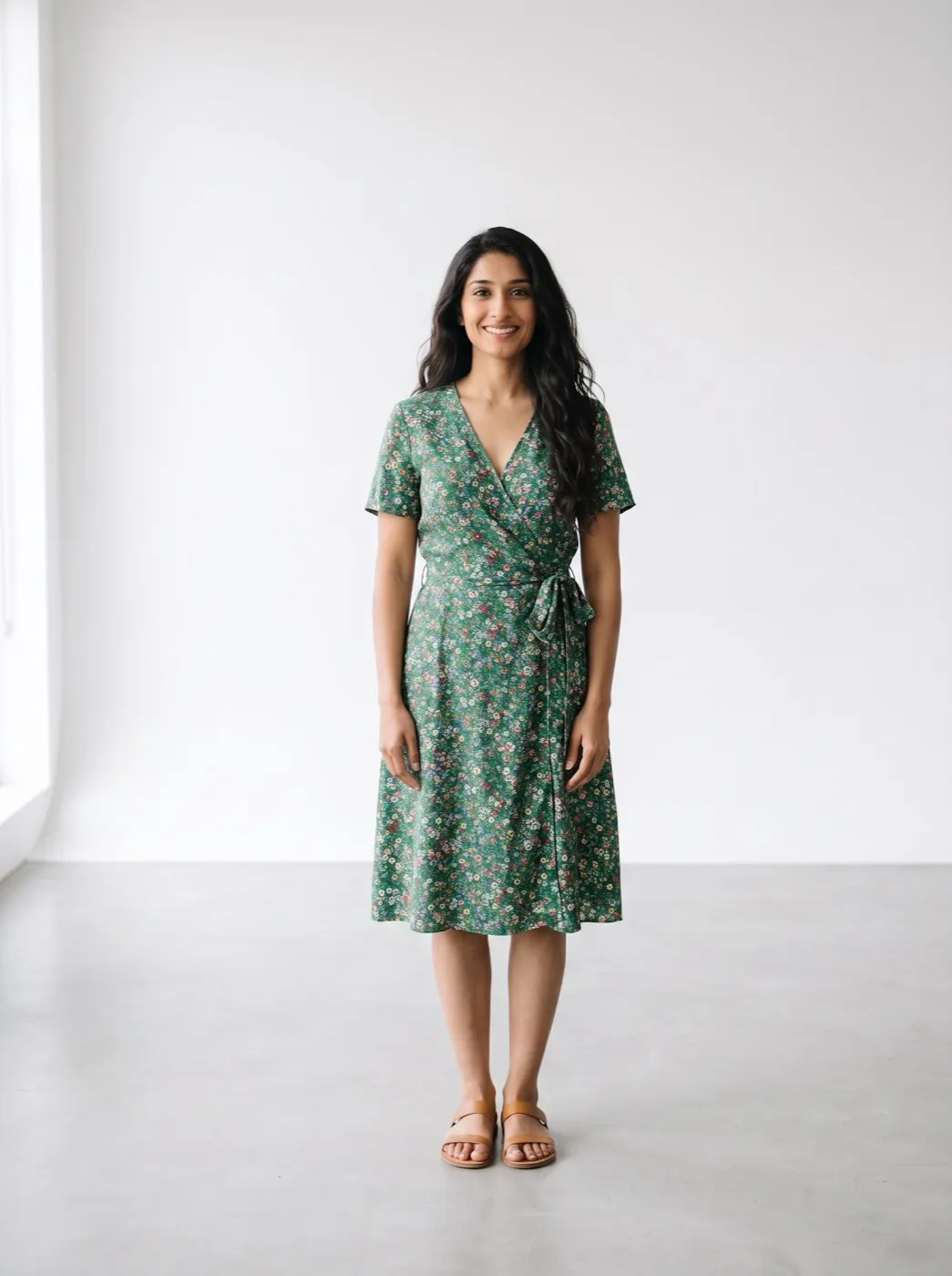 Mode
Try the outfit on as a still first, then animate it.
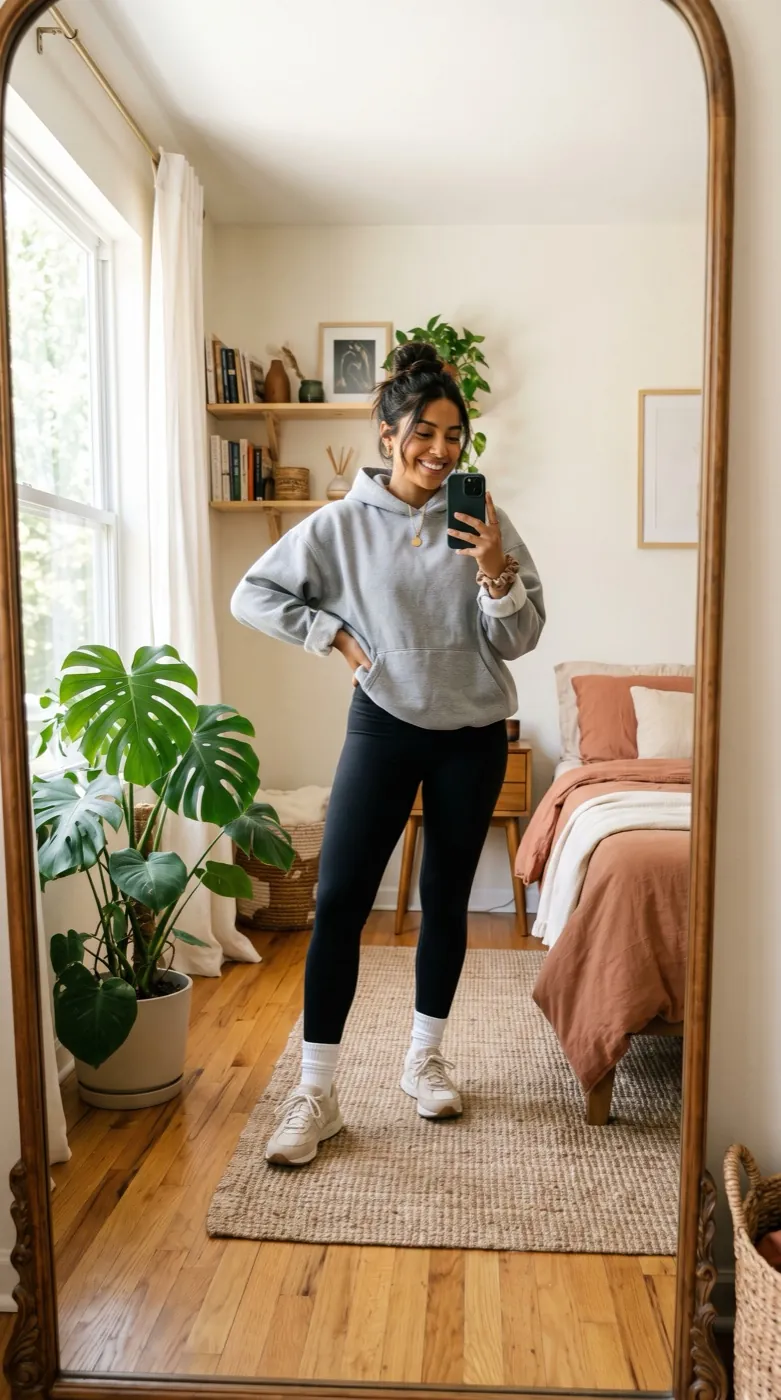 Mode
Fix the exact first and last shot of the clip.
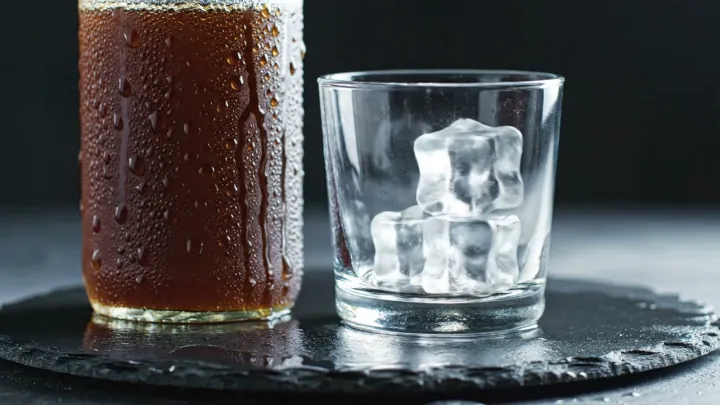 Mode
No images at all. Describe the whole scene in words.
Put your product in the shot.
Add the first image here; it lands in the generator, ready for the rest.
These two pictures and one line“The man from the second image holds the bottle from the first image, takes a long sip after a workout and gives the camera a thumbs up, handheld phone look.”