Convert Format
HEIC, PNG, JPG, WebP · freeAdd a photo, pick the format the site or app asks for, and save the new file.
JPG opens everywhere. See-through parts turn white.
Your photo never leaves this device.
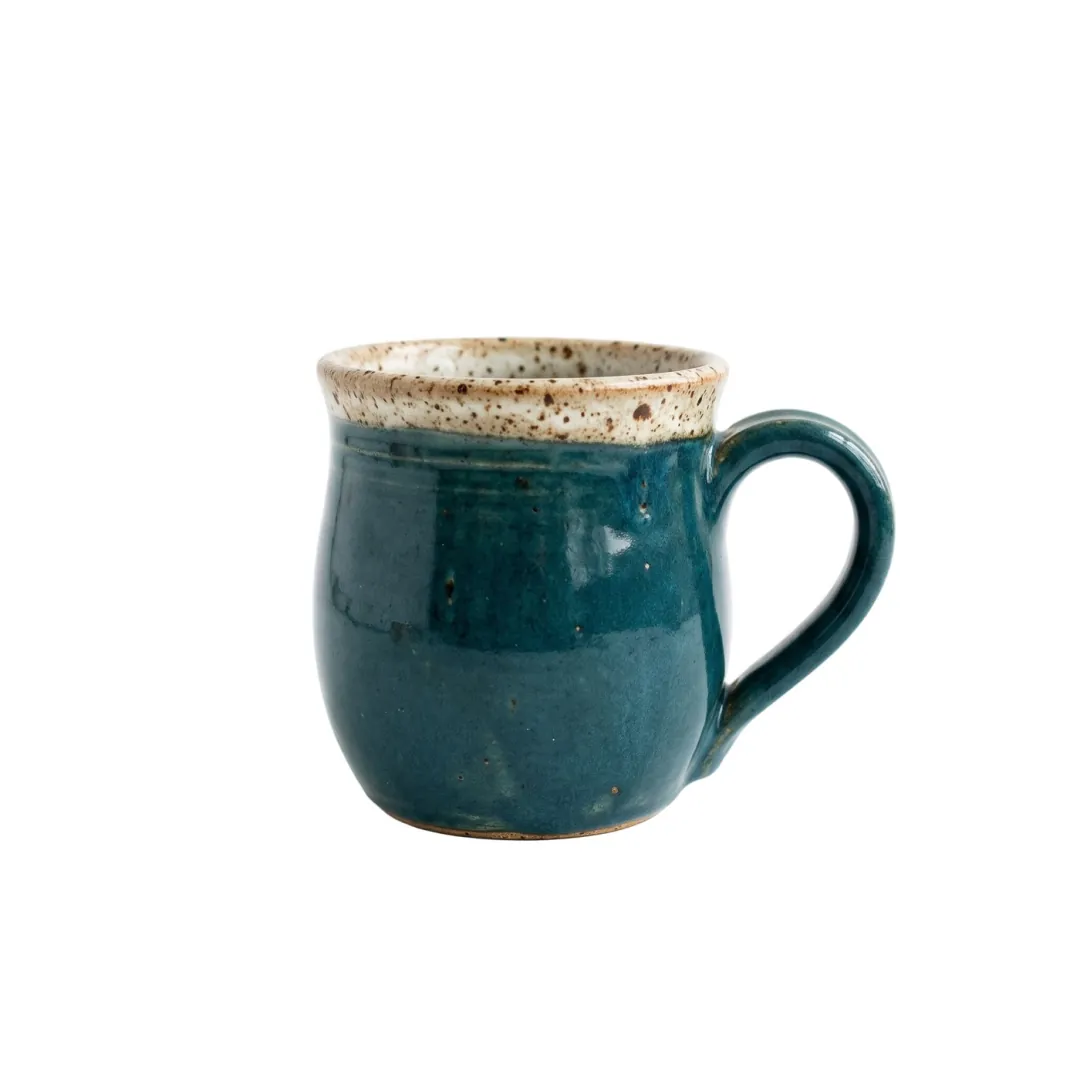
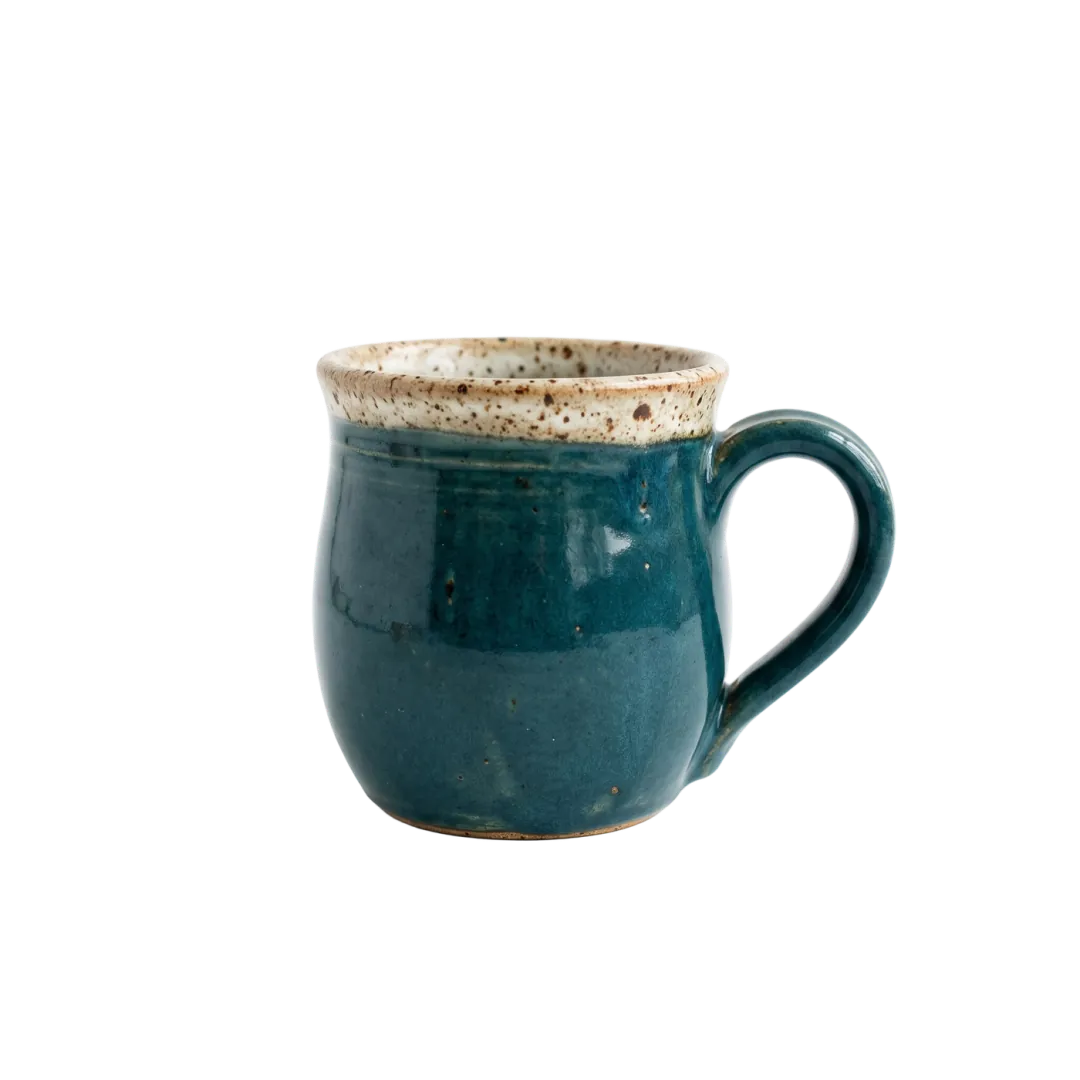 PNG · 1.69 MBJPG · 312 KB
Three conversions people actually need
One photo each, converted on this page. The sizes are what came out.

An iPhone photo the upload form refused
iPhones save photos as HEIC. Plenty of shop dashboards, job sites and older Windows apps still reject it, so a candle maker’s listing photo bounces.
As JPG it opens everywhere. It does get bigger: this 2400 × 1792 HEIC went from 983 KB to 1.26 MB, because HEIC packs pictures tighter than JPG can.
A cut-out that needs a white background
Marketplaces ask for JPG on white. A transparent PNG of a product either gets rejected or shows up on black.
JPG has no see-through, so the empty area is filled with white, not black. This mug went from a 1.69 MB PNG to a 312 KB JPG. Want to keep the see-through? WebP does, at 278 KB.

A blog photo that loads faster
Page speed tools flag big JPGs and suggest WebP. Every current browser shows it, and it is usually far smaller at the same look.
This picnic photo went from a 3.54 MB JPG to a 1.13 MB WebP, 68% smaller, same pixels. Saved as PNG instead, it would have been 9.68 MB.
Who converts photos
The format is rarely the point; getting the photo accepted is.
PhonesiPhone owners
HEIC photos into JPG for forms, printers and anyone on an older computer.
ShopsSellers
Cut-outs into JPG on white, the way marketplaces want product shots.
WebsitesBloggers and site owners
Heavy JPGs into WebP so pages load before readers give up.
Where converting fits
Get the photo into a format that works, then do something with it.
Convert Format
HEIC, PNG, JPG and WebP, both ways.
Convert format FAQ
Formats, sizes and privacy.
Is Convert Format free?
Yes. It runs in your browser, so there is no sign-in, no daily limit and no credits. The only limit is 50 MB a photo.
Does Convert Format upload my photo?
No. The photo is read and written by your own browser and never sent to our servers. You can switch off your connection after the page loads and it still works.
Why is my JPG bigger than the HEIC I gave Convert Format?
HEIC is a newer format that stores the same picture in fewer bytes. JPG trades that for working everywhere. On this page a 983 KB HEIC became a 1.26 MB JPG.
What happens to transparency when Convert Format saves a JPG?
JPG cannot be see-through, so the transparent area is filled with white. Pick PNG or WebP to keep it.
Which formats can Convert Format save?
JPG, PNG and WebP. It opens those plus HEIC. Older Safari versions cannot write WebP; there the WebP choice is greyed out and the page says so.
Does Convert Format give the same file sizes in every browser?
Close, not identical. Each browser has its own encoder. The sizes on this page were measured in Chrome.
Related tools
More free fixes for a photo, plus one paid one.
 Free
Shrink a photo under an upload or email limit.
 Free
Exact pixels, or the size a social app wants.
 Free
Square, story, circle, grid or carousel pieces.
 Image
Cut the product out first, then save it as JPG on white.
Any photo, the format they asked for.
Add a HEIC, PNG, JPG or WebP and save it the way the site wants it.