Motion Control
A photo · a reference clipAdd a photo of someone and a clip of the moves, and get your person doing them in their own clothes and setting.
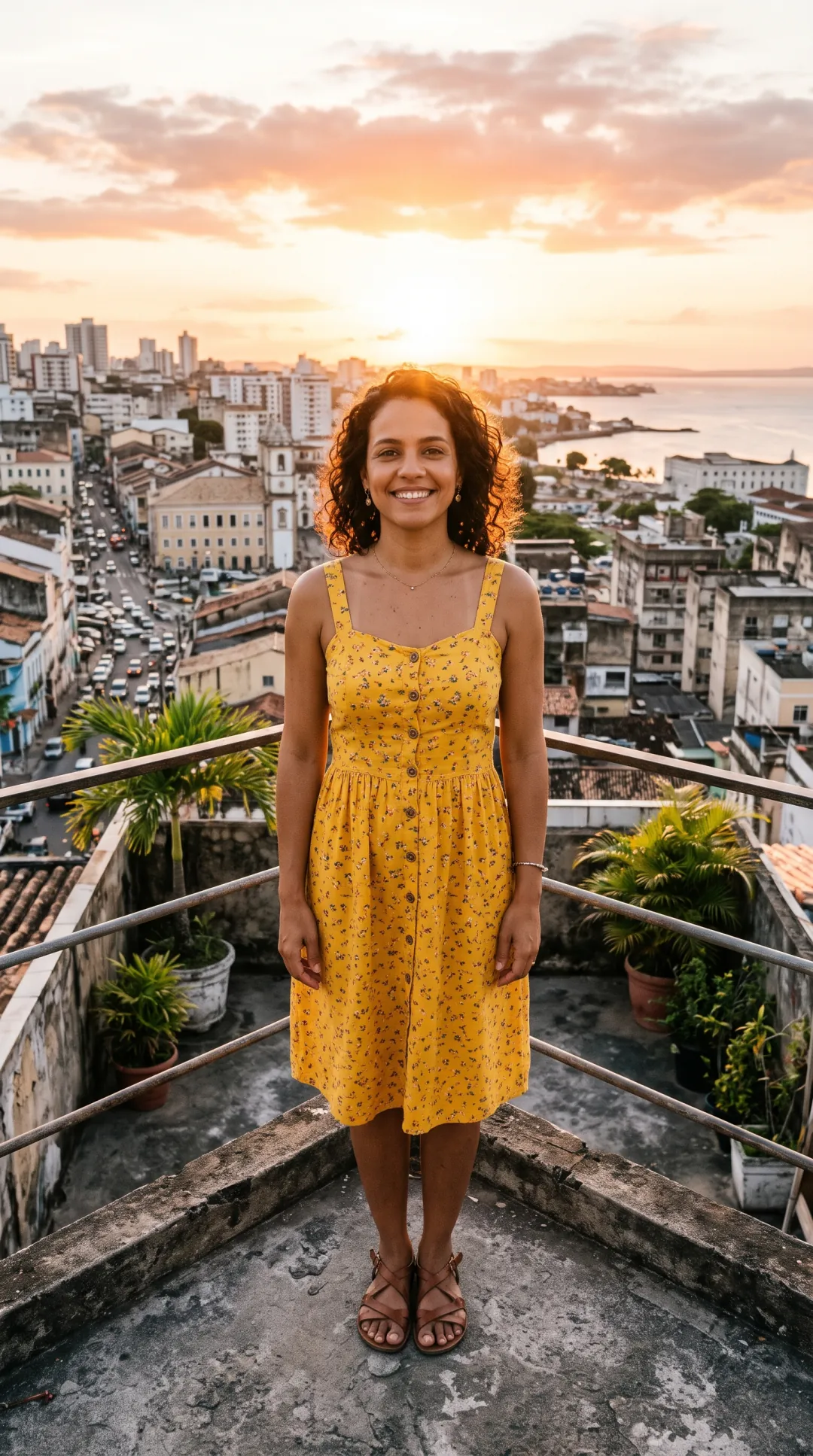 PhotoDancing
Two reference clips, four people moving
Each result took the moves from a short clip and kept everything else from the photo, shown next to what went in.
Her dance, his skatepark
The reference is a woman dancing in front of a plain wall. The photo is a man in a grey hoodie at a skatepark. The result has his face, his clothes and his skatepark, moving through her steps, turn and clap.
The clip only lends the timing and the body moves, so you can film the moves yourself, or use any clip where one person is fully in view.
Kling 2.6 next to Kling 3.0
Same photo, same reference, both at 720p. Side by side, the two followed the steps the same way and kept the same face and hoodie; we could not pick a winner by eye.
Kling 2.6 costs 18 credits a second against 32 for Kling 3.0, so it is the default. Try 3.0 when a 2.6 result loses a hand or a turn.
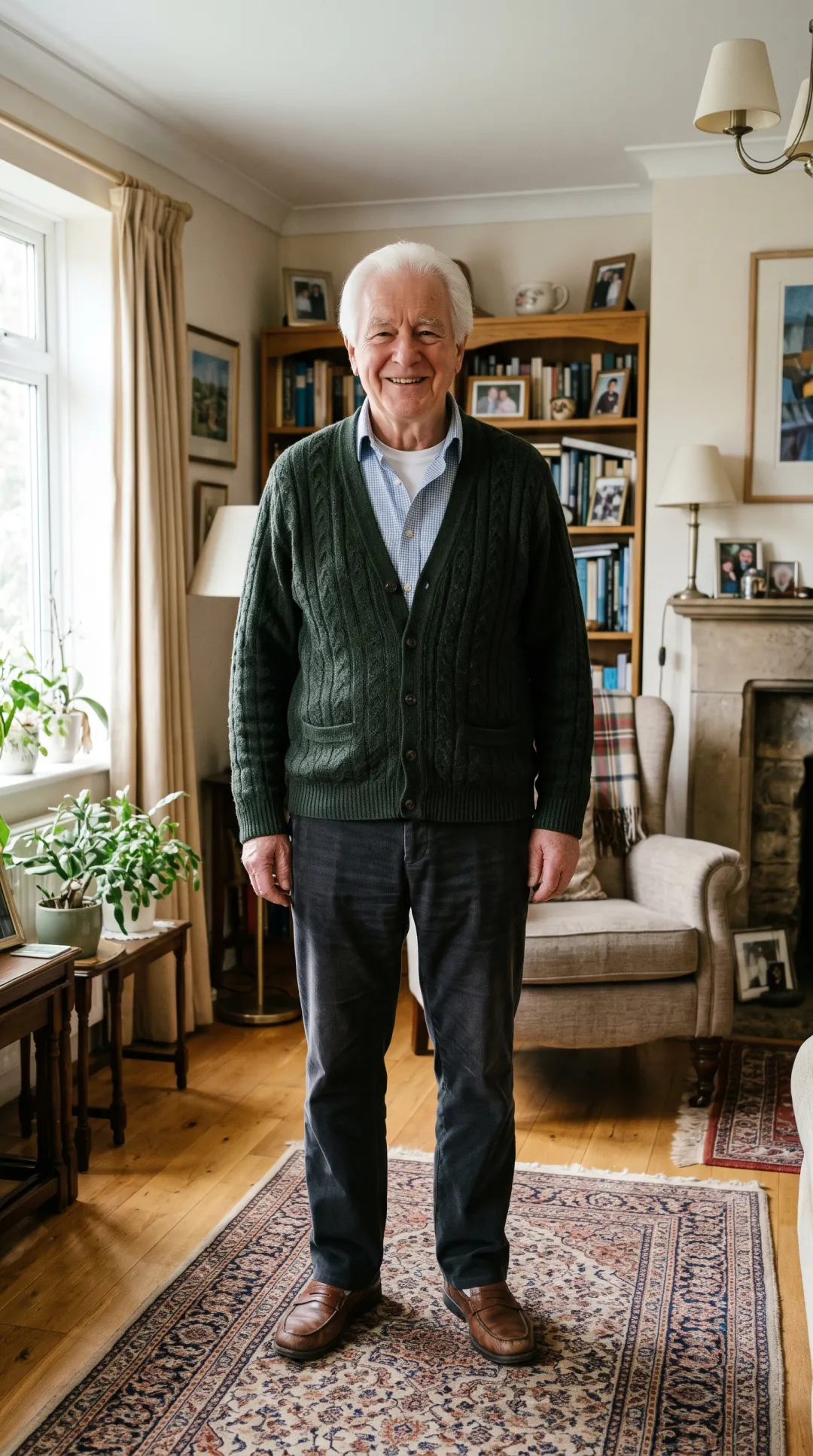
A wave from Grandpa
Not every reference has to be a dance. This one is a man waving with both hands, giving a thumbs up and clapping, and the grandfather in his living room now does the same.
Small gestures like these make a greeting, a thank-you or a birthday message from a single family photo.
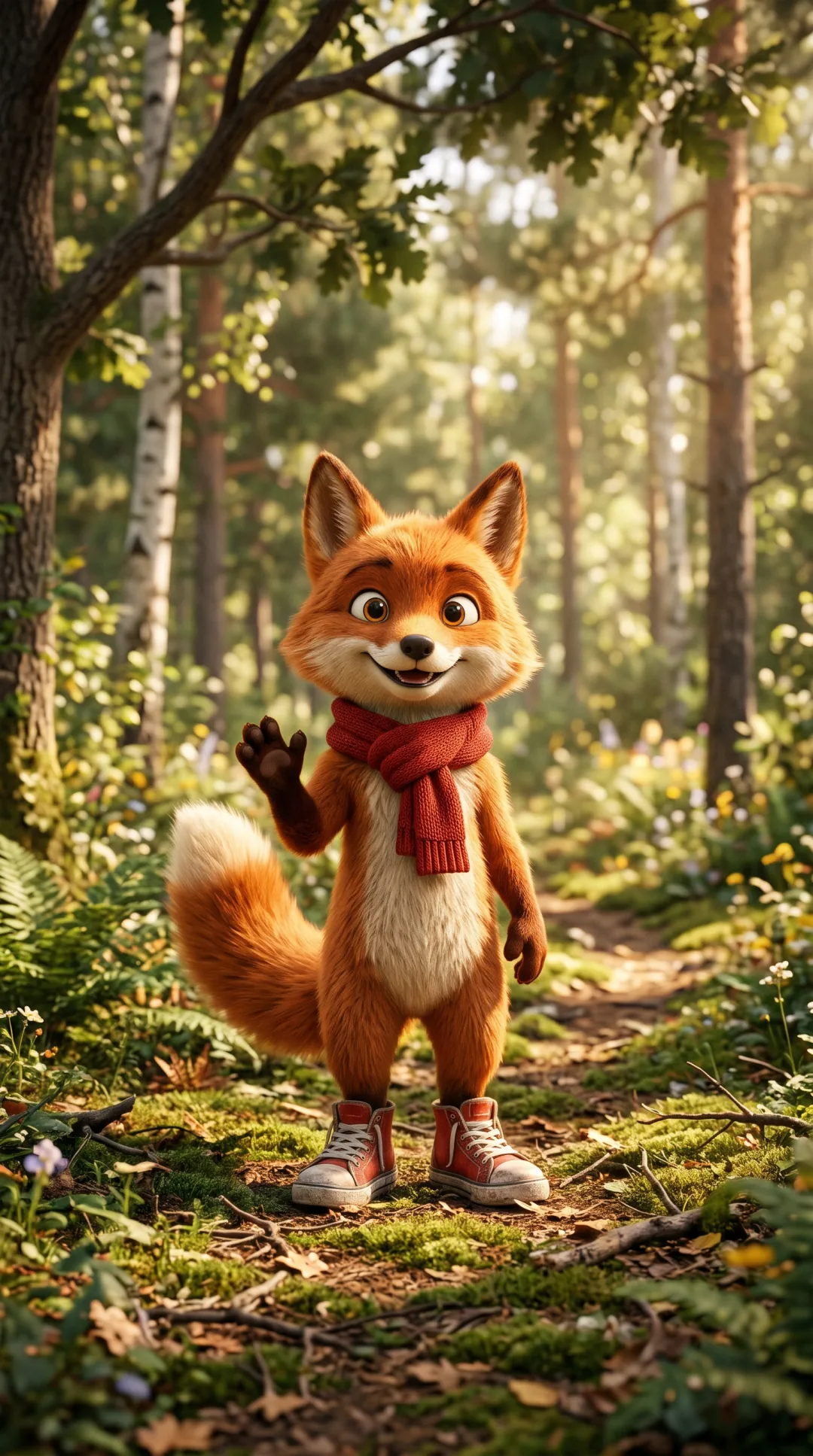
A cartoon mascot learns the dance
The photo does not have to be of a real person. This 3D fox stands on two legs with arms free, and it picked up the same dance as the hoodie result, with its scarf and tail swinging along.
A character drawn upright, with arms and legs clear of the body, gives the model the most to work with.
Who uses motion control
The moves from one clip, on anyone you have a photo of.
Trend and dance creators
Put a trending routine on a new look or a new location without learning it or filming it again.
Brands with a character
Give a mascot the moves your team films on a phone, for a launch post, a sticker or a short ad.
Family messages
A wave and a thumbs up from someone in an old photo, for a birthday, a holiday or a thank-you.
Where motion control fits
Get the photo full length, copy the moves, then sharpen the result.
AI Image Extender
Photo cut off at the knees? Make it taller so the legs are in frame.
Extend the photo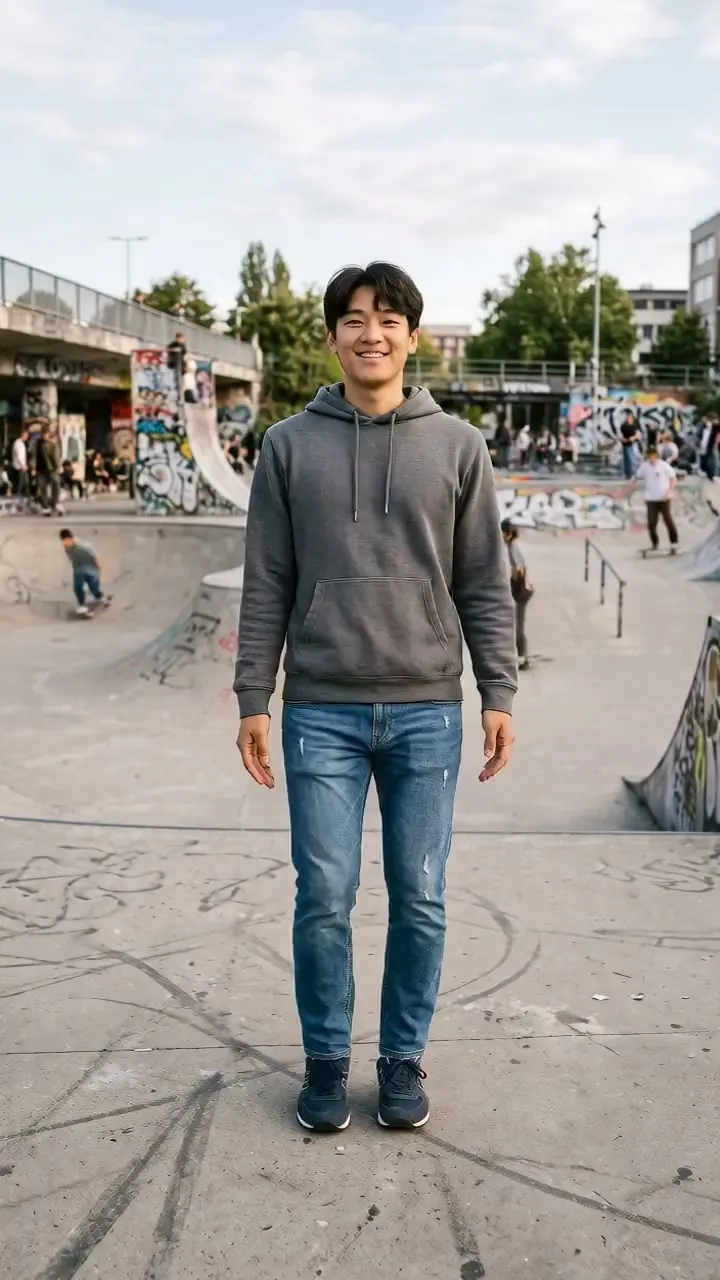
Motion Control
Your photo, moving like the reference clip.
Motion control FAQ
Cost, clips, models and time.
How much does Motion Control cost?
It is billed per second of the reference clip. Kling 2.6 is 18 credits a second at 720p and 29 at 1080p; Kling 3.0 is 32 and 43. A 5 second reference on Kling 2.6 at 720p uses 90 credits. You see the total before you start, and a failed run gives the credits back.
How long can a Motion Control reference clip be?
From 3 seconds. When the result follows the clip’s framing, up to 30 seconds; when it keeps your photo’s framing, up to 10. The clip is MP4 or MOV, up to 100 MB.
What photo works best for motion control AI?
One person or character, head to feet in frame, arms clear of the body and facing the camera. Every demo on this page used a standing full-body photo. If yours is cut off at the knees, extend it to full length first.
Should I use Kling 2.6 or Kling 3.0 for motion control?
Start with Kling 2.6. In our side-by-side test the two results looked the same to us, and 2.6 costs a little over half as much. Switch to 3.0 if a result smears a hand or loses part of a turn.
Does a Motion Control video have sound?
Our reference clips were silent and every result came back without sound. Plan to add music in your editor or the app you post to.
How long does Motion Control take?
Our 5 second references took between about two and a half and six and a half minutes each. The result appears on the right when it is done and is kept in My creations.
Can motion control animate a cartoon character?
Yes, if it stands like a person. Our 3D fox mascot, upright with arms and legs free, followed the full dance. Characters on all fours or without clear limbs have less for the model to map the moves onto.
Related tools
More ways to work with a clip of a person.
 Video
Make a face in a photo or clip say your recorded line.
 Video
Lift the dancer onto transparent, green or a plain color.
 Video
Sharpen the finished clip to 1080p, 2K or 4K.
 Image
Grow a half-length photo into a full-length one first.
Borrow the moves. Keep the person.
Add a photo and a short clip of the moves, and get your person doing them.