Text to Video AI
No footage needed. Describe the scene, the camera and the sound, and get a 5 to 8 second clip, tall or wide.
Start from a recipe
Each clip below came from the words on its card. One tap puts the words, model, length and shape in the generator.
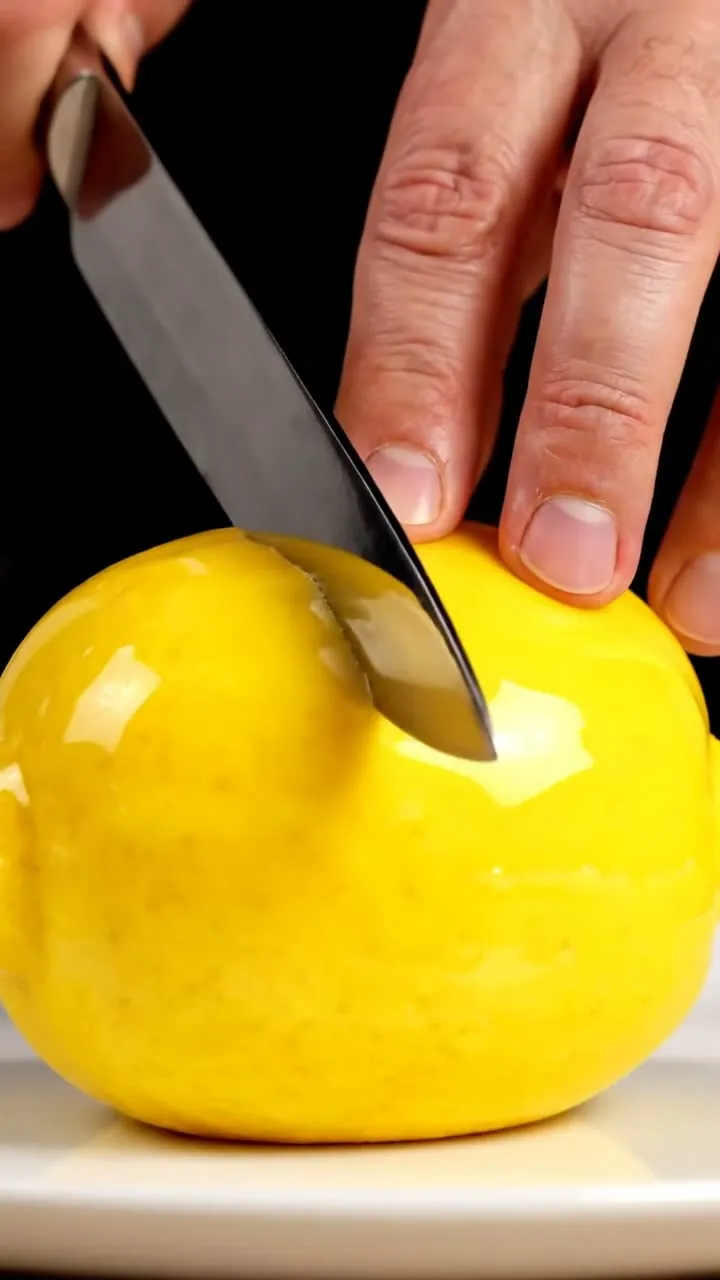
Lemon that is a cake
a knife slowly slices a glossy cake shaped like a real lemon, sponge and cream inside vertical close-up crisp cutting sound, studio light 8 s
 Veo 3.1 Fast
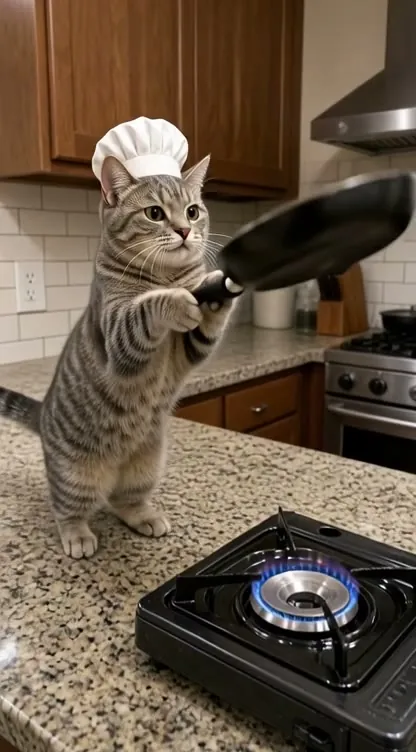
Cat flips a pancake
a grey tabby in a tiny chef hat flips a pancake and it lands perfectly handheld phone look 5 s
 Grok Imagine Video 1.5
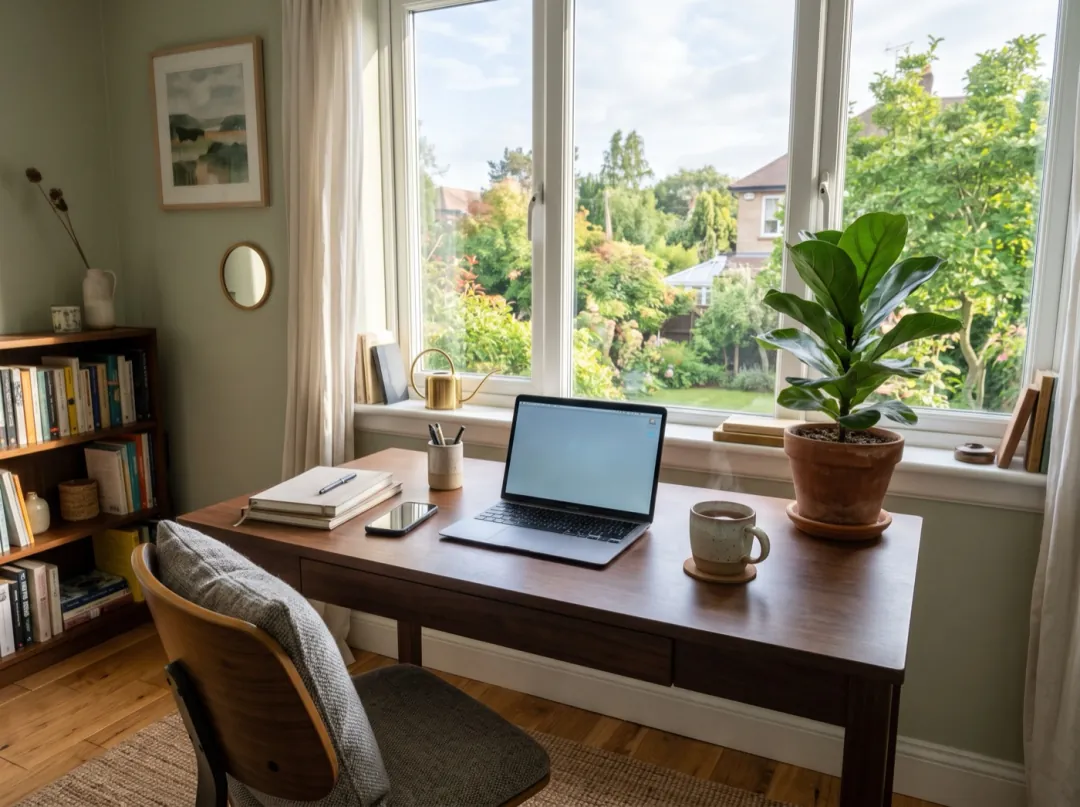
Café desk b-roll
hands typing on a laptop next to a latte and a notebook, no faces overhead, slow dolly sideways morning light 5 s
 Seedance 2 Mini
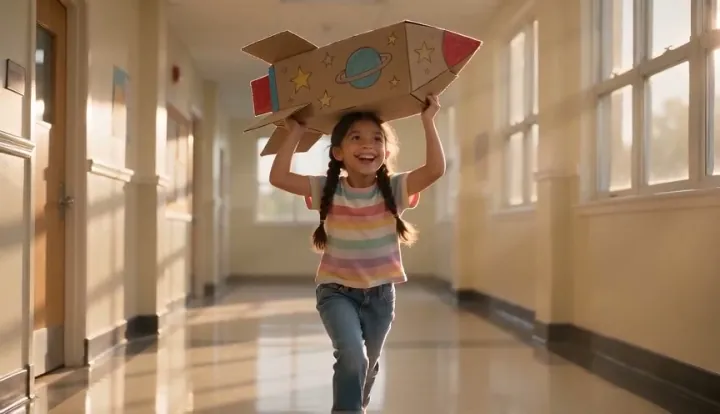
Cardboard rocket run
a girl of about eight with two braids runs down a school hallway, cardboard rocket overhead slow-motion tracking shot at her height 5 s
Cold brew on stone
a tall unlabeled bottle of cold brew on wet stone, ice drops into a glass slow orbit a clink, condensation runs down 8 s
How text to video works
You write; the model films. Nothing to upload.
Describe the scene
One to three sentences: what is there, what happens, the camera and the sound.
Pick the shape and model
Tall for phones, wide for screens. The credits change on the button as you switch.
Watch the take
Ready in one to four minutes. Keep it, or change one word and run it again.
Tall or wide: choose before you write
The shape changes how the scene is framed, so pick it first and write for it.
Tall, for phones 9:16
Reels, TikTok and Shorts. Pick 9:16 under the prompt and keep the subject in the middle third.
Wide, for screens 16:9
YouTube, a website header or a slide. Wide shots leave room for a camera move across the scene.
What a text to video prompt needs
With no photo, the words are the whole picture. Say what is there, how the camera sees it, what you hear, and where it happens.
“A tall unlabeled bottle of cold brew, ice drops into a glass beside it, slow orbit, a clink as it lands, condensation runs down, on wet dark stone, no people.”
Which model for which idea
Seedance 2 Mini is the default: cheap, with sound. Switch when the idea needs more.
| Your idea | Pick | Why | Credits | |
|---|---|---|---|---|
 Any idea, first draft | Seedance 2 Mini | Cheap enough to try five versions, sound included | 30 · 480P 5s | |
 Sound for the least | MiniMax H3 | The lowest-cost clip with an audio track | 15 · 480P 5s | |
 Product shot, 8 seconds | Veo 3.1 Fast | Real light, glass and liquid, ambient sound | 40 · 720P 8s | |
 Memes and animals | Grok Imagine Video 1.5 | Quick, playful motion at a low price | 20 · 480P 5s | |
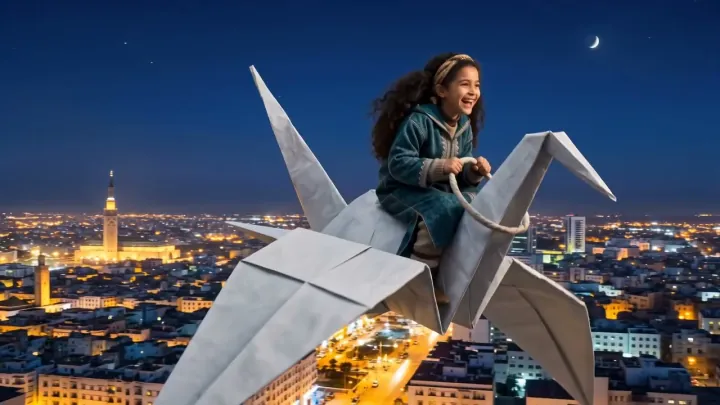 People and faces | Seedance 2 | Steady faces and hands, up to 4K | 95 · 480P 5s | |
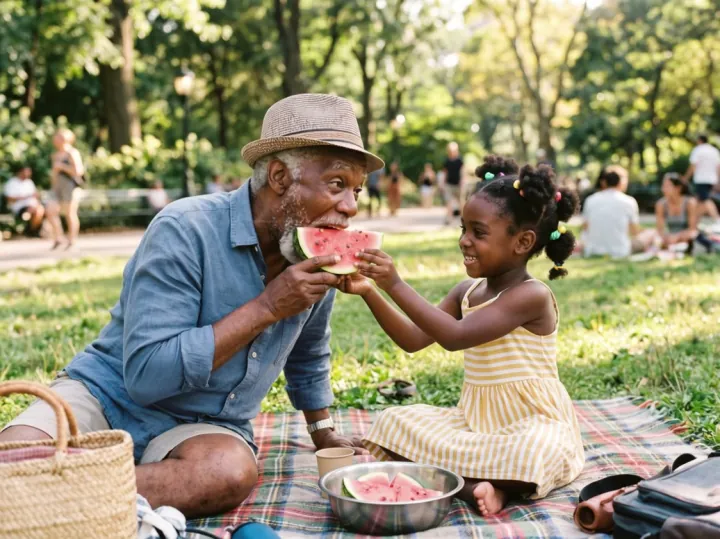 A shot that must look costly | Kling 4.0 | The cleanest motion and detail at 720p | 180 · 720P 5s |
 MiniMax H3
 Kling 4.0
After the first take
Most good clips are the second or third run. Each step starts from what you already have.
Your clip
A 5 to 8 second take with sound, ready to download.
Change one thing
Swap the camera or the light and run it again. The rest of the words stay.
Join two shots
Save the last frame and use it as the first frame of the next scene.
Frames to VideoText to video FAQ
What people ask before their first prompt.
How do I make a video from text with AI?
Write what is in the shot, what happens, how the camera moves and what you hear, in one to three sentences. Pick tall or wide, pick a model, and press Generate. The clip is ready in one to four minutes.
Which text to video model should I start with?
Seedance 2 Mini at 30 credits is cheap enough to try an idea several times. MiniMax H3 is the cheapest run with sound at 15, and Veo 3.1 Fast gives 8 second shots with real light for 40.
Do the clips have sound?
Yes on 14 of the 15 models: describe the sound in the prompt, such as a clink, rain or a crowd. FLUX 3 makes silent clips for when you add your own music.
How long can a text to video clip be?
5 seconds on most models and up to 10 seconds on some. For a longer piece, make several shots and join them, using the last frame of one as the first frame of the next.
Can I make vertical videos for TikTok and Reels?
Yes. Pick 9:16 under the prompt before you generate. Most models also make 16:9 for YouTube and 1:1 for feeds.
Why does my clip not match what I wrote?
Usually the prompt asks for too much. Keep one subject and one action per clip, put the most important thing first, and name the camera move. If faces drift, start from a photo on Image to Video instead.
Is text to video free?
A new account gets 10 free credits for images. Videos use paid credits: the cheapest clip is 15 credits, packs start at $9.90 and plans at $9.9 a month. A run that fails gives its credits back.
Other ways to make a video
Same models and credits, a different starting point.
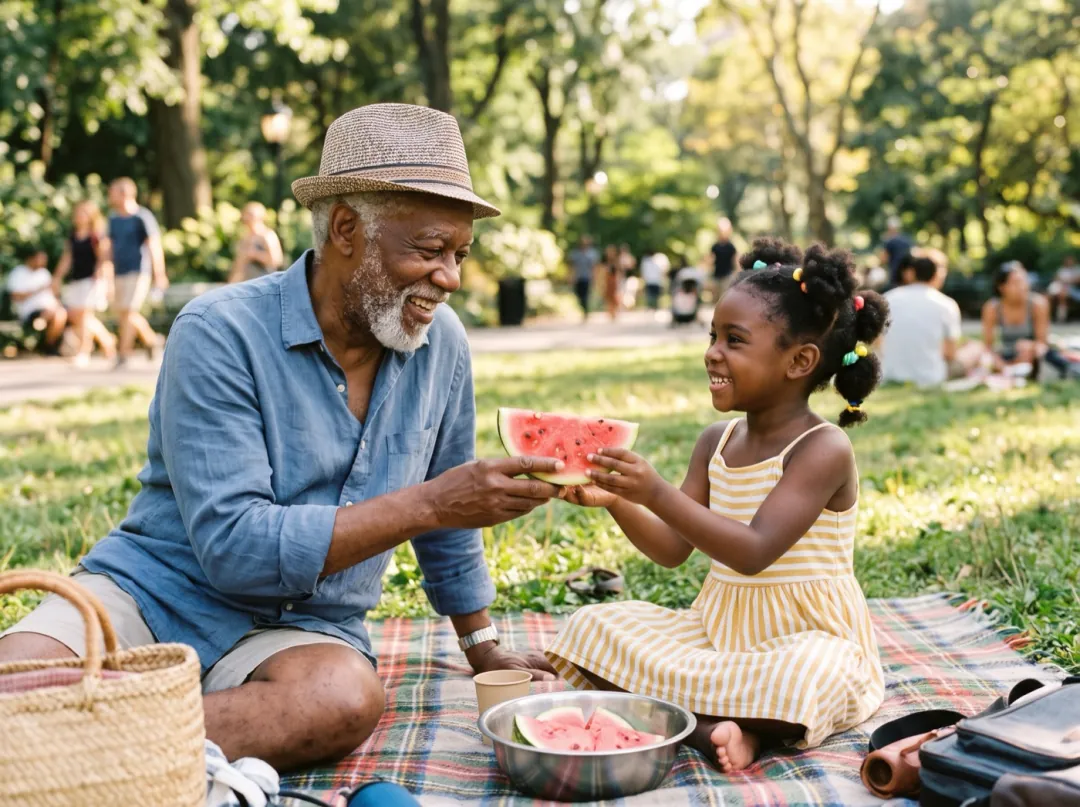 Mode
Start from a photo when the face or product must stay exact.
 Mode
Get the first frame right as a still, then animate it.
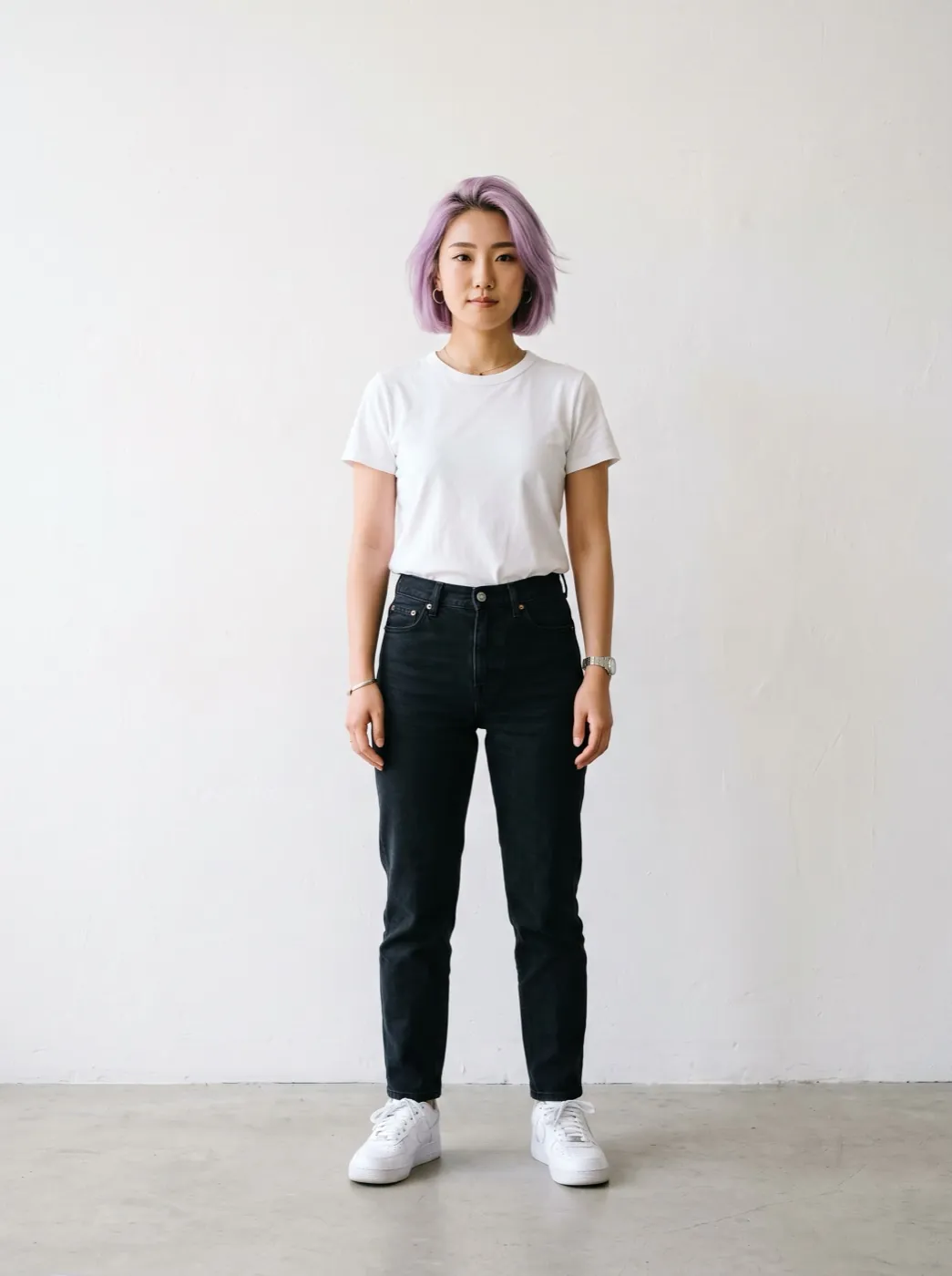 Mode
Put the same person or product in every shot.
 Mode
Fix where the clip starts and where it ends.
Your next clip starts as a sentence.
Write it in the box at the top. The credits show before you press Generate.