Remove Video Watermark
Every frame · nothing to markAdd a clip of yours with a logo or caption on it, and get the clip back with the mark gone and the picture behind it filled in.
Four kinds of mark, taken off four clips
A corner logo, a handle that jumps, a caption bar and an editor badge. Each is the clip as it went in next to what came back.
A channel bug off a sunset wave
The SALTCAM HD · LIVE logo sat in the top right corner for the whole clip, over a sky that shifts from peach to grey.
It came back with that corner filled in as sky, the gradient running straight through where the letters were, and the surfer and the wave untouched.
A handle that changes corners halfway
Short-video apps move the account name around so it is hard to crop out. Here the Crumbly @crumbandco handle sits top left, then jumps to bottom right after two and a half seconds.
You do not tell it where the mark is. The remover found both spots on its own, and the flour and the counter grain came back at each.
Last week’s open house text, gone
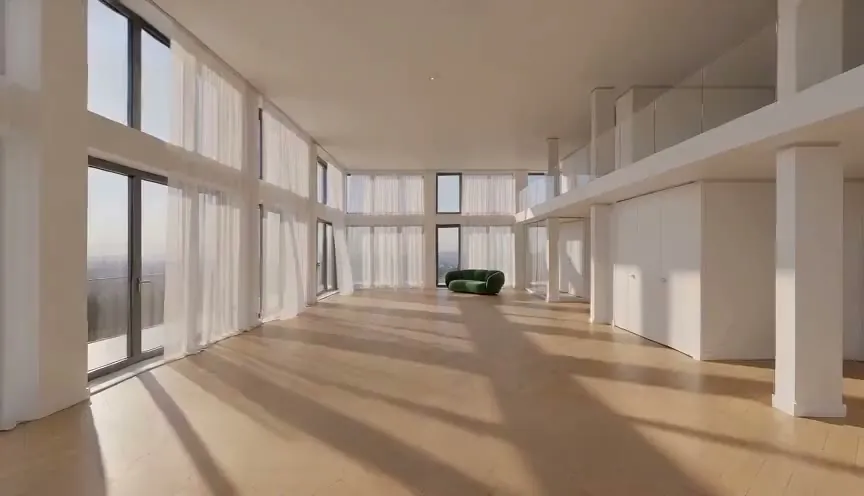
A listing tour still said "Open house Saturday" in a dark bar across the bottom, with the agency name in the top corner.
Both went in one run. Where the bar was, the floorboards and the light across them continue, so the tour can go out again for the next viewing.
The free-editor stamp off a product spin
A seller cut this turntable clip in a free editor, which stamped "Made with ClipKit Free" along the bottom.
The badge went and the edge of the turntable under it came back round, while the shoe, laces and sole kept every detail as it turned.
Who removes video watermarks
People cleaning up clips that are already theirs.
Creators moving their own videos
Post a clip you made on one app to another without the first app’s handle stamped across it.
Agents and hosts
Reuse a walk-through you filmed after the dates, prices or captions on it have gone out of date.
Sellers with trial exports
Keep a product clip you cut in a free editor and drop its badge before it goes on the listing.
Where watermark removal fits
Clean the clip first, then sharpen it or change what is behind the subject.
Remove Video Watermark
Logos, handles and captions off every frame.
Video watermark remover FAQ
Cost, files, limits and time.
How much does it cost to remove a video watermark?
3 credits for every second of the clip, counted in started seconds, with a 3 second minimum of 9 credits. Our 5.04 second demos counted as 6 seconds and used 18 credits each; a full 60 second clip uses 180. You see the total before you start, and a failed run gives the credits back.
What videos can the video watermark remover take?
MP4, MOV and WebM, up to 60 seconds and 500 MB. Horizontal, vertical and square all work: the demos here are 864×496, 496×864 and 640×640, and each came back at the size it went in, at the same 24 frames a second.
Do I have to show where the mark is to remove a video watermark?
No. You upload the whole clip and the video watermark remover finds the marks itself. In our kneading demo the handle changed corners halfway through, and both spots were cleaned in the same run.
What can a video watermark remover not clean well?
A mark tiled over the whole frame. We tried a clip with "PREVIEW" repeated across a turning shoe: the text went, and so did the laces and the shape of the shoe under it. Marks in one or two places, like a logo, a handle or a caption bar, came off cleanly in every run we did.
Is it OK to remove a watermark from a video?
Use it on clips you made or have the rights to: your own posts, your own exports, footage you filmed or paid to use. Removing a stock site’s or another creator’s mark from their video does not give you the right to use it.
How long does it take to remove a watermark from a video?
Our 5 second clips took between 46 seconds and 1 minute 42 seconds from upload to finished file. The clean clip appears on the right when it is done and is kept in My creations.
Related tools
More clean-up for clips and photos.
 Image
The same clean-up for a still photo, tiled marks included.
 Video
Make the cleaned clip sharper for a bigger screen.
 Video
Put a transparent, green or plain backdrop behind a person.
 Video
Give a face in a clip a new line in your own voice.
Your clip, without the mark on it.
Add a video and get it back with the logo, handle or caption gone.