Video to Video AI
Upload a clip you already have and say what to change. The camera move, the timing and the action stay; the look is new.
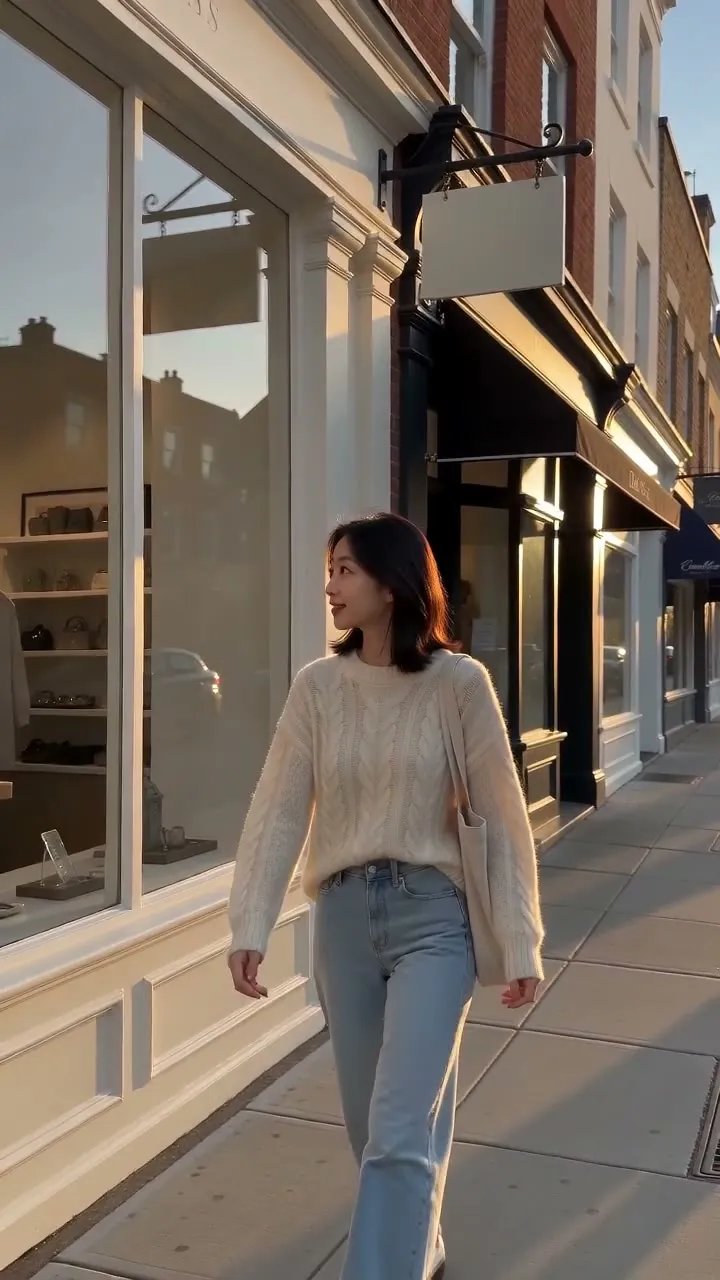
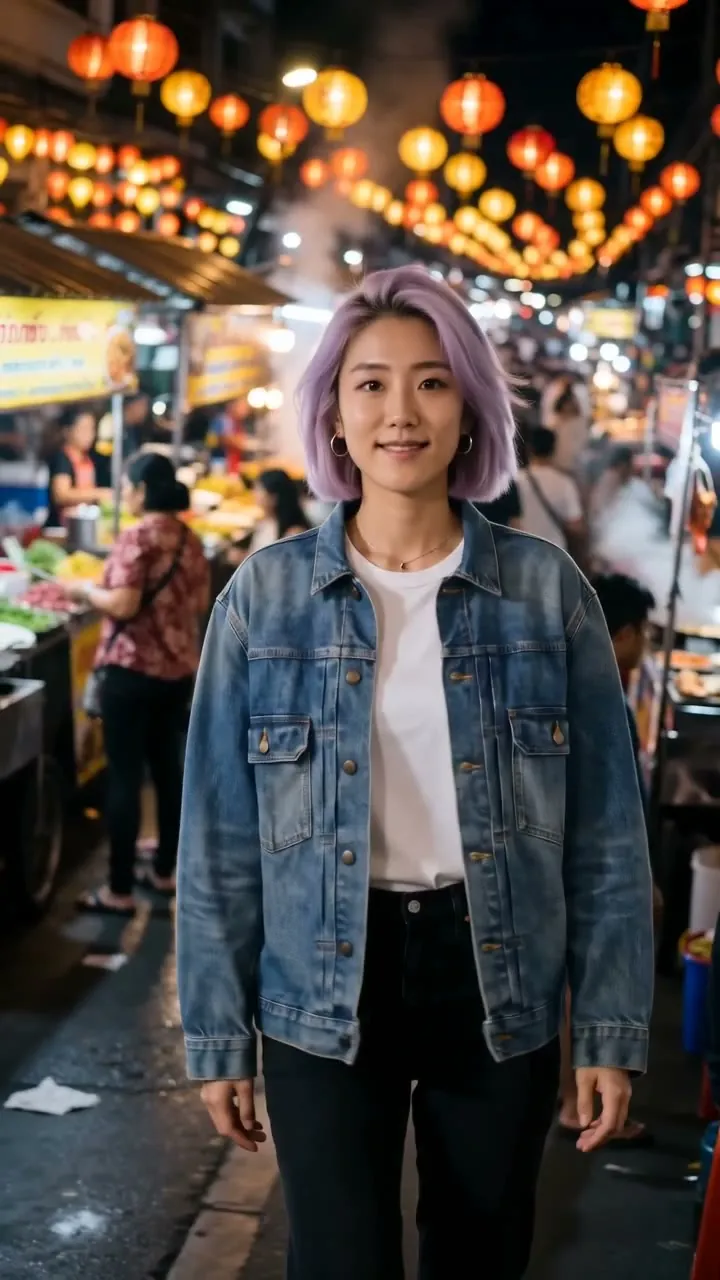
Gemini Omni 1.2 Flash · 5sMake it a snowy evening, warm shop lights, keep her walk and the camera move the same. Shop signs and awnings stay blank, with no readable text.
Start from a recipe
Each card loads the clip that went in, any photo, the words and the model. One tap and it is ready to run.
Same walk, snowy evening
Make it a snowy evening, warm shop lights the camera move the same keep her walk 5 s
 Gemini Omni 1.2 Flash1
 2
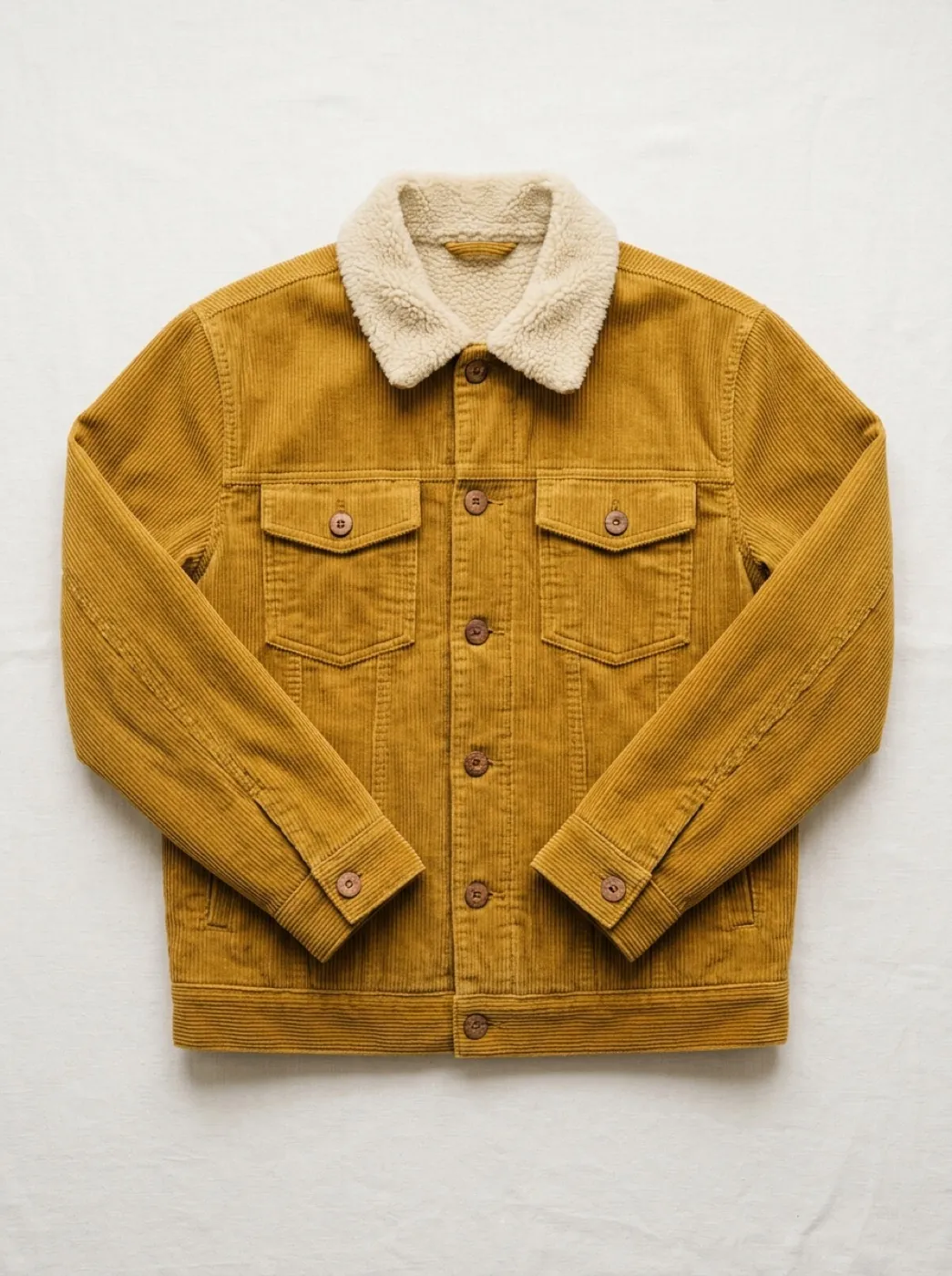
Put her in this jacket
Dress her in the jacket from the photo, worn open the camera move the same keep her face, her walk, the street 5 s
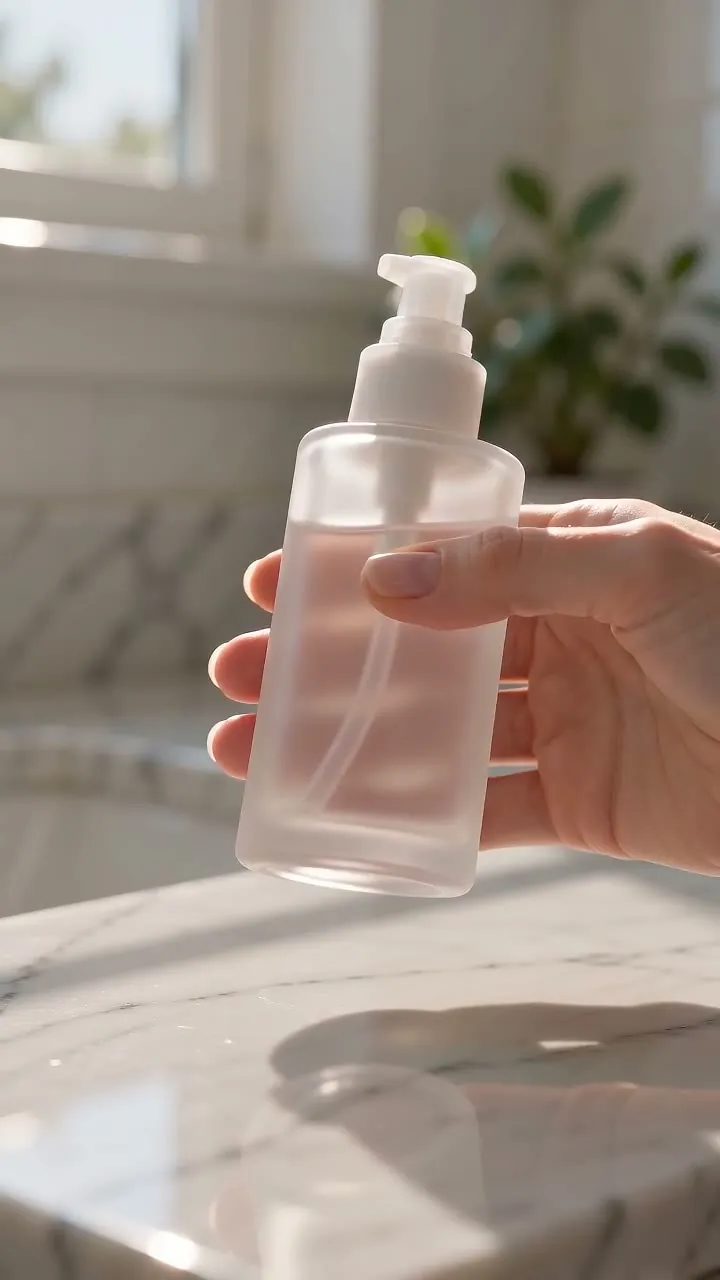
Counter shot to studio podium
Move the bottle onto a travertine podium on pale sand keep the hand, the turn and the bottle 5 s
Street walk as hand-drawn anime
Turn it into hand-drawn anime, soft pastel colors the camera move the same keep her walk and her clothes 5 s
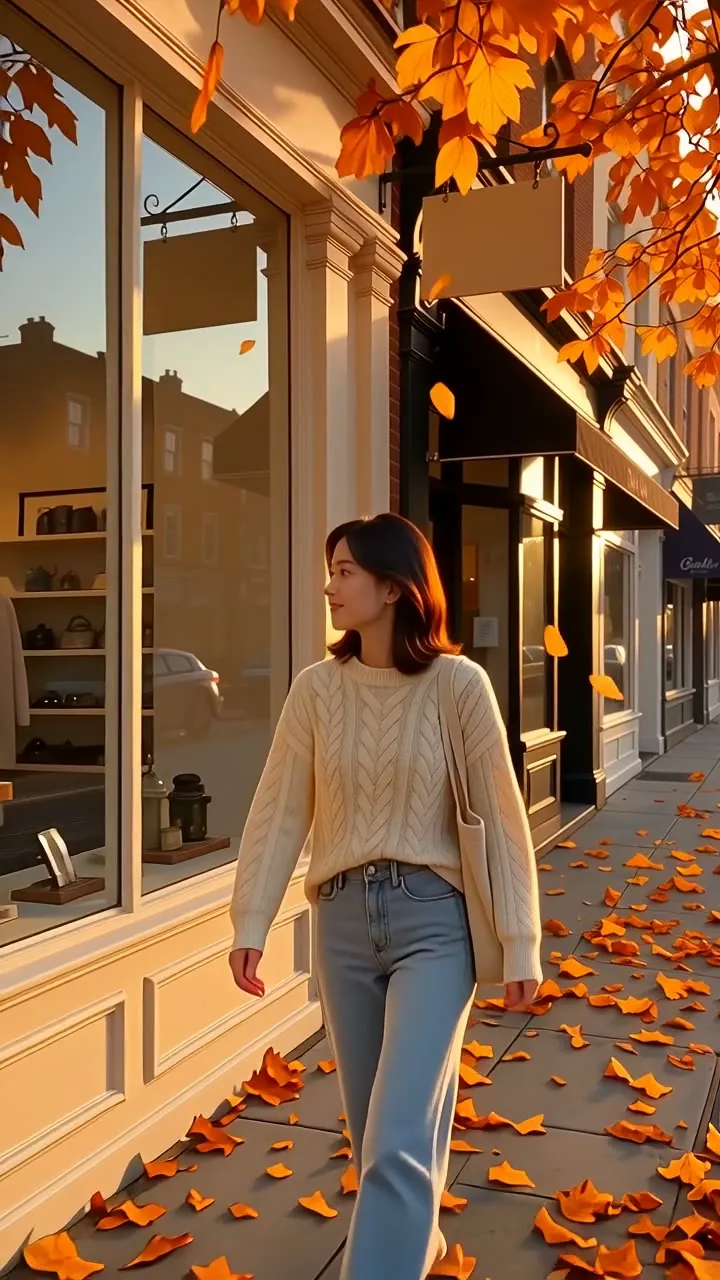
Same walk, late autumn
Make it late autumn, leaves drifting down, low sun the camera move the same keep her walk and her clothes 5 s
 Wan 2.7
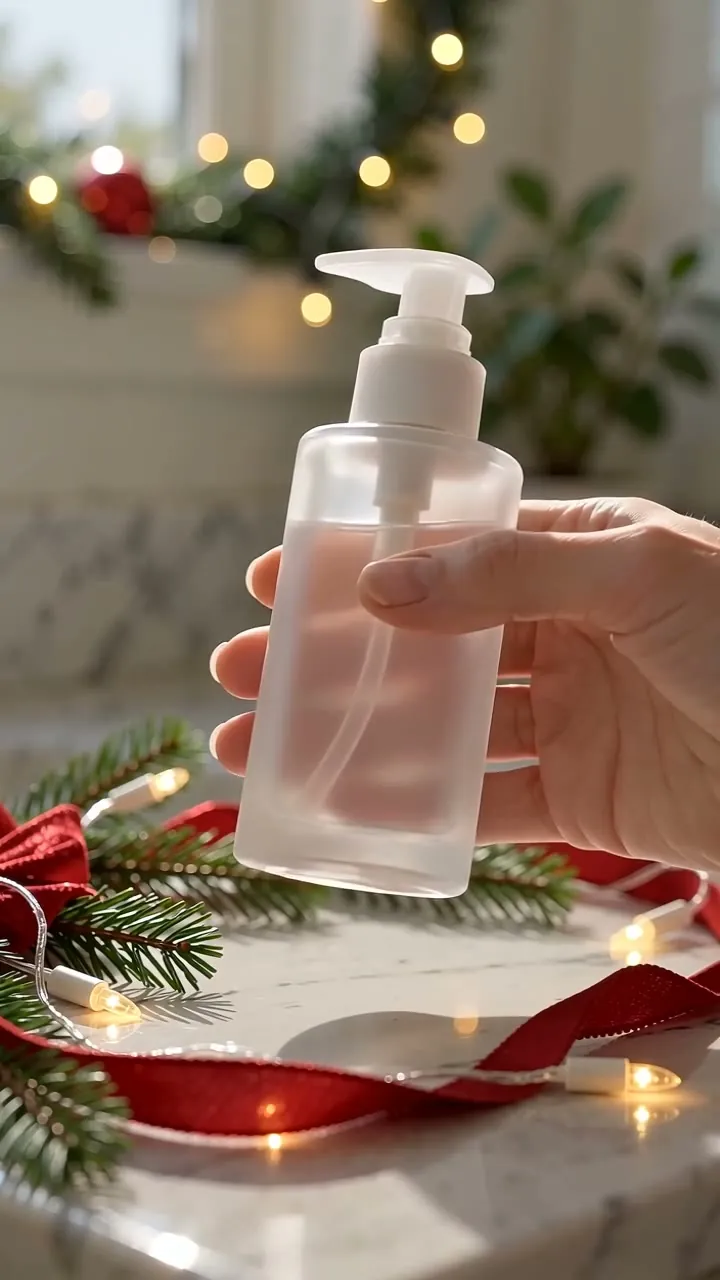
The same bottle, dressed for the holidays
Add pine sprigs, a red ribbon and warm fairy lights keep the hand, the turn and the bottle 5 s
 HappyHorse 1.0
One clip, four looks
The phone clip that went in and four new versions of it, playing in step. Only the words changed.
This is the clip that went in. Each of the four is this clip plus one line.
Put an outfit or a product into the clip
Add a photo next to the clip and say where it goes. The rest of the clip stays as it was.
“Dress her in the jacket from the photo, worn open over her sweater, keep her face, her walk and the street, and the camera move the same.”
How video to video works
Your clip in, a new version of it out.
Add the clip
MP4 or MOV, up to 100 MB. Phone footage, a product shot or a clip you made here before.
Say what changes and what stays
One line for the new look, one for what must not move.
Get the new version
Same length, same shape and the same motion as your clip, with the new look.
Which clips change best
All three source clips on this page were made to be changed. Yours will do best with the same three things.
One smooth camera move Camera
The move in your clip is the move in the result, so a steady walk-back or a locked-off shot comes back just as steady.
One thing in focus Subject
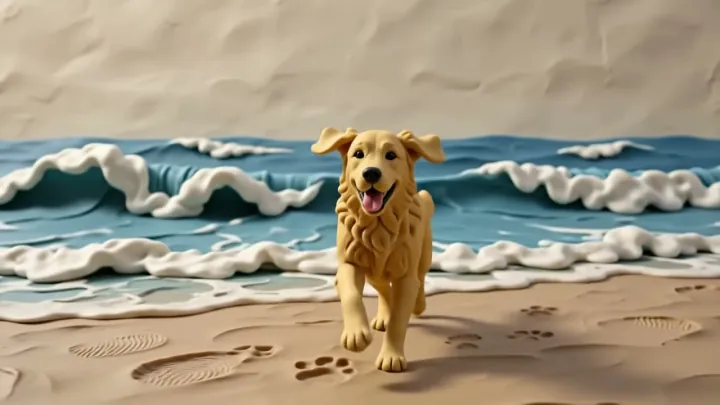
A hand and a bottle, one person, one dog. The change lands on what fills the frame, not on a crowd in the corner.
A short, single shot 3–10 s
No cuts inside the clip. Trim it to the moment you want changed before you upload; you pay for every second of it. Every model here takes 3 to 10 seconds.
Which model for which clip
Wan 2.7 opens by default. Switch for a lower price, a bigger size or a longer clip.
| Your clip | Pick | Why | Credits | |
|---|---|---|---|---|
 A new look, lowest price | Gemini Omni 1.2 Flash | Restyles the whole scene, up to 4K, with outfit or product photos · 1–15 s clips | 65 · 720P 5s | |
 Phone clips as they are | Wan 2.7 | Takes MP4 or MOV straight from the phone · 2–10 s clips | 115 · 720P 5s | |
 Longer clips | HappyHorse 1.0 | Takes the longest clips; billed on your clip plus the new one · 3–60 s clips | 390 · 720P 5s |
What a clip costs
Priced per second of the clip you add, and shown on the button before you start.
Gemini Omni 1.2 Flash
Clips 1–15 s
| Size | Per second | 5 s clip | 10 s clip |
|---|---|---|---|
| 360P | 6 | 30 | 60 |
| 720P | 13 | 65 | 130 |
| 1080P | 14 | 70 | 140 |
| 4K | 31 | 155 | 310 |
Wan 2.7
Clips 2–10 s
| Size | Per second | 5 s clip | 10 s clip |
|---|---|---|---|
| 720P | 23 | 115 | 230 |
| 1080P | 34 | 170 | 340 |
HappyHorse 1.0
Clips 3–60 s
| Size | Per second | 5 s clip | 10 s clip |
|---|---|---|---|
| 720P | 78 | 390 | 780 |
| 1080P | 134 | 670 | 1340 |
This model is billed on your clip and the new one together; the price above already counts both.
The $9.90 pack of 600 credits covers 9 five-second 720p clips on Gemini Omni 1.2 Flash. A run that fails gives its credits back.
Around the clip
Make the clip first if you don't have one, then take the new version further.
Make one from a photo
Bring a photo to life first, then give that clip as many looks as you like.
Image to Video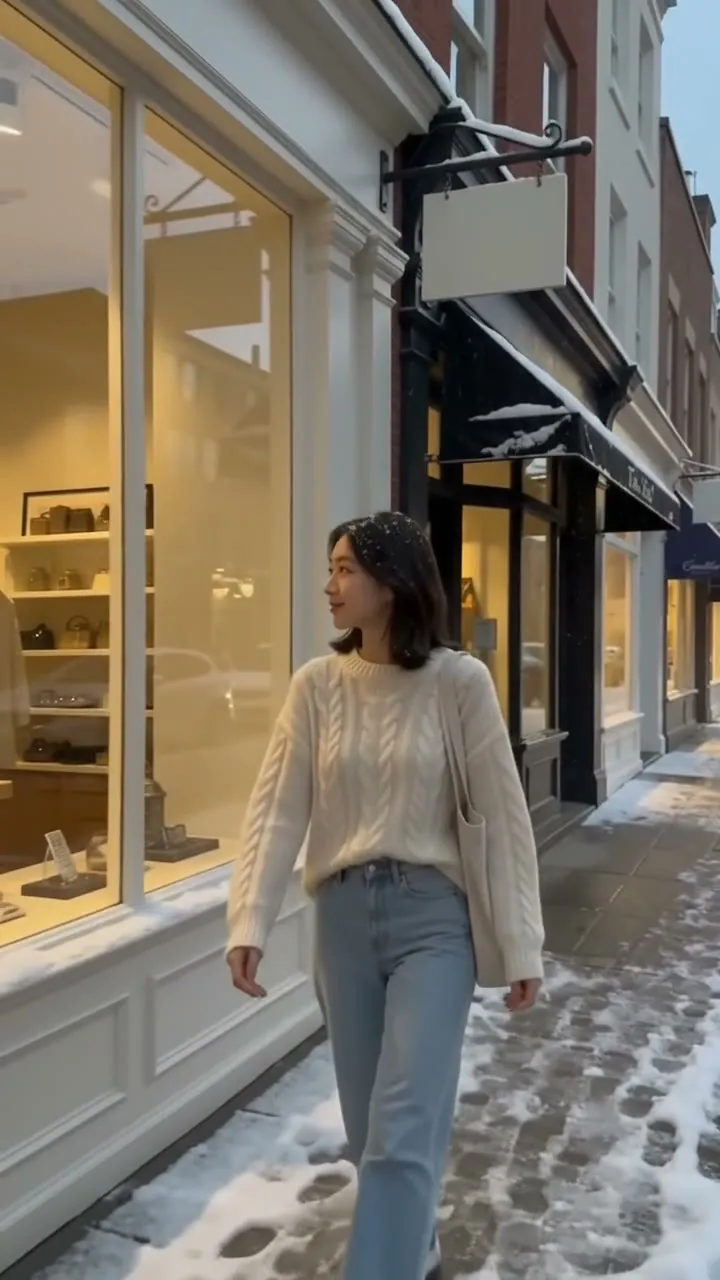
Your new version
The same clip, the same length, the new look.
Make the product ad
Turn product photos into short ad clips that sit beside this one.
Product VideoVideo to video FAQ
What people ask before they change their first clip.
What is video to video AI?
You upload a clip you already have and say what to change: the style, the weather, the season, an outfit or the place. The AI makes a new version of the same clip, with the same timing and camera move, and the new look.
Does the motion stay the same?
That is the point of it. In every sample on this page the walk, the hand and the camera follow the clip that went in. Say what must stay in your words too, for example "keep her walk and the camera move the same".
How long can my clip be?
It depends on the model: Gemini Omni 1.2 Flash 1 to 15 seconds, Wan 2.7 2 to 10 seconds, HappyHorse 1.0 3 to 60 seconds. Every model takes 3 to 10 seconds, MP4 or MOV, up to 100 MB. The generator checks the clip as soon as you add it and says if the model you picked can't take it.
Will a vertical clip stay vertical?
Yes. A 9:16 phone clip comes back 9:16 and a 16:9 clip comes back 16:9, the same length as the one you added.
Can I put a jacket or a product from a photo into the clip?
Yes. Add the photo next to the clip and say what to do with it, such as "dress her in the jacket from the photo". Photos per clip: Gemini Omni 1.2 Flash 5, Wan 2.7 1, HappyHorse 1.0 5. The jacket sample above used one photo.
What happens to the sound?
Every sample on this page came back with the sound of the clip that went in. Play yours before you post it, and swap the sound in your editor if you want a new one.
How much does video to video cost?
You pay per second of your clip, and the credits show on the button once the clip is in. A 5 second clip at 720p is 65 credits on Gemini Omni 1.2 Flash, 115 credits on Wan 2.7, 390 credits on HappyHorse 1.0. A new account gets 10 free credits for images, packs start at $9.90 and plans at $9.9 a month. A run that fails gives its credits back.
Whose clips can I use?
Your own, or ones you have the right to change. Only change a clip of a real person with their permission.
Other ways to make a video
Same models and credits, a different starting point.
 Mode
Start from a still instead of footage and choose how it moves.
 Mode
Build a new scene from separate pictures of a person, a product and a place.
 Use case
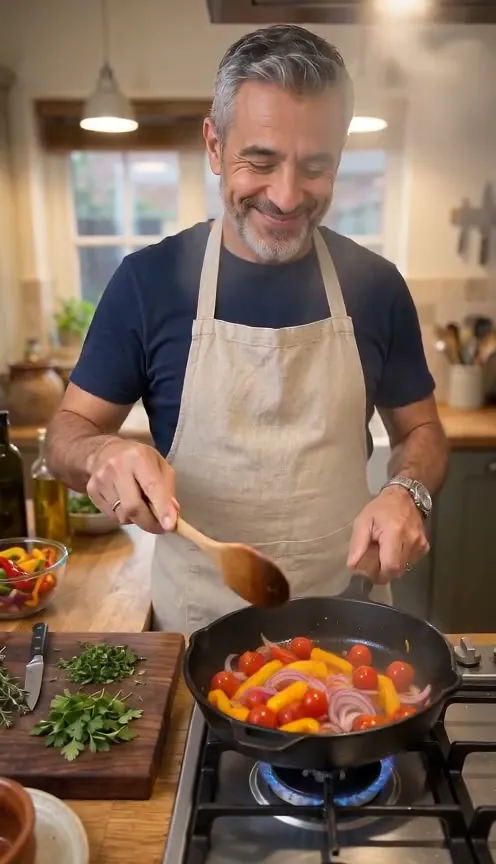
Product photos in, short ad clips out, sized for each feed.
 Mode
No footage and no photo. Describe the whole scene in words.
Give your clip a new look.
Drop a clip here; it lands in the generator, ready for the words.
This clip and one line“Make it a late autumn afternoon: orange and yellow leaves on the trees and drifting down onto the sidewalk, golden low sun. Keep her walk, her clothes and the camera move the same.”