Old Photo Animation
Hailuo 2.3 · 6s · restore includedA faded family print gets a breath, a blink and a small smile. We fix scratches and fades first, then keep every move gentle so the face stays the same person.
66 for the clip + 4 for restore
Choose an effect
 Colorize and animate
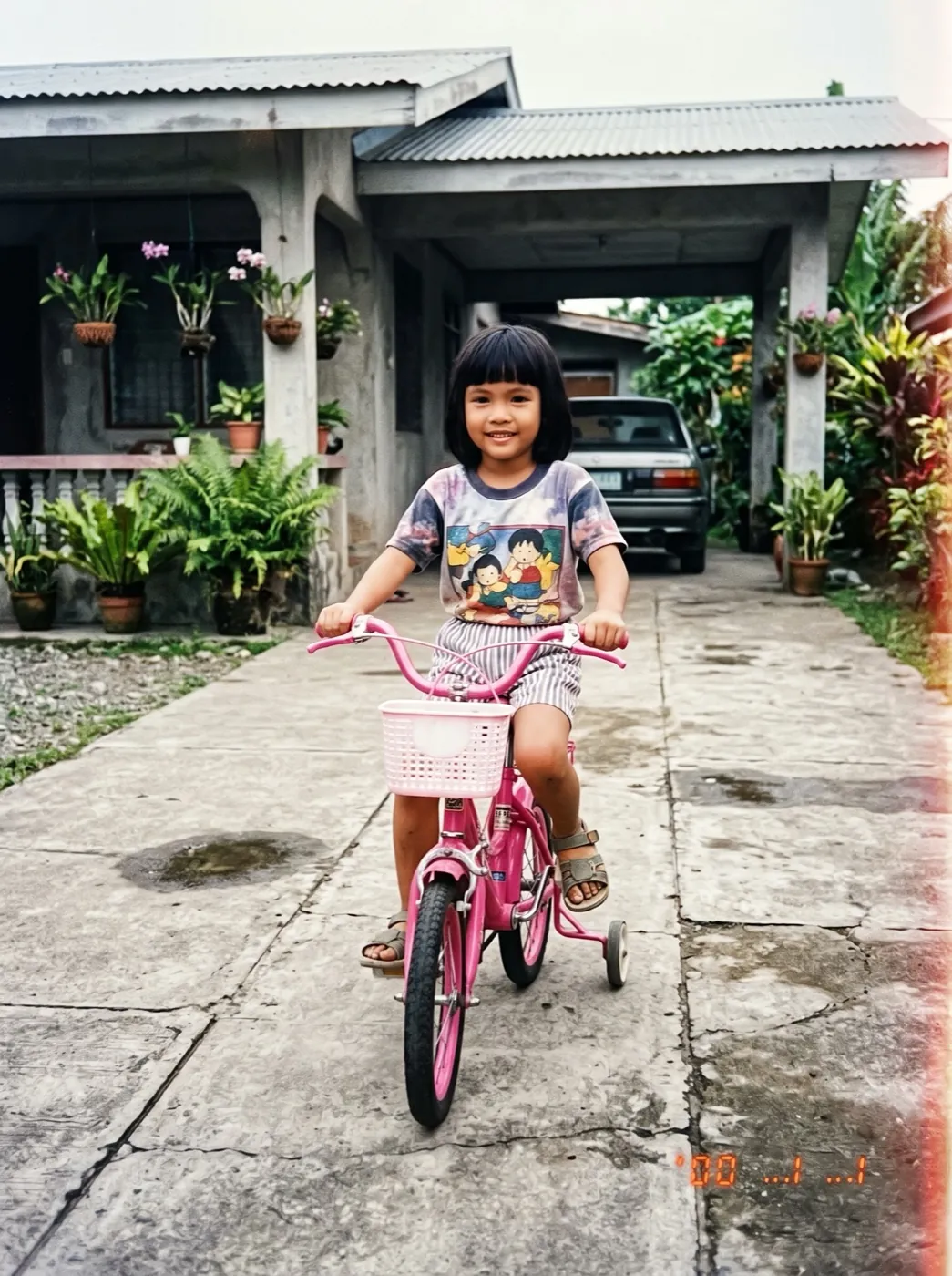 Childhood photo comes alive
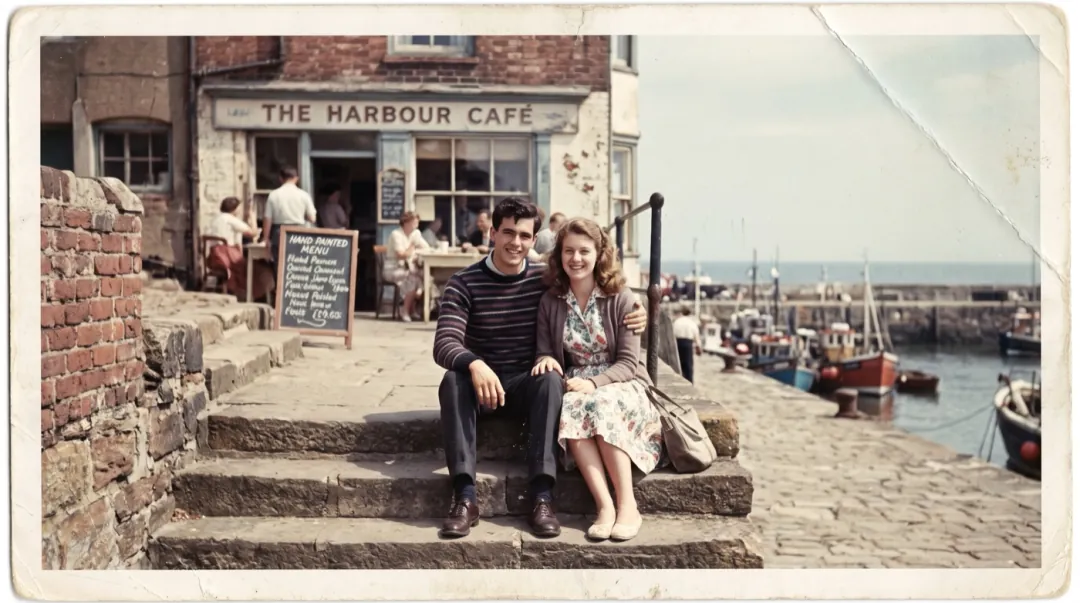 Photo
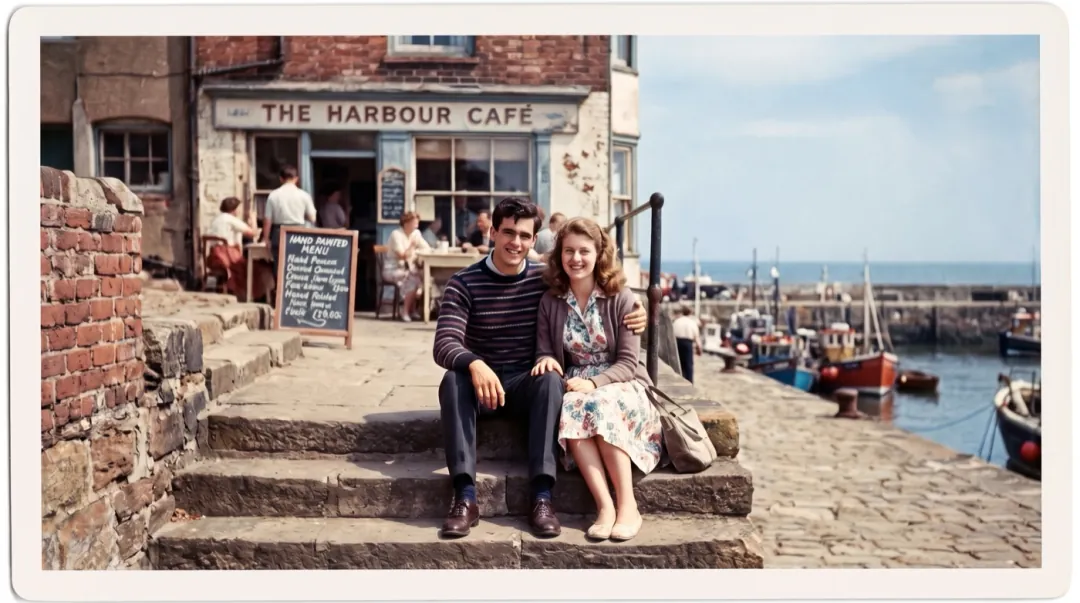
From a creased print to a moving moment
Old Photo Animation runs in two steps. First the print is restored on Nano Banana 2.1: scratches, dust and the crease are filled in and the fade is lifted, with every face left as it was. Then Hailuo 2.3 turns that clean frame into a 6-second clip of small, believable motion.
- Scratches, dust and creases are fixed before anything moves, so damage never wobbles in the clip.
- Faces keep their shape: the prompt asks for a breath, a blink and a smile, never a new expression.
- A black-and-white print stays black and white. Colorize and Animate is the effect for color.
- Up to about four faces work well; in a bigger group the ones at the back move less.
Three steps from shoebox to clip
No prompt to write. Add the print and press Generate; you can still change the motion if you want to.
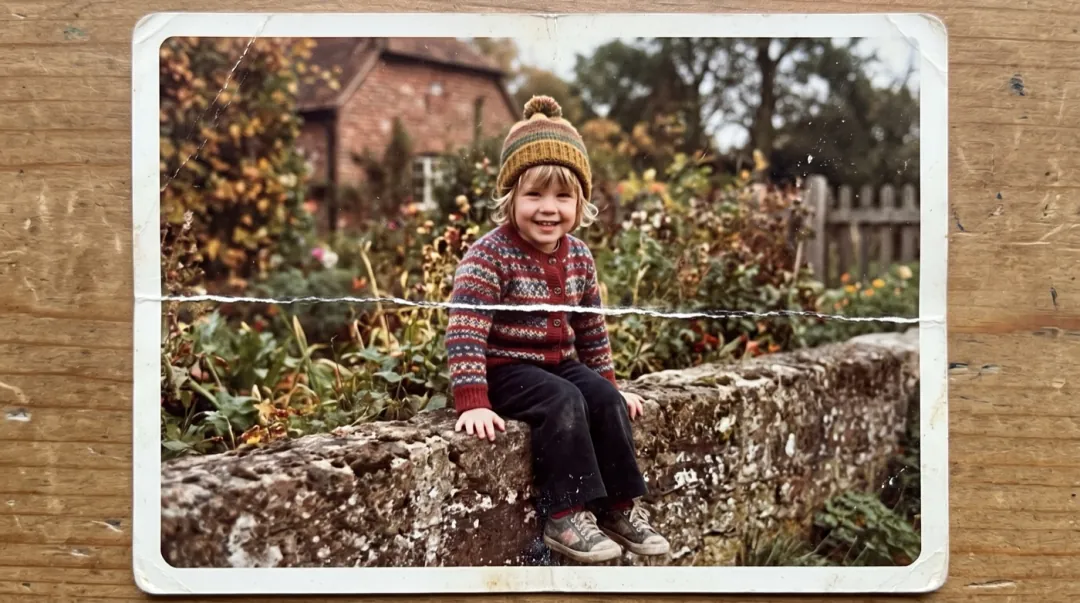
Add the print
A flatbed scan is best. A phone photo taken straight on in daylight works too.
We restore it, then write the motion
The restore runs first. The motion prompt is already filled in and kept small.
Watch it move in about 2 minutes
Both steps finish in about two minutes. Download the clip, or keep the restored still too.
Before and after, print by print
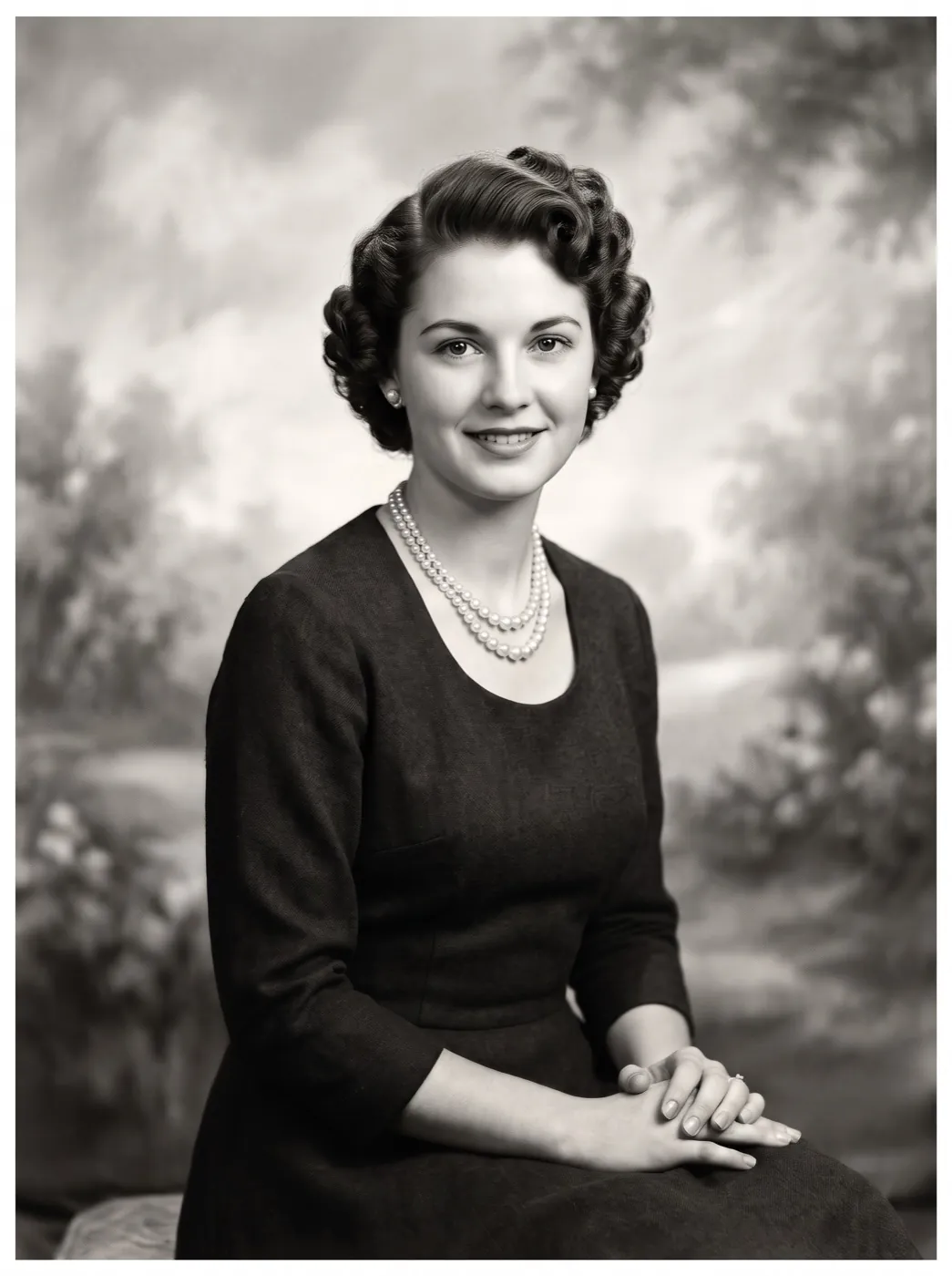
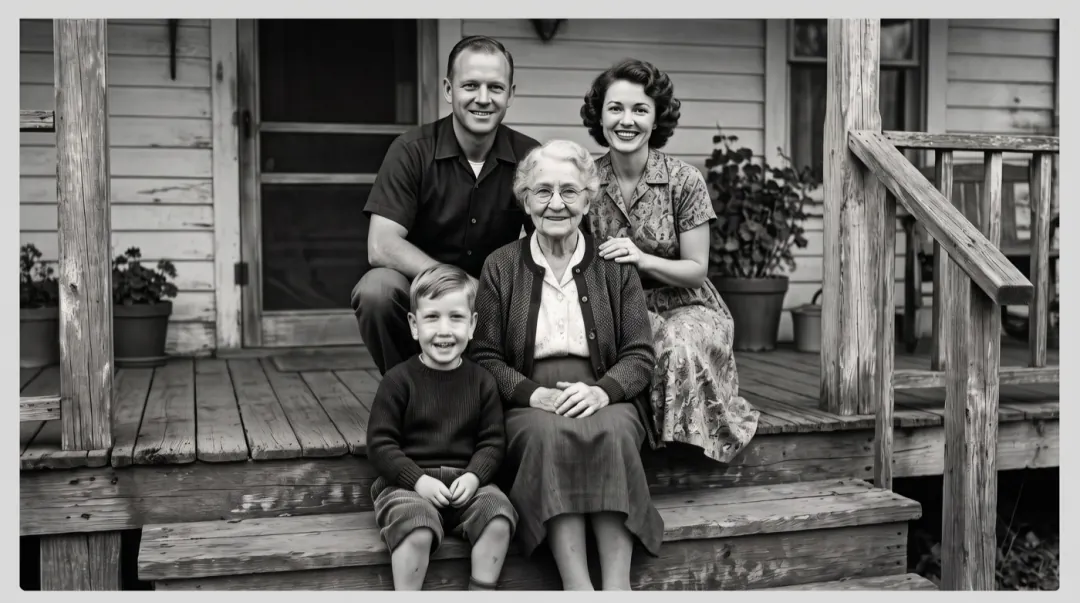
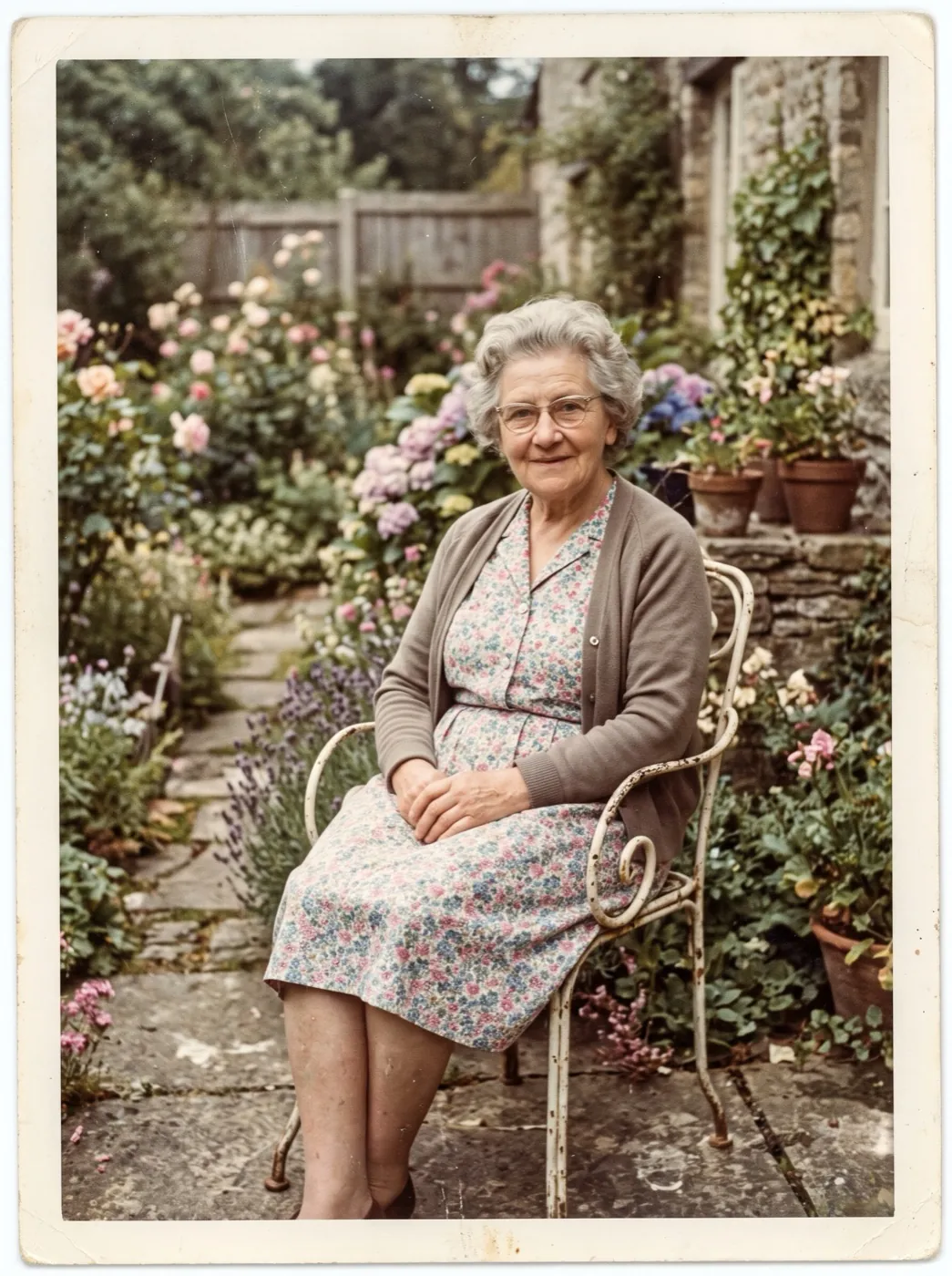
Three prints from three decades, each restored and then animated with the prompt shown under it.
A couple on the cafe steps, 1962
A deep crease ran through the middle of the print. After the restore, they turn to each other and laugh.
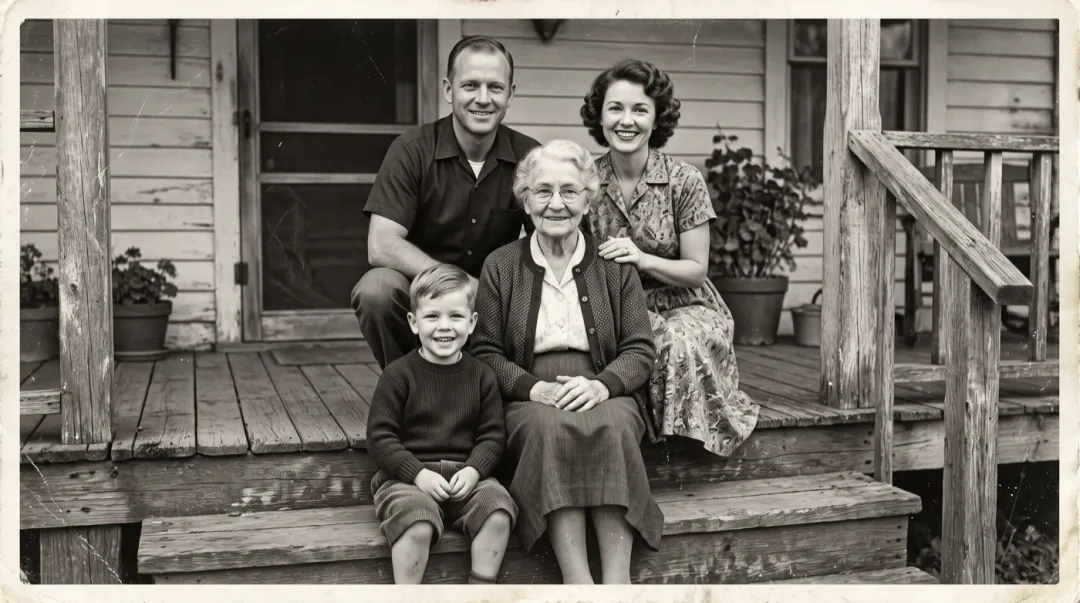
Grandmother on the porch
A sun-faded print with a torn corner. The boy in front waves while she laughs; it stays black and white.
A girl under the tree
Folded in a wallet for decades. She looks up and smiles as a small breeze moves the leaves.
Whose old photo are you bringing back?
Four kinds of print come out of the drawer most often. Each asks something slightly different of the scan.
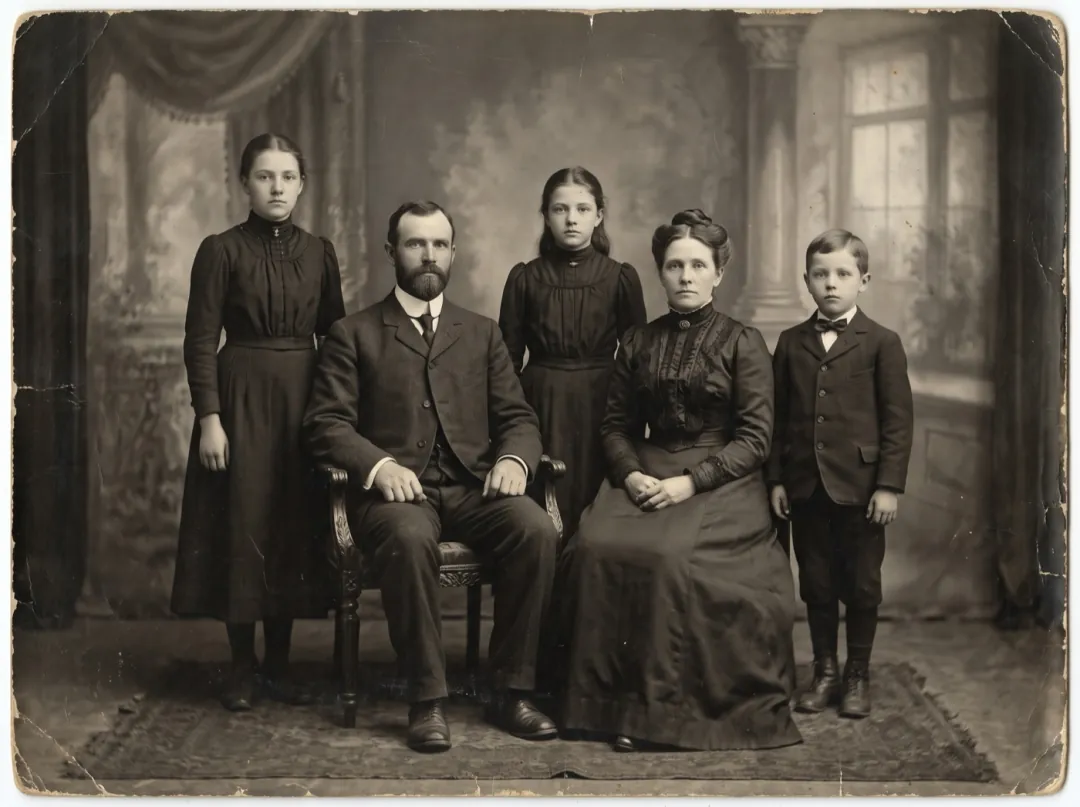
Faces for the names in the family tree
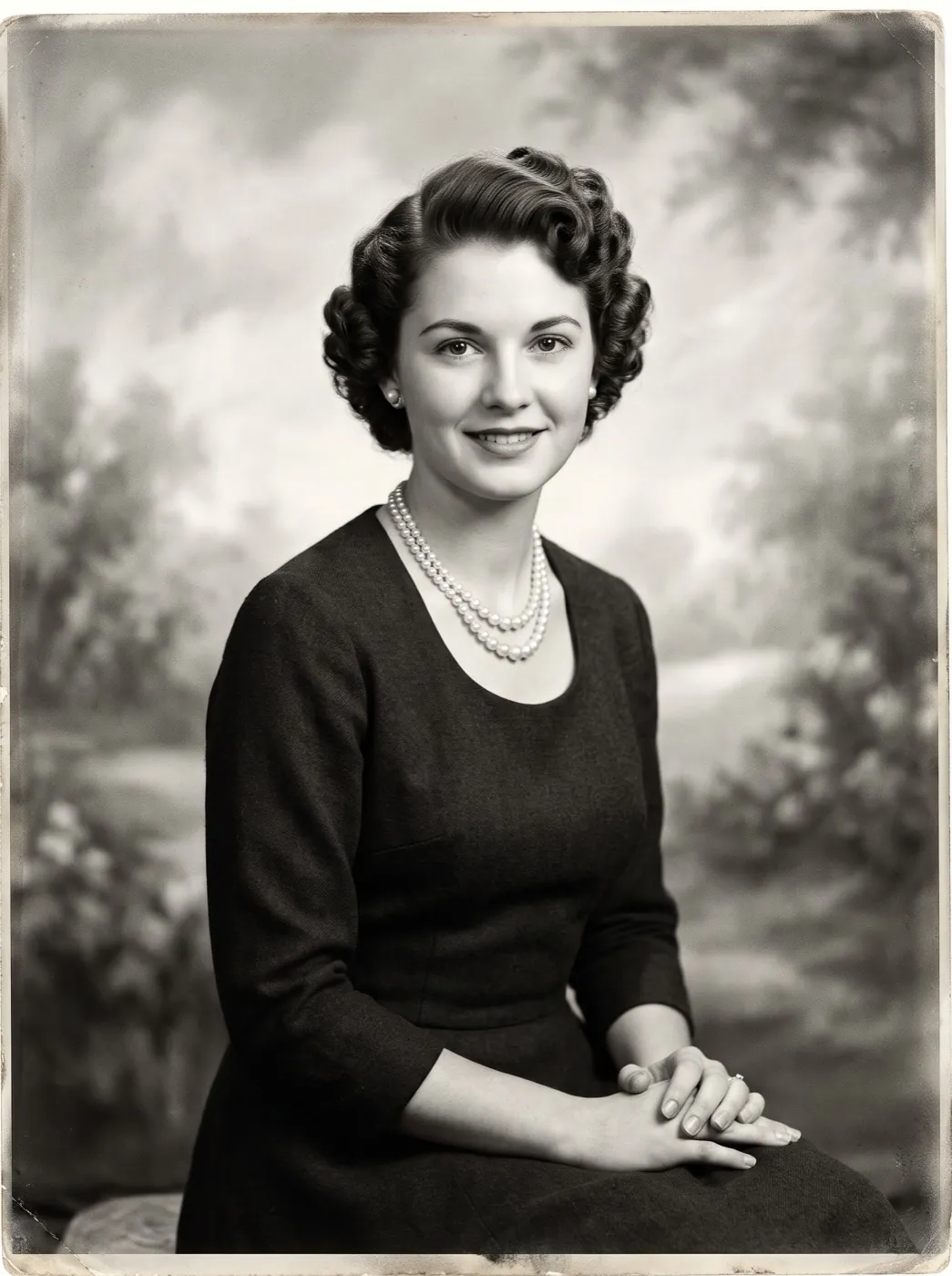
Genealogy research turns up studio portraits of great-grandparents nobody living has seen move. Animating one gives the rest of the family a reason to read the tree you built.
Scan at your scanner’s highest setting so each face keeps its detail. Share the clip in the family group with the names and the year.
Animate a family portrait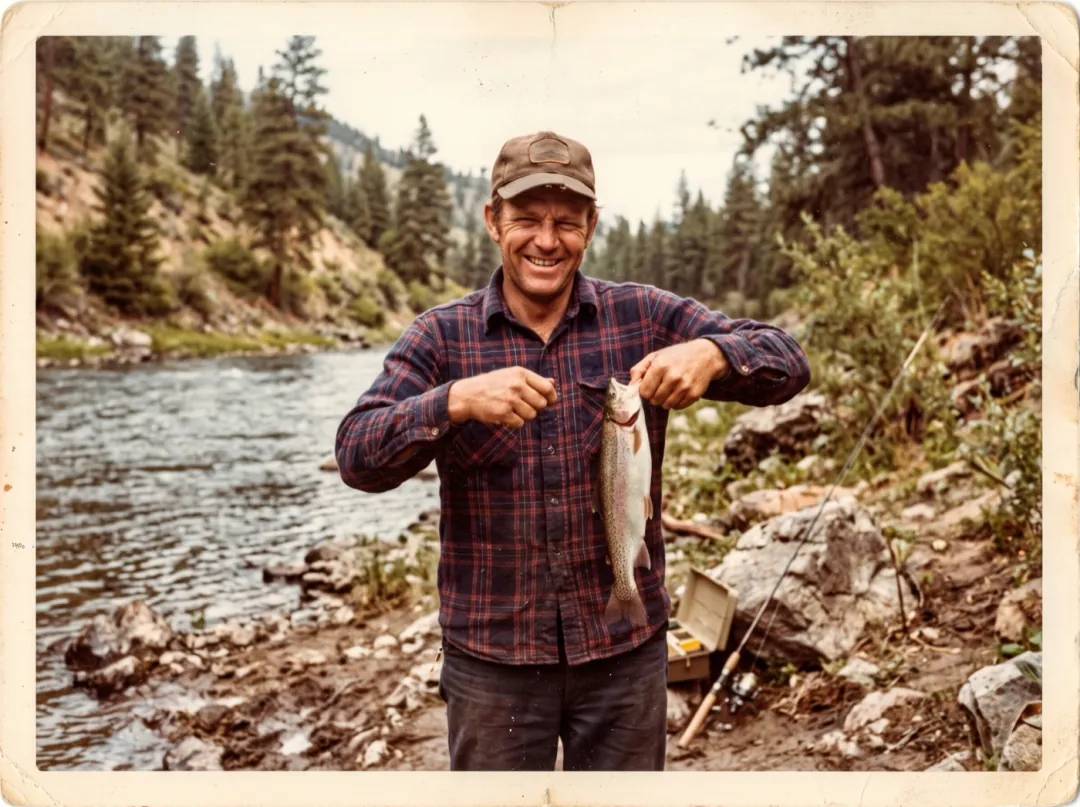
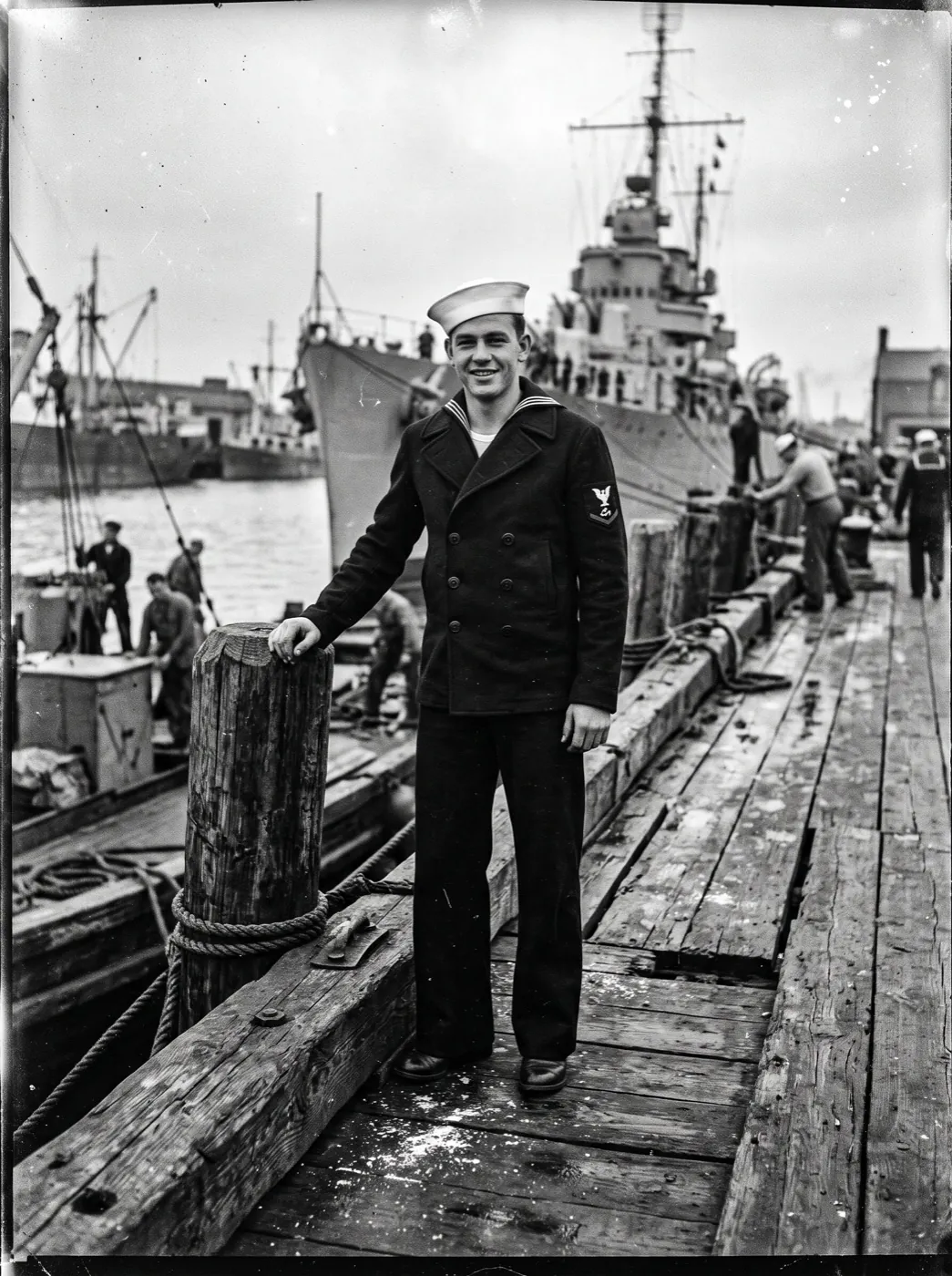
Dad at the river, grinning at the camera
For a funeral slideshow or the anniversary of a death, a snapshot of them doing what they loved often says more than a formal portrait. Six seconds of that grin is enough.
Pick a photo with one face, lit from the front, both eyes visible. Downloads on paid credits carry no watermark, so it can play on the big screen as it is.
Animate a snapshot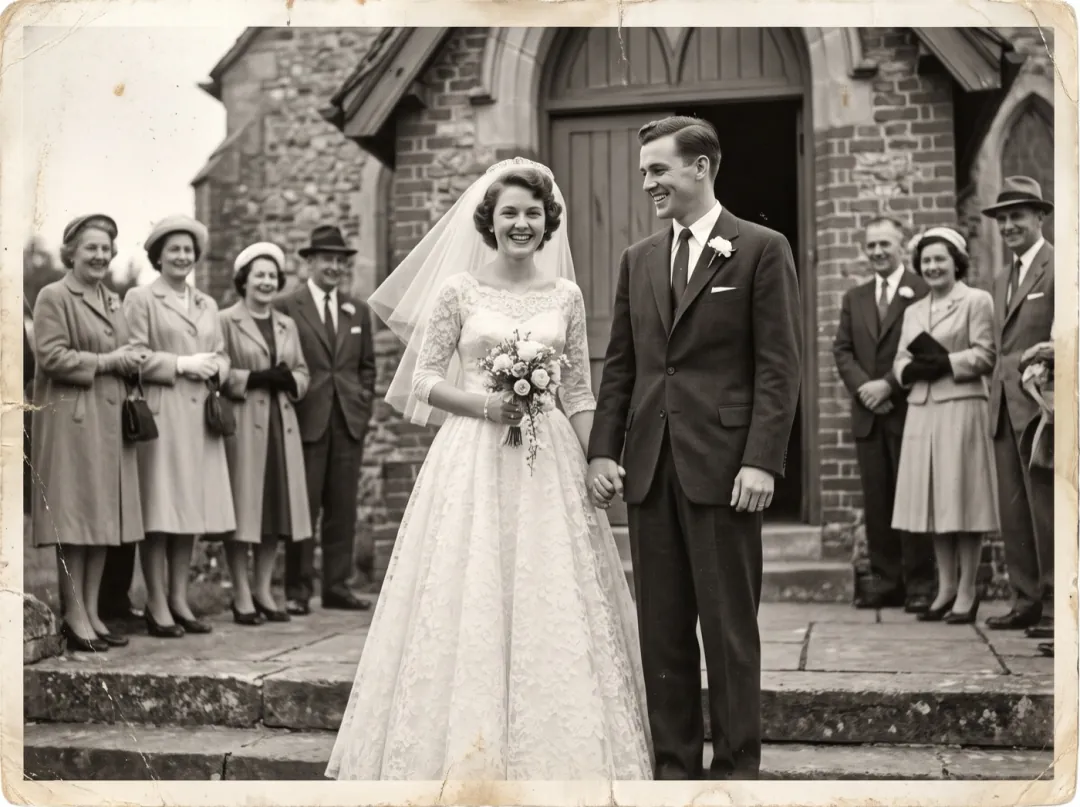
Their wedding day, moving again at the fiftieth
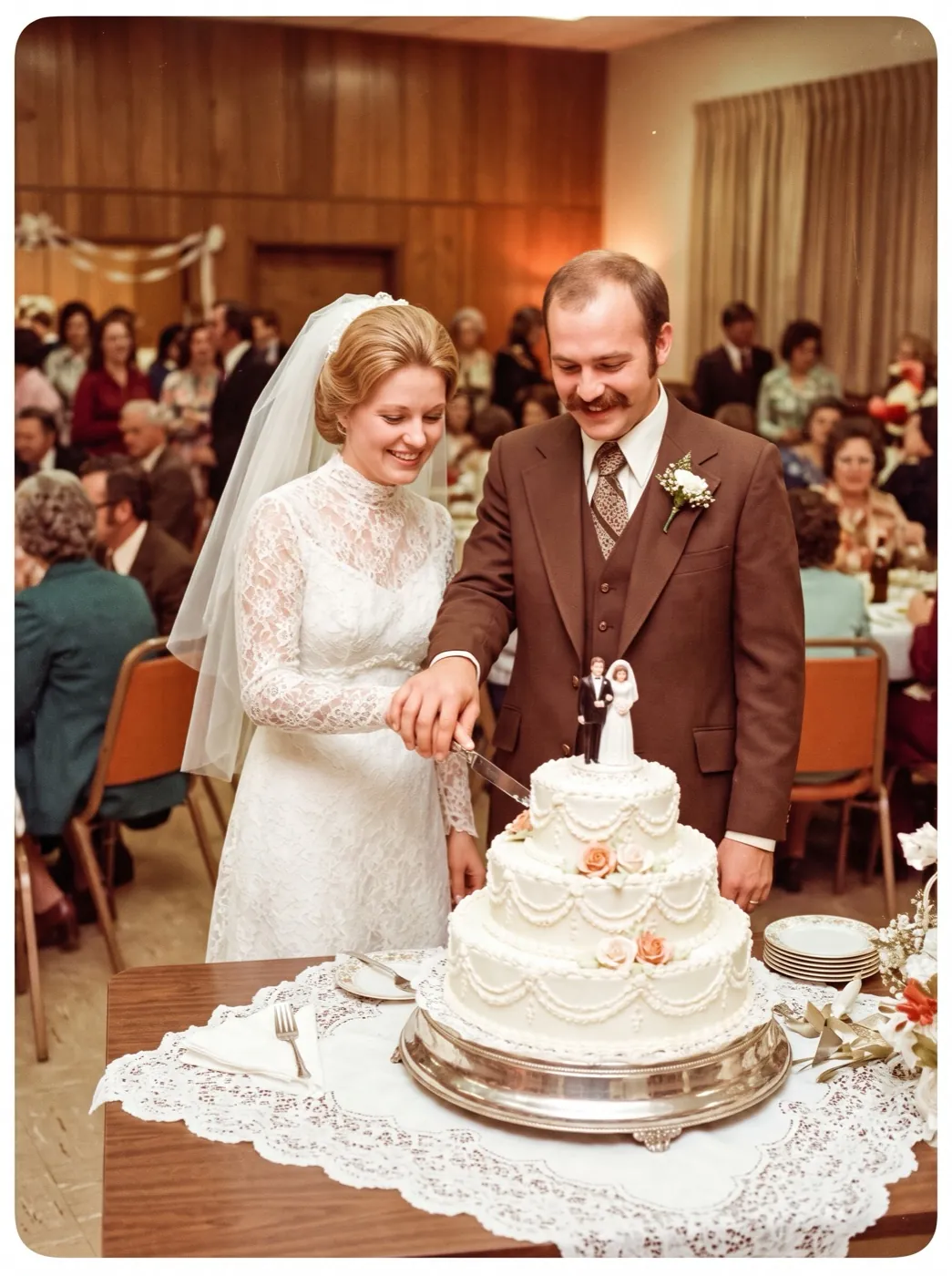
Children planning a fiftieth or sixtieth anniversary dig out the photo from the church steps. Played before the toast, it lets the couple watch that day move again.
Black and white prints animate as they are. If you would rather see the dress and the flowers in colour, colorize first.
Colorize and animate it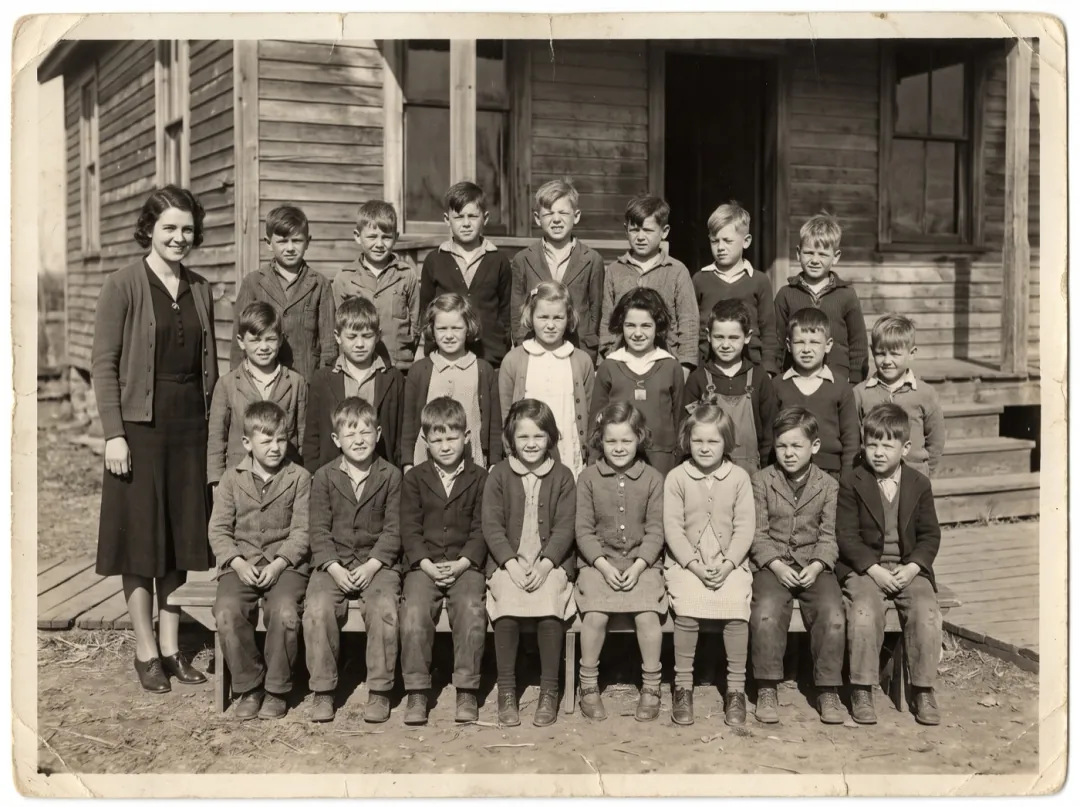
The class photo outside the old schoolhouse
School reunions, town history groups and centenary displays all start with the same class photo. A clip of it on a screen at the door draws people in.
Class photos have many small faces, so upscale the scan first. If one child matters most, crop to their row before you animate.
Upscale the scan firstTips for scanned and phone-shot prints
The restore step can fix damage on the print. It cannot fix a bad copy of it.
Hold the phone parallel to the print. A tilted shot stretches faces, and motion makes the stretch worse.
Flash leaves a white spot on glossy paper that the restore fills with guesses. Daylight from the side is even.
Only the photo should be in frame. Borders and other photos confuse who should move.
A scan beats a photo of a photo, and both beat a screenshot from a family chat.
Make it yours
Press Edit prompt to change the motion. Keep "faces stay the same people" in the prompt; it is what holds a likeness.
Only one person moves
In a group print, name who moves and ask the rest to stay still. The clip reads as a moment, not a crowd.
The woman on the left blinks and smiles softly; everyone else stays still. Faces stay the same people, the photo border stays still.
A slow push in
Add a camera move for a slideshow opener. Slow is the important word; fast moves pull faces out of shape.
The camera pushes in slowly toward their faces while they breathe and smile. Faces stay the same people.
A gesture they were known for
A wave, a nod or a hand on a shoulder makes the clip feel like them. Ask for one small gesture, not a scene.
He nods once and raises his hand in a small wave, then smiles. Face stays the same person, the photo border stays still.
Where people take the clip next
The restored still and the clip both stay in your library, so each can go on to another tool.
Restore or colorize only the still
Want the picture without motion? Edit it in Image to Image and print it.
Open Image to Image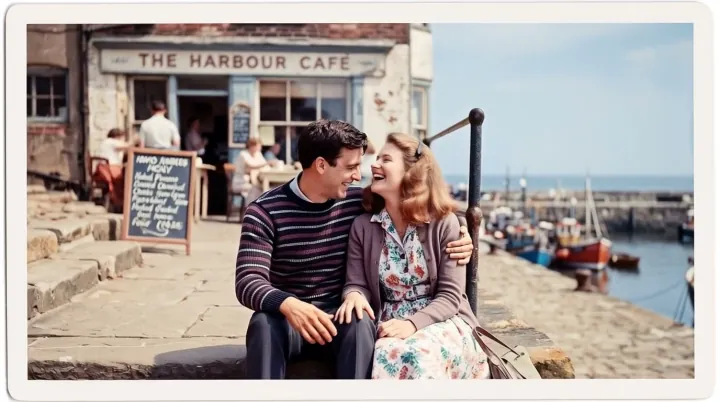
Restored and moving
A 6-second clip and the restored still, both kept in your library.
Then and now in one clip
Start on the old print and end on a recent photo of the same person.
Open Frames to VideoSharper for the big screen
Upscale the clip before it plays at a memorial or on a TV.
Open Video UpscalerOld Photo Animation FAQ
What people ask before they animate a family print.
Will Old Photo Animation change the faces in my photo?
It is built not to. The restore step is told to keep every face, feature and expression exactly as printed, and the motion prompt asks only for a breath, a blink and a small smile. Big expressions and fast turns are where likeness slips, so the preset leaves them out.
Can Old Photo Animation fix a torn or creased photo?
Yes, that is the first of its two steps. Scratches, dust, creases, stains and small tears are filled in to match the picture around them before anything moves. A missing piece larger than a face cannot be rebuilt truthfully, so crop around it instead.
Does Old Photo Animation add color to black-and-white prints?
No. A black-and-white print stays black and white, and a faded color print keeps its own colors. To add color and motion together, use Colorize and Animate.
How long is an Old Photo Animation clip and what does it cost?
Each clip is 6 seconds at 768p and costs 70 credits for both steps: 4 image credits for the restore on Nano Banana 2.1 at 2K and 66 video credits for the clip on Hailuo 2.3. Your 10 free image credits from sign-up cover the restore; the clip needs video credits, from $9.90 for 600.
Is it all right to use Old Photo Animation on someone who has passed away?
Many people do, for memorials and family reunions. Use photos your family has the right to share, keep the motion gentle, and show the original print alongside the clip so nobody mistakes it for real footage.
How many people can be in a photo for Old Photo Animation?
One to four faces work best. In a larger group the faces are small and the ones at the back barely move; crop the group into smaller pieces and animate each one.
Can an Old Photo Animation clip be longer than 6 seconds?
Hailuo 2.3 makes 6-second clips. For a longer moment, make a second clip from the same restored still with a different small motion, then play the two back to back.
More effects for portraits
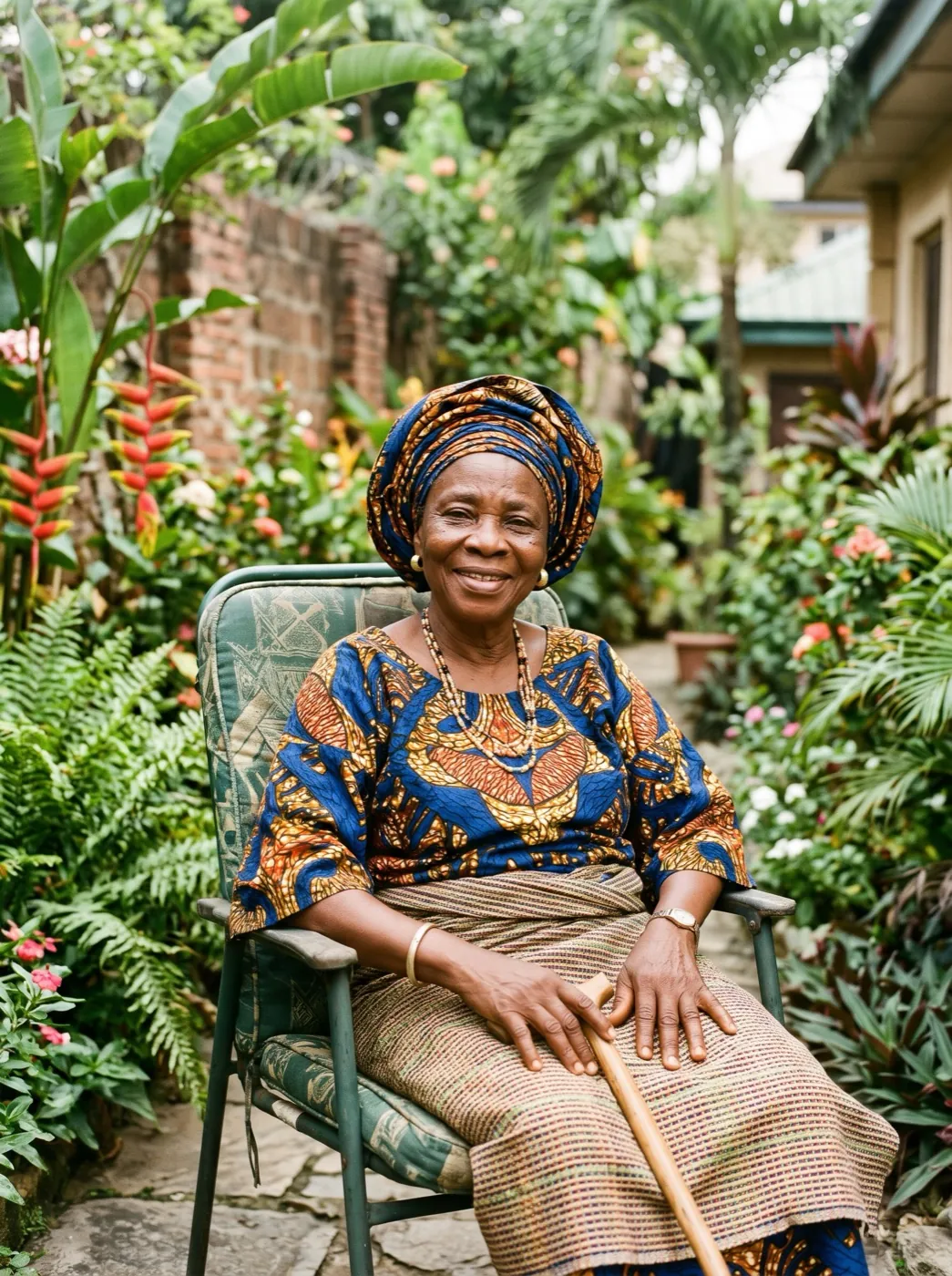
 PortraitBig laugh
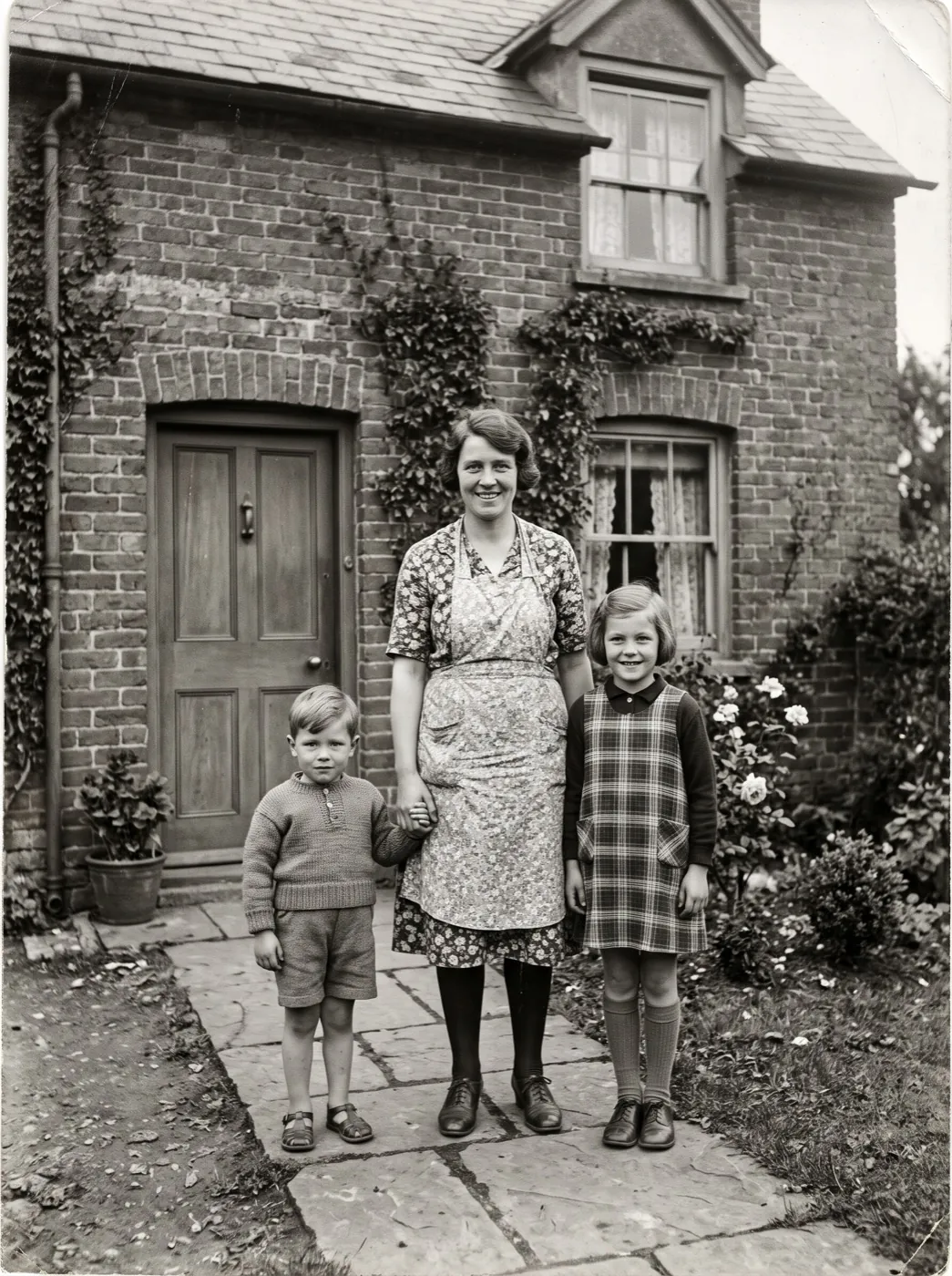 PortraitFamily hug
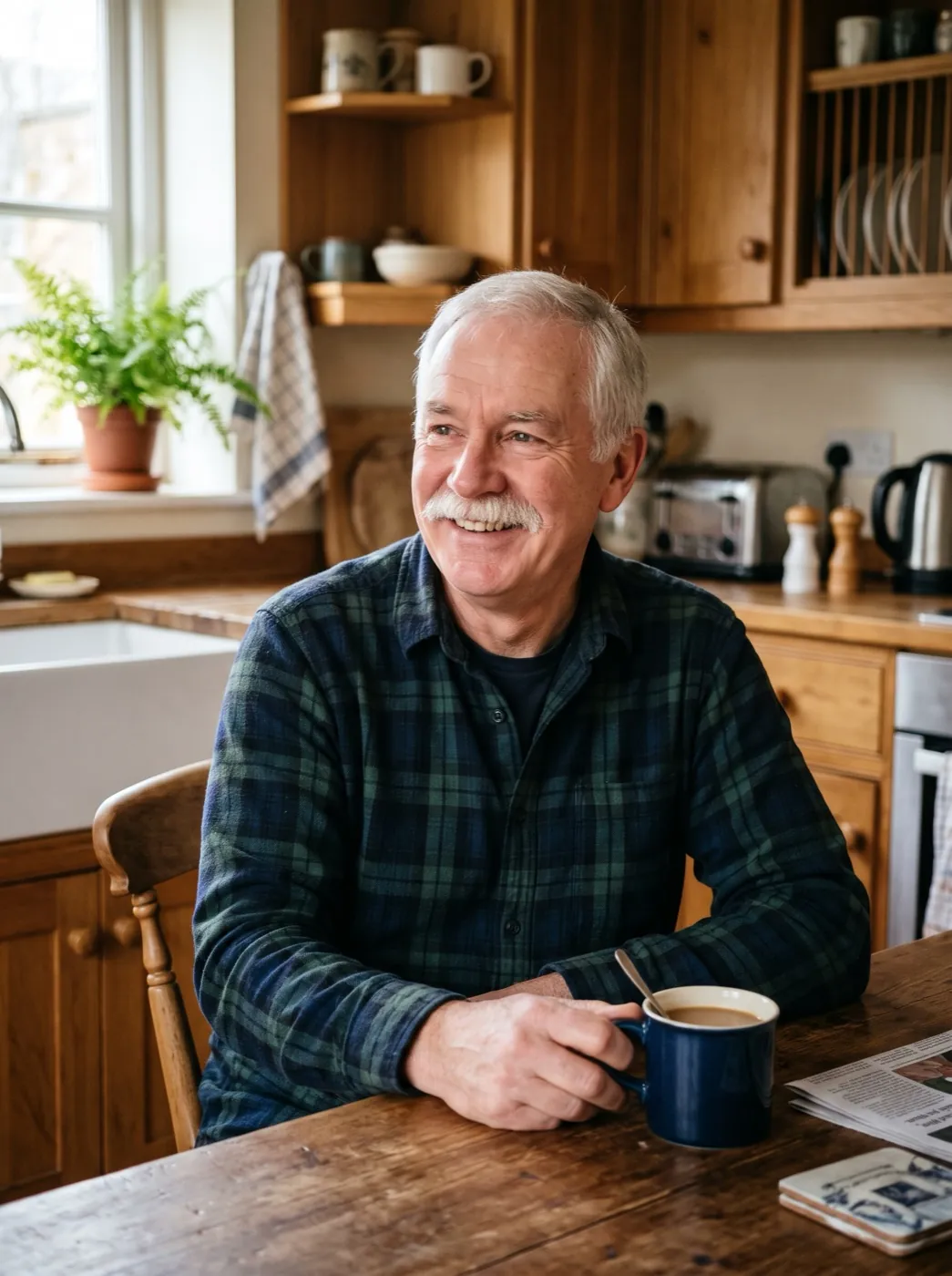
 PortraitWave hello
Their smile is in the album. Let it move.
Add one print. We restore it, then bring back a breath, a blink and a smile.