
Sticker Pack
Nano Banana 2.1One photo becomes a sheet of six die-cut chibi stickers, each with a different expression and a white outline. You get a picture back, not a clip.
Choose an effect
 Street dance
 Flour burst
 Puddle jump
 Spin and pose
 Confetti blast
 Soap bubbles
 Jump for joy
 Impossible dunk
 Neon duo dance
 Zombie couple
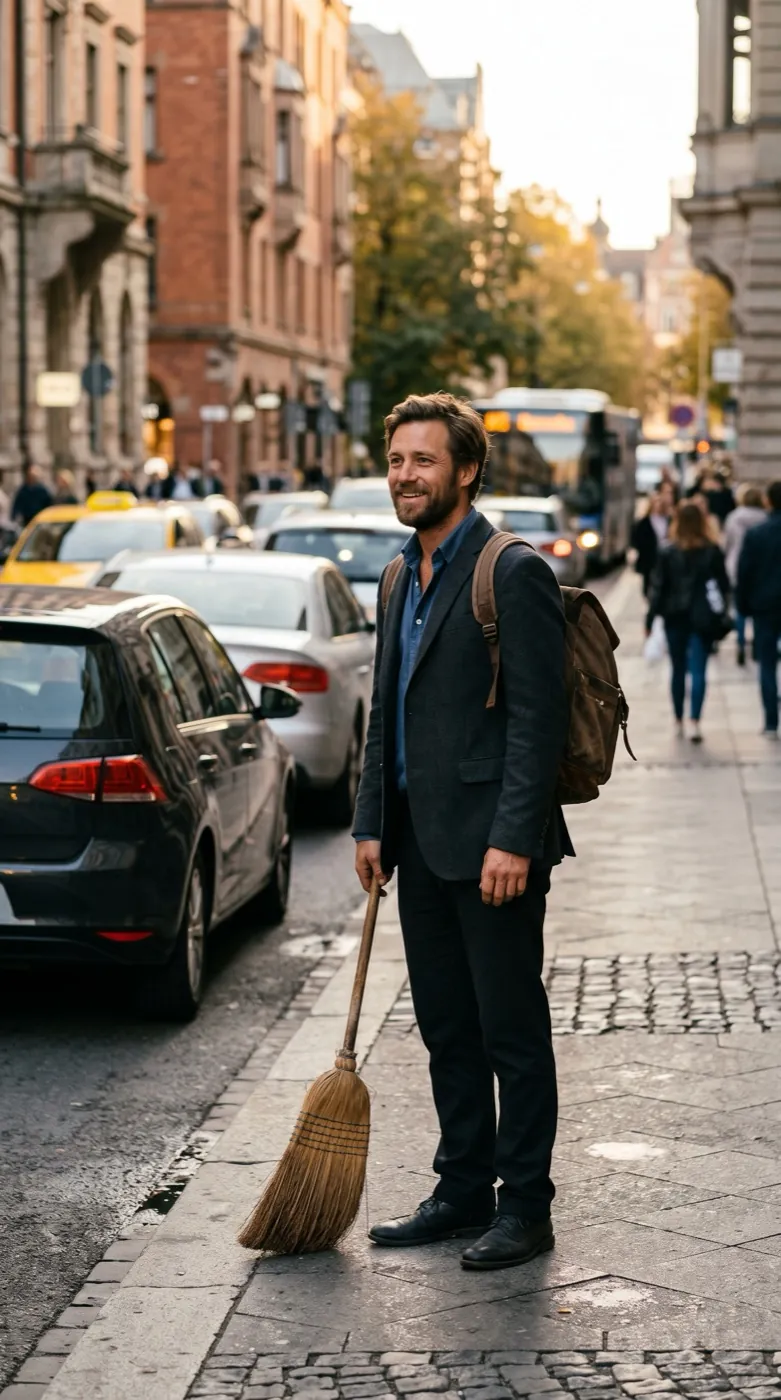 Broom ride
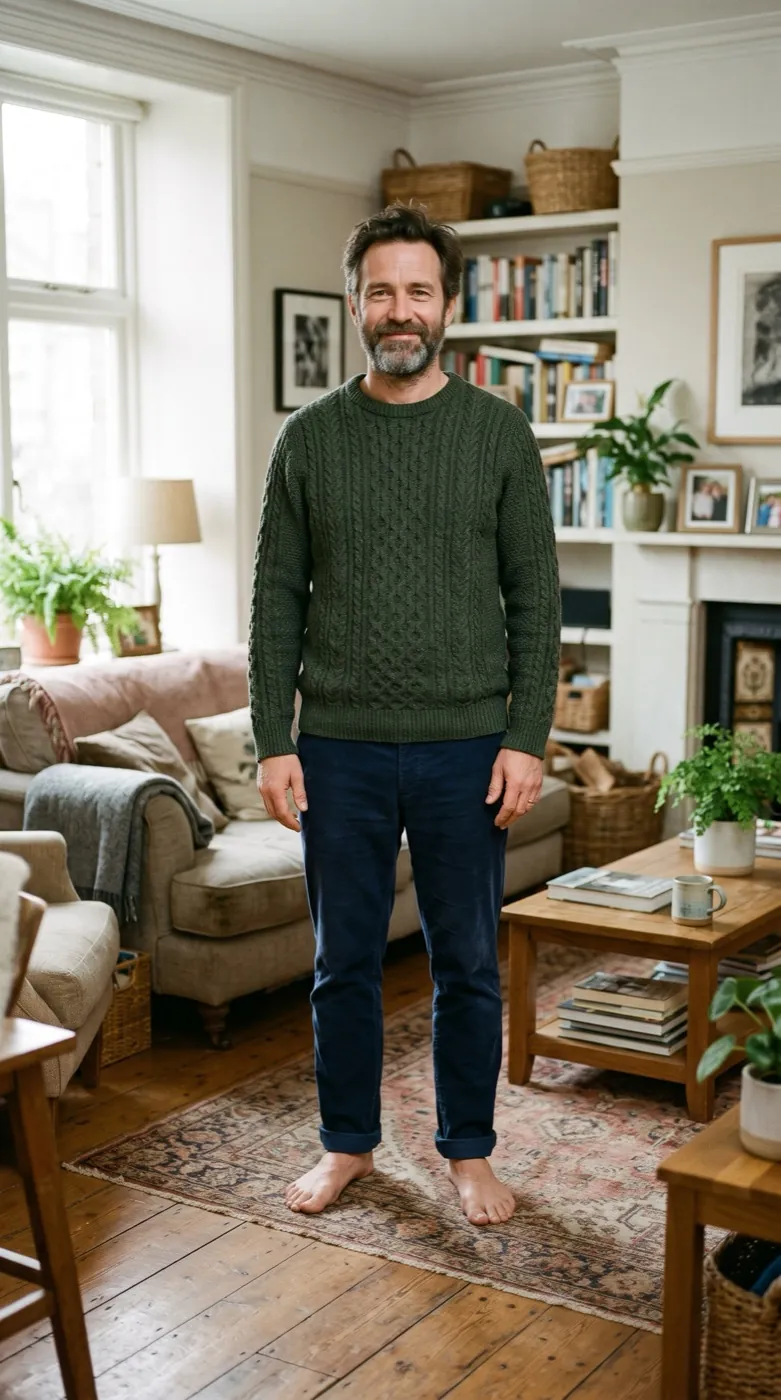 Fairy-tale tiptoe
 Photo
Six expressions from one selfie
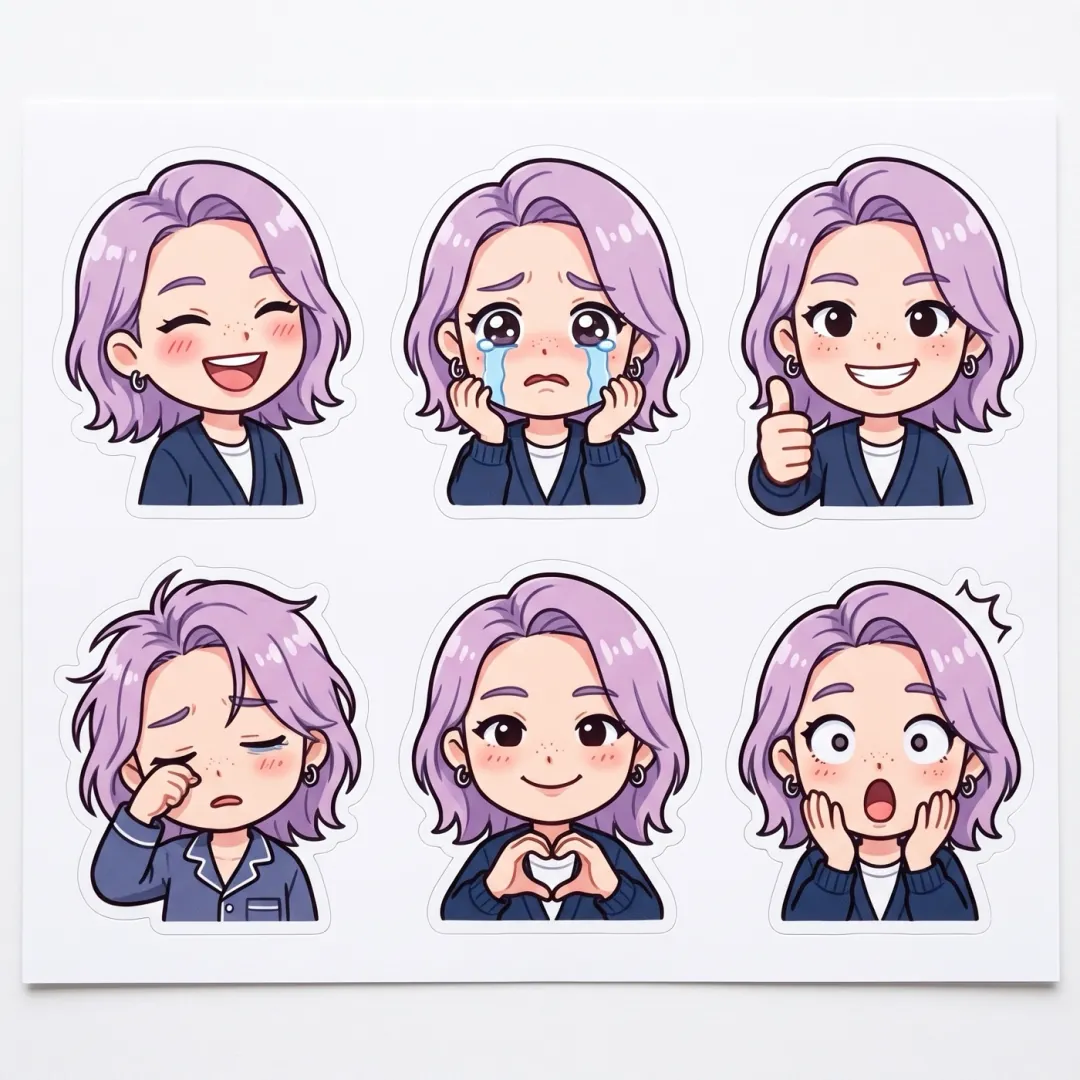
Sticker Pack redraws the person or pet in your photo as six chibi stickers on one sheet: laughing, crying, thumbs up, sleepy, heart hands and shocked, each with a white die-cut outline. It runs on Nano Banana 2.1 at 2K and gives back a square picture, not a video.
- One photo in, one sticker sheet out. Nothing moves and there is no clip.
- Each sticker has a white outline, so it is easy to cut out by hand or crop in an editor.
- The prompt asks for no text and no logo, so you can add your own captions later.
- Couple selfies and pet photos work as well as a solo selfie.
Selfie in, sticker sheet out
There is no motion to plan. Add the photo, press Generate, and the sheet comes back as one picture.
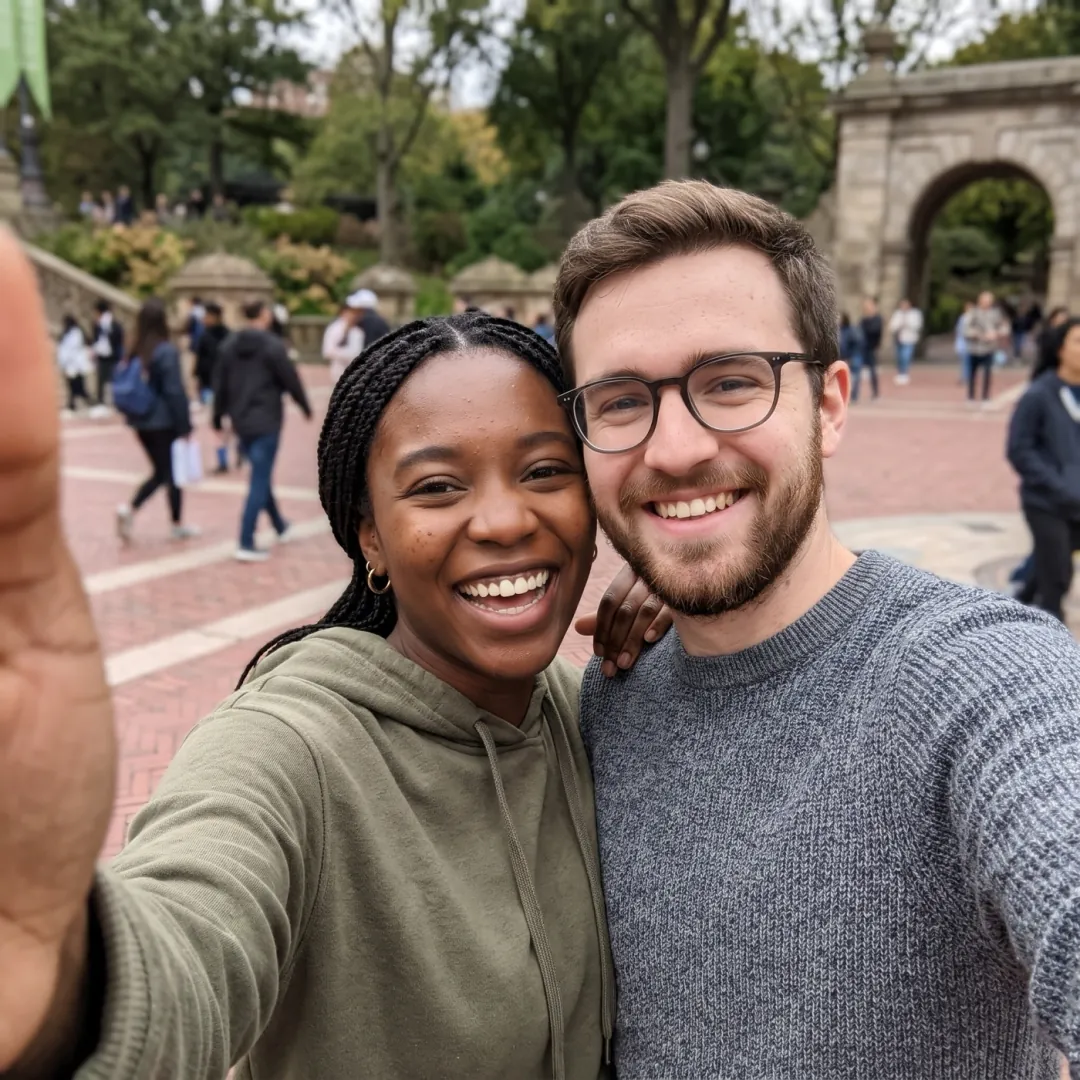
Add one clear photo
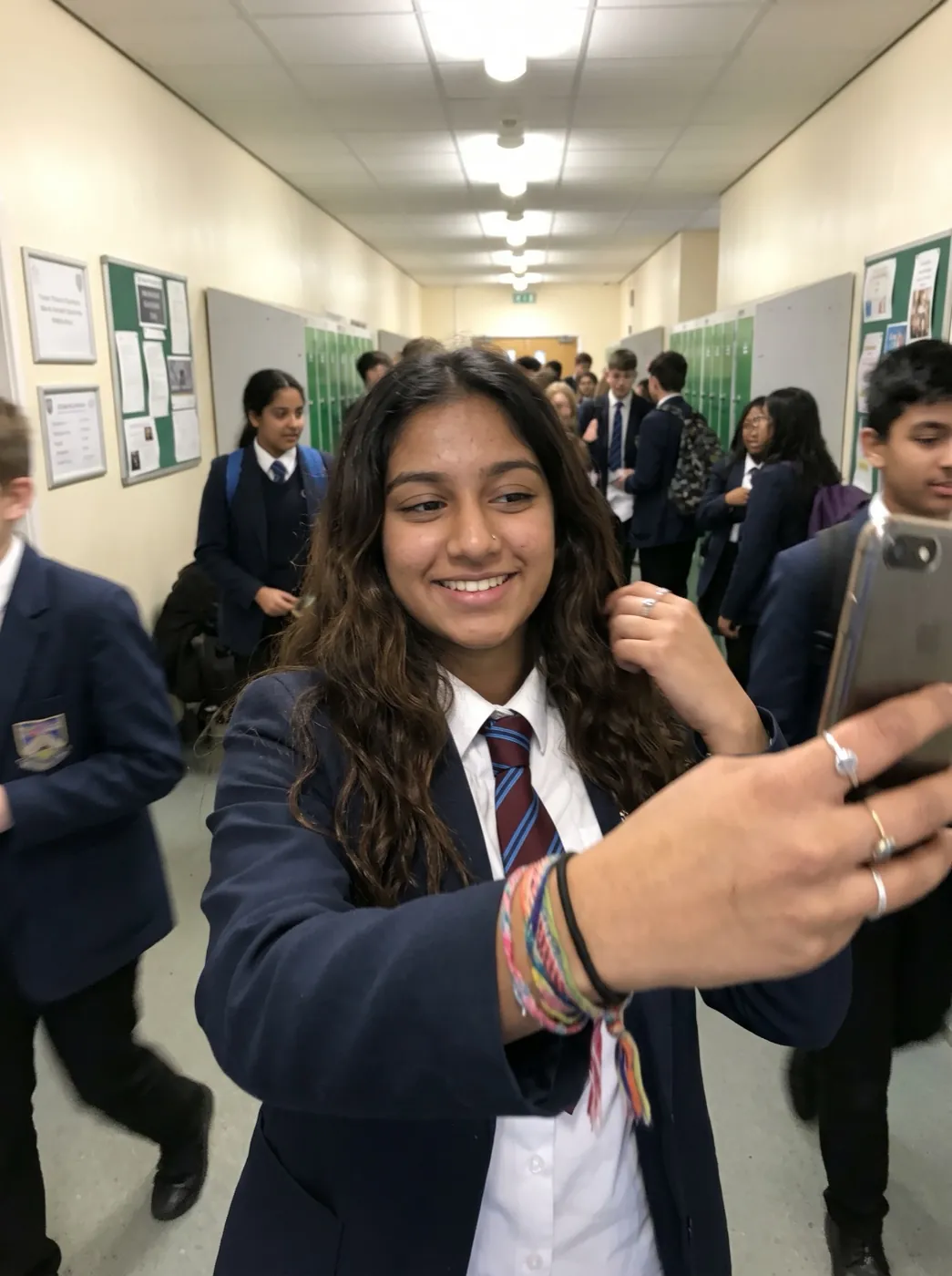
A selfie, a couple shot or your pet on the sofa. One face up close is the easiest start.
Six expressions are listed for you
The prompt names all six moods. Swap any of them for the ones you send most.
Your sheet is back in under 2 minutes
Pictures come back quicker than clips. Download the 2K sheet and cut out the ones you like.
A solo selfie, a couple and a pug
Three photos and the sticker sheets they turned into, each from the prompt shown on the run.
Café selfie, six moods
Six chibi stickers of her laughing, crying, giving a thumbs up, sleepy, making heart hands and shocked, each in a white outline.
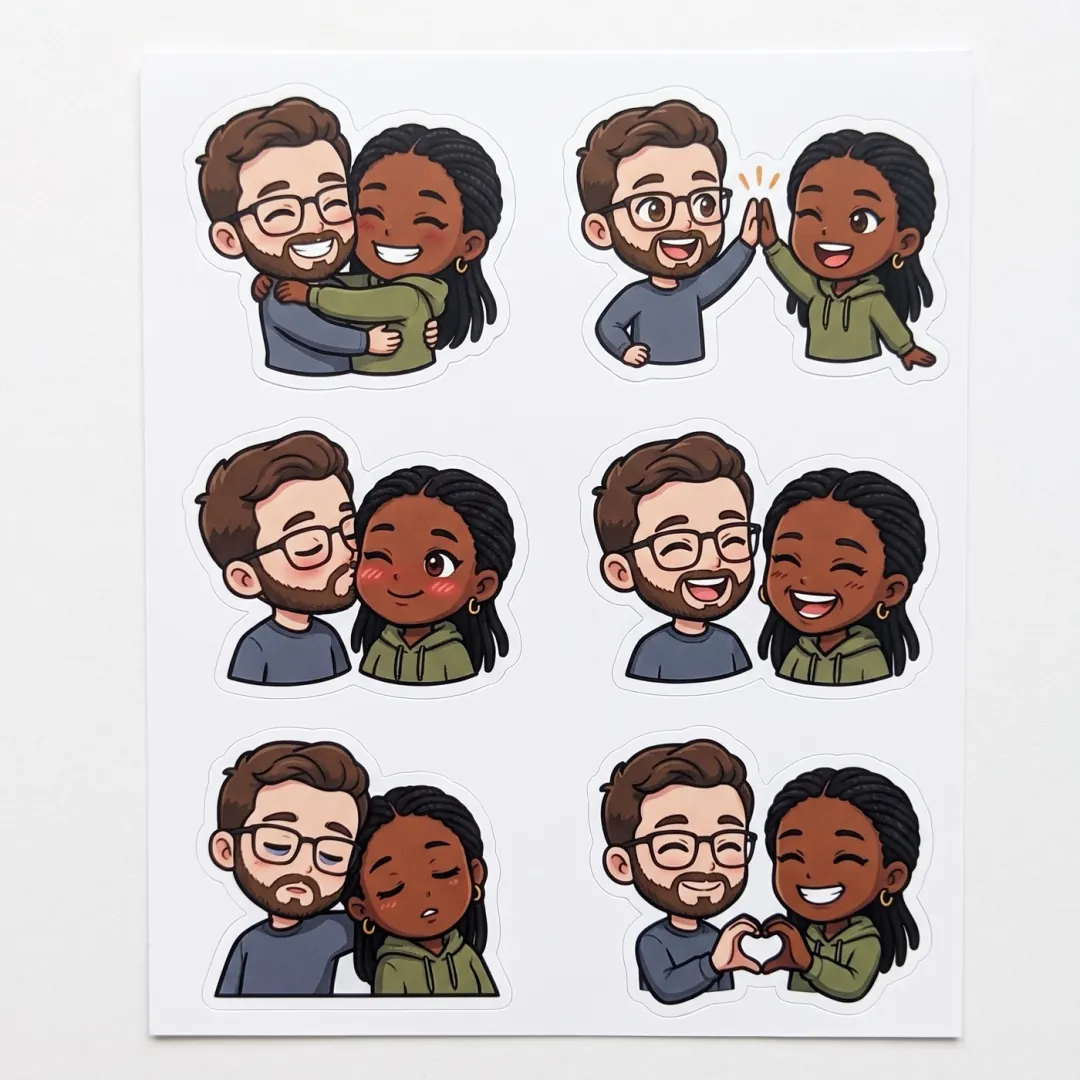
A couple's sticker set
Six chibi couple stickers: a hug, a high five, a kiss on the cheek, laughing, sleepy and a heart, all with white outlines.
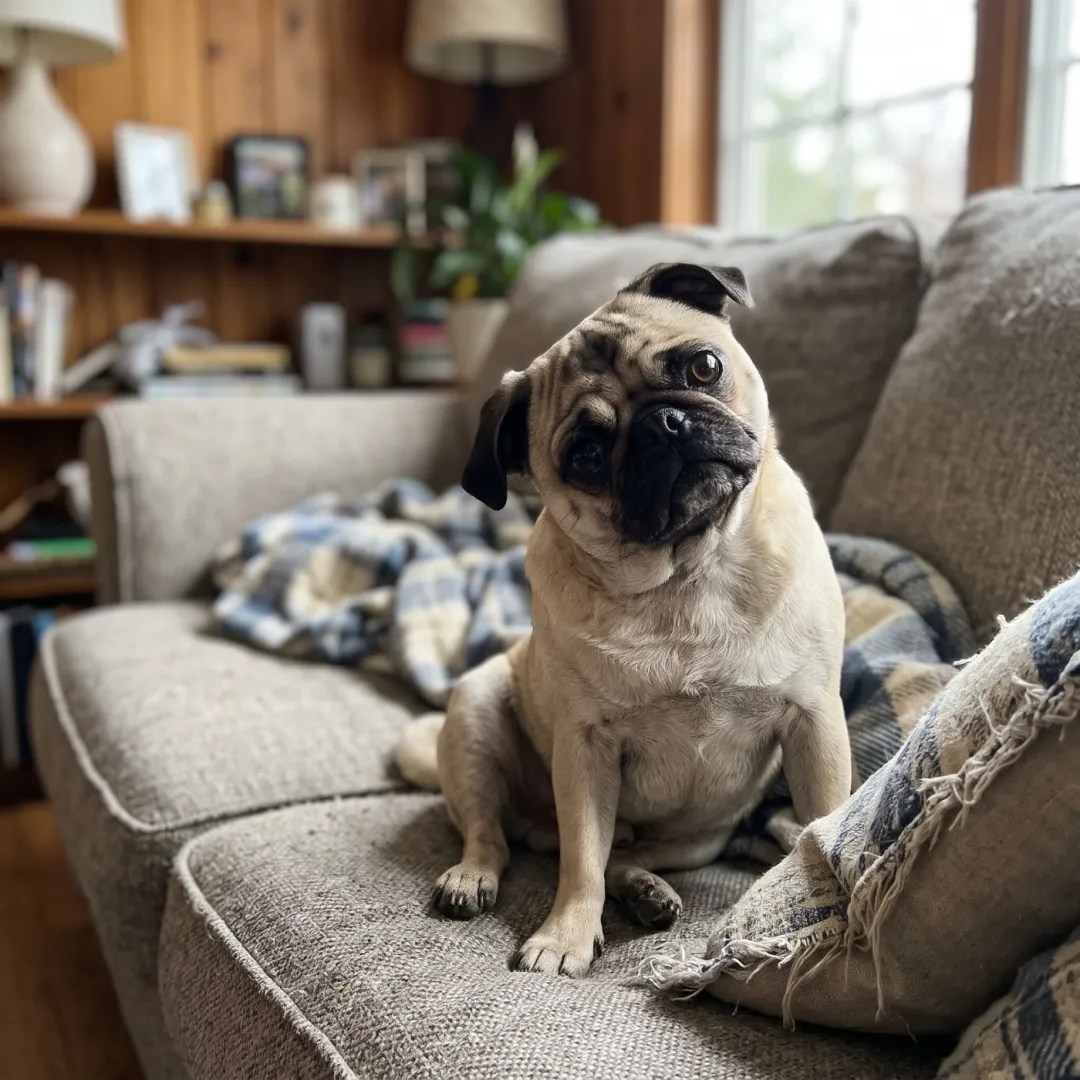
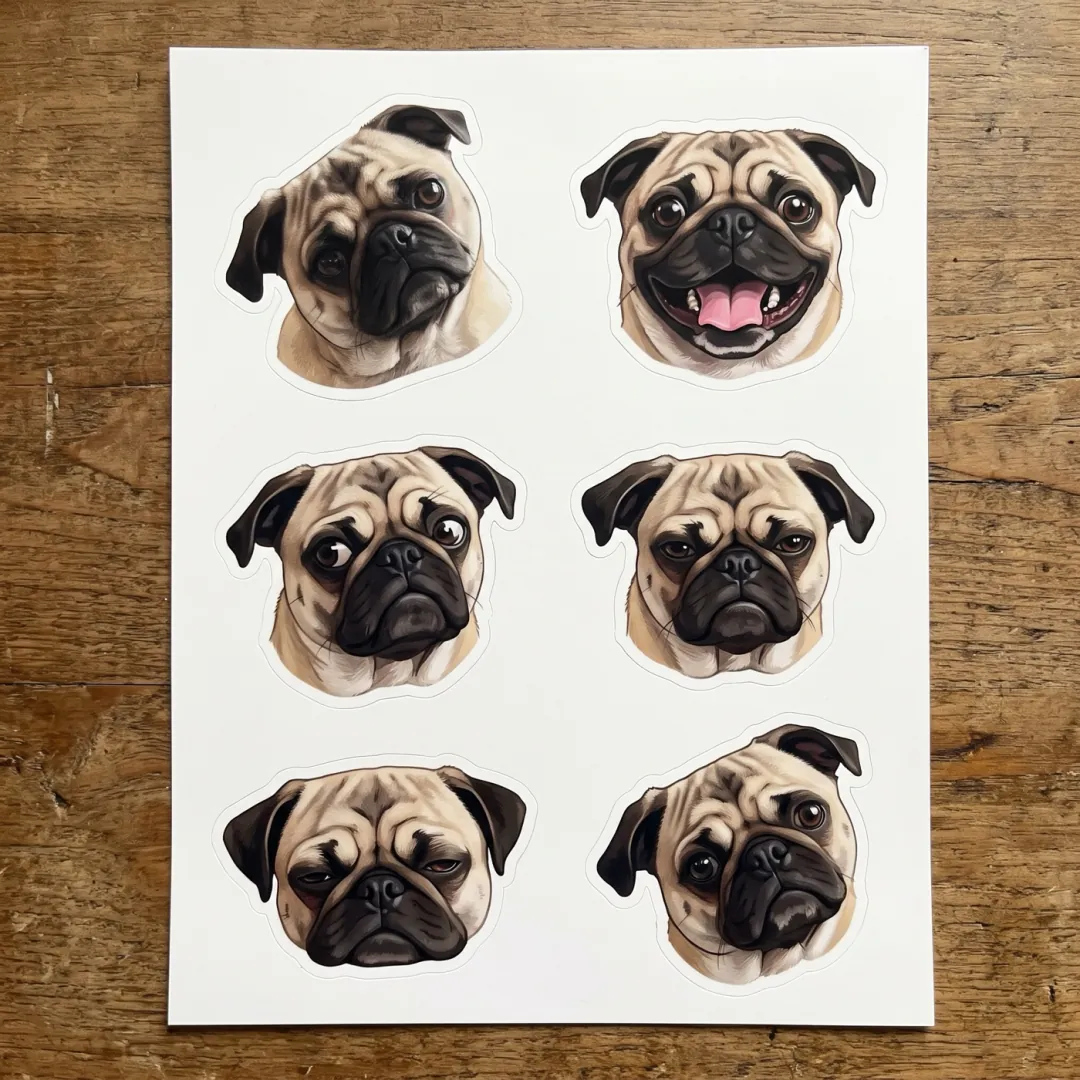
The pug sheet
Six die-cut stickers of the pug with different expressions, each outlined in white.
Whose face goes on the sticker sheet?
One clear close-up becomes six stickers, and the face you choose decides where the sheet ends up.

The bride’s face on every party favor
The maid of honor planning a bachelorette weekend wants something with the bride on it that is funnier than a photo. A sheet of her laughing, crying and shocked covers the cups, the welcome bags and the group chat.
Find a recent close-up where the bride faces the camera in good light. Print a few sheets on sticker paper and cut along the white outlines.
Make the bride’s stickers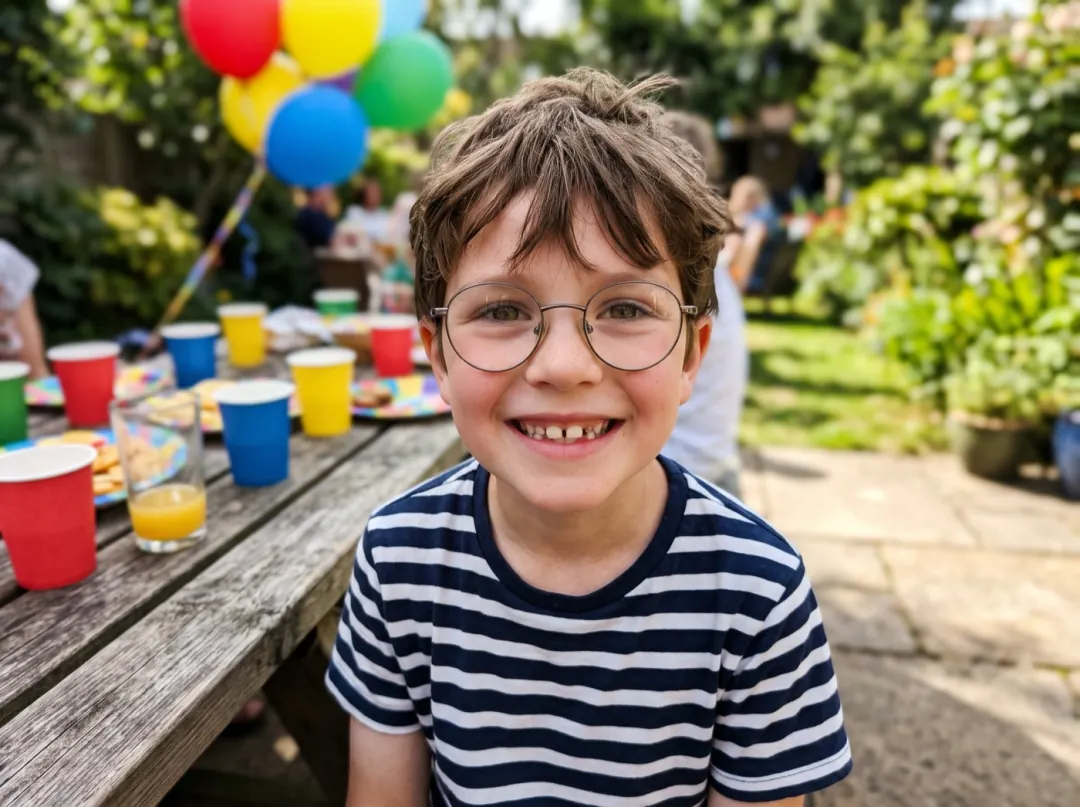
Goody-bag stickers of the birthday kid
Parents filling goody bags for a seventh or eighth birthday look for something the guests have not seen before. Stickers of the birthday child doing a thumbs up and heart hands end up on water bottles and notebooks.
Use a close photo with a big smile, glasses or a gap tooth on show, so every sticker is clearly them. Print one sheet per guest.
Make party stickers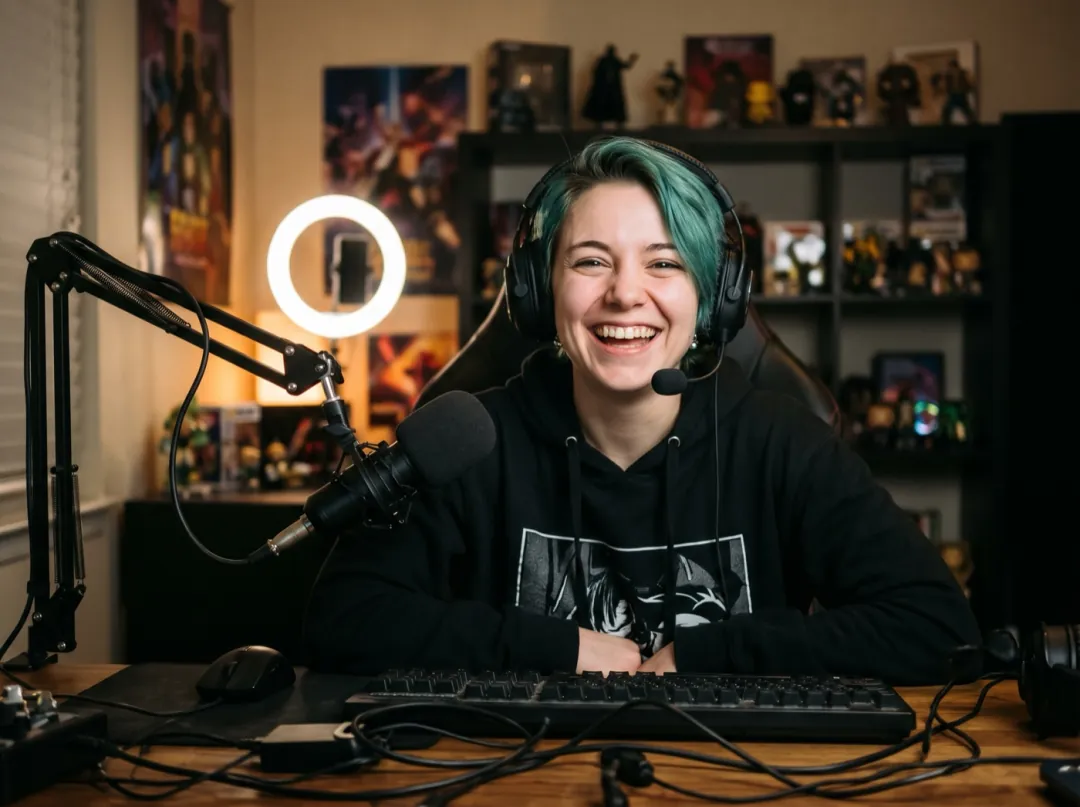
Six reactions for your chat to use
A streamer starting out wants emotes of their own face long before paying an artist for a full set. One photo at the desk becomes six reactions, from sleepy to shocked, ready to crop apart.
Shoot in front of your ring light with your face square to the lens and the headset on, so viewers know it is you. Crop each sticker, clear the background, then upload.
Remove the background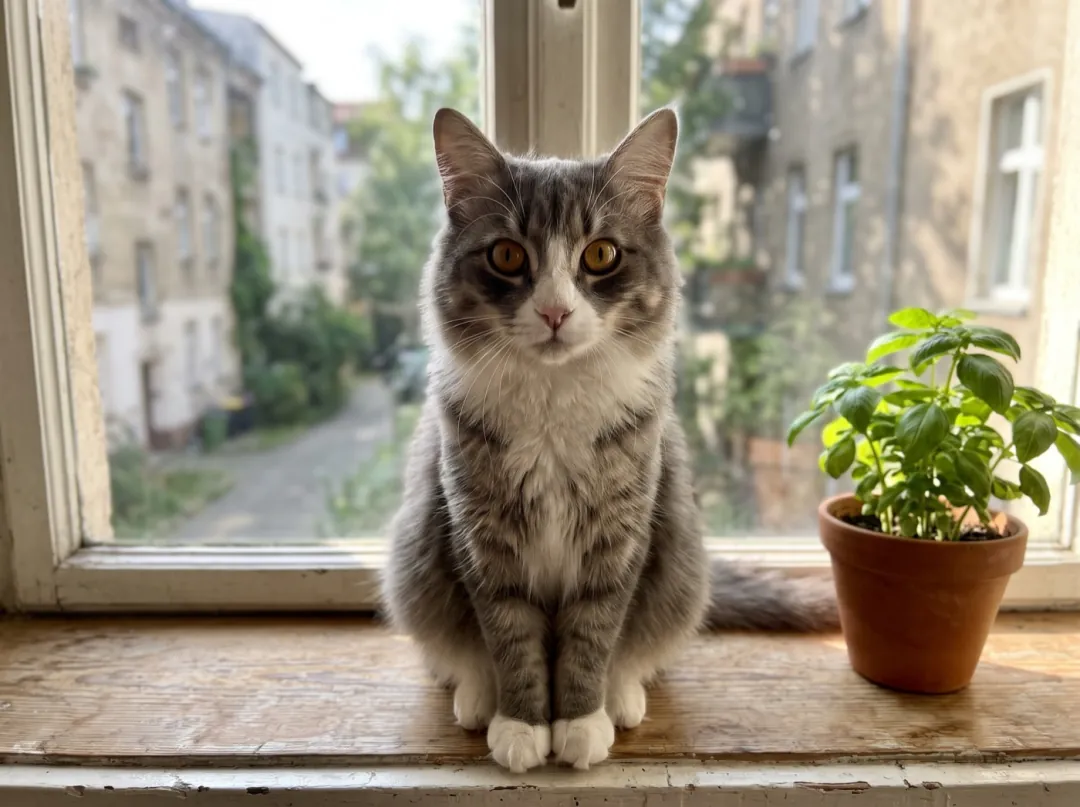
Your cat’s moods on one sheet
Cat owners already speak for their cat in the household chat. A sheet of the cat sleepy, startled and begging turns those running jokes into stickers anyone in the house can send.
Catch the cat face on, eyes open, at its own eye level on a windowsill. Edit the six moods in the prompt to ones a cat really has, then save the stickers to your phone.
See Cat Says HiPhotos that draw well as stickers
The stickers copy what they can see. A clear face gives six clear stickers.
Blurry features turn into vague chibi faces. Tap to focus on the eyes before you take the selfie.
In a dark bar or at night, hair and skin tones get guessed. Daylight keeps them true.
A pet across the room is a few pixels of fur. Let the head fill the frame.
Bright reflections hide the eyes, and every expression on the sheet starts from the eyes.
Swap the expressions
Use Edit prompt to choose the six moods or the drawing style. Keep "no text, no logo" at the end.
Your own six reactions
List the six reactions you send most and they replace the default set.
Make a sheet of six die-cut chibi stickers of the subject of this photo: facepalm, eye roll, party, coffee, waving and OK sign, white outlines; no text, no logo.
A flat cartoon look
Prefer a cleaner style? Ask for flat colour and thick lines instead of chibi.
Make a sheet of six die-cut flat cartoon stickers of the subject of this photo with thick dark lines and flat colours, each with a different expression, white outlines; no text, no logo.
Pet moods
Animals pull different faces. Give the pet moods it would really have.
Make a sheet of six die-cut chibi stickers of the pet in this photo: begging, sleeping, zoomies, head tilt, guilty and happy with its tongue out, white outlines; no text, no logo.
What to do with the sheet
The sticker sheet is saved in your library as a picture you can keep working on.
Sticker sheet
Six stickers on one square 2K picture.
Redo one sticker
Open the sheet in Image to Image and redraw a single expression.
Open Image to ImageTry an anime portrait
The same selfie, drawn as one anime headshot instead.
Open Anime PortraitSticker Pack FAQ
Before you turn a selfie into stickers.
Does Sticker Pack make a video?
No. Sticker Pack returns one picture: a square 2K sheet with six stickers on it. Nothing moves. To animate a sticker, crop it out and take it to Image to Video.
What photo works best for Sticker Pack?
A close-up of one face, or two for a couple set, turned toward the camera in good light. A phone selfie is fine. In a group photo each face has too few pixels to draw from.
How much does Sticker Pack cost?
4 image credits per sheet, made on Nano Banana 2.1 at 2K. The 10 free image credits you get at sign-up pay for it, enough for 2 sheets. After that, packs start at $9.90 for 600 credits. A failed or blocked run gives the credits back.
Can Sticker Pack make stickers of my dog or cat?
Yes. The pug sheet came from a phone photo on a sofa. For pets, edit the expressions to moods an animal really has, like begging or sleeping.
Will Sticker Pack put words on the stickers?
The prompt asks for no text and no logo, so the sheet comes back without captions. Add your own words in a chat app or a photo editor.
How do I get single stickers out of a Sticker Pack sheet?
Each sticker sits inside a white outline with space around it. Crop them one by one in your phone's photo editor, or print the sheet on sticker paper and cut along the outlines.
What if my Sticker Pack sheet doesn't look like me?
Try a sharper, brighter photo where the face fills more of the frame. You can also name a feature in the prompt, such as "keep the round glasses and curly hair".
More effects that restyle a photo
 AnimeAnime portrait
 StylesClay figure
 StylesAction figure box
 PetsDog head tilt
 PortraitWink
Six of you, from one selfie.
Add a selfie or a pet photo and get back a full sheet of stickers.