Anime in Motion
Seedance 2 Mini · 5s · anime redraw includedWe redraw your photo as an anime illustration, then animate the drawing: hair and clothes lift in the wind, petals swirl past and the camera eases in.
30 for the clip + 4 for anime redraw
Choose an effect
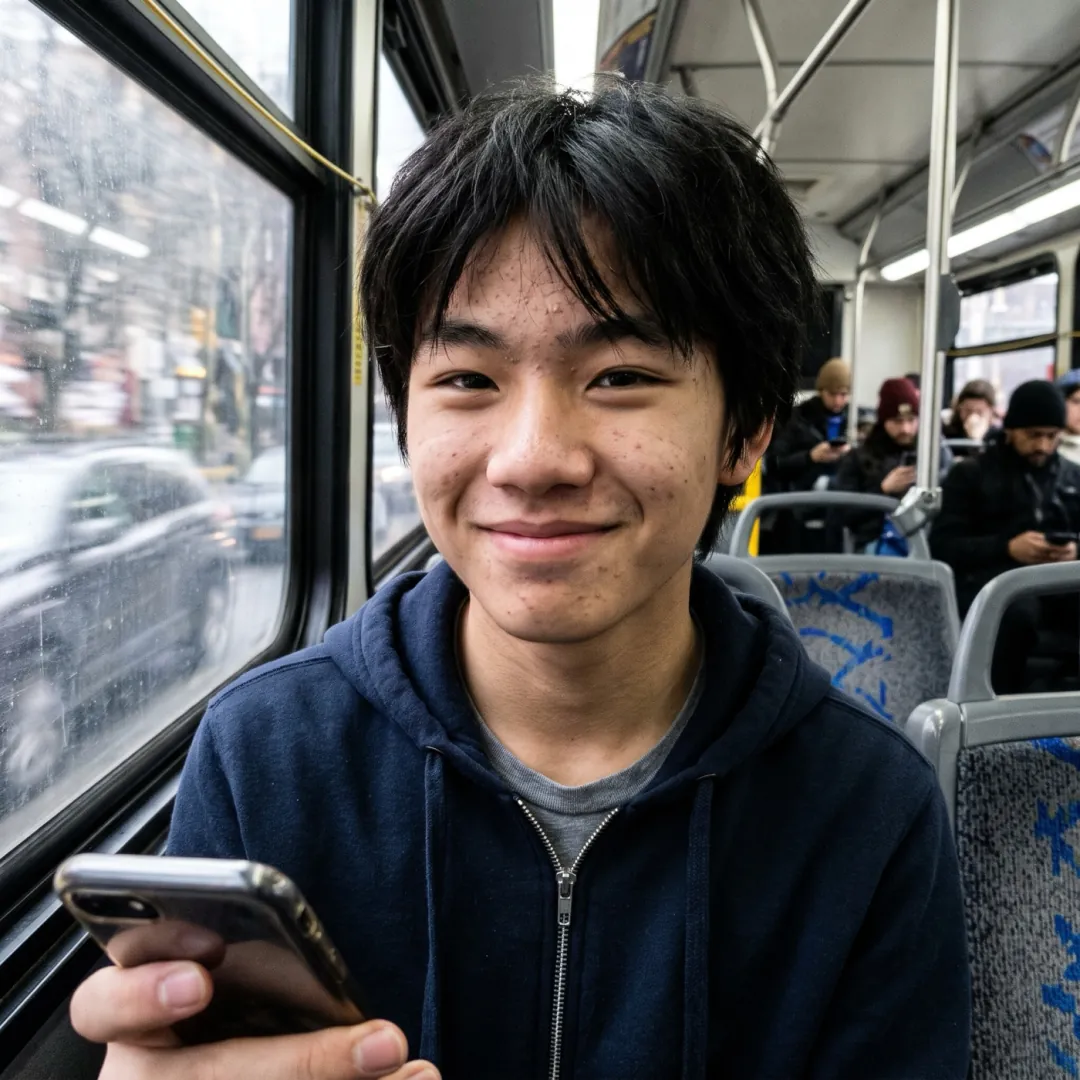 Anime portrait
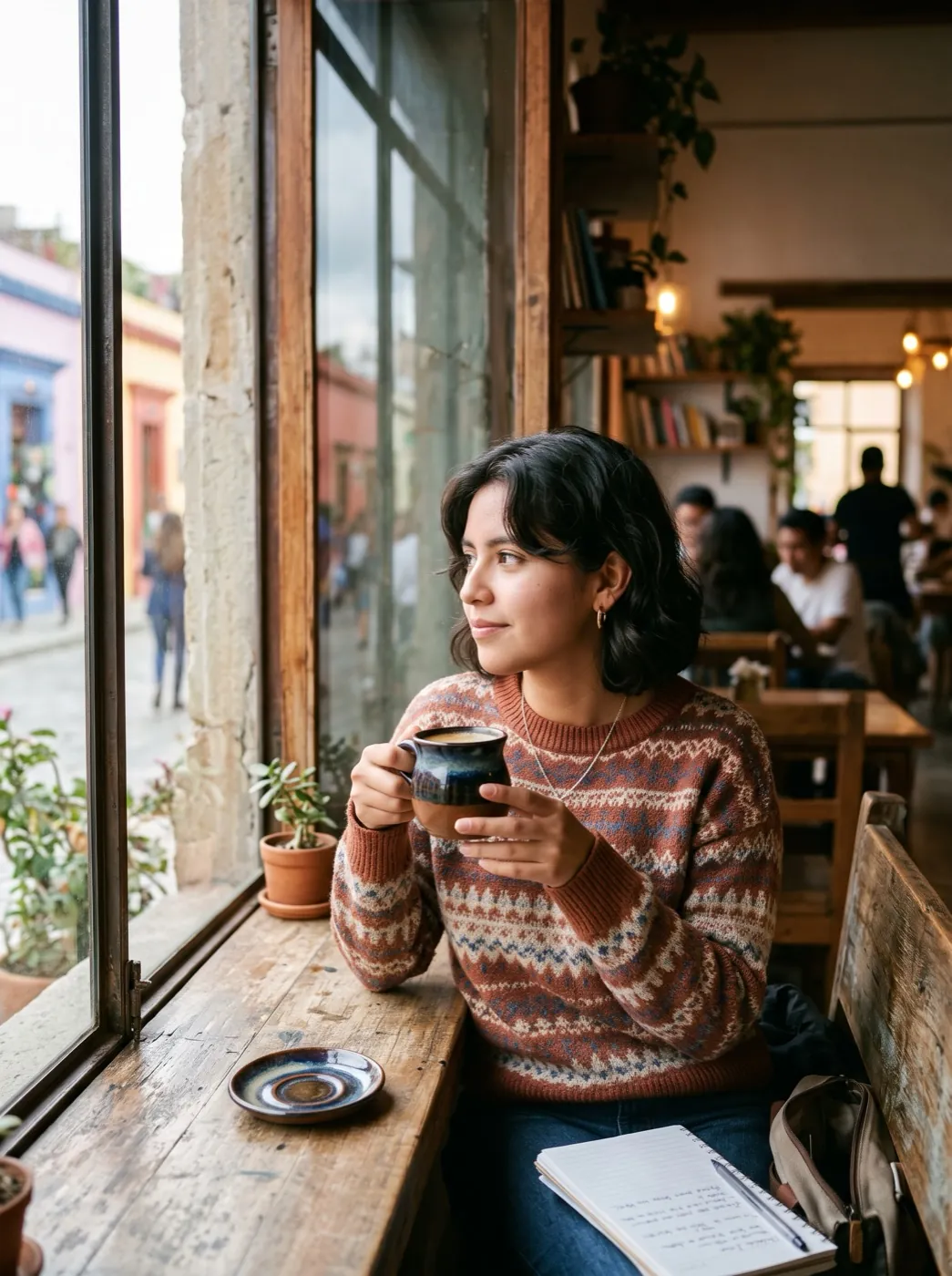 Photo to animePhoto
Redrawn first, then set moving
Anime in Motion runs two steps back to back. Nano Banana 2.1 redraws your photo as a cel-shaded illustration at 2K, keeping the person, the outfit and the place. Seedance 2 Mini then animates that drawing into a 5-second clip at 480p, and the prompt holds the anime style to the last frame.
- The clip starts from the drawing, not the photo, so every frame looks hand-drawn.
- The default motion is light: wind in hair and clothes, petals drifting by and a slow camera push.
- Bigger action works too, like a skateboard ride or a motorbike pulling away.
- The clip keeps the shape of your photo and has no sound.
Photo, drawing, clip
You add one photo. The redraw and the animation run one after the other, and you keep both files.
Add your photo
A portrait, a pet or someone on the move. The redraw keeps the setting, so pick a place you like.
Redrawn, then given its motion
The anime redraw runs first. The motion prompt is already filled in and keeps the style locked.
Watch the drawing move
The clip is ready in about 2 minutes. Download it, and the still drawing too if you like.
Anime clips from three ordinary photos
A portrait, a pet and a night ride. Each one was redrawn as anime first, then animated.
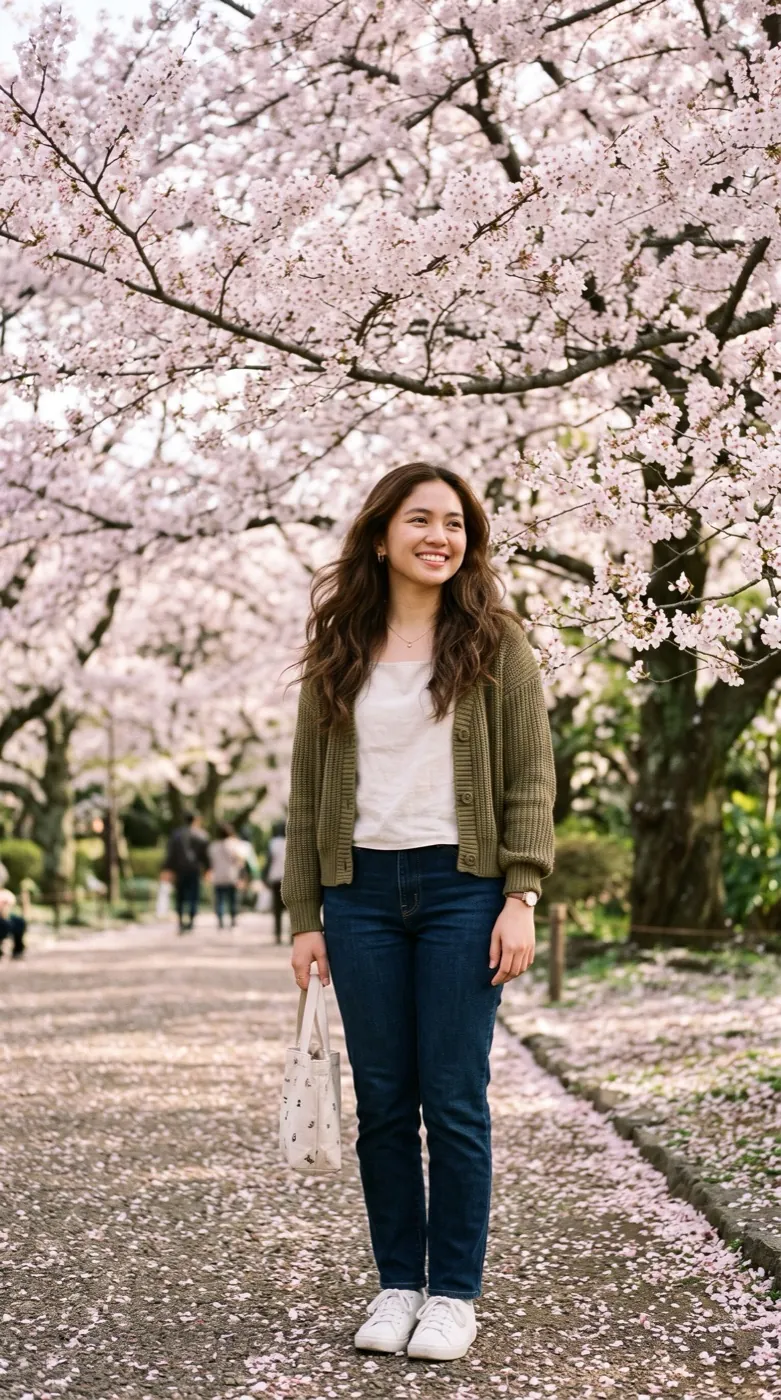
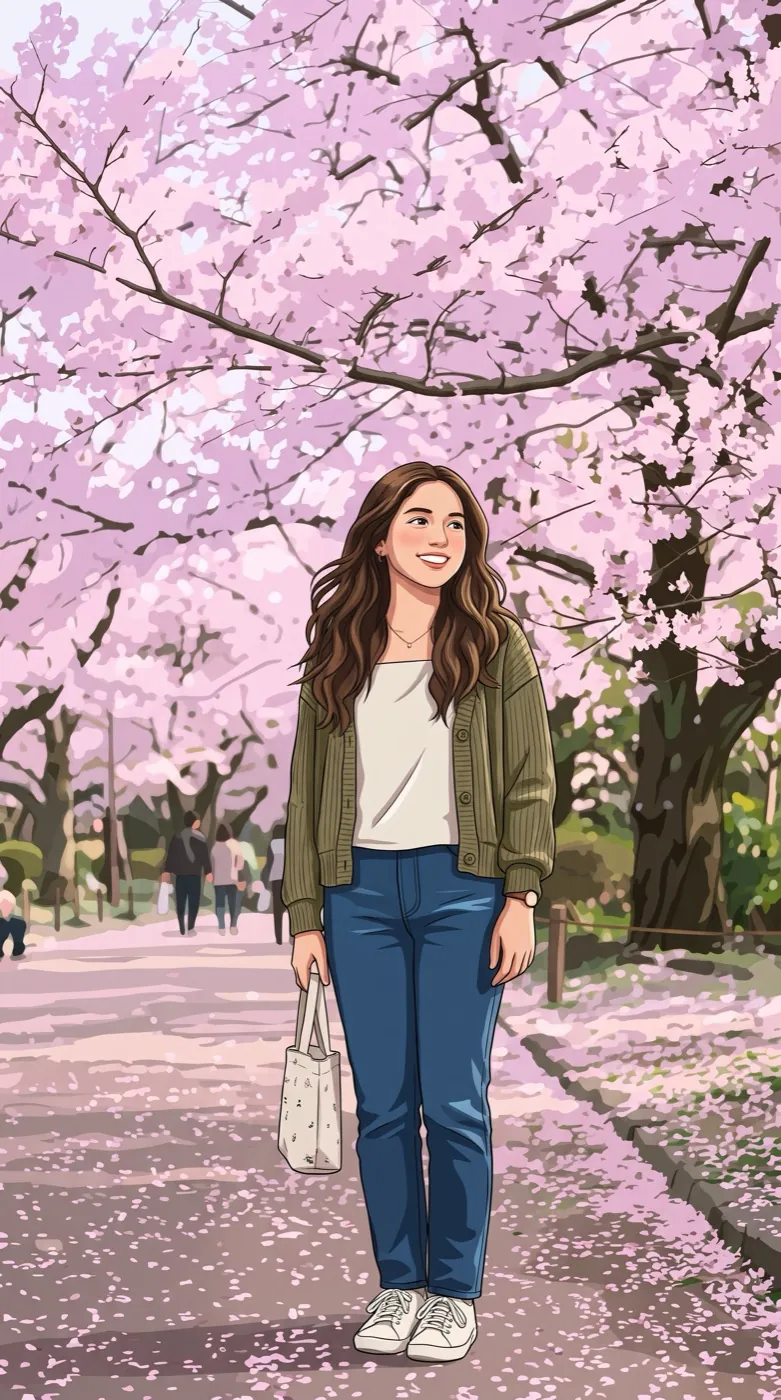
Under the cherry tree
Her long hair and cardigan blow in the wind while petals swirl past, and the cel shading holds the whole way.
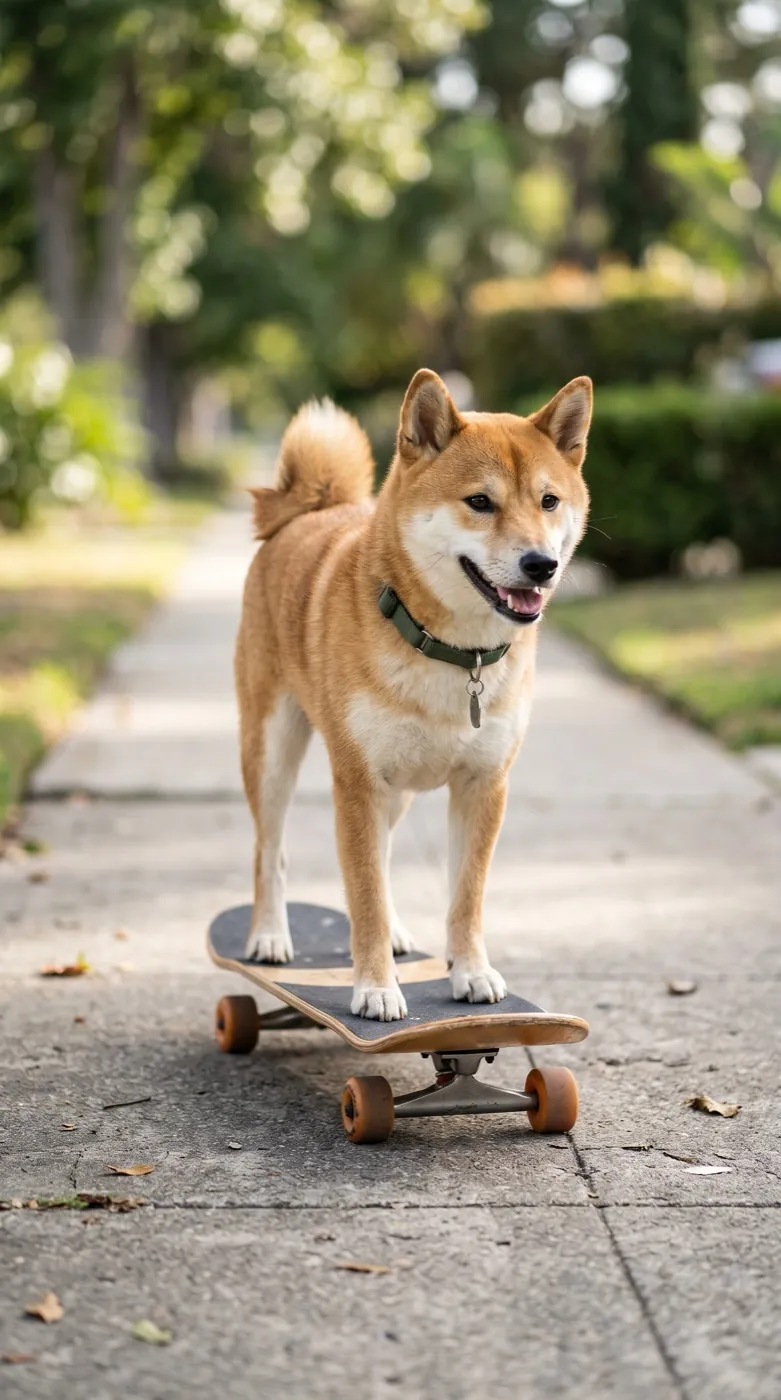
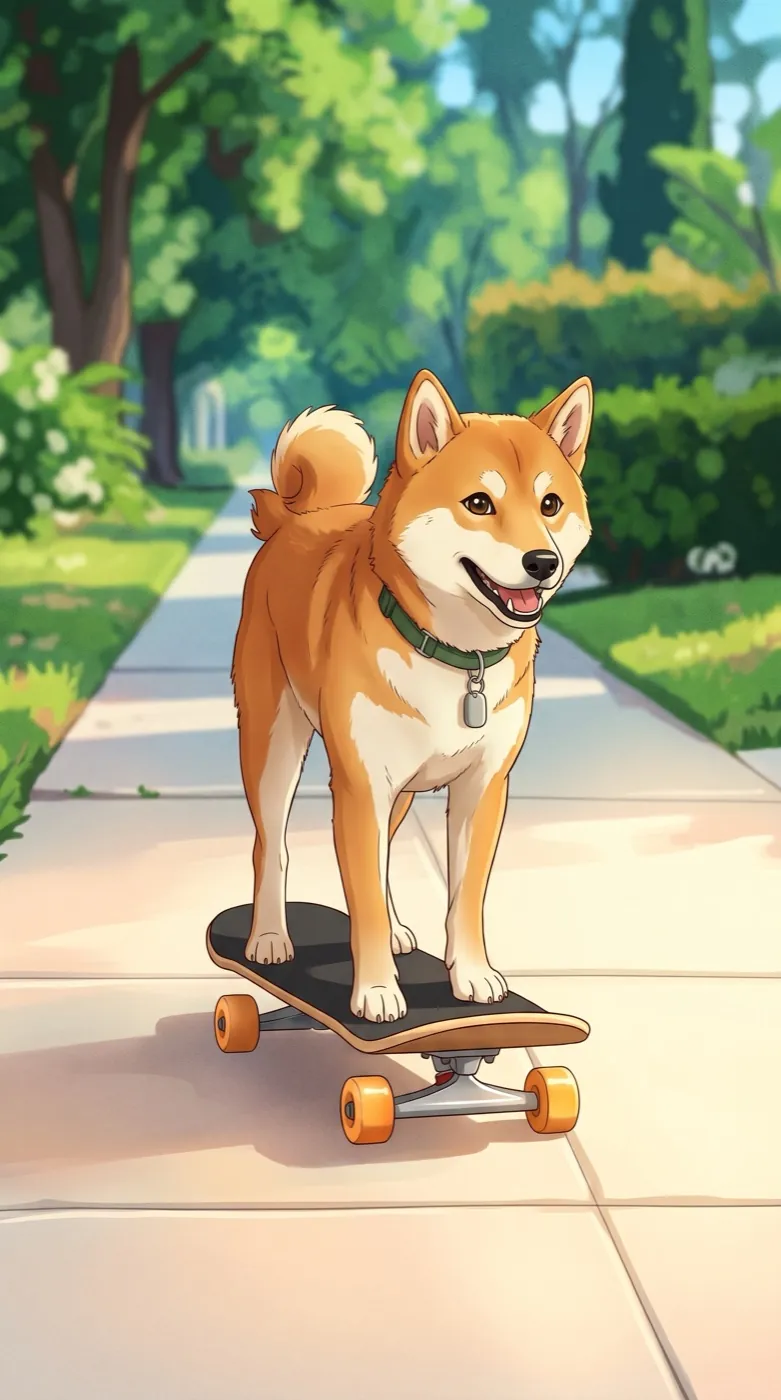
Shiba on a skateboard
Redrawn in bright colors, the dog rides its board down the street with its ears flapping.
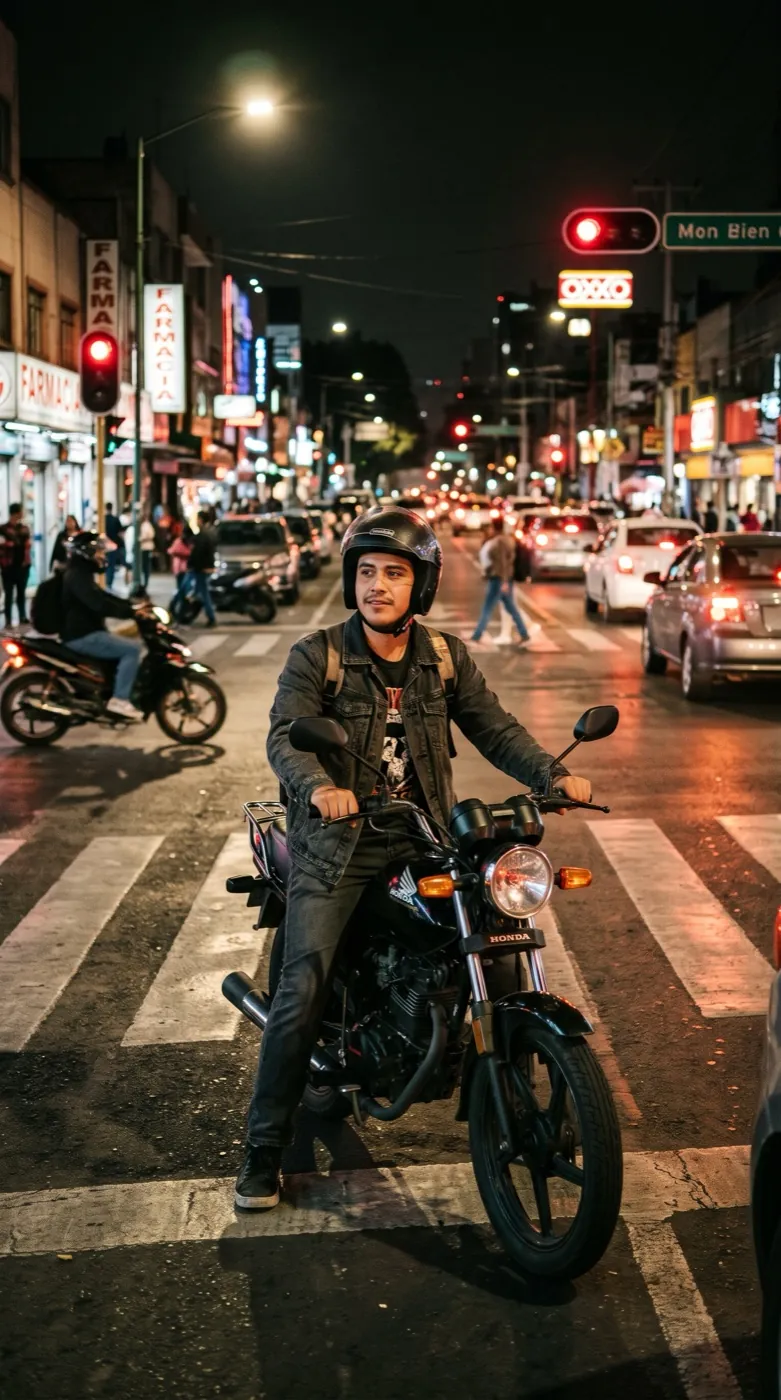
Night ride at the crossing
Redrawn in neon colors. He revs the motorbike and speeds off, leaving neon streaks behind him.
Who is the anime clip for?
Pick the row closest to your photo. Each one shows a kind of shot that redraws and moves well.
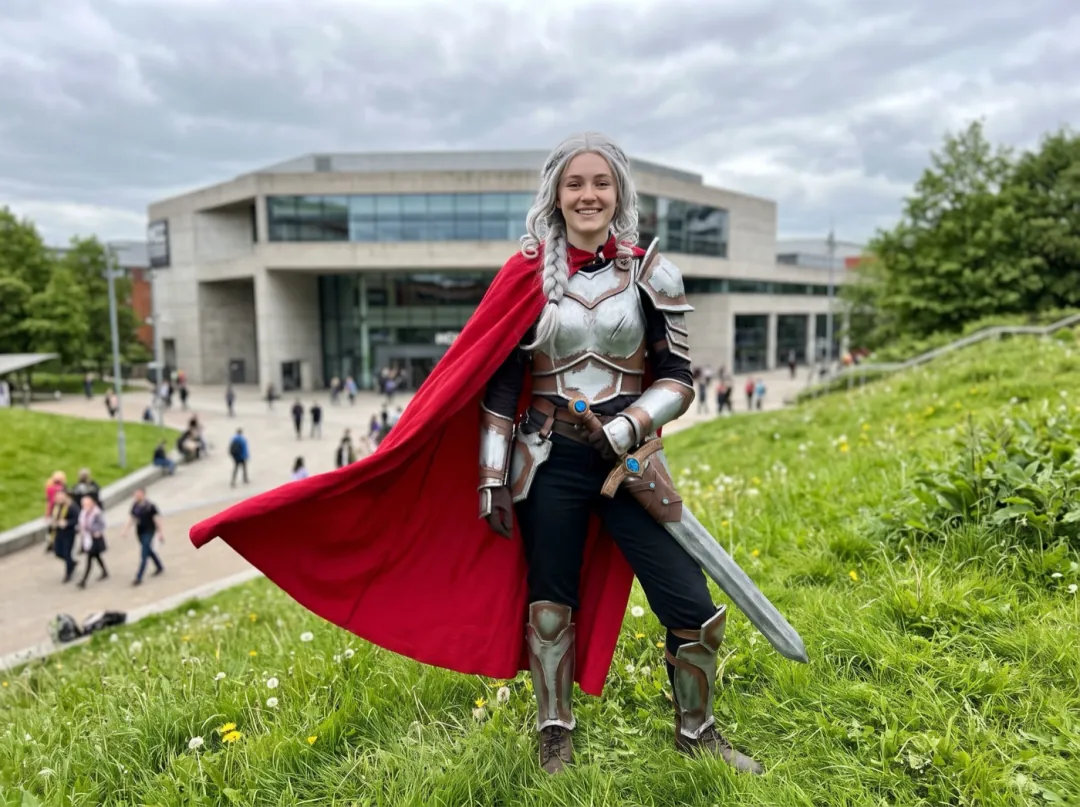
Your costume, drawn and caught in the wind
After a convention you have a camera roll of costume shots, and none of them move. Redrawn as anime, the wig, the cape and the props look like your character stepped out of a scene.
Pick a shot taken away from the crowd, with open space beside the cape. Post the clip next to the still drawing on your cosplay page.
Animate a costume photo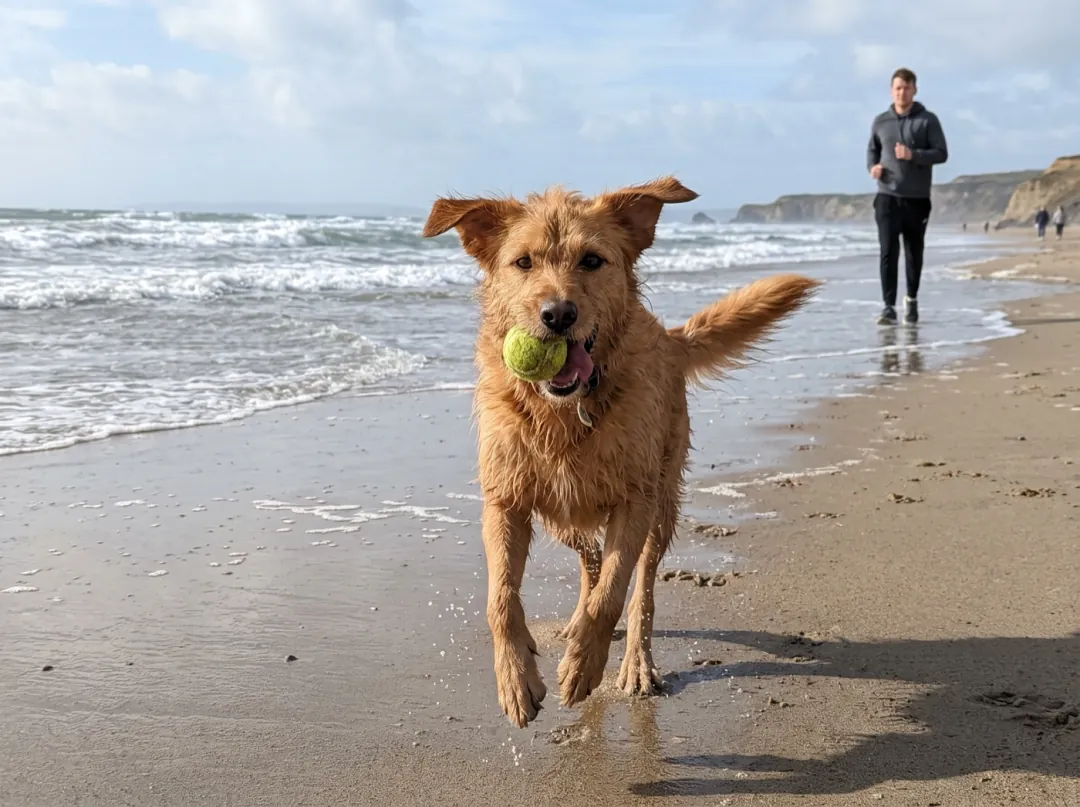
The dog mid-zoom, as a little cartoon
Dog people have hundreds of photos of the same dog doing the same thing: racing down the beach, leaping for a ball, riding a board. Redrawn as anime, the one good action shot becomes a scene you watch again.
Use a photo where the dog is clearly heading somewhere, ears up. Send the clip to whoever walks the dog with you.
Animate a dog photo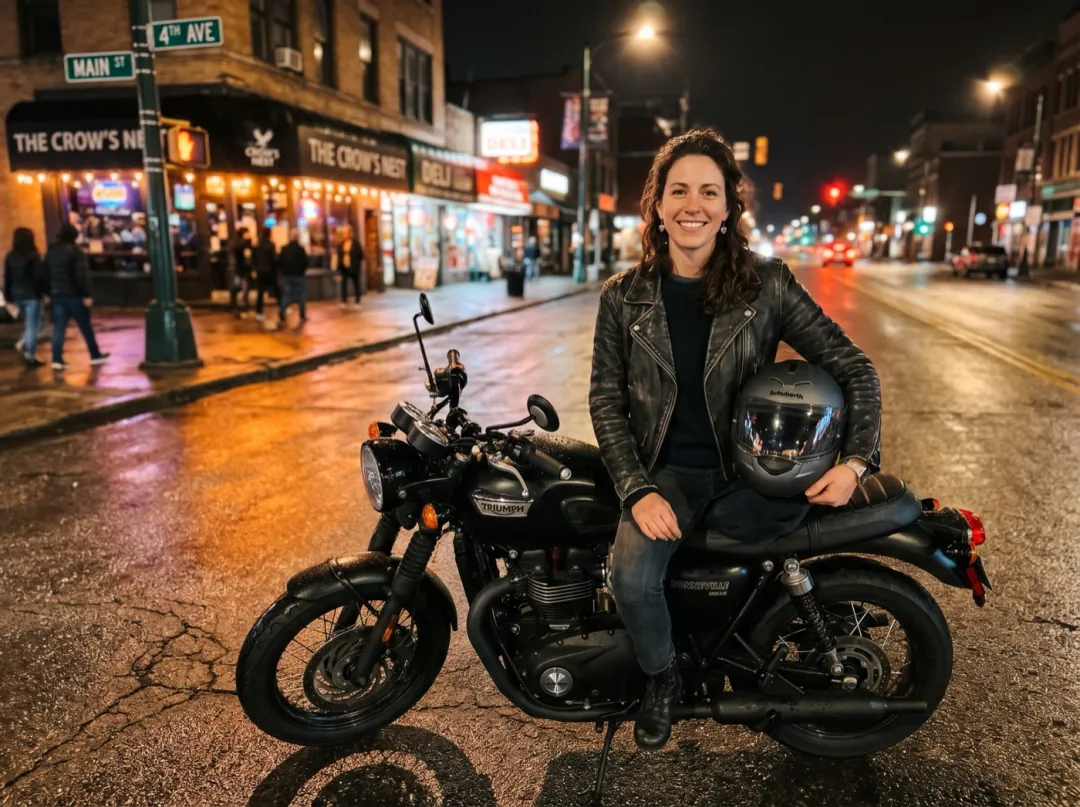
Your bike, pulling away like an anime opening
Motorbike, scooter and skateboard riders take photos parked up at night or at the start of a ride. The anime redraw turns street lights into neon, and the clip sends you off down the road.
Point the bike along the open road, with empty space in front of it. Post it to the riding group or pin it to your profile.
Animate a ride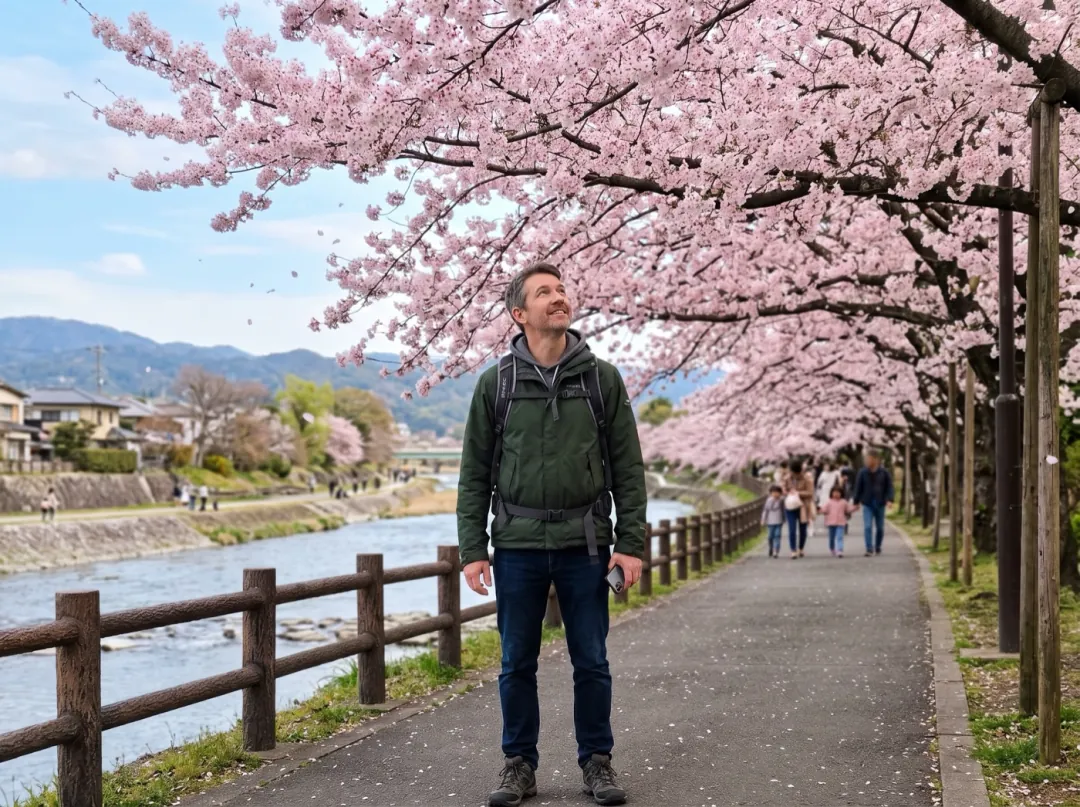
A spring trip that looks like a film still
Some trips already look drawn: blossom season, a lantern-lit alley, a mountain shrine in mist. Coming home from one, you want a photo that feels the way the place did, with petals drifting and hair moving.
Stand a few steps back so the trees and sky fill the frame around you. Add the clip to the trip album or post it as your story.
Animate a trip photoWhat makes a good photo for moving anime
Two steps means two chances to lose detail. A clean photo keeps both of them on track.
Someone far in the background turns into a few strokes in the drawing, and then barely moves.
Blurry fur or hair gives the redraw soft, unsure outlines that shimmer once they start to move.
The neon street works because the rider is lit. A dark silhouette gives the drawing nothing to color.
A tilted photo makes a tilted drawing, and a camera drift over a slanted scene feels like sliding off it.
Direct the scene
Press Edit prompt to change what moves. End every version with "anime style kept" so the clip stays drawn.
Snow instead of petals
Match the falling things to the season of your photo.
Hair and clothes stir in a cold breeze and snowflakes drift past while the camera drifts closer, anime style kept.
A turn toward the camera
For a character reveal, give the subject one simple move to finish on.
The person turns slowly toward the camera and smiles as the wind lifts their hair, anime style kept.
Speed and light trails
For bikes, boards and runners, ask for forward motion with streaks behind.
The subject races forward down the street as light streaks stretch out behind and the background rushes past, anime style kept.
After the clip
The drawing and the clip both sit in your library, ready for another tool.
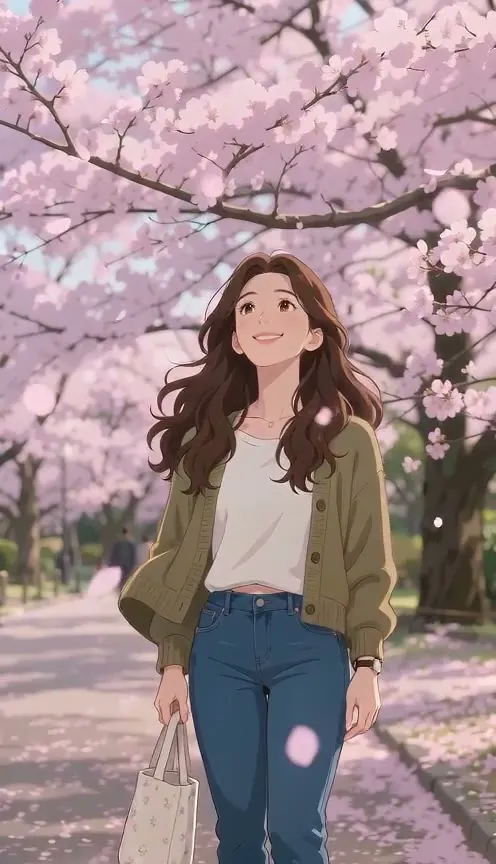
Drawn and moving
A 5-second anime clip plus the 2K redraw it started from.
Watch the photo turn into anime
Photo to Anime starts on the real photo and lands on the drawing.
Open Photo to AnimeWrite a different scene
Use the redraw as the first frame in Image to Video with any prompt you like.
Open Image to VideoA crisper clip
Video Upscaler makes the 480p clip bigger and sharper.
Open Video UpscalerAnime in Motion FAQ
What people ask before turning a photo into a moving anime clip.
Why does Anime in Motion redraw my photo before animating it?
Starting from a finished anime frame keeps the style steady through the whole clip. Asking a video model to change style while it also animates is far less reliable, so the drawing is made first.
What moves in an Anime in Motion clip?
By default, hair and clothes move in the wind, petals swirl past and the camera drifts a little closer. You can change that in the prompt to a turn, a run or a ride.
How much does Anime in Motion cost?
34 credits for both steps: 4 image credits for the anime redraw on Nano Banana 2.1 and 30 video credits for the 5-second clip on Seedance 2 Mini. Free sign-up credits are image credits, so they cover the redraw but not the clip. Video credits come in packs from $9.90 for 600.
Does Anime in Motion work on pets, cars and bikes?
Yes. A dog, a cat, a car or a bike all redraw and animate. Give the prompt one thing for the subject to do, such as ride, roll or speed off.
How long is an Anime in Motion clip, and does it have sound?
5 seconds at 480p, in the shape of your photo, with no sound. Add music in your video editor or in the app you post to.
Can I keep the anime picture that Anime in Motion makes?
Yes. The 2K redraw is saved next to the clip, so you can download the still on its own.
My Anime in Motion clip drifts toward a photo look. What helps?
Keep "anime style kept" at the end of the prompt and ask for less motion; big, fast moves give the style more room to slip. If the face changes, use a photo where it is larger and better lit. A failed or blocked run gives the credits back.
More anime and moving-portrait effects
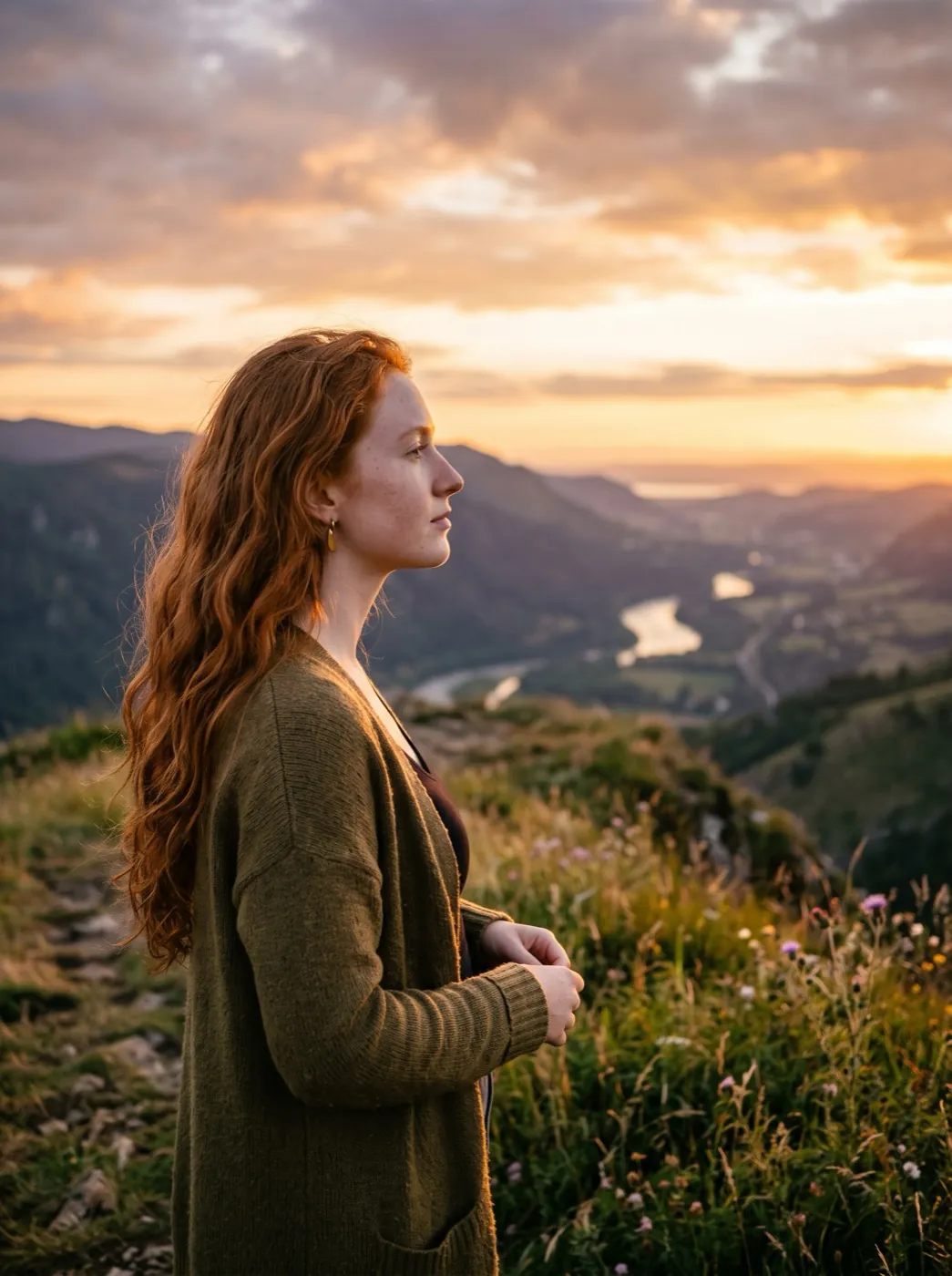 PortraitHair in the wind
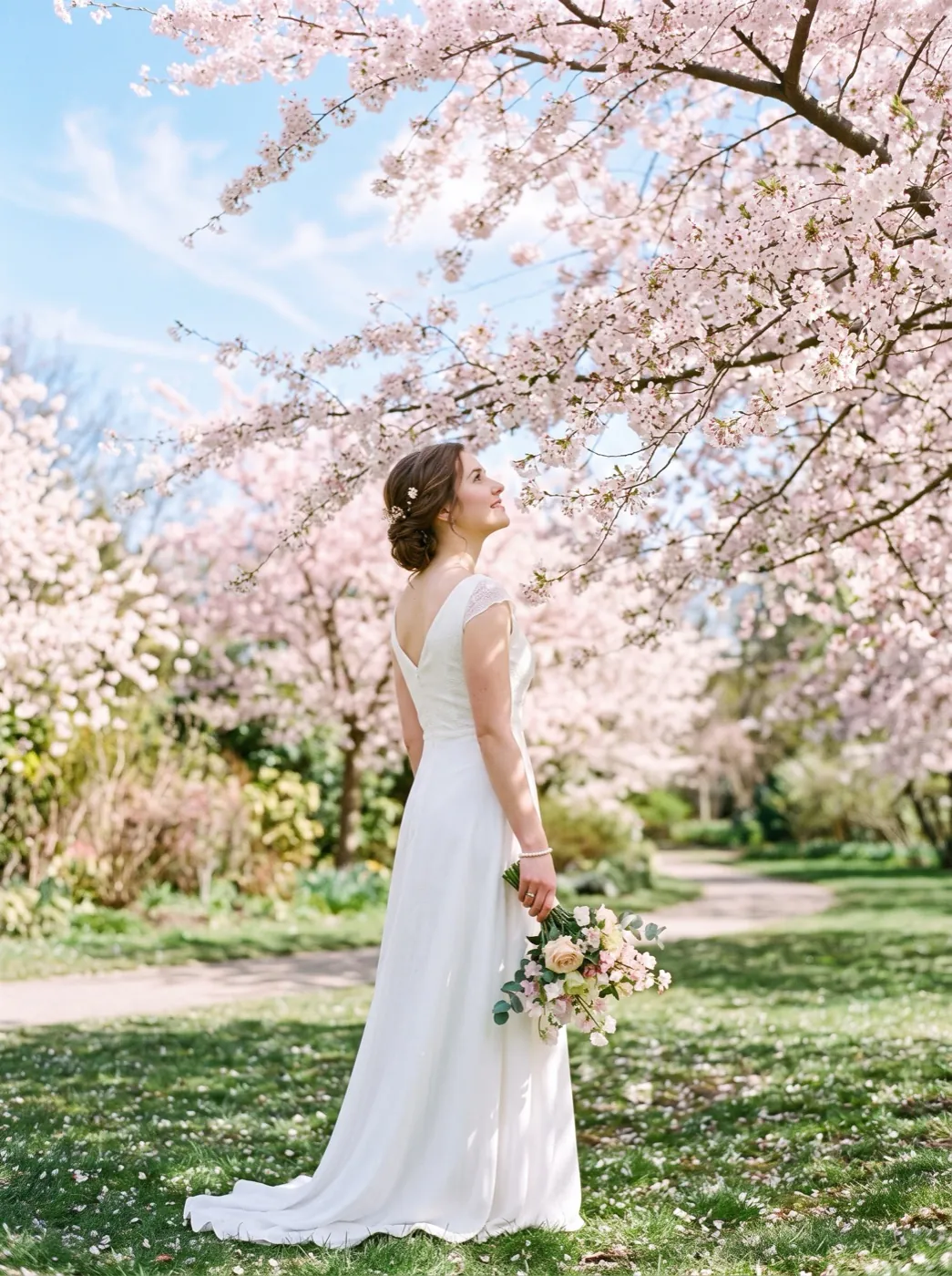 HolidayPetals fall
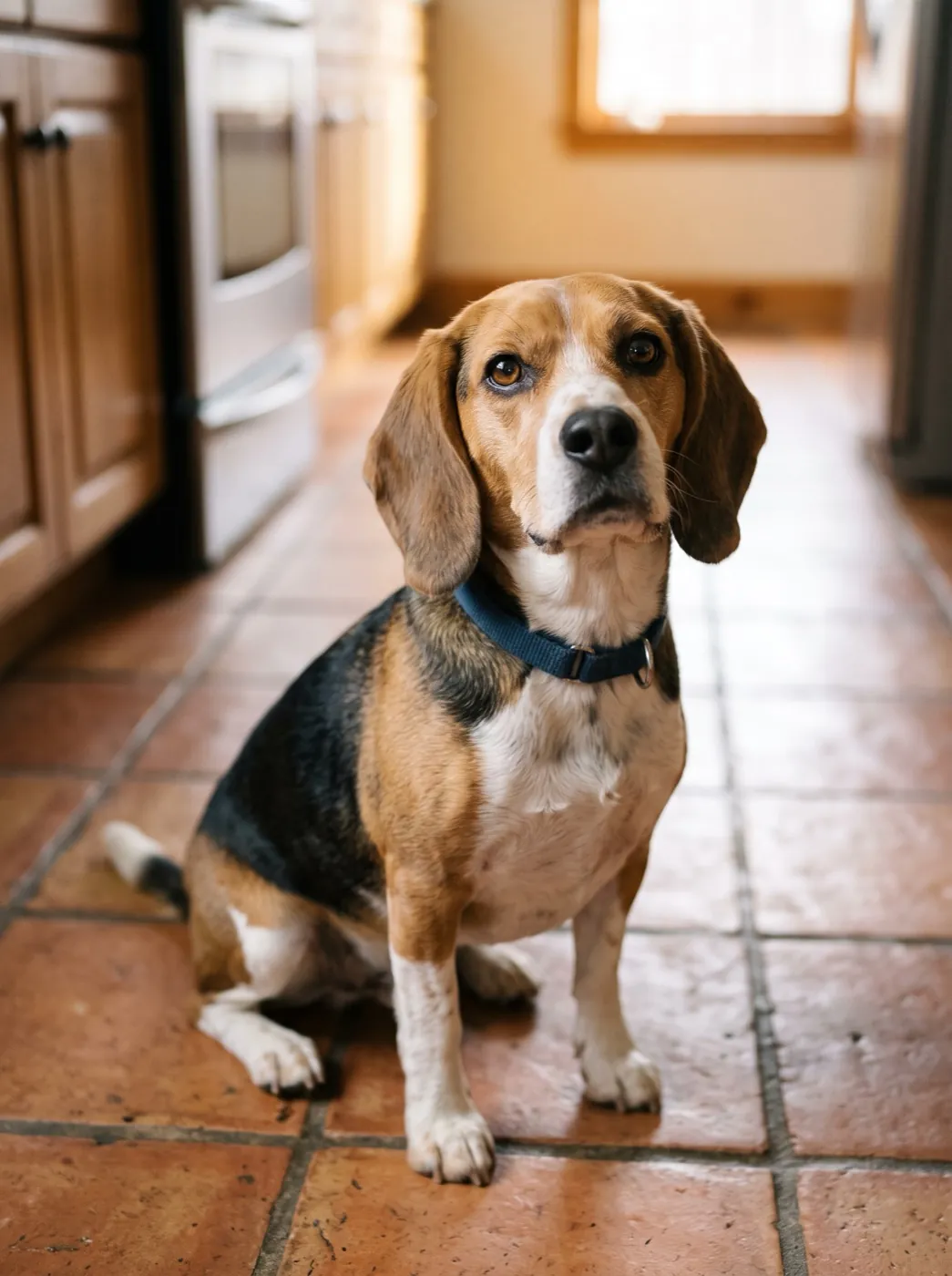 PetsDog head tilt
Your photo, drawn and in motion.
Add one photo. We redraw it as anime, then let the wind and the camera do the rest.