Photo to Anime
Seedance 2 Mini · 5s · anime redraw includedA clip that begins on your real photo and lands on an anime drawing of the same shot, with a small turn or smile while the style changes.
30 for the clip + 4 for anime redraw
Choose an effect
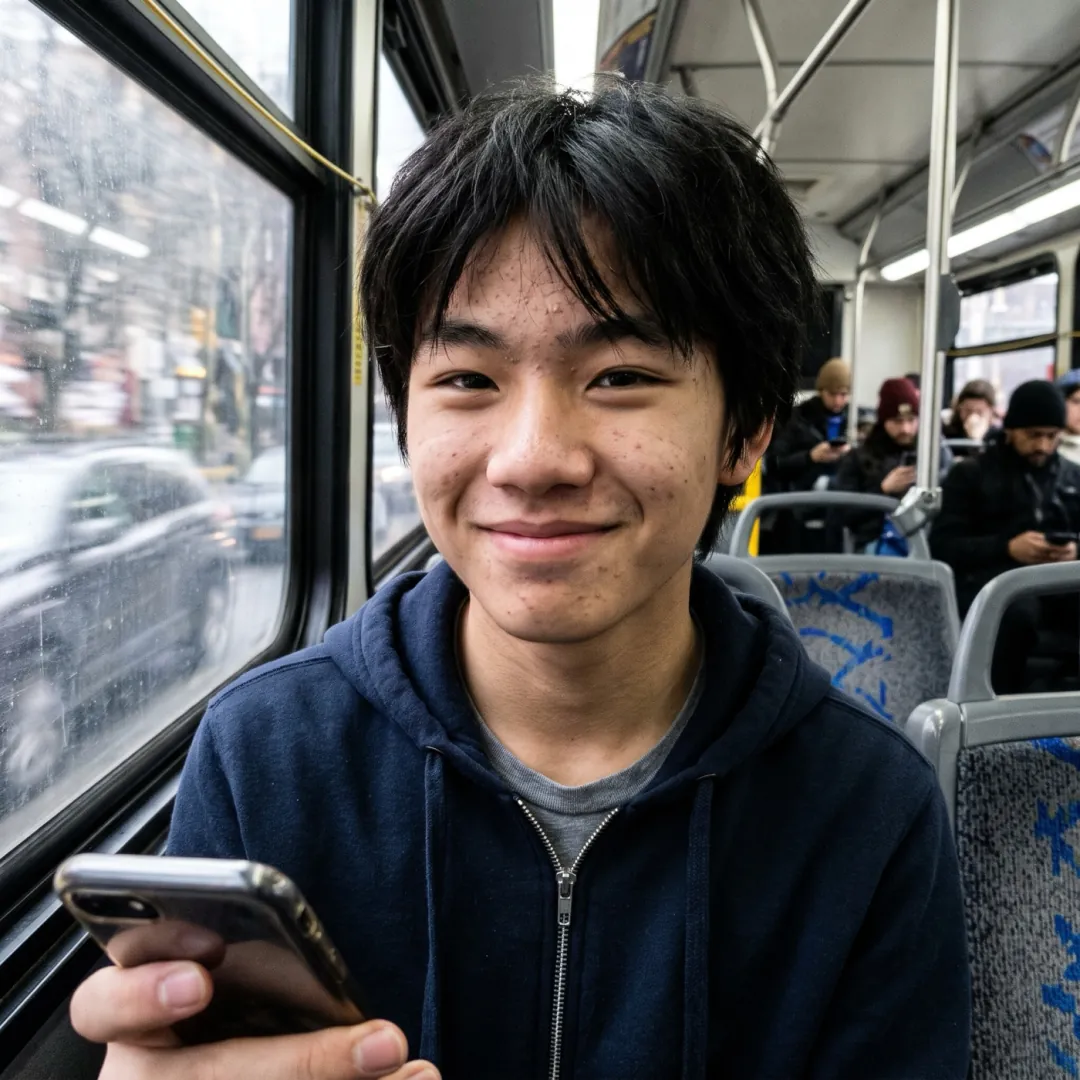 Anime portrait
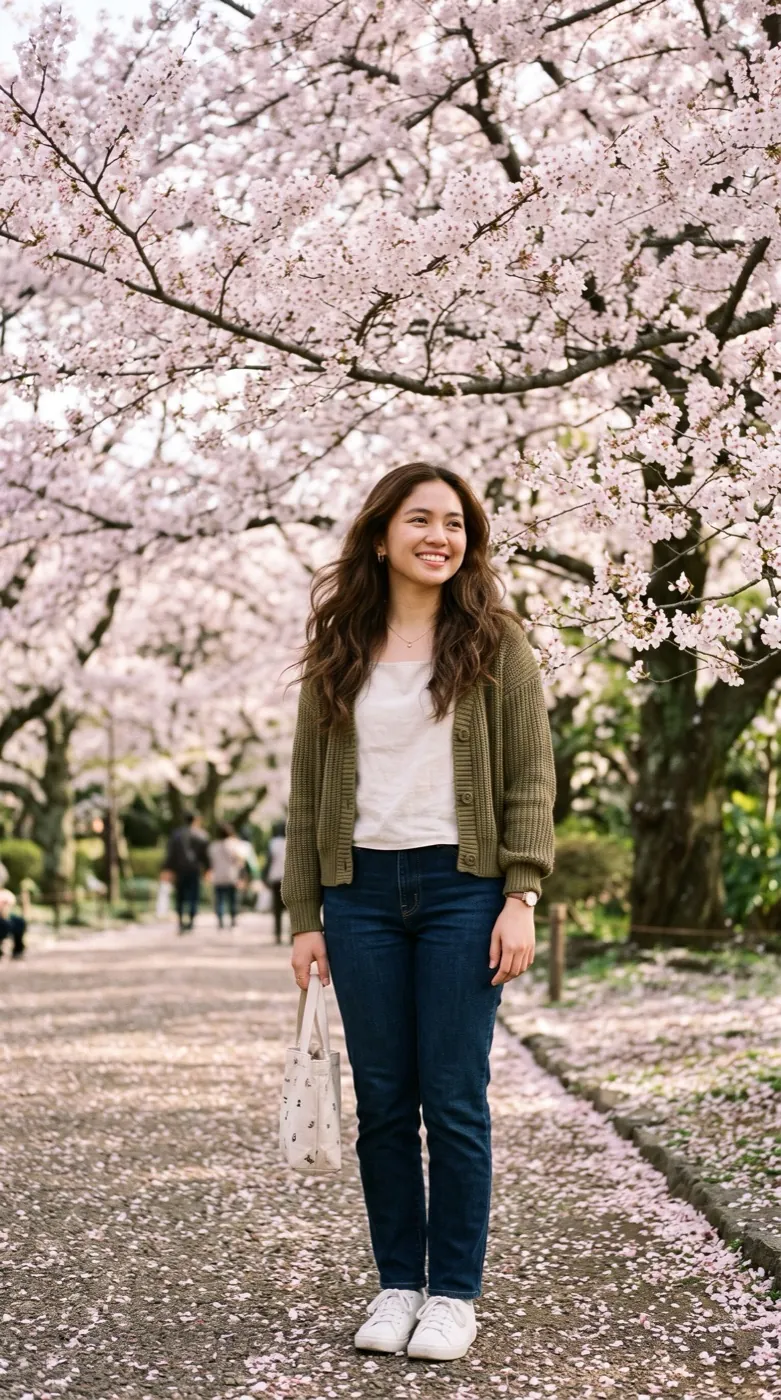 Anime in motionPhoto
Two frames: your photo and its drawing
Photo to Anime makes its own last frame. First Nano Banana 2.1 redraws your photo as an anime illustration at 2K, with the same pose and framing. Then Seedance 2 Mini makes a 5-second clip that opens on the photo and closes on that drawing, so you watch the real shot change style.
- The first frame is your untouched photo; the last frame is its anime redraw.
- Pose and framing match, so it plays as one shot changing style rather than a cut.
- A small move rides along: a turn toward the camera, a smile, a dog rolling over.
- The clip keeps the shape of your photo and has no sound.
How the switch from real to drawn is made
One upload. The drawing for the last frame is made for you before the clip starts.
Add a photo
Choose one where faces are clear; they have to stay recognizable at both ends.
We draw the ending, then join the two
The anime redraw runs first. The prompt for the frames in between is already written.
Watch the change
About 2 minutes later the clip is ready, and the drawing is saved as its own picture.
Real to anime, three times over
Each clip opens on the photo and ends on the anime redraw made from it.
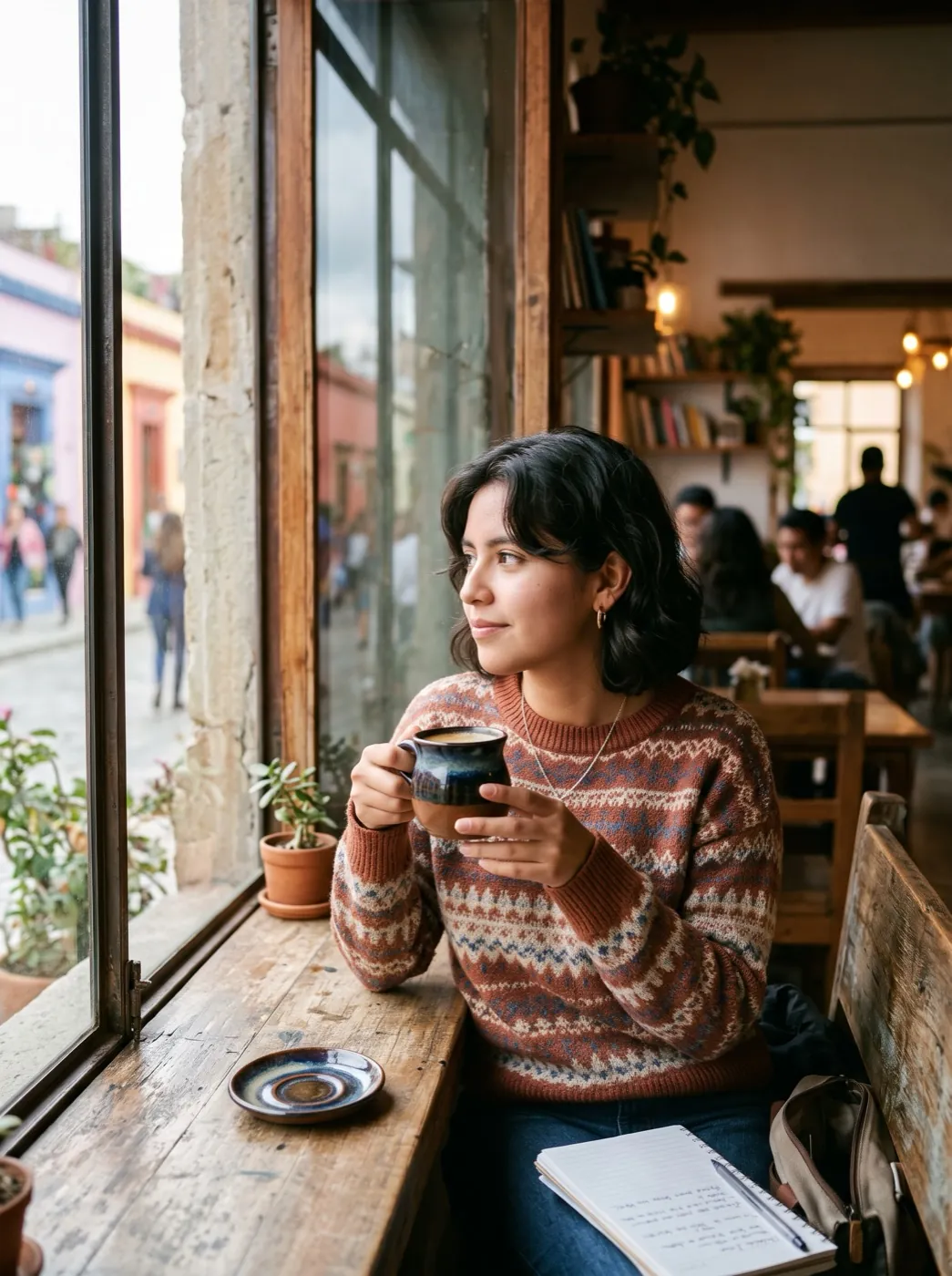
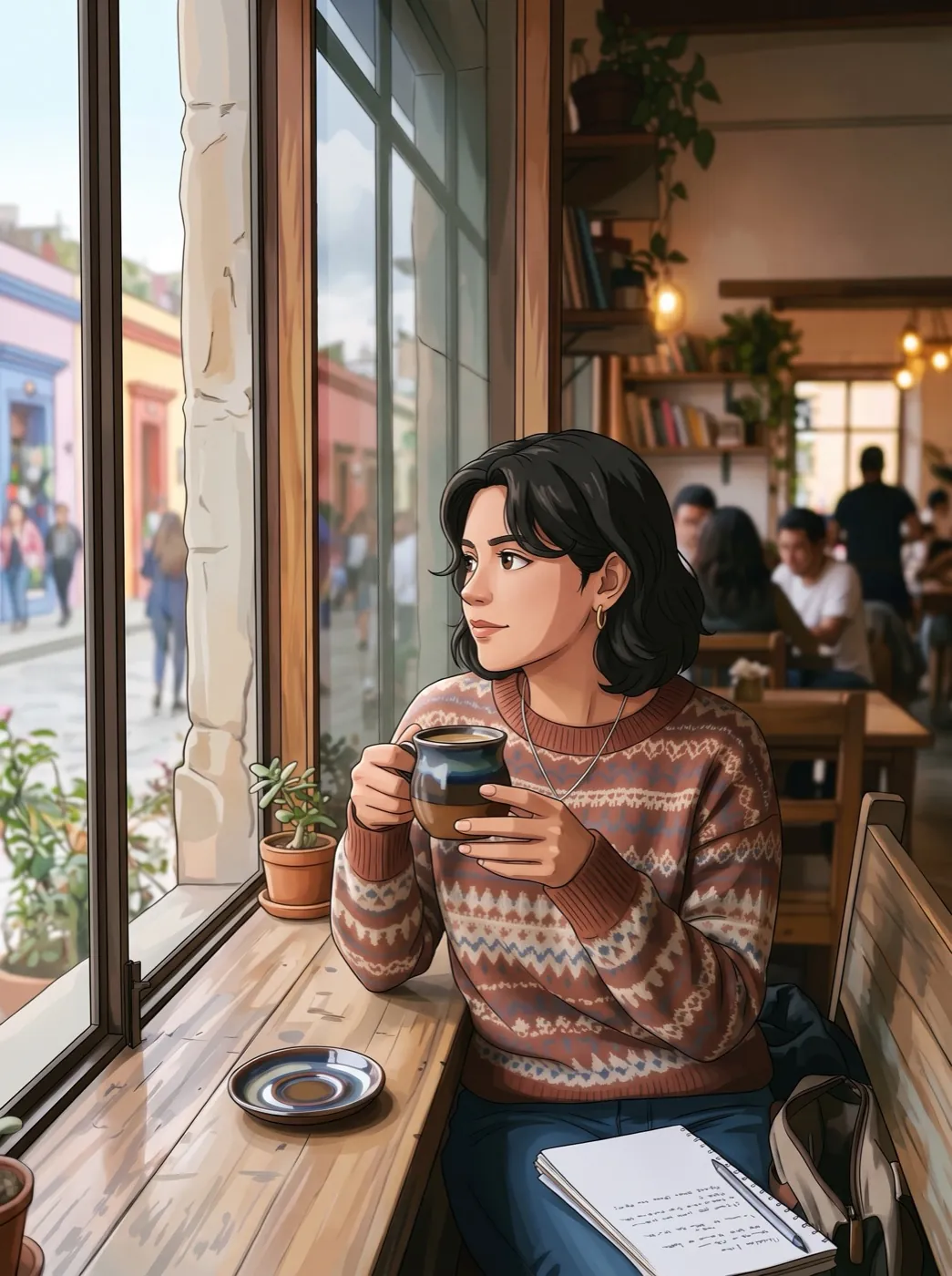
Window seat at the café
Coffee in hand, she turns toward the camera while the scene changes from a photo into an anime drawing.
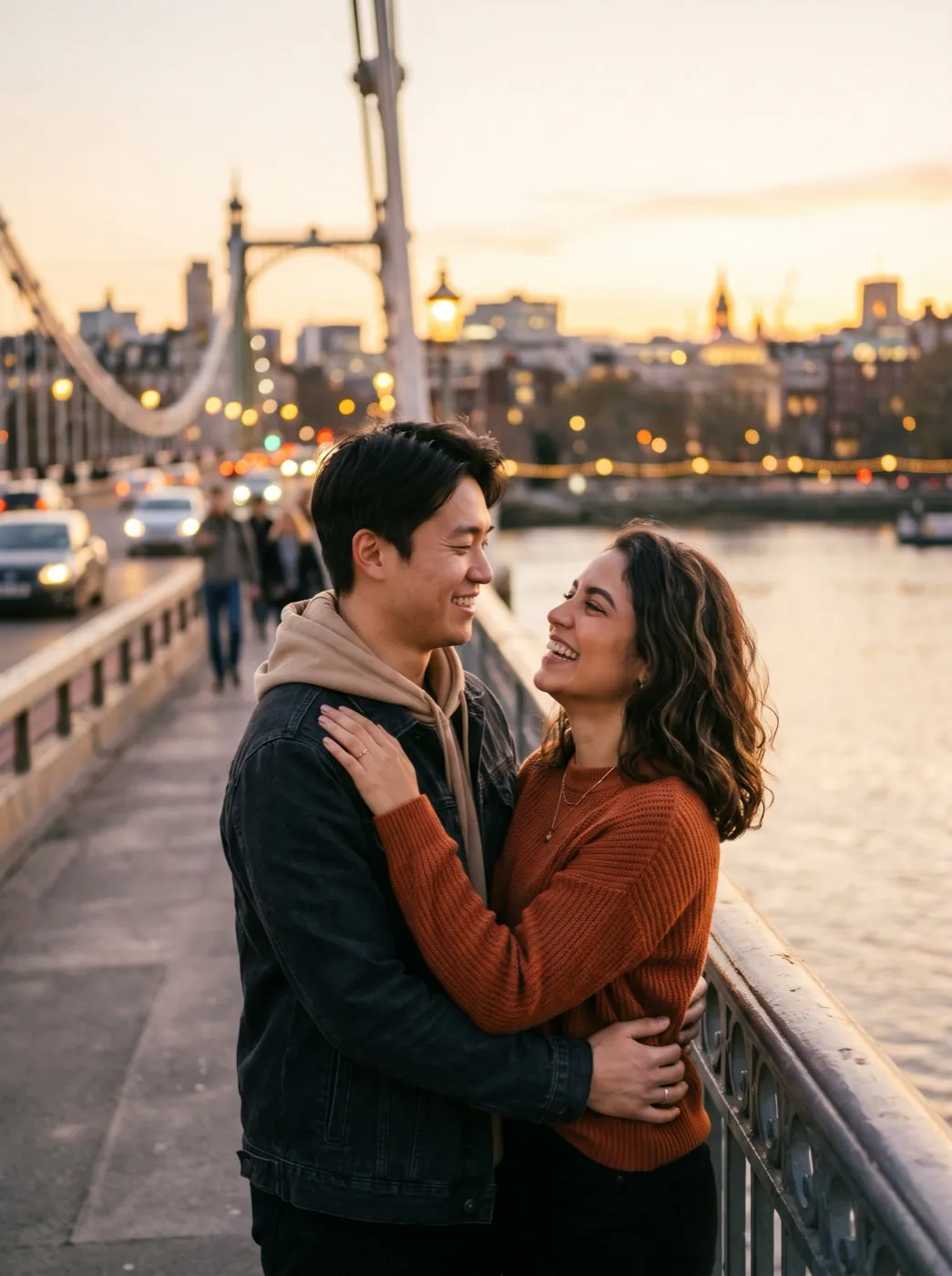
A couple on the bridge at dusk
They turn to each other and smile as the photo becomes an anime drawing around them.
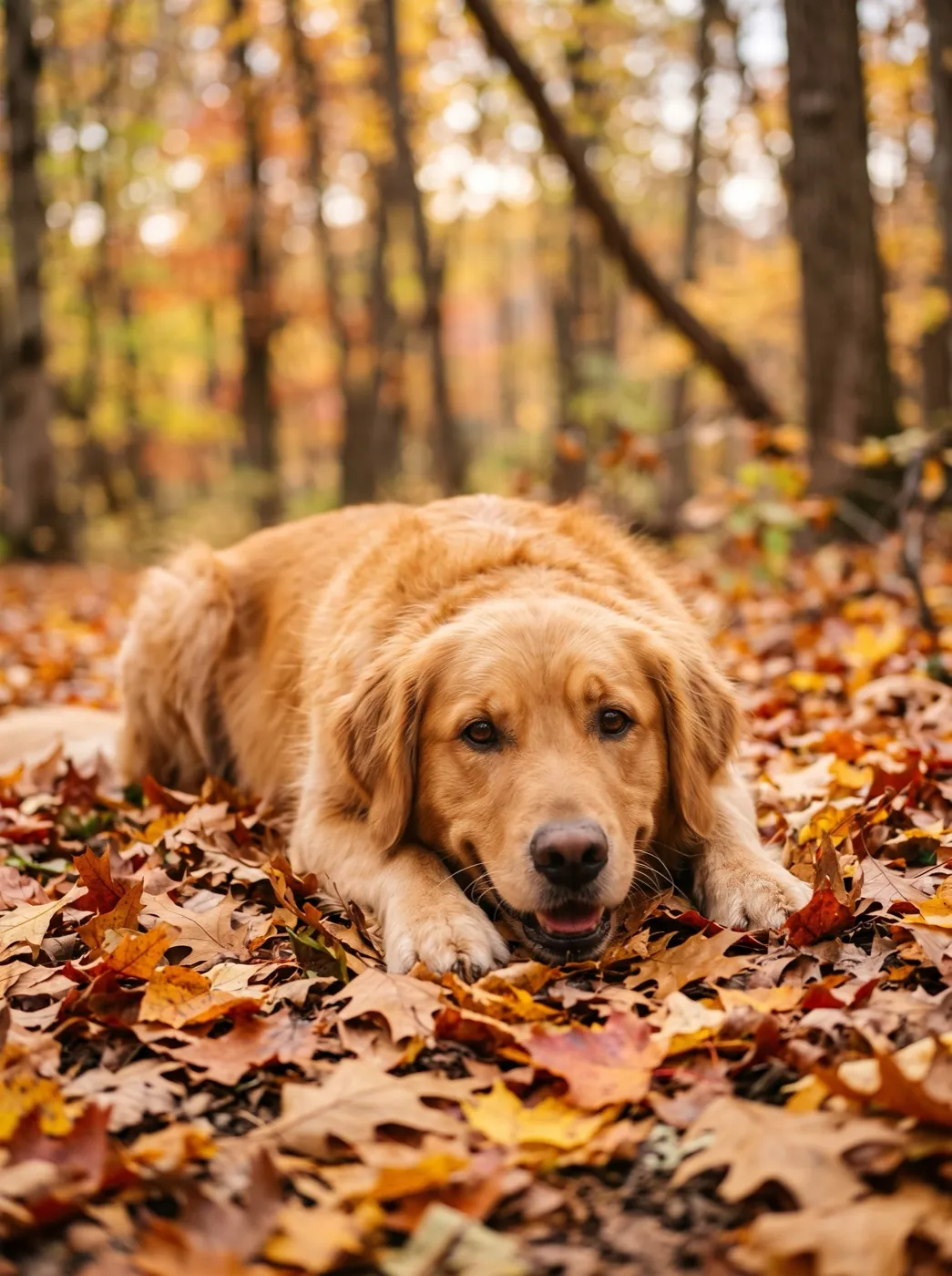
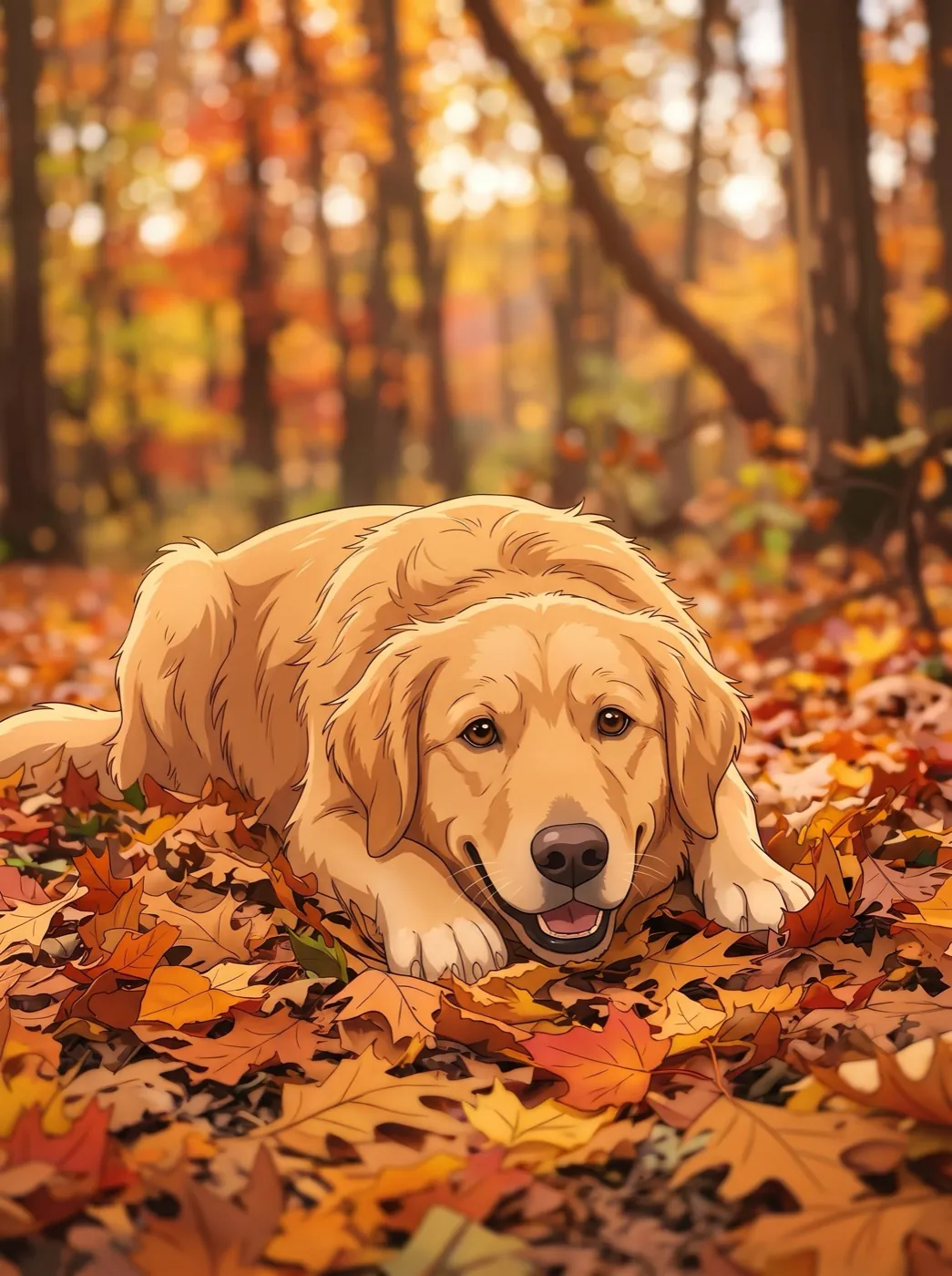
Retriever in the autumn leaves
The dog rolls over in the leaves as the photo changes into an anime drawing.
Who are you turning into an anime scene?
Frame the photo the way you want the last shot to look. The drawing keeps the pose and the framing.
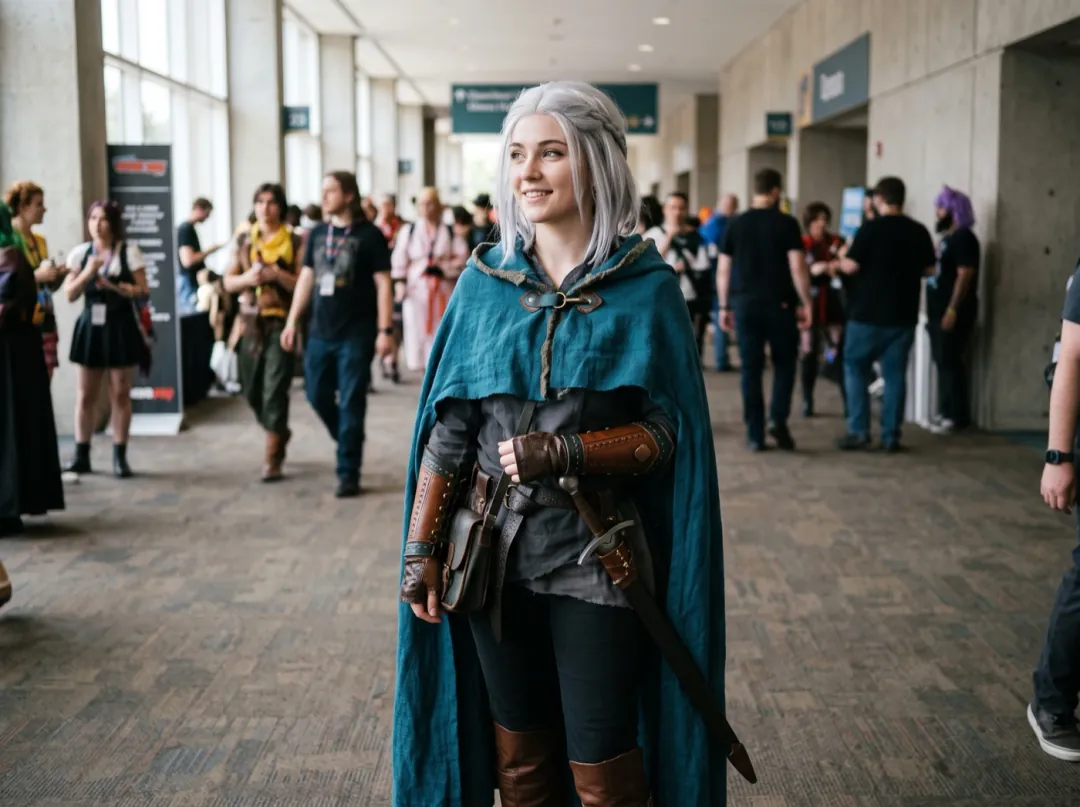
The costume you sewed, drawn as a character
Cosplayers spend weeks on a costume of their own design and photograph it at every convention. Watching that real photo redraw itself into an anime frame shows the costume the way it was imagined in the first place.
Frame from the knees up so the details stay large, and ask for a small turn toward the camera. Post it next to your build photos.
Make a cosplay transformation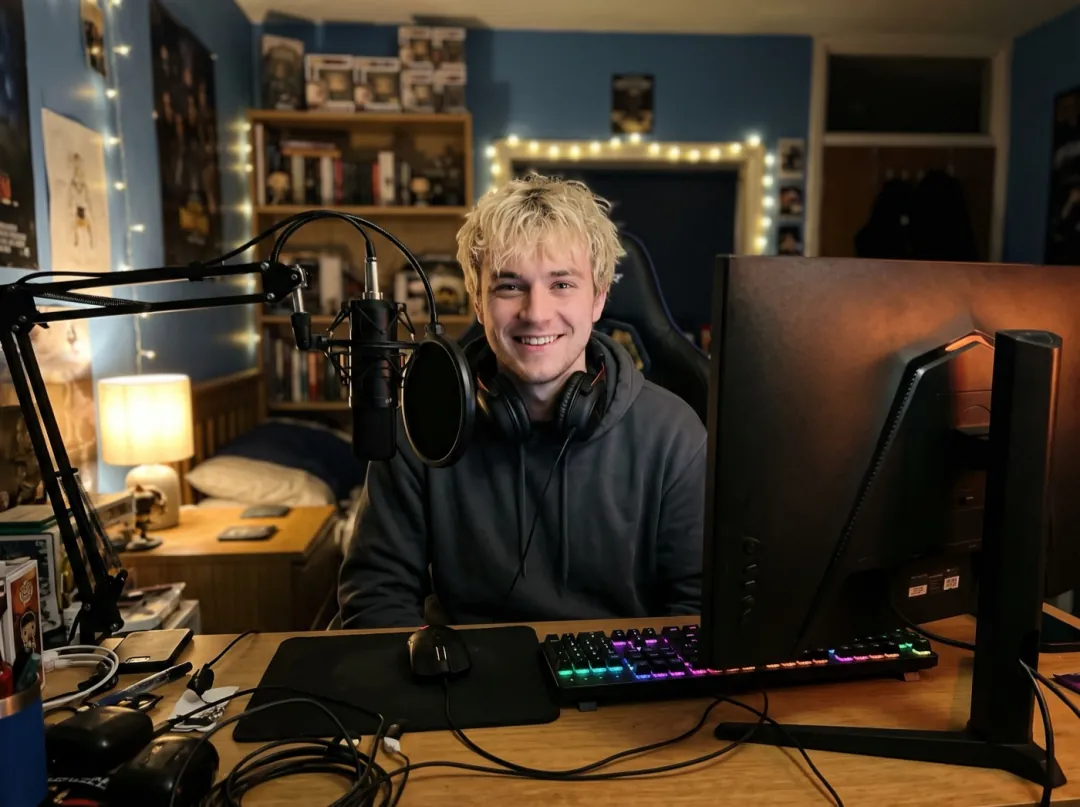
A channel intro that starts on your real face
Many streamers go by an anime avatar, and viewers rarely see the person behind it. A clip that opens on a real photo at the desk and lands on the drawn version connects the two.
Use a photo at your desk with the lamp on your face, framed the way your channel art is. Open your streams with it, or pin it to your profile.
Make a streamer intro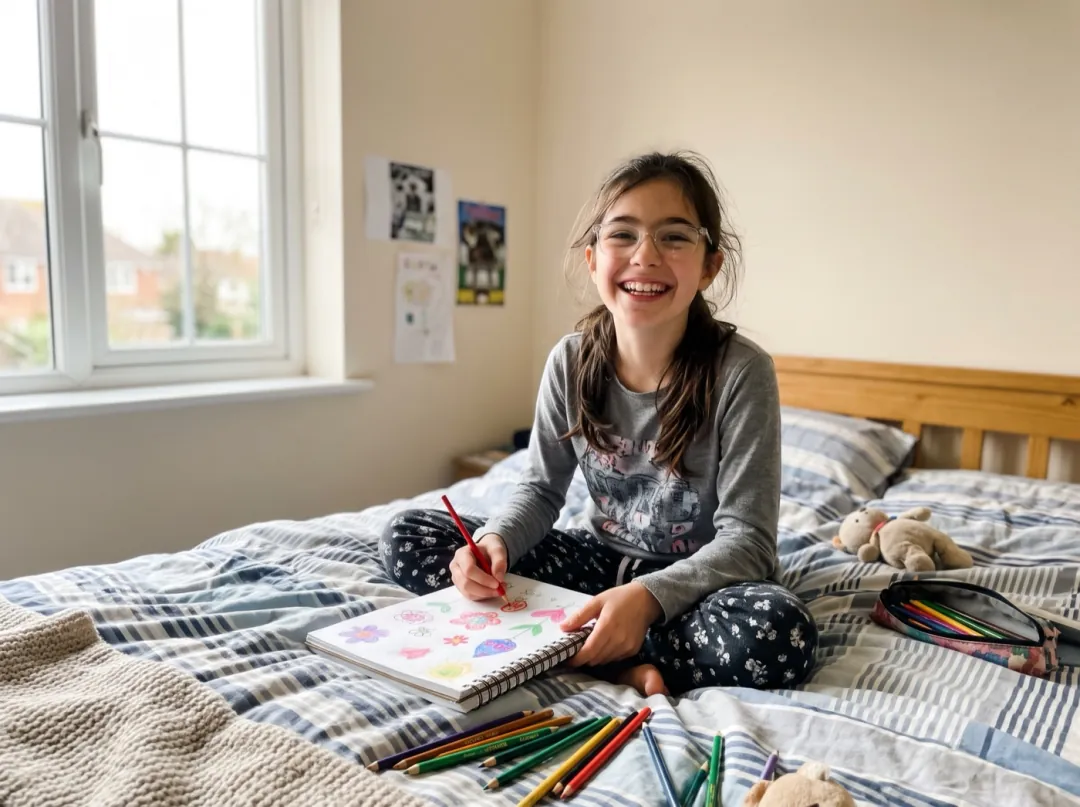
A birthday surprise for a kid who loves anime
A kid who fills every notebook with anime characters would love to become one. A parent can take a recent snapshot and give them a clip of themselves crossing into the style they copy all day.
Choose a close photo where the face is well lit and the smile is real, since that keeps the most likeness. Show it to them at breakfast on the birthday.
Make an anime birthday clip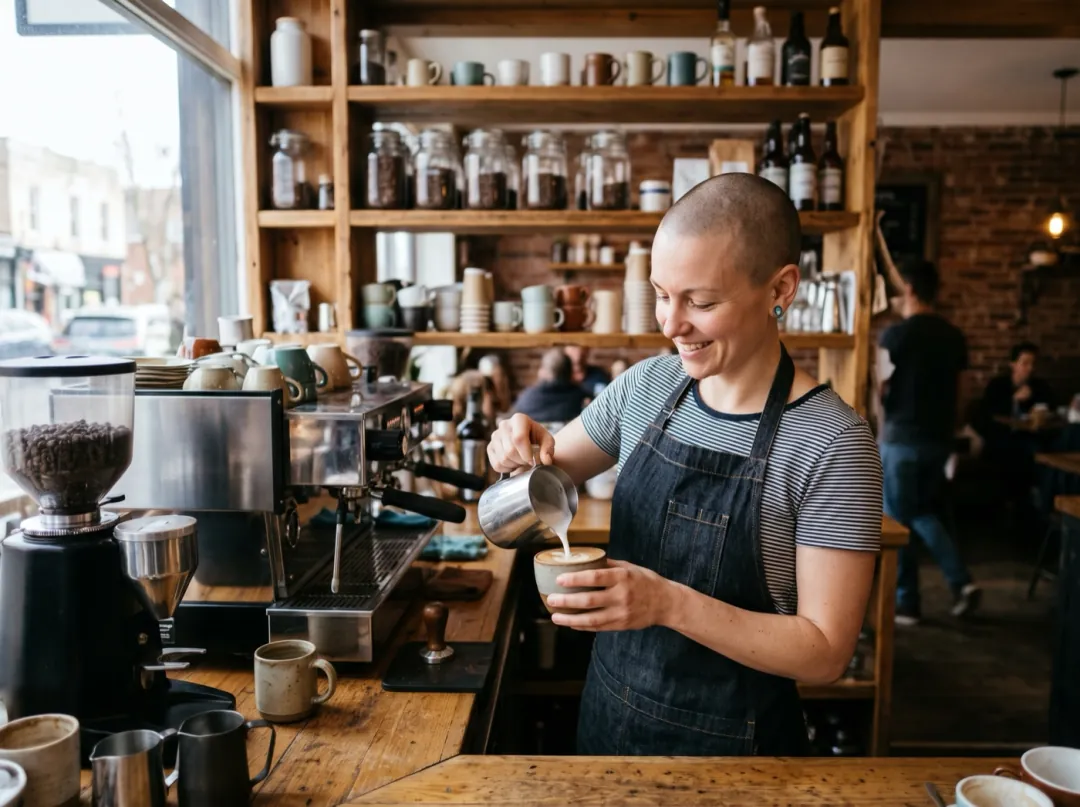
Your café counter, redrawn as a cozy anime
Small cafés live on their social page, and regulars like seeing who is behind the counter. A clip of the barista looking up from the machine as the room turns into soft anime color makes an easy post on a slow morning.
Shoot across the counter with the person and a few cups in frame, not the whole room. Post it as a story for the regulars.
Make a café transformationPhotos that change style cleanly
Both ends of the clip come from your photo, so any flaw shows up twice.
A soft face in the photo becomes a vague face in the drawing, and the change between the two looks muddy.
Small, distant faces lose their likeness in the redraw, so the ending looks like two strangers.
Deep shadows turn into flat dark shapes in anime color. Open shade or window light redraws best.
A bright reflection across a window gets drawn as a white block in the last frame.
Change what happens during the switch
Press Edit prompt to pick the move. Keep "the scene changes from a photo into an anime drawing" so the clip still ends on the redraw.
A wink to finish
Give the last second something to land on.
They look into the camera and wink as the scene changes from a photo into an anime drawing.
A sweep of color
Ask for the change to travel across the frame, like a brush stroke.
A wave of color sweeps from left to right and the scene changes from a photo into an anime drawing as they smile.
Stillness, with the light shifting
For a calm change, ask for almost no motion and let the light warm up instead.
They stay still and breathe while the light warms and the scene slowly changes from a photo into an anime drawing.
More from the same photo
The anime redraw is saved on its own, so it can start something new.
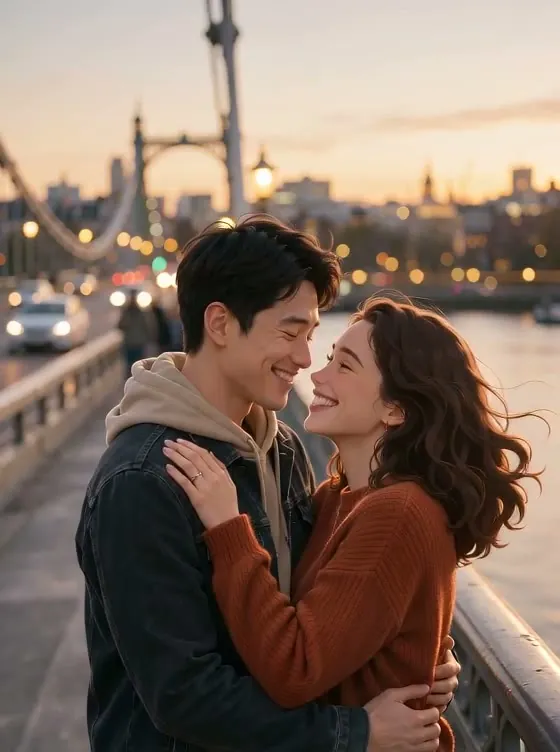
Photo to drawing
A 5-second clip plus the 2K anime picture it ends on.
Keep the drawing moving
Anime in Motion animates an anime redraw with wind, petals and a slow camera drift.
Open Anime in MotionPick a different last frame
In Frames to Video, set any two pictures as the start and the end.
Open Frames to VideoA drawn profile picture
Anime Portrait gives you the drawing as a square 2K picture.
Open Anime PortraitPhoto to Anime FAQ
What people ask before they turn a photo into an anime clip.
How does Photo to Anime make the change happen?
It uses two frames. Your photo is the first. Nano Banana 2.1 redraws it as anime with the same pose and framing, and that drawing is the last. Seedance 2 Mini then fills in the 5 seconds between them.
Will I still look like myself at the end of Photo to Anime?
The redraw keeps hair, clothes, pose and framing, while the face is simplified into anime proportions. A close, well-lit photo keeps the most likeness.
How much does Photo to Anime cost?
34 credits: 4 image credits for the anime last frame and 30 video credits for the 480p clip. Free sign-up credits are image credits only, so they pay for the redraw but not the video part. Packs start at $9.90 for 600 credits.
Can I use Photo to Anime on a pet photo?
Yes. Dogs and cats change style well, especially when they are lying down or sitting. Ask for one small move, like rolling over or looking up.
What is the difference between Photo to Anime and Anime in Motion?
Photo to Anime shows the change: it starts real and ends drawn. Anime in Motion is drawn from the first frame and spends its 5 seconds on movement such as wind and petals.
Can Photo to Anime go the other way, from anime to photo?
Not this effect; it always ends on the drawing. In Frames to Video you can put the anime picture first and the photo last.
What if the change in my Photo to Anime clip looks abrupt?
Ask for less movement so the 5 seconds go to the change itself, and check that the photo is sharp. If a run fails or is blocked, the credits come back and you can try again.
More effects for the same kind of photo
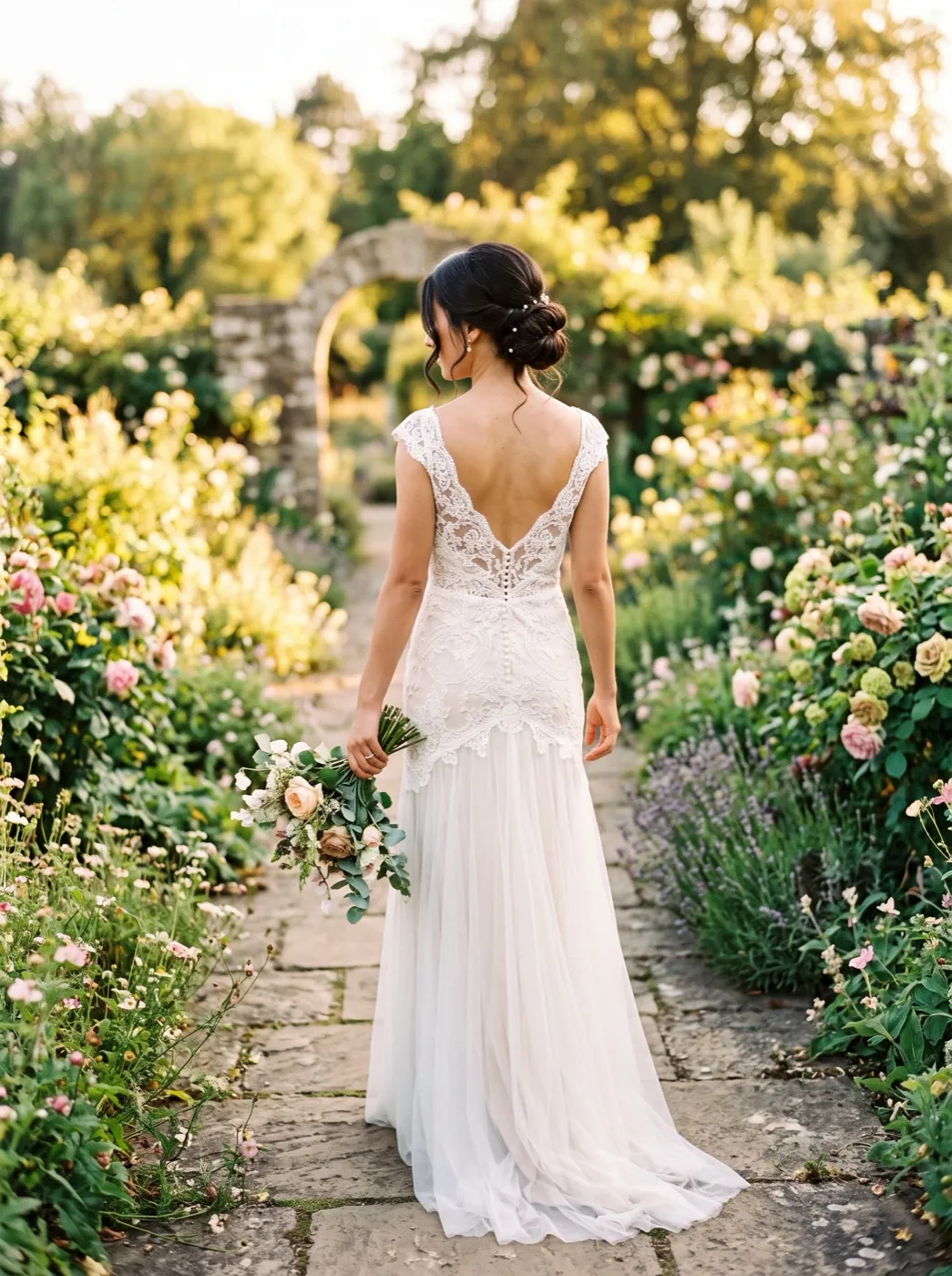 PortraitOver-the-shoulder look
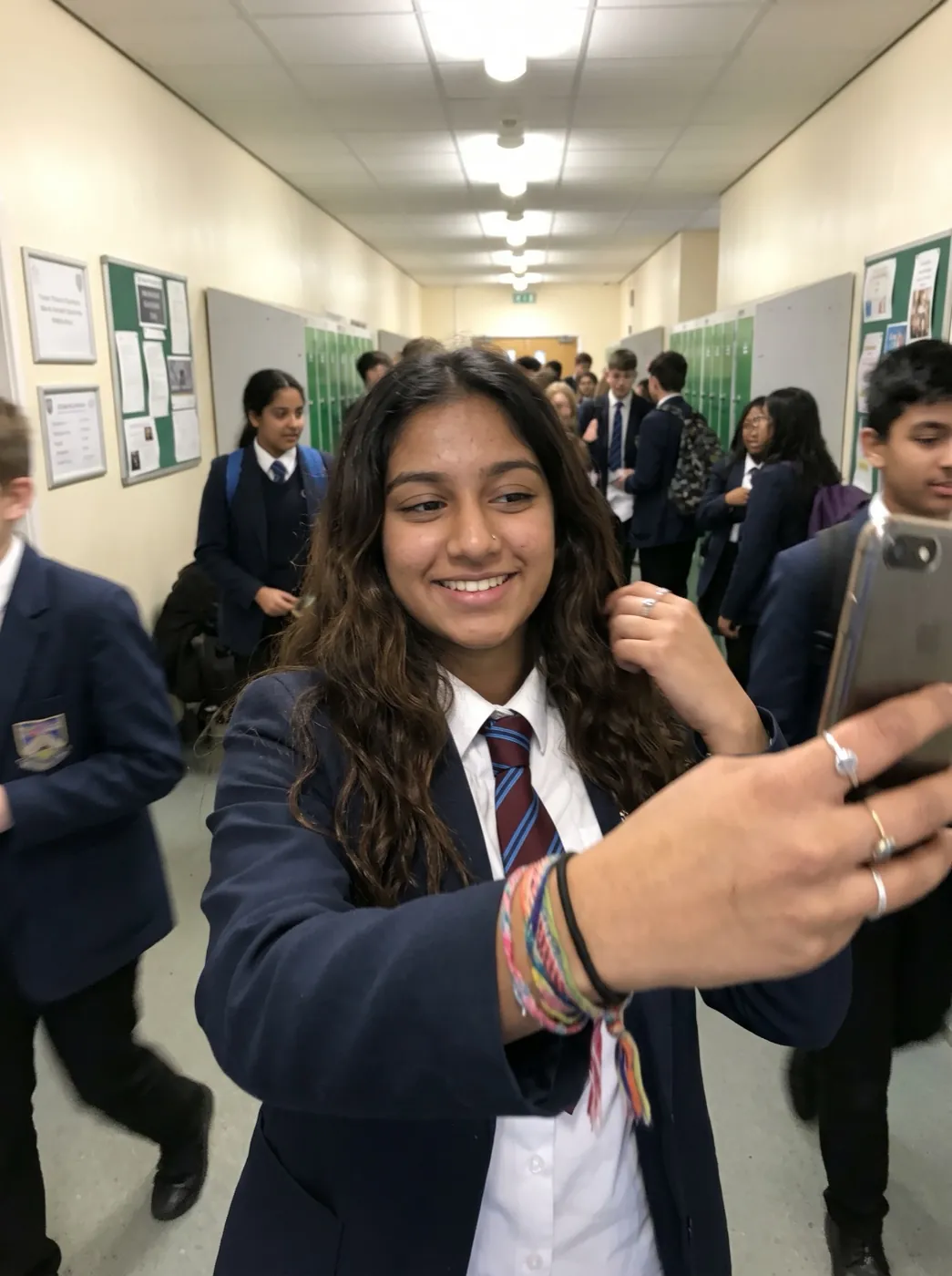 PortraitWink
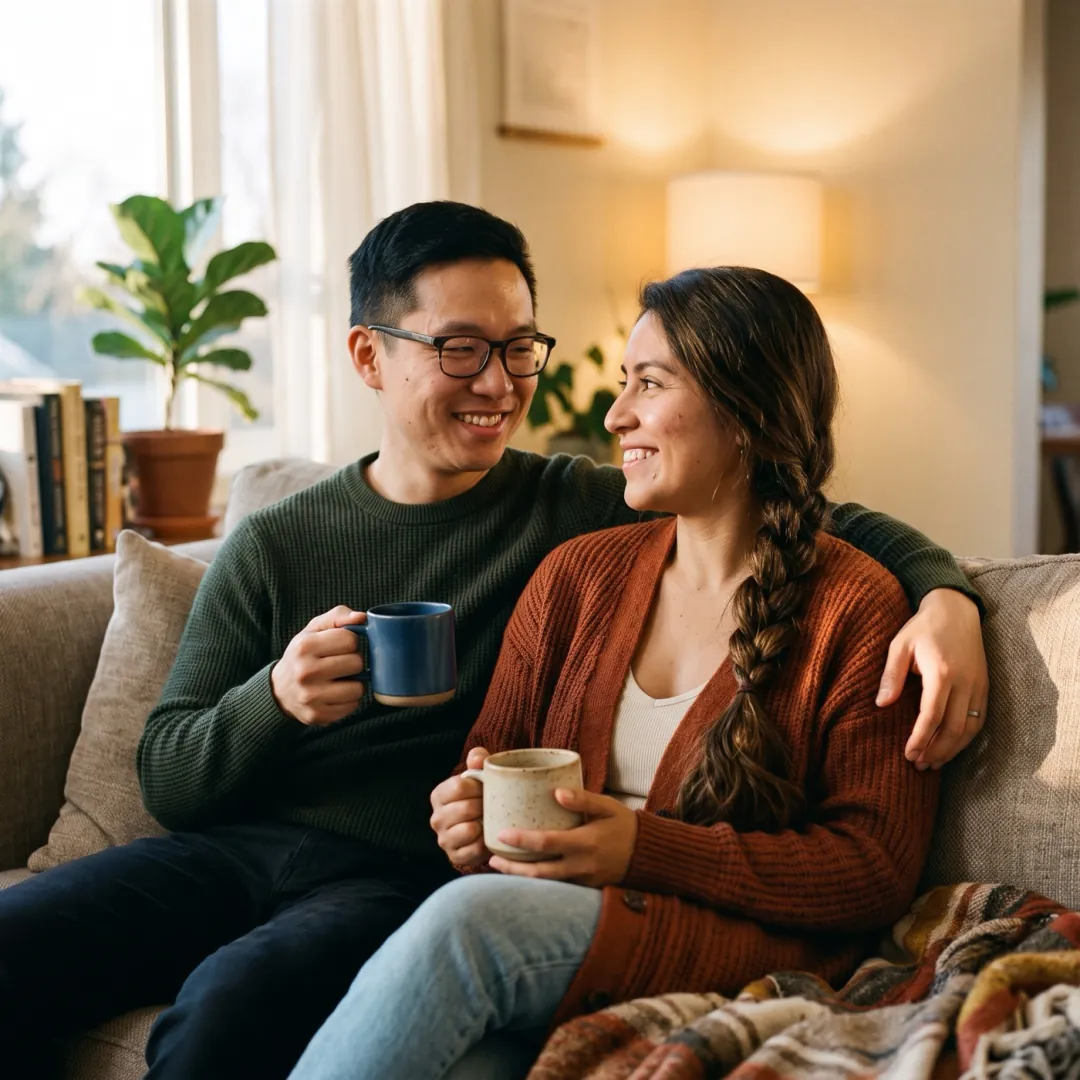 StylesClay figure
See yourself cross into anime.
Add one photo. It starts real and ends as a drawing of the same shot.