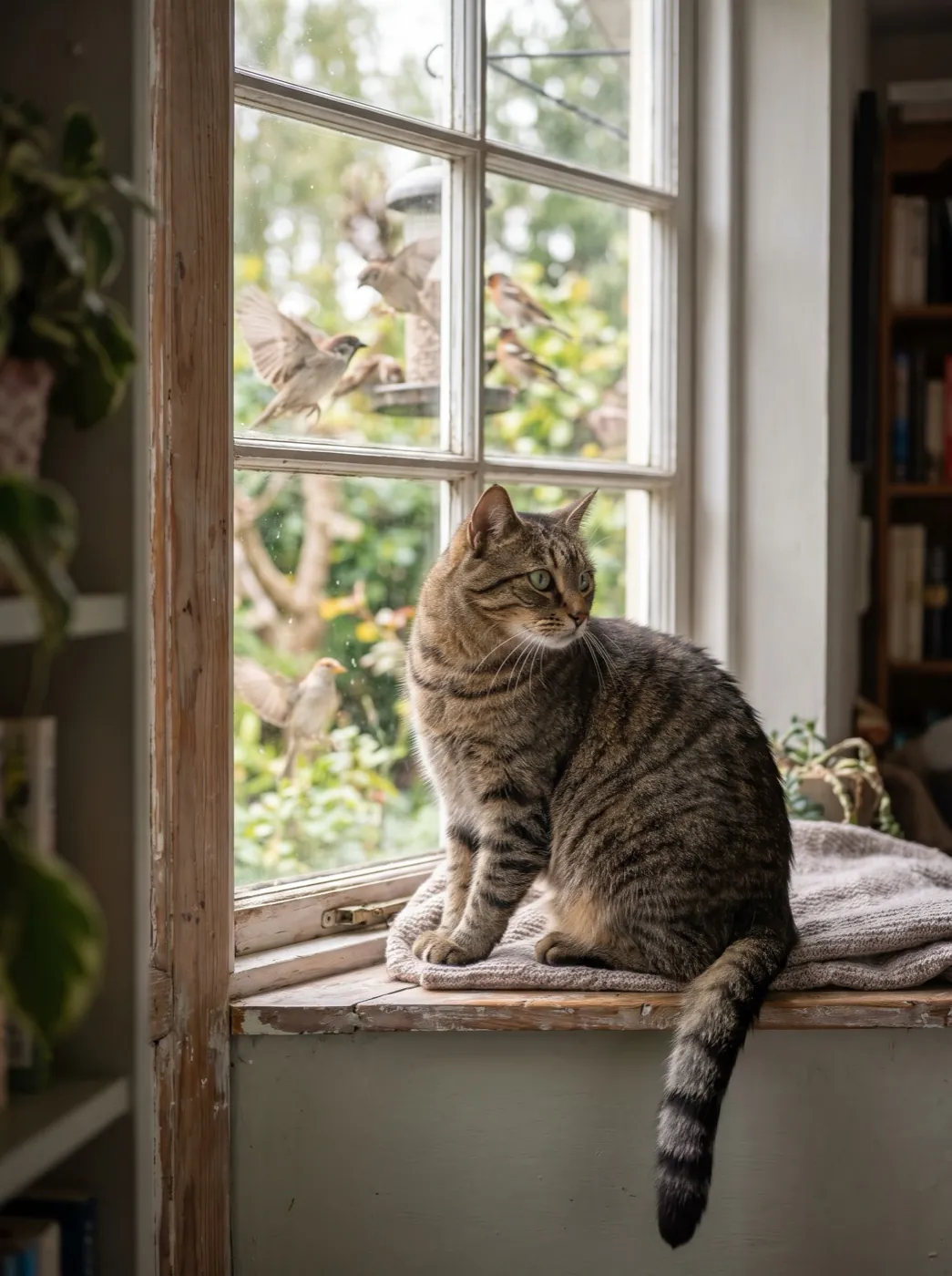
A clip with its own sound feels finished in a way a silent one does not. Until recently that meant making the picture first and laying sound under it in an editor. Most video models on this site now make the sound in the same run: footsteps that land when the foot lands, a voice that matches the lips, a fire that crackles when the flames jump. You write it into the prompt next to the motion, and it costs nothing extra.
- Most models here make sound with the picture. Hailuo 2.3 and FLUX 3 video do not.
- Write sound the way you write motion: what makes the noise, and how it sounds.
- For speech, put the exact words in quotes and keep them short.
- Already have the audio? Lip-sync a face to it instead.
Which models make sound
Sound comes with the picture and is included in the price shown on the button. Each model card in the generator says whether it makes sound. The two that make picture only are Hailuo 2.3 and FLUX 3 video; on those, sound words in the prompt are ignored. Gemini Omni always makes sound. The rest are asked for sound on every run, and your prompt decides what it is.
| If you need | Pick | Credits |
|---|---|---|
| Speech and ambience, both clips on this page | Veo 3.1 Fast | 40 · 720P 8s |
| Sound at the lowest price | MiniMax H3 | 15 · 480P 5s |
| Characters and pets with sound | HappyHorse 1.1 | 160 · 720P 5s |
| Sound on every clip | Gemini Omni 1.2 Flash | 30 · 360P 5s |
 Veo 3.1 Fast
 MiniMax H3
 HappyHorse 1.1
 Gemini Omni 1.2 Flash
The full list, with sound marked on each model, is on the models page.
Ambience: describe what makes the noise
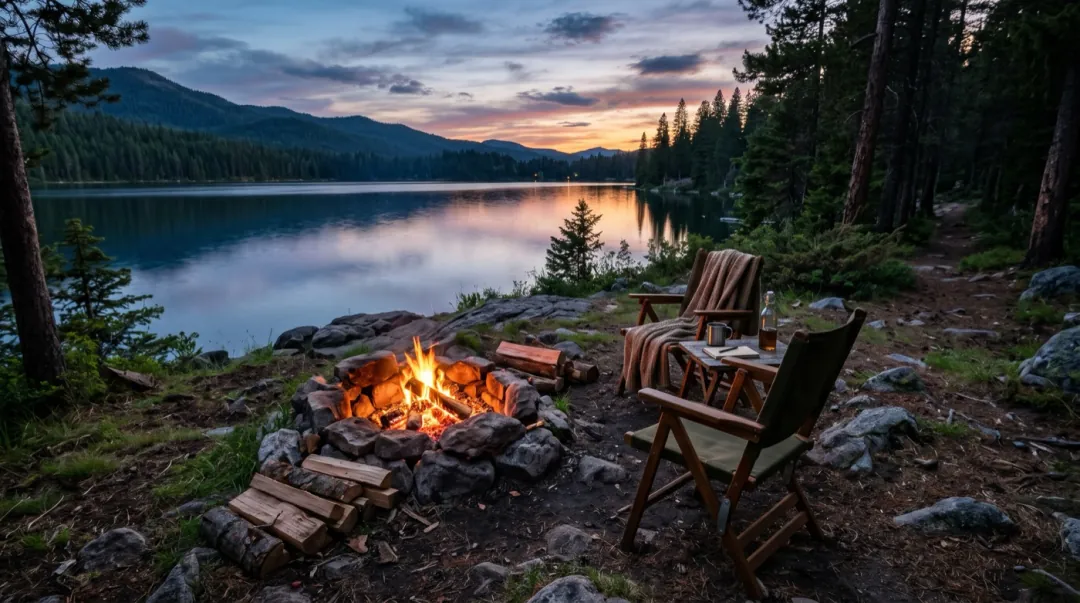
Ambience is the easiest sound to get right, because it does not have to line up with a mouth. Name each source and how it sounds, the same way you would name what moves. "Nature sounds" gives the model nothing to aim at; "the fire crackles and pops, loons call across the lake" gives it two sounds and a place.
The fire crackles and pops, sparks rise, loons call across the lake. One continuous shot, no cuts, natural physics, stable faces and hands. Keep the first frame’s faces, clothes and light.
- Name the source. "Rain on the window", not "rain sounds".
- Pick two or three sounds. A long list turns into noise.
- Say near or far. "Distant traffic" and "a kettle right beside her" sit differently in the mix.
- Tie sound to motion. "Sparks rise and crackle" keeps the two in step.
Speech: short lines in quotes
For someone talking to the camera, write the line they say in quotation marks, after the action that comes before it. Keep it to one short sentence. An eight-second clip fits roughly a dozen spoken words with room for a pause; longer lines get rushed or cut off. Add the room the voice is in, so it does not sound like it was recorded in a box.
He puts them on, nods to the beat and says: "No, these are actually good." Room sound and faint music. One continuous shot, no cuts, natural physics, stable faces and hands. Keep the first frame’s faces, clothes and light.
| You want | Write it like this |
|---|---|
| One line to camera | She looks up and says: "This changed my mornings." Quiet kitchen sound. |
| A reaction | He laughs and says: "No way." Crowd noise behind him. |
| Narration-free ambience | Waves roll in, gulls call in the distance, wind on the microphone. |
| Music feel | Faint music from a radio in the room, she taps along. |
| An animal | The dog barks twice and wags its tail, birds in the garden. |
Generated music is a background feel, not a track you choose. If the clip needs a specific song or a voice-over you recorded, leave sound words out and add the audio in your editor, or use lip sync to make a face follow your own recording.
When the sound is off
| What you see | Why | What to change |
|---|---|---|
| No sound at all | The model makes picture only, or nothing in the prompt makes a noise. | Pick a model that makes sound and name what should be heard. |
| The words are cut off | Too many words for the length. | Shorten the line to one sentence, or use a longer clip. |
| The wrong person speaks | Several faces in the photo, none named. | Say who speaks: "the woman on the left says…". |
| Sound is a wash of noise | Too many sources in one prompt. | Keep two or three sounds and say which is closest. |
FAQ
Can AI make a video with sound from a photo?
Yes. Most video models on this site make sound in the same run as the picture. Describe what should be heard in the prompt, next to the motion.
Which models do not make sound?
Hailuo 2.3 and FLUX 3 video make picture only. Every other video model here can make sound with the picture.
Does sound cost extra?
No. Sound is included in the price shown on the Generate button before you run.
How do I make the person in my photo say something?
Write the line in quotation marks after the action, for example: she looks up and says: "This changed my mornings." Keep it to one short sentence.
Can I use my own voice recording?
Yes, with lip sync. Upload a photo or a clip of a face and a line of audio up to 10 seconds, and the mouth follows your words.