Childhood Photo Comes Alive
Hailuo 2.3 · 6sAn old snapshot of you or your kids picks up where it left off: the bike rolls, the swing goes, the laugh happens. The child and the print colors stay the same.
Choose an effect
 Old photo comes alive
 Colorize and animatePhotoComes alive
The moment after the shutter clicked
Childhood Photo Comes Alive goes straight from your photo to a clip, with no repair step. Hailuo 2.3 plays the moment on for 6 seconds at 768p: the child moves, laughs and looks around, while the face stays the same child and the print keeps its old colors.
- Whatever the child was doing keeps going: pedaling, swinging, clapping.
- The look of the era stays, whether faded film, a flash-lit party or an early digital camera.
- The face is held to the same child from the first frame to the last.
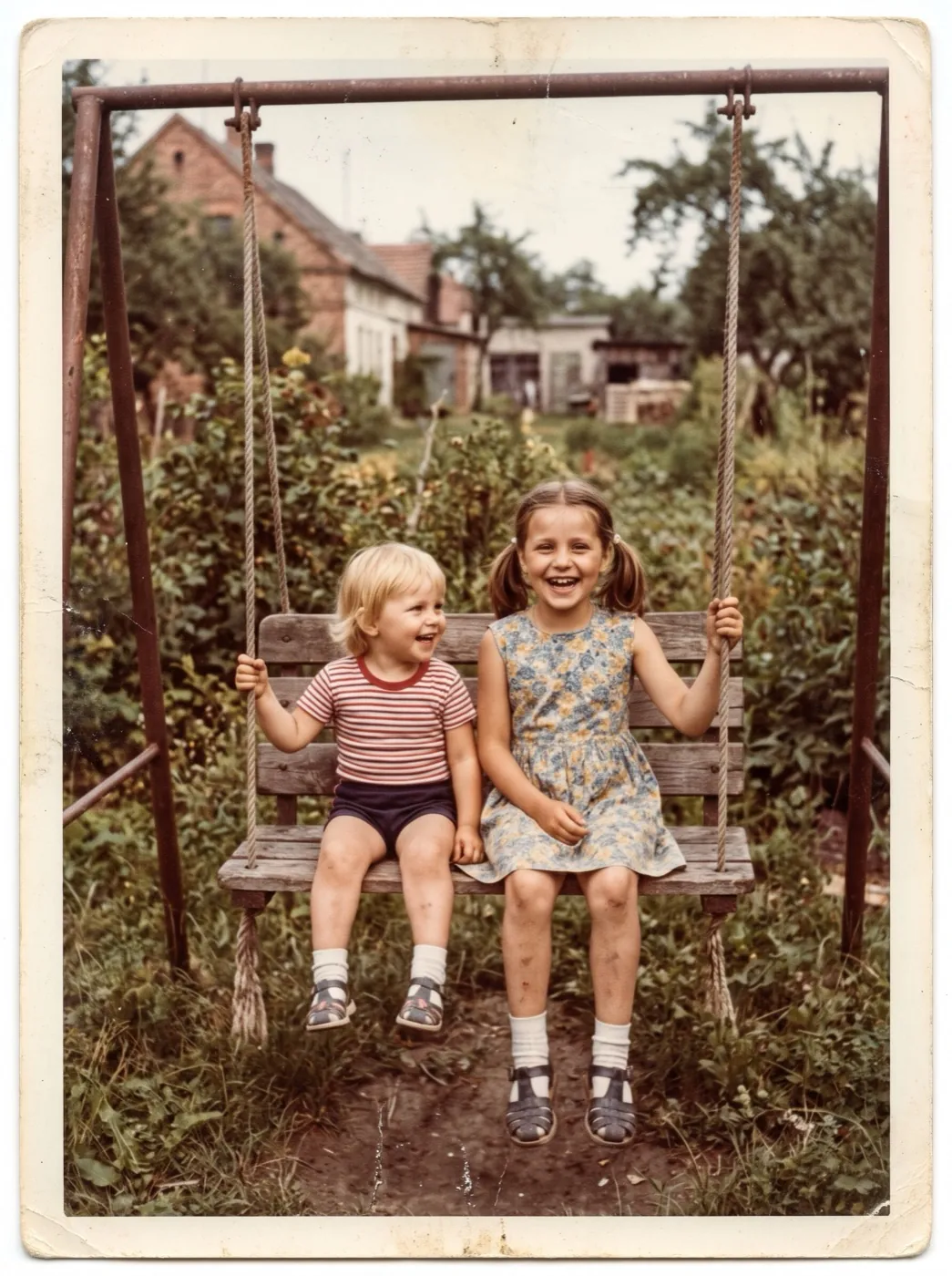
- Siblings together work too: two girls on one swing both move.
From snapshot to clip
Add the photo and press Generate. The motion is written for a child, so it stays playful and natural.
Find the snapshot
Scan the print, photograph it flat, or pull the file off an old camera card.
The motion is already written
It asks for natural movement and a laugh. Add what the child was doing if you want it exact.
Watch it play on
About 2 minutes later, the clip is ready to download.
Three childhoods, three decades
A faded 1980s print, a 1990s snapshot and a 2000s flash photo, each animated just as it was.
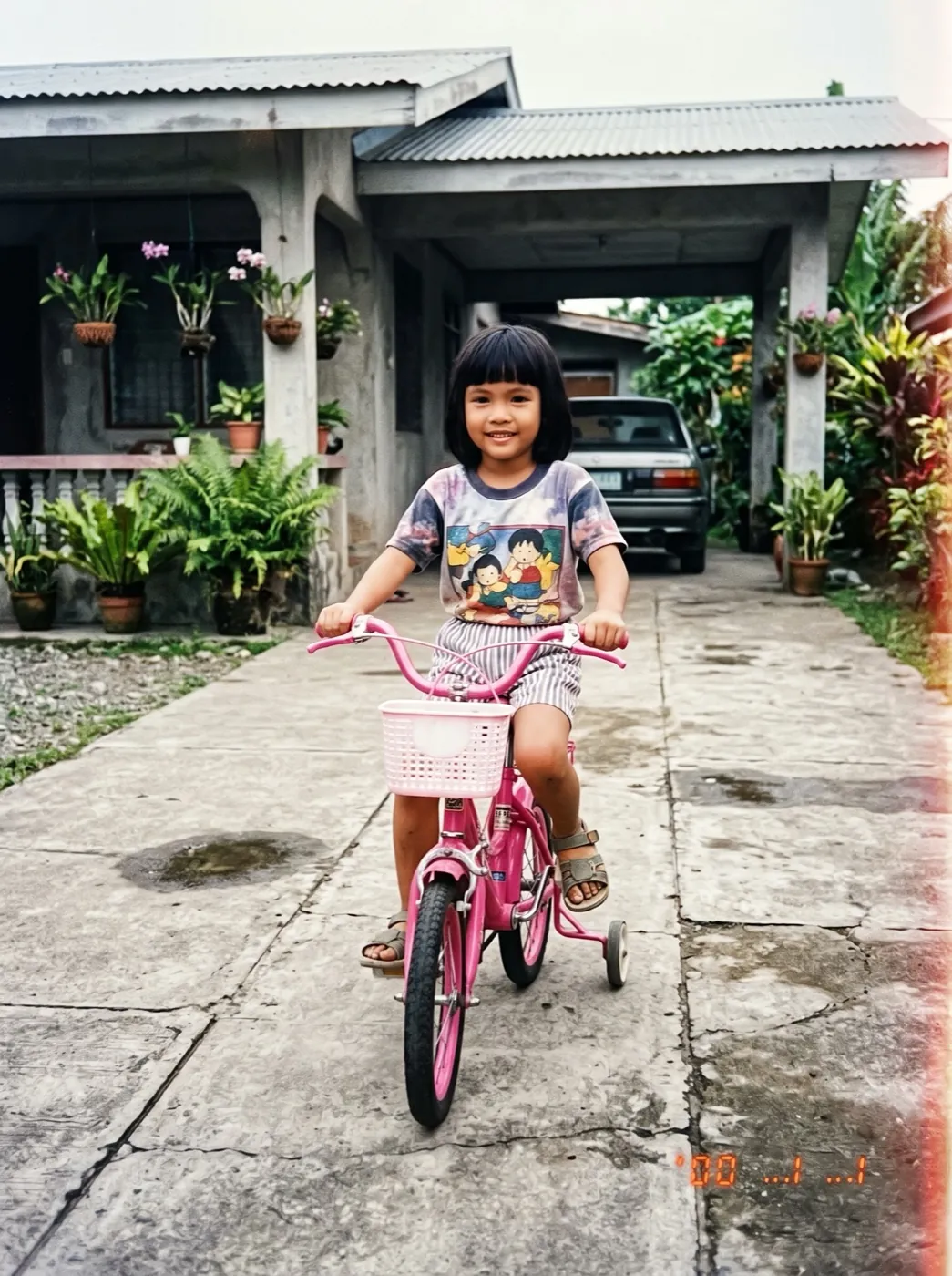
Hailuo 2.3 · 6sPink bike in the driveway, 1990s
She pedals forward, wobbles a little, laughs and rings the bell, in the same snapshot colors.
 Hailuo 2.3 · 6s
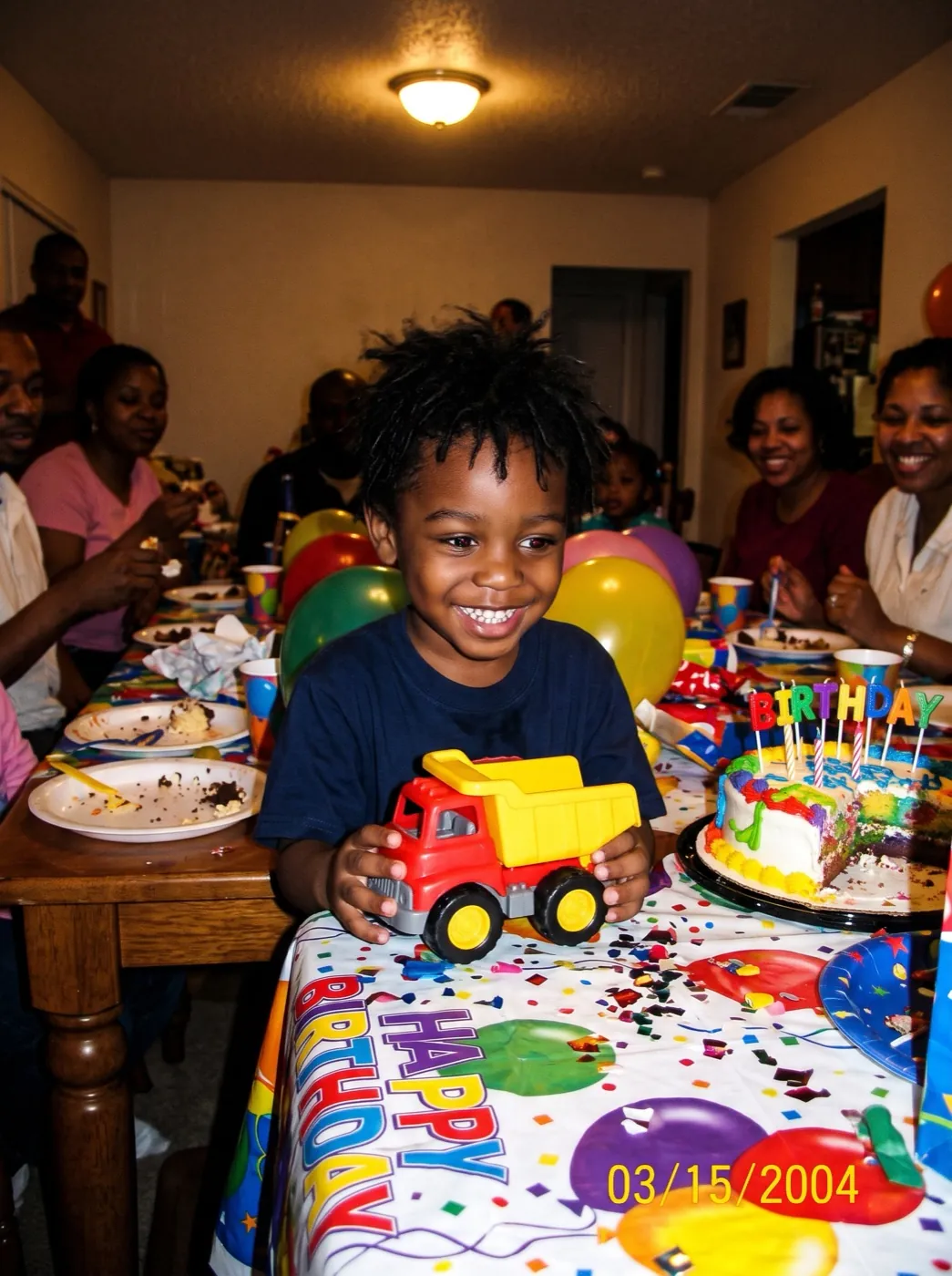
The birthday table, 2000s
In the flash-lit party photo, he grins, claps and pushes his toy truck toward the camera.
Hailuo 2.3 · 6sTwo sisters on a swing, 1980s
The faded print starts to move: the swing goes forward and back, and both girls laugh.
Whose childhood photo are you playing on?
Four people with an old snapshot of a kid in the middle of something, and where the clip goes next.
Play the original before the grown-up remake
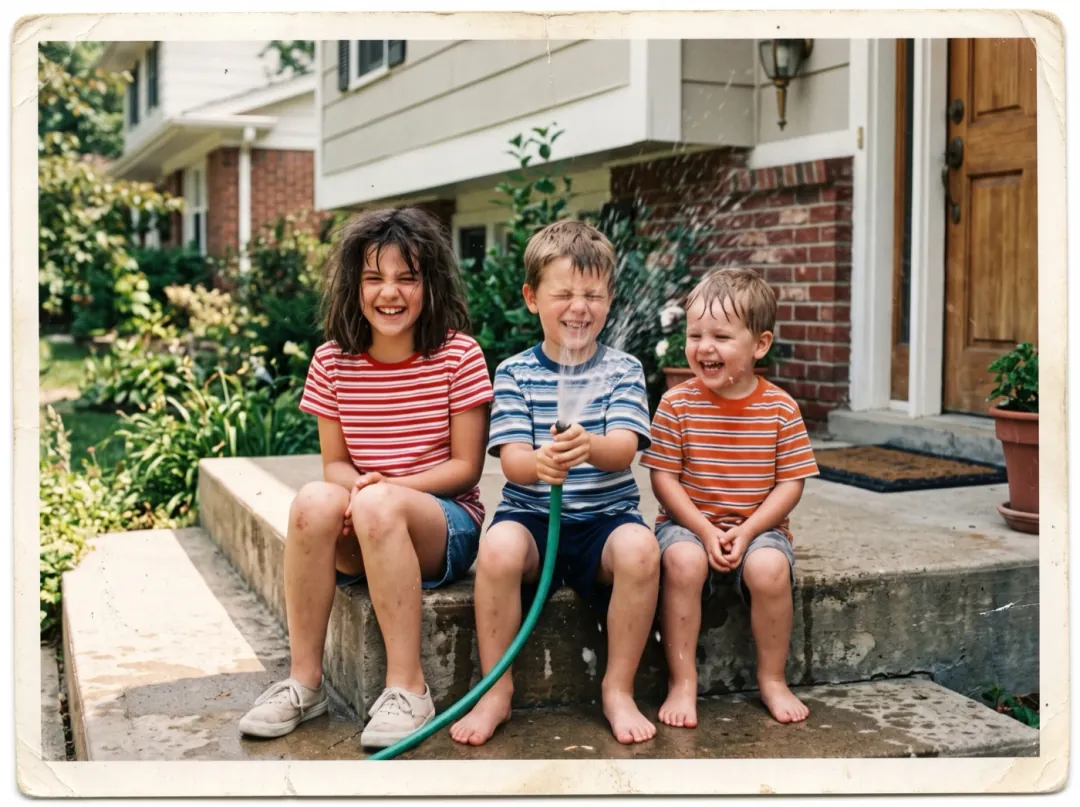
Cousins or old friends who restage a childhood photo, same pose, same steps, usually post the two side by side. Letting the original move first, then cutting to the grown-up version, gives the joke its timing.
Choose a print where everyone is clearly doing something, like sitting on a step or holding the hose. Post the clip first and the remake second in the same post.
Animate the original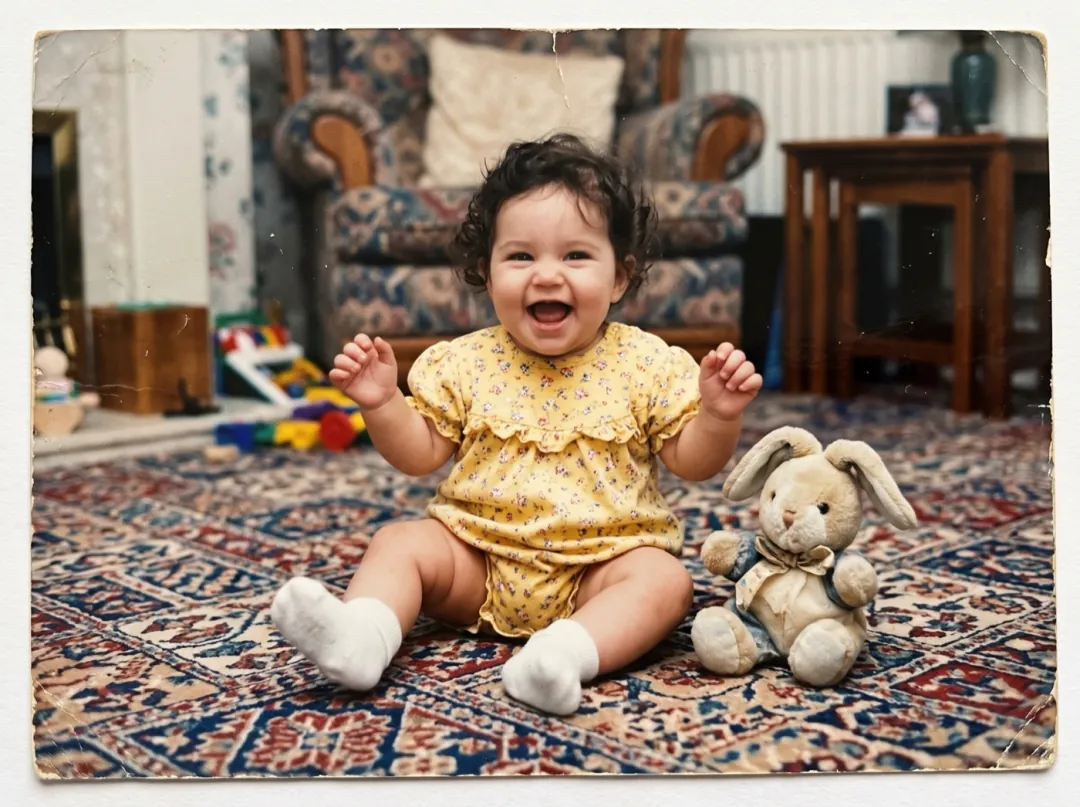
Settle who the baby takes after
New parents get asked all the time who the baby looks like. A snapshot of mom or dad at the same age, kicking and laughing again in its old colors, answers better than a still ever could.
Use the clearest copy of the baby photo you have, face large in the frame, close to your own baby’s age. Send both clips to the family side by side.
Animate your baby photo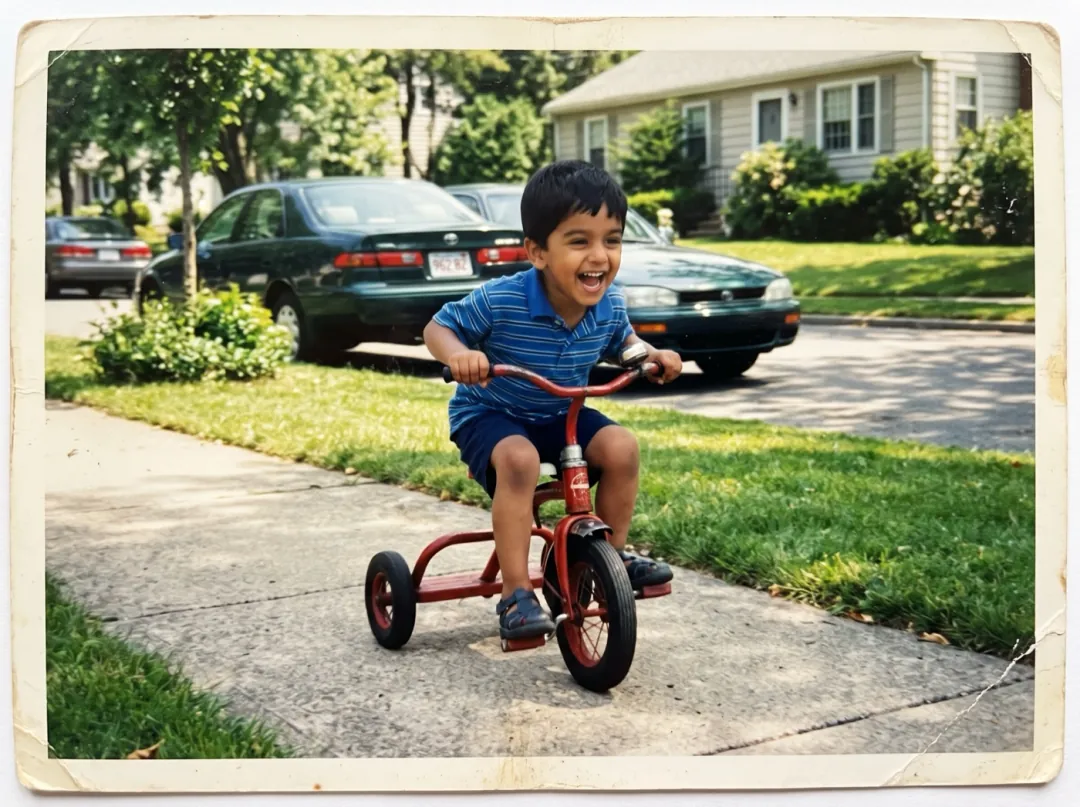
The four-year-old, on the day they leave
Parents dropping a kid at college often dig out a photo of that same child at four, on a trike or in a wading pool. Watching the moment play on is a quiet thing to share on move-in day.
Pick a snapshot where the child is mid-action and the face is not hidden by a hat. Post it beside a photo from the dorm doorway.
Animate the toddler photo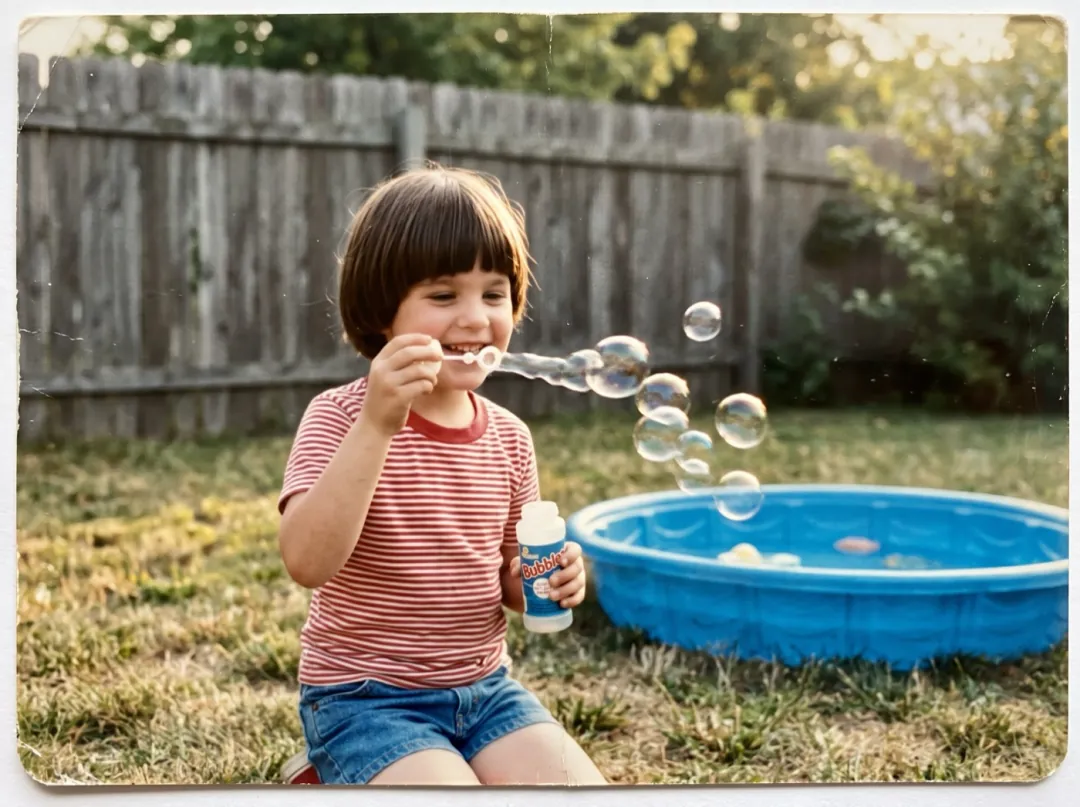
A guess-the-teacher game that moves
Schools run a guess-the-baby-photo game for staff week or the newsletter. A clip of each teacher at six, swinging or blowing bubbles in an old backyard, makes the guessing round on the hallway screen far livelier.
Crop each print to one child and cut away the album page around it. Play the clips one after another and reveal the names at the end.
Animate a staff photoChoosing the best snapshot
Old kid photos are often small, quick and a little blurry. These checks help you pick one that moves well.
In a wide garden shot the child is only a few pixels tall. Crop in so the face is clear before you add it.
A flash photo is fine, but a white flare across the face leaves the motion nothing to hold on to.
Kids rarely held still. If you have two shots from that day, use the one where the face is crisp.
A print shot at an angle stretches the child, and the stretch moves with them.
Tell it what they were doing
Press Edit prompt to describe the moment. Keep "The face stays the same child" in it so the likeness holds.
Name the action
If you remember what happened next, write it down: a jump off the step, a blown kiss.
The child jumps down from the step, lands on both feet and laughs at the camera. The face stays the same child, the colors of the print stay as they are.
A look up at the camera
For a portrait, a glance at the lens feels like they see the parent behind it.
The child looks up at the camera, smiles shyly and gives a little wave. The face stays the same child, the colors of the print stay as they are.
Siblings playing together
With two or more children, give them one thing to share.
The children lean toward each other and giggle, and one gives the other a playful nudge. Faces stay the same children, the colors of the print stay as they are.
More from the same snapshot
The clip is saved to your library, ready for another step.
Repair it before it moves
If the photo is torn or creased, Old Photo Animation fixes it first.
Open Old Photo Animation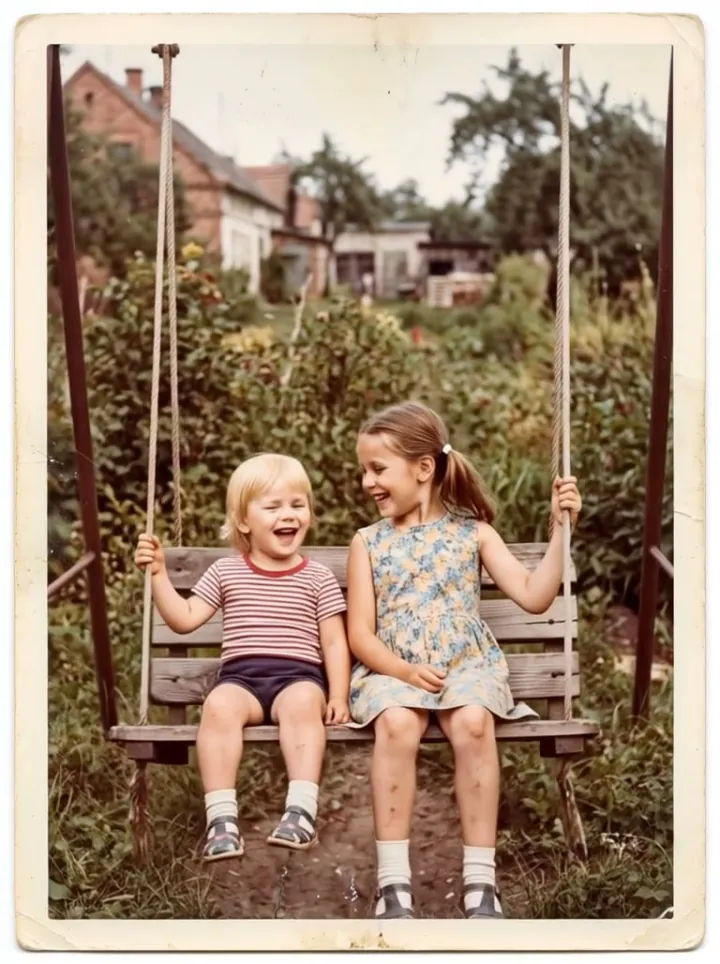
The snapshot, moving
A 6-second clip at 768p, kept in your library.
Watch the years pass
Put the childhood photo first and a photo from today last.
Open Frames to VideoSharper for a slideshow
Video Upscaler makes the clip bigger and sharper for a big screen.
Open Video UpscalerChildhood Photo Comes Alive FAQ
What people ask before animating a photo from when they were small.
What photos work best for Childhood Photo Comes Alive?
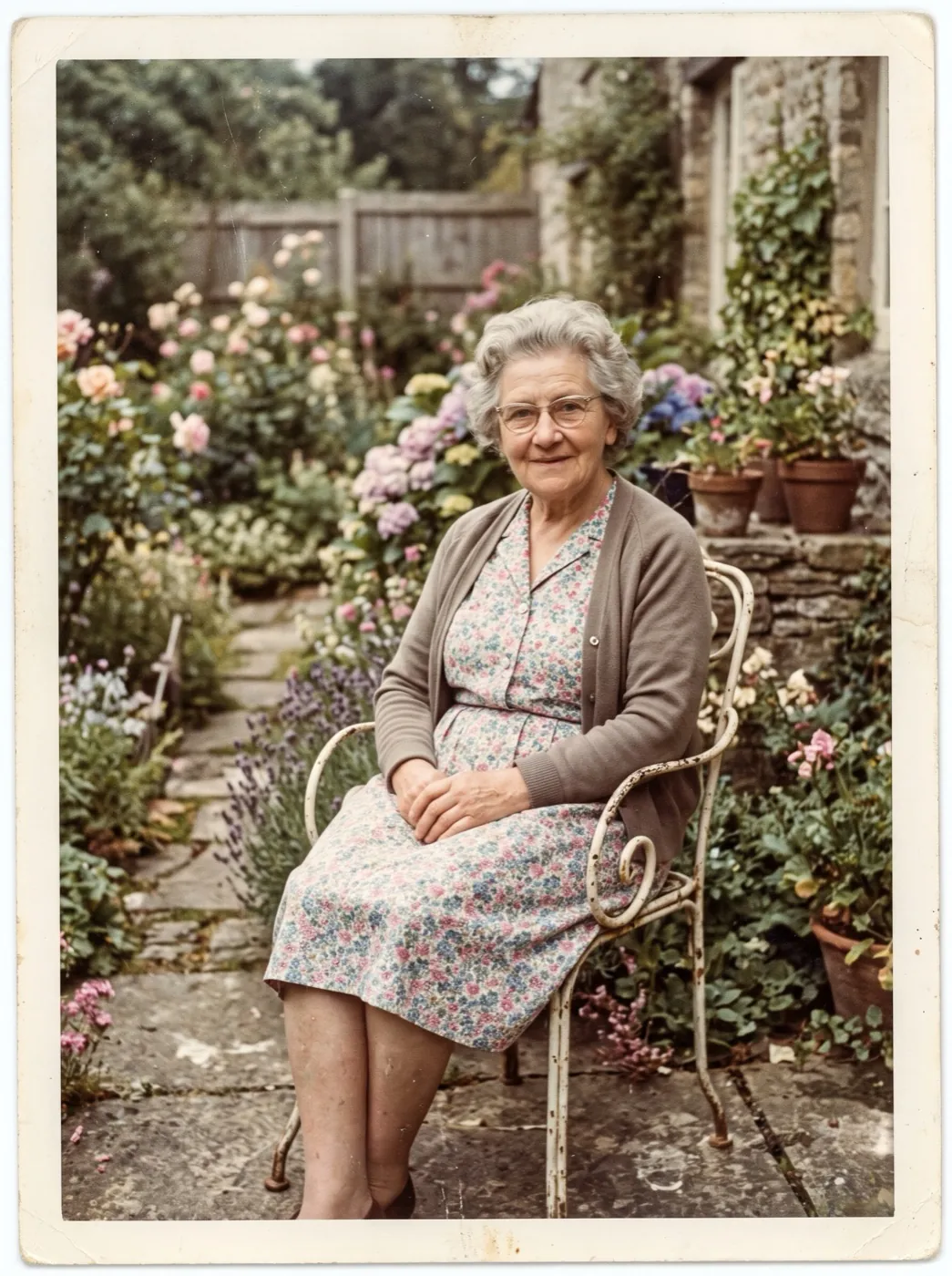
Snapshots where the child is clear and doing something: riding, swinging, playing, sitting at a party table. Prints, scans and early digital photos all work. Crop away album pages and other photos first.
Will Childhood Photo Comes Alive change the child's face?
The prompt holds the face to the same child for the whole clip, and the motion stays natural. Very small or blurry faces are where likeness slips, so use the clearest copy you have.
How much does Childhood Photo Comes Alive cost?
Each clip costs 66 video credits on Hailuo 2.3 at 768p. The 10 free credits from sign-up are image credits, so they do not cover this clip. Video credits come in packs from $9.90 for 600, and a failed or blocked run gives its credits back.
Does Childhood Photo Comes Alive fix scratches or add color?
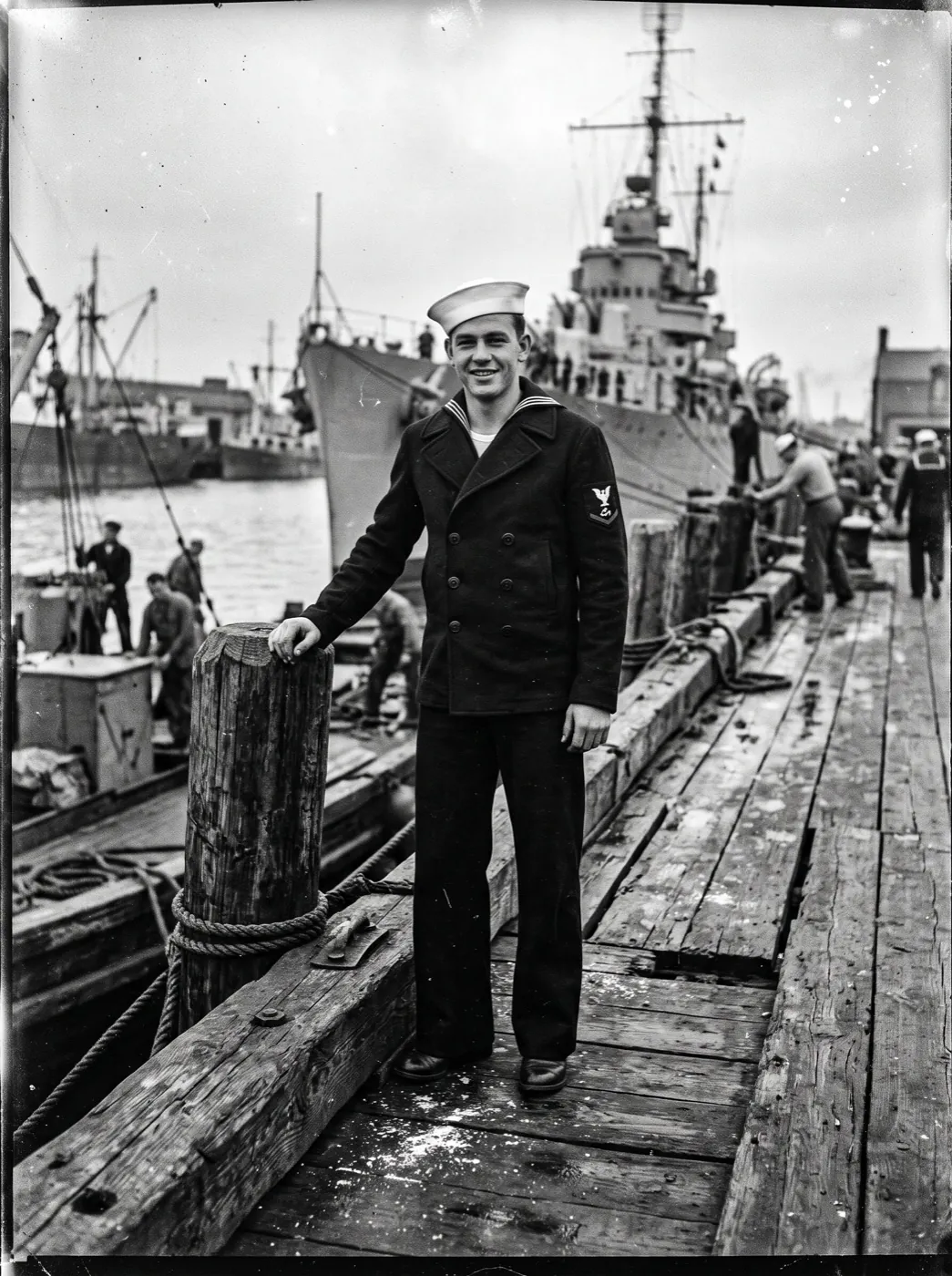
No. It animates the photo as it is and keeps the print's colors. For a damaged print, use Old Photo Animation; for black and white, use Colorize and Animate. Both fix the picture before it moves.
Can Childhood Photo Comes Alive animate siblings, or a kid with a pet?
Yes. Siblings, cousins and a child with the family dog all work. In the prompt, say what each one does, or ask them to play together.
How long is a Childhood Photo Comes Alive clip?
6 seconds at 768p, with no sound. Paid downloads carry no watermark, so the clip can go straight into a slideshow.
What if my Childhood Photo Comes Alive clip moves the wrong way?
Write what really happened in the prompt, like "she rides toward the camera" or "he blows out the candles". If the child starts to look different, ask for less motion.
More effects for family snapshots
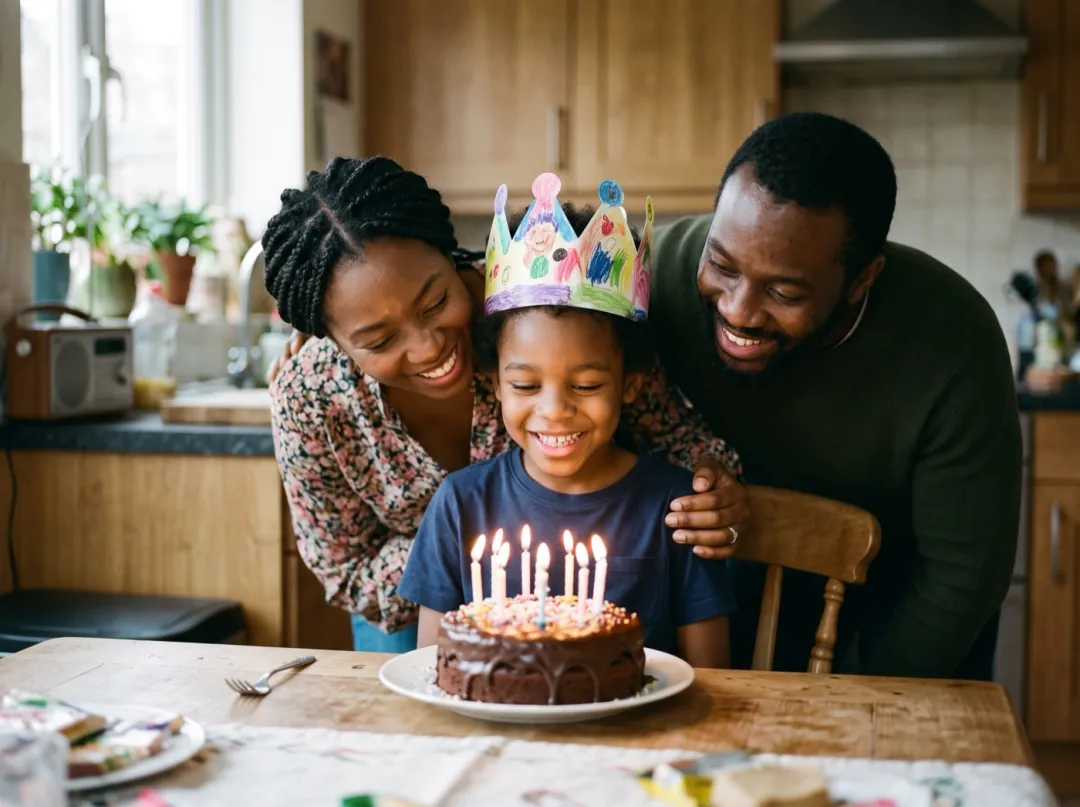 HolidayBirthday candles
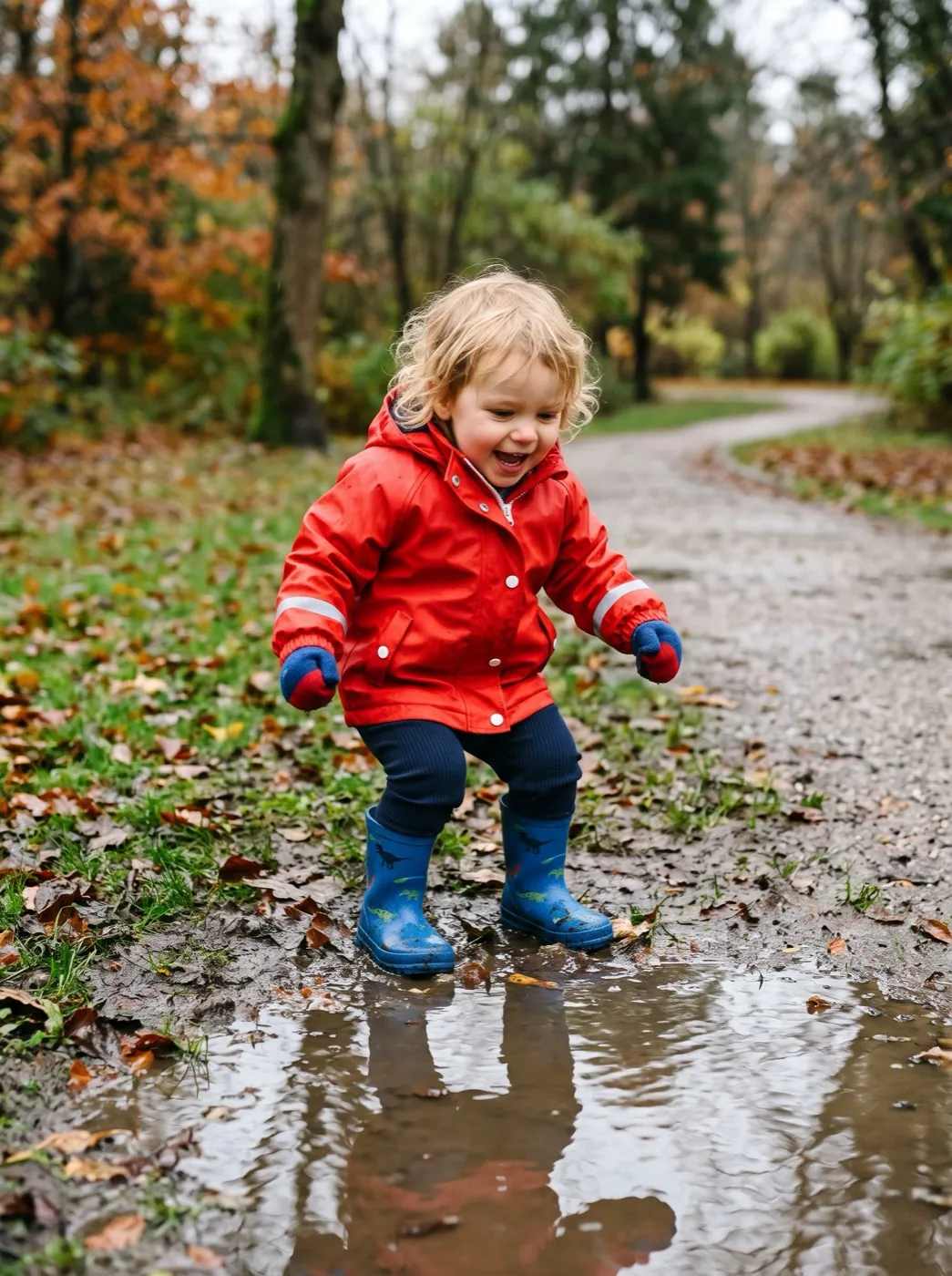 FunPuddle jump
 PortraitFamily hug
They were mid-laugh when the shutter clicked.
Add one childhood photo and let the moment carry on for a few more seconds.