Colorize and Animate
Hailuo 2.3 · 6s · colorize includedA black-and-white photo comes back in natural color and then moves: a breath, a small smile, a turn of the head, with a soft breeze behind.
66 for the clip + 4 for colorize
Choose an effect
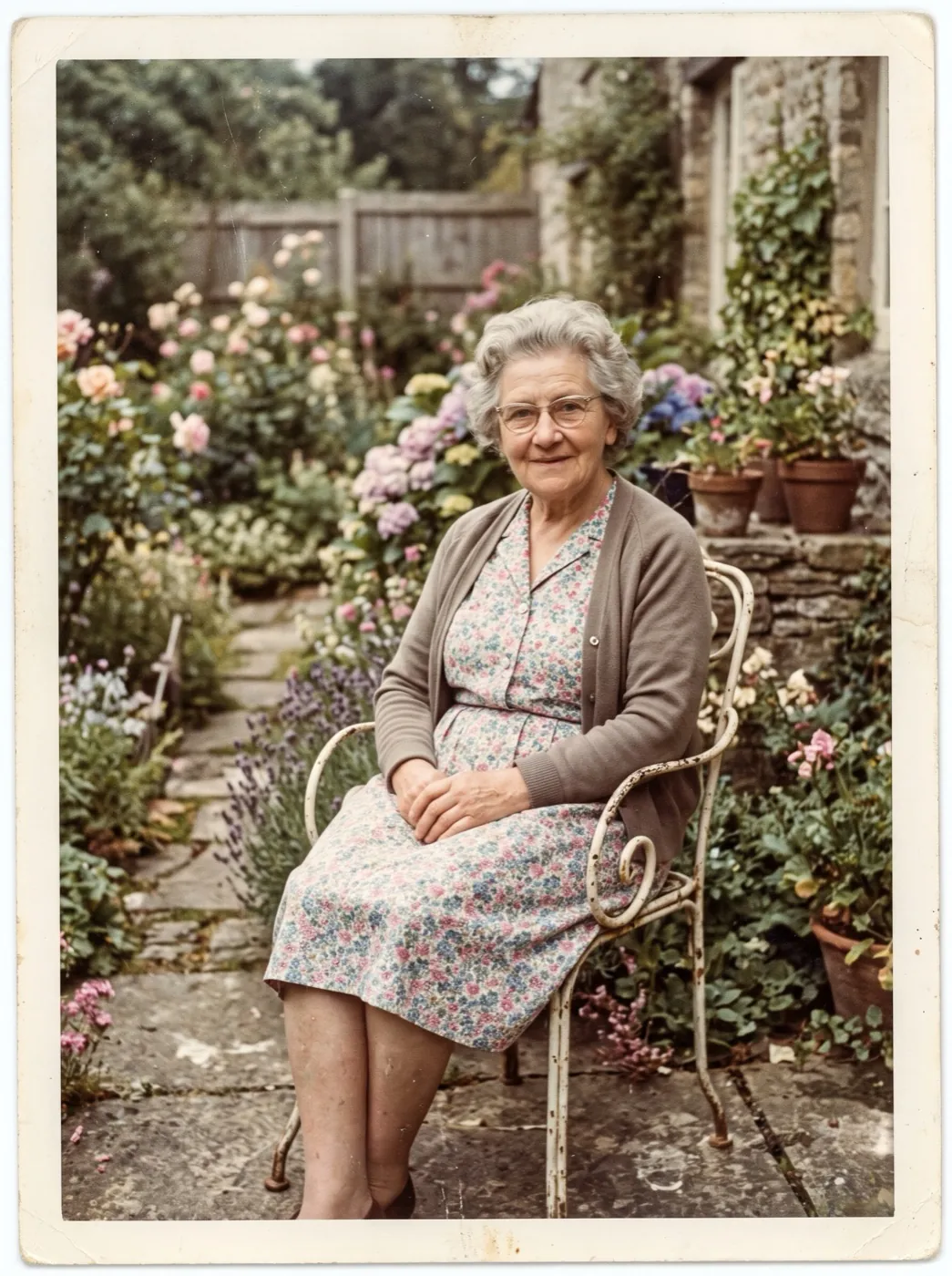 Old photo comes alive
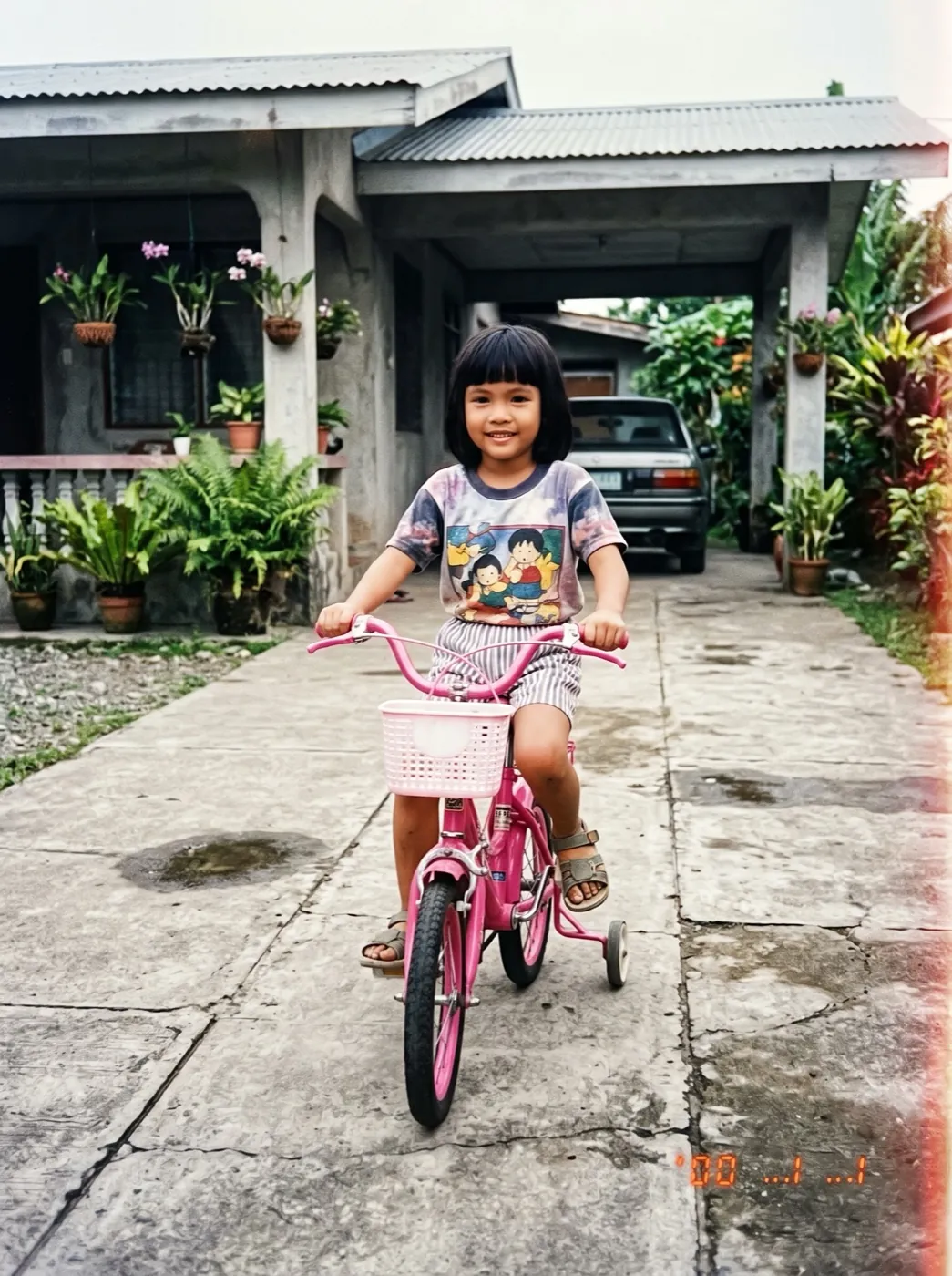 Childhood photo comes alivePhoto
Gray tones to color, then a moment of motion
Colorize and Animate is two runs in a row. Nano Banana 2.1 paints natural color onto your black-and-white photo at 2K and keeps every face as it was. Hailuo 2.3 then animates the colored picture into a 6-second clip at 768p with small, lifelike movement.
- Color goes on first, so the clip opens on a colored frame and stays in color throughout.
- Dust, scratches and fading are cleaned up in the same step, with faces left untouched.
- Skin, cloth, wood, water and sky get colors that suit the era of the photo.
- The motion is small on purpose: a breath, a smile and a slight turn while the background stirs.
From gray print to color clip
Two steps, one upload. The prompts for both are already written for you.
Add the black-and-white photo
A scan is ideal. A phone photo of the print, taken flat in daylight, also works.
Color first, then the motion
The color step runs on Nano Banana 2.1. The motion prompt for Hailuo 2.3 is ready to go.
Watch it play in color
About 2 minutes later you have the clip and the colored still side by side.
Three gray photos, now in color and moving
From the 1930s to the 1950s. Each was colored first, then animated with the motion in its caption.
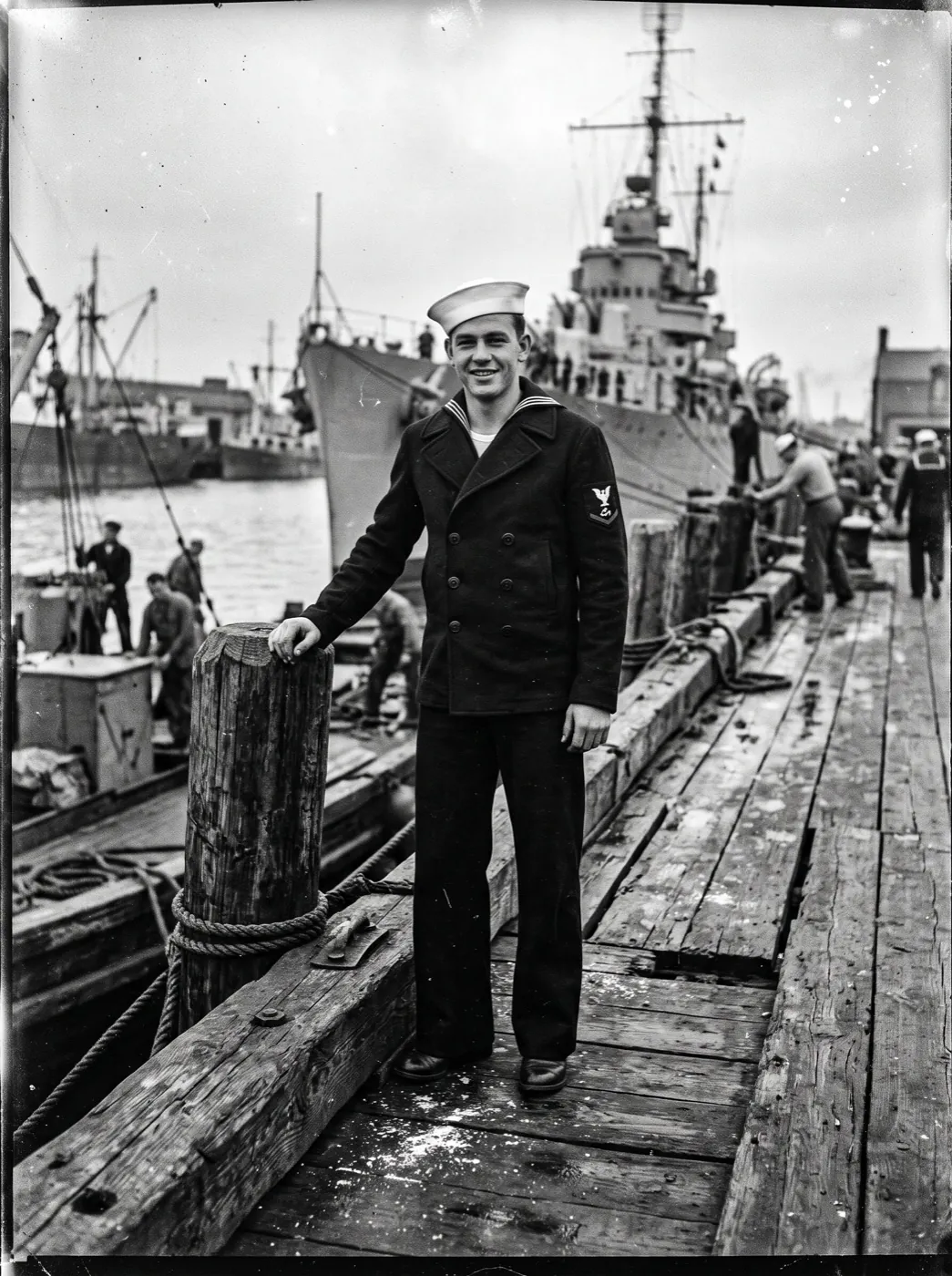
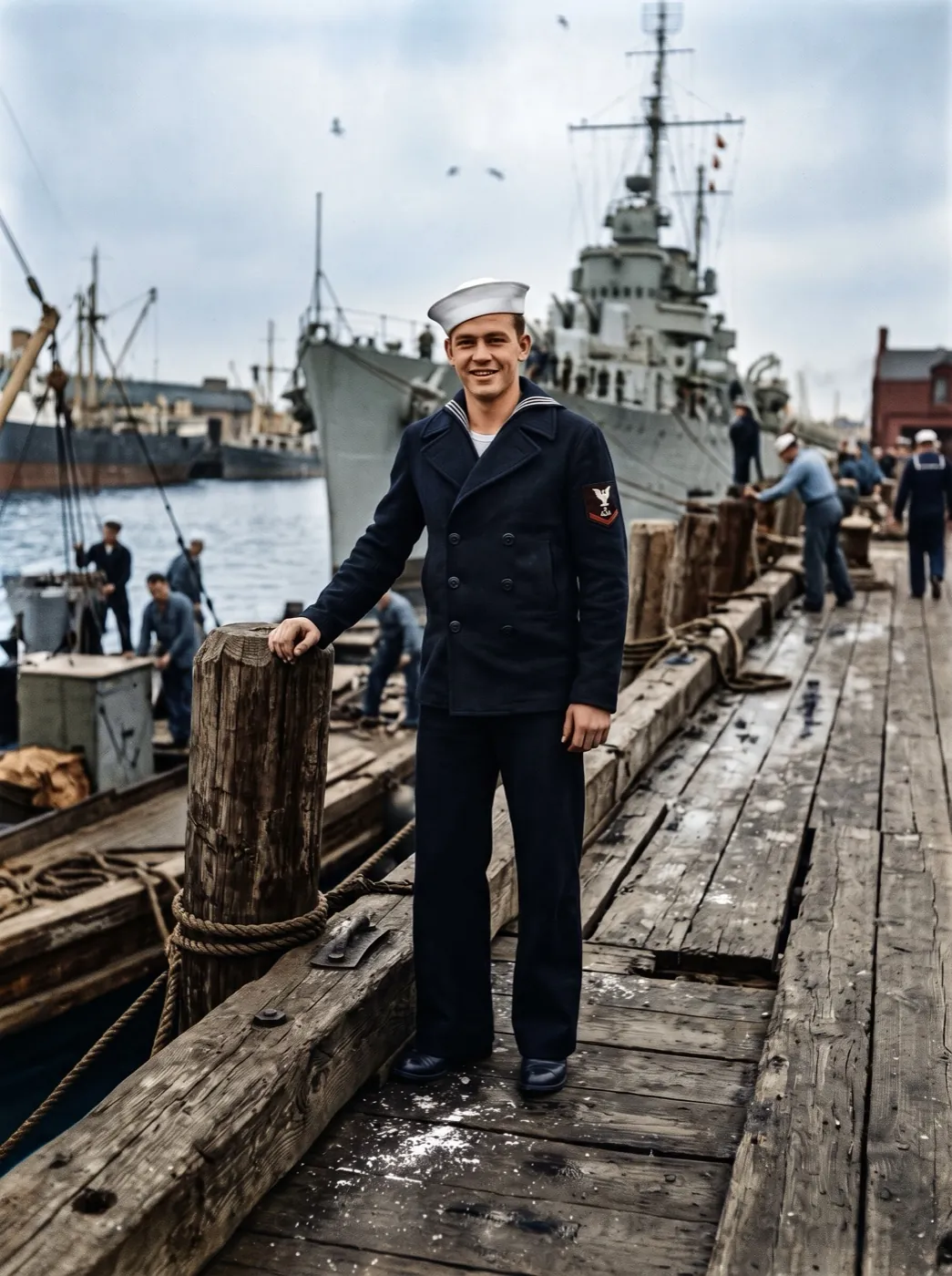
A sailor on the pier, 1940s
The navy uniform and blue sea came back first. Then he smiles, adjusts his cap, and the flags on the pier move in the wind.
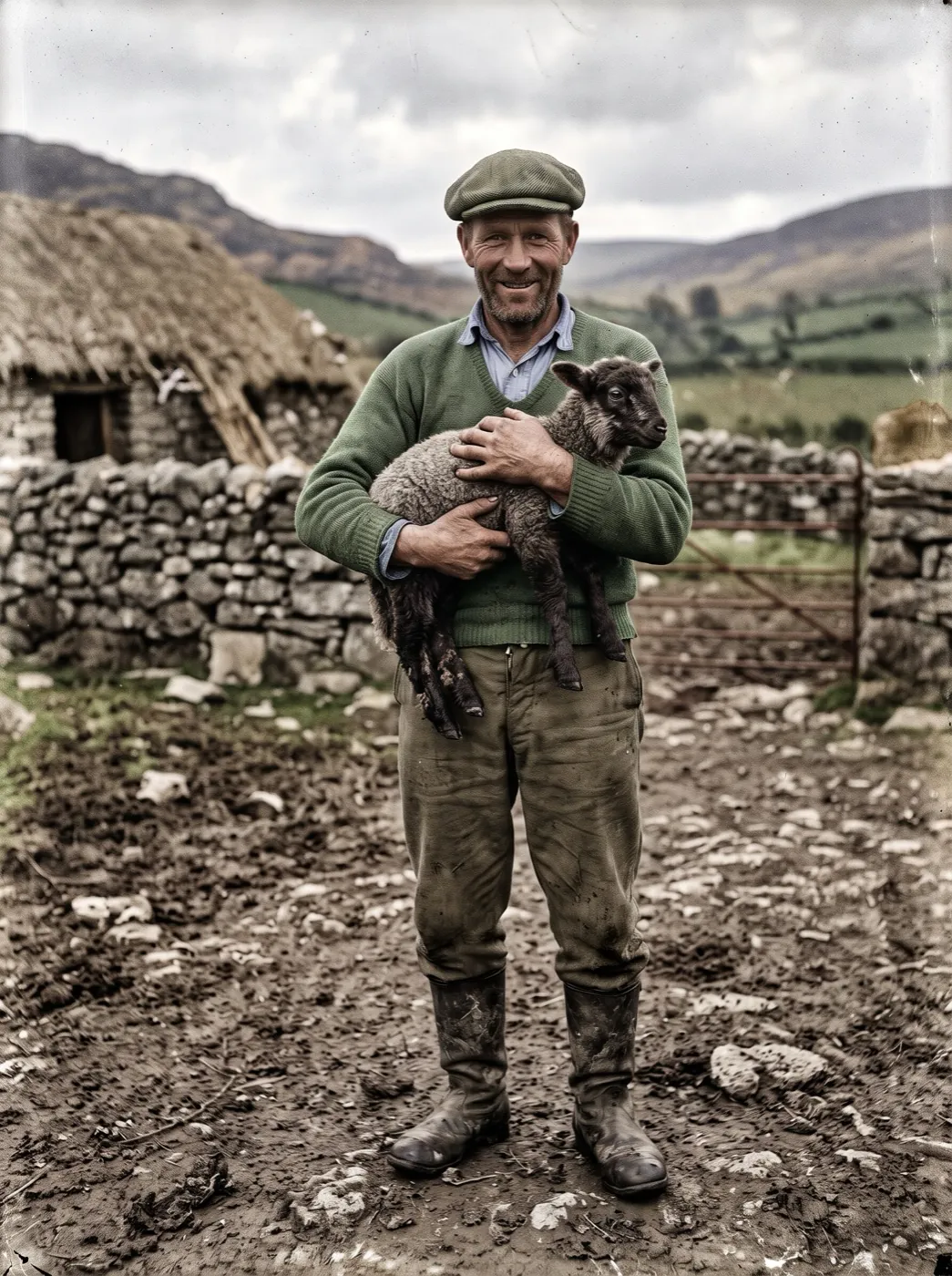
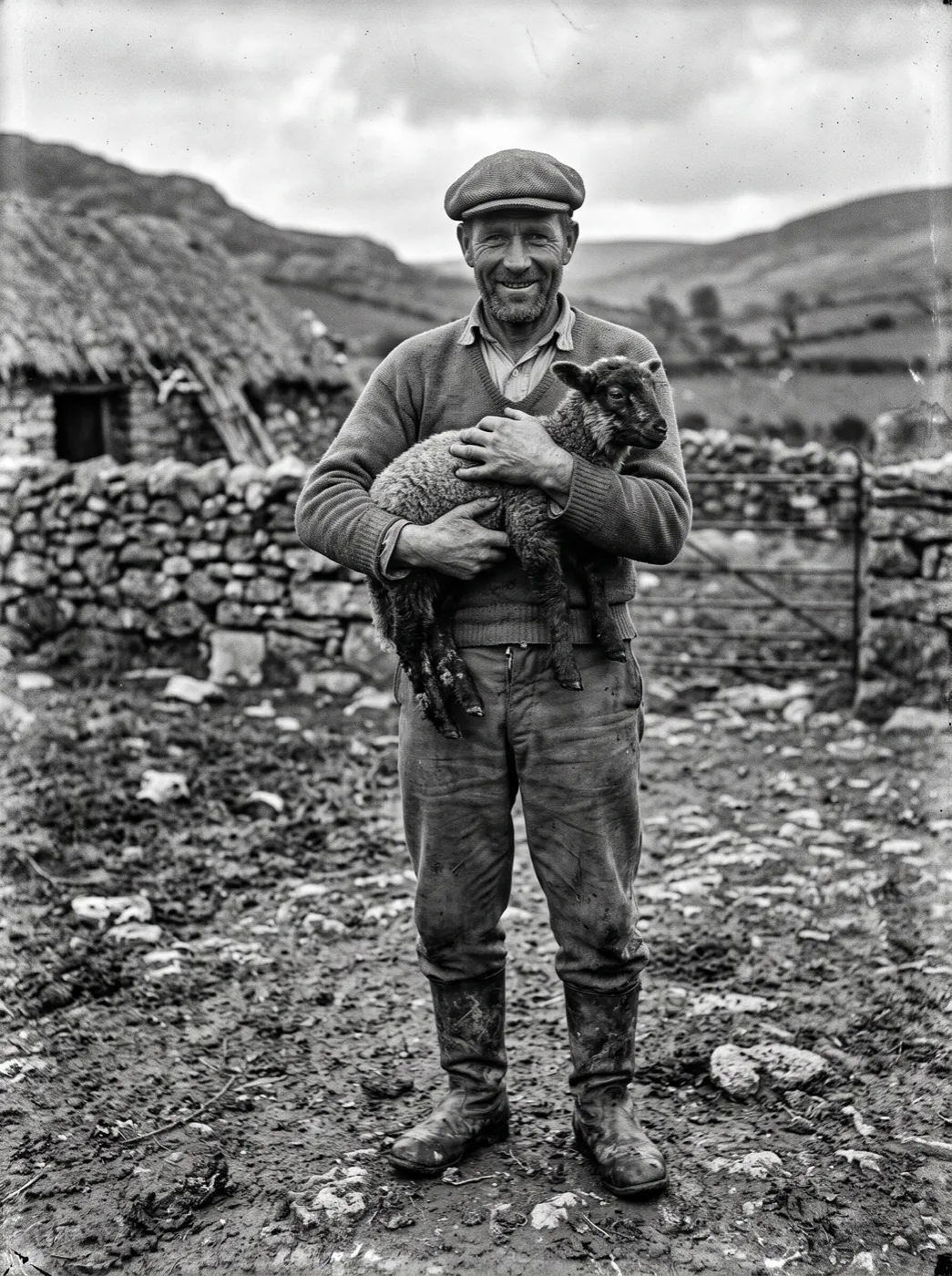
A farmer and his lamb, 1930s
Colored in soft daylight tones, the lamb wriggles in his arms and he laughs, holding it closer.
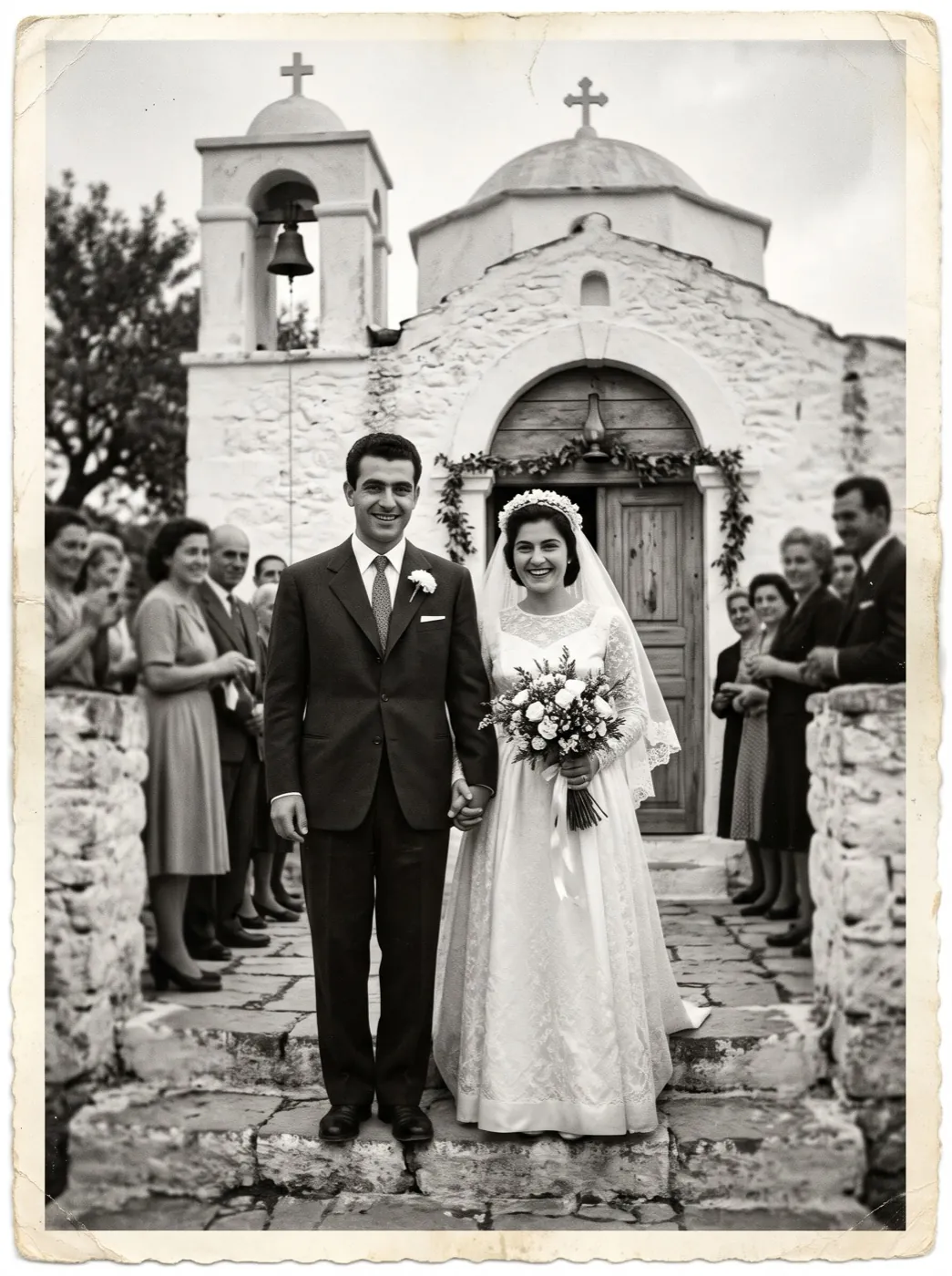
Outside the chapel, 1950s
An ivory dress, a dark suit and a blue chapel door. She laughs and leans into him as her veil lifts in the breeze.
Whose black-and-white photo are you bringing back?
Four people holding a gray print they care about, and where the color clip goes next.
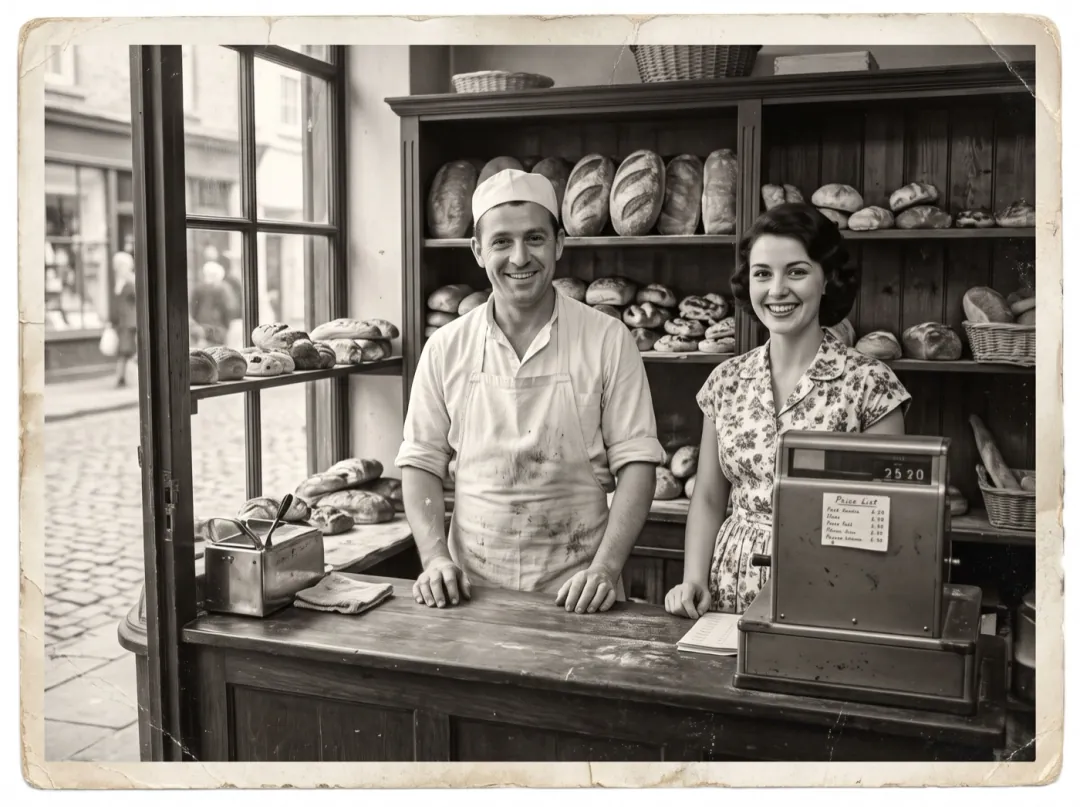
The founder behind the counter, in color
A shop that has stayed in one family for three generations usually has a black-and-white photo of the founder at work. Colored and moving, it tells the shop’s story better than the year painted on the door.
Keep the colored still as well, and upscale it for a framed print by the till. Share the clip on the shop’s anniversary.
Upscale it to frame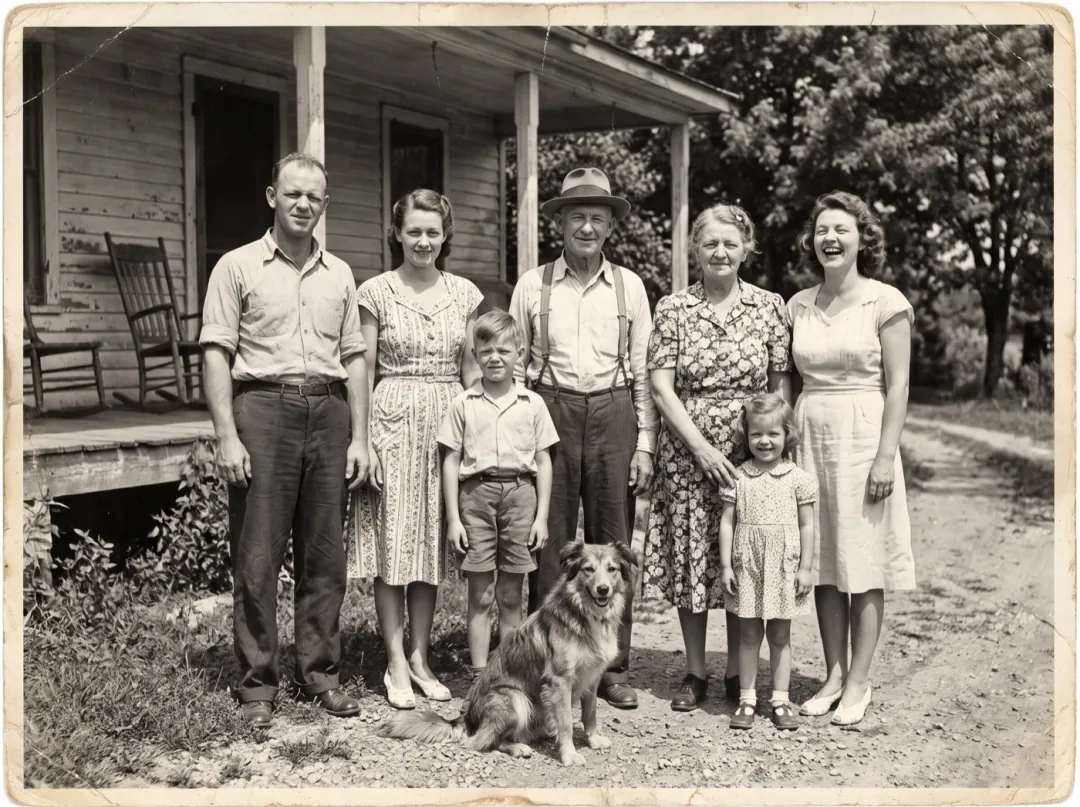
An opener for the family reunion slideshow
The relative who organizes the reunion collects old prints from every branch of the family. Opening the slideshow with the oldest one, now in color with a smile moving across it, gets the whole room to look up from their plates.
Ask for the print itself, not a phone photo of the frame. Play the clip first, then the original next to it.
Color the oldest print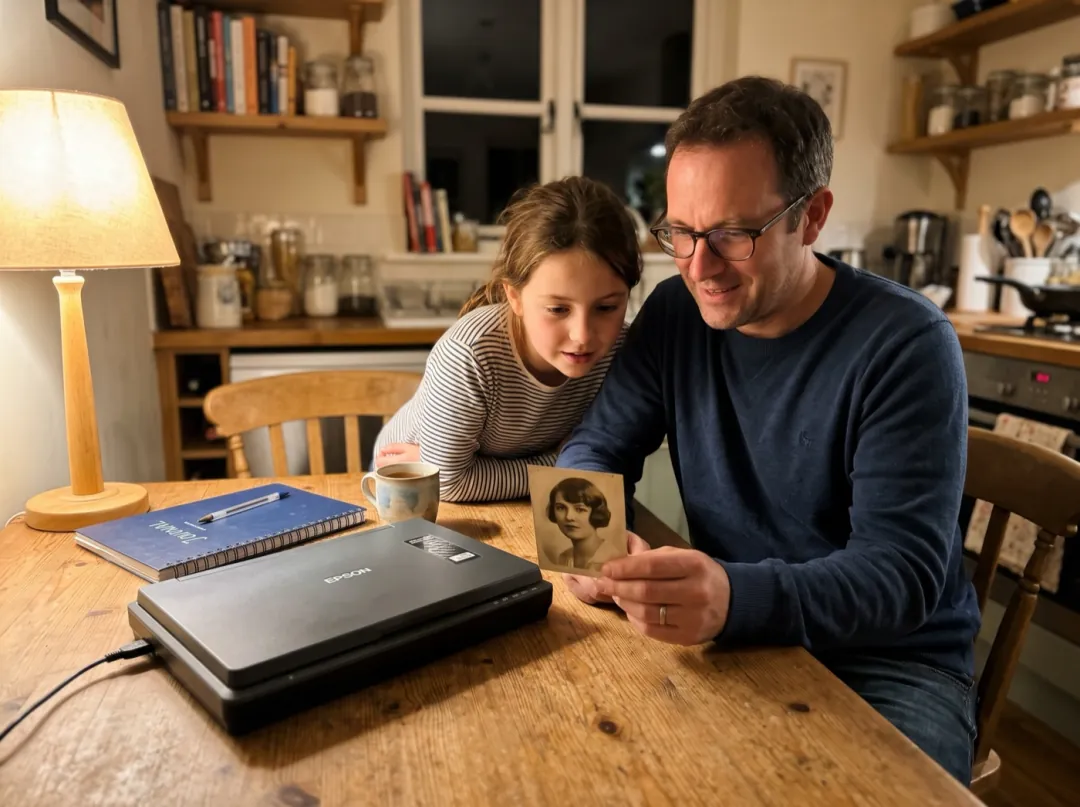
A great-grandparent for the family history assignment
When a child’s class does a family history project, the only picture of a great-grandparent is often a small gray print. Seeing that person in color, smiling and turning slightly, helps a ten-year-old picture someone they never met.
Scan the print flat and crop to the photo. Show the clip in class and say the colors were added, not recorded.
Color a family portrait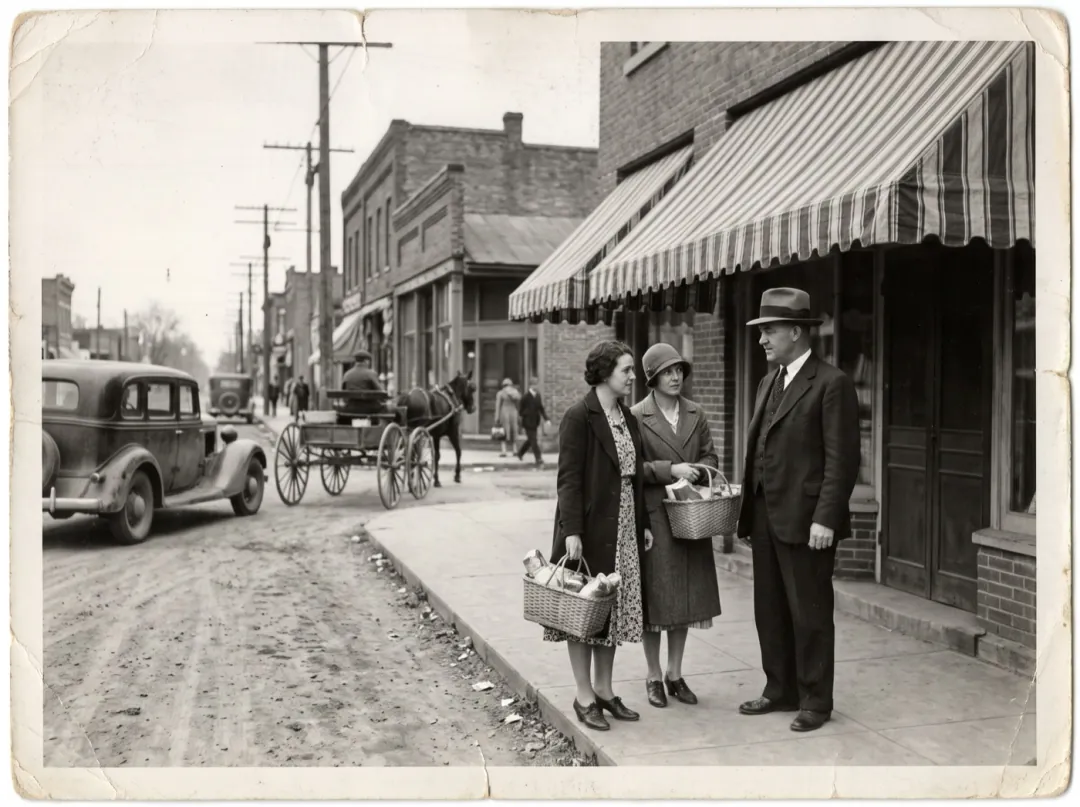
Main Street, back when it was busy
Town history groups post old photos of the main street for people who grew up there. A colored street corner, with shoppers turning and a breeze in the awnings, gets older residents sharing their own memories in the comments.
Choose a scene with a few people close to the camera, not a crowd. Note in the post that the color was added.
Color a street sceneGetting a print ready for color
Color is built from the gray tones the photo still has. A good copy keeps them.
A shiny patch reads as pure white, so there is nothing for the color step to work with there. Light from the side avoids it.
An angled shot squeezes faces and bends straight lines. Lay the print flat and hold the phone right above it.
A dark copy crushes the grays together, and the colors come out muddy. Shoot next to a window.
Let the phone focus before you shoot. A soft copy gives smeared color and a face that wobbles once it moves.
Choose the moment that plays
Press Edit prompt to change the motion. Keep "Faces stay the same people" at the end; it holds the likeness.
A laugh with what they hold
If someone holds a child, an animal or flowers, let that be what moves.
They laugh and hold what is in their arms a little closer while the background moves softly in the breeze. Faces stay the same people.
Wind through the scene
For an outdoor photo, let the setting move more than the people.
Wind moves through the trees, flags and clothes while the people breathe and smile slightly. Faces stay the same people.
A glance between two people
For couples and siblings, ask for one shared look.
The two people turn their heads, look at each other and smile while the background stays calm. Faces stay the same people.
Where the color clip goes next
The colored still and the clip are both saved, so you can carry on from either one.
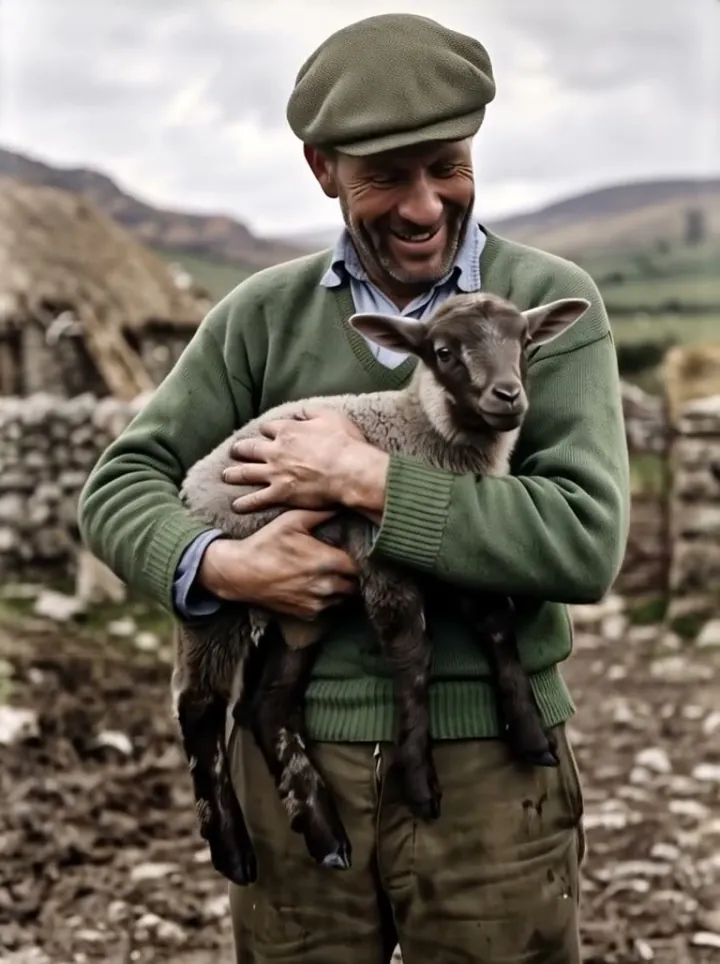
In color and moving
A 6-second clip at 768p, with the 2K colored still beside it.
Color the rest of the album
Image to Image gives you the colored picture without a clip.
Open Image to ImageLink it to a family photo from today
Put the colored print first and a recent picture of the same family last.
Open Frames to VideoMore detail on a large screen
Video Upscaler makes the clip bigger and sharper.
Open Video UpscalerColorize and Animate FAQ
What people ask before they bring color and motion to a black-and-white photo.
Are the colors from Colorize and Animate accurate?
They are careful guesses that fit the scene and the era, not a record of what was worn. Skin, sea, sky and wood usually look right; clothing is the least certain. When you share the clip, say the color was added.
Does Colorize and Animate repair scratches too?
Yes. The color step also cleans up dust, scratches, creases, small tears and fading, while every face, pose and the framing stay as they were. A missing piece bigger than a face cannot be rebuilt truthfully, so crop around it.
How much does Colorize and Animate cost?
70 credits for both steps: 4 image credits for the color step on Nano Banana 2.1 at 2K, and 66 video credits for the 6-second clip on Hailuo 2.3. Free sign-up credits are image credits, so they cover the color step but not the clip. Video credits start at $9.90 for 600.
What moves in a Colorize and Animate clip?
A breath, a small smile and a slight turn of the head, with a soft breeze in the background. You can ask for a laugh, a shared glance or wind in the trees instead; keep it small.
Can Colorize and Animate handle group photos?
Small groups work well. With a crowd, faces get small and move less, so crop the group into a few parts and run each one.
Should I use Colorize and Animate on a faded color photo?
No, it is made for black-and-white prints. For a color print that has faded, Old Photo Animation restores the original colors and then animates it.
How long is a Colorize and Animate clip, and is there sound?
6 seconds at 768p, with no sound. Paid downloads have no watermark, so you can add music in a slideshow app and play it as it is.
More effects for old family photos
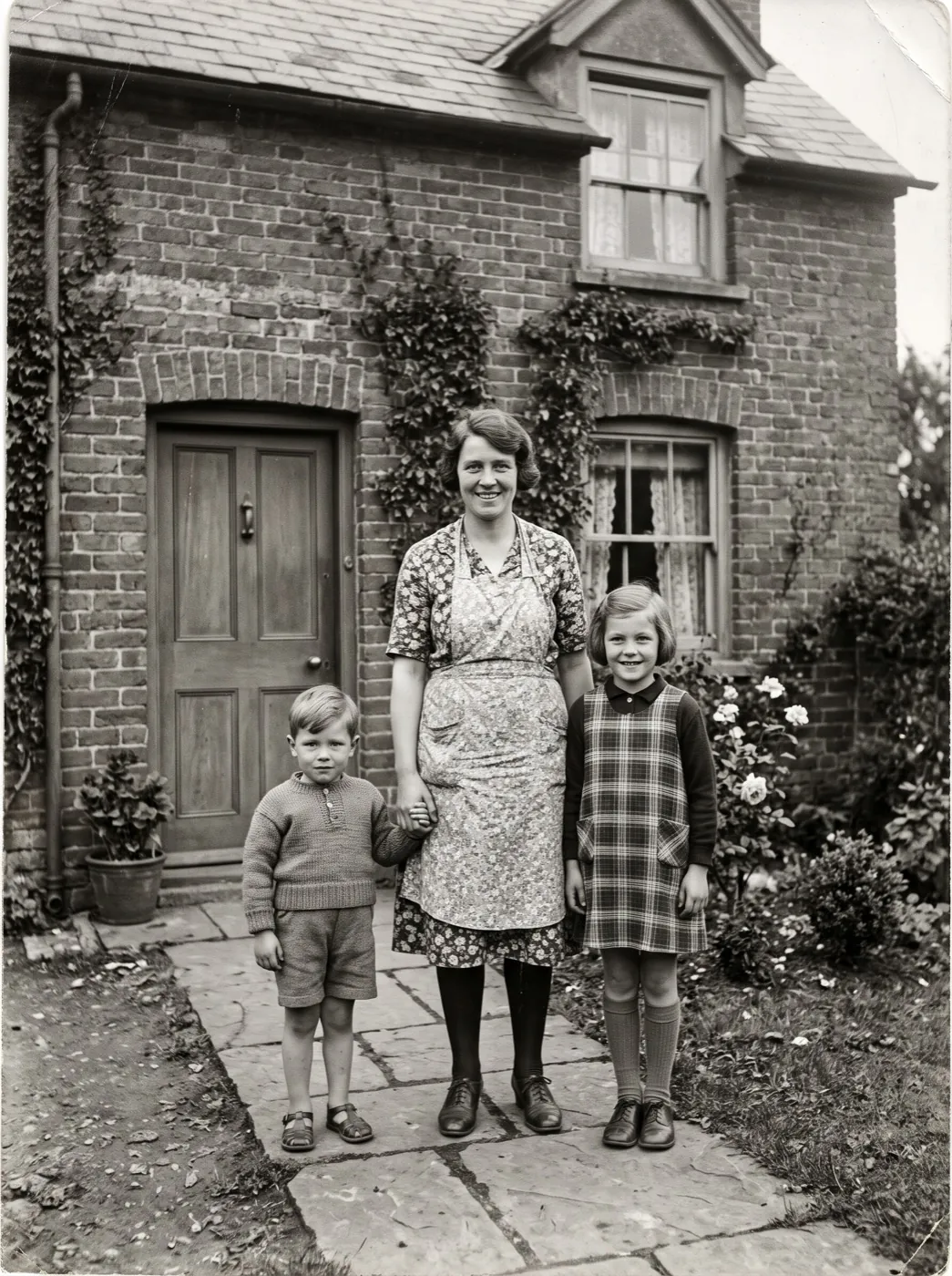 PortraitFamily hug
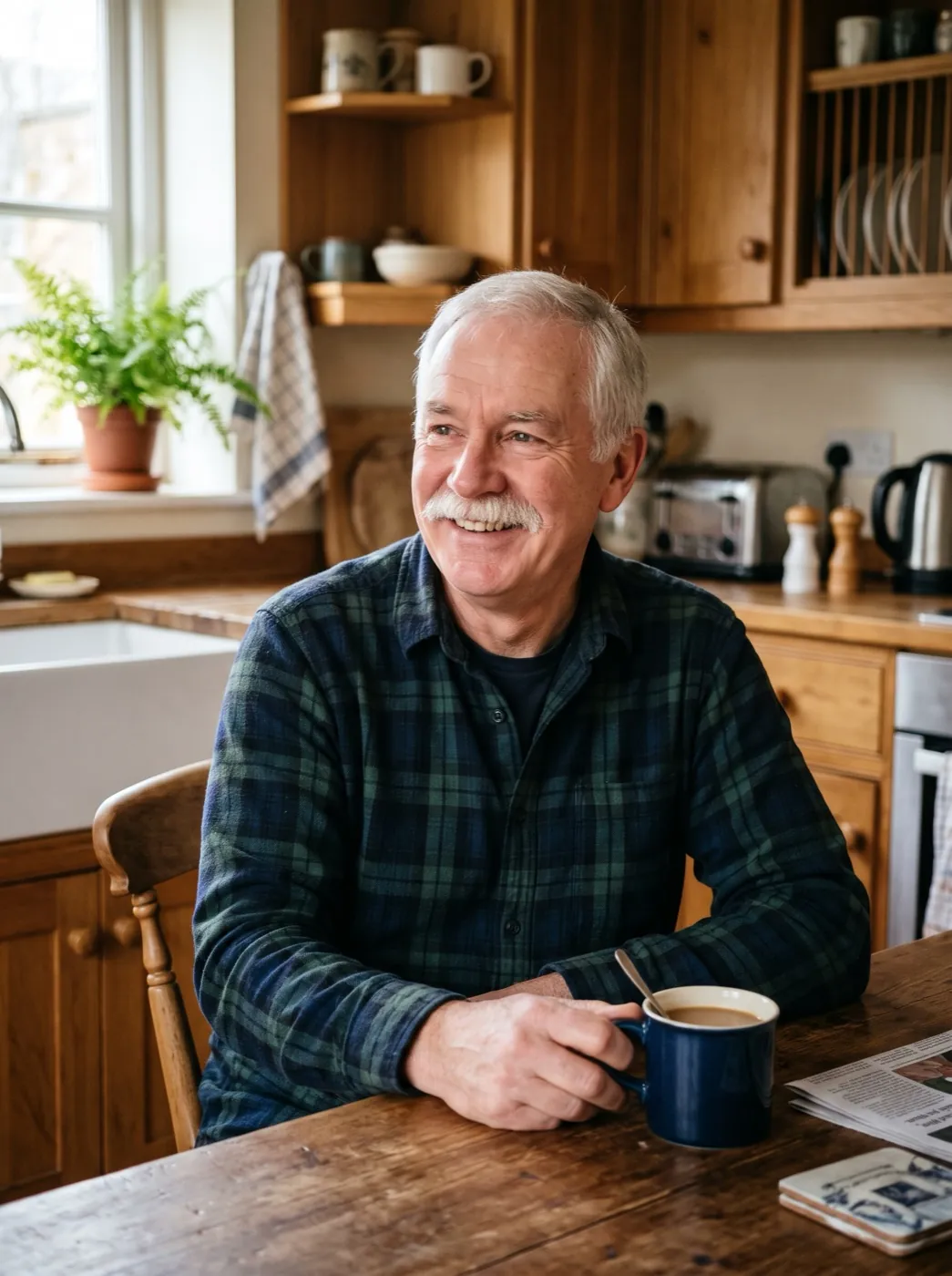 PortraitBig laugh
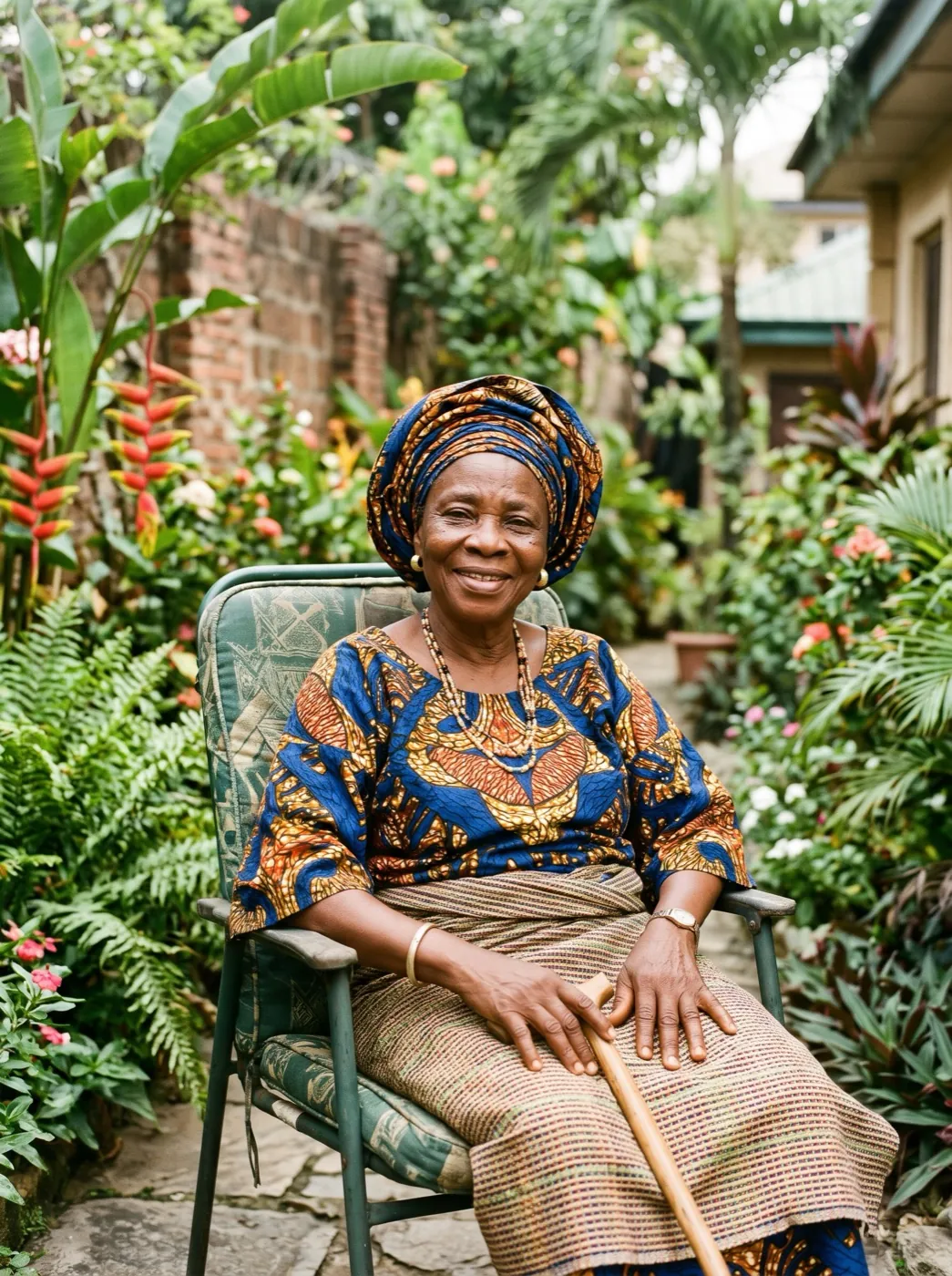 PortraitWave hello
They lived in color. See it again.
Add one black-and-white photo. We color it, then let the moment move.