Family Hug
Seedance 2 Mini · 5sPeople who stood side by side for the camera turn, pull each other into a warm hug and hold it, then lean back laughing.
Choose an effect
 Big laugh
 Hair in the wind
 Wave hello
 Over-the-shoulder look
 Wink
 Professional headshot
 First kiss
 Growing up
 90s yearbook photoPhotoHug
The hug they didn’t pose for
Family Hug turns a posed group photo into the moment just after. Seedance 2 Mini reads where each person stands and builds a 5-second clip of them reaching for each other, holding on, then easing back, while every face stays the same person.
- People who start within arm’s reach have the least distance to cover, so the embrace looks natural.
- Each face keeps its own features, so the parent still looks like the parent and the child like the child.
- Two or three people hug best. Bigger groups become a squeeze where the edges move less.
- Black-and-white and faded prints stay in their own colors; nothing is repainted.
How to make an AI hug video
One photo with everyone in it is all it takes. The hug is already in the prompt.

Add a photo with everyone in it
A parent and child, a couple, siblings or old friends, standing or sitting close.
The hug is written for you
They pull each other close, hold it and lean back laughing. Edit it to make it quieter or bigger.
Watch the hug in about 2 minutes
The clip keeps the shape of your photo. Save it, or run again for a different hug.
Hug videos from three kinds of photo
An old family print, a graduation day and an airport reunion. Each clip started from the photo in its corner.
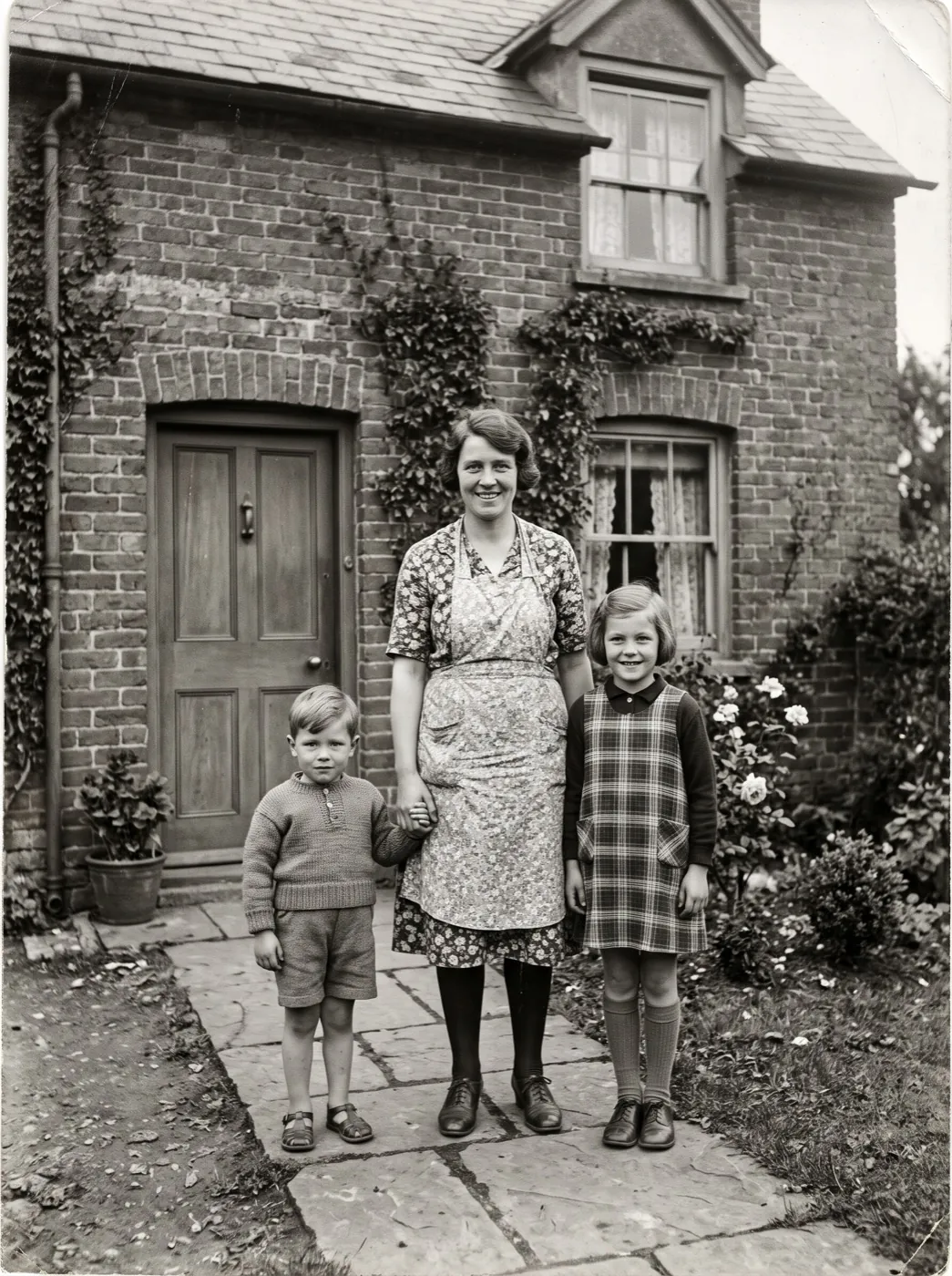
Seedance 2 Mini · 5sMother and children, black and white
They stood side by side in front of the house. The mother pulls both children into a warm hug and they smile.
Seedance 2 Mini · 5sDad and the graduate
On the campus lawn in her gown, her father pulls her into a big hug and kisses the top of her head.
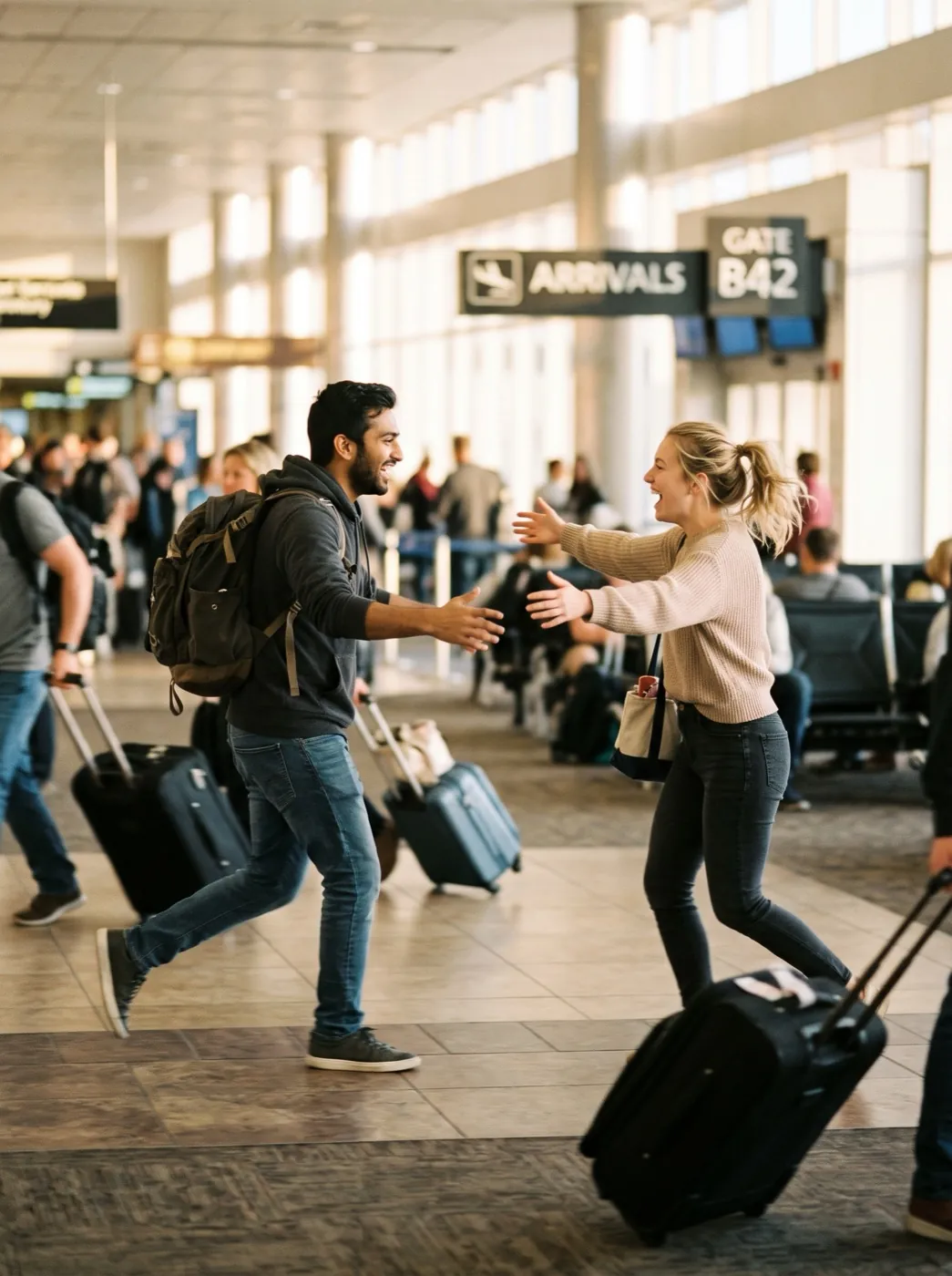 Seedance 2 Mini · 5s
Back through arrivals
Two people running toward each other at the gate meet, hug tightly, and he lifts her off the ground and spins her.
Who are you making a hug video for?
Four people we see behind most hug clips. Each row shows the kind of photo that works for them.
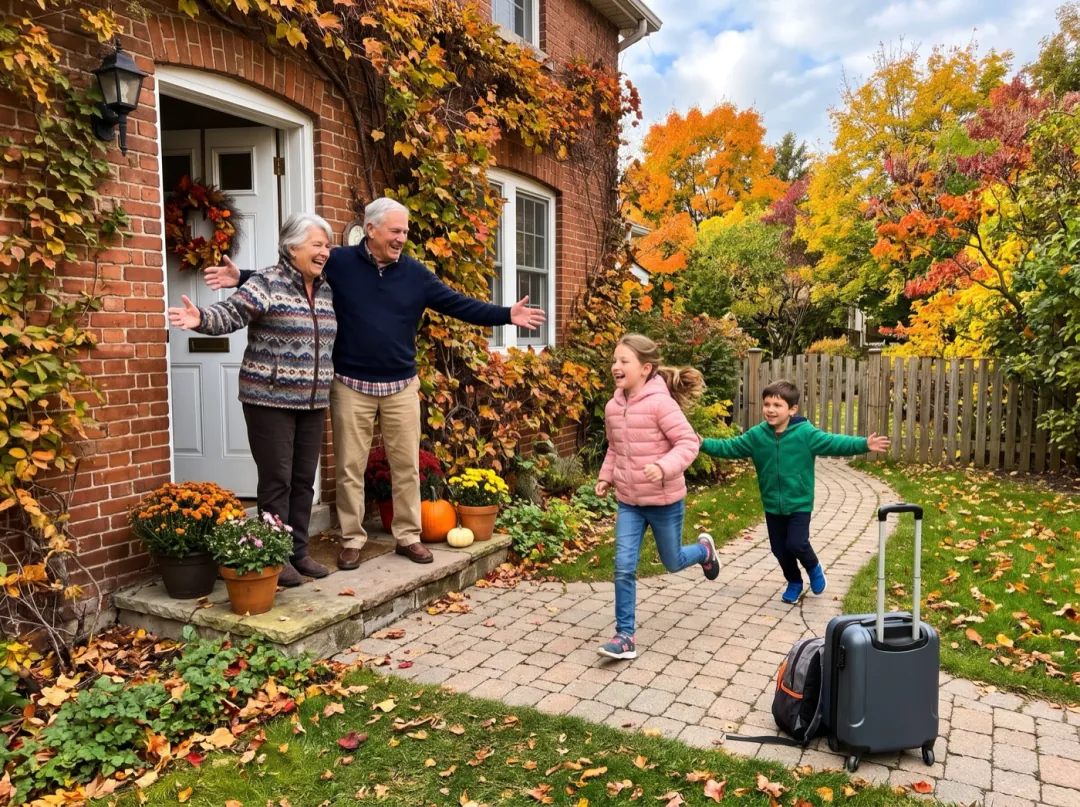
For the grandparents waiting at the door
Grandparents see the grandchildren a few times a year, and the photos from each visit pile up on their phone. A clip of the kids running up the path into their arms is the one they will show their friends.
Use a photo where the children are already moving toward them and every face is in frame. Send it to the family chat the evening you get home.
Make a grandparent hug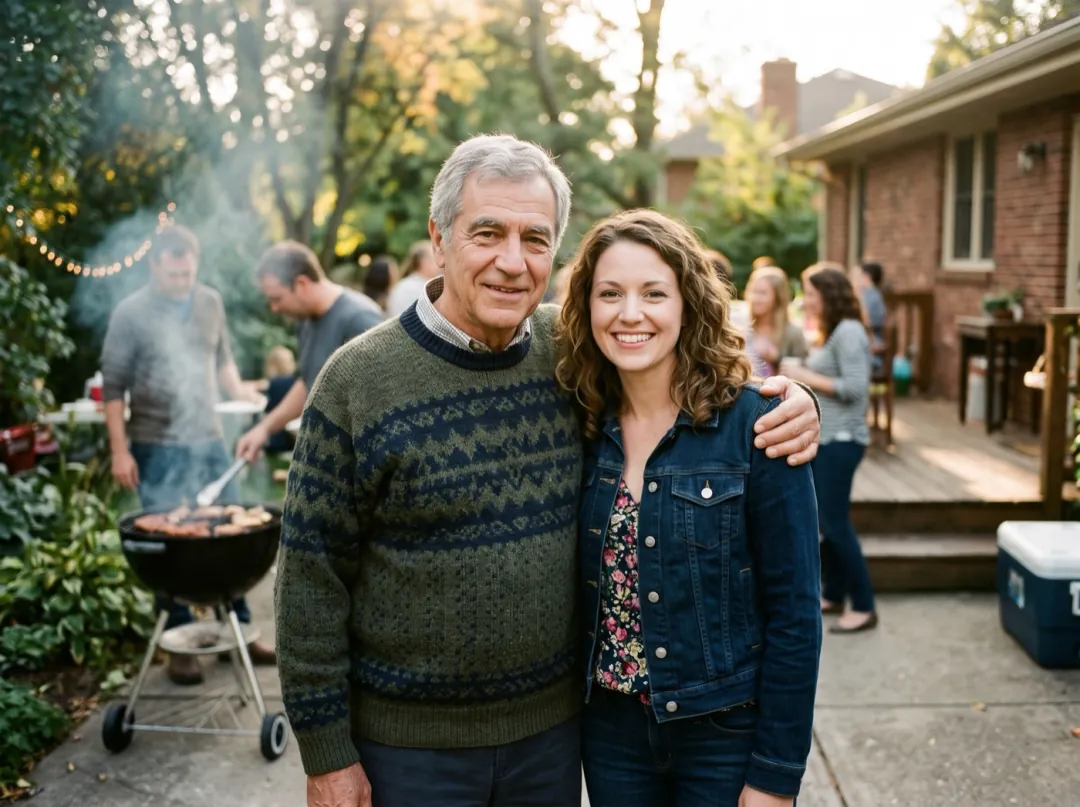
One more hug from someone who is gone
After a loss, the snapshot of a father with his arm round you at a barbecue becomes the photo you look at most. Letting him pull you a little closer is a gentle way to see it again.
An older digital photo works if both faces are clear; fix a soft or scratched one first. Keep the clip for yourself or play it at the memorial.
Restore the photo first
The siblings who only line up at weddings
Grown brothers and sisters rarely stand this close except at a wedding or a big birthday, and the photo is always shoulder to shoulder. The clip turns the line-up into the group hug that came after.
Pick a shot with everyone at the same distance from the camera, three or four people at most. It makes a warm opener for the reception slideshow.
Make a sibling hug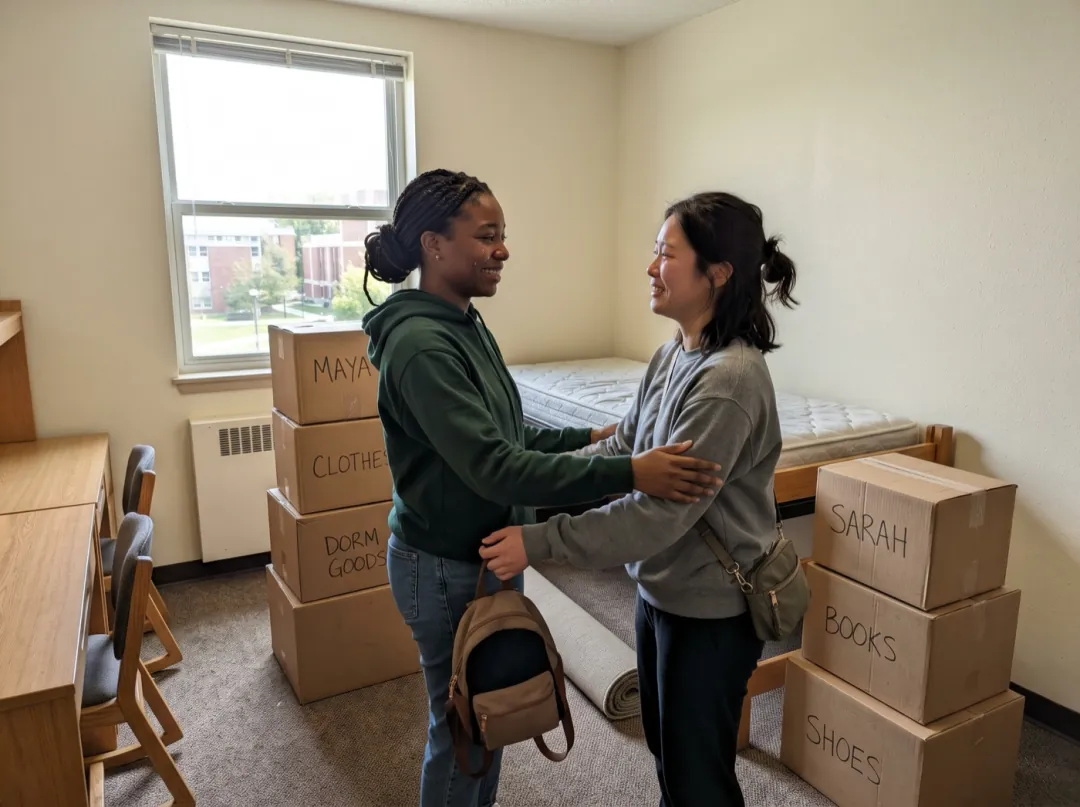
Before you move to different cities
Move-out day, the last week of a semester abroad, the end of a season: friends take one photo before they leave and send it back and forth for years. A hug clip says the goodbye properly.
Two people turned slightly toward each other give the cleanest hug. Post it as a story, or send it on the first night apart.
Make a goodbye hugPhotos that hug well
A hug moves arms, shoulders and two faces at once. The photo has to show all of them.
When people are tiny in the frame, arms tangle and faces blur as they move together. Crop in.
If one person is in shadow, their face is the one that drifts during the hug. Choose even light.
Small faces in old prints need every bit of detail. Scan the print rather than photograph a frame.
Glass or glossy paper can throw a bright patch over someone. It spreads once they lean in.
Pick the kind of hug
Press Edit prompt to change it. Keep "faces stay the same people" in every version.
A long, quiet hold
For a memorial or a sentimental moment, drop the laugh and let the hug stay still and close.
They turn and hold each other in a long, quiet hug, eyes closed, one hand gently patting the other’s back. Faces stay the same people.
Lift and spin
For a reunion or a proposal photo, ask for a bigger move. Works best when one person is clearly taller.
They rush into a tight hug, one lifts the other off the ground and spins once, then sets them down laughing. Faces stay the same people.
A side hug for people standing apart
If they stand a step apart, a side hug is more believable than a full embrace.
They step closer, put an arm around each other’s shoulders and lean their heads together, smiling at the camera. Faces stay the same people.
Around the hug
Your hug clip stays in your library. People often add one of these before or after.
Repair the old print
Fill in scratches, tears and fading before the family starts to move.
Open Photo Restorer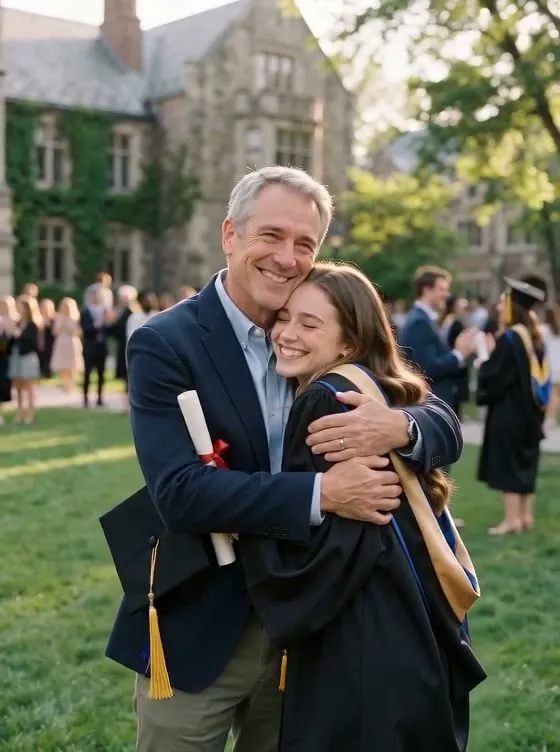
A hug from a posed photo
A 5-second clip of people you love holding each other.
A wave from the same family
Use a portrait of one of them to send a hello alongside the hug.
Open Wave HelloReady for the big screen
Upscale the clip for a party, a wedding or a family call on the TV.
Open Video UpscalerFamily Hug FAQ
What people ask before they make an AI hug video.
Can Family Hug make two people hug if they are in separate photos?
No. Family Hug starts from one photo and moves the people already in it, so everyone who hugs must be in the same picture. Photos where they stand close together give the most natural result.
Who can Family Hug be used with besides family?
Anyone in one photo together: couples, friends, siblings, grandparents and grandchildren. A person hugging their dog can work too; describe the dog in the prompt so the hug fits its size.
Will Family Hug change anyone’s face?
The prompt asks for faces to stay the same people, and the clip begins on your photo. Faces turned away or half hidden behind someone can drift as they move, so a photo where every face is visible works best.
How much does a Family Hug video cost?
A 5-second clip at 480p on Seedance 2 Mini costs 30 video credits. The 10 free sign-up credits only cover images, not clips; video credits start at $9.90 for 600. Failed or blocked runs return the credits.
Can I use Family Hug on a photo of someone who has passed away?
Yes, and it can be a gentle way to see a parent or grandparent hold the family again. Switch to the long, quiet hold below instead of the laugh, use a photo the family agrees on, and tell viewers it was made from a still.
How many people can be in a Family Hug photo?
Two or three hug most naturally. In a group of four or more, the people at the edges tend to lean in rather than hug. Crop to the people who matter most for the clip.
The arms in my Family Hug look wrong. What can I try?
Choose a photo where the people stand closer and their arms are visible. If they stand apart, use the side-hug prompt, which asks for less movement. A second run from the same photo also gives a different hug.
More effects for family photos
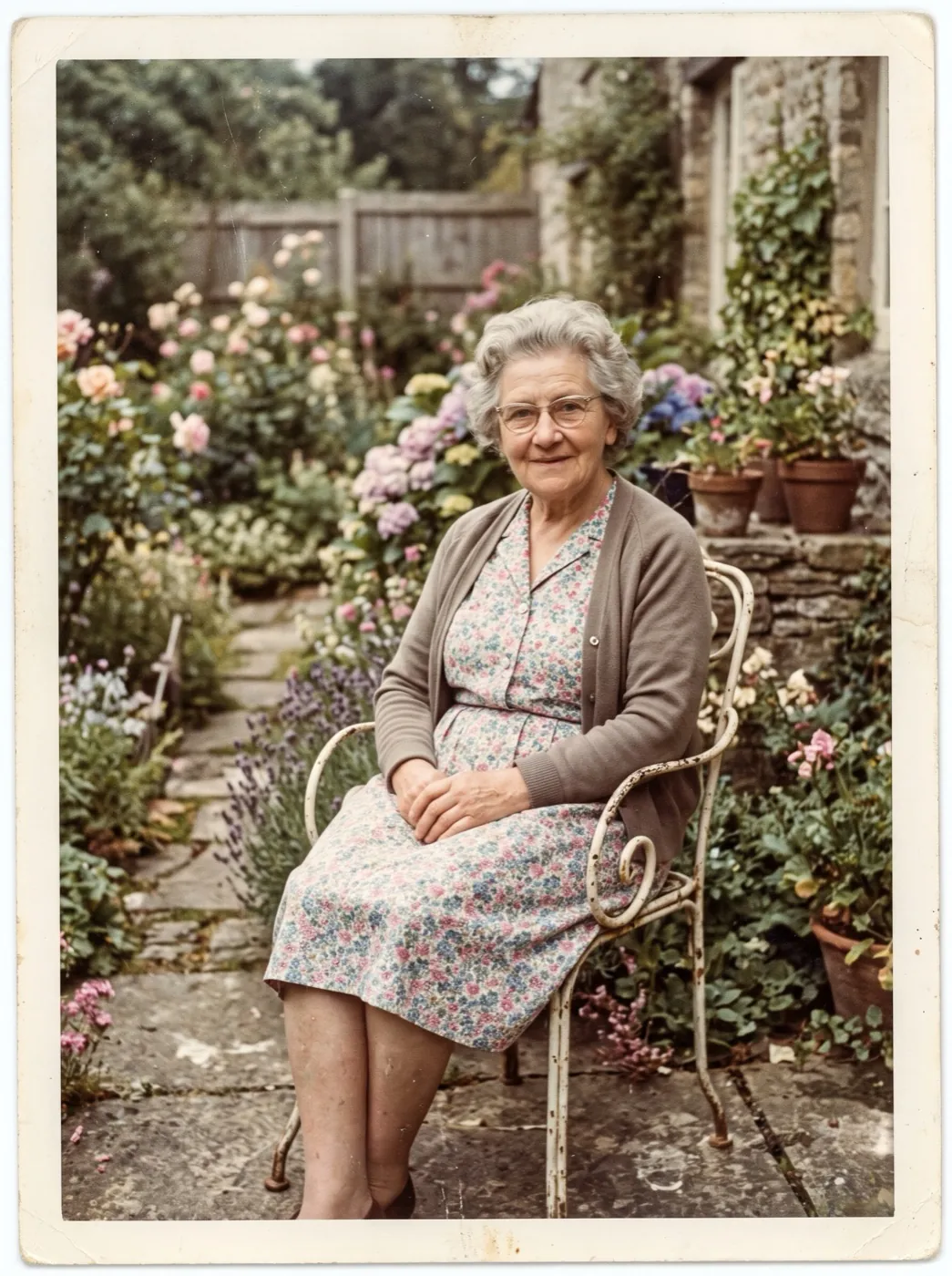 NewPhoto fixesOld photo comes alive
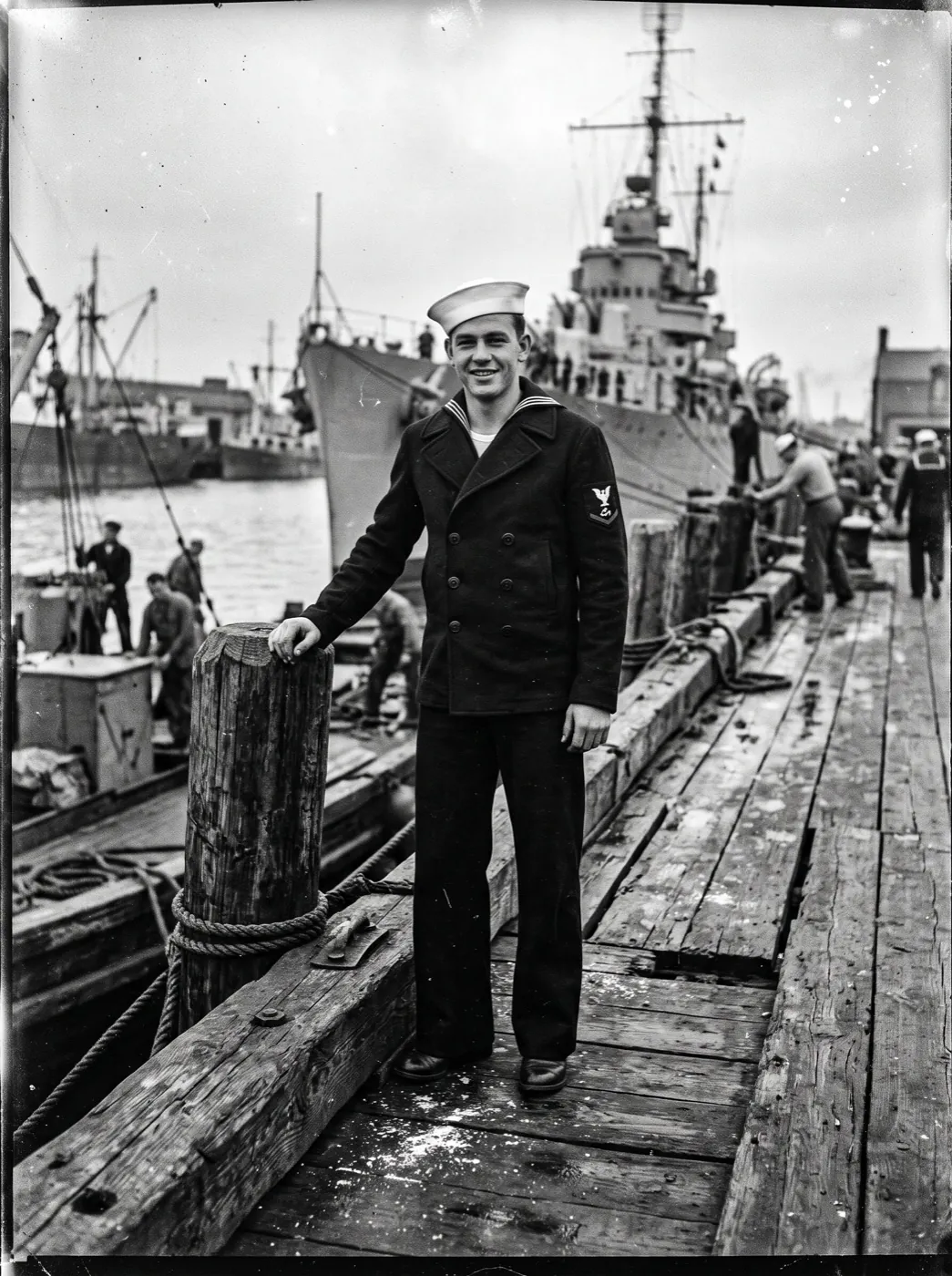 Photo fixesColorize and animate
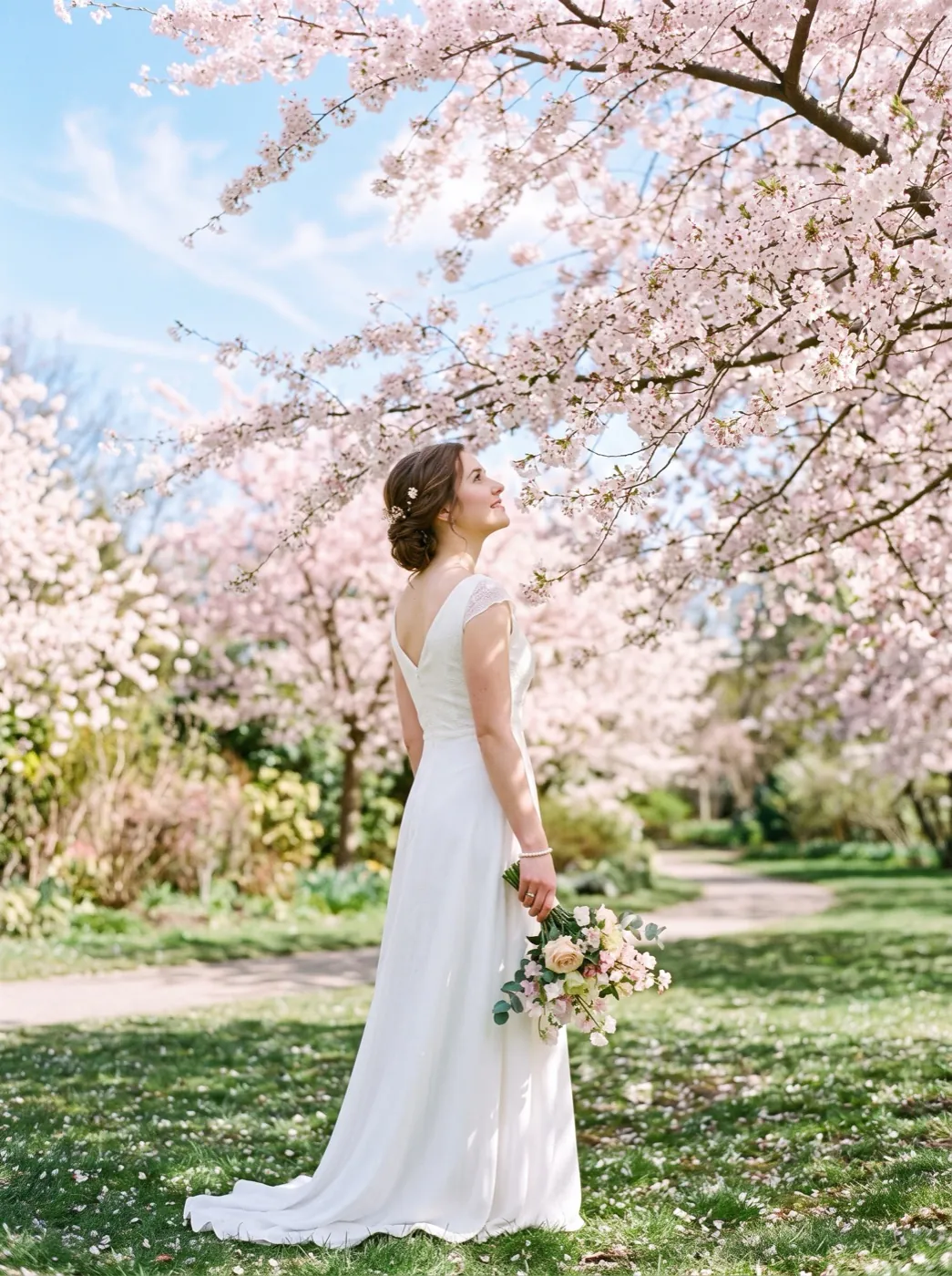 HolidayPetals fall
They were standing right next to each other.
Add one photo and let them close the gap with a hug in about two minutes.