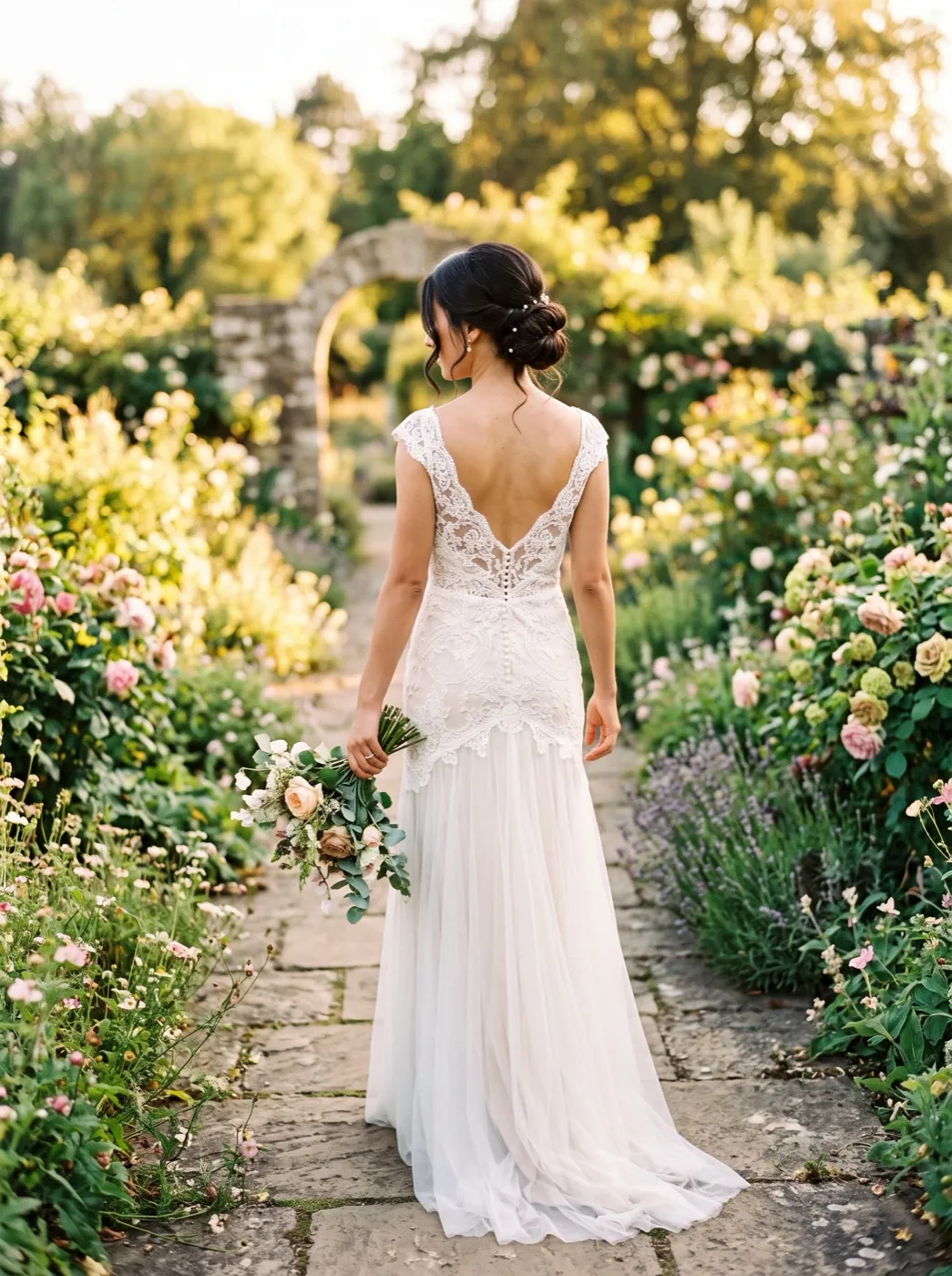
Over-the-Shoulder Look
Seedance 2 Mini · 5sA photo taken from behind becomes a short clip: they turn their head, find the camera over one shoulder and smile. The outfit, hair and setting stay as shot.
Choose an effect
 Big laugh
 Hair in the wind
 Family hug
 Wave hello
 Wink
 Professional headshot
 First kiss
 Growing up
 90s yearbook photoPhoto
 Looking back
One turn of the head, start to finish
Over-the-Shoulder Look is built for the photo most effects skip: the one where the person faces away. Seedance 2 Mini plays a single continuous shot in which the head turns, the eyes land on the lens and a smile follows, while the clothes, hair and light from your photo carry through.
- Shoulders and back stay put; the turn comes from the neck, the way a real glance does.
- Lace, collars and hair from the photo are kept frame to frame, so a dress back still reads.
- The camera holds still, so the turn is the only thing that moves.
- The clip follows the shape of your photo: a tall phone shot gives a tall clip.
Back view in, glance out
The turn is already written for you. Add the photo, check the prompt if you like, and press Generate.
Choose a back-view photo
Hair, shoulders and a bit of the setting in frame. Phone photos are fine.
The glance is pre-written
The preset asks for one turn and a smile, and tells the model to keep the face steady.
Your clip in about 2 minutes
Five seconds, no sound. Download it or send it on to another tool from your library.
Three people, three ways of looking back
The same effect on a garden, a crosswalk and a harbour. Each caption is what the prompt asked for in that run.
Seedance 2 Mini · 5sA bride in the garden
Seen from behind in a lace-back dress, she turns her head and looks back over her shoulder with a smile.
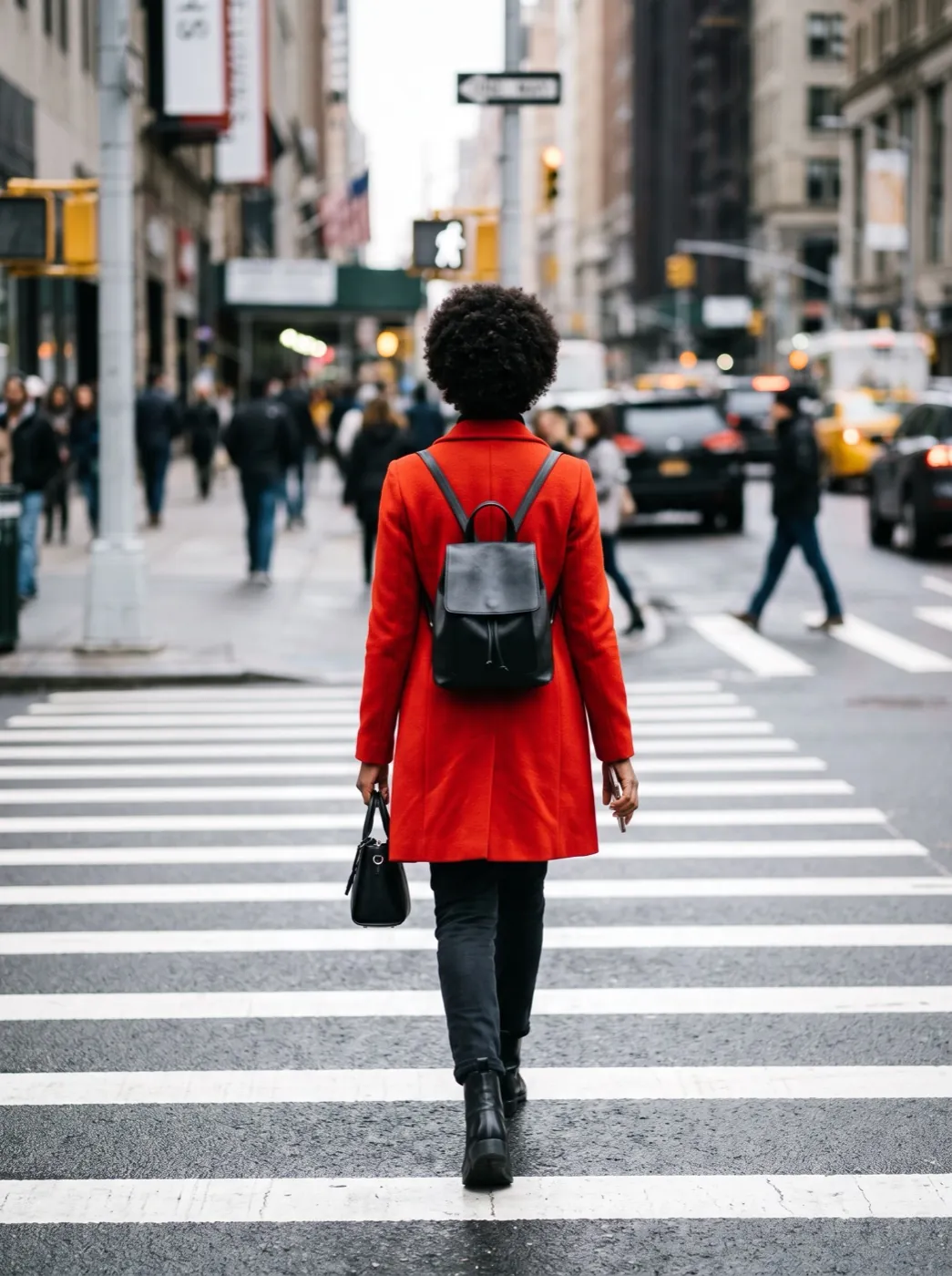
Seedance 2 Mini · 5sRed coat on the crosswalk
Mid-crossing in a red coat, she glances back over her shoulder and smirks at the camera.
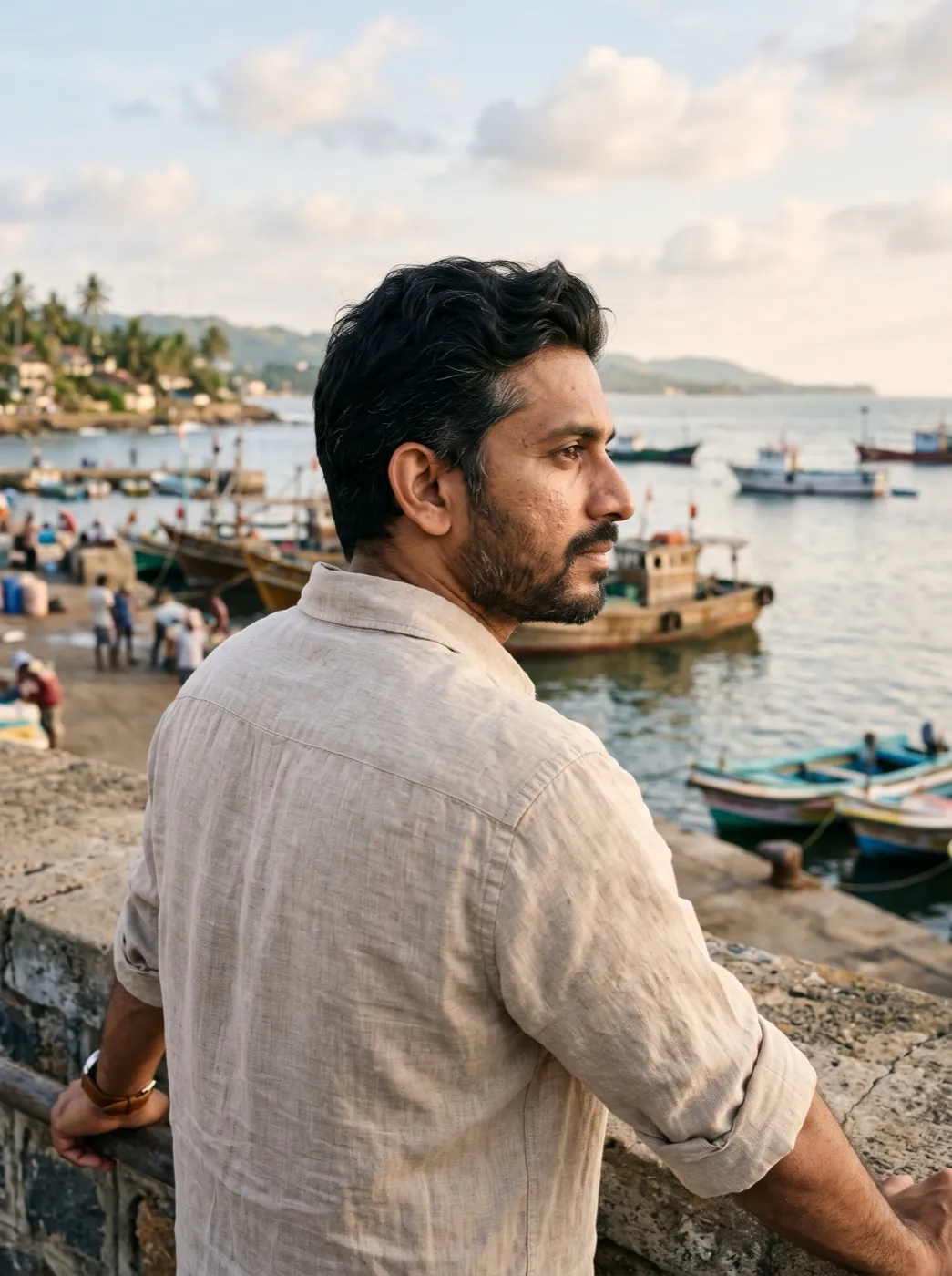
Seedance 2 Mini · 5sLinen shirt by the harbour
Sitting on a harbour wall facing the water, he turns and looks over his shoulder with a relaxed smile.
Who is looking back at you?
Find a photo of them from behind with a little cheek or ear showing, and they turn to find the camera.
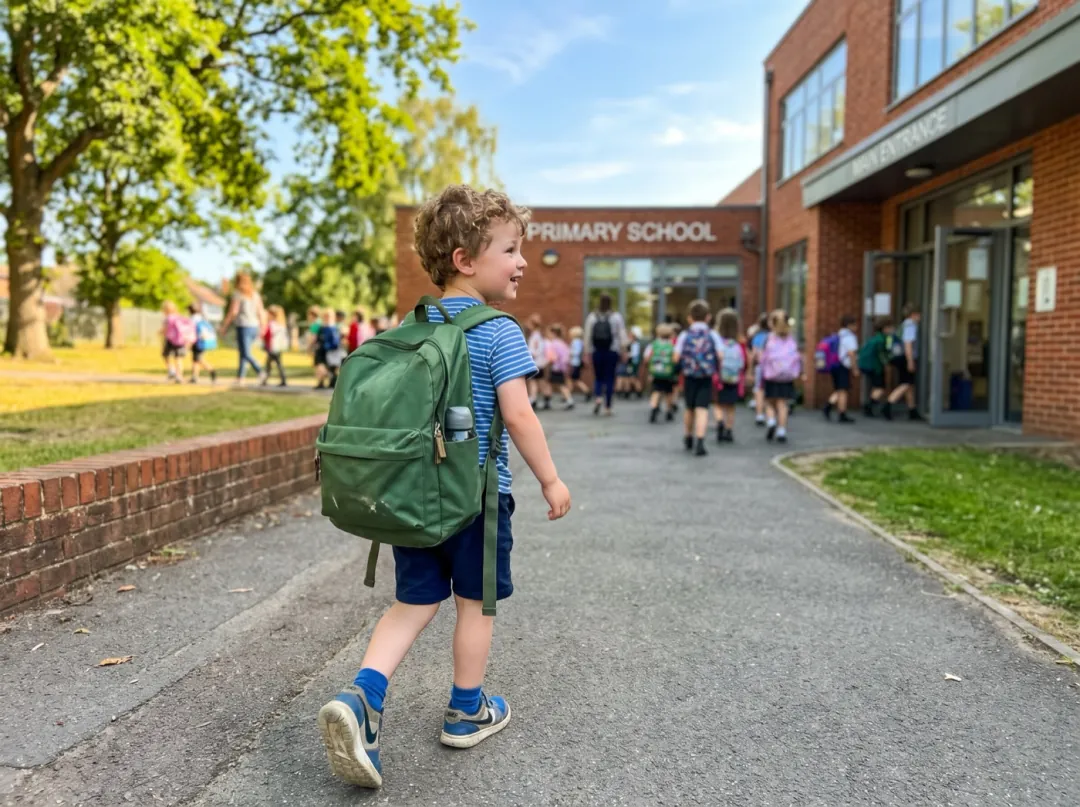
The backpack walking away, then one look back
On the first day of school, parents photograph a small back and a big backpack heading for the door. The clip gives them what they hoped for: a turn of the head and a smile back.
Crouch to their height while they are a few steps away, a cheek still showing. Send it to the other parent at work, or keep it with the school photos.
Make a first-day glance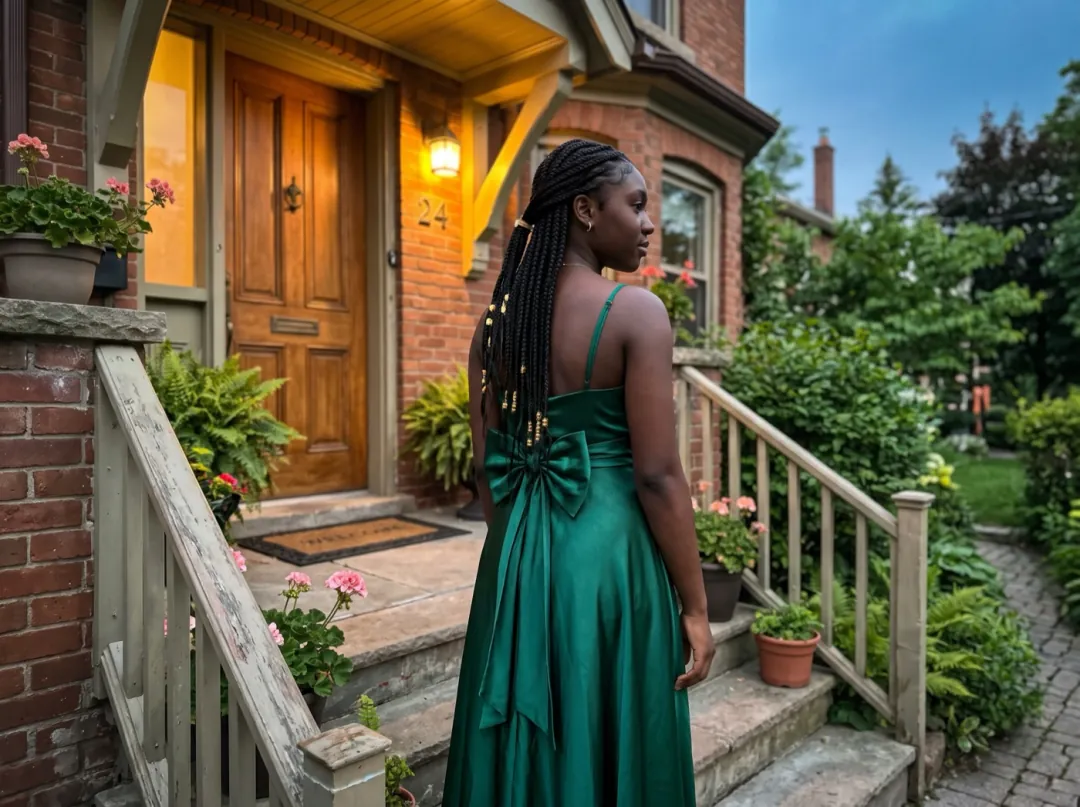
The prom dress from behind, then the smile
A prom dress is often picked for its back: a bow, crossed straps, a long braid down the middle. A photo on the front steps shows one side. The clip shows both, the back and then her face as she turns.
Have her stand still, with the porch light on the side she turns toward. Post it in the prom group chat before the car comes.
Make a prom glance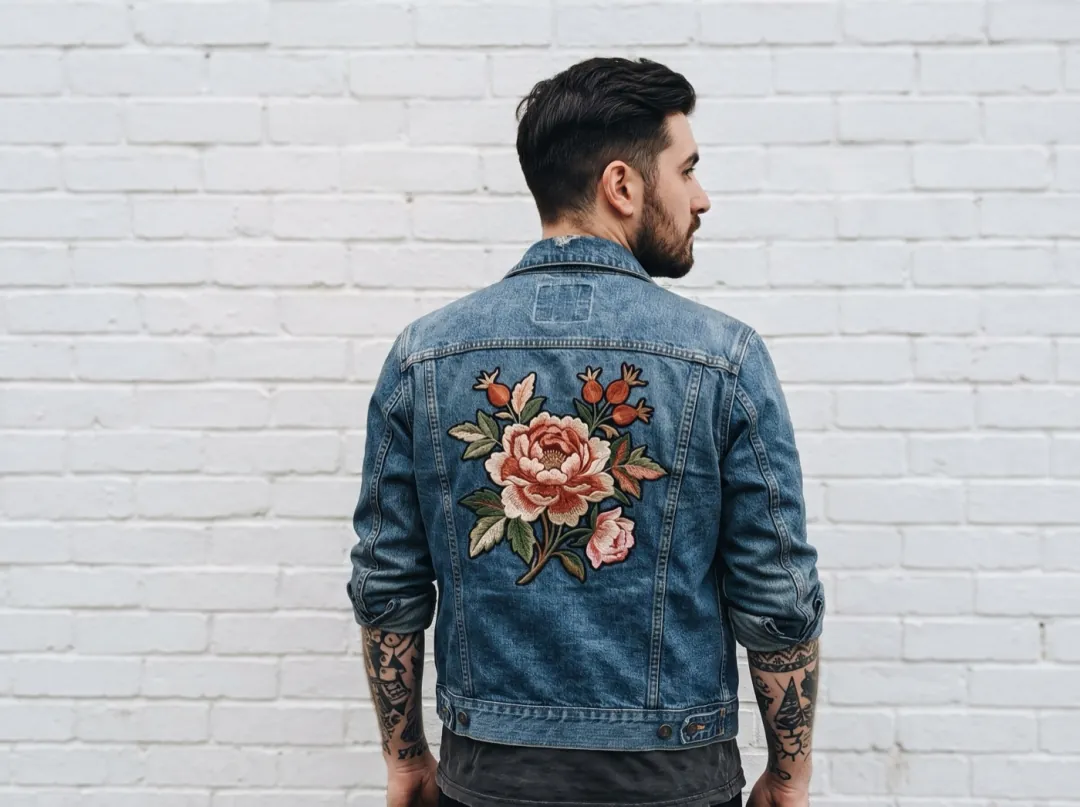
Show the back of the jacket, then the wearer
Small clothing brands photograph the back of a jacket on purpose, because that is where the embroidery or the cut is. A clip where the model turns to the camera keeps the detail in view and gives the listing some life.
Use a plain wall and keep the model still, filling at least half the frame. Add it to the product listing or the shop’s story.
Make a product glance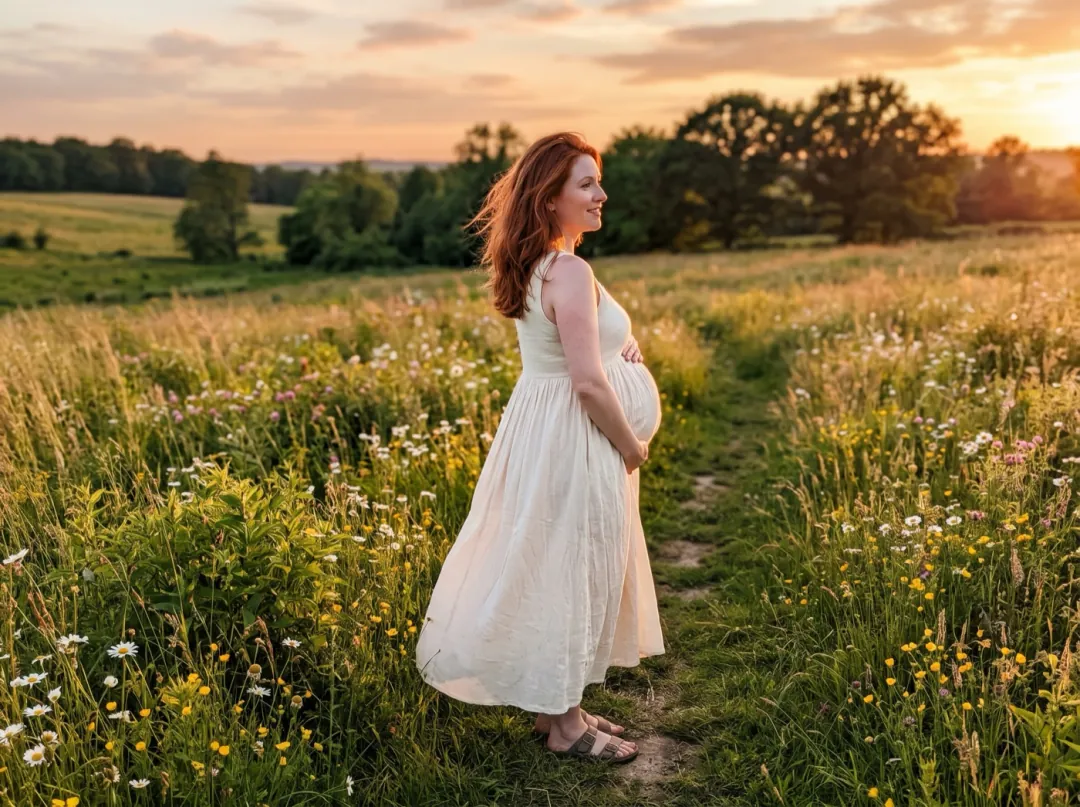
A maternity photo with a glance back
Maternity shoots often include a photo from behind, at a window or in a field, the bump showing in profile. A slow look back over the shoulder turns it into the clip parents share to count down the last weeks.
Light from the side she turns toward keeps her face clear as it comes round. Share it with family, or save it for the baby’s first album.
Make a maternity glanceBack-view photos that turn well
The model has to guess anything the camera never saw, so the photo decides how much of the face it gets right.
When the person is a small figure in a wide shot, the face that turns round is only a few pixels and loses its shape.
Against a bright sky the back is in shadow, and so is the face once it turns. Side light keeps the smile visible.
A crooked frame makes the head turn look like a stumble. Straighten the photo before you add it.
Hair and the edge of the collar move most in the turn. If they are soft in the photo, they smear in the clip.
Change how they look back
Open Edit prompt to set the speed and the mood of the glance. Leave "Face stays the same" at the end of the line.
A slow, shy glance
For bridal and portrait shots, a slower turn and a look down at the end feels softer than a full smile.
They turn their head slowly, glance back over their shoulder, then lower their eyes with a shy smile. Face stays the same.
Hair swings with the turn
Long or loose hair can follow the movement. Ask for a quicker turn so it has something to swing with.
They turn quickly to look back over their shoulder, their hair swings with the movement and settles, then they smile. Face stays the same.
Look back, then walk on
For a street or travel photo, the glance can end with them facing forward again and walking away.
They look back over their shoulder and smile at the camera, then face forward again and keep walking. Face stays the same.
Before and after the glance
The photo and the clip both land in your library, so you can tidy the scene first or carry the clip further.
Clear the background
Swap a busy street or a crowd for a cleaner scene before the turn.
Open Image to Image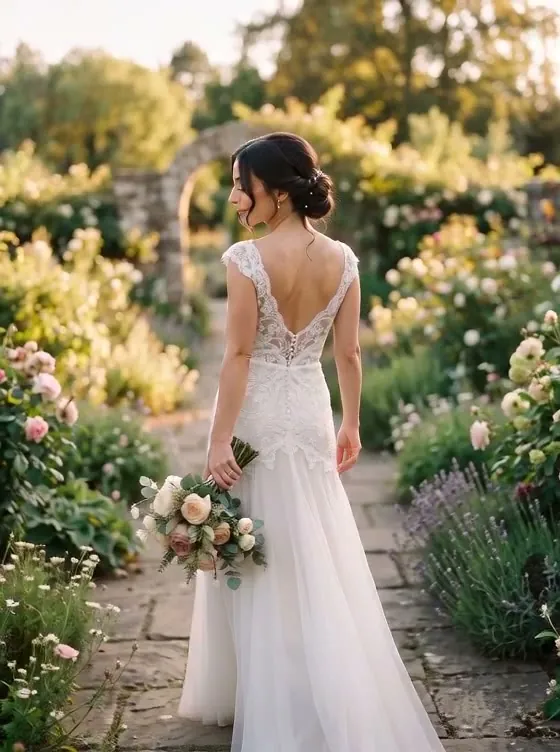
One look back
A 5-second clip from a photo taken from behind.
End on a front-facing photo
Start on the back view and finish on a real photo of their face, so the turn lands on them.
Open Frames to VideoSharpen it for a reel
Lift the clip above 480p before it goes into a wedding or travel edit.
Open Video UpscalerOver-the-Shoulder Look FAQ
Questions about turning a photo from behind into a glance.
Will the face in an Over-the-Shoulder Look clip look like the real person?
Only as much as the photo shows. If the cheek, ear or a sliver of profile is visible, the model has something to keep. From a full back view it has to imagine the face, so treat the clip as a mood, not a likeness. For a true face, use Frames to Video and end on a front-facing photo of them.
What kind of photo works best for Over-the-Shoulder Look?
One person, seen from behind or three-quarters behind, filling at least half the frame, with some light falling on the side they will turn toward. Garden, street and travel shots all work; a crowd or a silhouette against the sun does not.
What moves in an Over-the-Shoulder Look clip?
Mostly the head and eyes, with a little give in the shoulders and hair. The camera stays still and the setting stays as it was, so nothing competes with the turn. The clip is 5 seconds at 480p and has no sound.
How much does Over-the-Shoulder Look cost?
Each clip uses 30 video credits. The 10 free credits you get at sign-up are image credits, so they cannot pay for a clip; packs start at $9.90 for 600 credits. If a run fails or is blocked, the credits go back to your balance.
Can I use Over-the-Shoulder Look on a couple or a group photo?
It is written for one person. In a couple shot, edit the prompt to say who turns, for example "the woman on the right looks back over her shoulder; the man keeps walking". With more than two people, crop down to the one you want.
Which way will they turn in Over-the-Shoulder Look?
The model usually picks the side where more of the face is visible. To choose, add "over their left shoulder" or "over their right shoulder" to the prompt. Left and right mean theirs, not yours.
My Over-the-Shoulder Look clip twisted the body. What should I try?
Ask for less: add "only the head turns, the body stays facing away" to the prompt and run it again. A photo where the person stands still, rather than mid-stride, also helps the shoulders stay in place.
More effects for portraits on the move
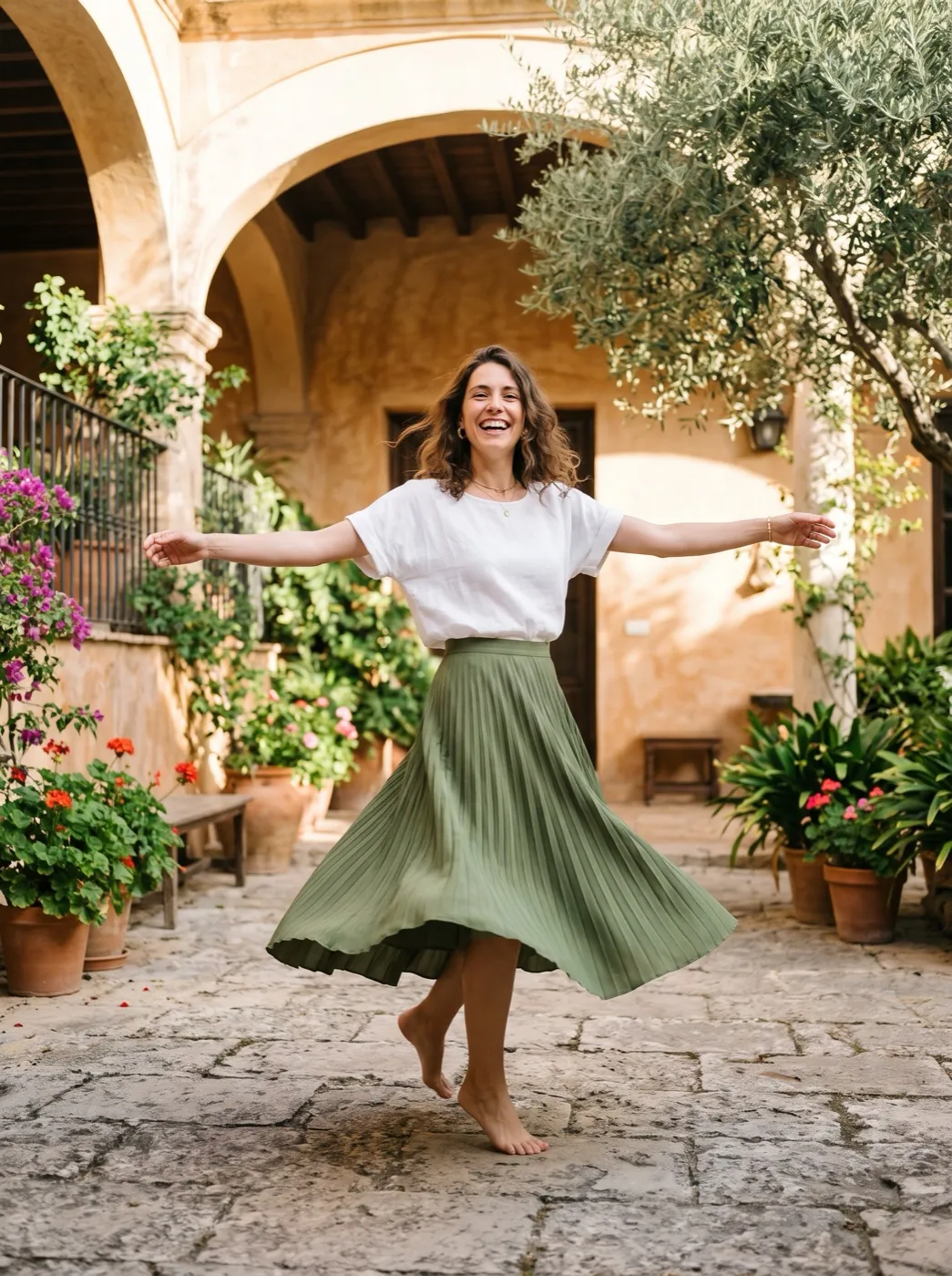 FunSpin and pose
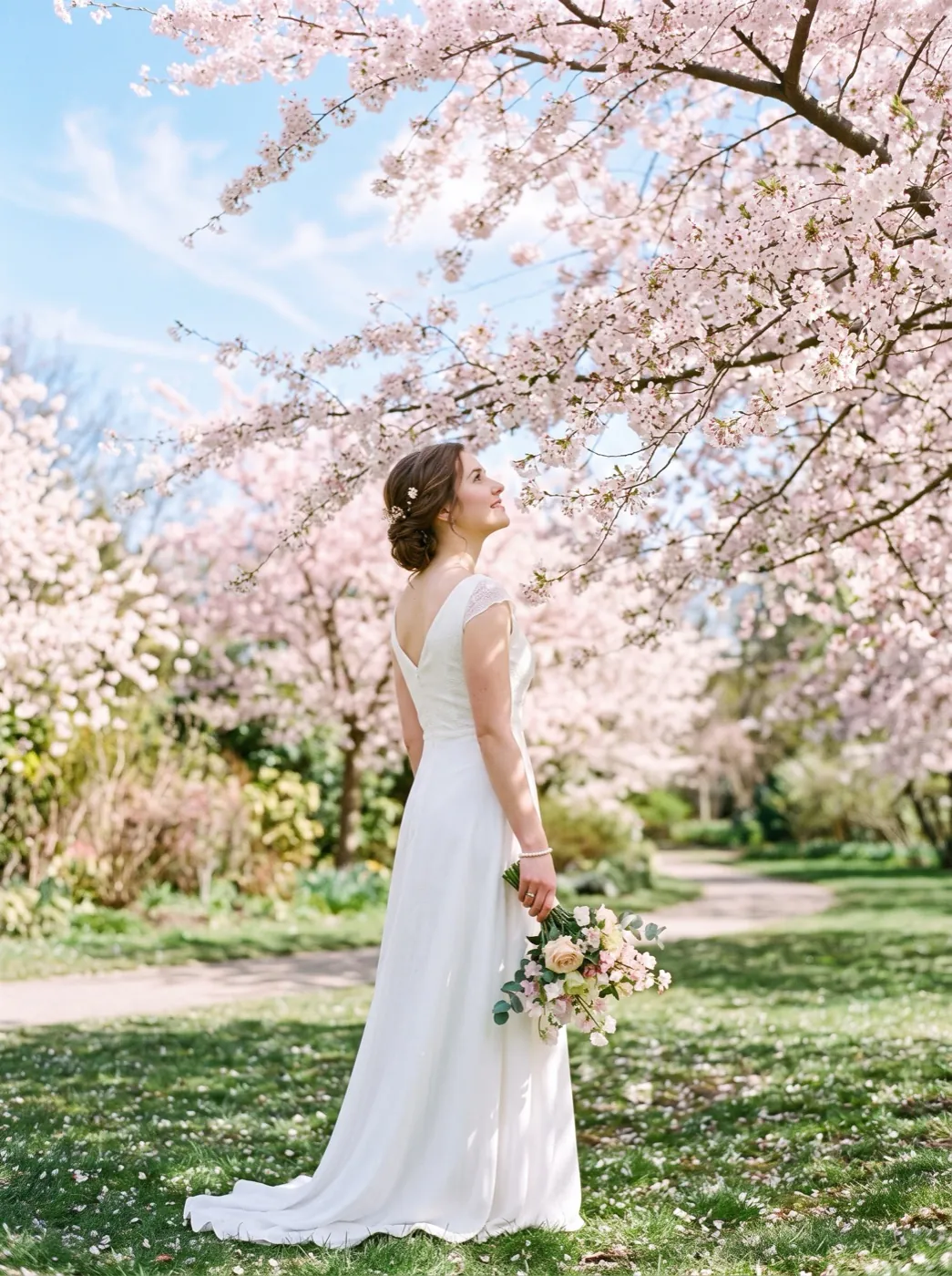 HolidayPetals fall
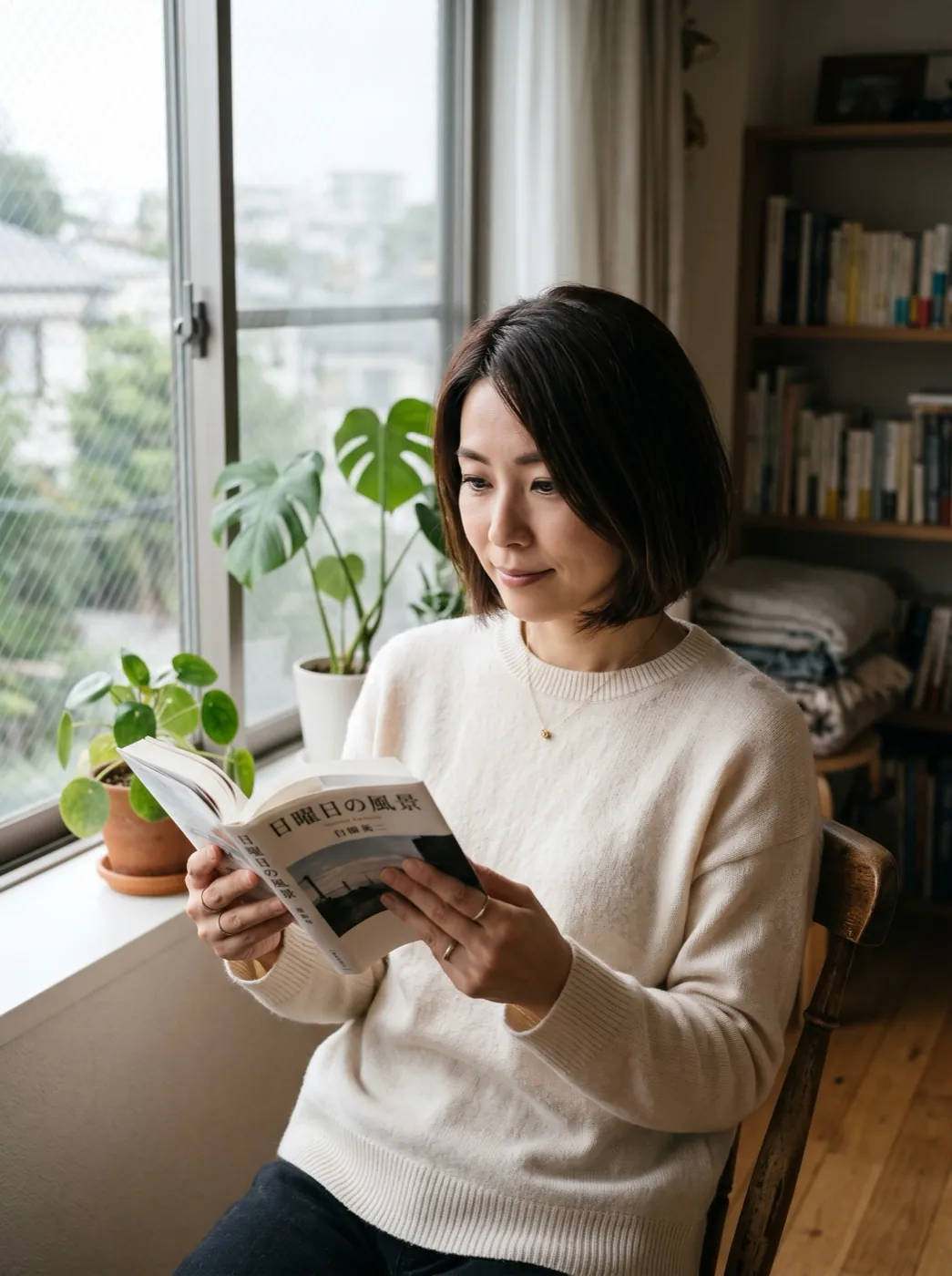 StylesGolden hour glow
They walked away from the camera. Let them look back.
Add one photo taken from behind and get the glance you wish you had caught.