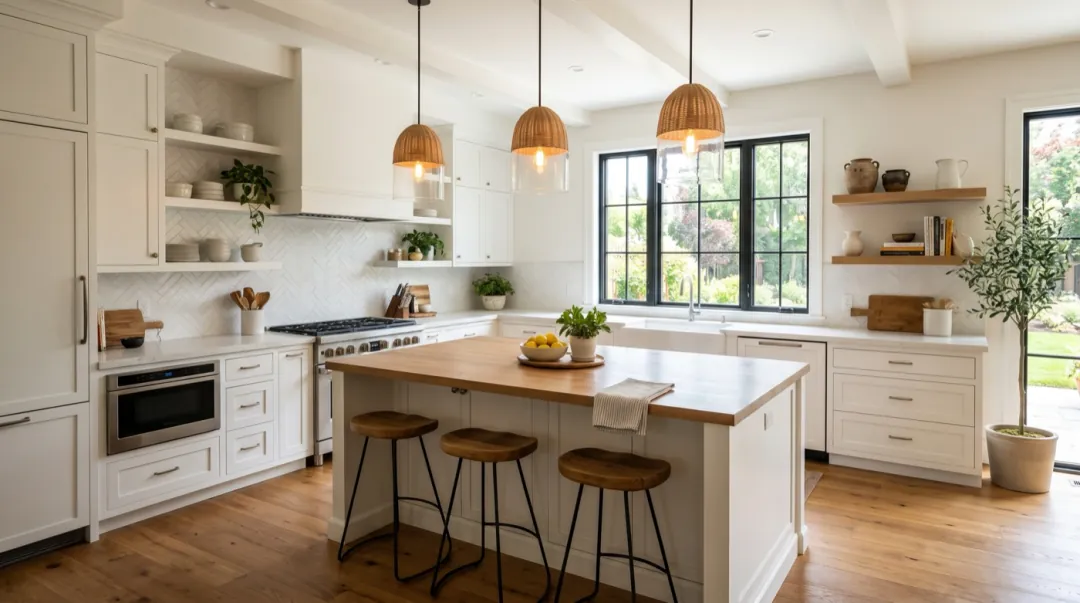
B-roll is the footage you cut to while someone is talking: the desk, the street outside, the coffee going cold. It covers jump cuts, shows the place and gives the viewer something to look at besides a face. Shooting it takes time you rarely have. A photo of the place, plus one slow move, gets you a few seconds of footage that cuts in cleanly, and that is all a cutaway needs to be.
- B-roll is calm: one slow move, no people doing much, no story.
- Three moves cover most needs: a slider, a time-lapse and moving light.
- Match the shape and the look of your main footage.
- Five seconds is plenty; most cutaways are on screen for two or three.
What B-roll needs
A cutaway is not meant to be watched closely. It sits under a voice and holds the viewer for a moment before the cut back. That changes what a good clip looks like. A dramatic camera move or a person doing something interesting pulls attention away from what is being said. What works is a place that feels real, with a little motion so the frame does not look frozen.
- The place, not the person. Desks, rooms, streets, hands, objects. Faces draw the eye.
- One slow move. A slider, a gentle push-in, or the camera holding still while light moves.
- The same shape as your video. Wide for YouTube, tall for Shorts and Reels.
- A look that matches. Warm footage needs warm cutaways; a cold, blue room will jump out.
- Your own photos where you can. A shot of your real desk or street sells the edit better than a generic one.
Three shots that pass as real footage
The slider. A slow sideways move along a surface is the classic B-roll shot, and it is the easiest for a model, because nothing in the scene has to change. We used a photo of a podcast desk and asked for a slider move and soft lamp light:
Slow slider move along the desk, the lamp light flickers softly. One continuous shot, no cuts, natural physics, stable faces and hands. Keep the first frame’s faces, clothes and light.
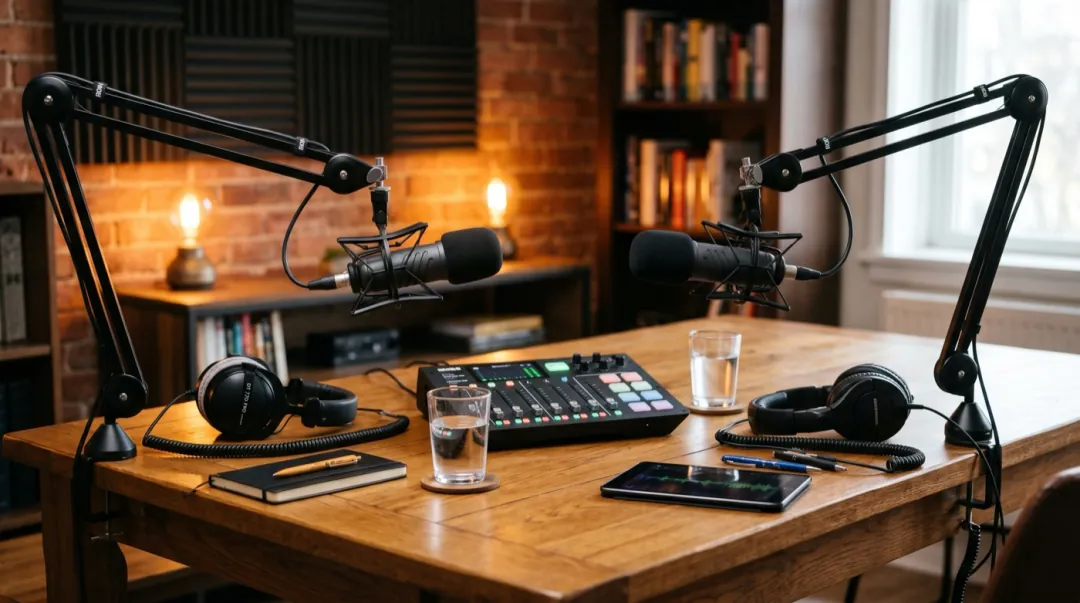
The time-lapse. For a sense of place or of time passing, ask for a time-lapse of something that moves in waves: crowds, traffic, clouds, a market. A high viewpoint works best, because individual faces stay too small to matter.
Time-lapse of crowds crossing in waves, cars streak through. One continuous shot, no cuts, natural physics, stable faces and hands. Keep the first frame’s faces, clothes and light.

Moving light. When the camera should not move at all, let the light do the work. Sun sliding across a table, a lamp flickering, shadows of leaves on a wall. It reads as a quiet moment and fits under almost any line.
Sunlight slides across the desk, steam rises from the coffee. One continuous shot, no cuts, natural physics, stable faces and hands. Keep the first frame’s faces, clothes and light.
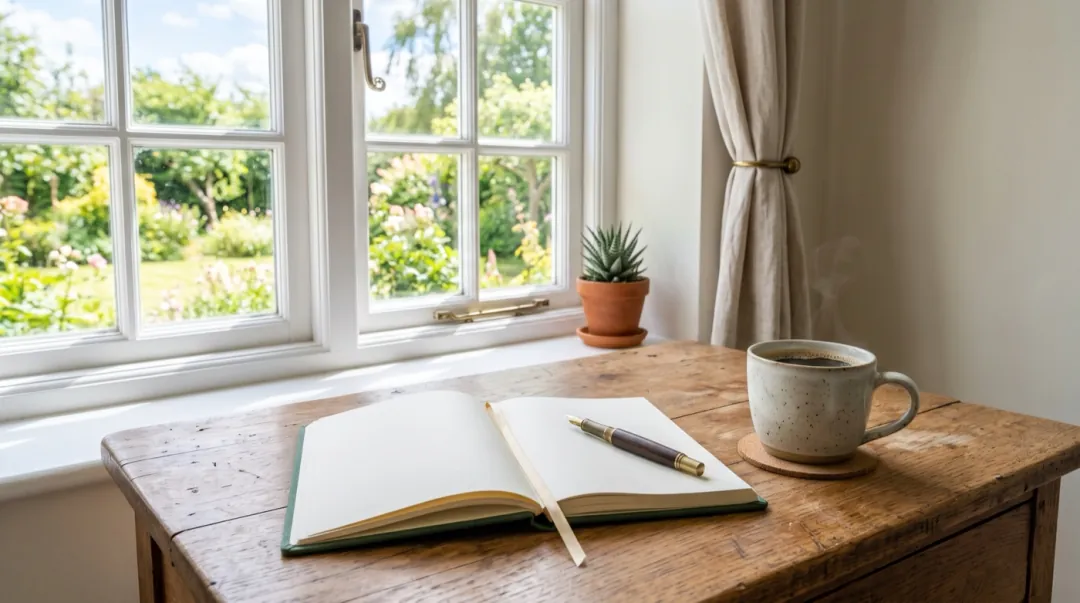
All three were made on Seedance 2 Mini at 480p for five seconds, the cheapest way to see whether a cutaway works in the edit. For the final cut, rerun the one you keep at 720p, or put it through the video upscaler.
Cutting it in
- 1Generate in the shape of your main footage, so the cutaway fills the frame without cropping.
- 2Trim to the middle two or three seconds. The first and last moments of a clip are where motion starts and settles.
- 3Cut on a pause or the end of a sentence, not in the middle of a word.
- 4Lower the cutaway’s own sound, if it has any, under the voice. Room tone helps; music fights.
- 5Use each cutaway once. A repeated shot is the first thing viewers notice.
| Video | Cutaways that fit |
|---|---|
| Podcast | Desk slider, microphone close-up with lamp flicker, window with rain. |
| Travel vlog | Street time-lapse, train window, café table with moving light. |
| Explainer | Hands on a keyboard, notebook with sun moving across it, city from above. |
| Cooking | Steam over the pot, slow push-in on ingredients, window light on the counter. |
| Business | Office from above, coffee on a meeting table, slider along a shelf of products. |
When a cutaway stands out
| What you see | Why | What to change |
|---|---|---|
| It looks too smooth, like a render | A very clean photo and a perfect move. | Use your own photo, or ask for a slight handheld feel. |
| The colours do not match the edit | The photo was shot in different light. | Grade the cutaway with the rest, or pick a photo from the same time of day. |
| People in the background warp | Faces and bodies at the edge of the frame. | Use a high viewpoint or a photo without people close up. |
| Too much happens | An action in the prompt. | Keep to one camera move or one light change. |
FAQ
Can AI make B-roll from a photo?
Yes. A photo of the place plus one slow camera move or a light change gives a few seconds of footage that cuts in under a voice.
What makes AI B-roll look real?
Calm motion and a real place. One slow move, no faces close up, and the same shape and colour as the footage around it.
How long should a B-roll clip be?
Generate five seconds and use the middle two or three. The start and end of a clip are where the motion begins and settles.
Can I use AI B-roll in a YouTube video?
Yes. Clips made with paid credits have no watermark and you can use them commercially, as long as you have the right to use the photo. Check the platform’s rules on labelling AI-made footage.
Which camera moves work best for B-roll?
A sideways slider, a slow push-in, a time-lapse from a high viewpoint, or a still camera with moving light.