
3D Cartoon
Nano Banana 2.1You as a character in a 3D animated family film: big eyes, rounded shapes, warm studio light, in the same place and pose with your own hair and clothes.
Choose an effect
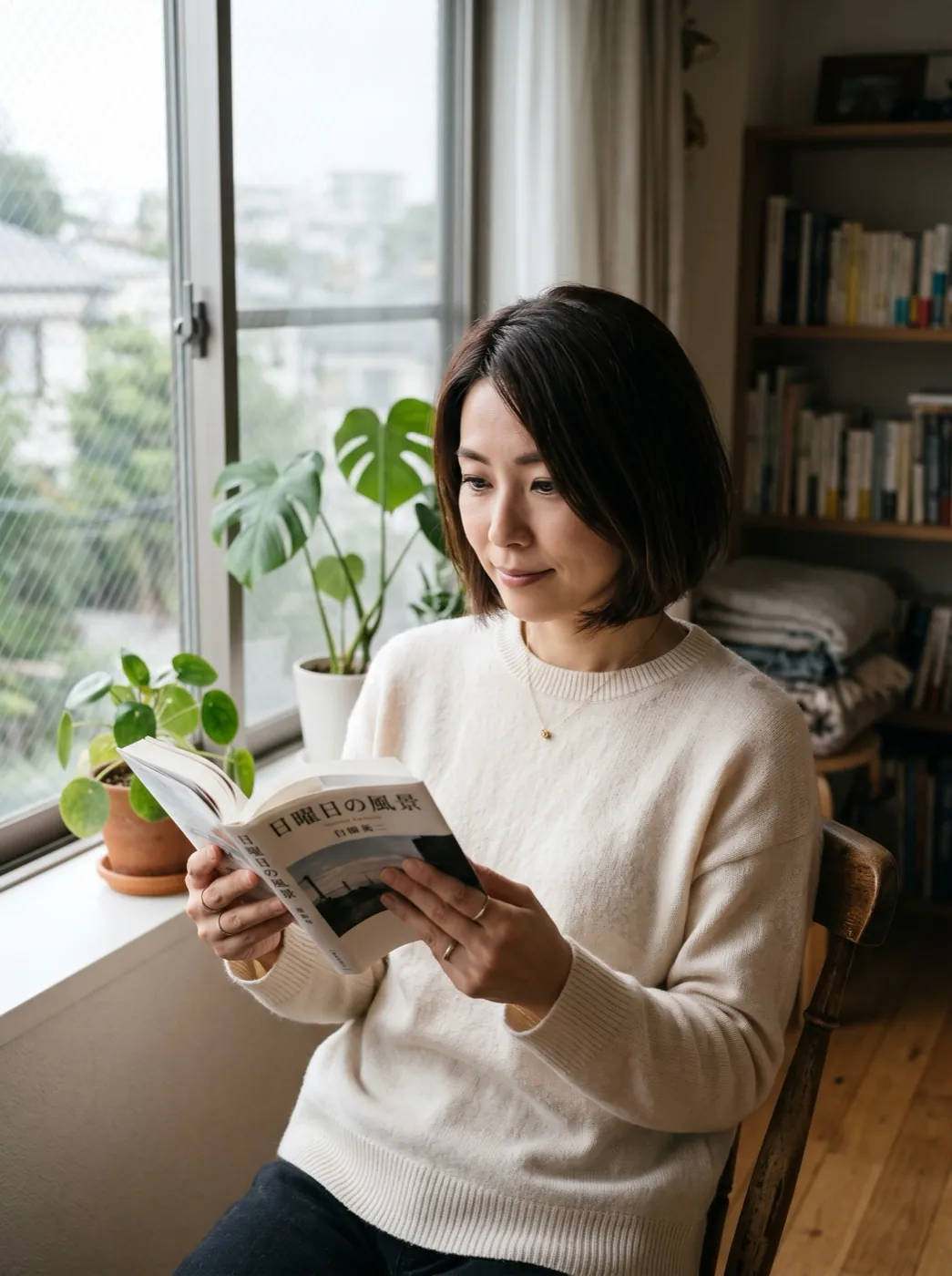 Golden hour glow
 Product spin
 Action figure box
 Clay figure
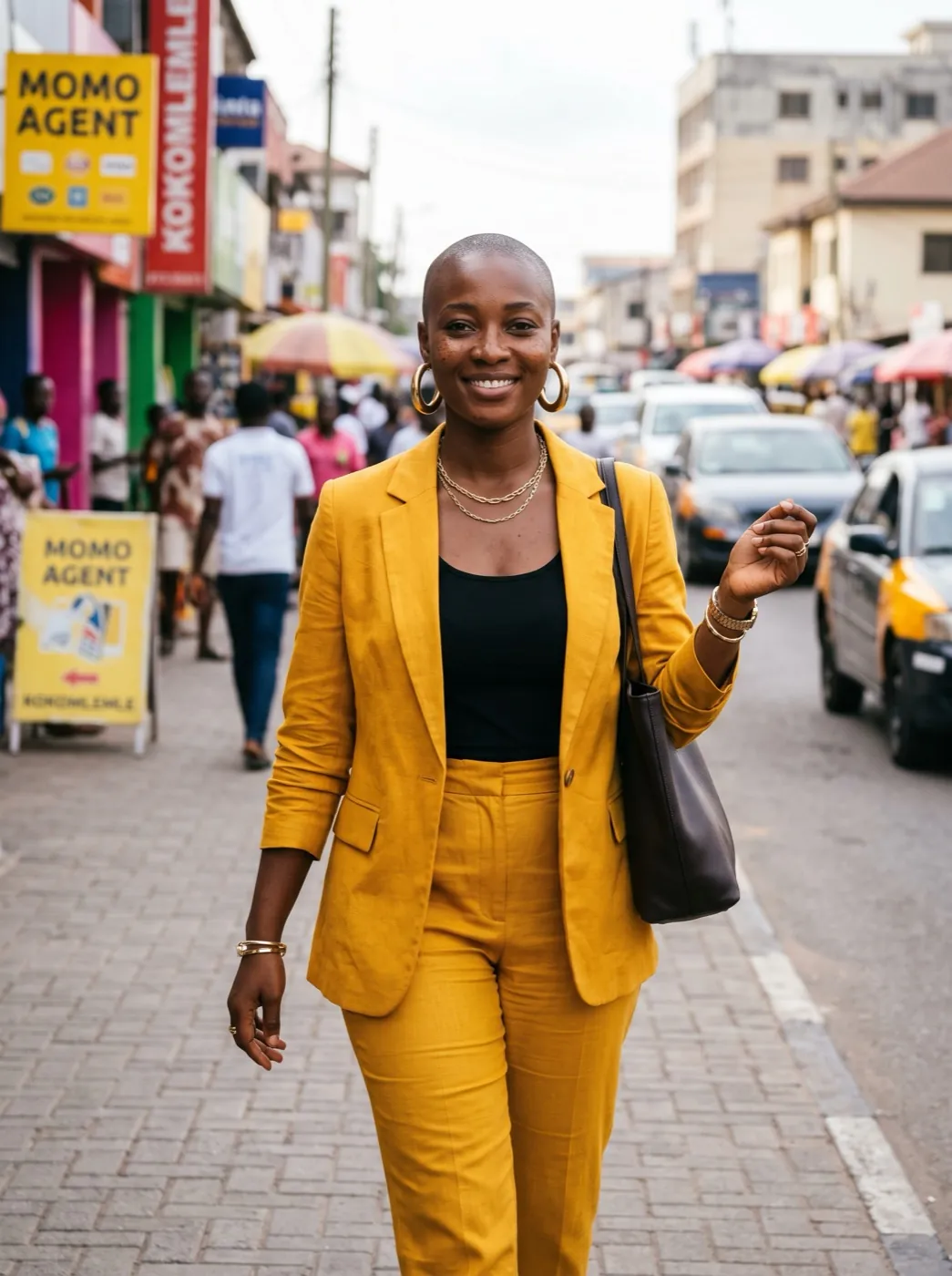 Magazine cover
 Superhero poster
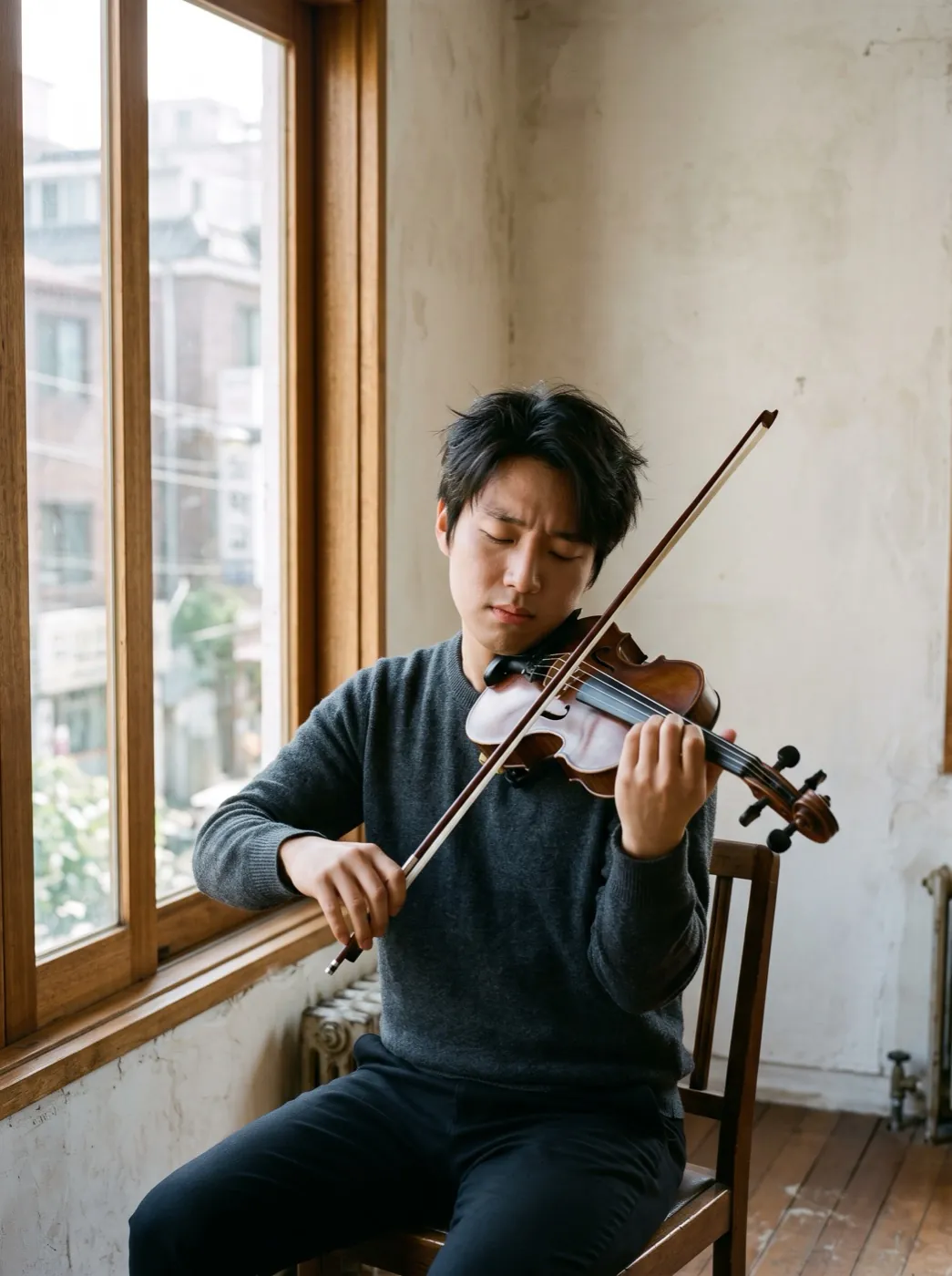 Oil painting
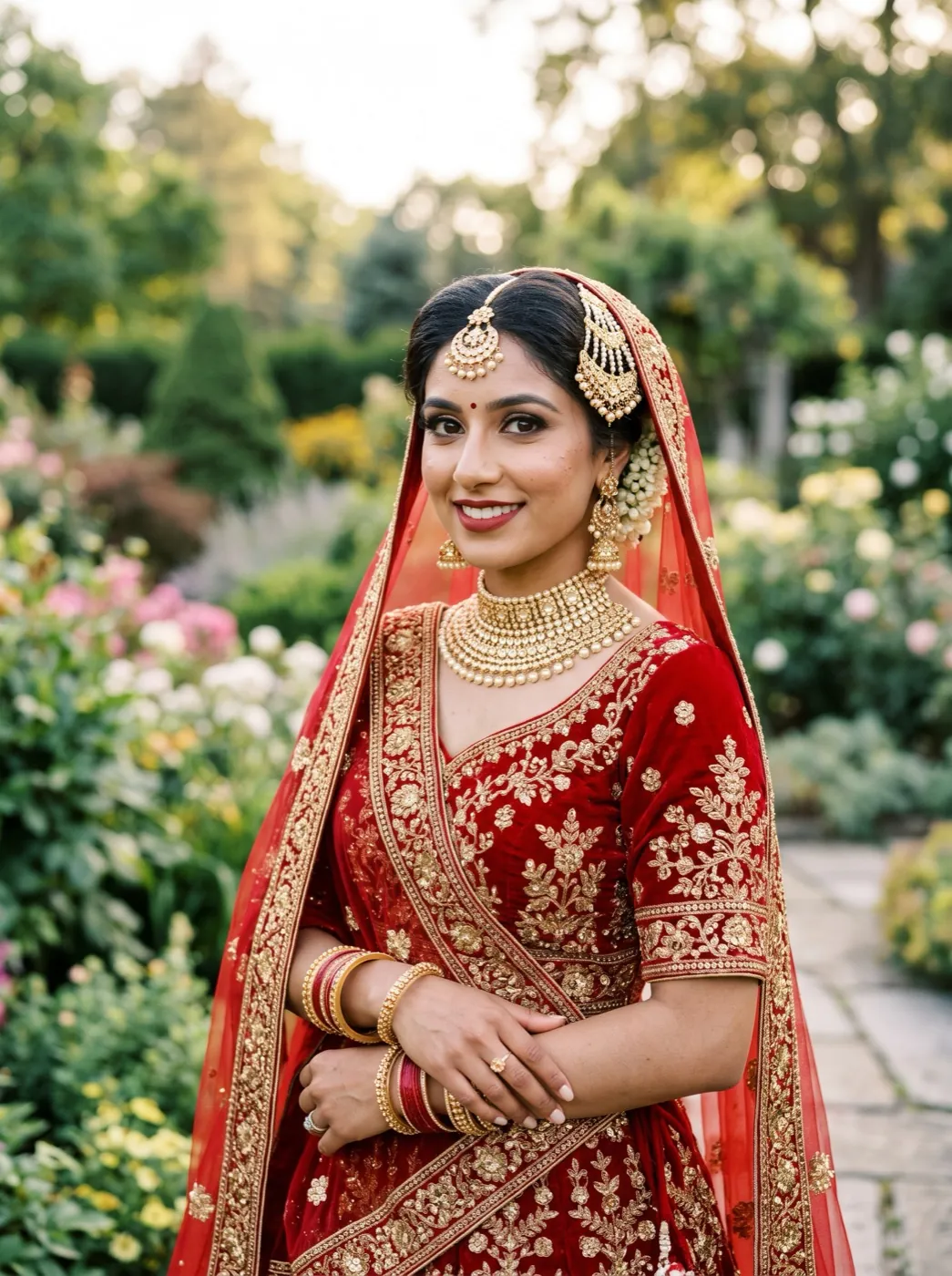 Watercolor portrait
 Pencil sketch
 Photo
Cast as the lead
3D Cartoon re-renders your photo as a frame from an animated feature. People get big expressive eyes, rounded features and warm studio light, and the place around them is rebuilt as a cartoon set. The pose stays, and so do hair, clothes and colors. Nano Banana 2.1 draws it at 2K, and the result is one picture.
- Big, expressive eyes and soft rounded shapes: the classic animated-film look.
- Hair, clothes and colors carry over, so friends can tell who is who.
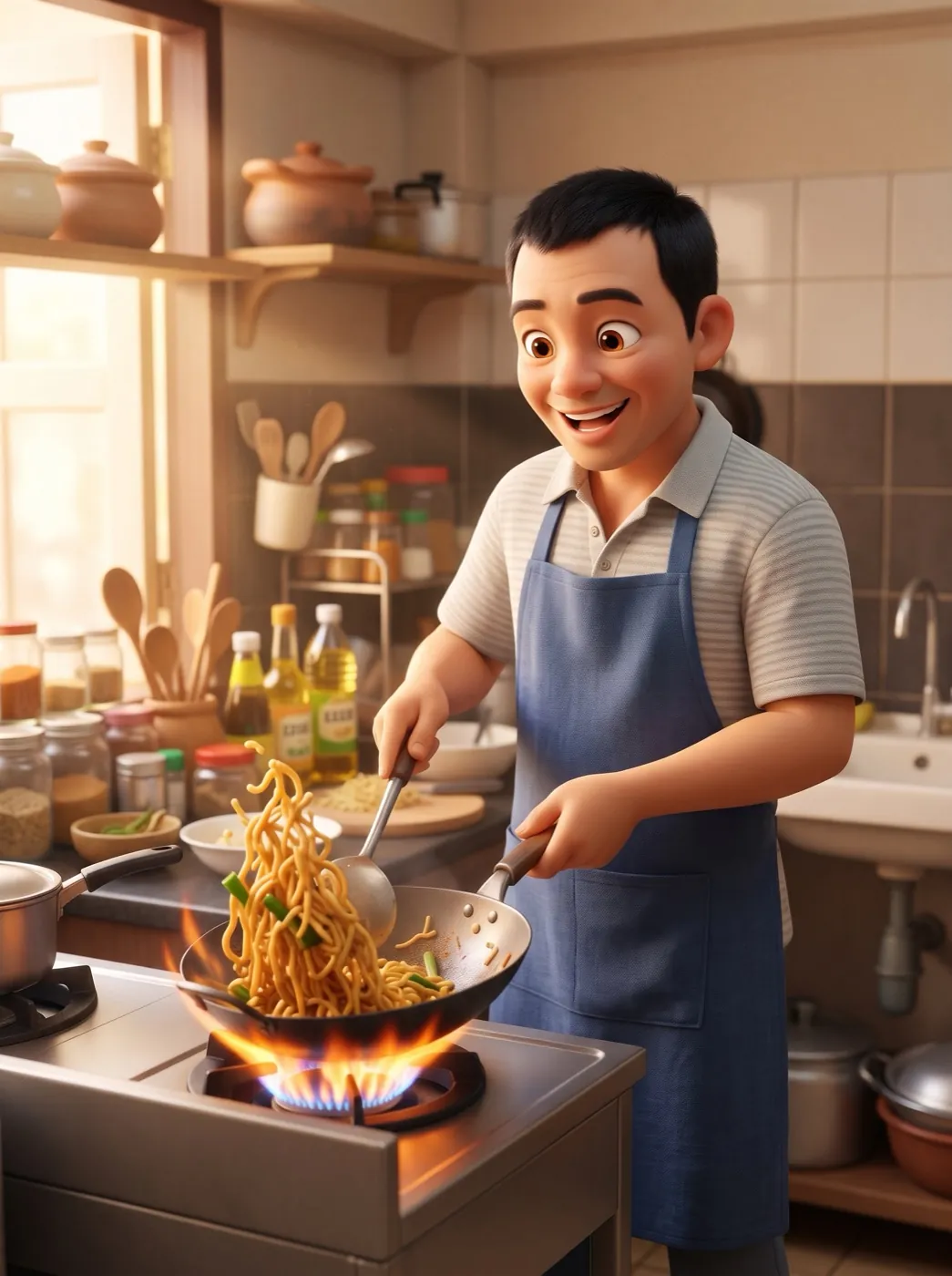
- The action keeps going: a wok toss turns into noodles flying out of the pan.
- The setting turns cartoon too, whether it is a kitchen, a beach or a country road.
Into the film in three steps
The animated-film prompt is written already. All you choose is the photo.
Pick a photo with some action
Cooking, cycling, a beach selfie: a pose that tells a small story makes a better frame.
The cartoon prompt is loaded
It asks for big eyes, rounded shapes and warm light, and to keep hair, clothes and colors.
Meet your character
A picture is back faster than a clip. Save the 2K file or make it your new avatar.
A cook, two sisters and a cyclist, cartooned
Three photos, one prompt, all made on Nano Banana 2. New runs on this page use Nano Banana 2.1.
Noodles in the wok
A man in his forties tossing noodles over a flame in his home kitchen. As a 3D cartoon he has big eyes, and the noodles fly out of the wok.
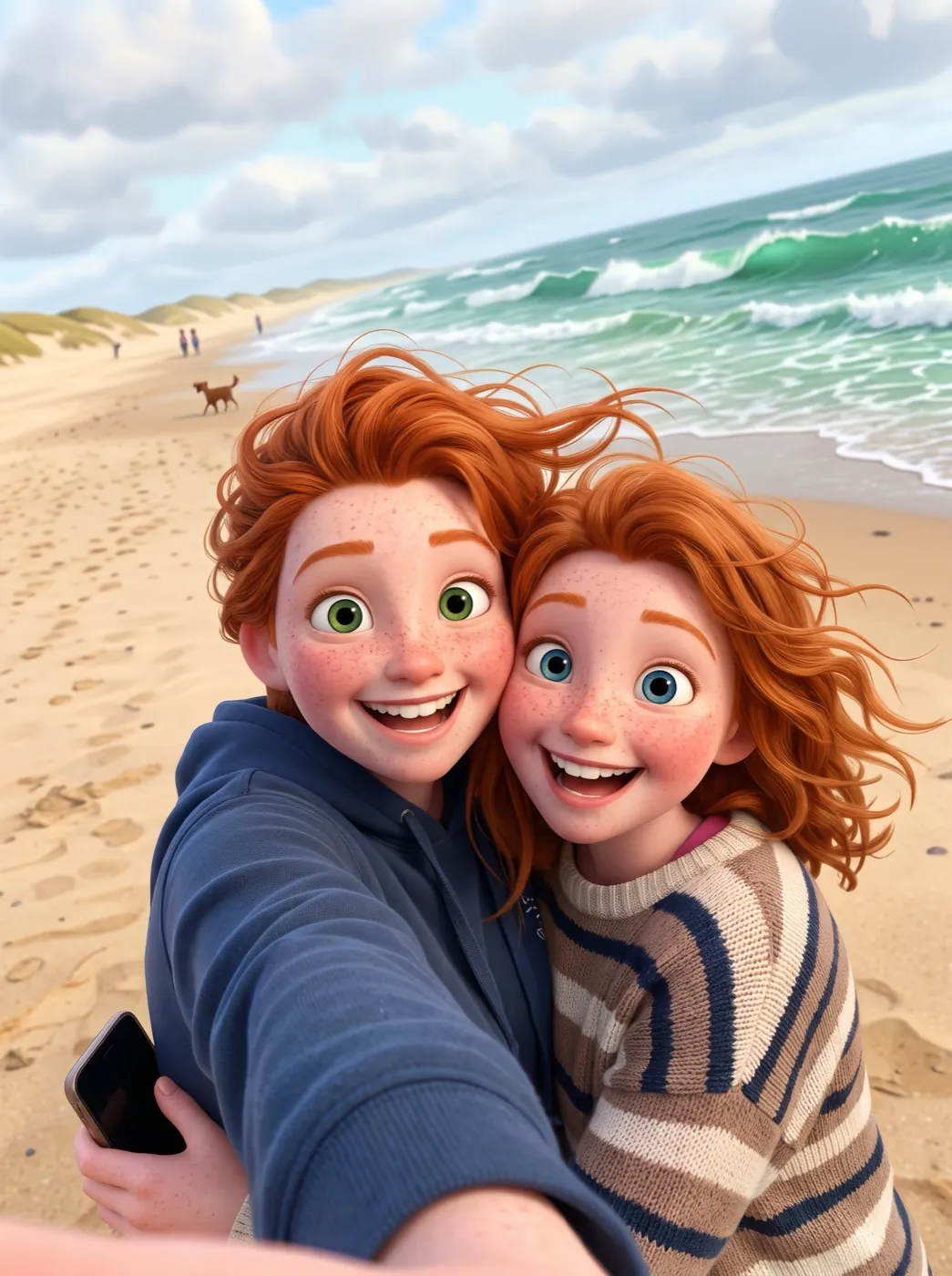
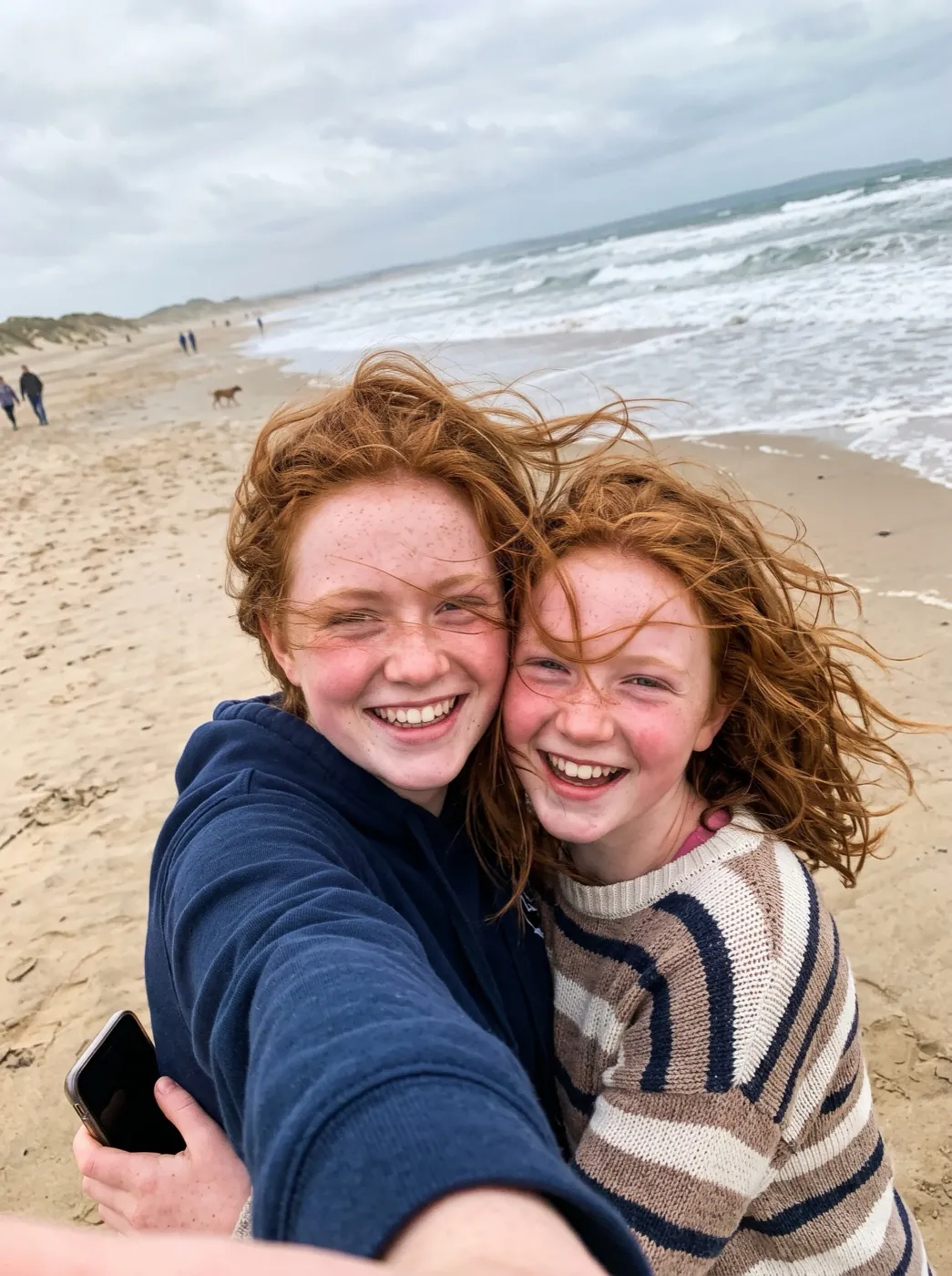
Selfie on a windy beach
Two red-haired teenage sisters squeezing into a phone selfie, hair blowing. Now cartoon characters taking the same selfie on a bright cartoon beach.
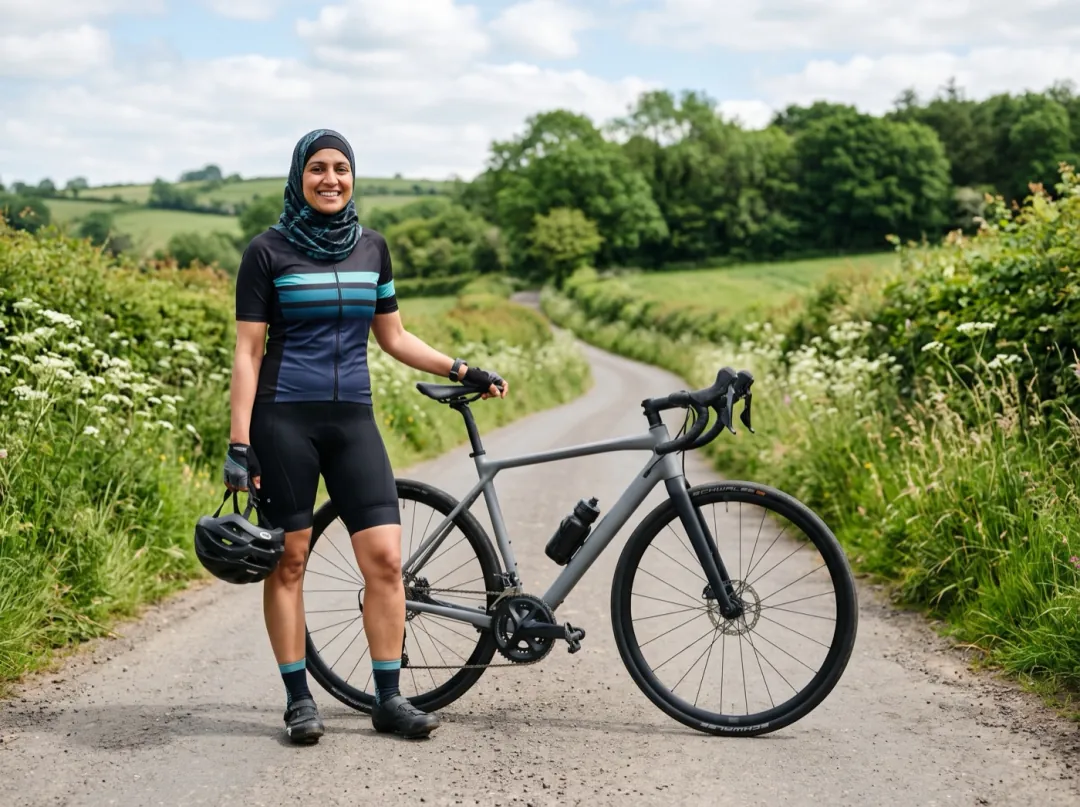
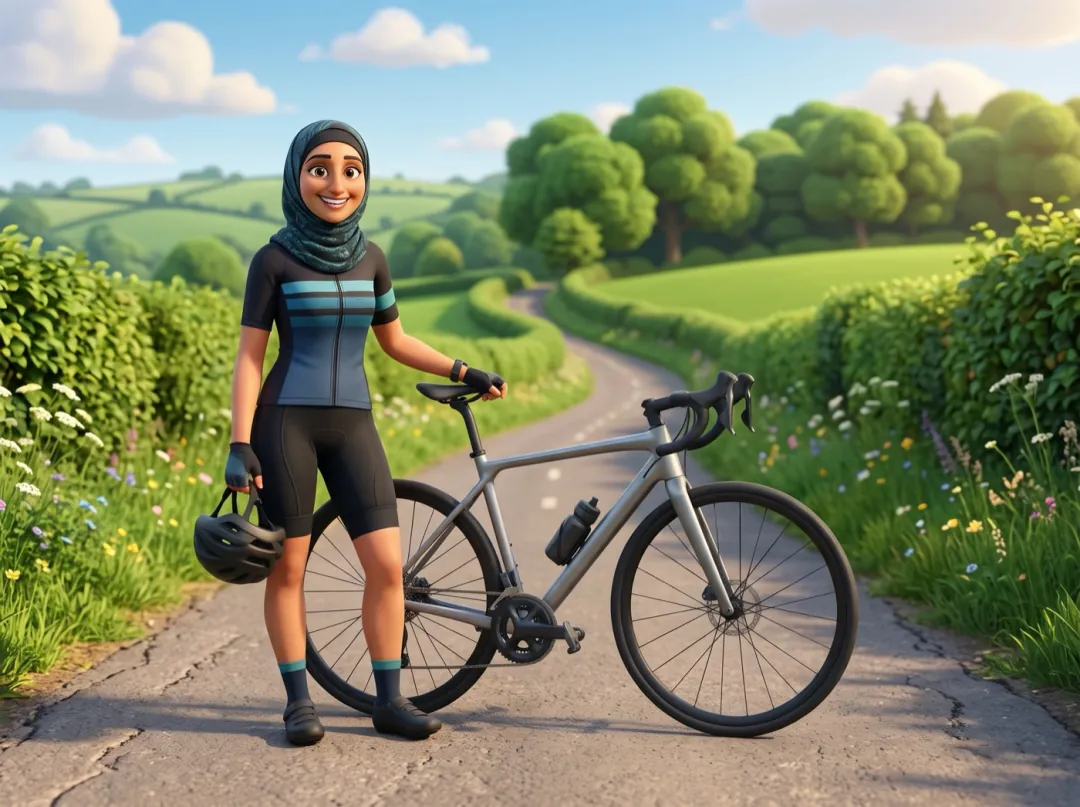
Ready to ride
A woman in a sports hijab and cycling gear beside her road bike, helmet in hand. As a cartoon she stands beside a shiny bike on a winding country road.
Who is getting cast in the cartoon?
Each row is a different person and the photo they started from. Hair, clothes and pose decide the character.
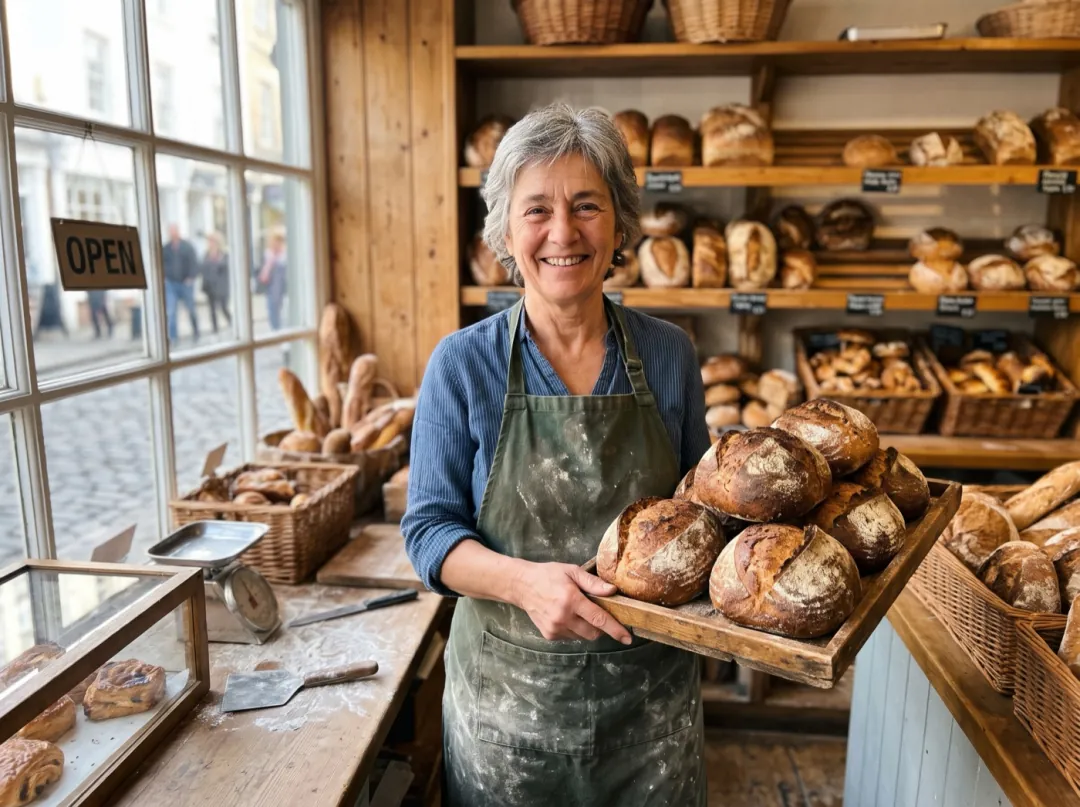
A cartoon of you for the shop
Owners of a bakery, a bike shop or a food truck often want a friendly face for the menu, the window or the shop’s social page, without a stiff headshot. A cartoon of you at work fills that spot.
Take the photo in your apron or work shirt, holding something you sell. Use the picture on stickers, the menu card or your profile.
Cartoon a shop owner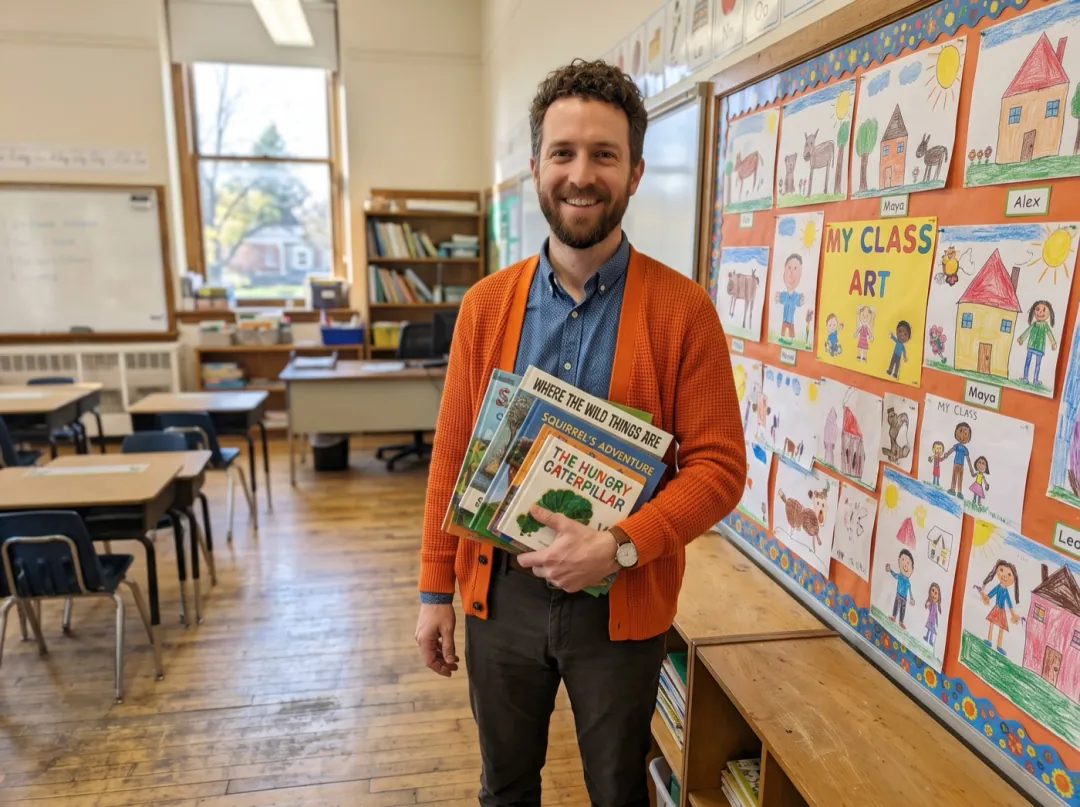
Meet the teacher, cartoon edition
At the start of a school year, teachers put a face on the classroom door and the welcome letter. A cartoon feels friendlier to small kids and keeps your real photo off the class page.
A photo at your desk or the whiteboard, in the clothes you usually teach in, gives the character its look. Print it for the door or add it to the letter home.
Cartoon a teacher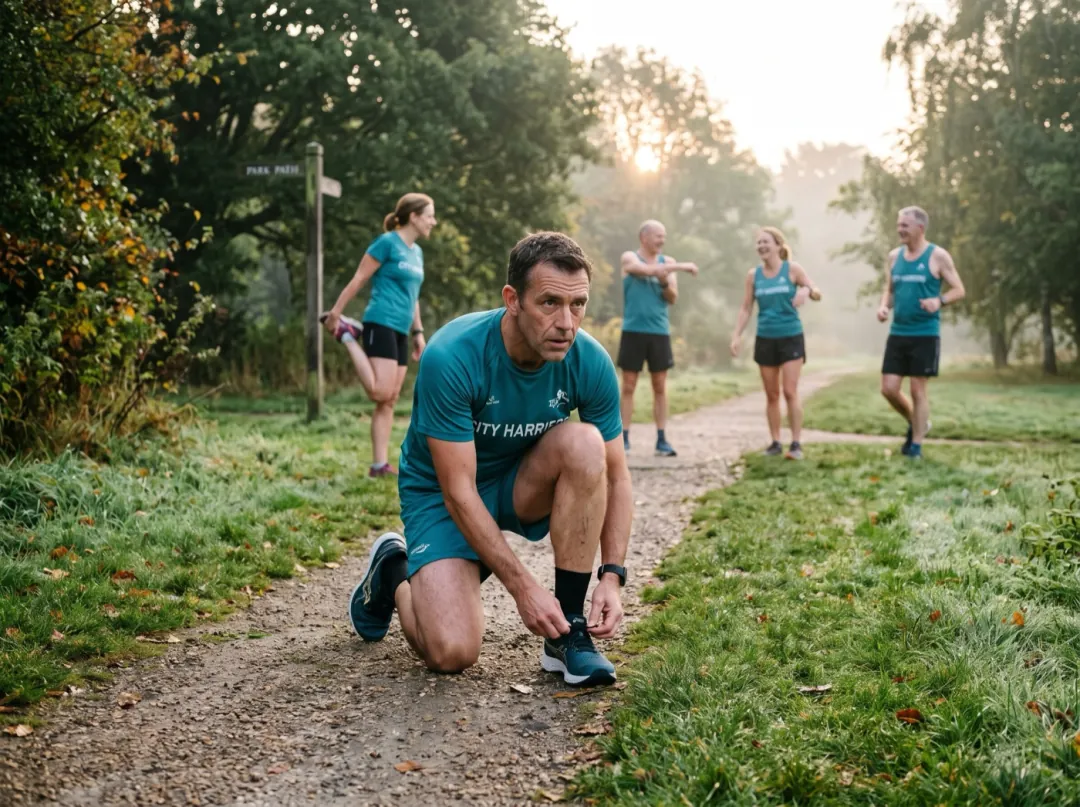
Cartoon avatars for the whole club
Cycling clubs, running crews and five-a-side teams like a set of avatars for the group chat and the club page. Everyone sends one photo in kit, and each person comes back as their own character.
Ask for photos in the club colors with the bike, ball or shoes in view. Make each one separately, then post the set together.
Cartoon a teammate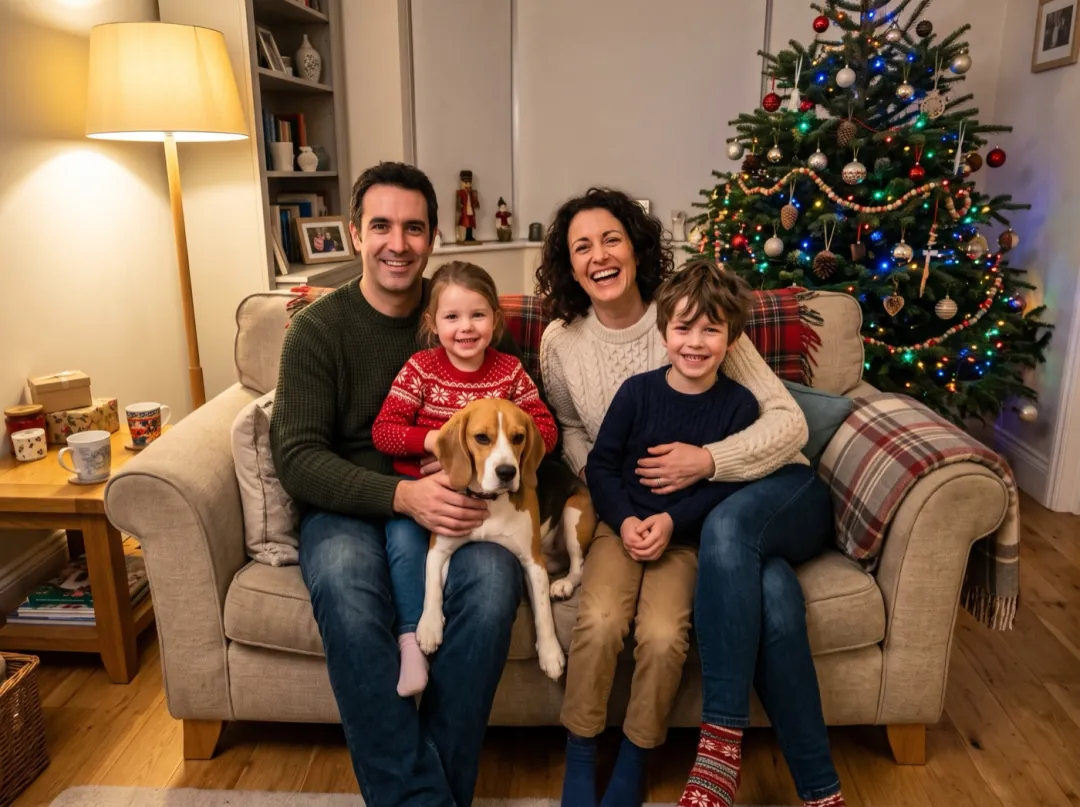
The whole family on this year’s card
Families who send a holiday card every year sometimes want a break from the same sofa photo. Recast as a 3D cartoon, the parents, the kids and the dog look like a still from a family film.
Put everyone in different colors so each character stands apart. Print it on the card, or send it to the whole list by email.
Cartoon the familyPhotos that make a good character
The cartoon keeps what it can see clearly. Give it faces, hair and outfits in good light.
A face in shadow loses the features the character is built on, and the eyes come out generic.
Blowing hair is fine; blurred faces are not. A shaky shot leaves the cartoon guessing at features.
The person should be clearly visible. A tiny far-off figure becomes a cartoon with no face to recognize.
Flash flattens a face and leaves white spots on skin. Daylight or a well-lit kitchen works better.
Recast the scene
Press Edit prompt to move the set, frame an avatar or add the family pet. Leave "no text, no logo" in.
A new set
Keep the character and swap the place: a snowy village, a jungle, a space station.
Turn this into a still from a 3D animated family film: the same people as friendly cartoon characters with big expressive eyes and soft rounded shapes, now in a snowy mountain village at dusk with warm window light; keep the hair, clothes, colors and pose; no text, no logo.
Avatar close-up
Head and shoulders on a plain background, ready to crop into a circle.
Turn this into a head-and-shoulders portrait from a 3D animated family film: the same people as friendly cartoon characters with big expressive eyes and soft rounded shapes, warm studio light, plain soft teal background; keep the hair, clothes and colors; no text, no logo.
Bring the pet into the cast
If a dog or cat is in the photo, ask for it as a cartoon too, with its own fur colors.
Turn this into a still from a 3D animated family film: the same people and their pet as friendly cartoon characters with big expressive eyes, soft rounded shapes and warm studio light, in the same place and pose; keep the hair, fur colors, clothes and colors; no text, no logo.
Your character, next
The cartoon still lands in your library. Make it move, cut it out, or try another toy-like look.
Cartooned
One 2K frame of you as an animated character.
Play the scene
Add the still to Image to Video and ask for a wave, a laugh or the noodles to fly.
Open Image to VideoCharacter only
Remove the background for a sticker or an invitation layout.
Open Background RemoverBoxed like a toy
Run the same photo as a collectible figure in its blister box.
Open Action Figure Box3D Cartoon FAQ
Likeness, pets, groups and what to try when it looks off.
Will my 3D Cartoon still look like me?
It keeps what people notice first: hair, clothes, colors and pose. Faces are restyled with bigger eyes and rounder shapes, so think of it as you played by an animated character, not a photo. A clear, well-lit face gives the closest match.
Can I make a 3D Cartoon of my pet?
Our examples are all people, but the effect redraws whoever is in the photo. For a dog or cat, alone or with its owner, use the "Bring the pet into the cast" prompt, which asks for its fur colors to be kept.
How many people fit in one 3D Cartoon?
Our examples have one or two people; the sisters share a single selfie. In a big group the faces get small, so crop the photo to the people you most want in the frame.
Does 3D Cartoon change the background?
Yes, the setting is redrawn in the same style. The windy beach became a bright cartoon beach and the country lane a winding cartoon road. It stays the same kind of place.
How much does a 3D Cartoon cost?
One picture is 4 image credits at 2K on Nano Banana 2.1. The 10 free image credits from sign-up make 2 cartoons. After that, packs start at $9.90 for 600 credits. Credits come back if a run fails or is blocked.
Can my 3D Cartoon move?
The effect gives you a still. Take it to Image to Video and describe a small action, such as a wave or a laugh. That makes a clip, which uses video credits; free sign-up credits do not cover it.
My 3D Cartoon looks off. What should I try?
Most misses come from a dark, blurred or distant face. Try a brighter photo where faces are clear, or run it again for a new take. If the eyes feel too big, press Edit prompt and change "big expressive eyes" to "natural eyes".
More playful looks for a selfie
 AnimeAnime portrait
 FunSticker pack
Every family has a lead character.
Add a photo and see them in their own animated film.