
Golden Hour Glow
Seedance 2 Mini · 5sFlat daylight turns into warm evening sun. The light spreads slowly, a soft flare blooms and hair and fabric start to glow at the edges.
Choose an effect
 Product spin
 Action figure box
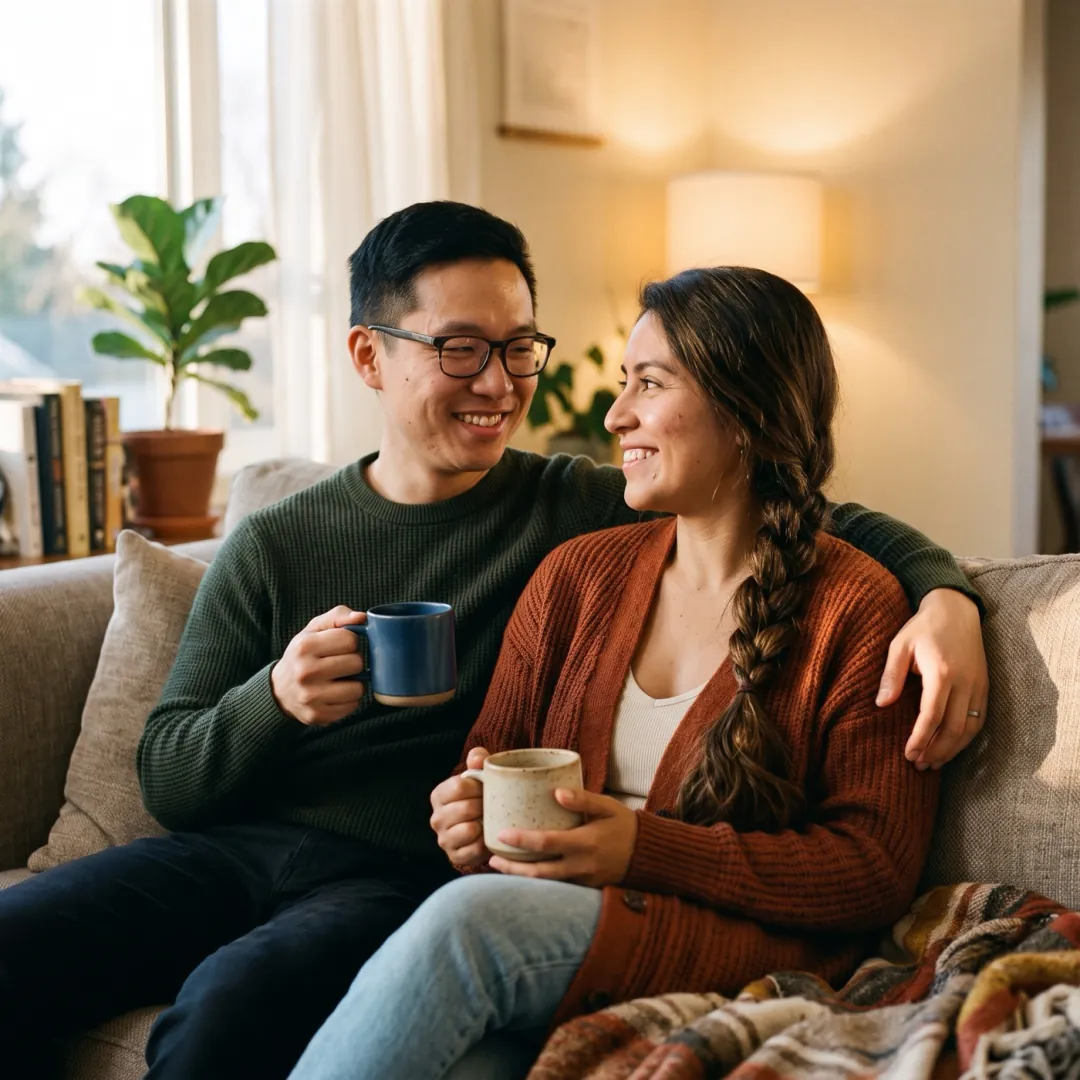 Clay figure
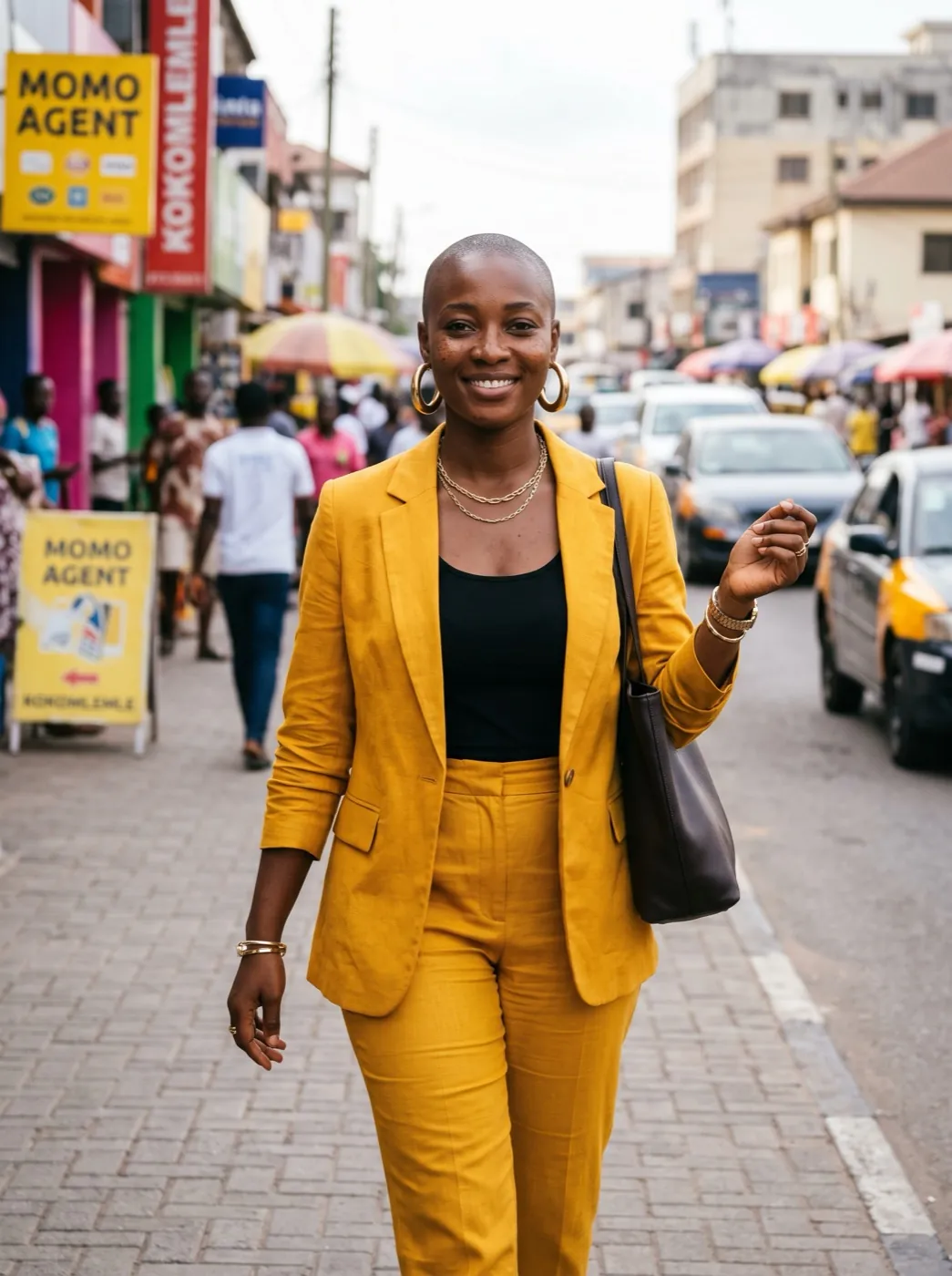 Magazine cover
 Superhero poster
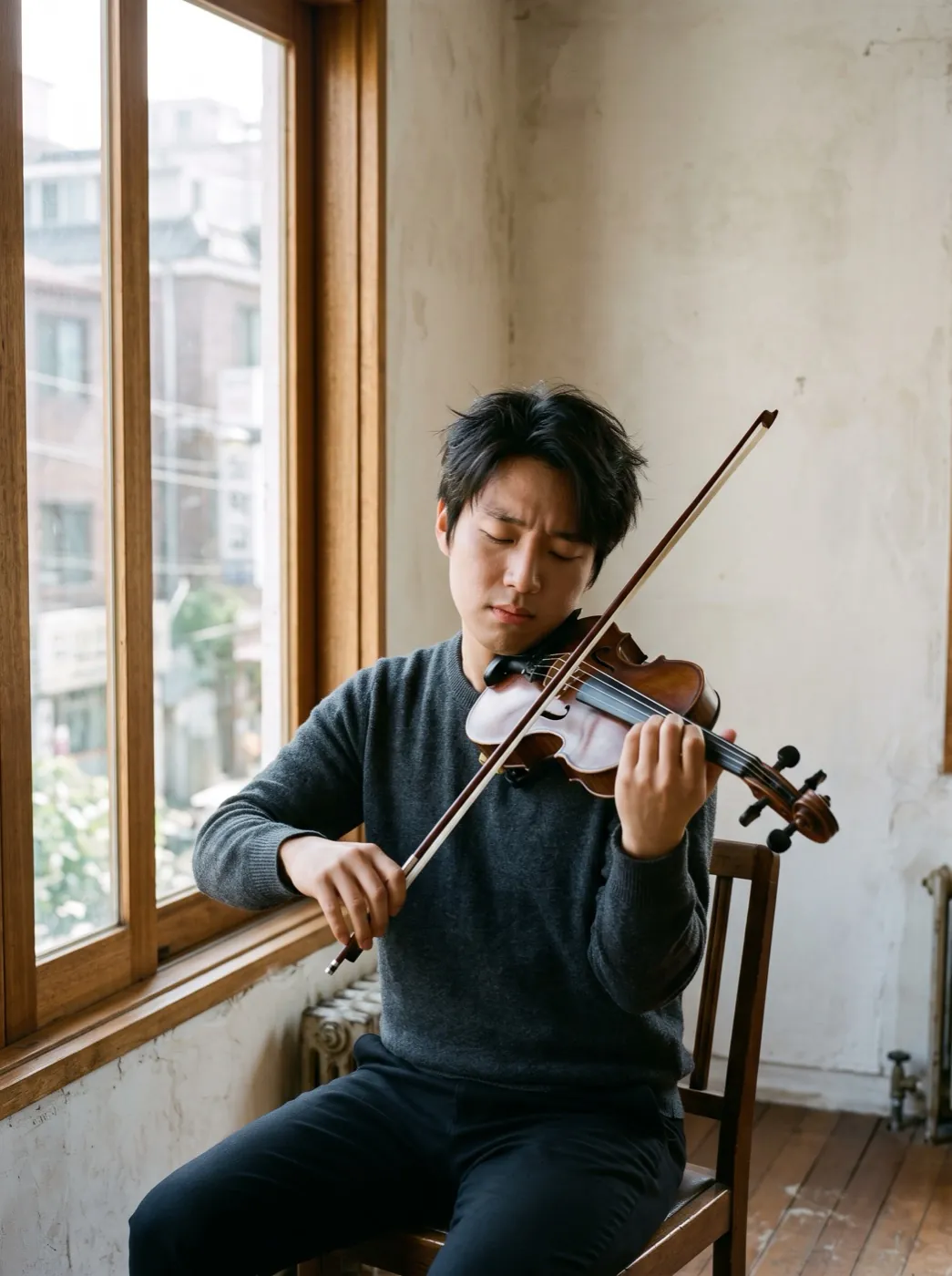 Oil painting
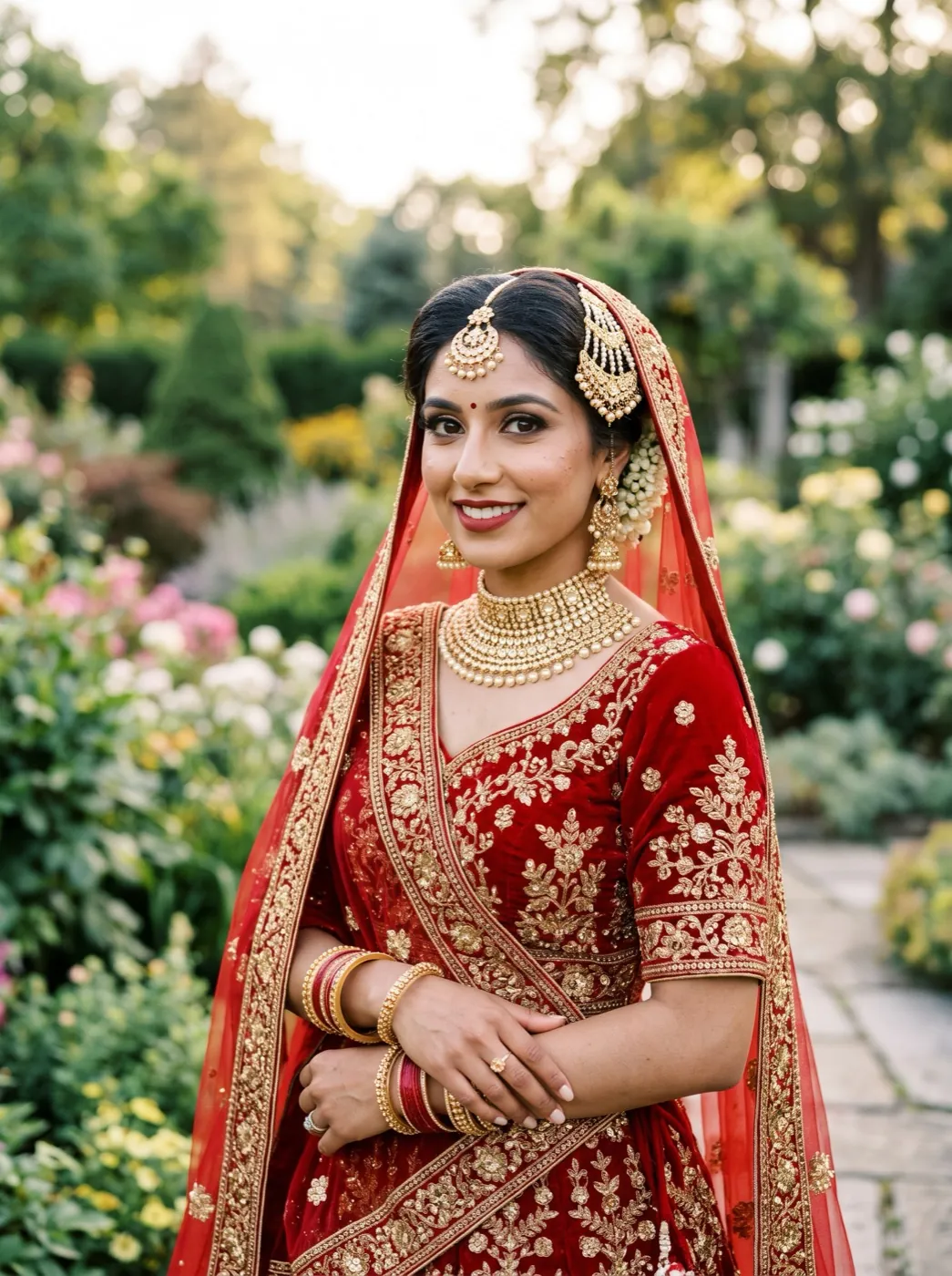 Watercolor portrait
 Pencil sketch
 3D cartoonPhotoGolden hour
Same moment, two hours later in the day
Golden Hour Glow keeps your scene and changes only the light. The clip opens on your photo as it was shot, then low sun sweeps in, warms the skin and the background, and rims hair and clothes with a thin gold line. It runs on Seedance 2 Mini: 5 seconds at 480p, in the shape of your photo.
- People, clothes and the setting stay as shot; the light is what changes.
- Hair, fabric and leaves catch a gold rim, the part a phone at noon never gets.
- A soft lens flare blooms where the sun would be, without hiding a face.
- Works on scenes with nobody in them too: fields, streets, rooms by a window.
From noon light to evening light
You do not need to wait for sunset or own a reflector. Add the photo you already have.
Pick a photo with even light
Shade, overcast sky or a window works. Hard shadows across faces fight the new sun.
The light prompt is already set
It asks for warm light, a soft flare and glowing edges. Add a smile or a look up if you like.
Watch the sun come in
About two minutes later you get a 5-second clip with no sound and no watermark on paid credits.
Three daylight photos, warmed up
A portrait, a couple and an empty field. Each started flat; each prompt asked for a little more than light.
Seedance 2 Mini · 5sReading by the window
Plain daylight on a woman with a book. Golden light slides across her face and the pages, then she looks up and smiles.
 Seedance 2 Mini · 5s
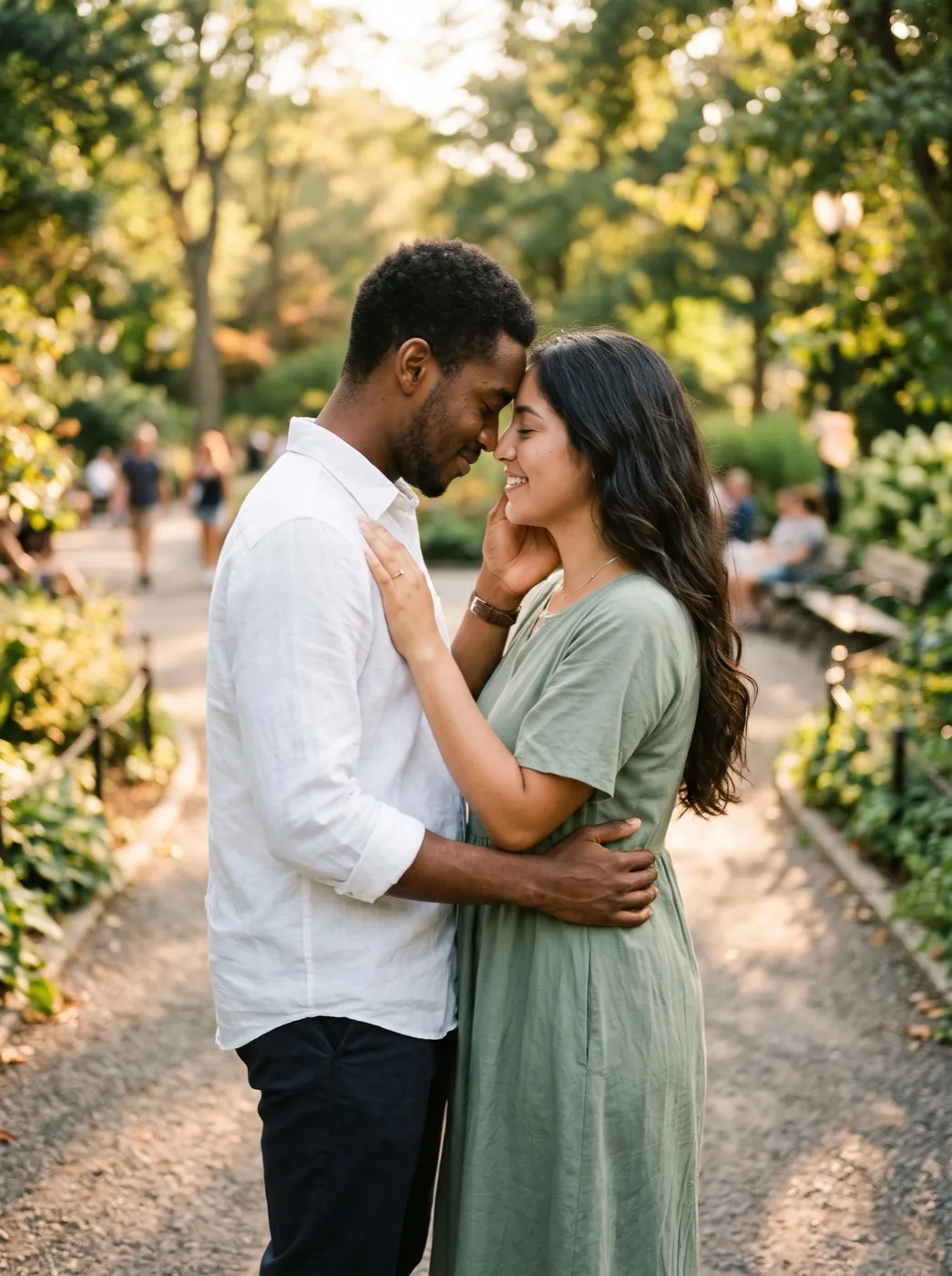
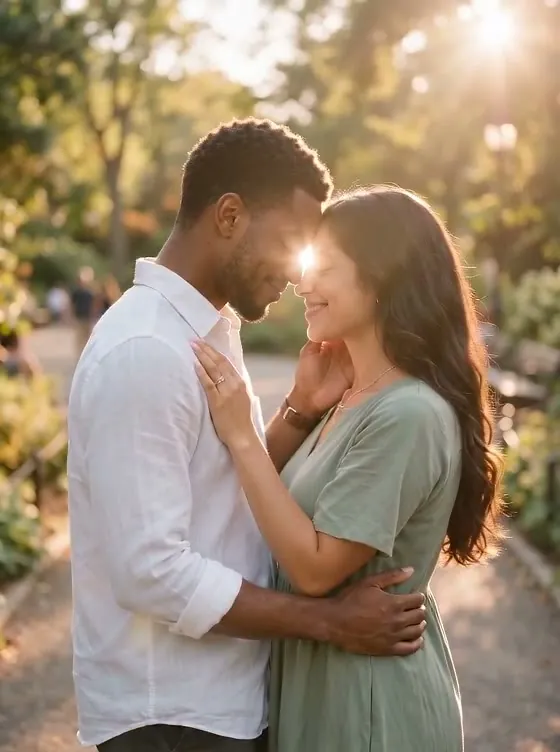
Foreheads together in the park
An engaged couple in flat afternoon light. Sunlight sweeps across them, a lens flare blooms and they laugh together.
 Seedance 2 Mini · 5s
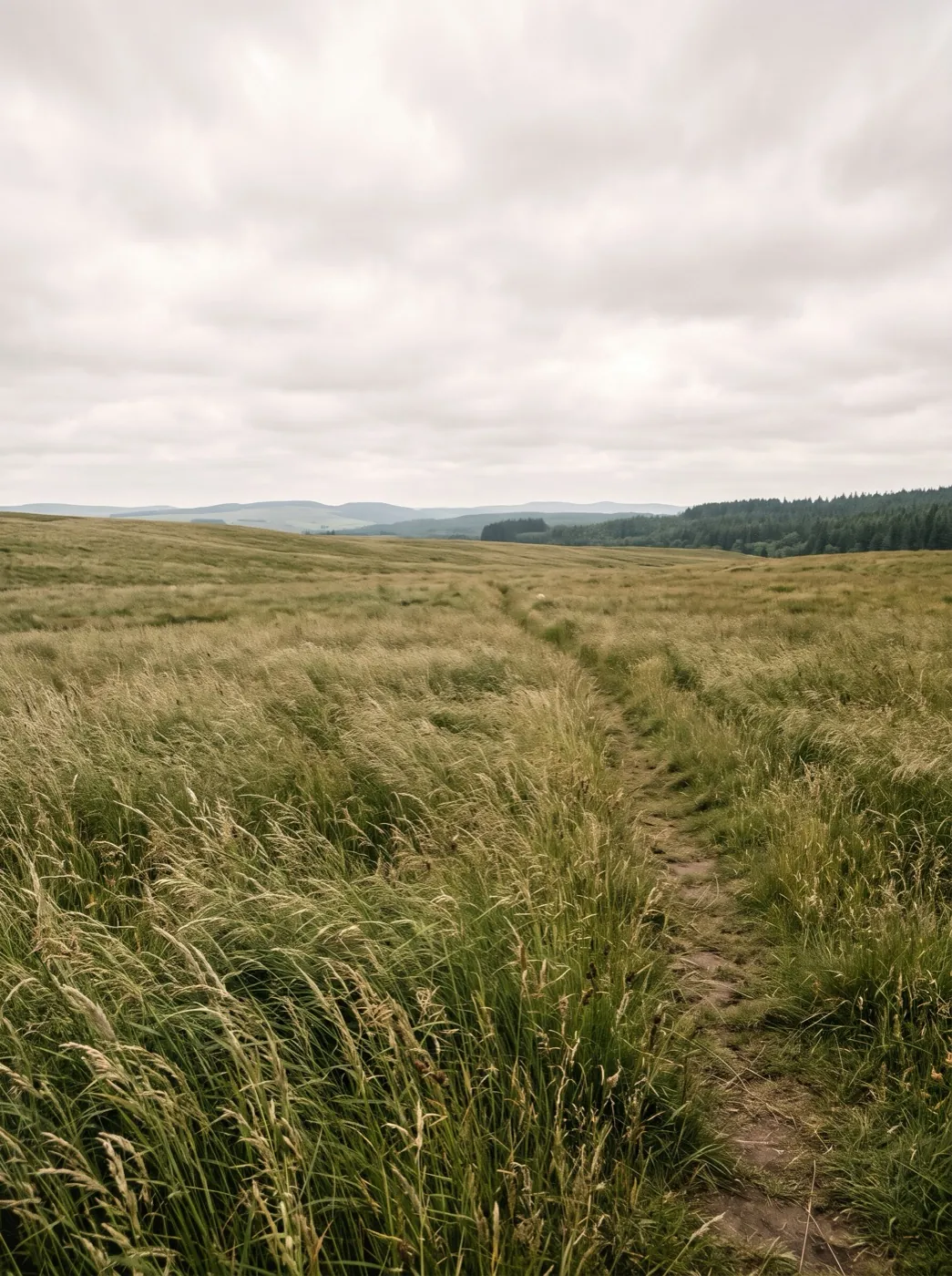
A field of tall grass, no one in it
A grass field under dull daylight. The light turns warm and golden as the sun goes down.
Whose photo needs the evening sun?
Four photos taken in the middle of the day, and what the warmer version gets used for.
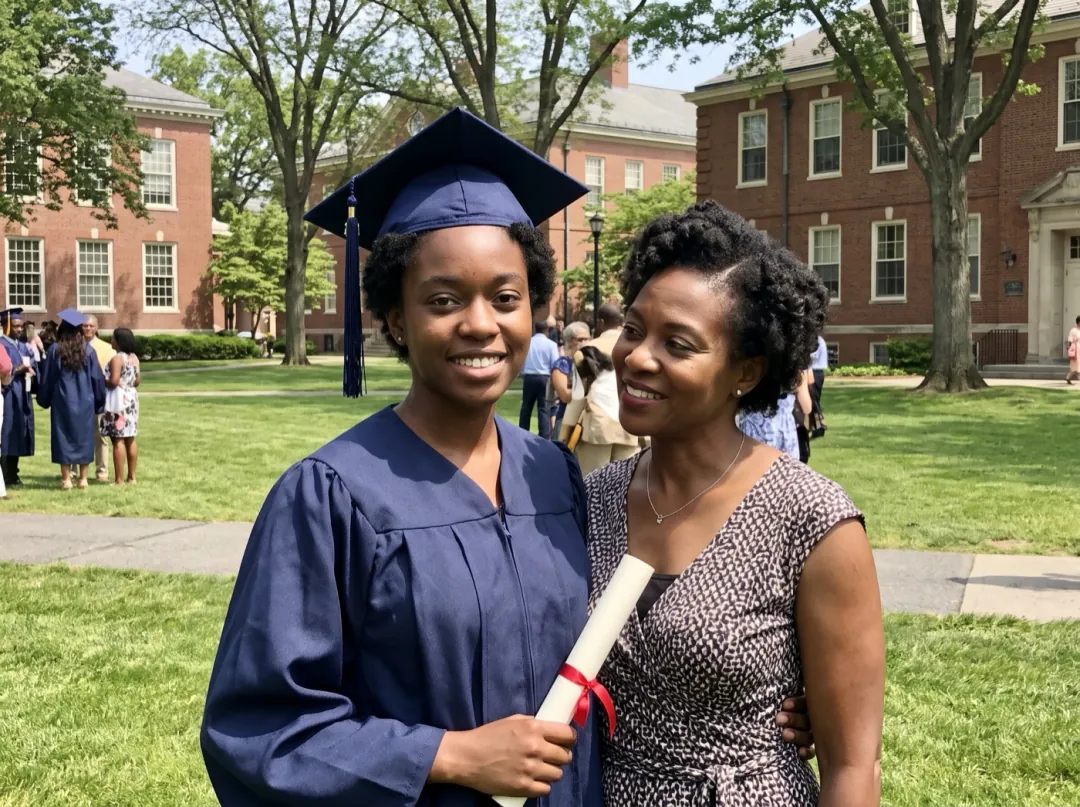
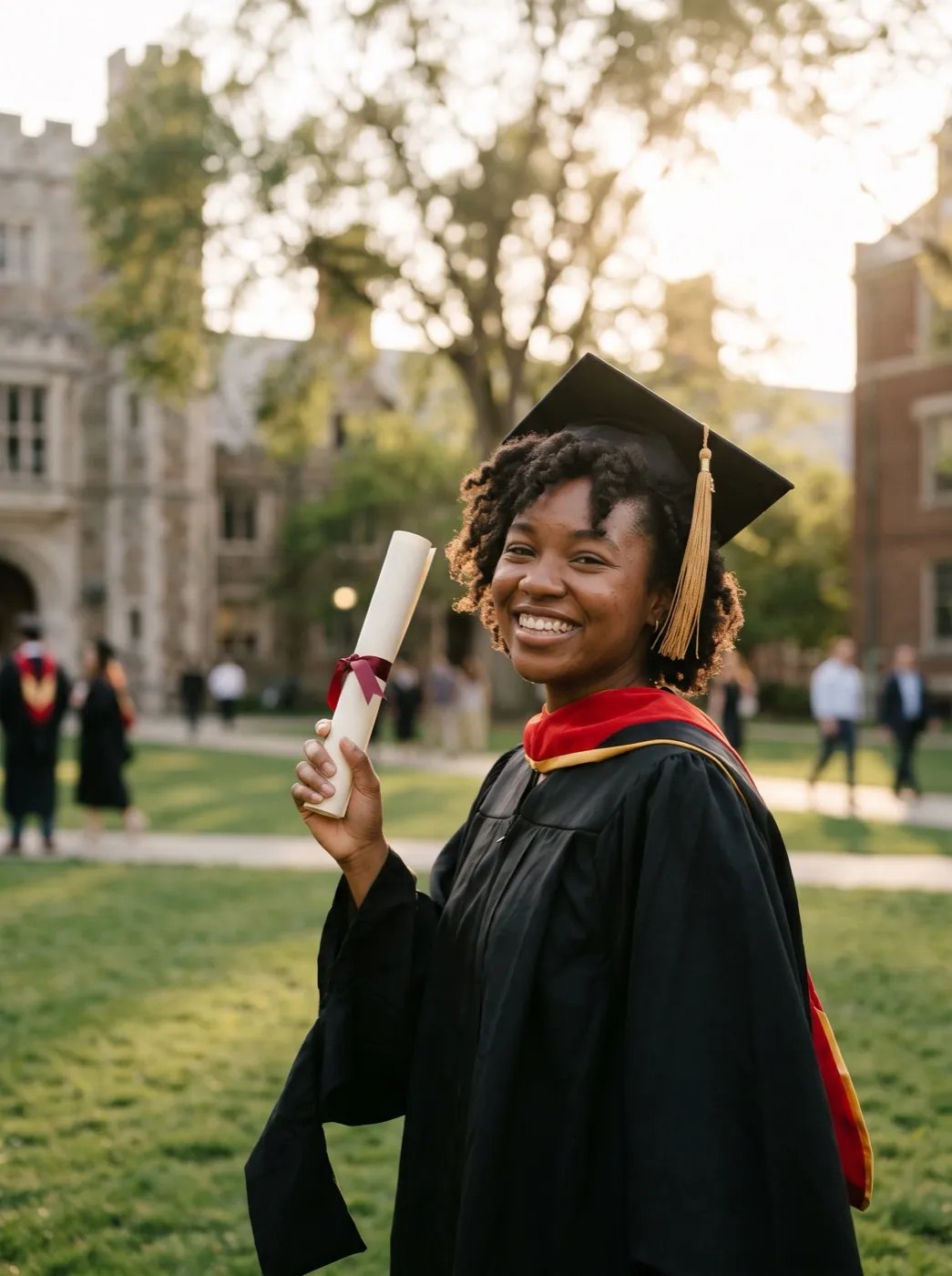
Cap and gown in harsh noon light
Graduation photos get taken right after the ceremony, at noon, with squinting faces and flat light. The clip keeps the cap, the gown and the proud grin, and adds the warm evening glow the day deserved.
Turn so the sun is not behind you, and keep the campus in the frame. Post it as your graduation story.
Warm up a graduation photo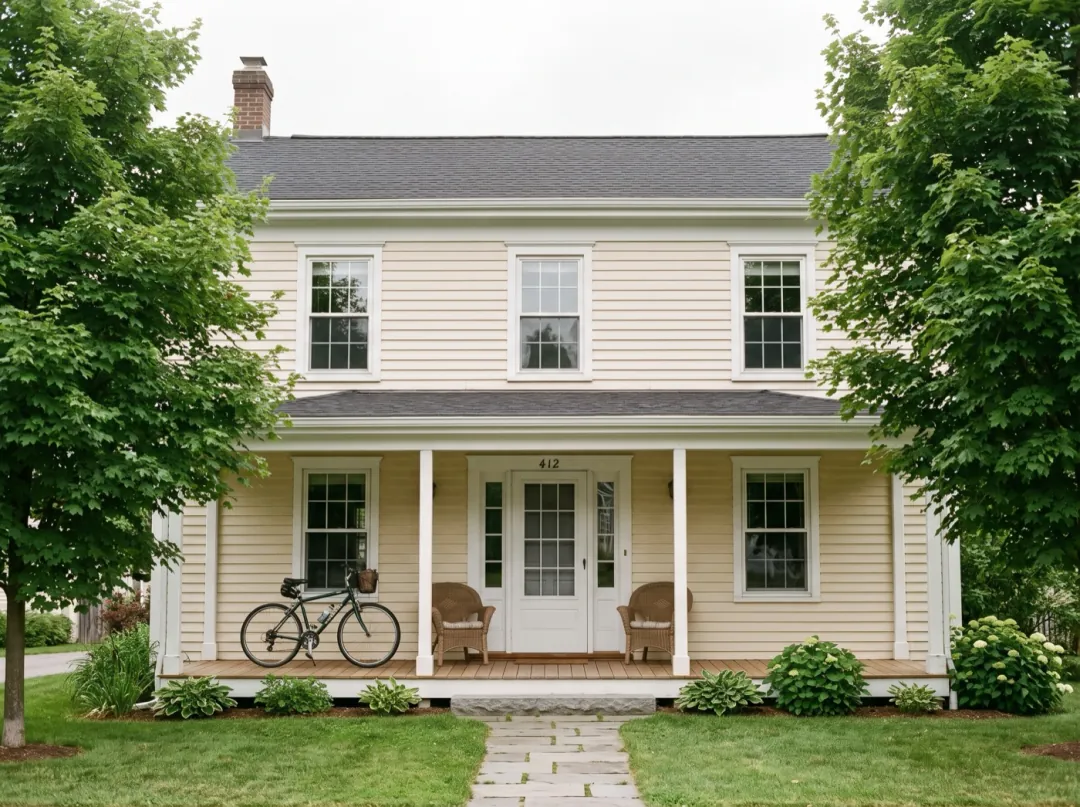
The front of the house at sundown
Listing photos get shot whenever the photographer is free, which is often noon. A clip of the front of the house warming up as the sun drops gives buyers the feeling of coming home on a summer evening.
Use a straight-on shot with the porch and some sky, and ask for no flare. Make it the first slide of the listing video.
Warm up the house photo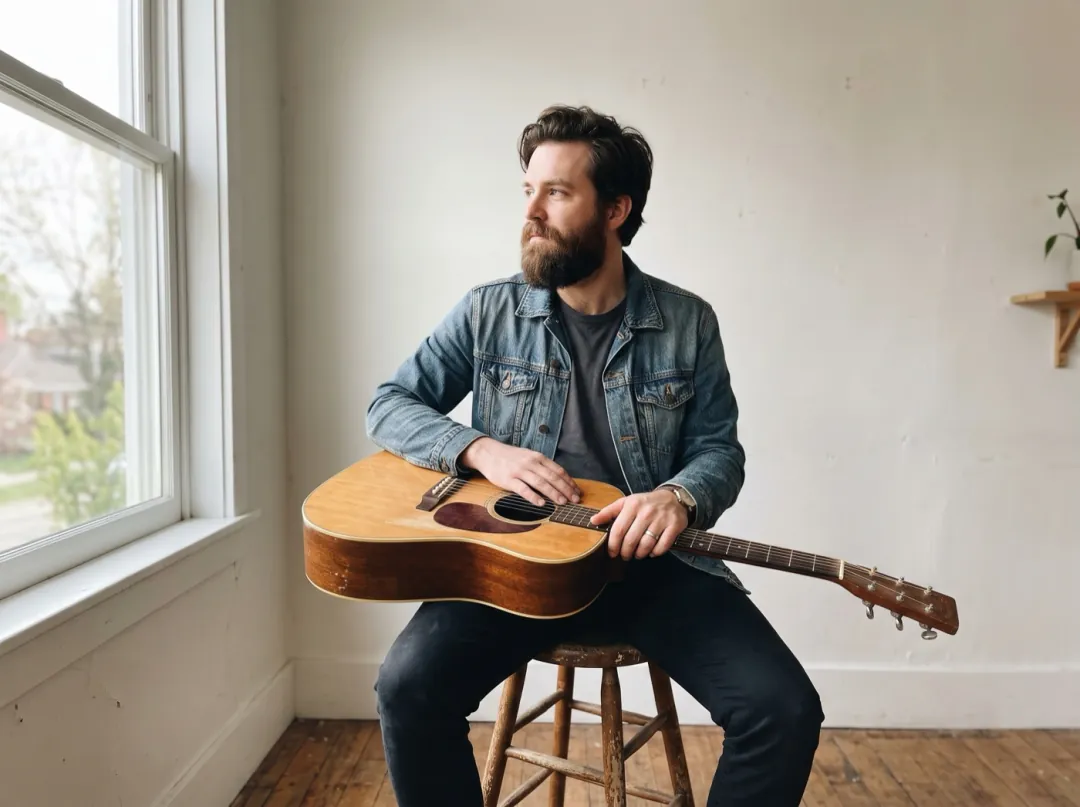
A looping visual for the new single
An independent musician releasing a song needs a short visual for the streaming page and the announcement post. A portrait from the shoot, with warm light slowly crossing the face, carries the mood of a slow song.
Pick a frame where the face turns toward one side, then name that side in the prompt. Add the track in your editor.
Warm up a press photo
The family beach photo at high noon
On a beach trip the family photo happens when everyone is finally out of the water, usually in the middle of the day. Hard shadows and white sand flatten it, and the clip warms it into the last light of the trip.
Photograph everyone facing the sea, side-on to the sun. Put the clip at the end of the trip slideshow.
Warm up a beach photoPhotos that take the glow well
The effect adds light. It needs a photo with light to spare, and detail for that light to land on.
A dim room or a night shot has nothing for the sun to warm. Shoot by a window or outdoors in daytime.
Pure white sky or skin cannot get warmer; it just stays white. Even, soft light keeps the detail the glow needs.
The gold rim forms along hair, grass and fabric. If those edges are soft, the glow turns into a haze.
Tiny people far away barely change. For portraits, frame them from the waist up.
Set the sun where you want it
Edit prompt lets you pick the direction of the light and what the people do while it arrives.
Low sun from one side
Naming the side gives a strong rim on one cheek and a long shadow, like real evening sun.
Warm golden light comes in low from the left and slowly spreads across the scene, hair and fabric glow at the edges. Faces, clothes and the setting stay the same.
Light, then a reaction
One small reaction after the light arrives makes a portrait feel alive instead of graded.
Golden evening light slowly spreads over them and a soft lens flare blooms, then they look up and smile. Faces stay the same people.
Calm, no flare, for places
For a room or a view, drop the flare and add a slow push in. It reads as a steady sunset shot.
The daylight slowly turns into warm golden-hour light, long soft shadows stretch across the scene and the camera pushes in slowly. No lens flare, nothing else moves.
After the glow
The clip is saved in your library, ready for another tool.
Daylight turned golden
A 5-second clip in the shape of your photo, kept in your library.
A golden still for print
Need the warm look as a picture for a card? Relight the photo in Image to Image.
Open Image to ImageDay to dusk between two shots
Start on a midday photo and end on an evening one of the same place.
Open Frames to VideoGolden Hour Glow FAQ
What people ask before they add evening light to a daytime photo.
What kind of photo works best for Golden Hour Glow?
A daytime photo in soft, even light: shade, an overcast sky or a window. The effect needs headroom to warm the scene. A photo already taken at sunset, or one with a white blown-out sky, changes very little.
Does Golden Hour Glow change faces or clothes?
The prompt only asks for light, and the clip starts from your photo as it is. Faces, clothes and the background stay in place while warm light, a flare and gold edges are added. If you ask for a smile or a look, that small move is added too.
Can Golden Hour Glow work on a photo with no people?
Yes. Fields, streets, gardens and rooms by a window all take the light well, as the grass field example shows. For places, drop the lens flare and add a slow push in for a calmer shot.
How much does Golden Hour Glow cost?
Each clip is 30 video credits for 5 seconds at 480p on Seedance 2 Mini. The 10 free credits you get at sign-up are image credits, so they cannot pay for this clip. Video credits start at $9.90 for 600. A failed or blocked run gives the credits back.
Why does my Golden Hour Glow clip look orange all over?
The photo probably had warm light already, or a lot of sky. Try a cooler, flatter photo, or name a direction so the light comes from one side: "warm light comes in low from the left".
Can I stop the lens flare in Golden Hour Glow?
Yes. Press Edit prompt and write "no lens flare". The warm light and glowing edges still come in; the bright spot does not.
Does a Golden Hour Glow clip have sound?
No, clips are silent. Add music in your editor or the app you post to; at 5 seconds it fits a short reel or a story slide.
More effects for light and mood
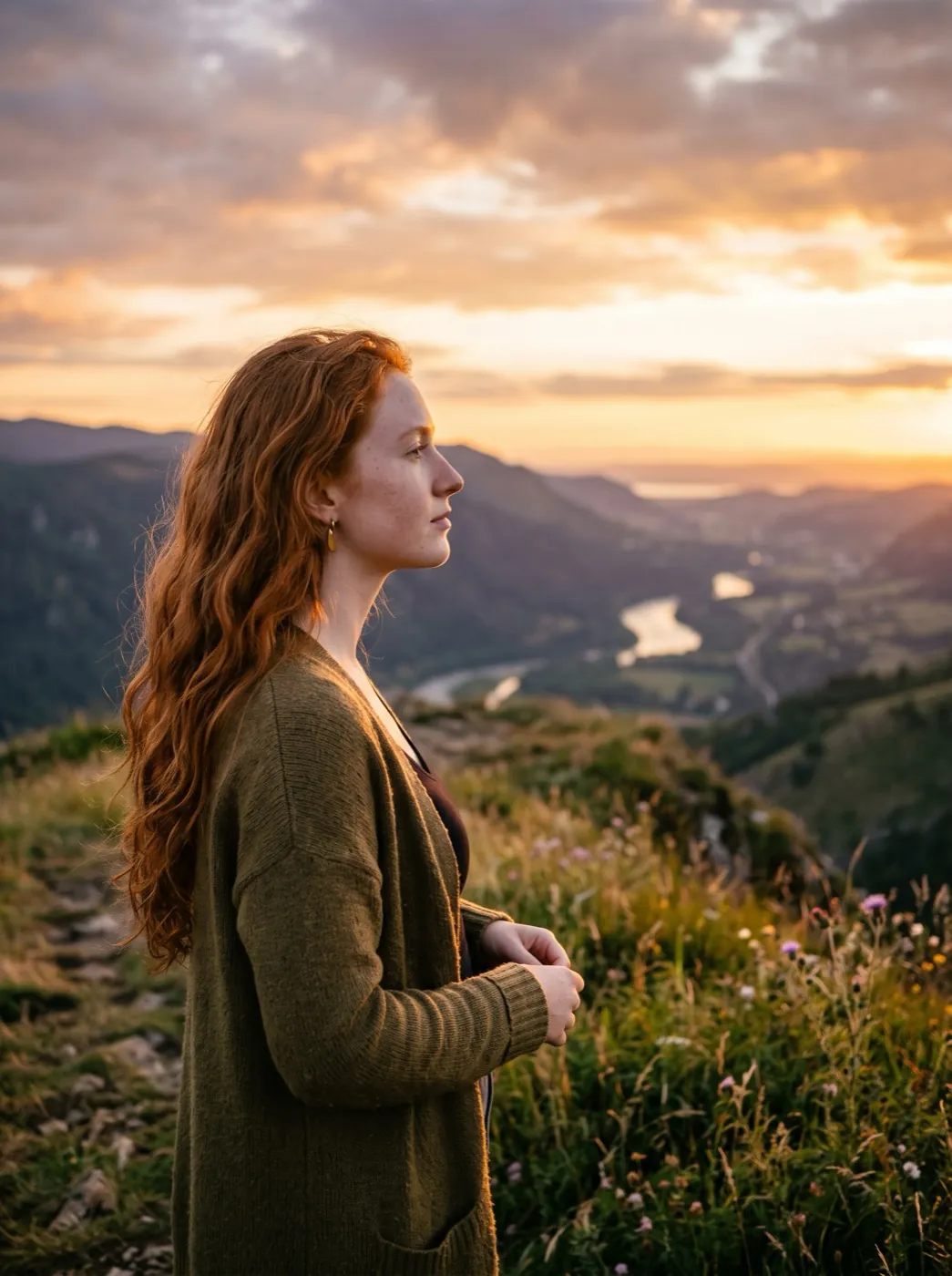 PortraitHair in the wind
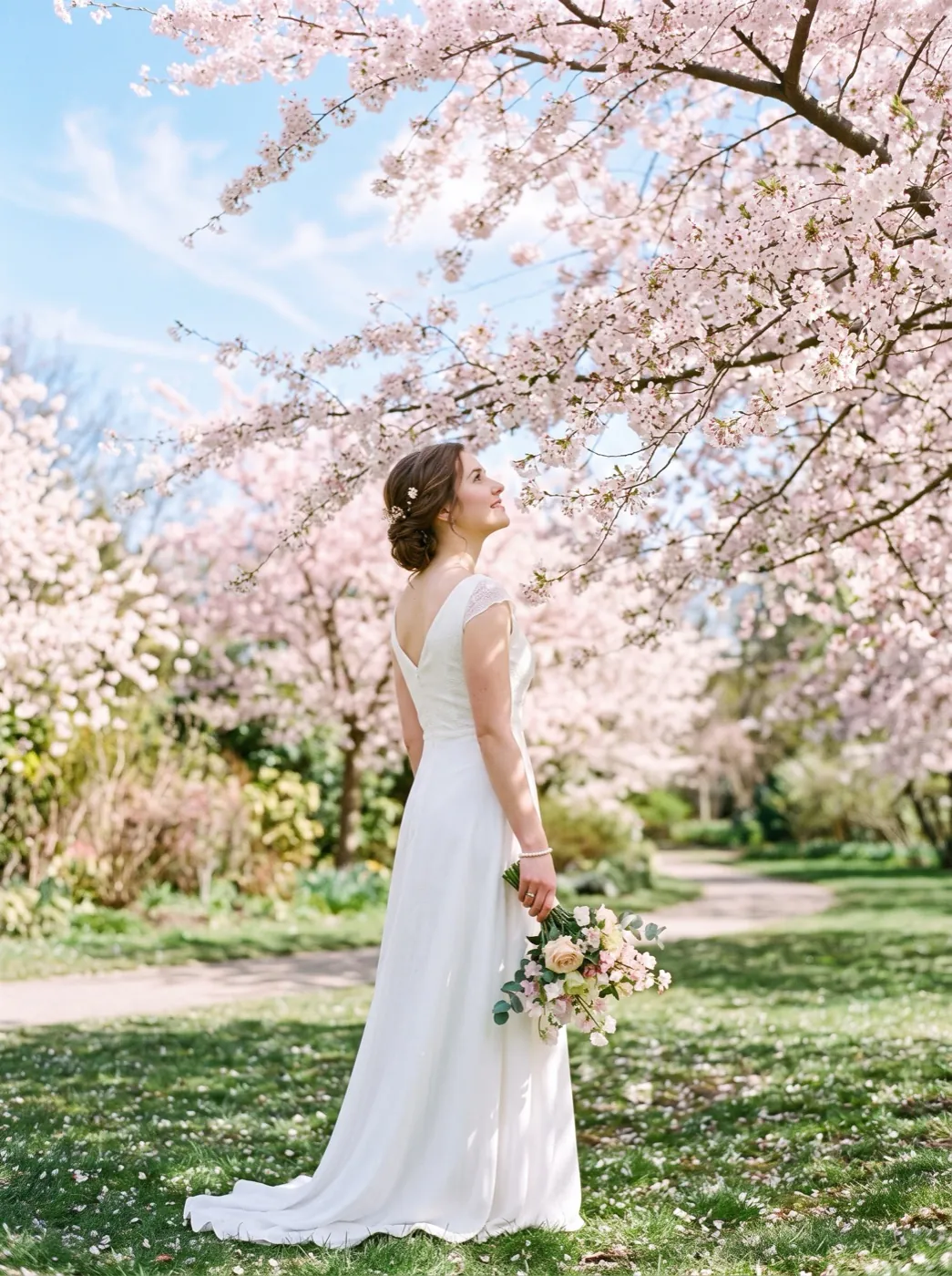 HolidayPetals fall
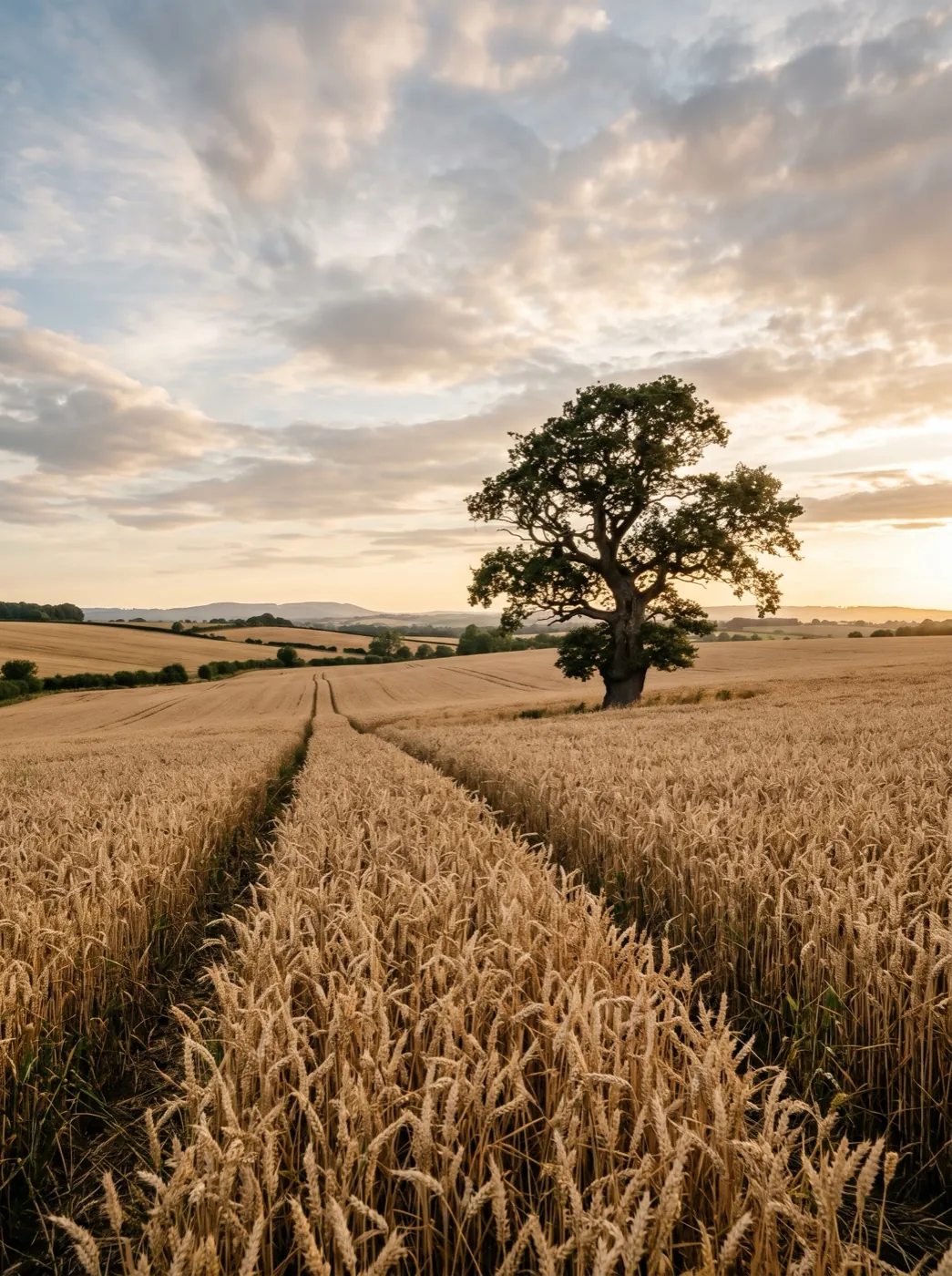 MotionWind in the wheat
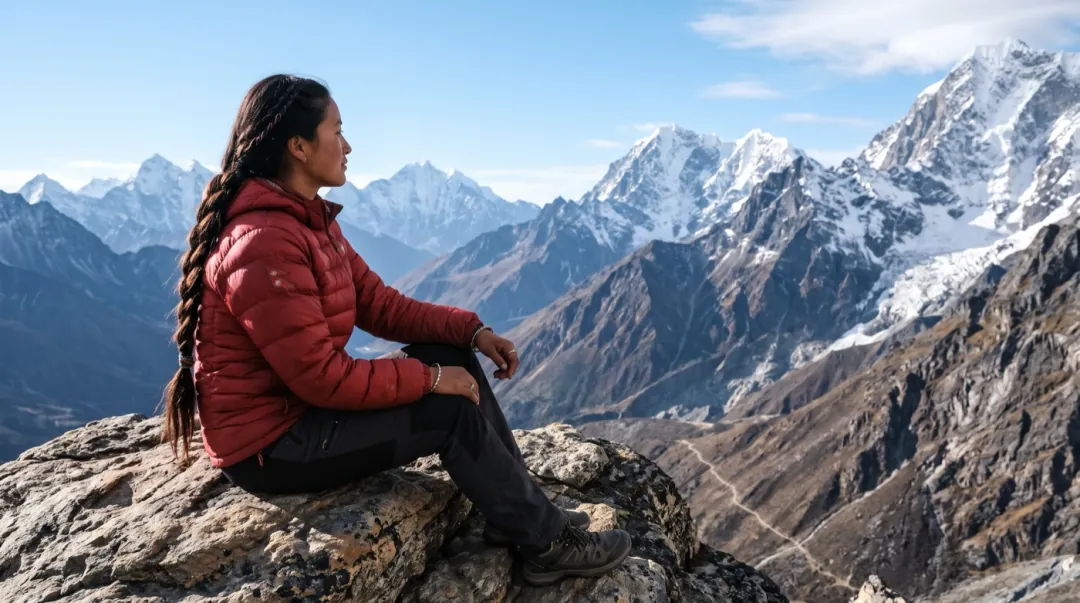 MotionClouds roll by
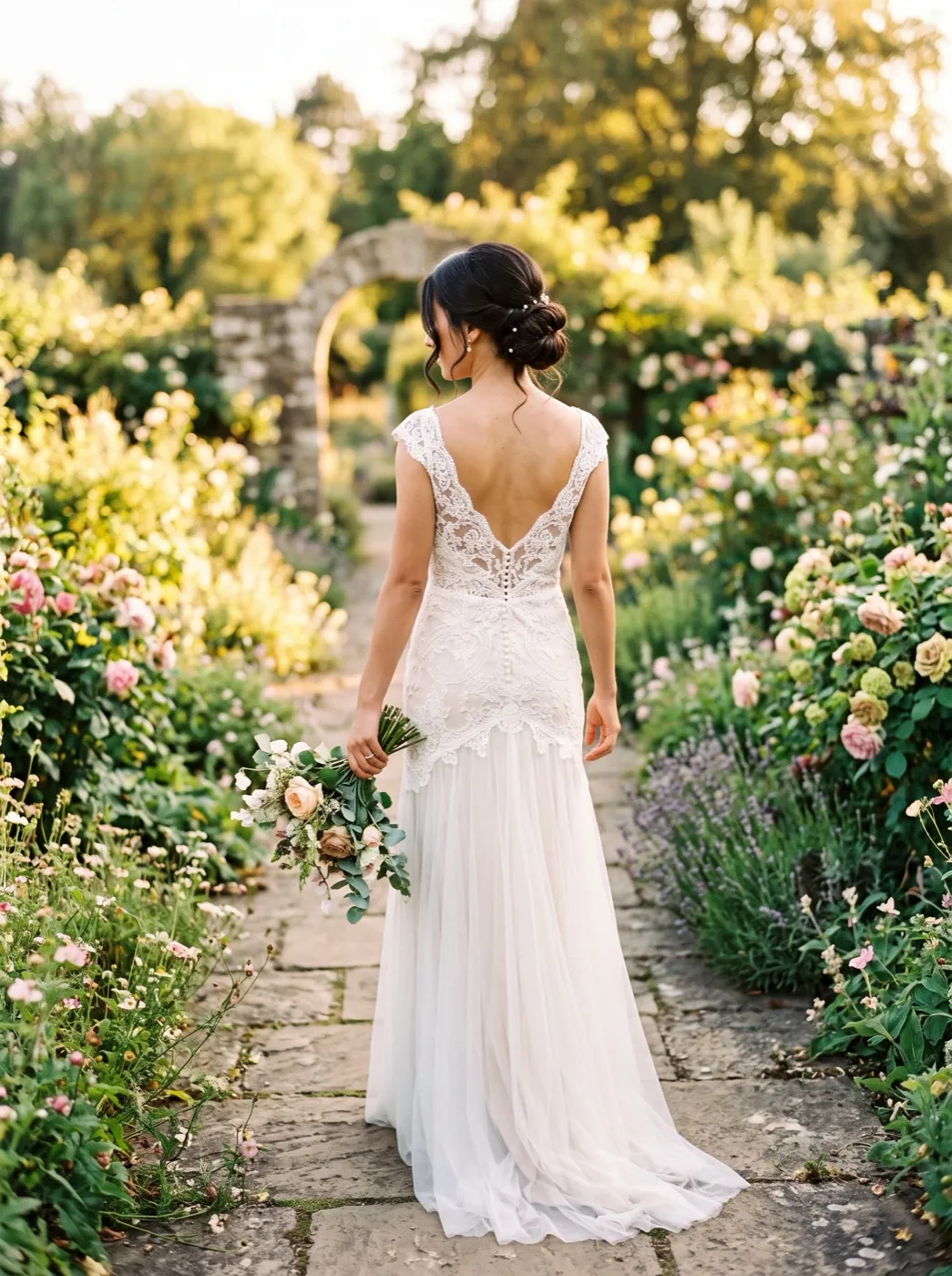 PortraitOver-the-shoulder look
You missed the sunset. Your photo does not have to.
Add one daytime photo and watch warm evening light move across it.