Product Spin
Seedance 2 Mini · 5sYour item turns once on the spot while soft studio light slides over it. Shape, color and the label you can see stay as they are.
Choose an effect
 Golden hour glow
 Action figure box
 Clay figure
 Magazine cover
 Superhero poster
 Oil painting
 Watercolor portrait
 Pencil sketch
 3D cartoonPhotoSpinning
A turntable shot without the turntable
Product Spin takes the one angle you photographed and turns the item through a full rotation, with a moving highlight that shows off the surface. It runs on Seedance 2 Mini and returns 5 seconds at 480p in the shape of your photo, so a square listing photo gives a square clip.
- The item turns on its own spot; the stand and background stay put.
- A highlight travels across metal, glass and gloss, which is what makes a still look premium.
- The front label stays readable. Sides the photo never showed are filled in by the model.
- Small, solid objects spin best: cases, bottles, jewelry, shoes, mugs, candles.
Photo in, turntable clip out
No rig, no lightbox, no second angle. One clean photo of the item is enough.
Shoot or pick one clean photo
The item in the middle, the whole of it in frame, on a plain surface.
The spin prompt is ready
One smooth full turn with soft studio light. Change it to a half turn or a camera orbit if you prefer.
Drop it into your listing
The clip is ready in about two minutes. Paid downloads carry no watermark.
Three items, three surfaces
Plastic, silver and glass catch light differently. Each clip was made from the single photo next to it.
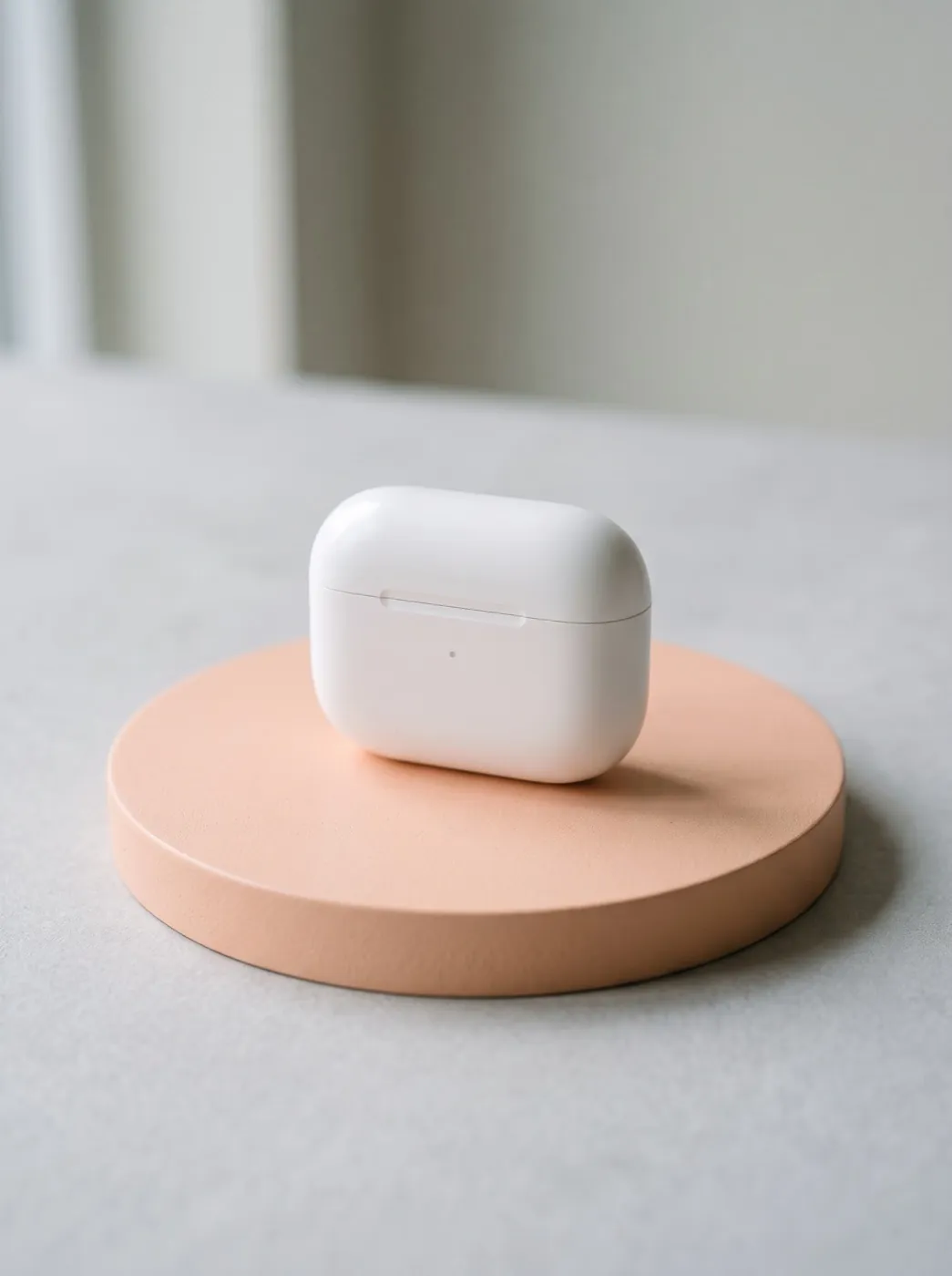
Seedance 2 Mini · 5sEarbud case on a pastel plinth
A white case under clean studio light. It spins slowly on the plinth as the light glides over it.
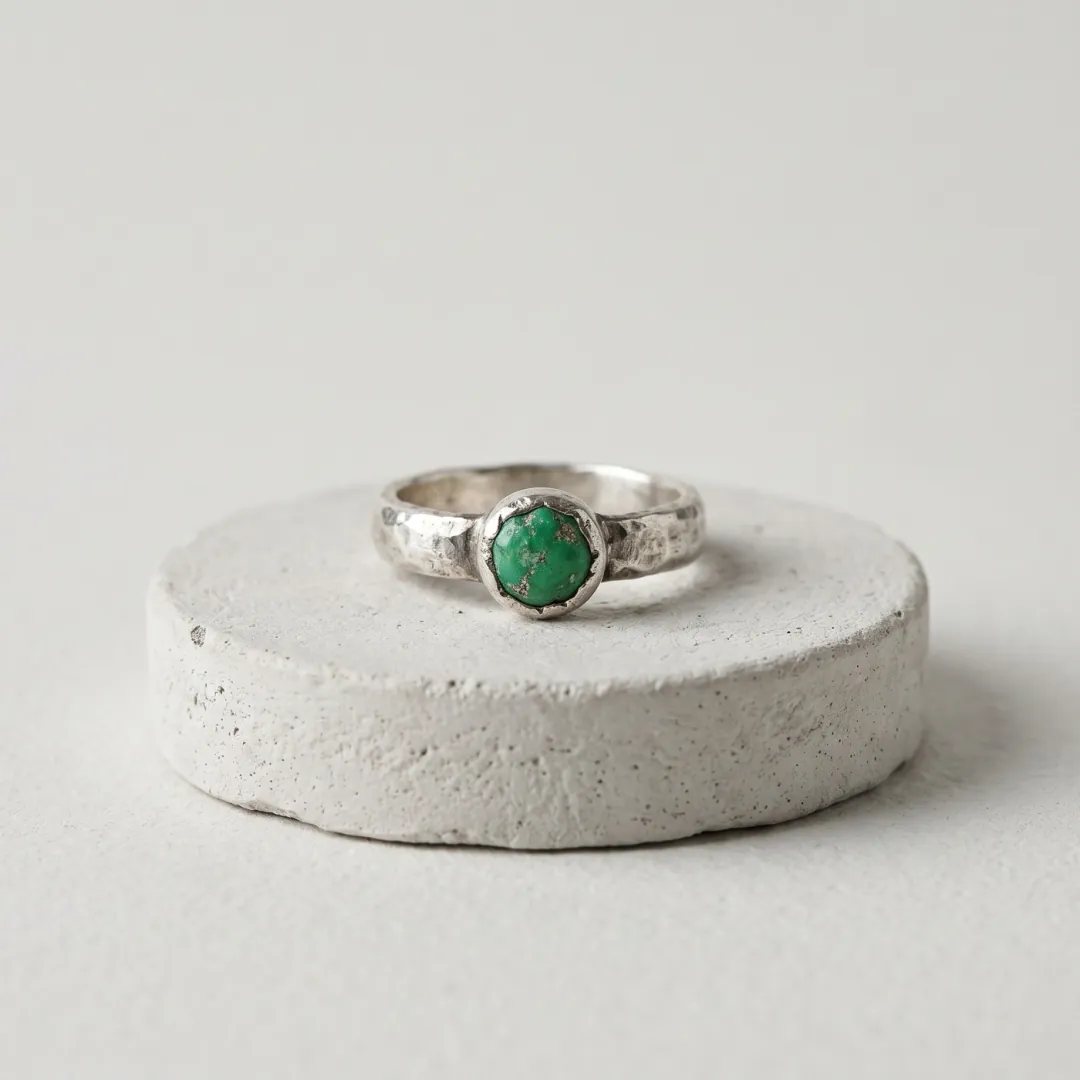
Seedance 2 Mini · 5sHandmade silver ring
A ring with a small green stone on a plaster plinth. It spins slowly and the stone sparkles in soft studio light.
 Seedance 2 Mini · 5s
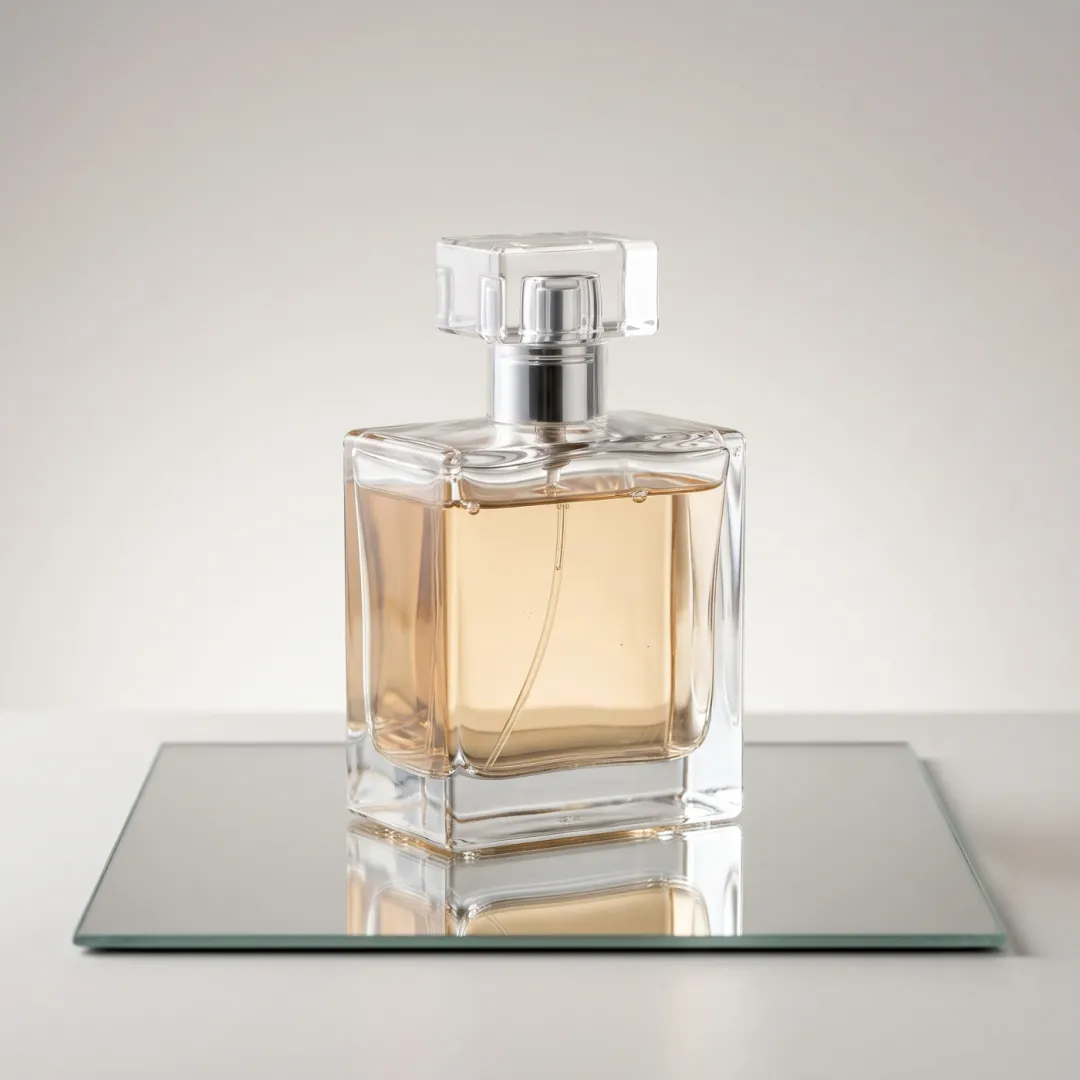
Unlabeled glass bottle
A square perfume bottle on a mirror plinth. It turns 360 degrees and the light refracts through the glass.
What are you putting on the turntable?
Four makers and sellers with one good photo and no video setup. Each row shows the item and where it sits.
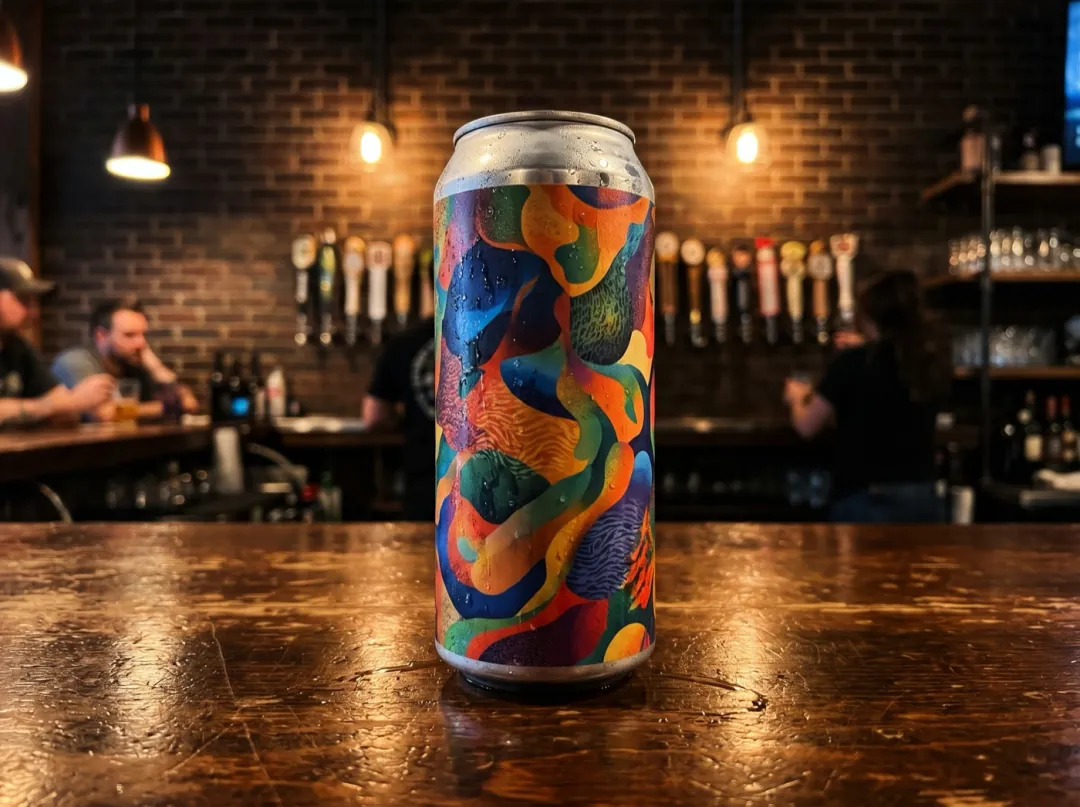
A new can on release day
A small brewery puts out a new beer most months, and the label art is half of why people try it. One can turning under the taproom lights gives the release post movement without a video shoot.
Stand the can on the bar, front label to the camera, dark wall behind; the side you shot keeps its artwork. Post it the morning the taps change.
Spin a new release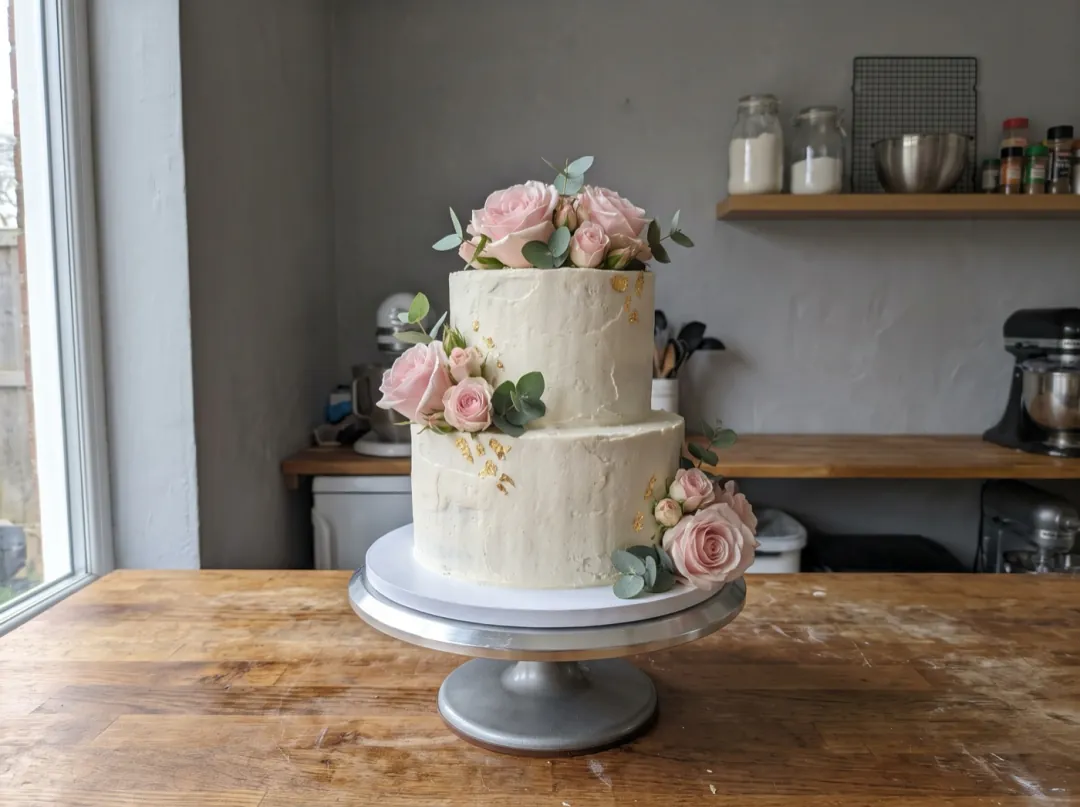
A tiered cake turning before it leaves
You spend an evening on a tiered cake, then grab one rushed photo before it goes out in its box. A slow turn under soft light shows its height and the shine on the buttercream better than a flat front shot.
Shoot at eye level with your most detailed side to the lens, since unseen sides are filled in. Post the clip on your order page.
Spin a finished cake
The signature drink on the new menu
When a bar changes its menu, the signature drink gets one photo on the counter and that is usually it. A glass turning with light sliding across the ice and the orange peel looks like the night out it promises.
Put the glass on a dark counter with one lamp behind it, so the drink glows through the glass. Post the clip the night the new menu starts.
Spin a cocktail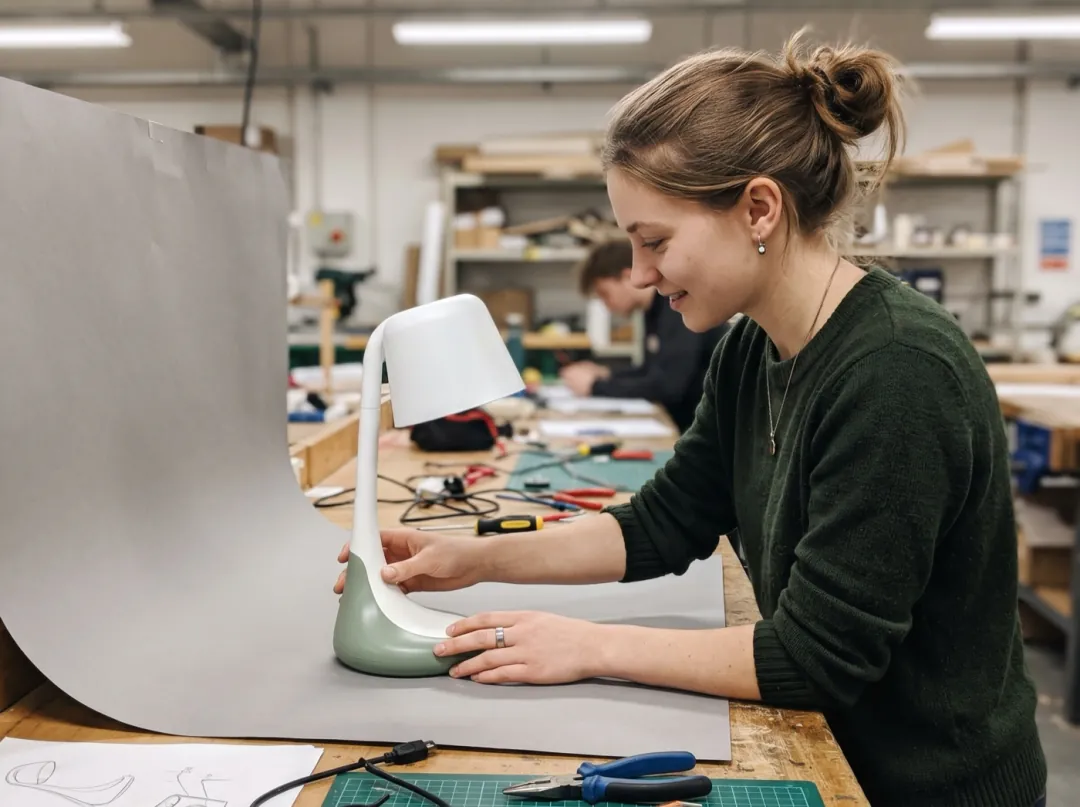
A prototype that turns on your project page
After the final review, your product model sits on a shelf and the portfolio has one photo of it. A full turn shows the form, the seams and the finish to anyone who opens the project.
Shoot it on a plain grey sheet at the height of the object, not from above, so it does not warp. Put the clip at the top of the project page.
Spin your prototypeSet up the photo like a product shot
The model rebuilds the sides it cannot see from the one you give it. A clean, centered photo gives it the most to work with.
The item should take up about half the picture, with space on every side so it has room to turn.
A steep angle from above makes the turn wobble. Shoot from just above the table, straight on.
A hard reflection on glass or chrome gets baked in and spins with the item. Diffuse the light or move it to the side.
Fine print and edges that are soft in the photo get softer while turning. Tap to focus on the label.
Change how it turns
Edit prompt controls the kind of motion. Keep "shape, color and labels stay the same" in every version.
Half turn and back
For items whose back you never photographed, a half turn shows the side without guessing the whole rear.
The product turns slowly a half turn to the right and back again while soft studio light glides over it. Shape, color and labels stay the same, the background stays still.
Camera circles instead
The item stays still and the camera moves around it. It suits heavy things that would never spin, like a chair or a lamp.
The camera circles slowly around the product while it stays still on its stand, soft studio light. Shape, color and labels stay the same.
Extra sparkle
For jewelry, crystal and glossy packaging, ask for a highlight that travels along the edges.
The product turns slowly on the spot while a bright highlight travels along its edges and small sparkles catch the light. Shape, color and labels stay the same.
Around the spin
A cleaner photo going in makes a cleaner clip coming out. These tools sit on either side.
Clear a messy background
Cut the item out of a cluttered desk before you spin it.
Open Background Remover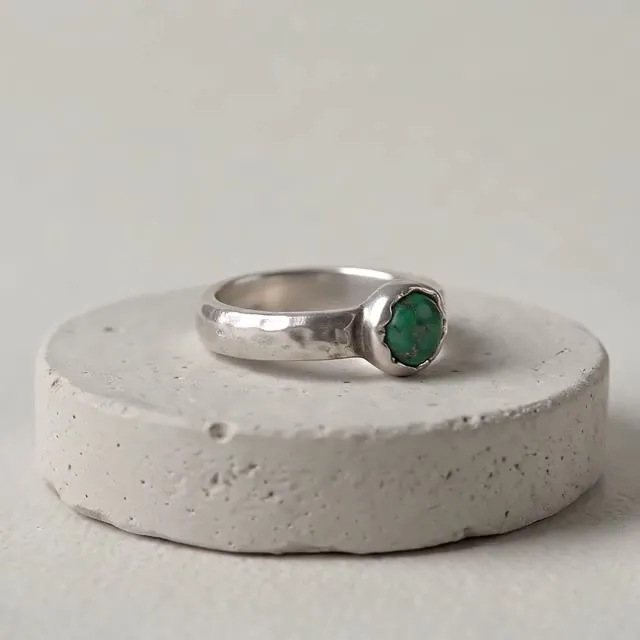
One full turn
A 5-second turntable clip, kept in your library.
Product Spin FAQ
Questions sellers ask before they turn a listing photo into a clip.
Does Product Spin keep my logo and label?
The label on the side you photographed is kept, and the prompt asks for shape, color and labels to stay the same. The back of the item is not in your photo, so the model fills it in. If the back matters, use the half-turn prompt or shoot the back separately.
What products work best with Product Spin?
Small, solid items on a table or stand: earbud cases, bottles, rings, watches, mugs, candles, shoes. Soft or floppy things like clothes on a hanger, and very thin items like a sheet of paper, do not turn convincingly.
Do I need a white background for Product Spin?
No, but a plain one helps. A clean table, a plinth or a solid backdrop keeps attention on the item. A busy shelf can start moving with it. Background Remover or Image to Image can tidy the photo first.
How much does a Product Spin clip cost?
30 video credits for one 5-second clip at 480p on Seedance 2 Mini. Free sign-up credits (10) are for images only and do not cover video. Packs start at $9.90 for 600 credits, and a failed or blocked run refunds its credits.
Can I use Product Spin clips on my shop page?
Yes. Downloads made with paid credits carry no watermark. The clip is silent and 5 seconds long; check the video size your shop asks for, since the clip keeps the shape of your photo.
Why does my Product Spin clip look warped?
Usually the photo was taken from high above, or the item touches the edge of the frame. Shoot level with the item and leave space around it. For tall or heavy items, try the camera-circles prompt instead of a spin.
More effects for shops and brands
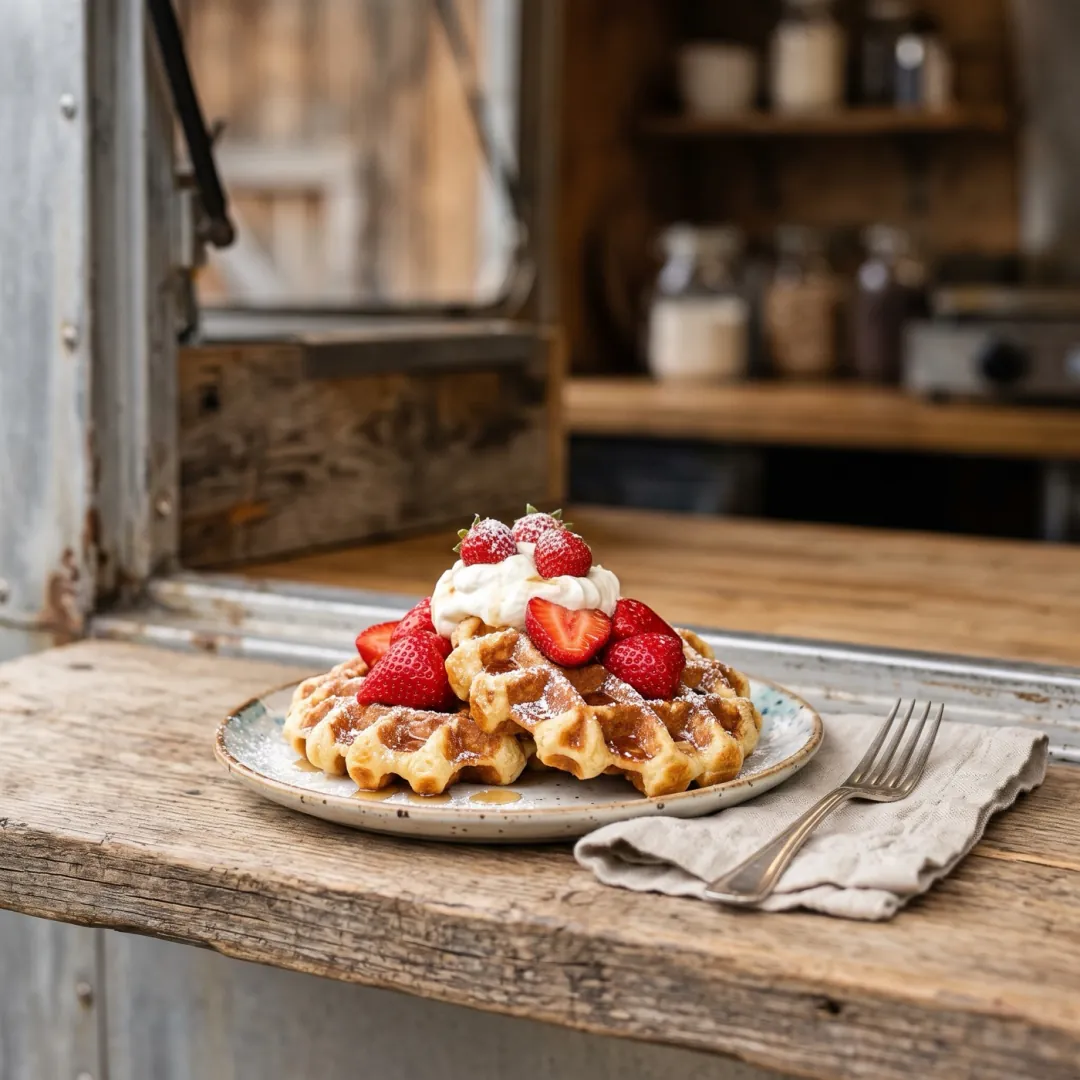 MotionSyrup pour
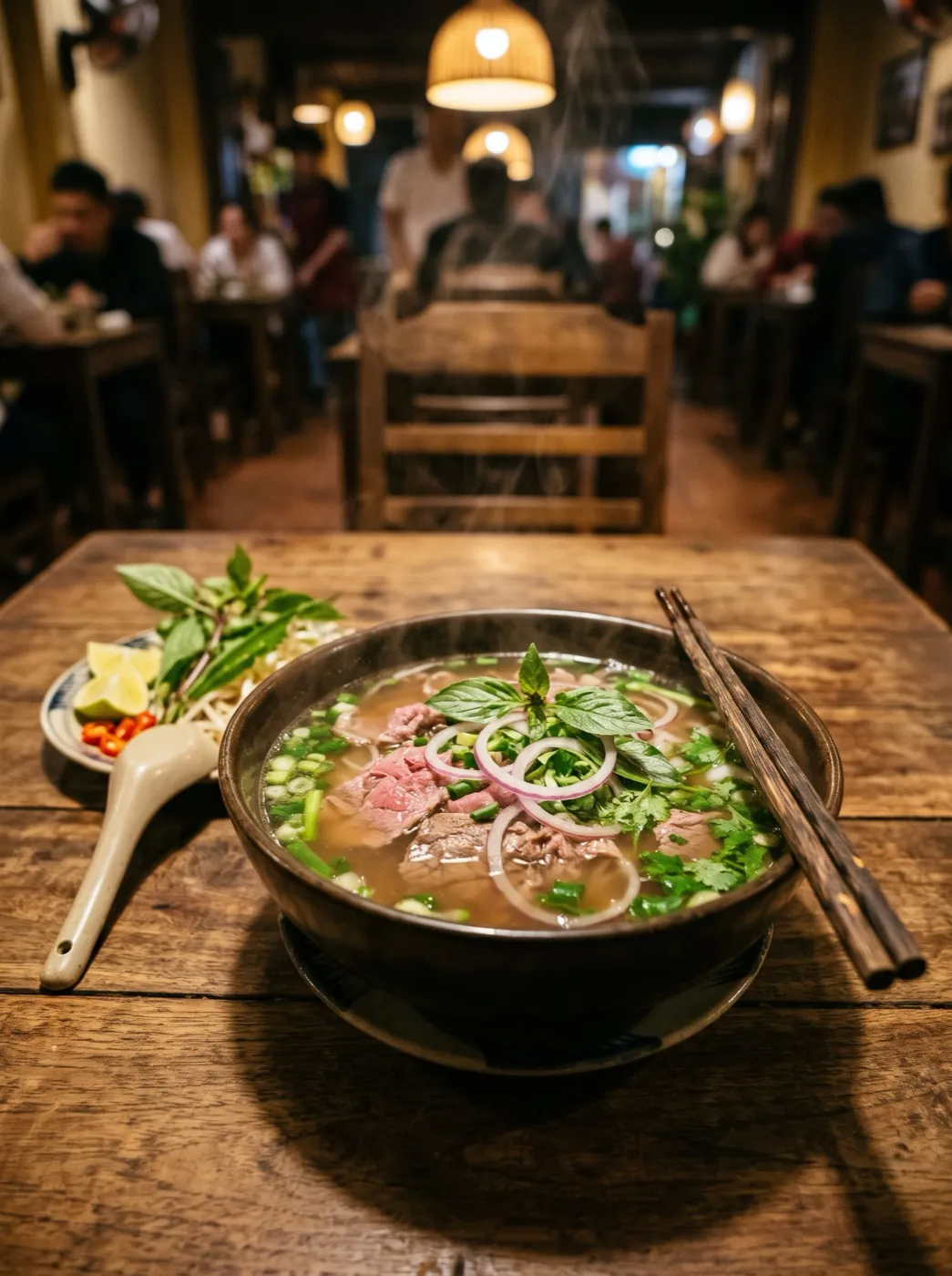 MotionSteam rises
 MotionDrone rise
One photo. A full turn.
Add a product photo and get a turntable clip for your listing in about two minutes.