Drone Rise
Seedance 2 Mini · 5sThe camera lifts off the ground, climbs over the scene and opens up the view all around it. No drone, no pilot, just the photo you already took.
Choose an effect
 Rain starts
 Set sail
 Syrup pour
 Balloon lift-off
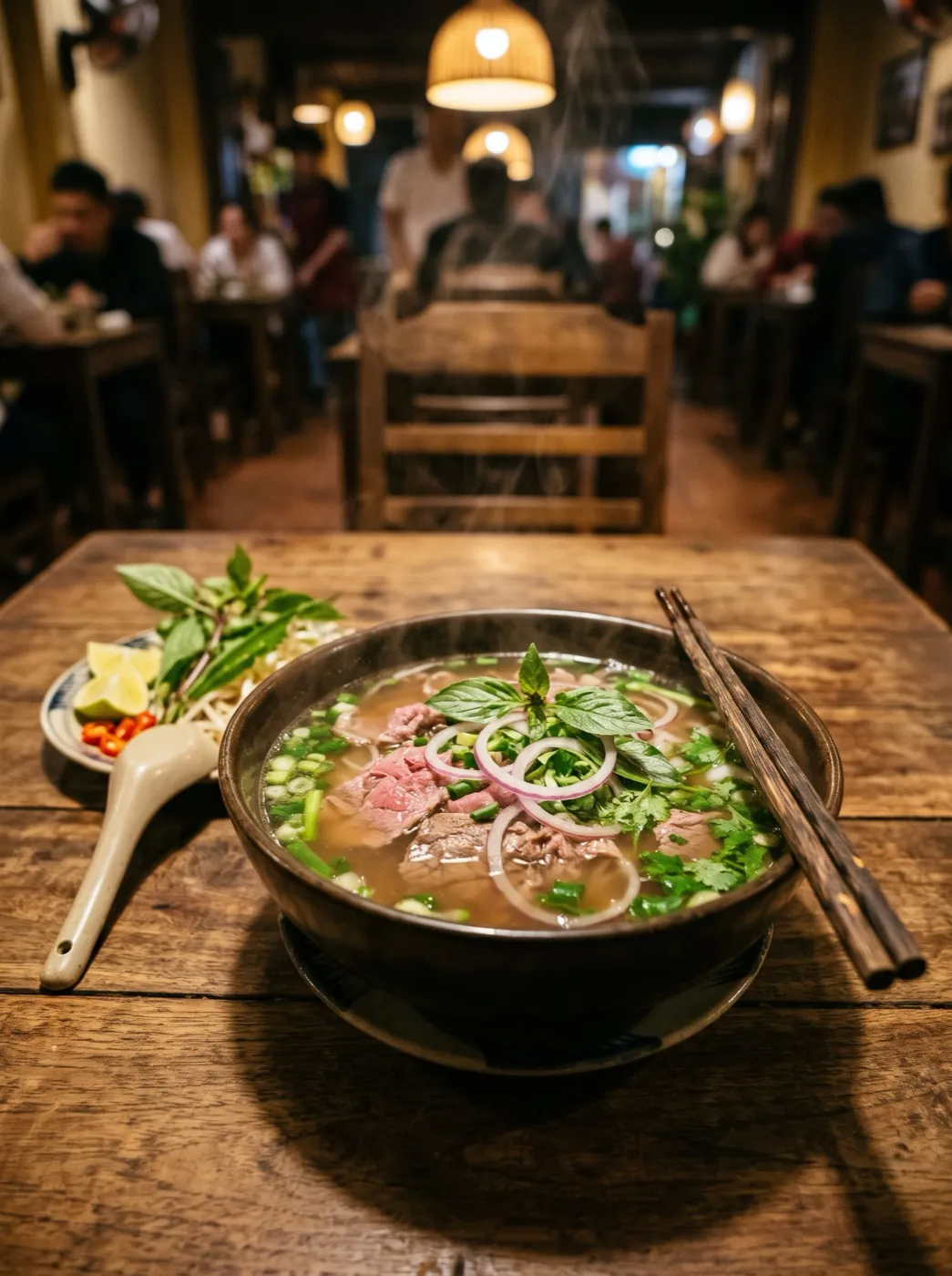 Steam rises
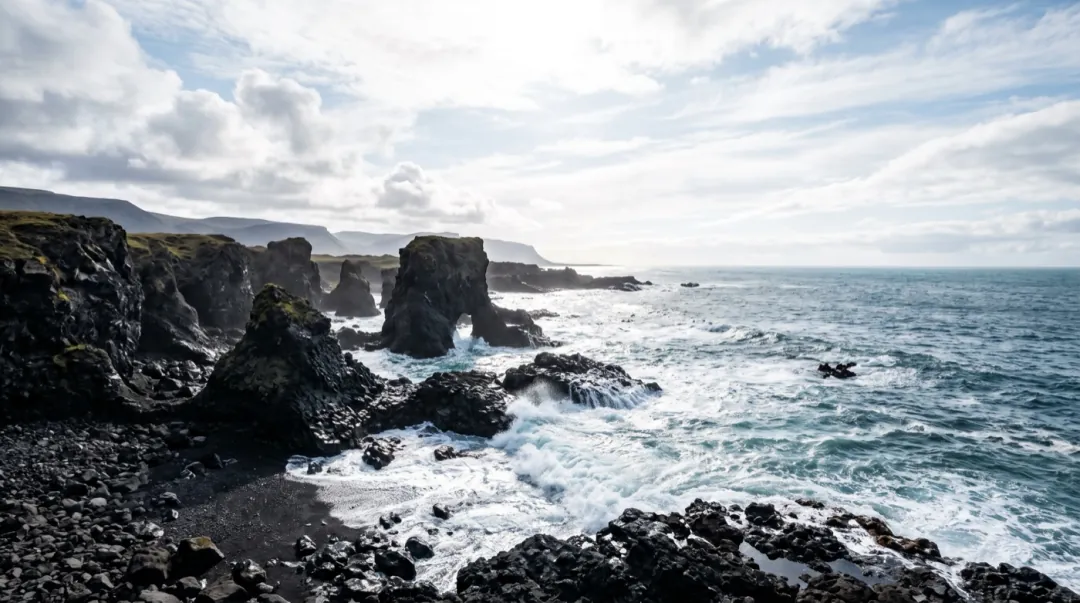 Waves roll in
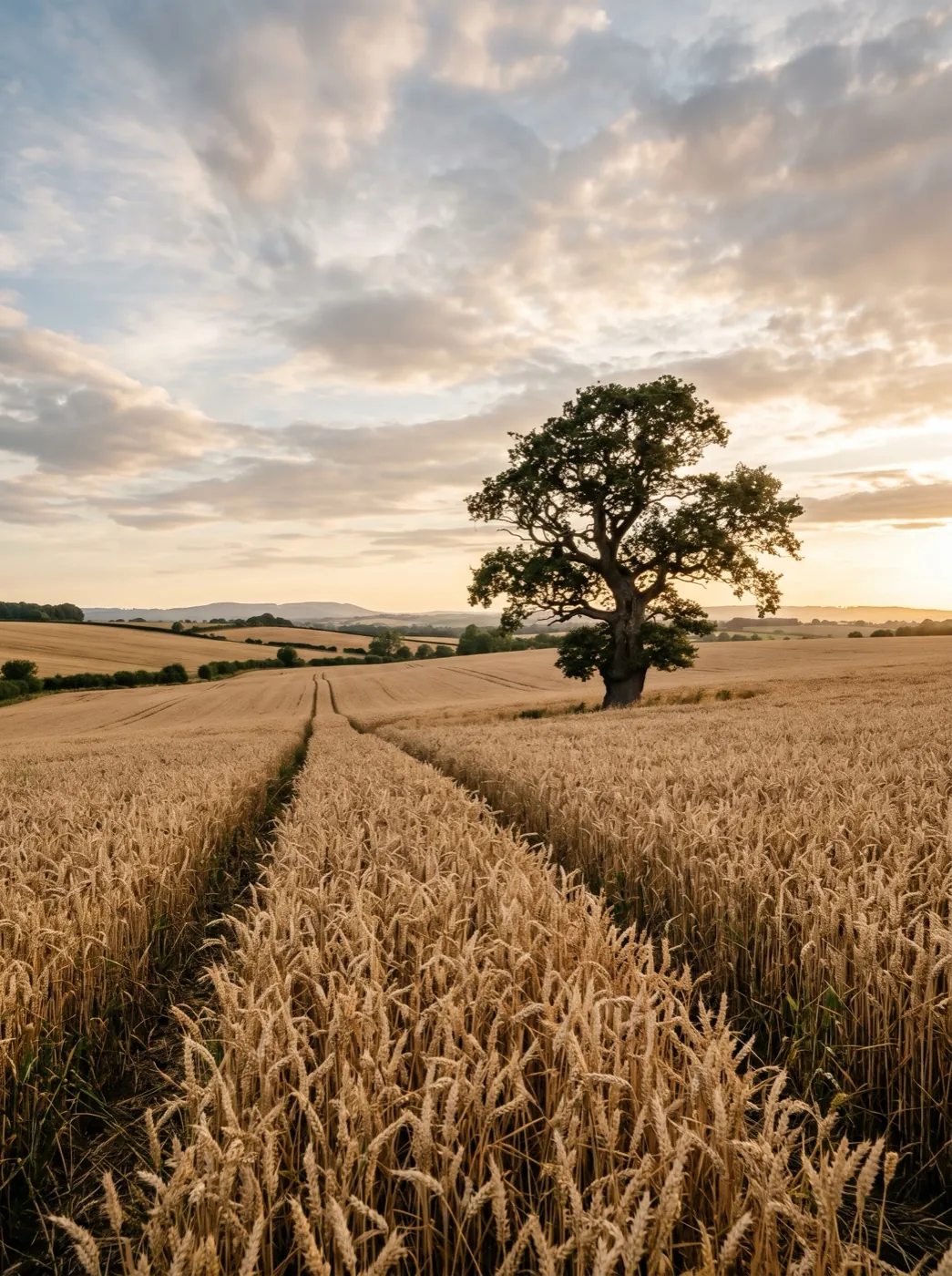 Wind in the wheat
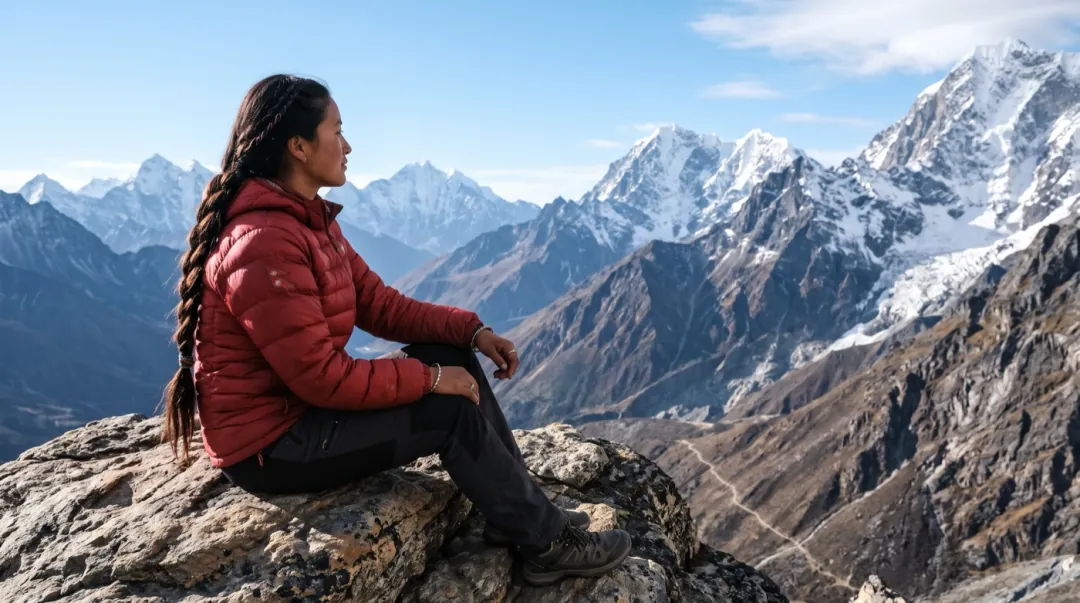 Clouds roll by
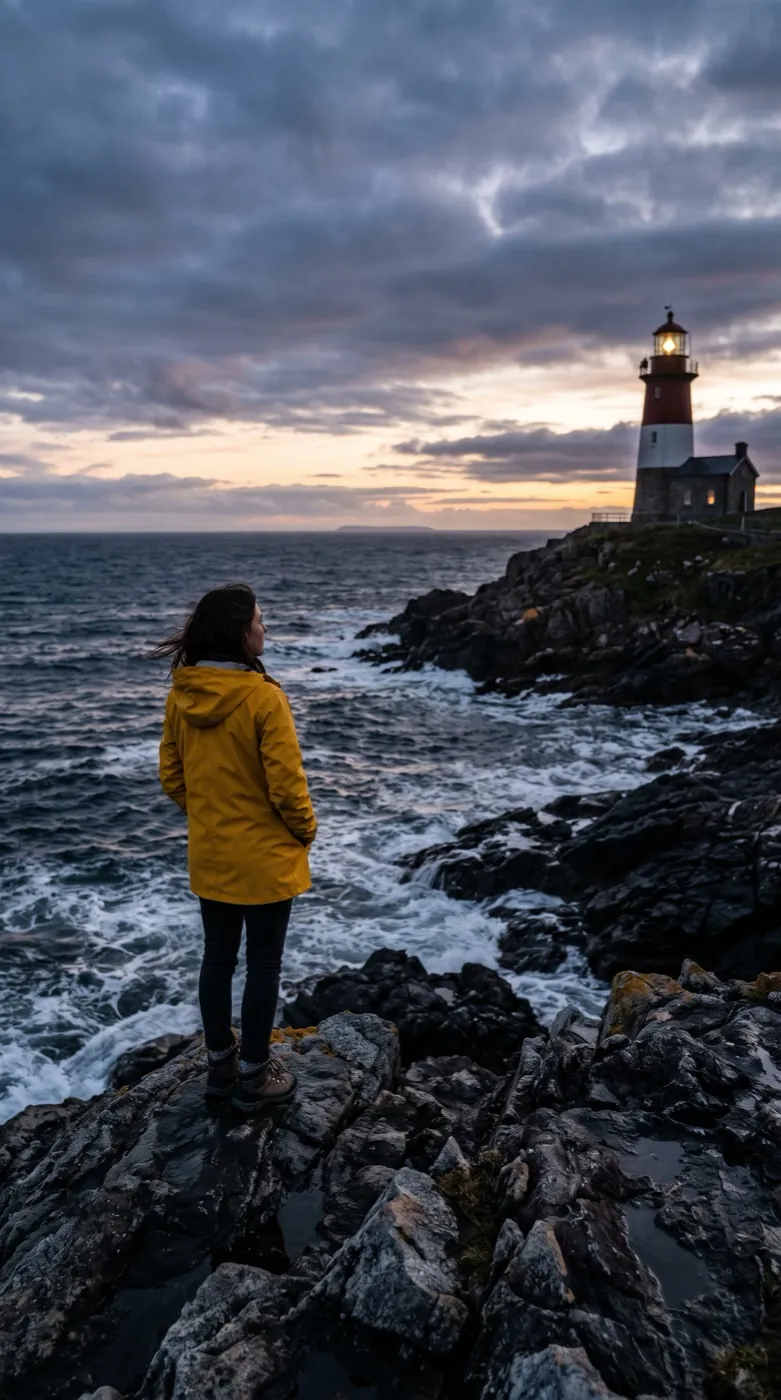 Cinematic push-inPhoto
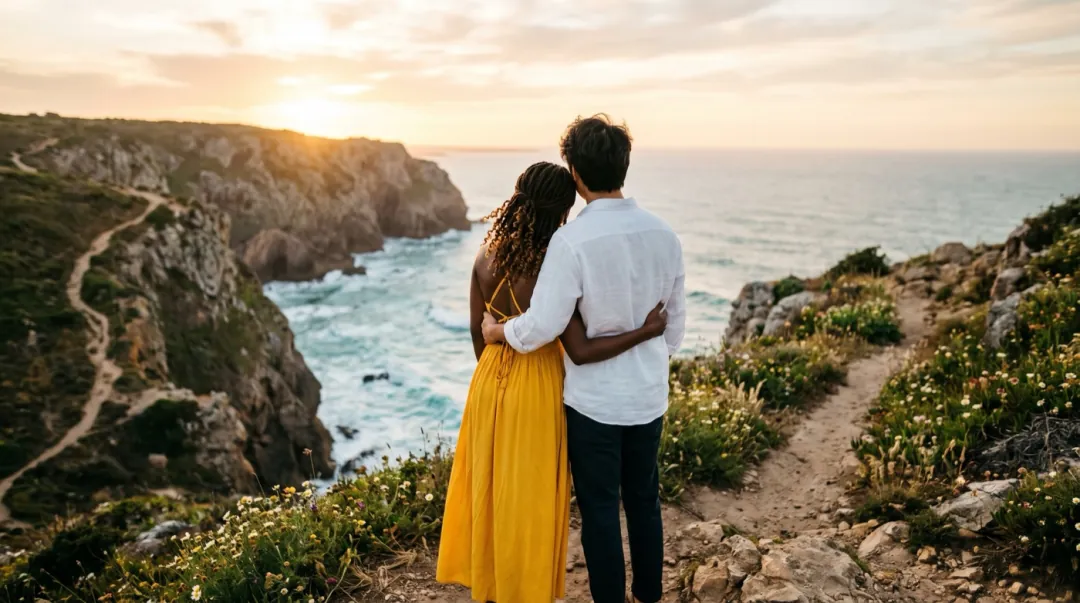 From above
A photo from the ground, a shot from the air
Drone Rise moves the camera, not the scene. It starts on your photo, lifts up and back like a drone taking off, and keeps climbing until the land around your subject fills the frame. The clip is 5 seconds on Seedance 2 Mini and keeps the shape of your photo.
- The camera climbs in one slow, steady move with no cuts.
- People, roofs and trees in your photo stay where they were; only the viewpoint changes.
- Land outside your photo is drawn by the model. It looks right, but it is not a map of the real place.
- Faces seen from behind or far away hold best, because the camera ends up above them.
From the trail to the sky in three steps
You only bring the photo. The climb is already written into the prompt.
Add the view you stood in
A wide, level photo from eye height. Phone shots are fine.
The climb is preset
A slow rise that ends on the wide view. Edit it if you want a turn or a faster lift.
Get the aerial clip
About two minutes later the 5-second shot is ready to download.
Three take-offs, three views
A farmhouse, a coast path and a lake cabin. Each photo was taken from the ground; each clip ends looking down on it.
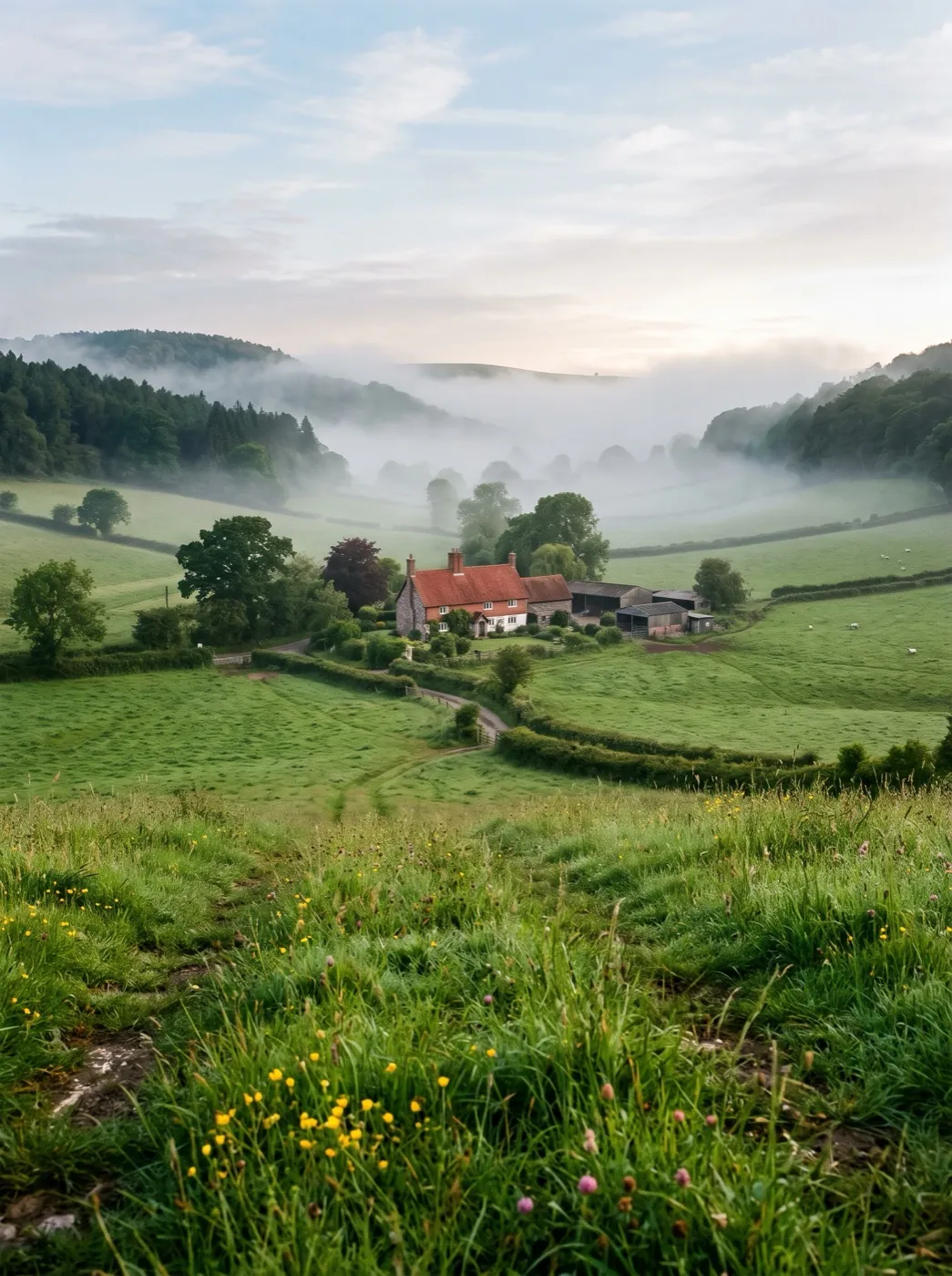
Seedance 2 Mini · 5sFarmhouse in a misty valley
Taken from just above the grass on a misty morning. The camera climbs and the whole valley opens out around the red roof.
Seedance 2 Mini · 5sTwo people on a sea cliff path
Seen from behind at the edge of the path. The camera rises over their heads and the whole coastline and sea come into view.
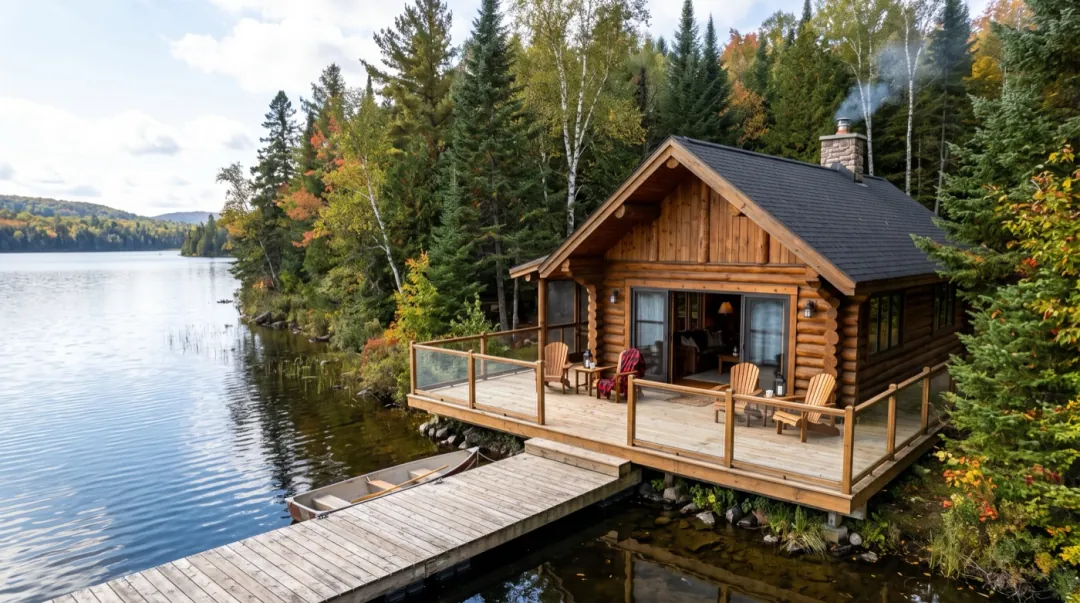
Seedance 2 Mini · 5sWooden cabin by a forest lake
A listing-style photo of the deck. The camera lifts over the roof and shows the lake and the forest around the cabin.
Where are you taking off from?
Four people who took a photo on the ground and wanted to see the place from the air.
The wide shot nobody flew for you
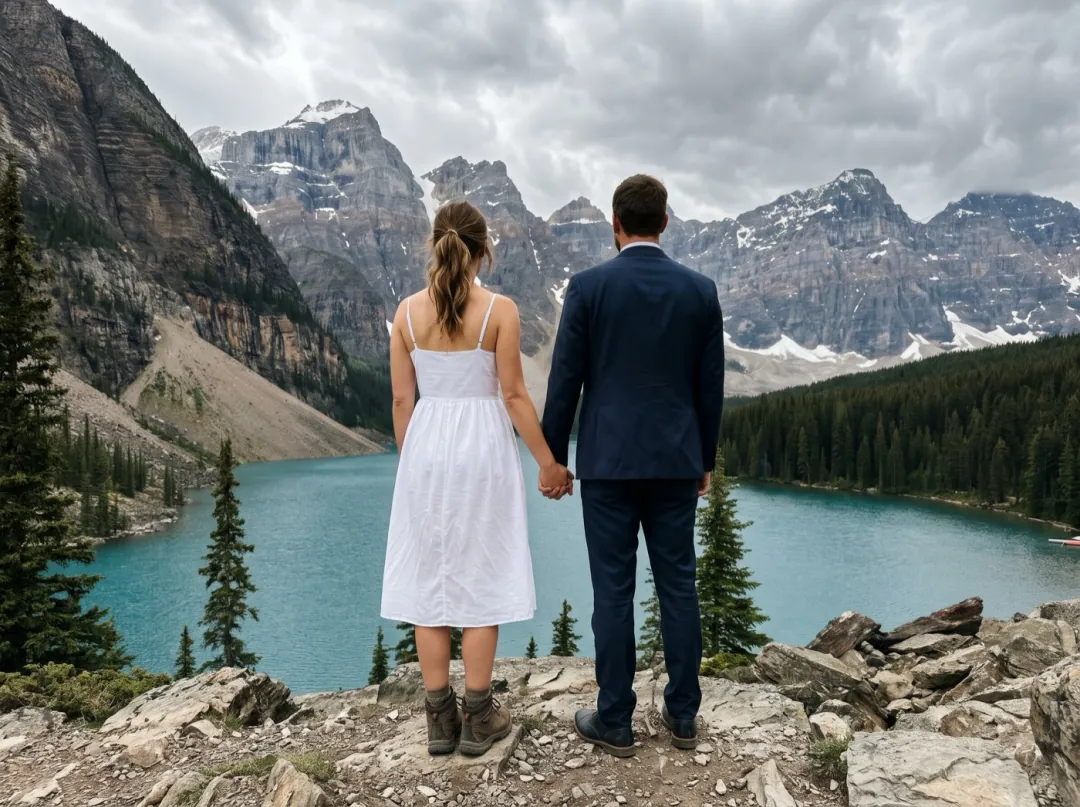
Couples who elope to a cliff or a mountain lake often bring one friend with a phone and no drone. A rise from the two of them, seen from behind, out to the whole valley gives the announcement its wide shot.
Pick a frame where you stand in the lower third with your backs to the lens and open land ahead. Post it first, before the close-ups.
Lift off from your elopement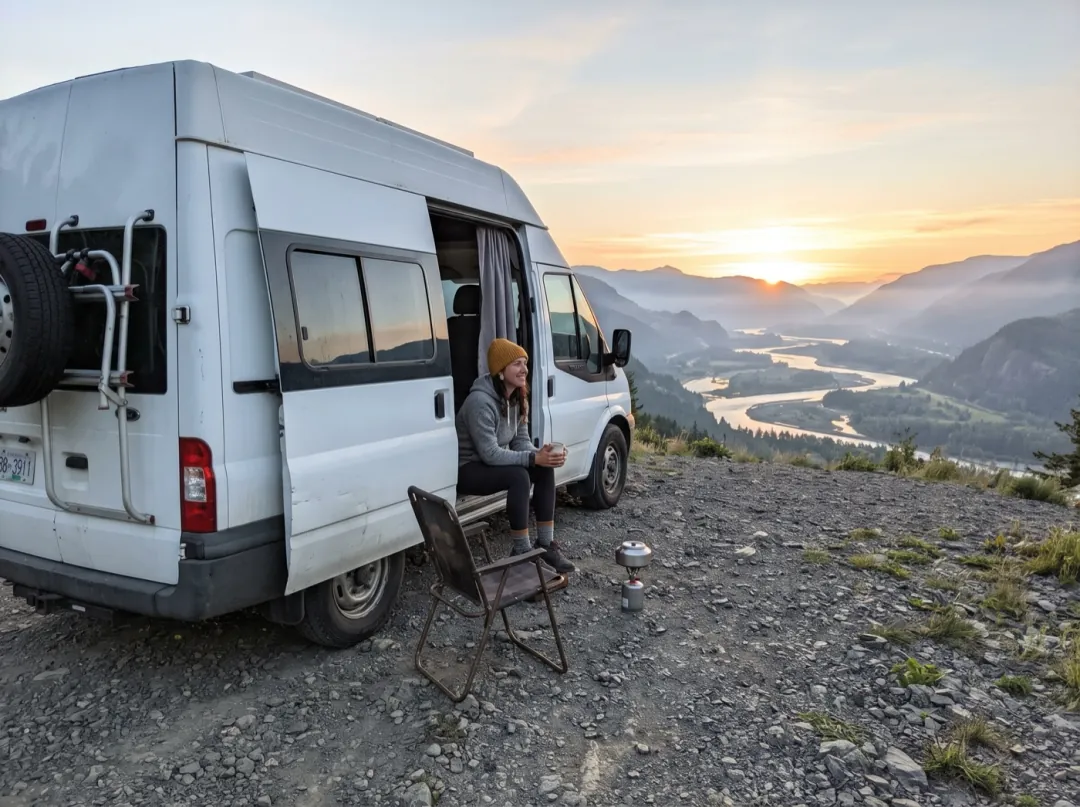
Show where you parked last night
People living out of a van move to a new overlook most weeks and post each spot. Starting beside the open side door and lifting over the roof shows the camp and the land around it in one move.
Shoot from a few steps behind the van with the view past it and the horizon level. Open the weekly vlog with it and add your own sound.
Rise over your camp spot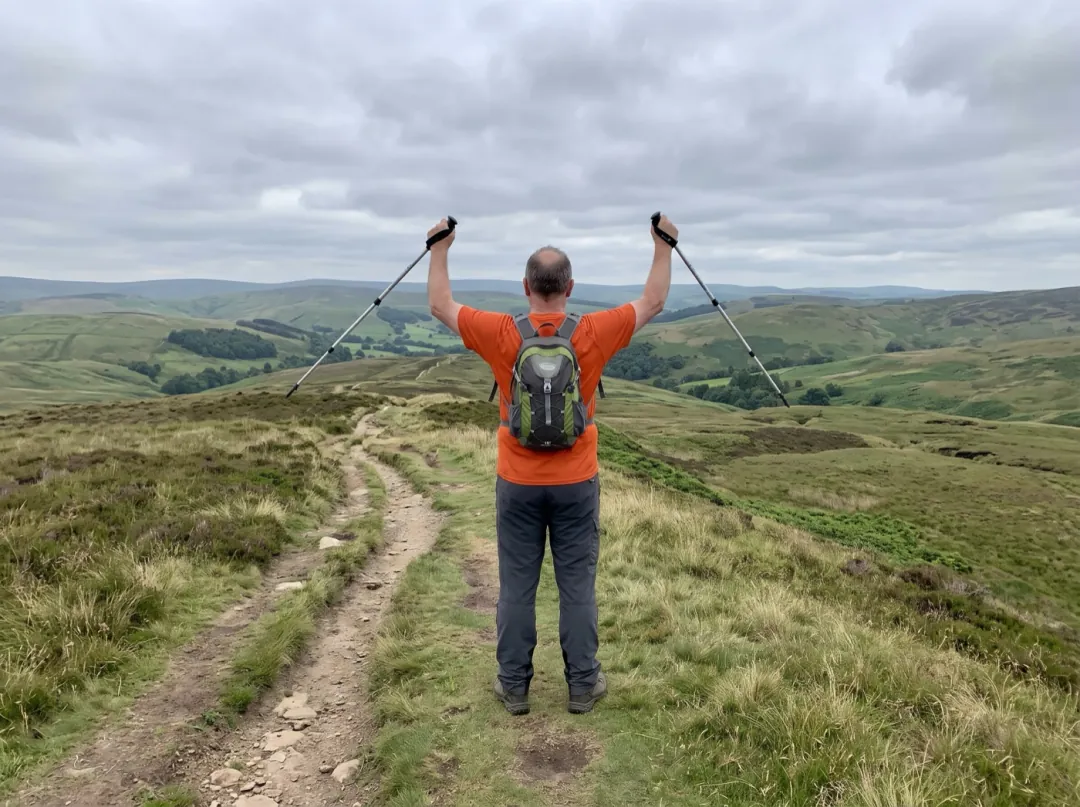
A finish photo for everyone who sponsored you
Walking a long trail for a cause, you owe sponsors a picture from the end. Rising from you, poles raised, to the hills ahead gives the finish a sense of distance, though those hills are drawn for the clip.
Stand facing the view, back to the camera, with the photo sharp to the horizon. Share it on the fundraising page with your thanks.
Make a finish-line rise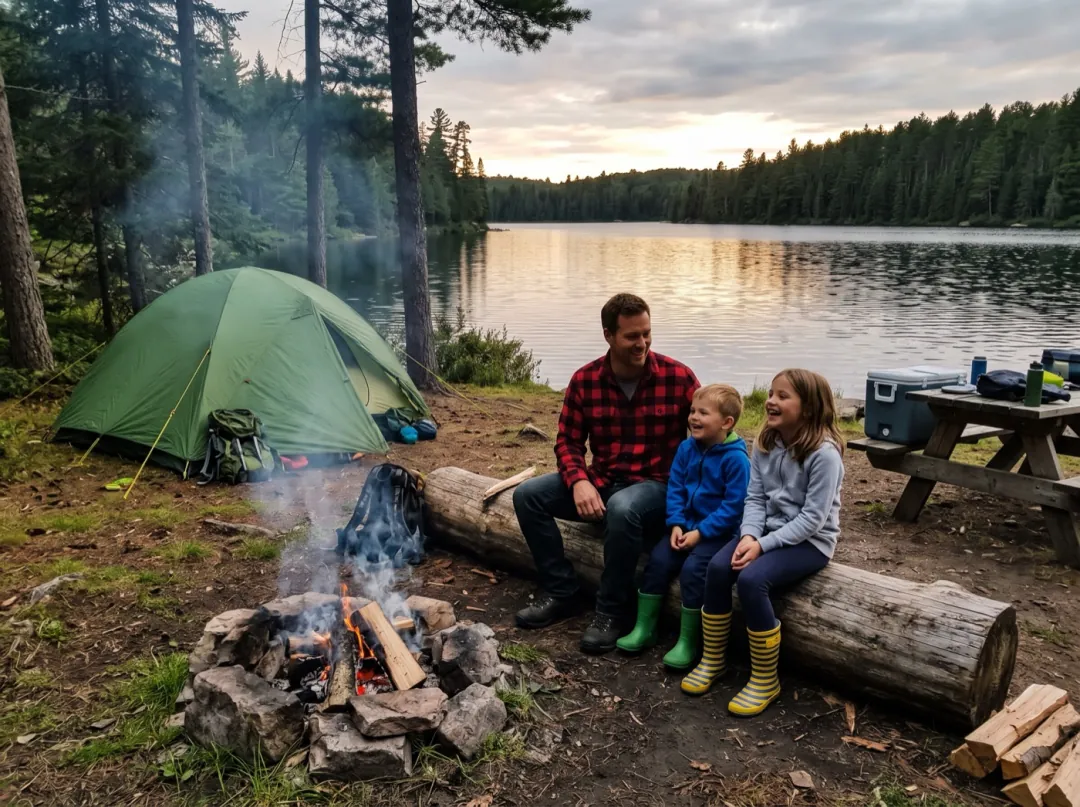
Open the trip slideshow from above the tent
Families come back from a camping trip with photos of the tent, the fire and kids in wet boots. A clip that climbs from the campsite to the lake and woods around it sets the scene before all the close-up pictures.
Take the photo from the edge of the site, tent in the lower half and water or sky beyond it. Play it first in the trip slideshow.
Rise over the campsitePhotos that take off well
The camera climbs out of your picture, so what is around the edges matters most.
A tilted photo makes the rise look like a crash. Straighten it in your phone before you add it.
A photo taken from a plane or a tall tower leaves the camera nowhere to climb. Eye height is the right start.
At dusk the revealed view turns to a dark smudge. Morning or afternoon light shows fields, water and trees.
Portrait mode blurs the background, and that blur is what the rise reveals. Use the normal camera lens.
Change the flight path
Press Edit prompt and steer the camera. Keep the word "slowly"; quick climbs shake the picture.
Rise and turn
Add a quarter turn as the camera climbs, so the clip shows a side of the place your photo did not.
The camera rises slowly like a drone and turns a quarter circle to the right as it climbs, revealing the land on every side. One continuous shot.
Lift over the wall
When something blocks the view, a hedge, a roof or a fence, start behind it and clear it on the way up.
The camera starts low behind the nearest wall, roof or hedge, lifts slowly over it and reveals the wide view beyond. One continuous shot, nothing in the scene moves.
Straight up over the people
For a group photo taken from behind, climb straight above them so they end up small in the middle of the frame.
The camera rises straight up above the people, tilting down to look at them as they become small in the middle of the wide landscape. Slow and steady.
Before and after the take-off
The clip lands in your library. These steps help when the photo is too tight or the clip needs to be sharper.
Give the camera more room
Photo cropped too close? Widen it first so the rise starts with more of the scene.
Open AI Image Extender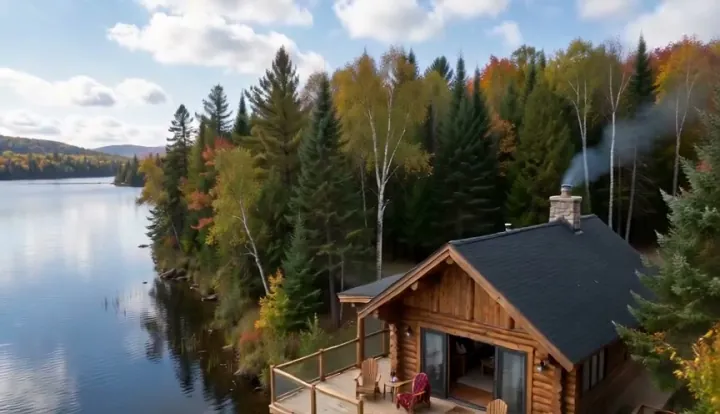
Your aerial reveal
A 5-second rising shot, saved in your library.
Land on a real aerial photo
Have a true photo from above? Start on the ground shot and end on that one.
Open Frames to VideoSharpen it for a big screen
Enhance the clip before it goes on a listing page or a TV.
Open Video UpscalerDrone Rise FAQ
What people ask before they turn a ground photo into a drone shot.
What kind of photo works best for Drone Rise?
A level, sharp photo taken from standing height outdoors, with open land, water or a town behind the subject. Houses, viewpoints, beaches and trail heads all work. Indoor photos and close-up portraits give the camera nothing to rise over.
Does Drone Rise show the real place from above?
No. The camera starts on your real photo, but everything that comes into view outside it is drawn by the model to match. It will look like a believable valley or coast, not the actual map, so do not use it to show a real plot boundary.
Do people in the photo move in a Drone Rise clip?
Mostly not; the preset moves the camera only. People seen from behind or from a distance hold up best. Close faces can change as the angle shifts, so for a portrait pick an effect that moves the person instead.
How much does a Drone Rise clip cost?
One 5-second clip at 480p costs 30 video credits on Seedance 2 Mini. The 10 free credits you get at sign-up are image credits, so they do not cover it; credit packs start at $9.90 for 600. A failed or blocked run gives the credits back.
Can Drone Rise make a longer or higher flight?
Each clip is 5 seconds. You can ask for a faster or higher climb in the prompt, but a gentle rise looks more like real drone footage. For a longer sequence, make two clips from different photos of the same trip and play them one after the other.
Why does my Drone Rise clip wobble or warp?
Usually the photo is tilted, blurred at the back, or taken at night. Straighten it, use a daylight shot with a sharp background, and keep "slowly" and "one continuous shot" in the prompt. A tight crop also helps less than a wide one.
Is there sound in a Drone Rise video?
No, the clips are silent. Add music or wind sound in your video editor or the app you post from.
More effects for places and views
 StylesGolden hour glow
You stood there. Now see it from above.
Add one photo from the ground and watch the camera climb into the view.