Waves Roll In
Seedance 2 Mini · 5sThe flat sea in your beach photo starts to move. Waves roll in, break into foam, wash up the sand and draw back, while the shore stays put.
Choose an effect
 Rain starts
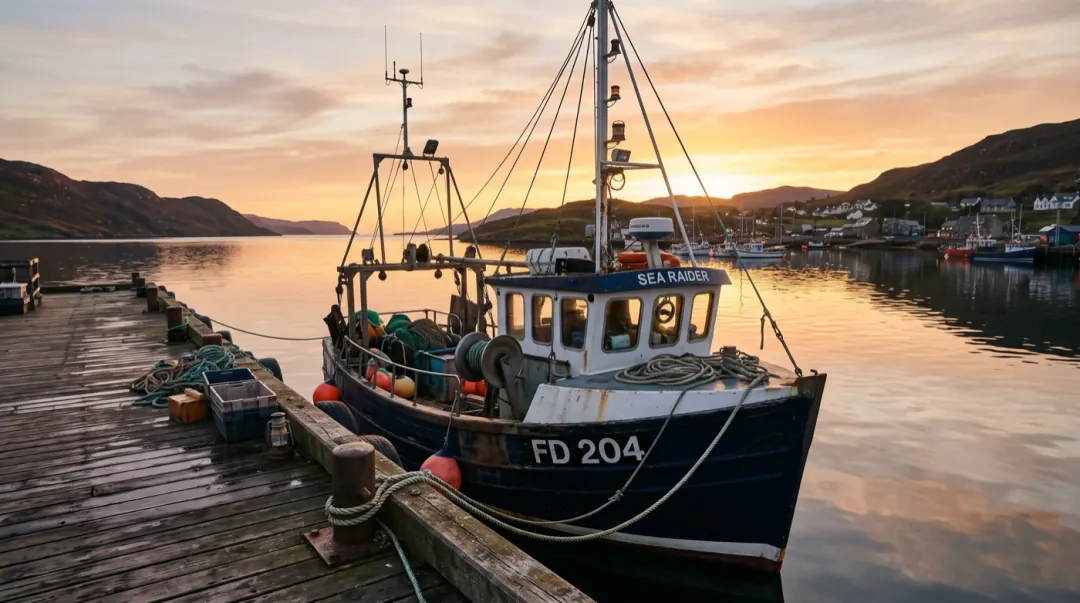 Set sail
 Syrup pour
 Balloon lift-off
 Steam rises
 Drone rise
 Wind in the wheat
 Clouds roll by
 Cinematic push-inPhotoWaves in
The sea was frozen. Now it breaks.
Waves Roll In works on the water and leaves the land alone. Swells build out at sea, roll toward the shore and break into foam that runs up the sand or bursts on the rocks. It makes a 5-second clip on Seedance 2 Mini in the shape of your photo.
- Waves break where the shore is in your photo: on sand, rocks or a sea wall.
- Rocks, sand and buildings keep their shape while the water moves around them.
- Low sun turns the spray bright; a grey day gives darker, heavier water.
- People at the waterline can react to the wave, but the preset only asks for the sea.
Set the tide moving
One photo and one tap. The waves are already described for you.

Add your coast photo
Any photo where the sea meets the land: a beach, a cove, a rocky point.
The surf is written in
The prompt asks for breaking waves, foam and sunlit spray. Make it calmer or rougher if you like.
Watch the sea come alive
In about two minutes you get a 5-second clip of moving water.
Rocks, sand and a sea-view deck
Three coasts with three kinds of water. Each still photo sits in the corner of its clip; hover or hold it to see the photo whole.
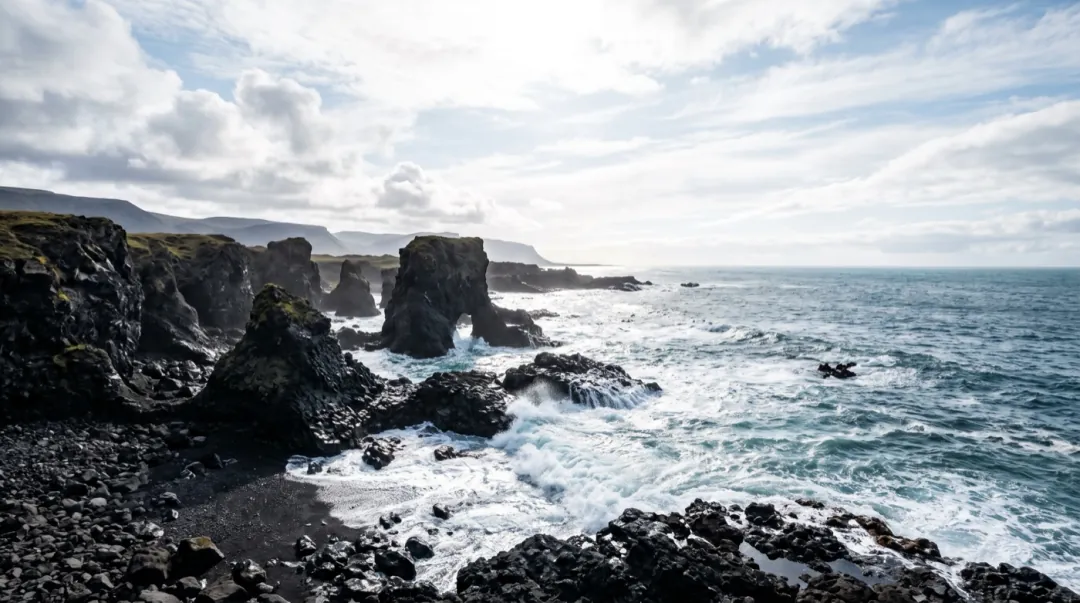
Seedance 2 Mini · 5sSurf on dark rocks
No people, just the coast under a bright sky. Waves crash on the rocks and the spray glows in the sun.
Seedance 2 Mini · 5sBarefoot at the waterline
A couple holding hands at sunset. A wave rolls in over their feet, she jumps and laughs and he swings her around.
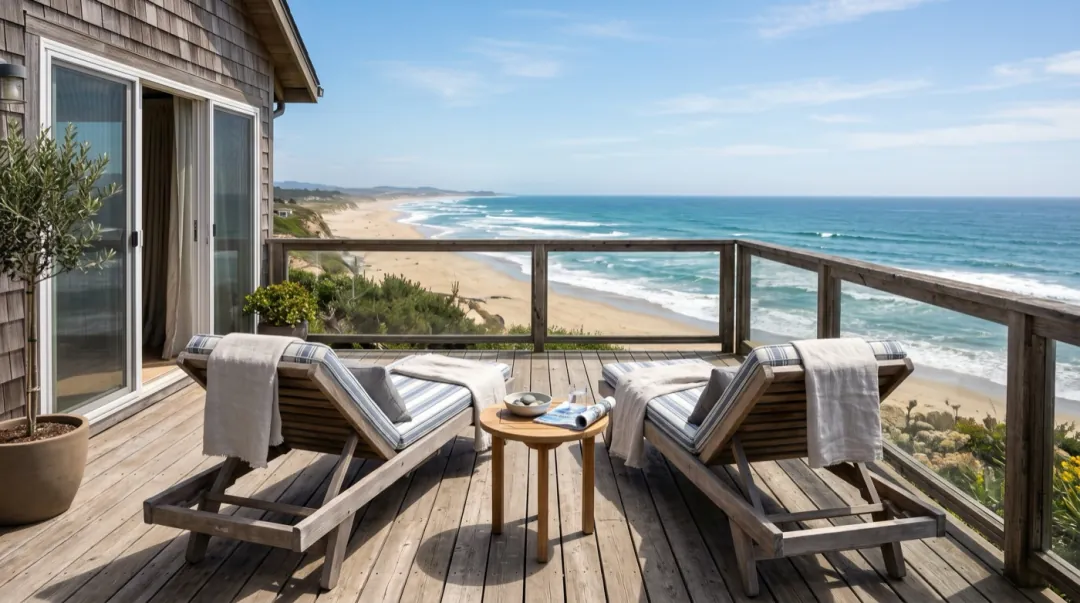 Seedance 2 Mini · 5s
The deck above the beach
Two loungers facing the sea. Waves roll in and break on the sand below while the towels flutter.
Whose sea needs to move again?
Four people with a coast photo where the water should be breaking. Each row shows the shot they bring.
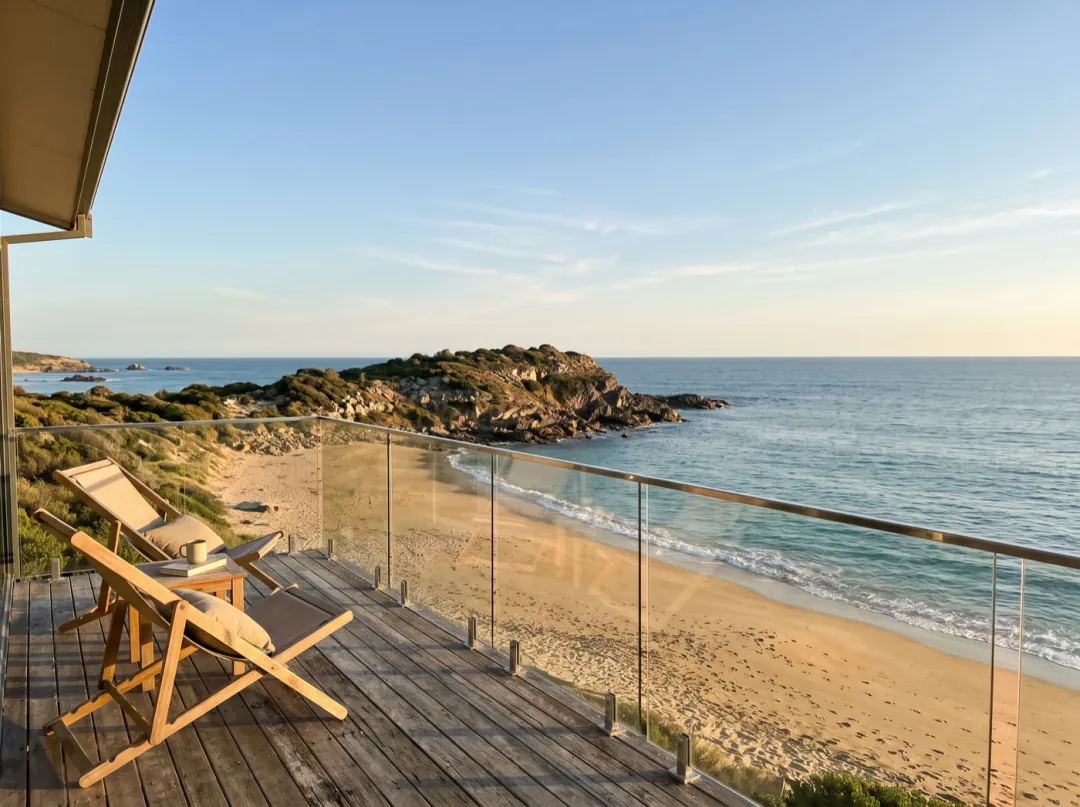
The ocean view that sells the house
On a coastal listing, the view from the deck carries much of the price, and a still photo can make the sea look painted on. Waves breaking on the beach below show buyers the view is real.
Shoot from the deck railing, shoreline in the lower half, horizon level. Open the listing video with the clip, or use it as the property page header.
Animate the sea view
The lighthouse at the end of today’s walk
A clifftop walk often ends at the same viewpoint: the lighthouse, the rocks below and a sea that looks frozen in the photo. Swell crashing into spray on those rocks beats the usual view shot.
Stand where the waterline and the rocks fill the lower third, with a little sky above the lighthouse. Post it in the walking club chat along with the route.
Make the waves crash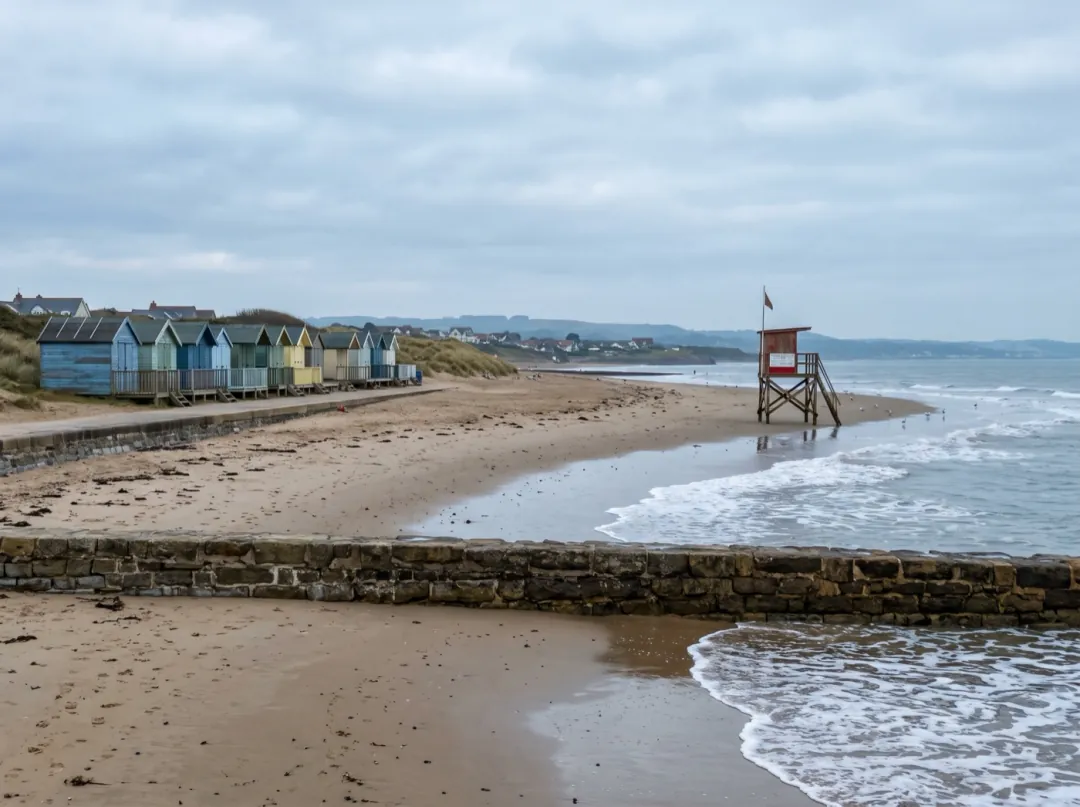
The hometown beach, hours from the sea
You grew up by the sea and now live hours from it, and the hometown beach photo is the one you open when the city gets loud. Waves rolling onto that exact stretch of sand are a small way back.
Use a photo from the spot where you always stood, waterline low in the frame. Save the clip to your favorites for long days at your desk.
Bring the beach back
Their first steps into the ocean
A toddler’s first look at the ocean is part nerves, part delight, and the photo shows them at the edge in a sun hat, deciding. Add one line to the prompt and a small wave rolls over their toes.
Crouch low beside them so the wet sand and the wave line fill the lower frame. Save it for the summer album or send it to family that evening.
Bring a wave inBeach photos that make good waves
The model needs to see where the water is and where it can break. These four checks cover most failed clips.
A blown-out sun on the water leaves a white patch with no waves to move. Shoot with the light from the side.
A sloping horizon makes the waves look like they run downhill. Straighten the photo before you add it.
A thin strip of distant water barely moves. Frame so the sea and the shore fill at least a third of the photo.
Silky, misty water from a slow shutter has no wave shapes left in it. A normal phone shot is better.
Set the mood of the sea
Press Edit prompt and describe the water. Keep the land in the prompt as "still" so it does not drift.
A calm, lapping shore
For a sleepy morning beach, ask for small waves that slide up the sand and slip back.
Small, gentle waves lap at the shore, a thin line of foam slides up the sand and slips back. Calm sea, the beach and everything on it stay still.
Storm surf
For a wild coast, ask for big breakers and wind-blown spray. It works best on rocks or a sea wall.
Big waves roll in and crash hard on the rocks, spray bursts high into the air and the wind blows it sideways. Dark, rough sea, the rocks stay still.
A wave reaches their feet
With people at the waterline, give them one small reaction to the water. One is enough.
A wave rolls in over their feet, they step back and laugh as the foam spreads around their ankles. Faces stay the same people.
More for your beach clip
The clip stays in your library. Clear the sand first, or add a second shot to go with it.
Clear strangers off the beach
Remove other people from the photo so only your shore is left.
Open Image to Image
Your moving shoreline
A silent 5-second clip of waves breaking, saved in your library.
Day into sunset
Start on your daytime beach photo and end on one you took at dusk.
Open Frames to VideoMove the sky as well
Make a second clip of the same coast with clouds sweeping over.
Try Clouds Roll ByWaves Roll In FAQ
What people ask before they set a beach photo in motion.
Which photos work with Waves Roll In?
Any photo where the sea meets something solid: a sandy beach, rocks, a harbour wall or the foot of a cliff. The waterline should be clear and the water sharp. A photo of open ocean with no shore gives swells but nothing to break on.
What moves in a Waves Roll In clip?
The water: swells roll in, break into foam and spread up the shore, and spray rises off the rocks. Sand, rocks and buildings stay put. Loose things near the water, like towels or hair, may move a little in the sea breeze.
Can Waves Roll In animate people on the beach?
Yes, if you ask. The preset is about the sea, so people mostly stay still. Add one reaction to the prompt, such as stepping back from a wave, and keep faces in the photo turned toward the camera or seen side-on.
How many credits does Waves Roll In use?
Each 5-second clip at 480p costs 30 video credits on Seedance 2 Mini. Free sign-up credits (10) are for images only and cannot pay for a clip; video credits come in packs from $9.90 for 600. If a run fails, the credits come back.
Does Waves Roll In work on lakes or rivers?
It is written for the sea, so a lake can end up with surf it never has. For a lake or river, edit the prompt to "small ripples move across the water" and leave out the breaking waves.
My Waves Roll In clip has the sea flowing the wrong way. What can I try?
Check that the horizon is level and the shore is in the lower part of the frame. Then add where the waves should go, for example "waves roll toward the camera and break on the sand in front". A sharper, less hazy photo also helps.
Does a Waves Roll In video include the sound of the sea?
No, every clip is silent. Lay a surf recording or music under it in your editor if you want sound.
More effects for coast and water
 PortraitHair in the wind
The sea in your photo is waiting to move.
Add a beach shot and watch the waves roll in and break on the shore.