Clouds Roll By
Seedance 2 Mini · 5sHours of sky in five seconds. Clouds stream across in time-lapse and their shadows slide over the land, while everything on the ground holds still.
Choose an effect
 Rain starts
 Set sail
 Syrup pour
 Balloon lift-off
 Steam rises
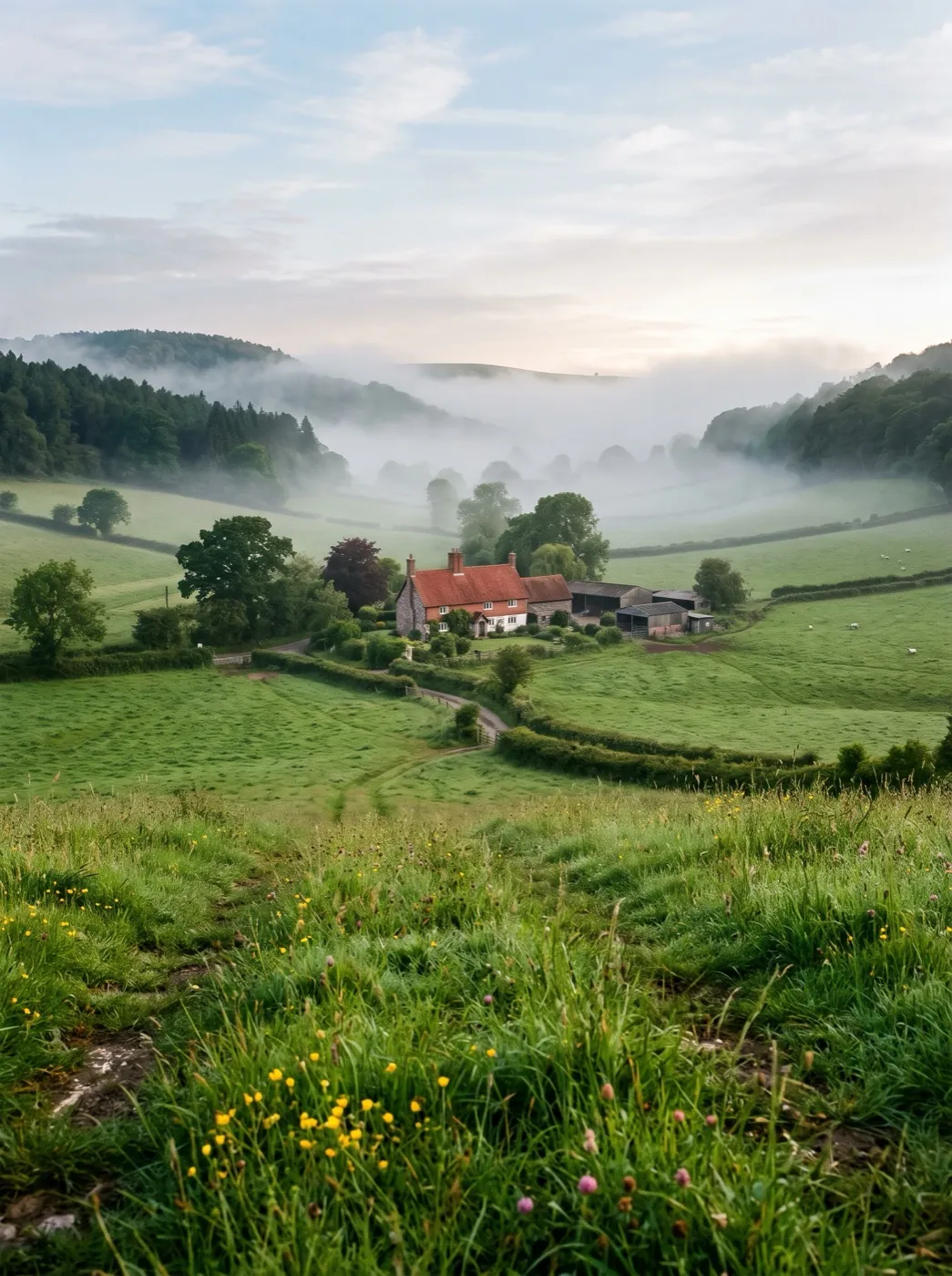 Drone rise
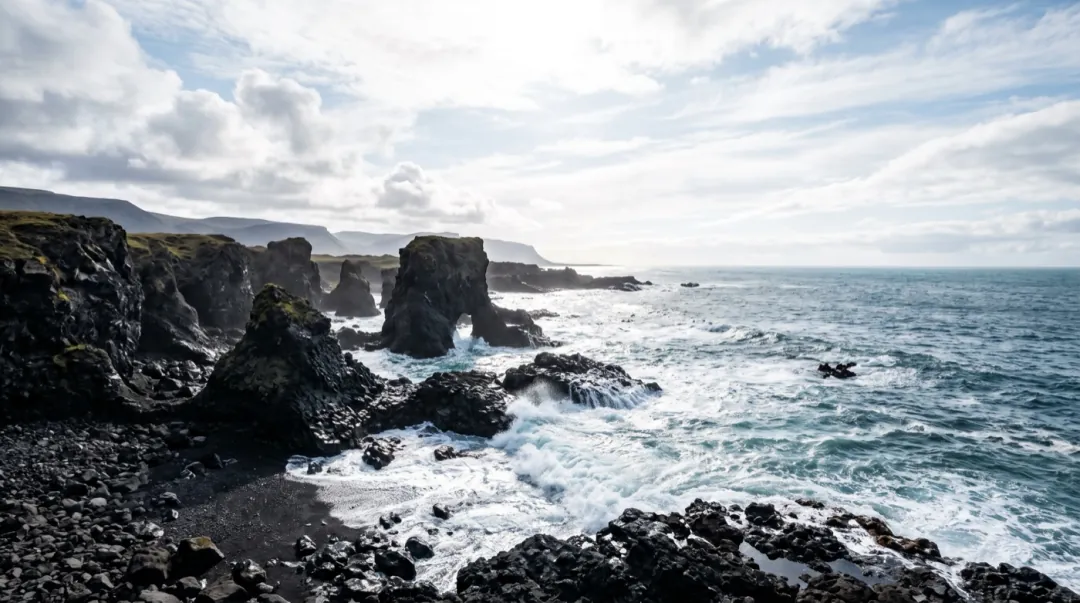 Waves roll in
 Wind in the wheat
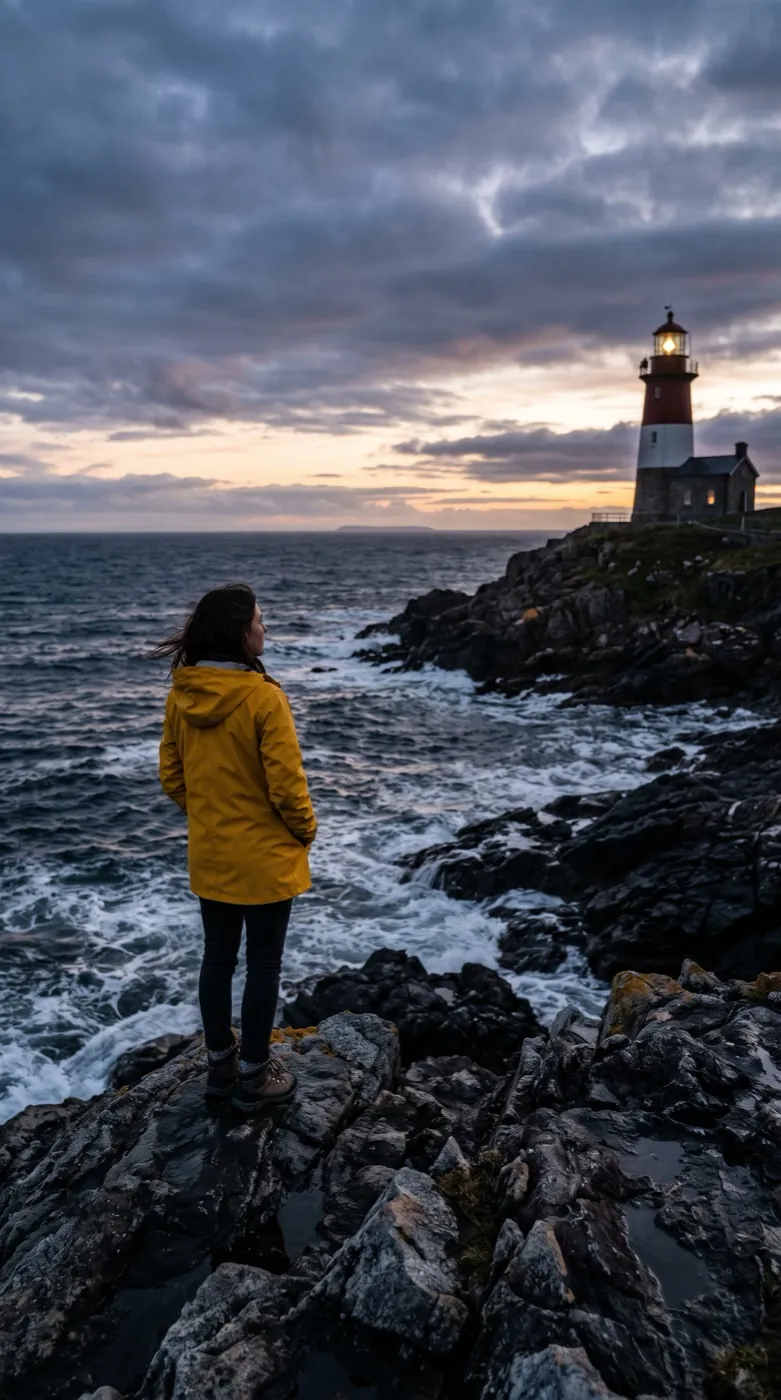 Cinematic push-inPhoto
 Time-lapse
The sky speeds up, the ground stands still
Clouds Roll By is a time-lapse: only the sky runs fast. Clouds stream across the frame, their shadows pass over hills and roofs, and the light on the land brightens and dims as they go. Seedance 2 Mini makes a 5-second clip in the shape of your photo.
- Clouds move fast and in one direction, the way a time-lapse camera sees them.
- Shadows and patches of sunlight sweep over the ground below.
- Buildings, rocks, water and people stay put, so the contrast does the work.
- A clear blue sky has little to move; some cloud in the photo gives the best result.
Speed up the sky
Add a photo and press Generate. The time-lapse is already set.

Add a photo with open sky
Mountains, a city view or a terrace. The horizon can sit low or in the middle.
Time-lapse is preset
Racing clouds and moving shadows, with the ground told to stay still. Slow it down if you like.
See the sky pass
In about two minutes the 5-second clip is ready.
A summit, a pool and a skyline
Three skies over three very different grounds. Each clip was made from the photo on its left.
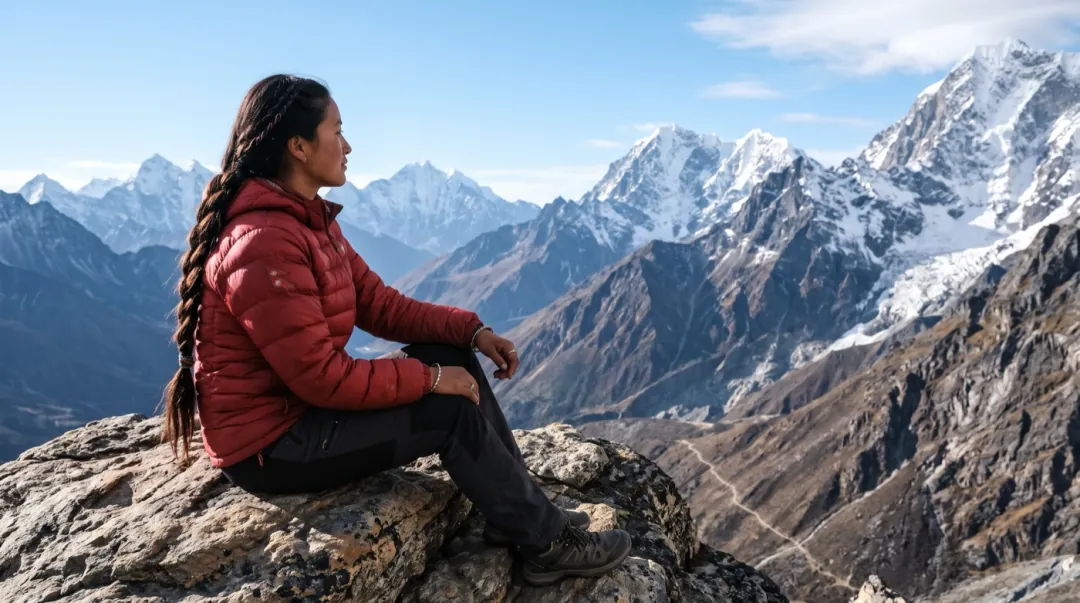
Seedance 2 Mini · 5sAbove the clouds on a summit
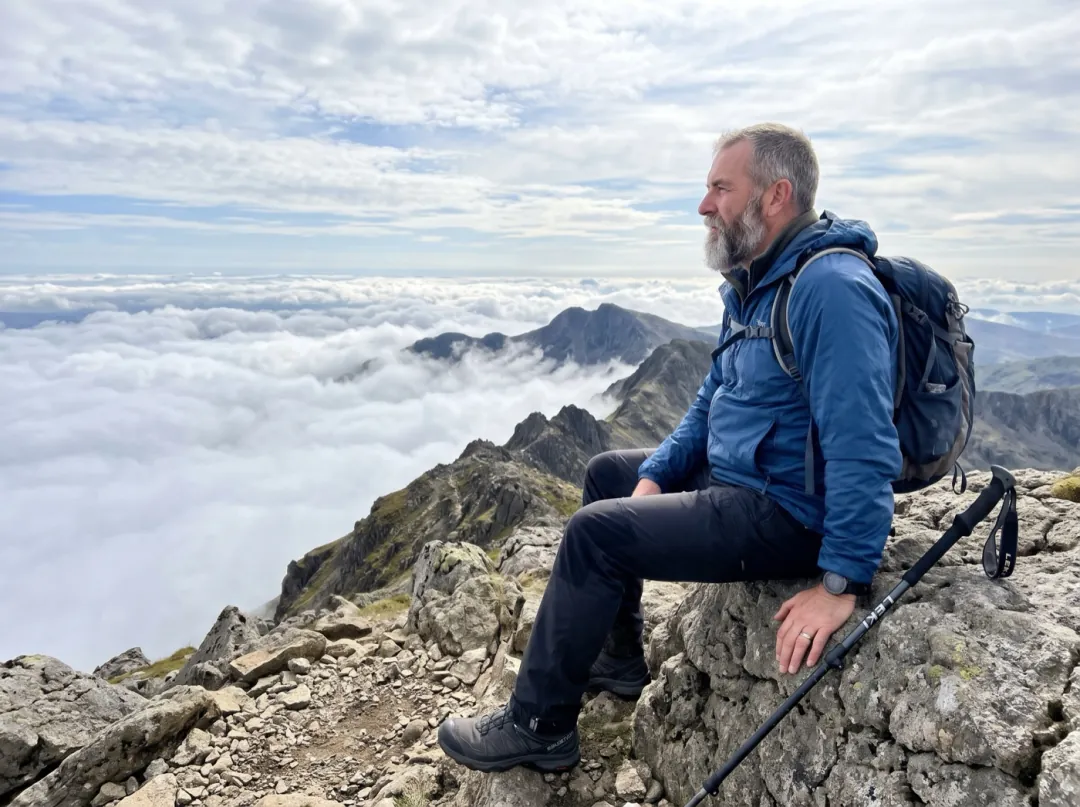
A hiker sits on the rock in a red jacket. Clouds race past below her in time-lapse and she raises both arms as the sun breaks through.
Seedance 2 Mini · 5sInfinity pool facing the hills
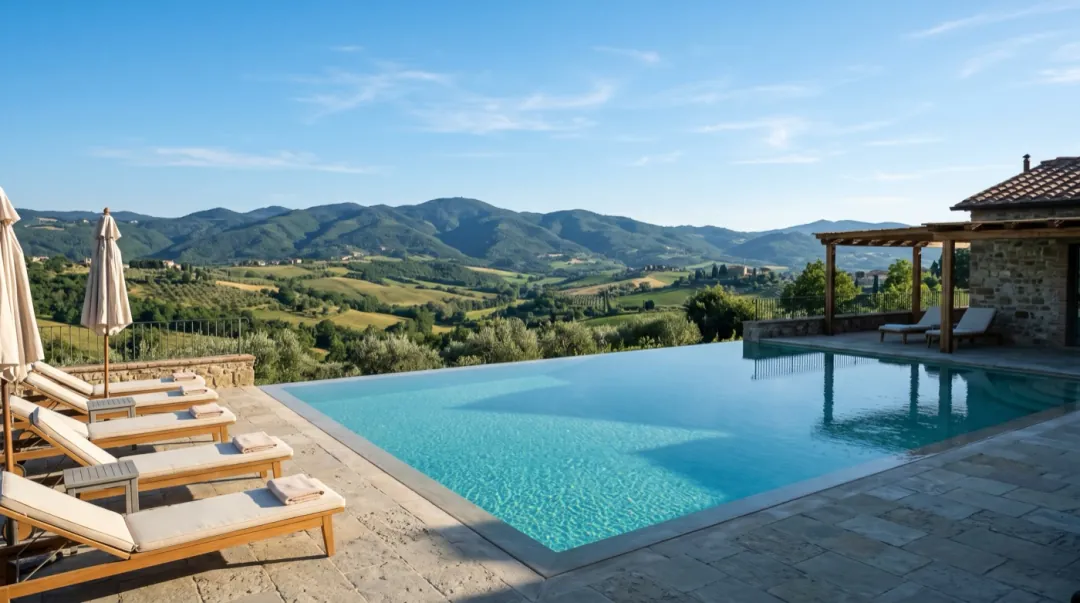
No people, a blue sky over the hills. Clouds roll fast across it and their shadows sweep over the slopes.
Seedance 2 Mini · 5sCity towers at noon
Taken from a rooftop. Clouds race across the sky in time-lapse and the light shifts over the towers.
Whose view needs a moving sky?
Four people holding a wide photo of a view, each with a reason to watch hours of cloud pass in seconds.
Show the trail group how high you got
Hikers usually get one photo at the top before the wind sends them back down. With cloud streaming past below the ridge, the people who stayed home finally see how high the climb went.
Sit side-on with the valley behind you and keep the sun out of the shot. Post it in the hiking club chat with the route.
Animate a summit photo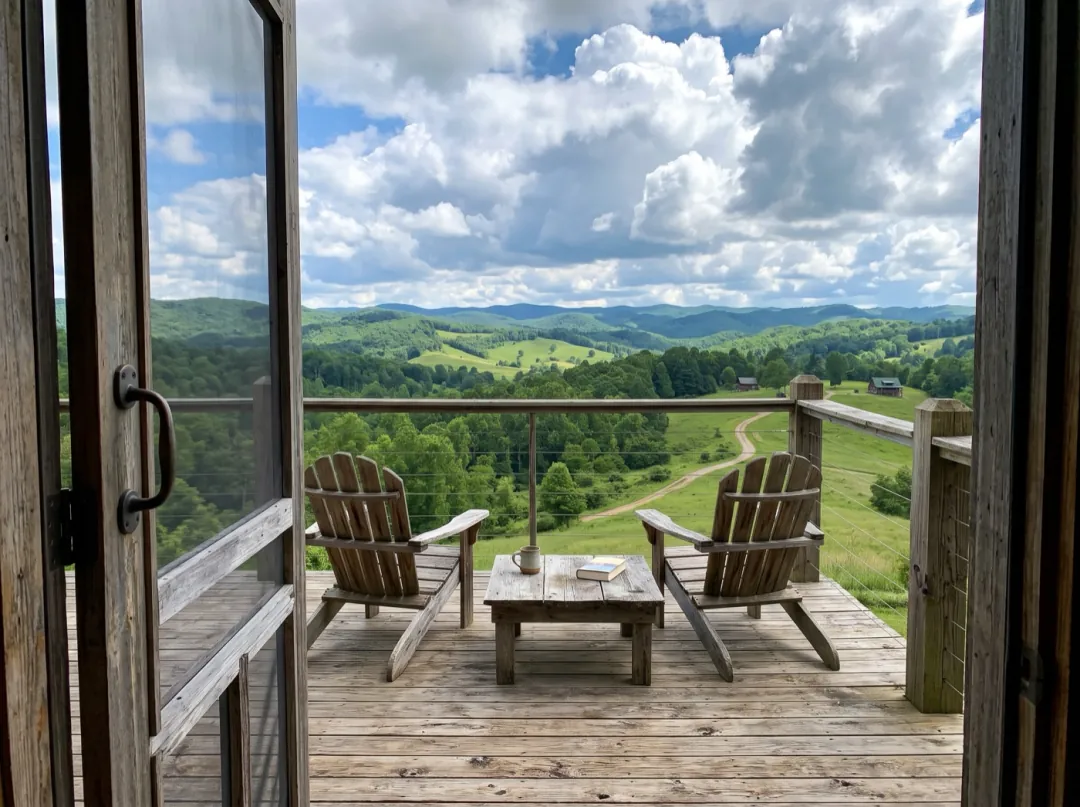
Let guests watch the weather from the deck
A vacation rental lives or dies on the view from the deck, and guests choose from that one photo. Clouds crossing the hills above two empty chairs show an ordinary afternoon at the place, with the cabin and the railing exactly as they are.
If your photo cuts the sky off at the hilltops, add more sky above it first. Then lead the listing gallery with the clip.
Add more sky first
The view from the window, on moving day
After a move to a high floor, the first photo sent to friends is the view out the window. Clouds racing over the rooftops give them a sense of the place that a floor plan never could.
Open the window or press the phone to the glass so nothing reflects, and tilt up until sky fills half the frame. Send it the night you get the keys.
Animate your window view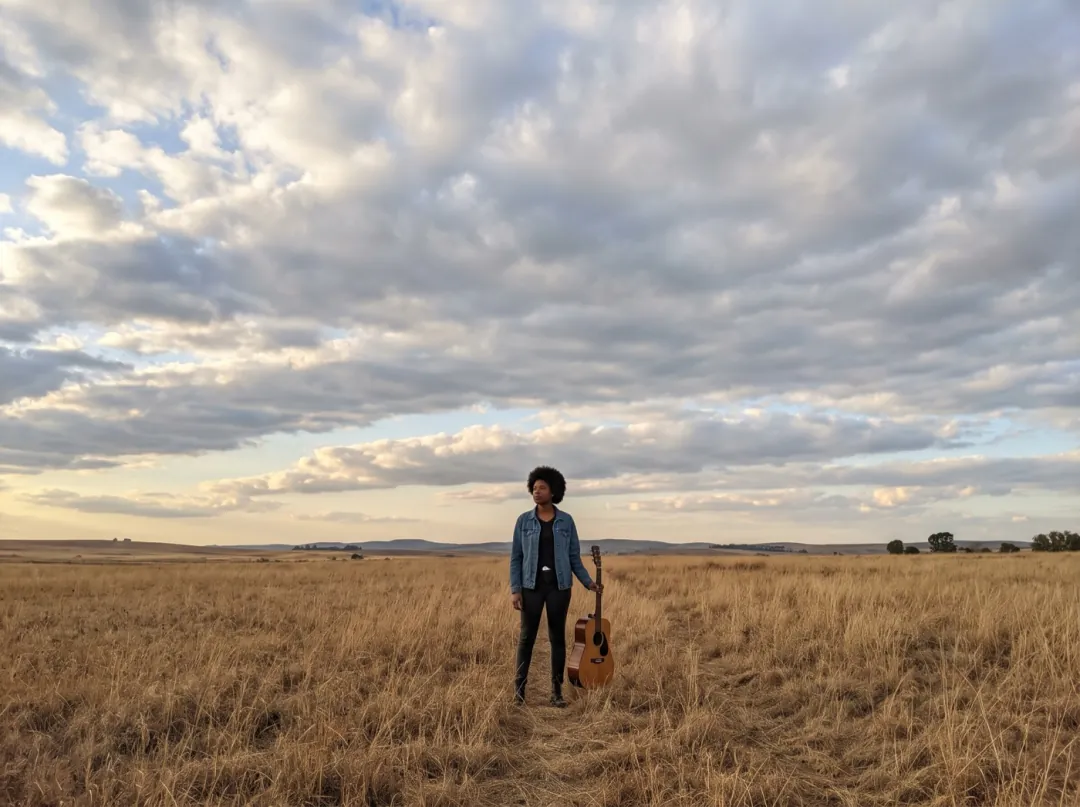
A moving backdrop for your new single
Musicians putting out a song need a picture that moves behind the track on video and streaming sites. A photo from the cover shoot, a figure small in an open field under racing cloud, holds the eye through the first bars.
Keep the horizon low so the sky takes most of the frame. Loop it under the track in your editor; the clip itself is silent.
Make a song backdropGetting a sky worth speeding up
The ground stays frozen, so the sky has to carry the clip. These checks help it do that.
If the sky is a thin strip above the roofs, there are few clouds to move. Tilt up until it is a third or more.
A bright sun in the shot blows out the clouds around it into white. Turn so the sun is to the side.
Leaning buildings look even worse once the sky starts moving. Level the photo before you add it.
Rooflines and ridges should be crisp, so clouds pass behind them cleanly instead of smearing into them.
Pick your weather
Press Edit prompt to change the speed or the sky. Keep "the ground stays still" in it.
Real-time drift
For a calm view, drop the time-lapse and let clouds drift at their real speed.
Clouds drift slowly across the sky at real speed, the light on the land changes gently, and everything on the ground stays still.
Afternoon into sunset
Ask the light to warm as the clouds pass, so the clip runs from day toward evening.
Clouds race across the sky in time-lapse while the light warms to a golden sunset, shadows lengthen over the land, the ground stays still.
Storm clouds part
Start heavy and dark, then let a gap open and sunlight sweep across the ground.
Dark storm clouds roll past in time-lapse and part, a beam of sunlight breaks through and sweeps across the land. The ground and buildings stay still.
Before and after the sky moves
Your clip stays in the library. Tidy the sky first, or pair it with another view.
Clear wires and cranes
Remove power lines or a crane from the sky so the clouds pass over clean.
Open Image to Image
Your time-lapse sky
A 5-second clip of clouds racing over a still scene.
Rise above the same view
Take the same photo up into the air with a drone-style climb.
Try Drone RiseMake it crisper
Enhance the finished clip before it goes on a website or a big screen.
Open Video UpscalerClouds Roll By FAQ
What people ask before they turn a still sky into a time-lapse.
What photo should I use for Clouds Roll By?
An outdoor photo with plenty of sky and at least a few clouds: a mountain view, a city skyline, a beach, a garden or a house front. A cloudless blue sky works, but the model has to invent the clouds, so the result is less like your day.
Does anything besides the sky move in Clouds Roll By?
The light does. As clouds pass, their shadows and bright patches slide over the ground. Buildings, rocks, water and people are told to stay still, which is what makes it read as a time-lapse.
Can I be in the photo for Clouds Roll By?
Yes. A person holding still against a racing sky makes a strong contrast. Side-on or seen from behind holds best. If you want one gesture, like raising your arms, add it to the prompt.
What does Clouds Roll By cost?
A 5-second, 480p clip on Seedance 2 Mini is 30 video credits. The 10 credits you get free at sign-up can only be spent on images. Video credits start at $9.90 for 600, and a run that fails or is blocked is refunded.
Can Clouds Roll By turn day into night?
It can shift the light, for example toward a warm sunset, if you ask for it in the prompt. A full day-to-night change in 5 seconds tends to look rushed; for that, use Frames to Video with a day photo and a night photo of the same view.
Why do the buildings move in my Clouds Roll By clip?
Usually the photo is tilted or the rooflines are blurred, so the model is unsure where the sky ends. Level and sharpen the photo, and keep "everything on the ground stays still" in the prompt. A slower sky also helps.
More effects for skies and scenery
 StylesGolden hour glow
A whole afternoon of sky in five seconds.
Add a photo with open sky and watch the clouds roll by.