Cinematic Push-In
Seedance 2 Mini · 5sThe camera glides slowly toward your subject while the background drifts and the light shifts, so a still photo opens like the first shot of a film.
Choose an effect
 Rain starts
 Set sail
 Syrup pour
 Balloon lift-off
 Steam rises
 Drone rise
 Waves roll in
 Wind in the wheat
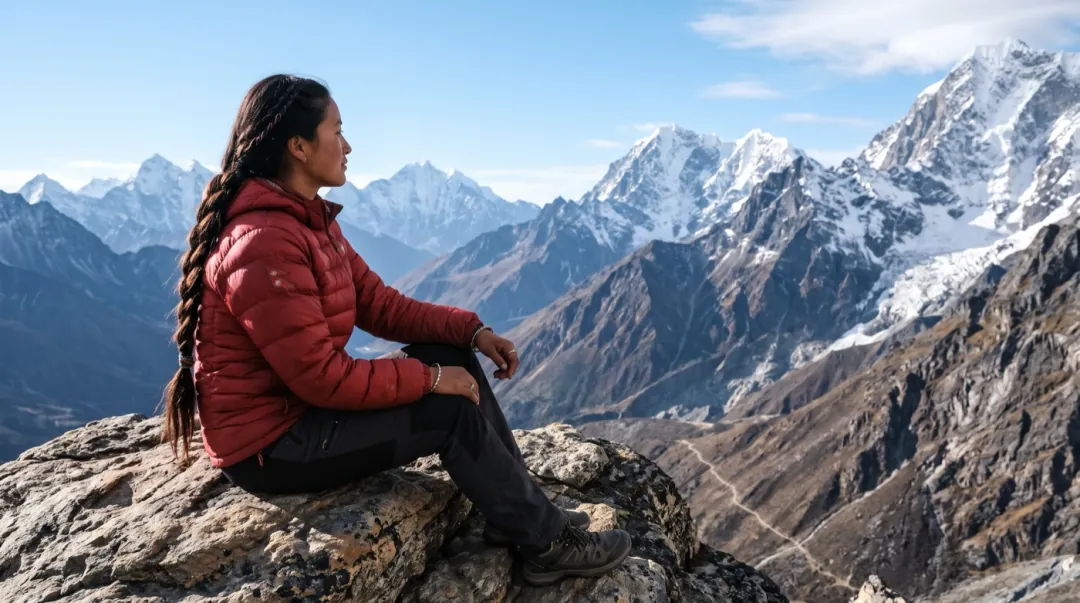 Clouds roll byPhotoPushed in
One slow camera move, a whole mood
Cinematic Push-In leaves your photo where it is and moves the camera instead. Seedance 2 Mini glides toward the subject for 5 seconds while the background drifts and the light shifts a little, the way a film opens on its lead.
- The move is slow and steady, so the frame never jerks, spins or shakes.
- Faces stay the same person: the prompt moves the camera, not the features.
- Wind, water, mist and passing lights in the photo keep moving behind the subject.
- The clip keeps the shape of your photo, whether it is tall, wide or nearly square.
Pick the frame, the camera does the rest
The camera move is already written. Add a photo, press Generate, and change the words only if you want a different mood.

Choose a photo with depth
A person in front of a place reads best: a coast, a train window, a street, a dock at dawn.
The camera move is set
The prompt asks for a slow push toward the subject, a drifting background and light that shifts.
A 5-second opening shot
In about 2 minutes the clip is ready to download, or to sit at the start of a longer edit.
Three photos, three opening shots
A tall coast photo, a wide night train and a 4:3 dock at sunrise. Each clip kept the shape of the photo it came from.
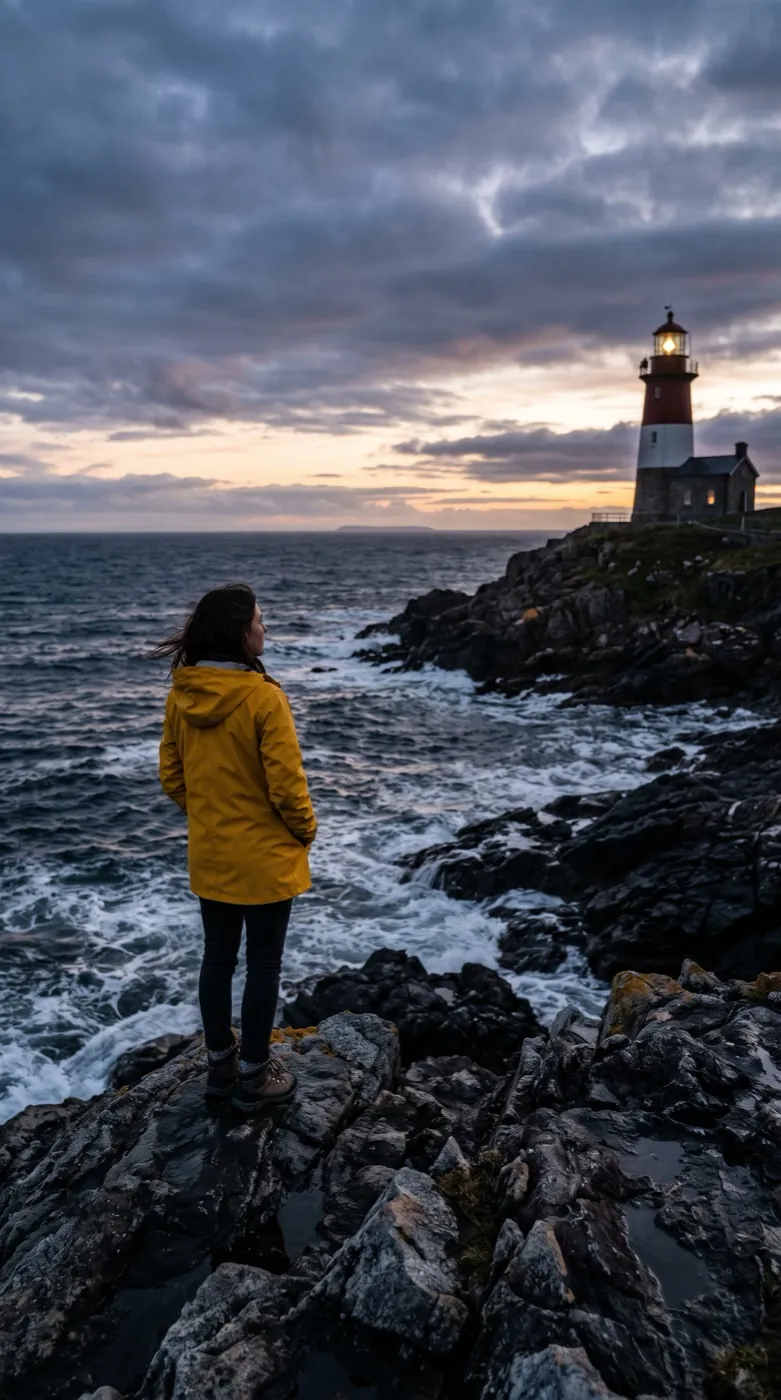
Seedance 2 Mini · 5sYellow raincoat by the lighthouse
The camera closes in on her as waves break on the rocks below and her coat moves in the wind. Her hood comes up by itself early on, a small move the model added.
 Seedance 2 Mini · 5s
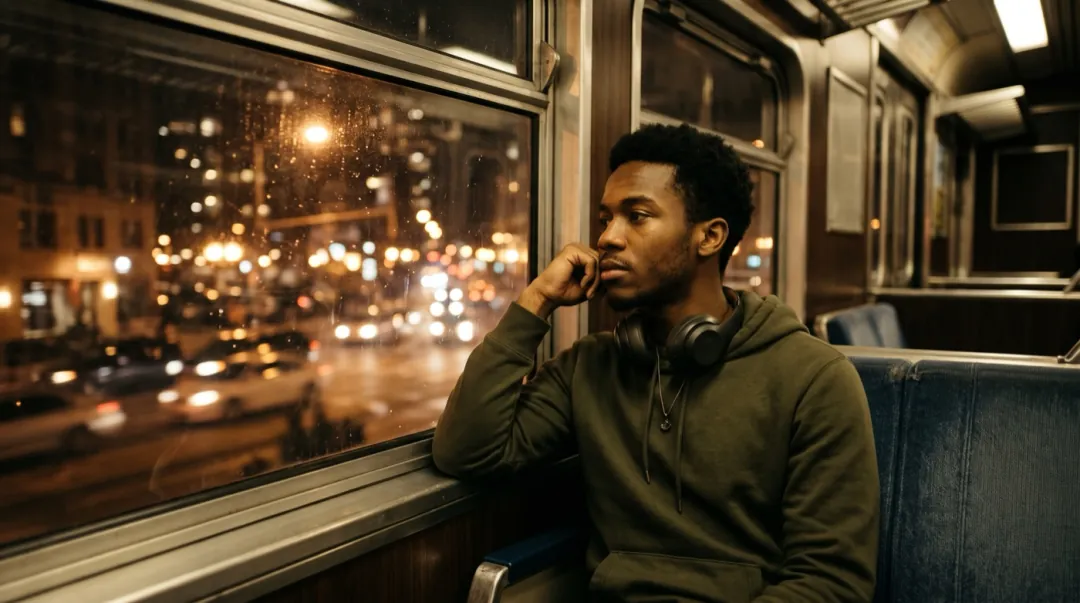
Night train window
The camera moves in toward his face while city lights slide across the glass, and he turns to look out of the window.
Seedance 2 Mini · 5sMending nets at sunrise
A slow push toward the fisherman as he pulls the net tight. Then he looks up into the lens while the mist drifts behind him.
What are you opening with a push-in?
Four people who start a video on one still photo, and the kind of picture each one brings.
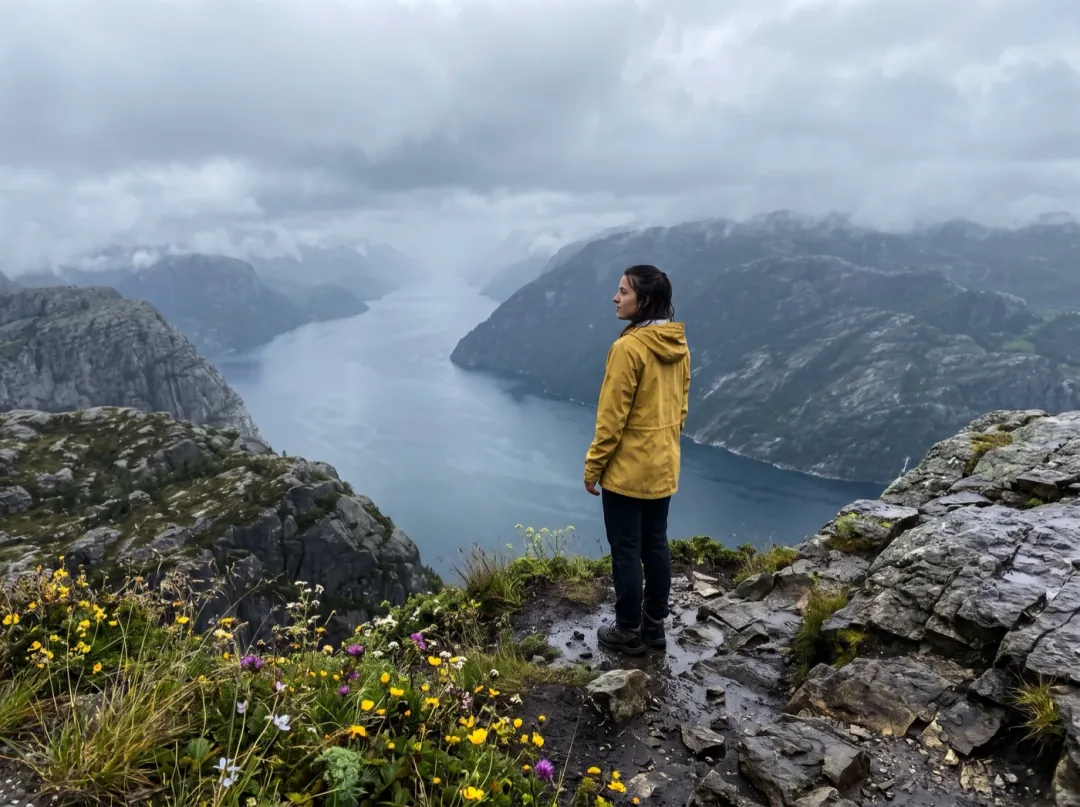
The first shot of your trip video
People cutting a trip video from phone clips often find the best moment was a photo. Pushing in on that one still, a figure on a cliff or a lone boat, gives the edit an opening that holds the viewer.
Pick a photo with layers: something near, then the subject, then distance. Drop the clip at the start of the reel, before any of your video footage.
Make an opening shot
A front door that invites you in
Holiday rental hosts and home sellers want a listing to feel like arriving. A slow move toward the front porch, with the garden stirring, shows the place the way a guest first sees it, from one good photo.
Shoot from the path with the door centered, in late-day light. Use the clip as the cover of the listing gallery or on the booking page.
Push in on the porch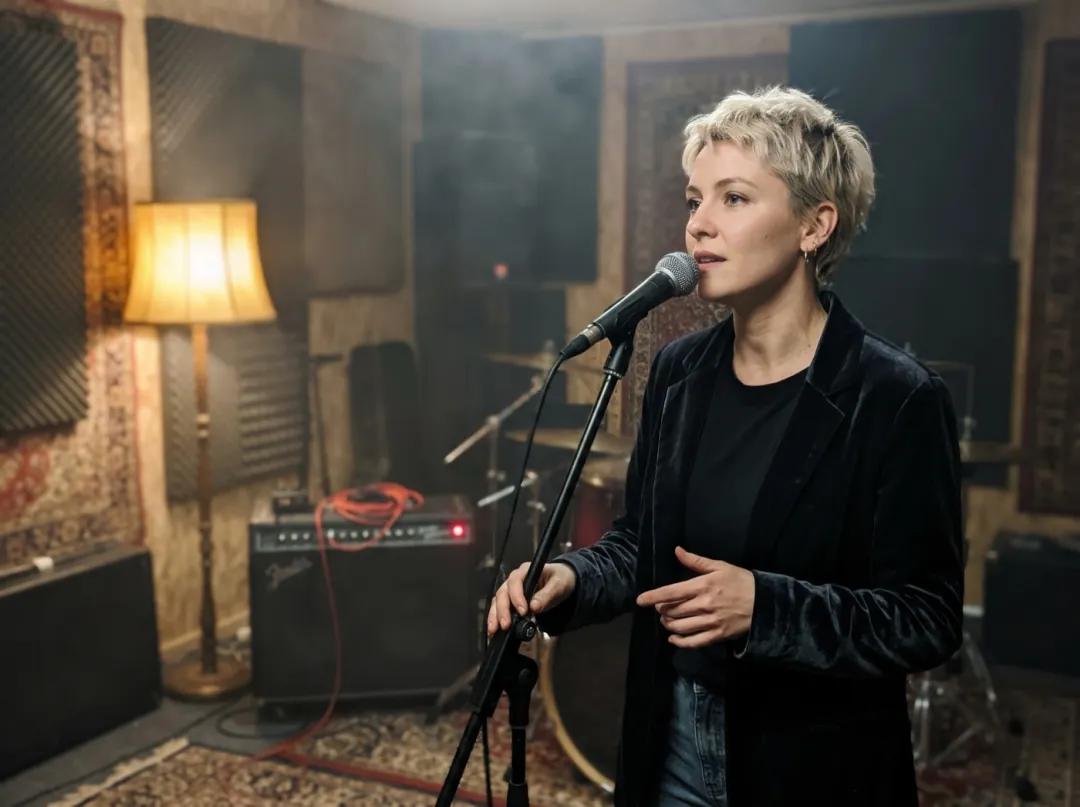
A teaser for the next release
Singers and bands announcing a song usually have one press photo and no video budget. A slow push-in on that portrait, hair and lights drifting, makes a teaser that sits under a few seconds of the track.
The clip is silent, so add the song in your editor. A portrait looking off to one side reads as a mood, not a pose.
Make a release teaser
Close in on the work in your hands
Potters, woodworkers and bakers who sell what they make need a shop page that shows the hands behind it. A photo at the wheel or the bench, with the camera easing toward the work, says handmade without a word.
Light the hands and the piece from a window, with the background a little darker. Put the clip at the top of your shop page.
Push in on your workPhotos the camera can move into
A push-in needs a subject to aim at and a background to move past. Check these before you press Generate.
A tiny figure in a huge landscape gives the camera nothing to aim at. Let the person take up a good share of the frame.
The push ends on the face, so it has to be in focus. A soft face only gets softer as the camera gets closer.
Dusk and night photos work when the face is lit. A face lost in shadow turns muddy once it fills more of the frame.
A sloping sea or dock looks like a mistake the moment the camera moves. Straighten the photo before you add it.
Change the move, keep the mood
Press Edit prompt to change how the camera travels. Keep "slowly" and "faces stay the same"; speed is what pulls a face out of shape.
Pull back instead
Start tight and reveal the place. Good when the scenery is the real subject.
The camera starts close on the subject's face and slowly pulls back to reveal the whole scene, while the background drifts and the light shifts. Faces stay the same.
Only the camera moves
Stops the model adding small moves of its own, like a hood going up or a head turning.
The camera slowly pushes in toward the subject. The subject holds still and their clothes and hair stay as they are; only the light and the background move. Faces stay the same.
Arc around them
A slow half-circle shows the side of the face and the depth behind it.
The camera slowly arcs to one side around the subject while drifting a little closer, the background shifting behind them in soft film-like light. Faces stay the same.
From opening shot to finished edit
The clip is saved in your library. This is where it usually goes next.
Fix the light first
Brighten a dark face or clear a cluttered background in Image to Image.
Open Image to Image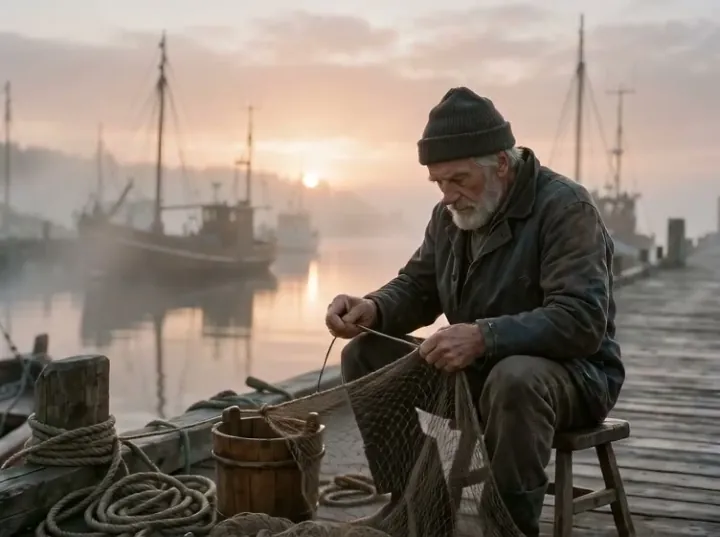
A 5-second push-in
Silent, 480p, in the shape of your photo.
Cut to the next shot
Use a second photo as the end frame and travel from one place to the other.
Open Frames to VideoSharper for a big screen
Upscale the clip before it goes into a film edit or onto a TV.
Open Video UpscalerCinematic Push-In FAQ
What people ask before they turn a photo into an opening shot.
Does the person move in a Cinematic Push-In clip?
Mostly the camera moves. Waves, mist and passing lights keep going, and the person may turn or look up, as the fisherman does on the dock. The model sometimes adds a small move of its own, like the hood that comes up in the lighthouse clip. To keep the person still, use the "Only the camera moves" prompt above.
Which photos look most cinematic with Cinematic Push-In?
One person in front of a place with depth: a coast at dusk, a train window at night, a misty dock. Side light and something moving in the background help a lot. A flat selfie against a plain wall gives the camera nothing to travel past.
How much does a Cinematic Push-In clip cost?
Each clip uses 30 video credits for 5 seconds at 480p. The 10 credits you get at sign-up are image credits and can't be spent on video, so the first push-in needs a pack, from $9.90 for 600 credits. If a run fails or is blocked, the credits come back.
Will Cinematic Push-In change the face?
It is told not to: "Faces stay the same" is part of the prompt, and the move is slow. The face does grow in the frame as the camera closes in, so start from a sharp photo; any blur shows more at the end of the clip.
Can Cinematic Push-In work on a photo with no people?
Yes. A lighthouse, a doorway, a dish on a table or a parked car work the same way: the camera moves toward the main subject. In a busy photo, replace "the subject" in the prompt with what the camera should aim at.
What size is a Cinematic Push-In clip?
Five seconds at 480p on Seedance 2 Mini, with no sound. It follows the shape of your photo: the lighthouse clip is 9:16, the train 16:9 and the dock 4:3. Paid downloads carry no watermark.
What if my Cinematic Push-In moves too fast or aims at the wrong thing?
Add "very slowly" to the prompt and check that the face is in focus. If the camera heads for the wrong part of the photo, name the target, for example "pushes in toward the woman in the red coat". Run it again; failed or blocked runs refund the credits.
More camera and scenery effects
 StylesGolden hour glow
 PortraitHair in the wind
Every film starts with one shot. Start yours.
Add a photo with a subject and a place. The camera moves in; the mood is yours.