90s Yearbook Photo
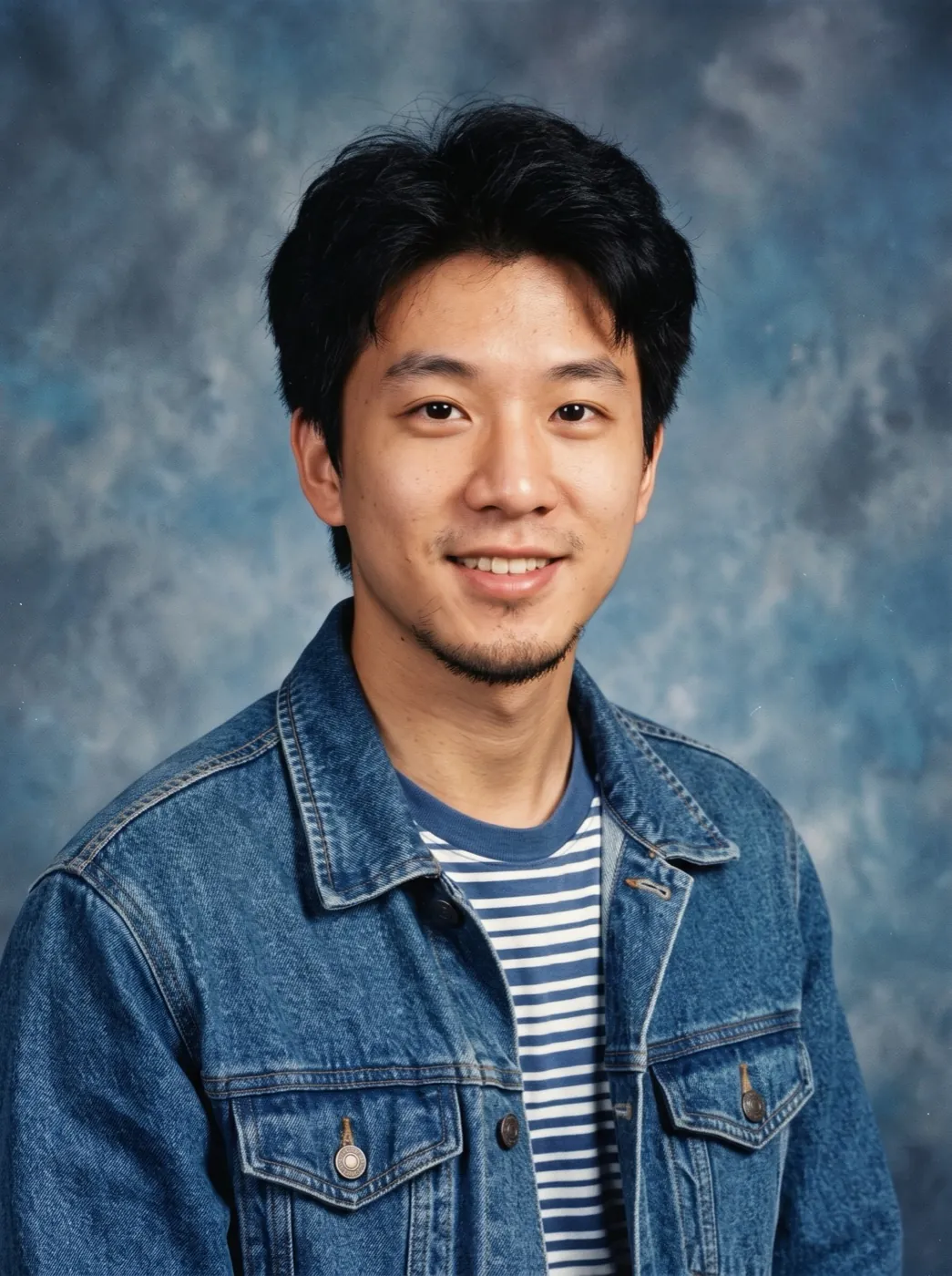
Nano Banana 2.1Any recent photo, reshot on picture day in the 1990s: era hair and clothes, a studio backdrop, a soft flash and colour that has faded a little. You still look like you.
Choose an effect
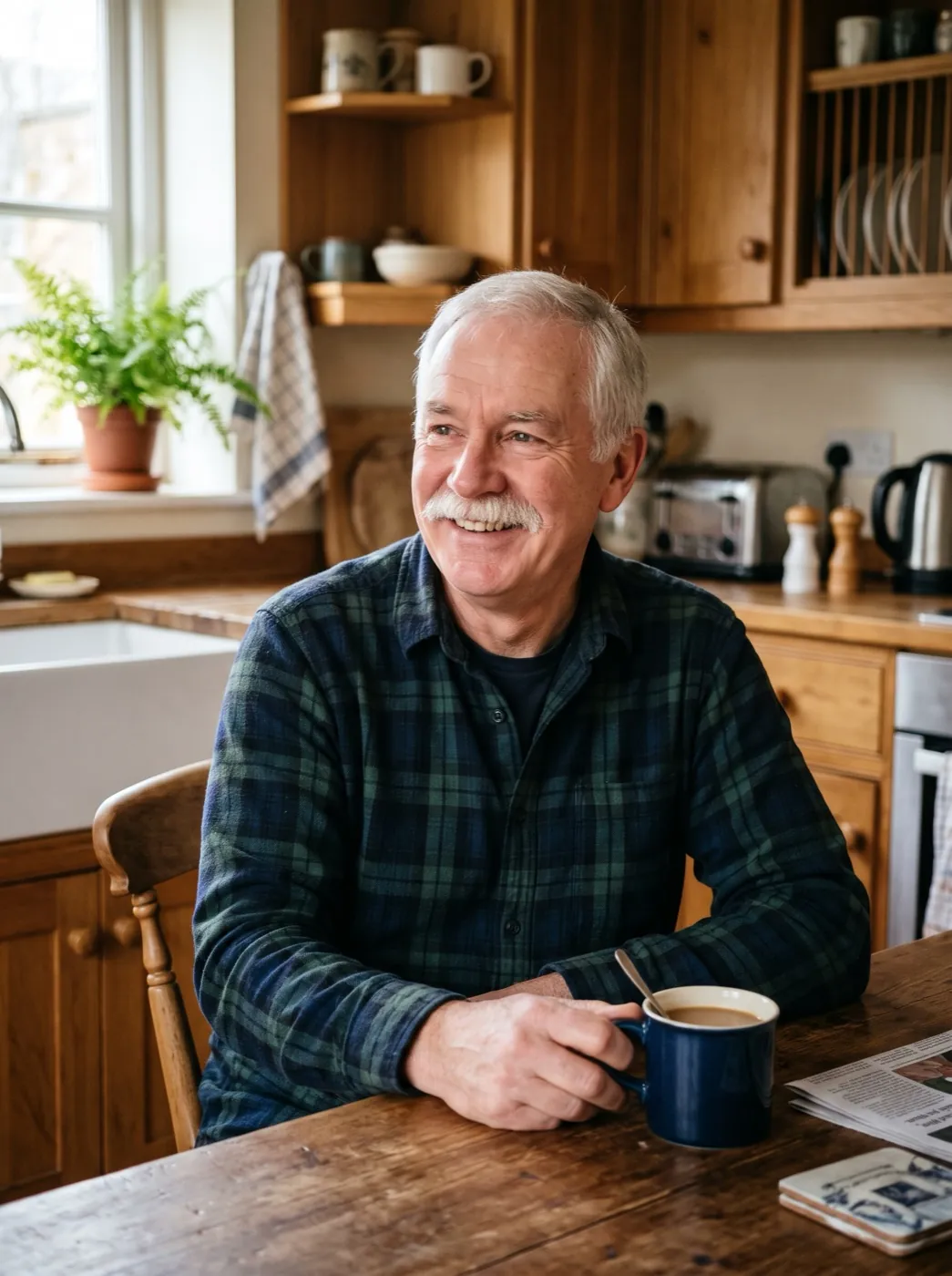 Big laugh
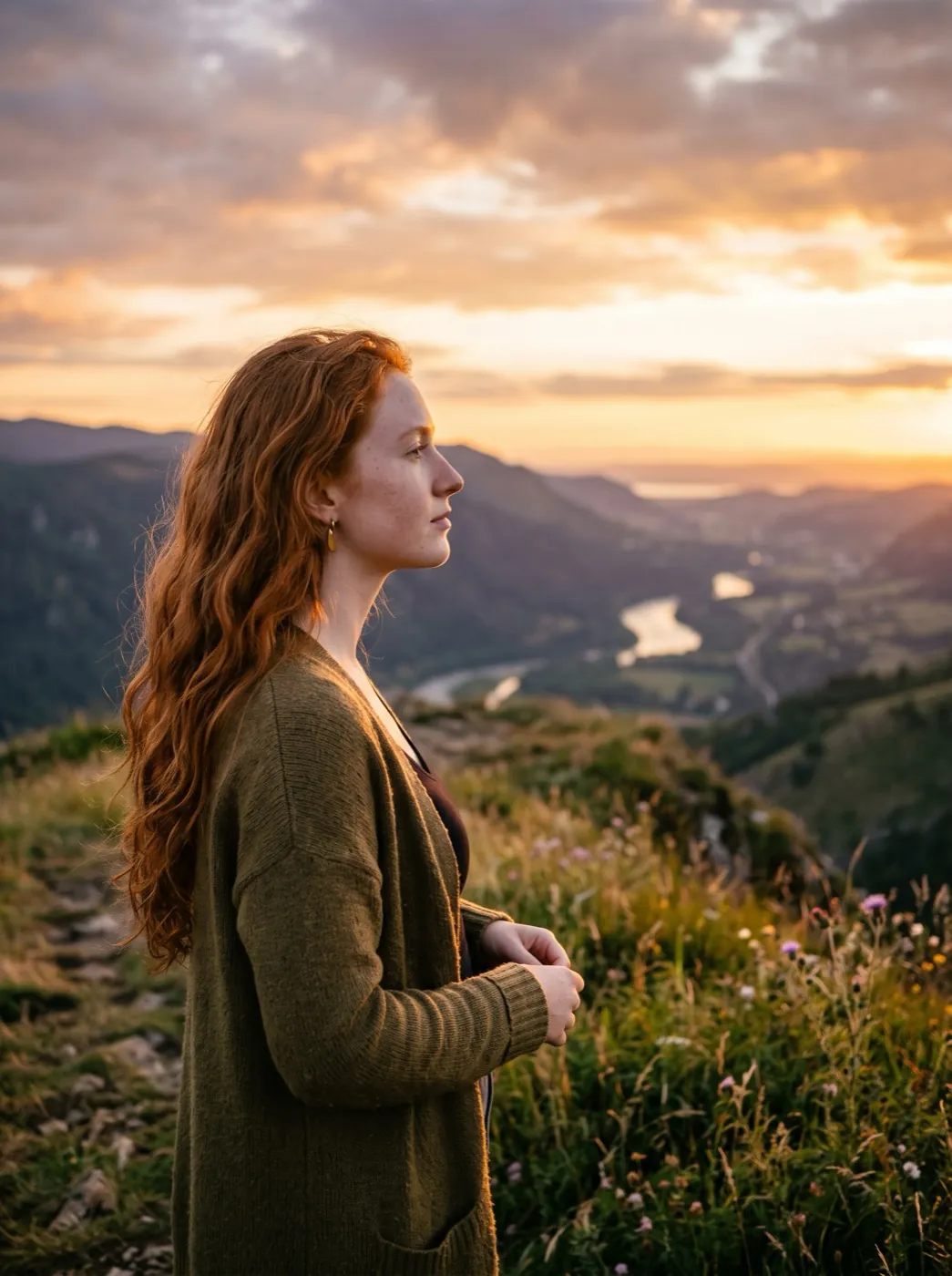 Hair in the wind
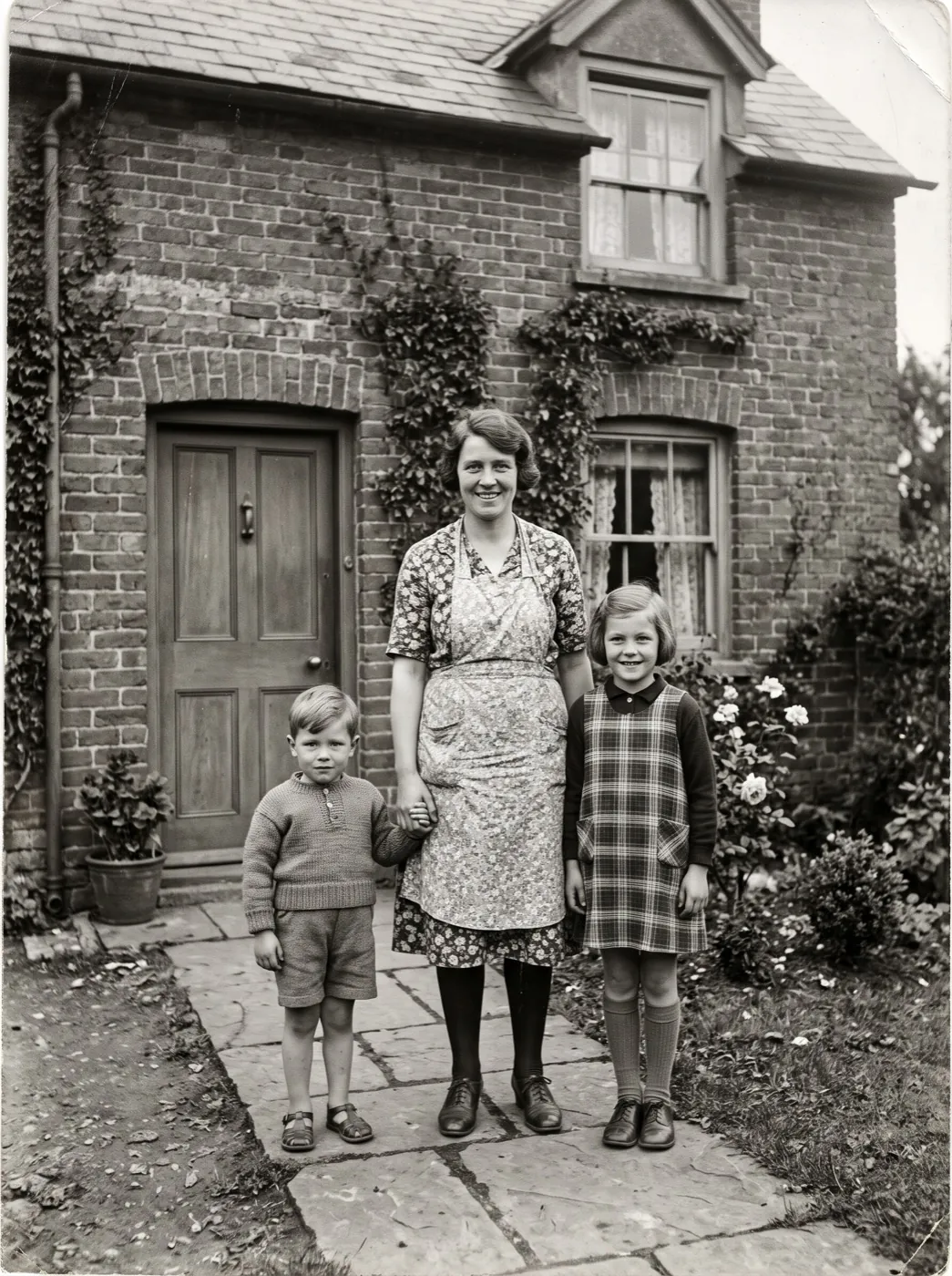 Family hug
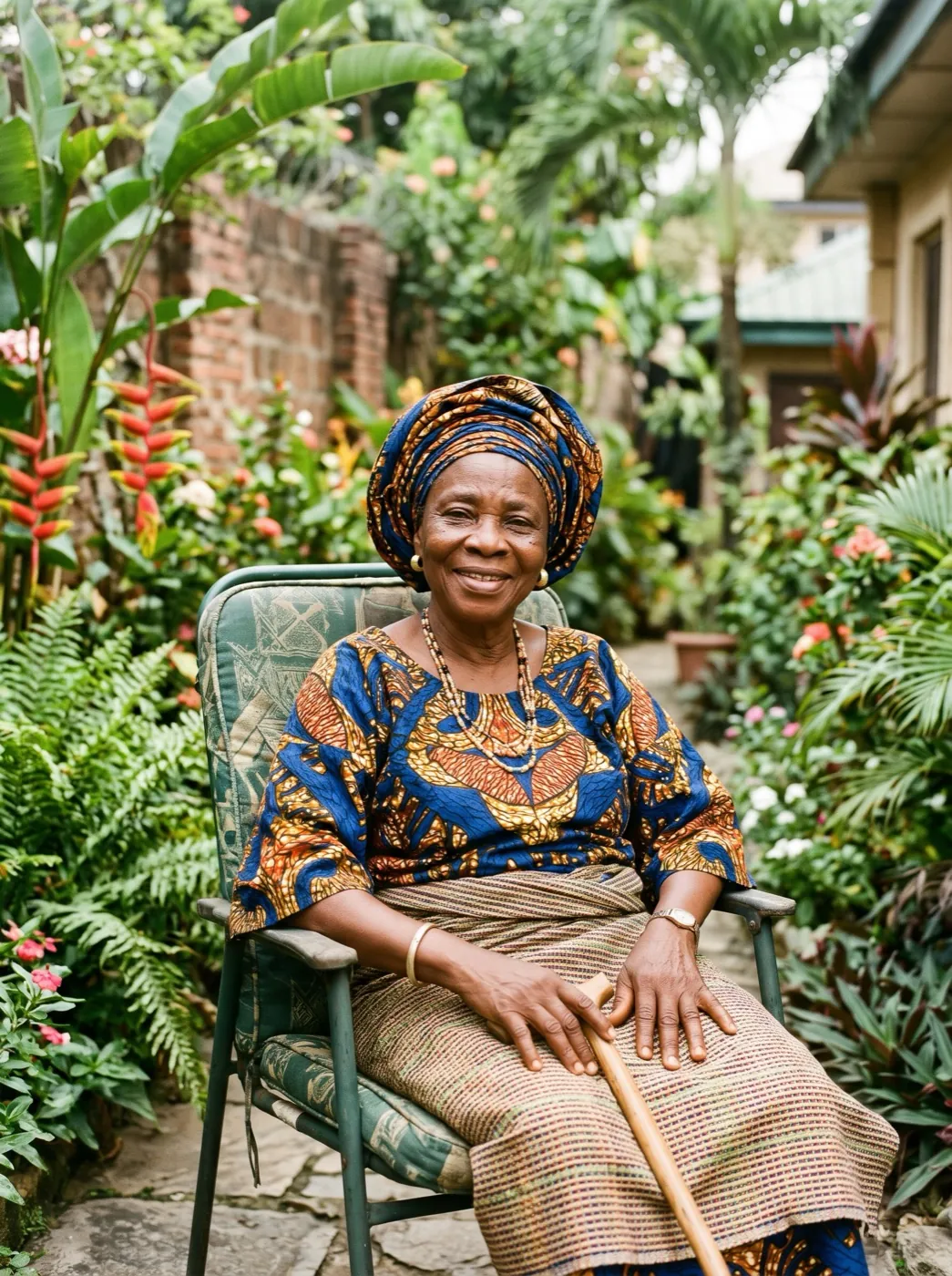 Wave hello
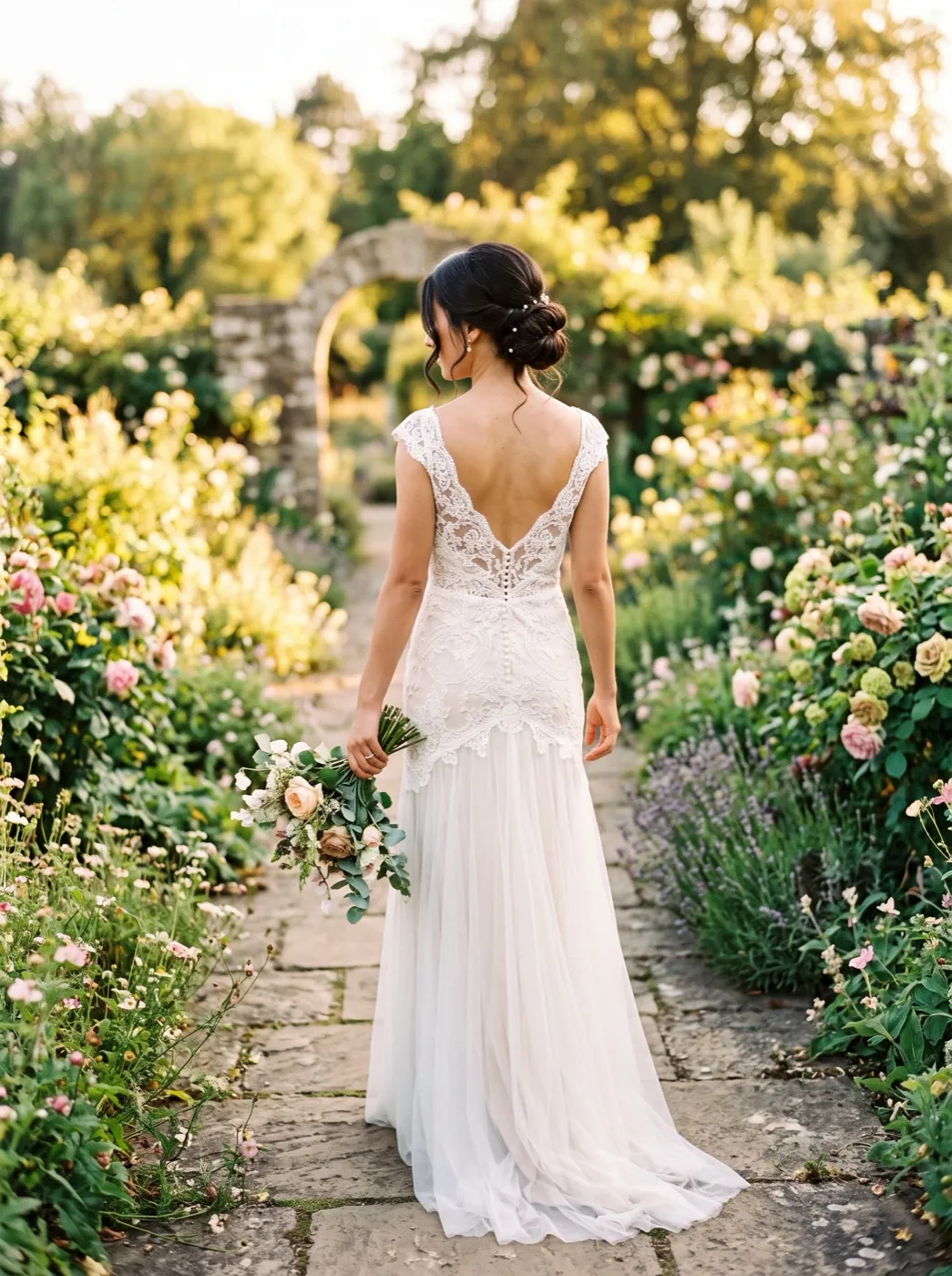 Over-the-shoulder look
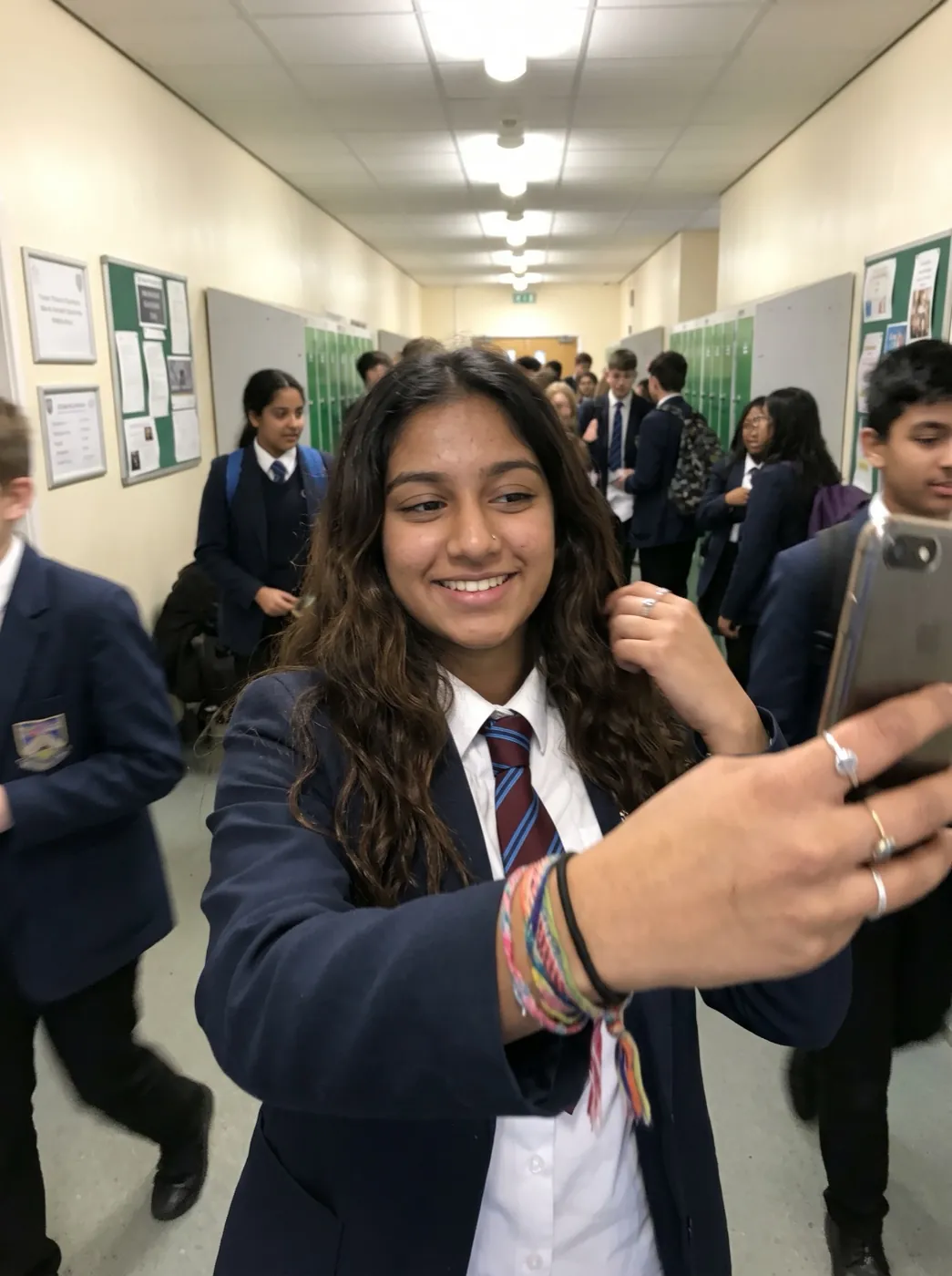 Wink
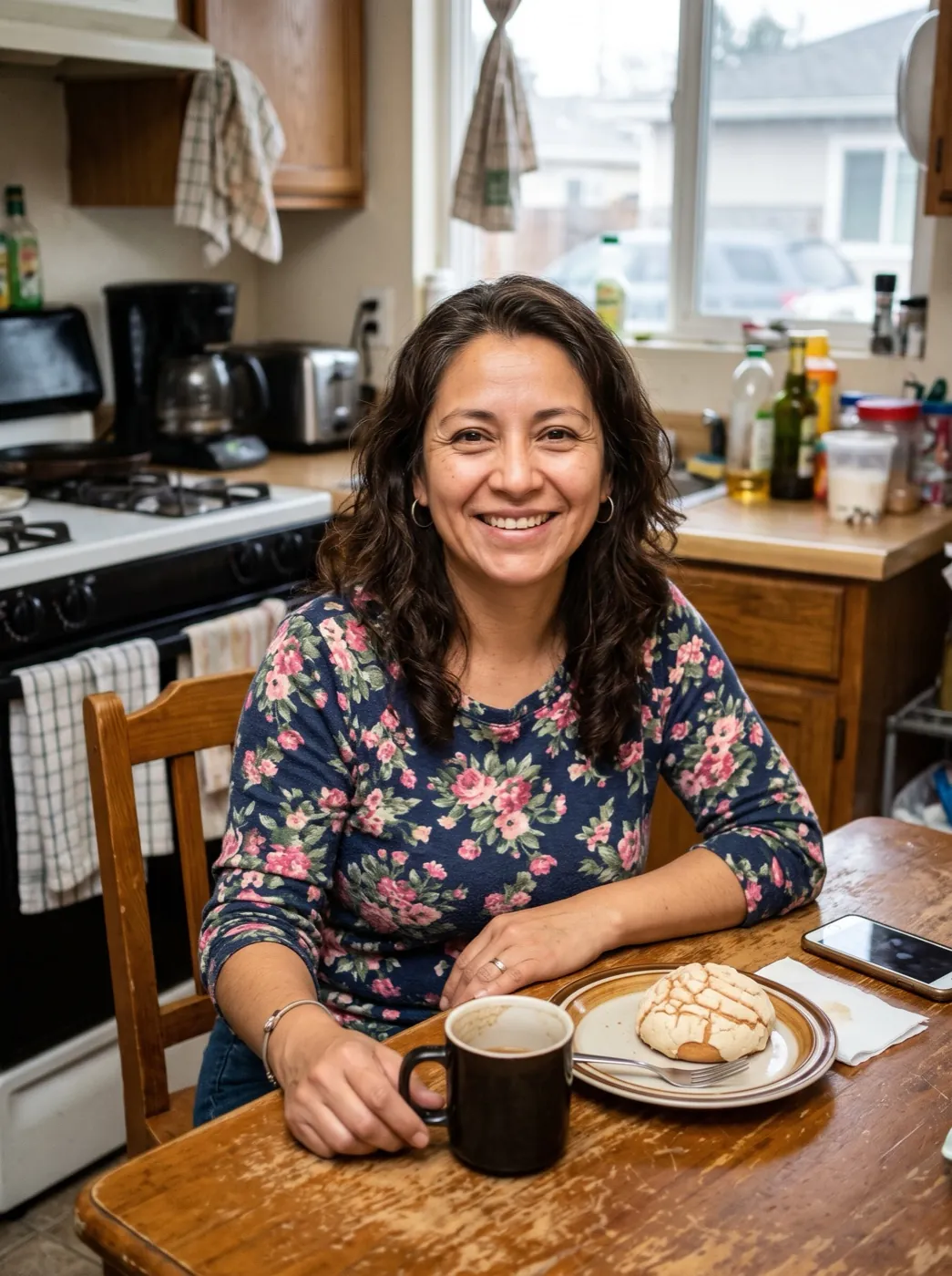 Professional headshot
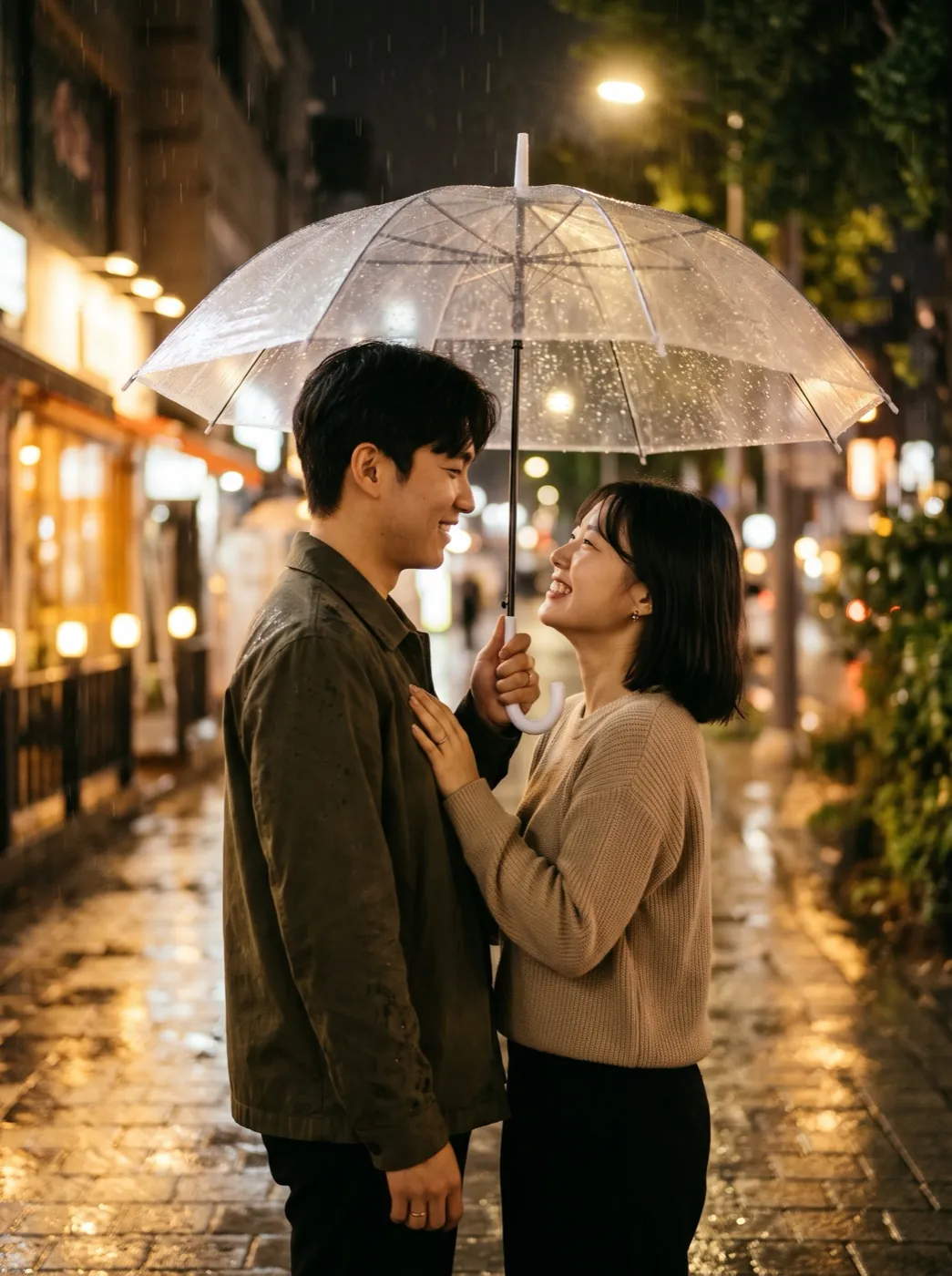 First kiss
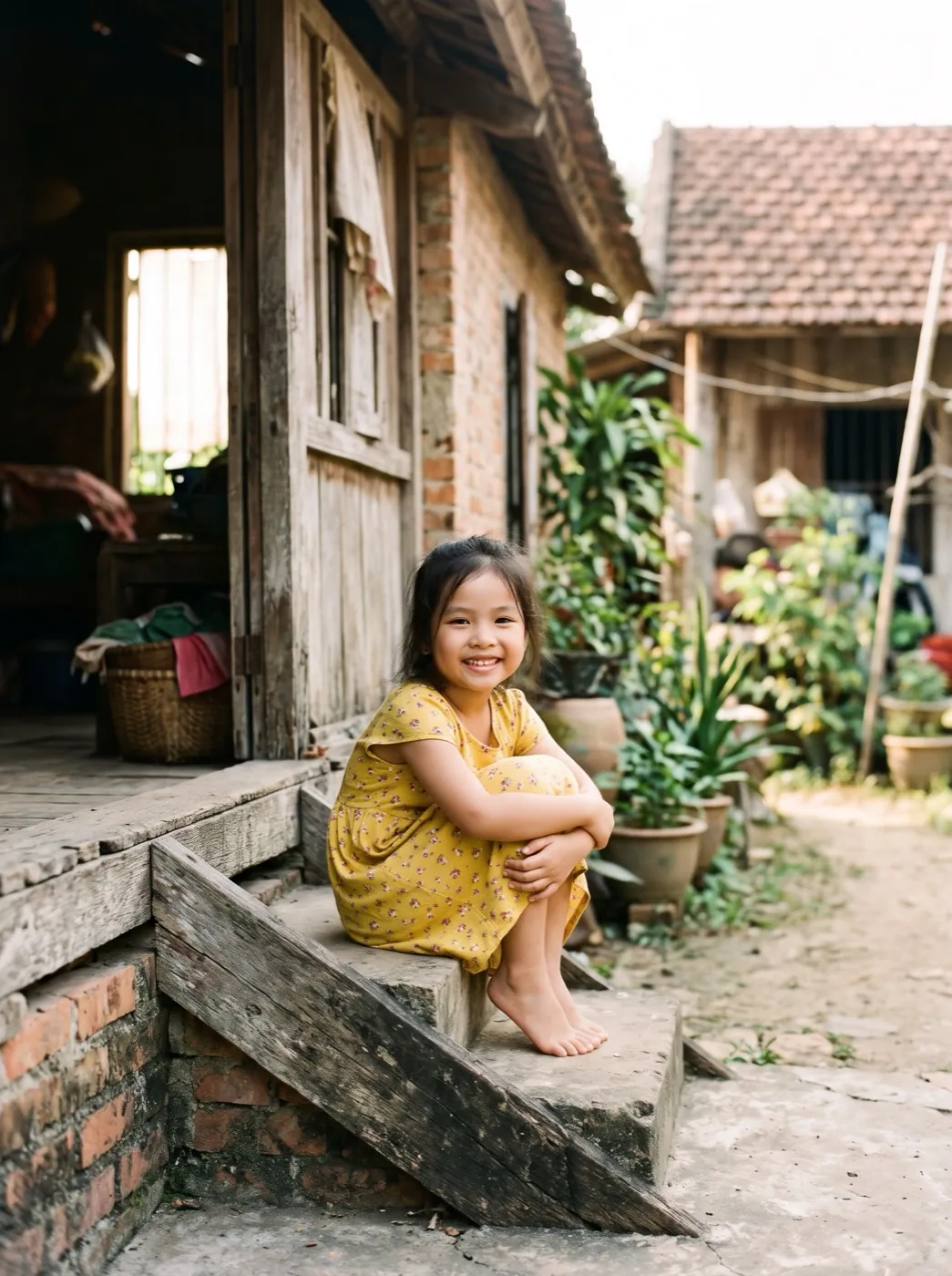 Growing up
 Photo
Picture day, thirty years late
90s Yearbook Photo keeps your face and changes everything a school photographer used to control: the haircut, the outfit, the backdrop and the light. You get a head-and-shoulders portrait on a mottled or laser-beam studio backdrop, lit by a soft flash, with the slightly faded colour of an old print. It runs on Nano Banana 2.1 at 2K and returns one picture.
- Your face stays; the haircut and clothes are swapped for something from the decade.
- Backdrops are the classic studio kinds: mottled blue or grey, or bright laser beams.
- No name, no quote, no page border. Just the portrait, as if cut from the book.
- Casual phone photos are enough: a desk selfie and a friend’s café snap both became studio portraits.
Say cheese, the 90s way
Nobody hands you a comb at the door this time. Add a photo and the rest is set up.
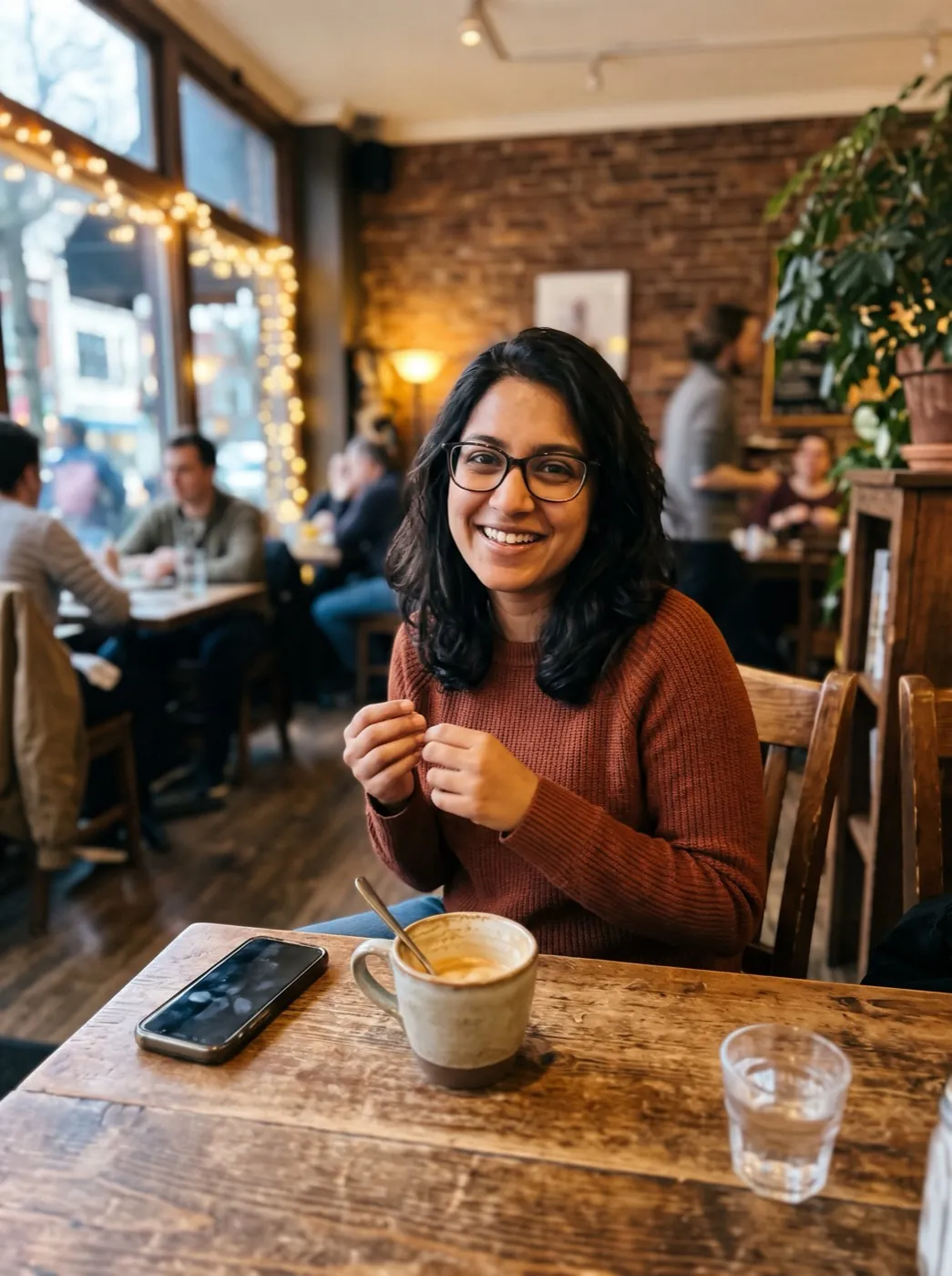
Add a photo where your face is clear
A selfie, a holiday snap, a work photo. Close and well lit matters more than posed.
Leave the decade to the prompt
It picks the hair, the clothes and the backdrop. Type in a laser backdrop or a scrunchie if you have a memory in mind.
Your yearbook page, minus the page
One 2K portrait, back sooner than a video clip would be. Post it next to a photo from today.
Three people, three picture days
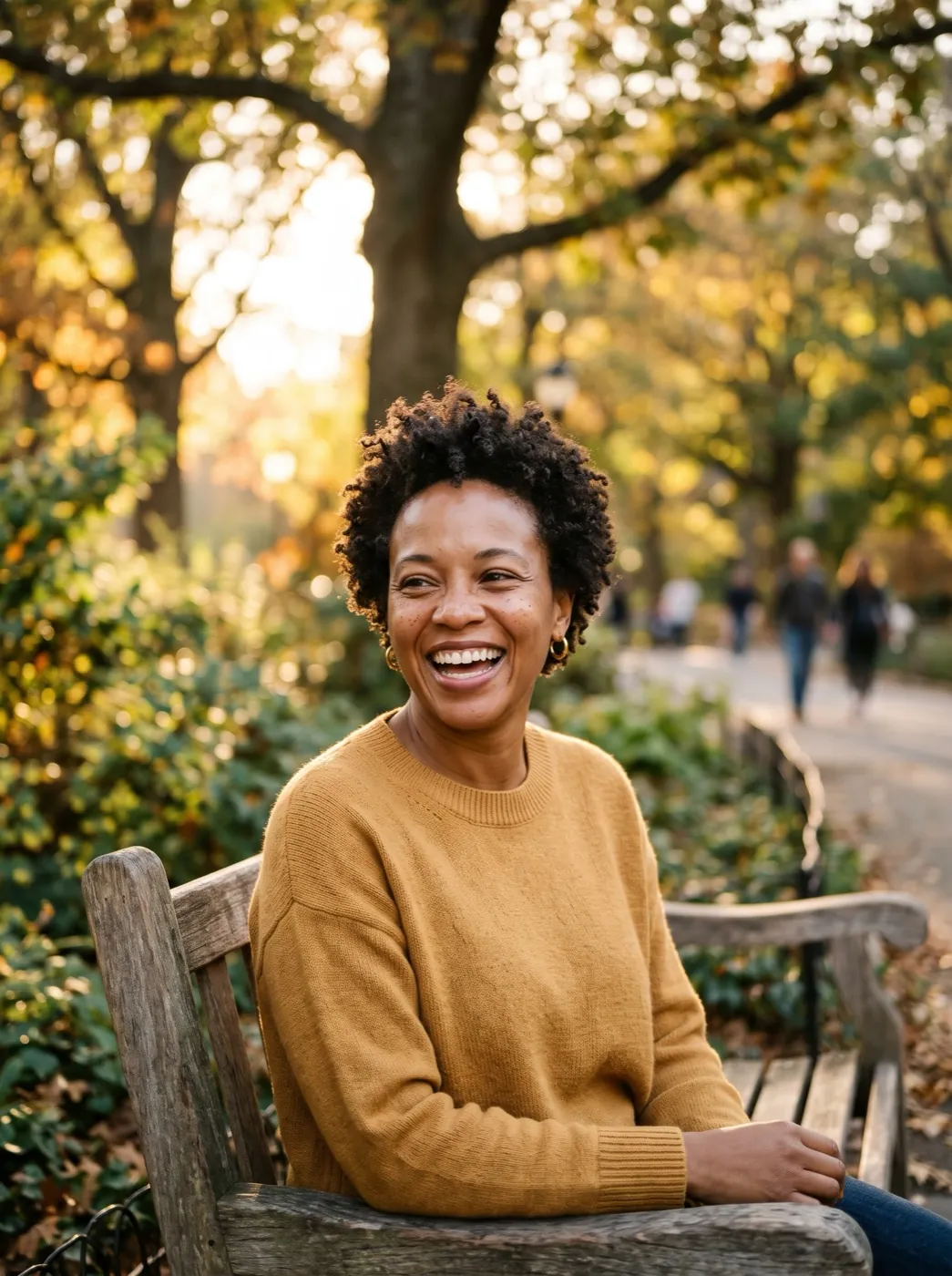
A desk selfie, a park-bench portrait and a café snap. These were made on Nano Banana 2 before the switch to 2.1, each from a slightly different prompt.
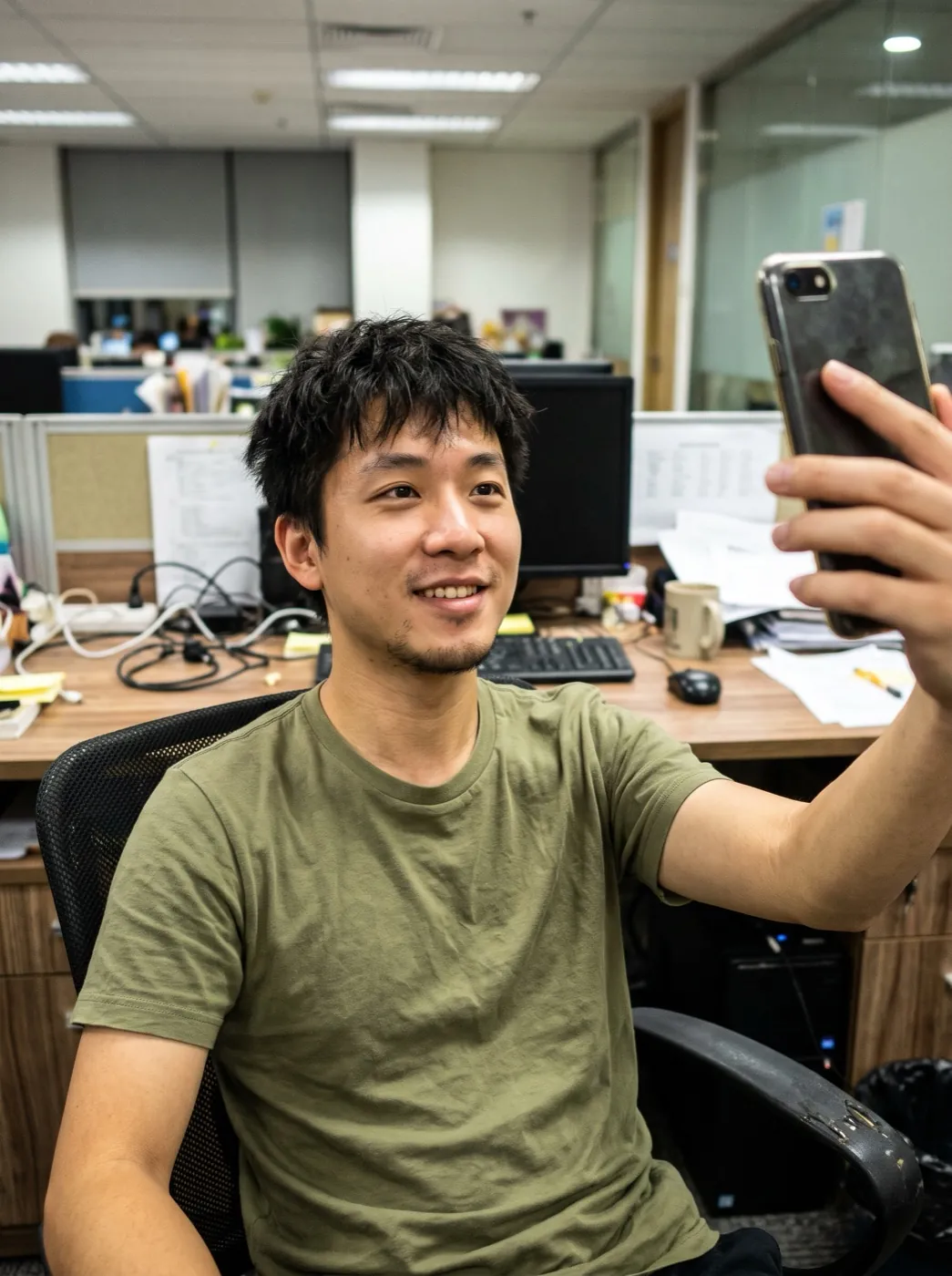
Straight from the office desk
A quick selfie in a plain T-shirt under office lights. Back in a denim jacket over a striped shirt, in front of a mottled blue backdrop.
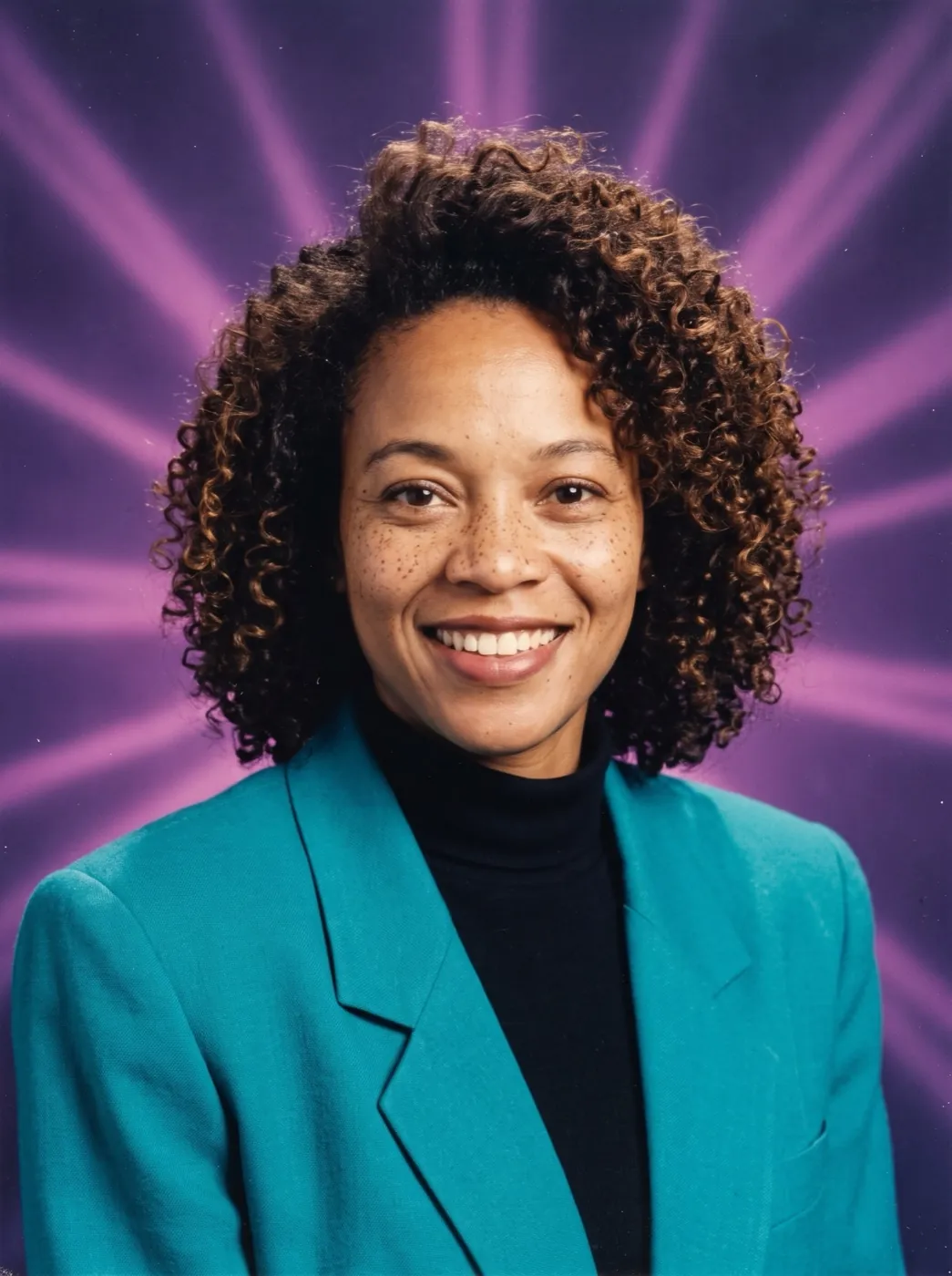
Big curls, purple lasers
Smiling on a park bench with short natural hair. Her yearbook version has big curls, a bright blazer and purple laser beams behind her.
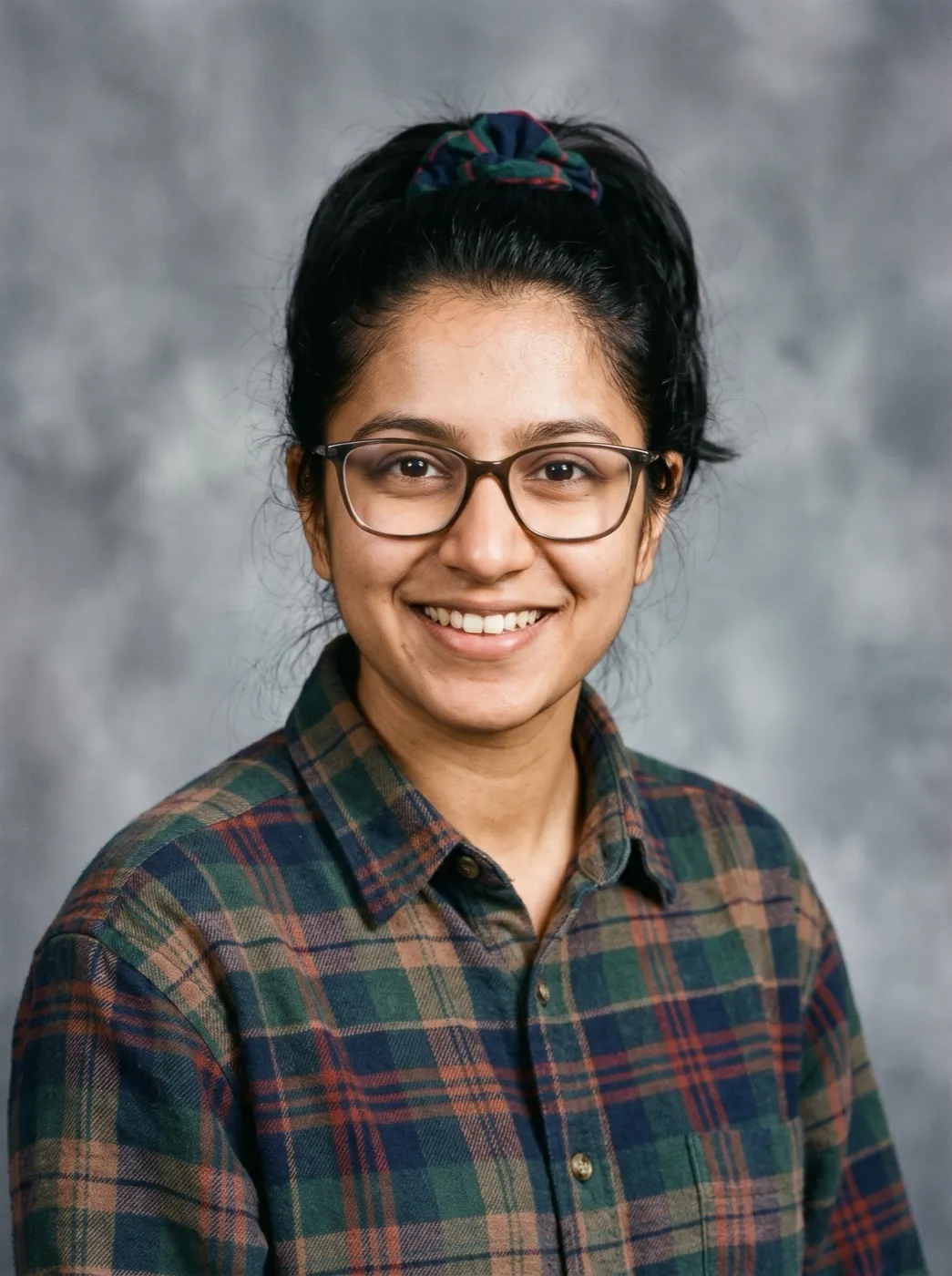
Scrunchie and plaid
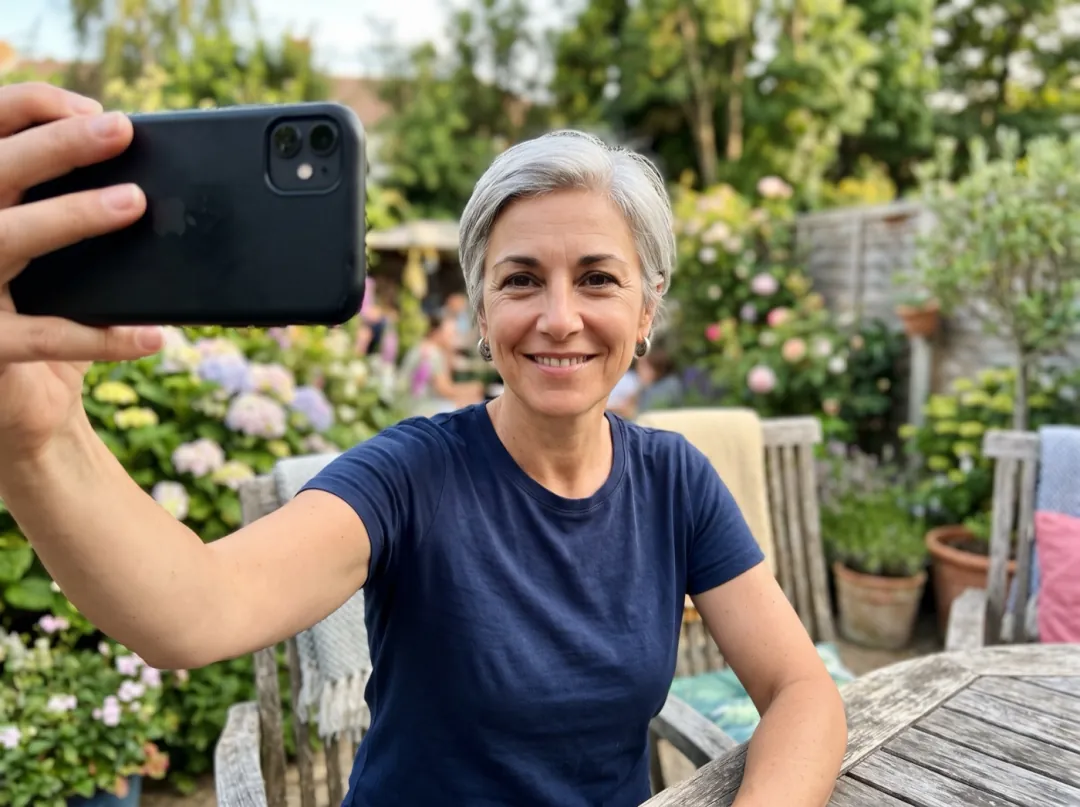
A friend snapped her across a café table. The portrait gives her a scrunchie ponytail and a plaid shirt against a grey studio backdrop.
Who is going back to picture day?
Each row is a different reason to make one. All of them start from an everyday photo with a clear face.
The loop playing by the reunion door
Reunion committees want something on the screen as people walk in. Classmates who lost their school photo, or were absent that day, can send a recent selfie and join the same 90s set as everyone else.
Ask for front-facing photos with nothing covering the face, and run them all with one backdrop. Show the portraits in a loop by the entrance.
Make a reunion portrait
What you would have looked like in 1996
If you grew up after the 90s, you only know picture day from a parent’s old yearbook. Seeing your own face with that haircut, that denim and that laser backdrop is the fun part, and friends want theirs next.
A plain selfie in good light is enough, since the hair and clothes get replaced. Post it in the group chat and ask who wants to go next.
Send me to 1996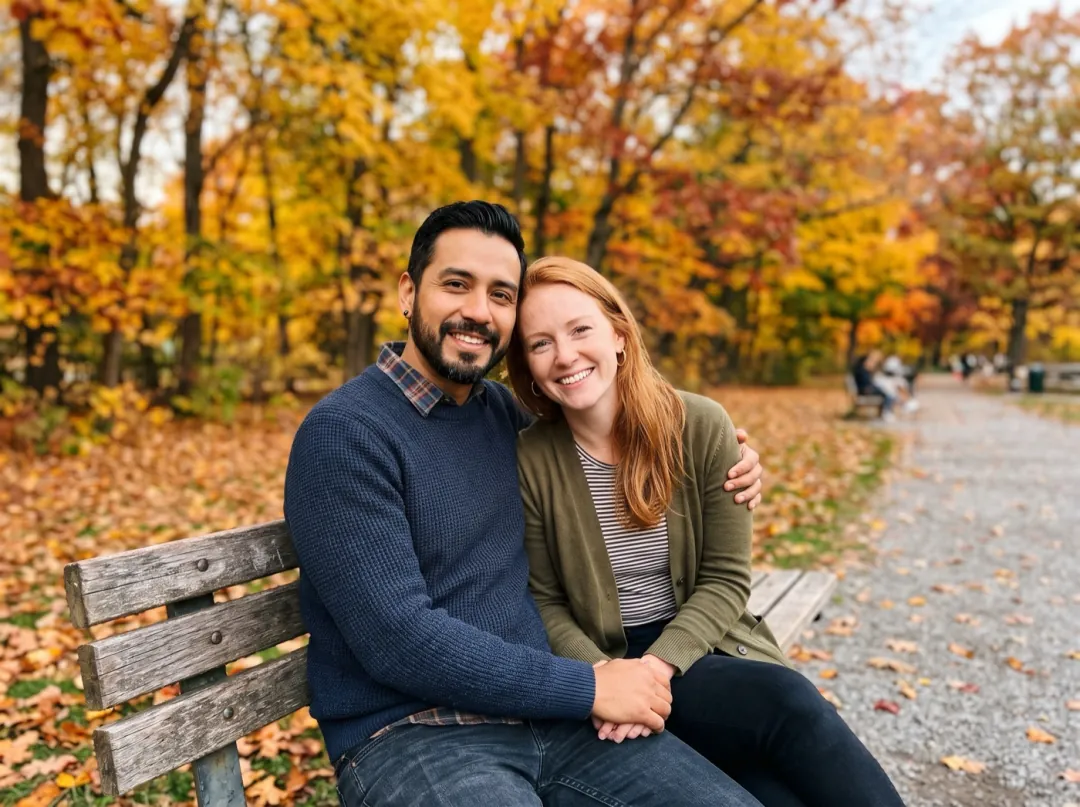
If you had been in the same class
Couples who met as adults sometimes wonder what the other looked like at sixteen. A yearbook portrait of each of you puts you on the same page of a book that never existed.
Use two photos taken in similar light, then run both with the same backdrop so they match. Set them side by side for a shared post or a small framed print.
Make two portraits
An invite for a 90s-themed birthday
A 90s theme for a fortieth or a thirtieth needs an invite that sets the dress code. Your own yearbook portrait on the front shows guests the hair, the denim and the mood you are after.
Start from a photo where your face is sharp and well lit, glasses on if you wear them. Put the portrait on the invite or the party chat icon.
Make the invite portraitWhat the school photographer would have asked for
Yearbook portraits are close and straight on. Your photo does not have to be, but these four things help.
The result is head and shoulders. A face that is tiny in a group shot or a landscape leaves too little to keep.
A reflection over the eyes gets painted over with a guess. Tilt the glasses or the phone a little to lose it.
A face half in shadow comes back with half its features guessed. Face a window or step into open shade.
Arm’s-length selfies blur easily indoors. Rest your elbow on the desk and take two.
Pick your picture day
Edit prompt lets you choose the backdrop, the pose and the outfit. Keep "same face" near the start and "no text, no logo" at the end.
Laser-beam backdrop
The loudest backdrop of the decade. Name the beam colours to clash or match with the outfit.
Turn this into a 1990s school yearbook portrait of the same person with the same face: head and shoulders, 90s hair and clothes, a bright purple and blue laser-beam studio backdrop, soft flash and faded film colour; no name, no border; no text, no logo.
Chin on hand
The classic senior-portrait pose: shoulders turned, chin resting on one hand, a patient smile.
Turn this into a 1990s school yearbook portrait of the same person with the same face: head and shoulders, body turned slightly, chin resting on one hand, 90s hair and clothes, a mottled blue-grey studio backdrop, soft flash and faded film colour; no name, no border; no text, no logo.
One backdrop for the whole class
Making portraits for a group? Fix the backdrop and the clothing style so the set matches.
Turn this into a 1990s school yearbook portrait of the same person with the same face: head and shoulders, 90s hair, casual 90s clothes in muted colours, a mottled grey-blue studio backdrop, soft even flash and faded film colour; no name, no border; no text, no logo.
After the portrait comes back
Your portrait waits in your library. Make it blink, put it beside today, or print it for the reunion table.
Picture day, done
A 2K yearbook portrait in your library, ready to post.
From the 1990s to today
Use the portrait as the first frame and your current photo as the last; the clip moves from one to the other.
Open Frames to VideoThe moment after the flash
Add the portrait to Image to Video and ask for a blink and a grin at the camera.
Open Image to VideoCrisper on paper
Upscale the portrait before printing it for a name badge or a reunion board.
Open Image Upscaler90s Yearbook Photo FAQ
What people ask before they go back to picture day.
Will my 90s Yearbook Photo still look like me?
That is the point of it. The prompt asks for the same person with the same face; the hair, clothes, backdrop and light are what change. A clear, front-lit photo gives it the best chance, so skip sunglasses and heavy shadow.
Does 90s Yearbook Photo make me look like a teenager?
Not by default. It keeps your face at the age it is in your photo, so you get grown-up you on a 1990s picture day. You can add "as a teenager" in Edit prompt; check the result still looks like you before you share it.
Can 90s Yearbook Photo add my name or a quote under the picture?
No. Real yearbook pages had names and quotes, but this effect draws no text at all, which also means no misspelt names. Add your name and quote afterwards in any photo or design app.
Which backdrops does 90s Yearbook Photo use?
The ready prompt asks for a mottled studio backdrop, which usually comes back blue or grey. One sample here has a purple laser-beam backdrop instead. To get a particular one, name it in the prompt.
What does a 90s Yearbook Photo cost?
Each portrait is 4 image credits on Nano Banana 2.1 at 2K. The 10 image credits you get free at sign-up are enough for 2 portraits. More credits start at $9.90 for 600, and you get the credits back if a run fails or is blocked.
Can I make 90s Yearbook Photos for a whole group?
Yes, one person per run. Use each person’s own photo, keep the same edited prompt for everyone, and arrange the results as a grid. Ask each person before you use their picture.
My 90s Yearbook Photo looks too modern. What should I change?
Push the decade harder in the prompt. Name the hair (big curls, a scrunchie ponytail), one piece of clothing (a denim jacket, a plaid shirt, a bright blazer) and the backdrop. The more specific the 90s details, the less it looks like a filter.
More portrait effects
 StylesMagazine cover
 Photo fixesChildhood photo comes alive
 NewPhoto fixesOld photo comes alive
 AnimeAnime portrait
Picture day came back around.
Add a recent photo and get your 1990s yearbook portrait back, face included, hairspray implied.