
Professional Headshot
Nano Banana 2.1Your everyday photo comes back as a studio-style headshot: a dark blazer, a soft grey backdrop and even light, with your face kept as it is. You get a picture, not a clip.
Choose an effect
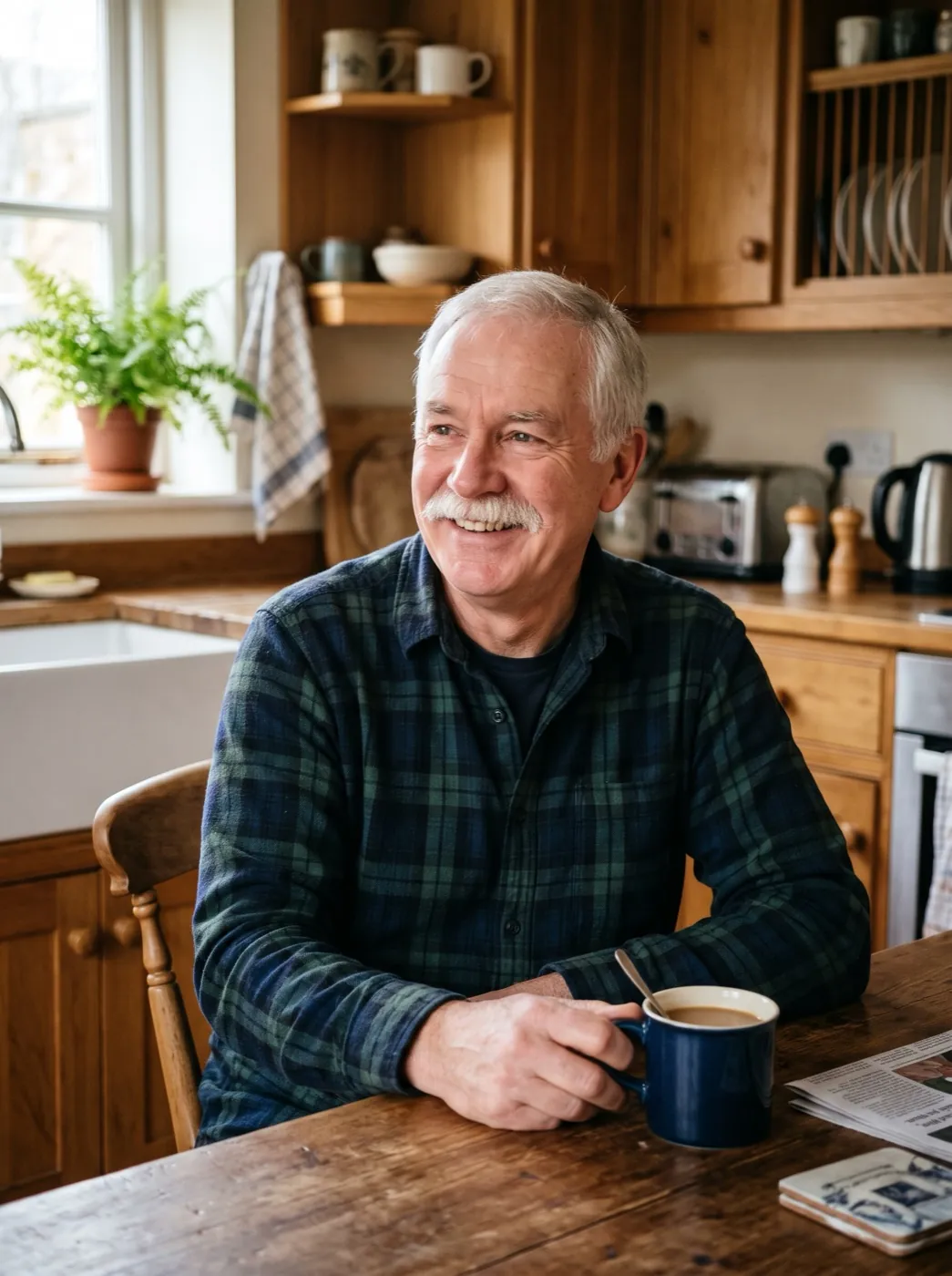 Big laugh
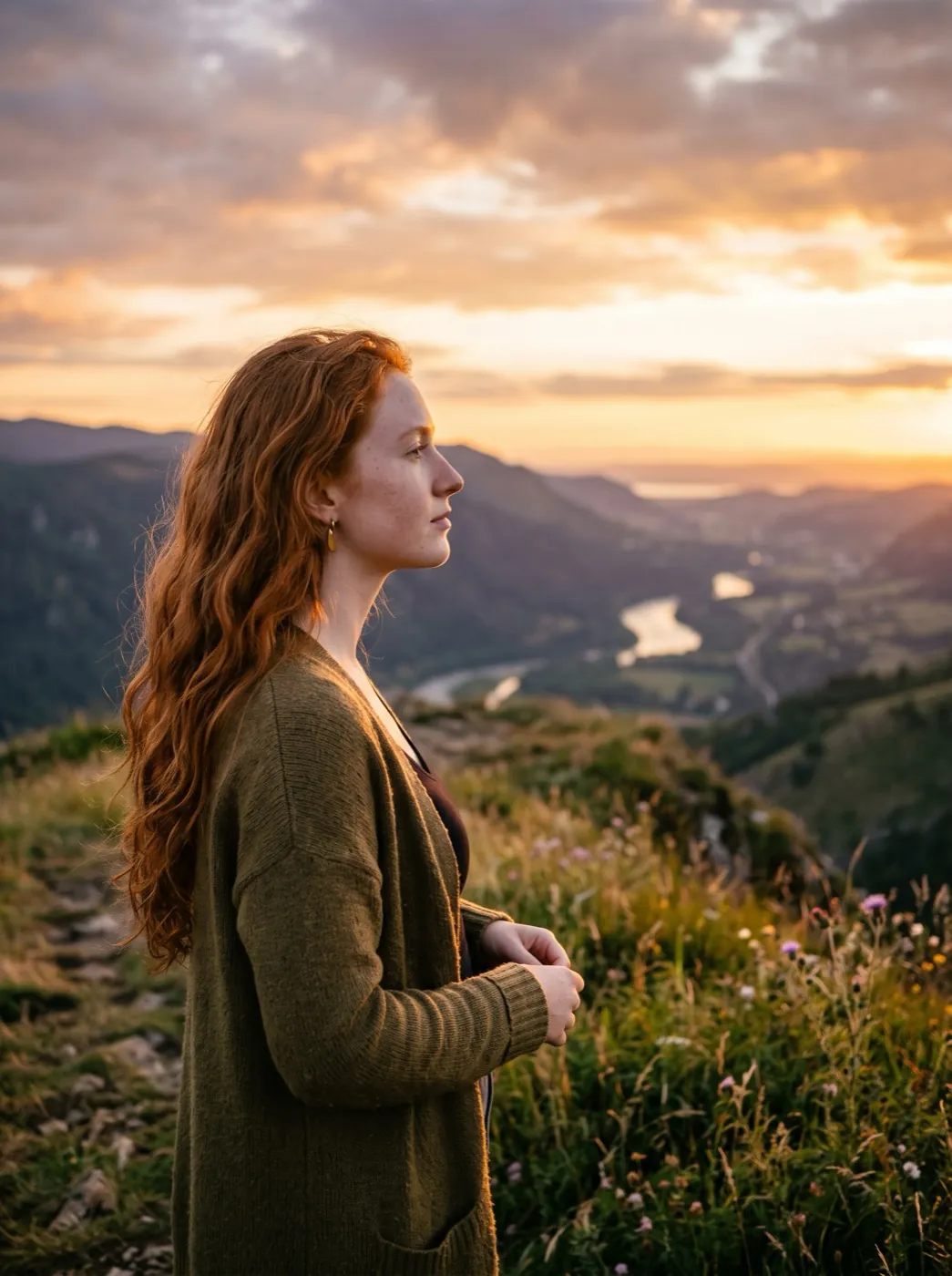 Hair in the wind
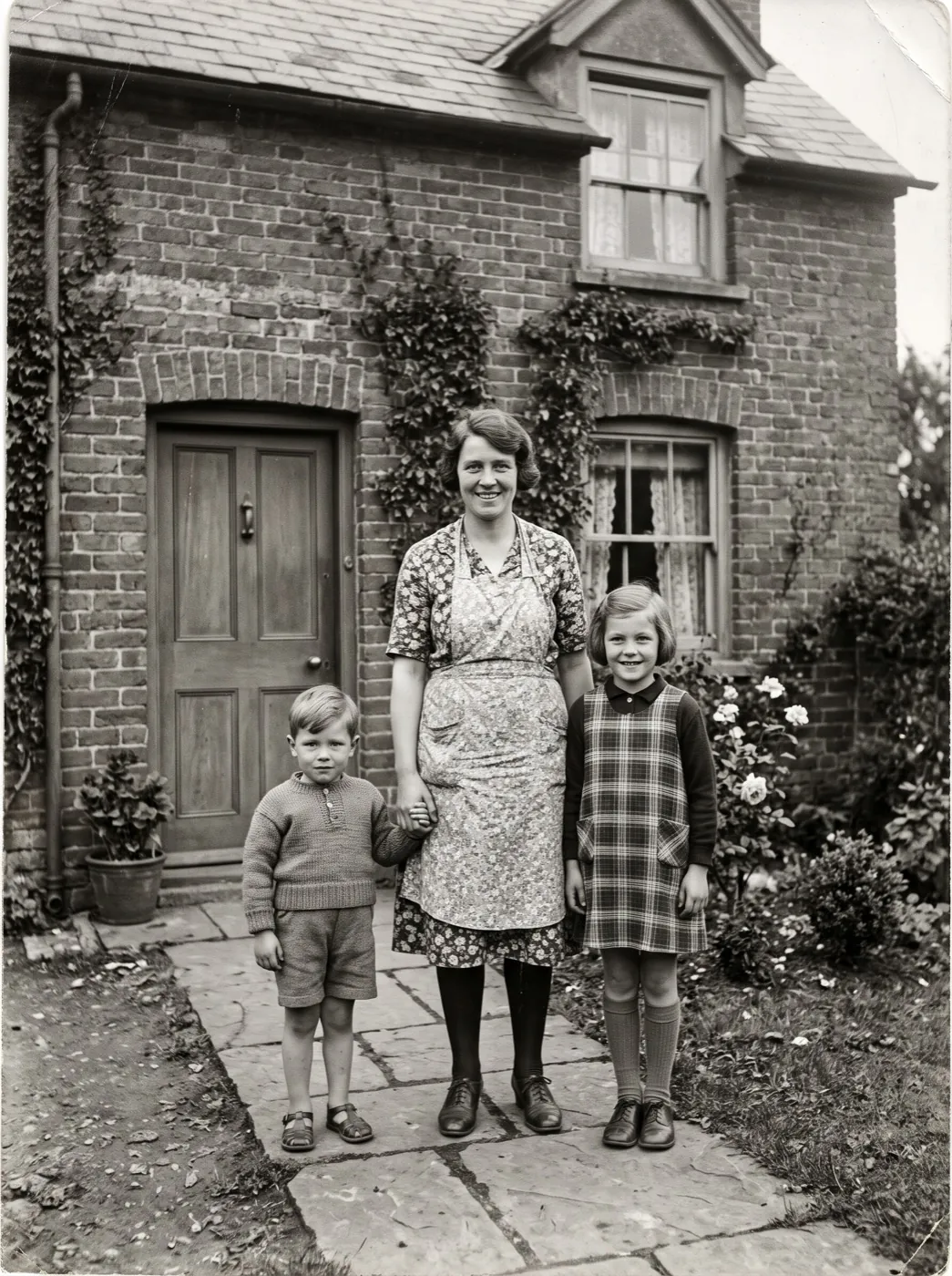 Family hug
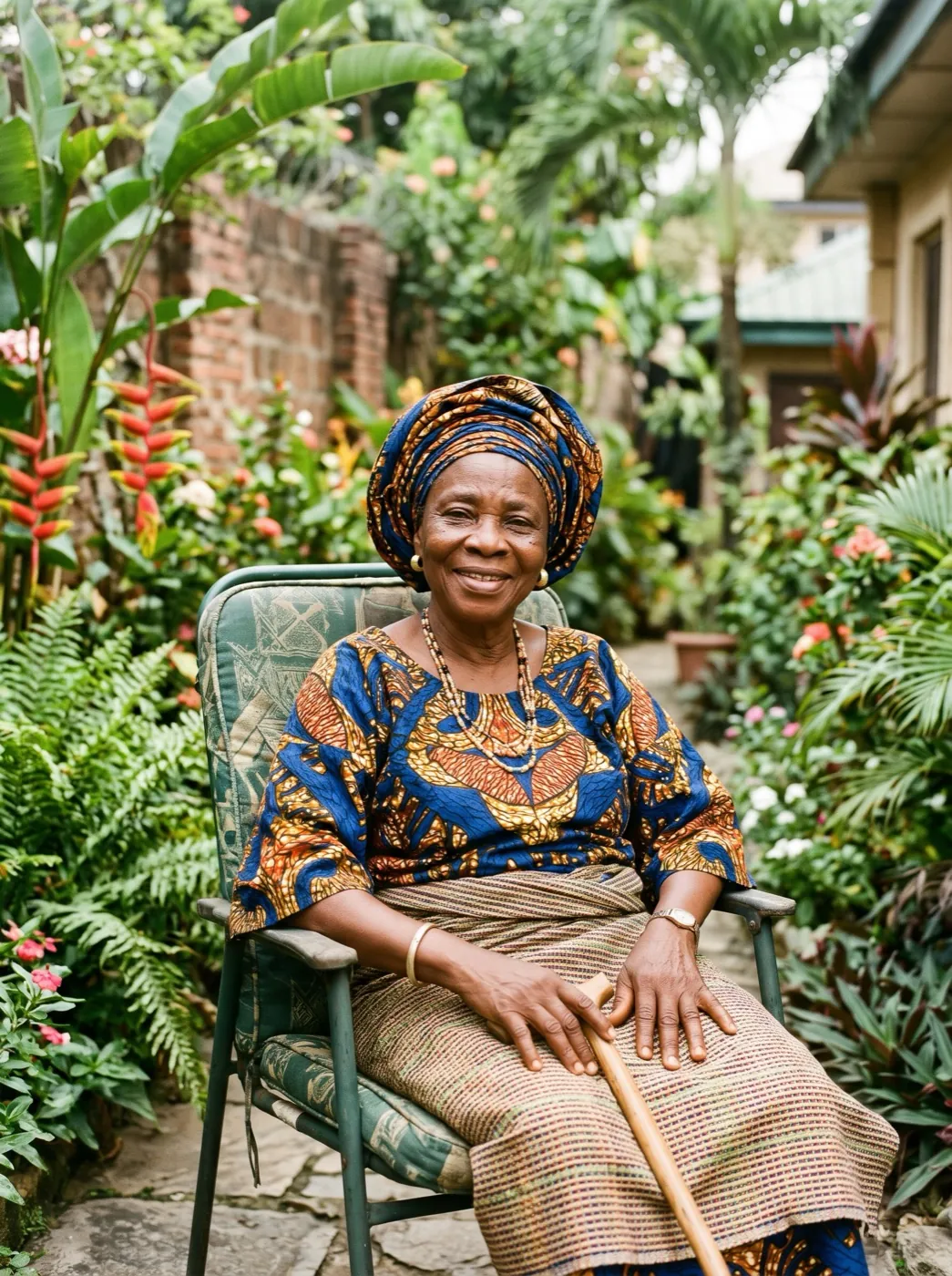 Wave hello
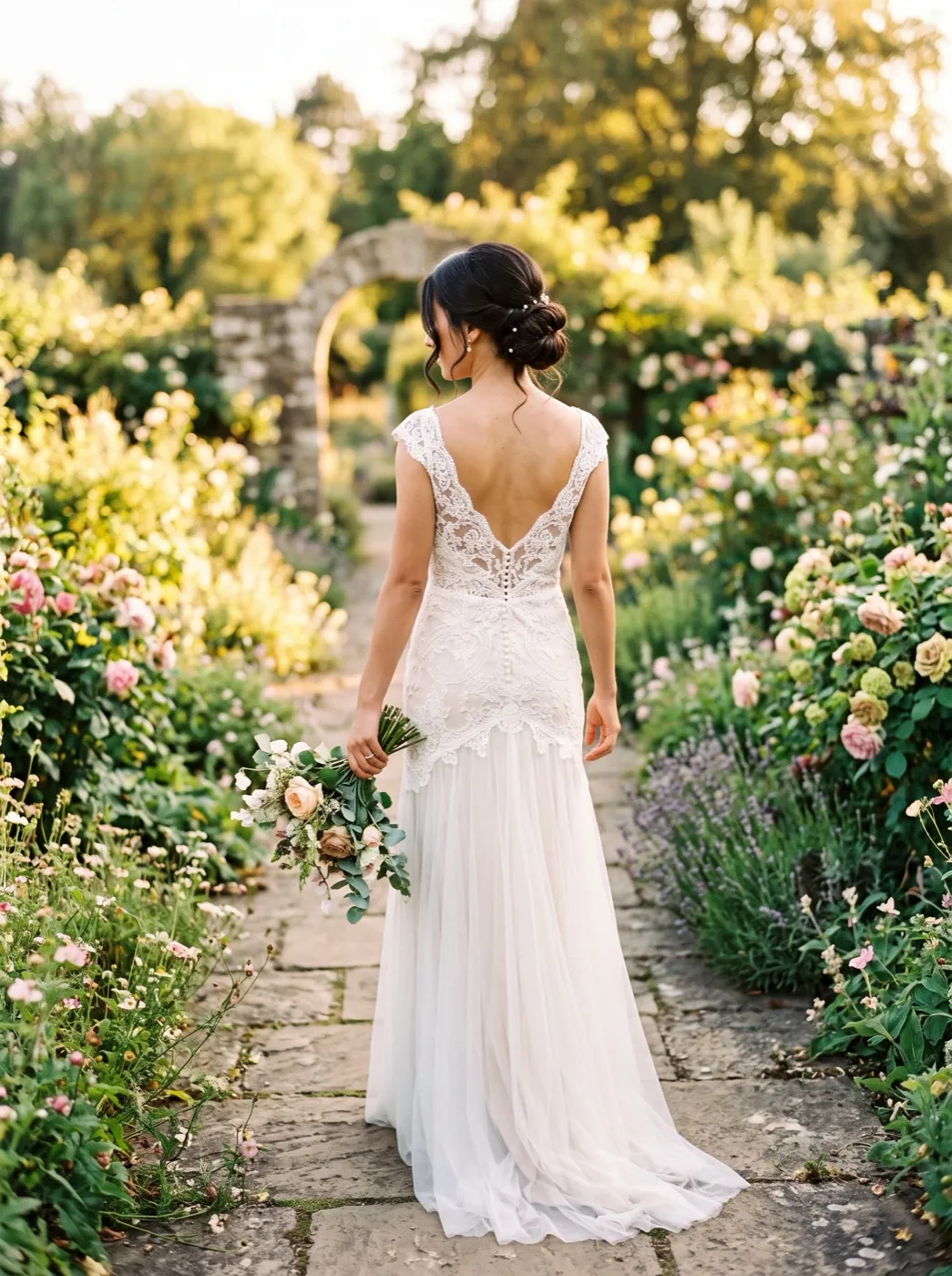 Over-the-shoulder look
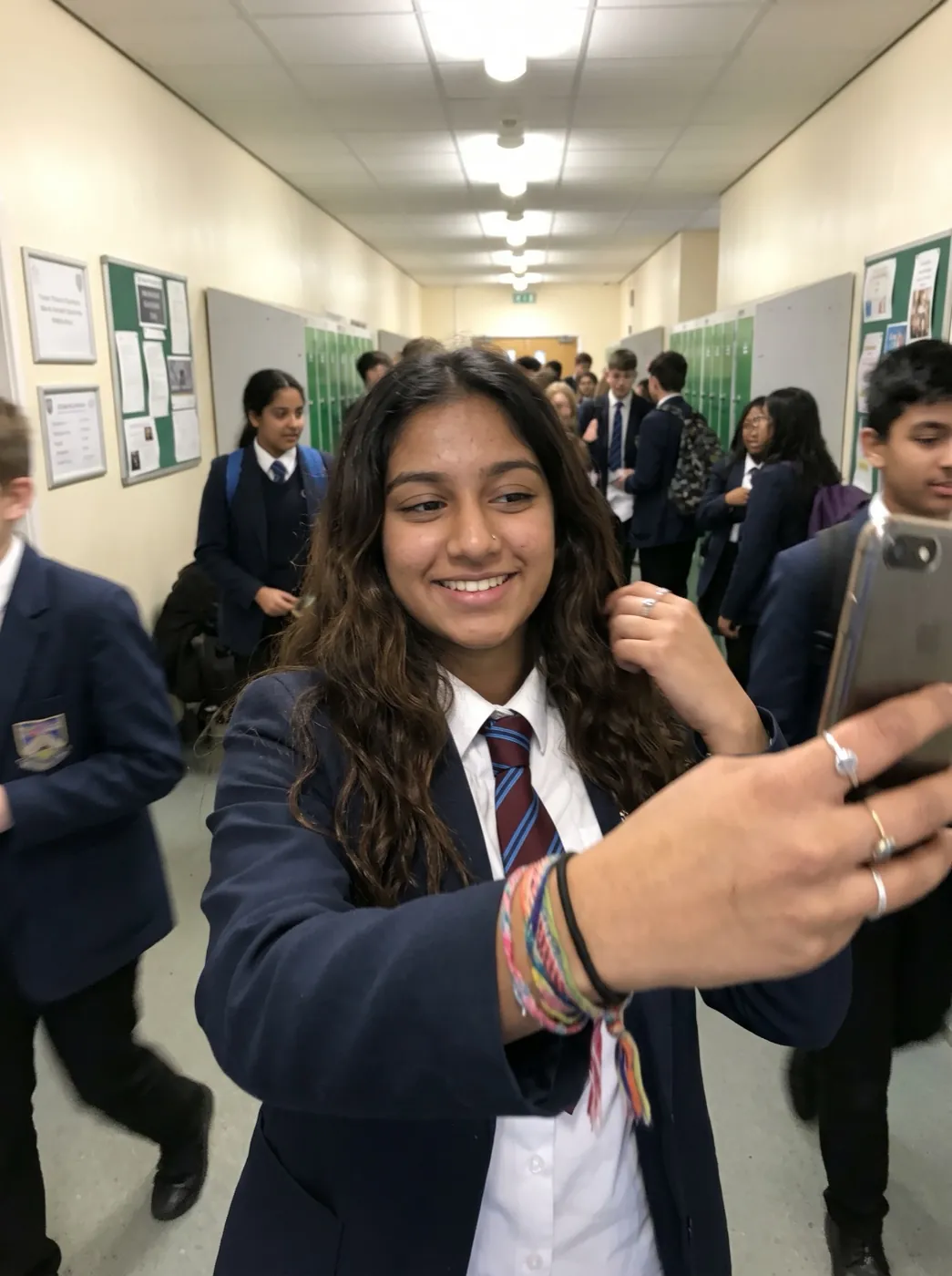 Wink
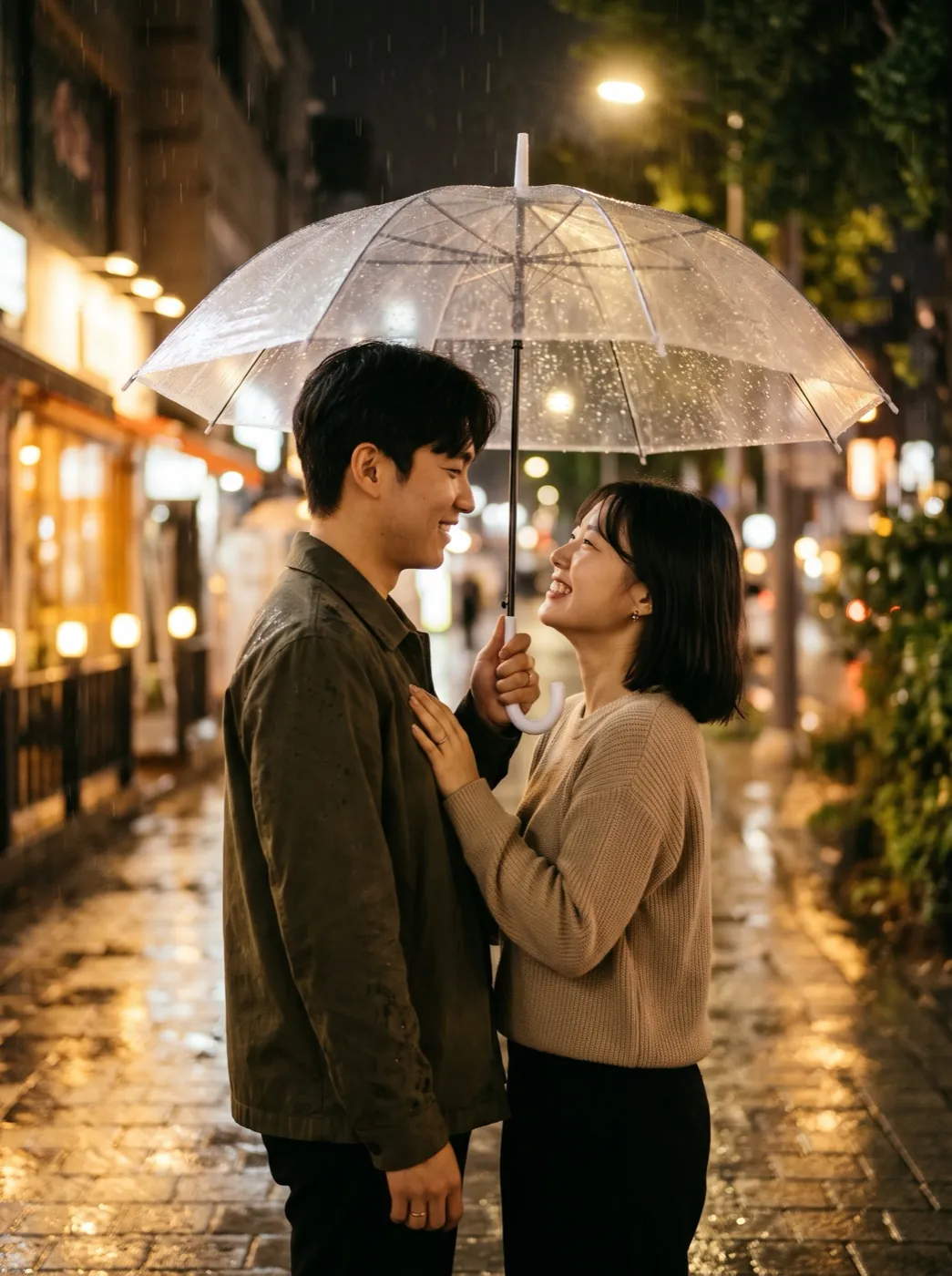 First kiss
 Growing up
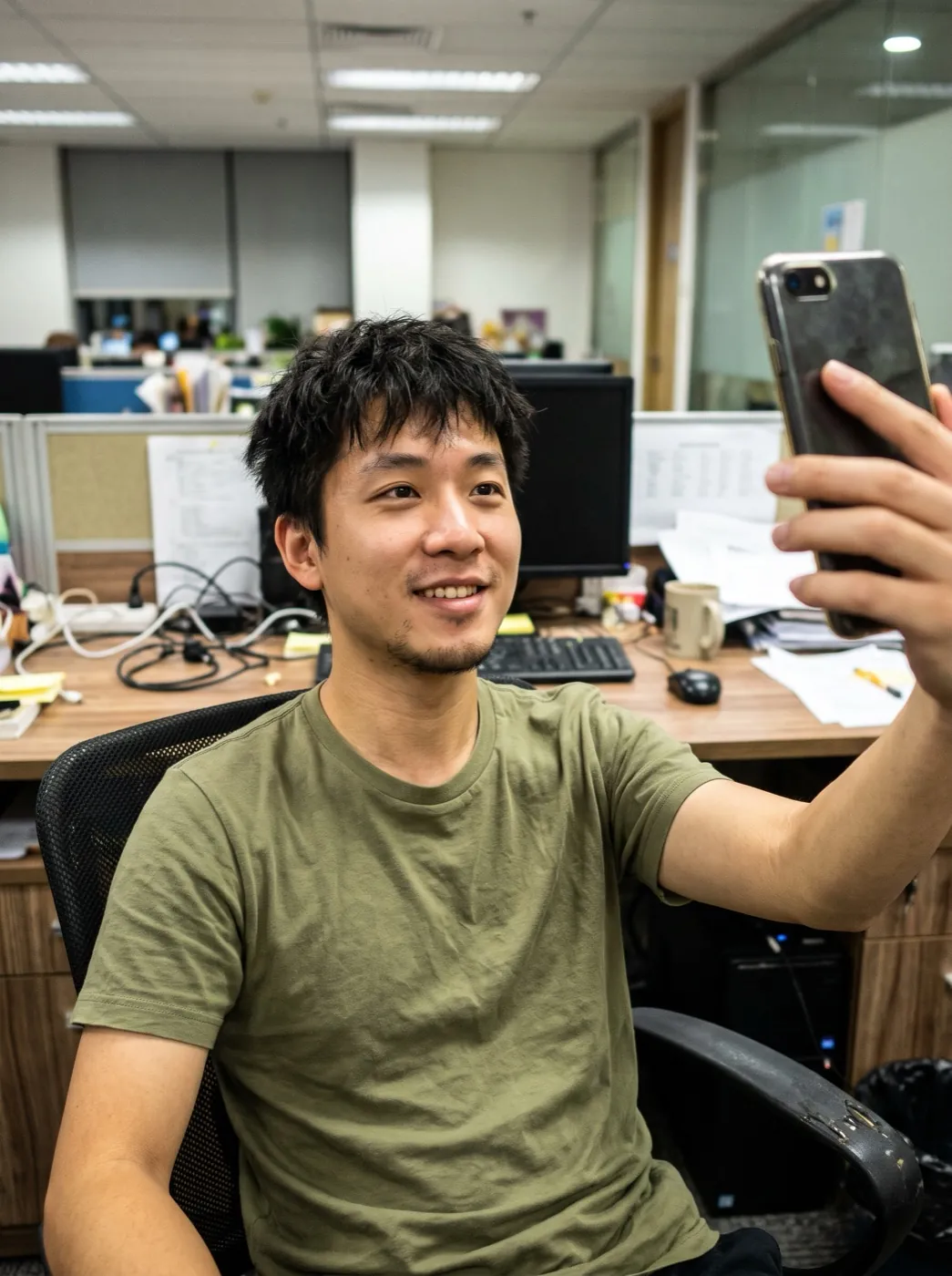 90s yearbook photo
 Photo
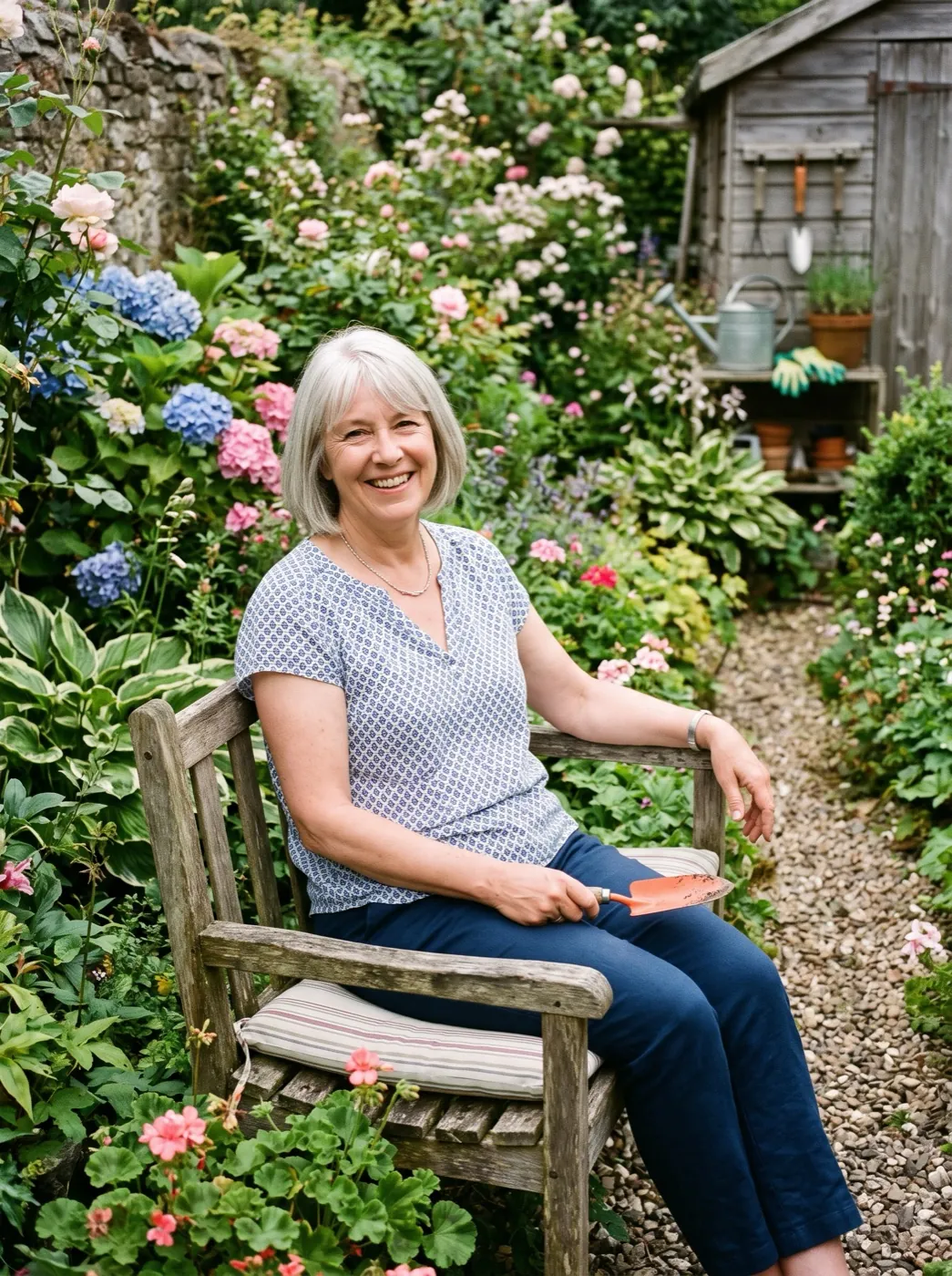
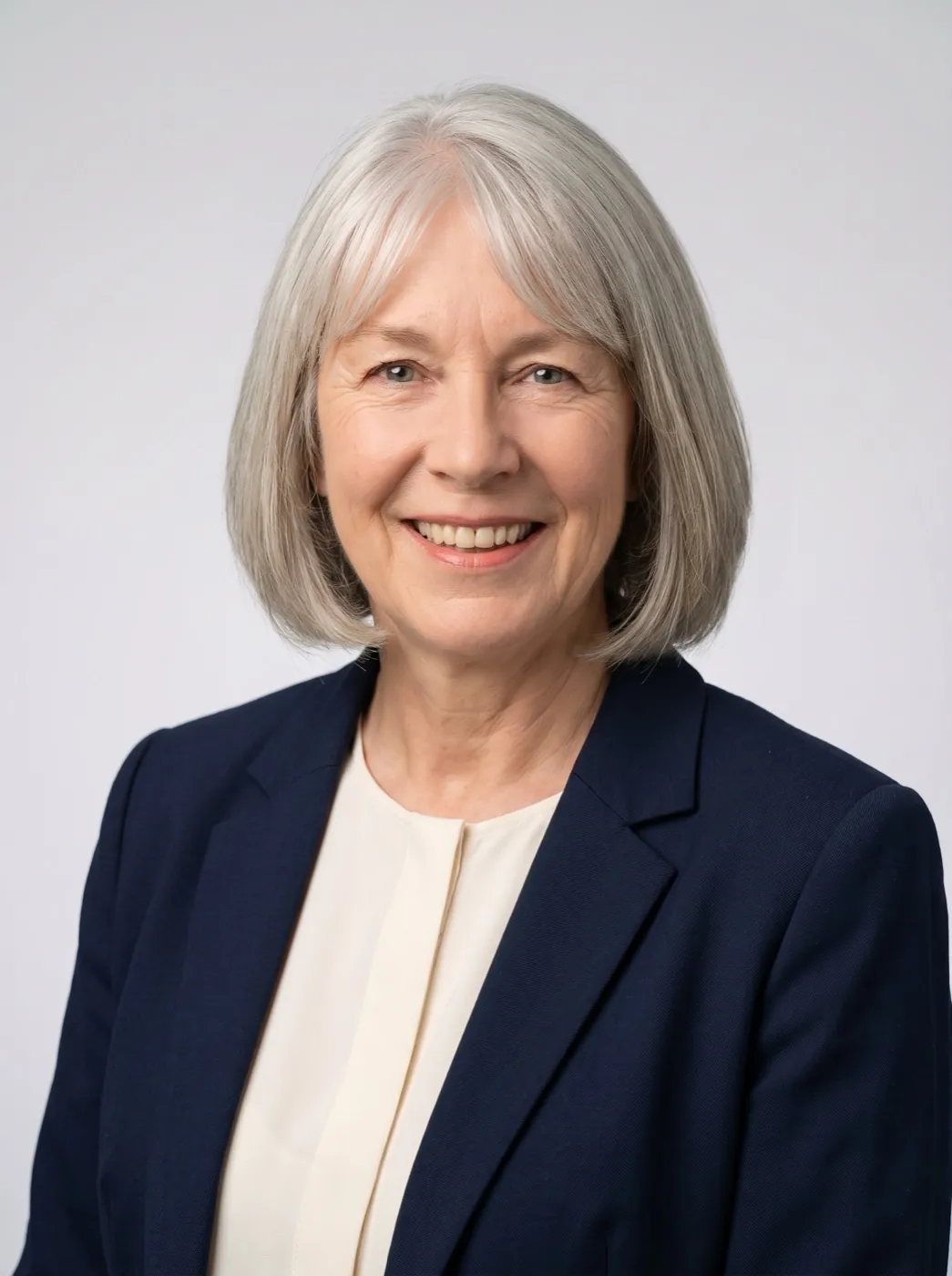
Same face, new jacket, studio backdrop
Professional Headshot is a picture effect. It runs your photo through Nano Banana 2.1 at 2K with one instruction: dress the person in a blazer, put them in front of a plain grey backdrop, even out the light, and leave the face alone. What comes back is a 3:4 portrait you can upload anywhere a profile photo goes.
- Your face, hairline and expression are kept; the edit works on everything around them.
- T-shirts, hoodies and kitchen walls are swapped for a blazer and a grey studio background.
- No text, logos or name badges are added to the picture.
- A picture comes back faster than a video clip, so trying a second outfit is quick.
Selfie to headshot, no studio booking
The outfit, backdrop and light are already in the prompt. Add your photo and press Generate.

Add an everyday photo
A selfie at home is enough. One face, looking at the camera, shoulders in frame.
The studio look is set
Blazer, grey backdrop and soft even light. Change the jacket or colour if you like.
Download the 2K picture
Pictures are quicker than clips. Save it, or run it again with another outfit.
Three casual photos, three headshots
A kitchen table, a living room and a garden. Each headshot is labelled with the run that made it and the outfit it asked for.
From the kitchen table
A woman in her forties photographed at home. The headshot puts her in a charcoal blazer on a soft grey background with even light.

T-shirt selfie at home
A man in his thirties in a T-shirt. He comes back in a navy blazer and white shirt against a grey studio backdrop.
Garden snapshot
A woman in her sixties outdoors. The edit gives her a cream blouse and navy jacket on a light grey background.
Where is your new headshot going?
Bring a recent selfie taken facing a window at eye level. You get the same face back, in a blazer on grey.
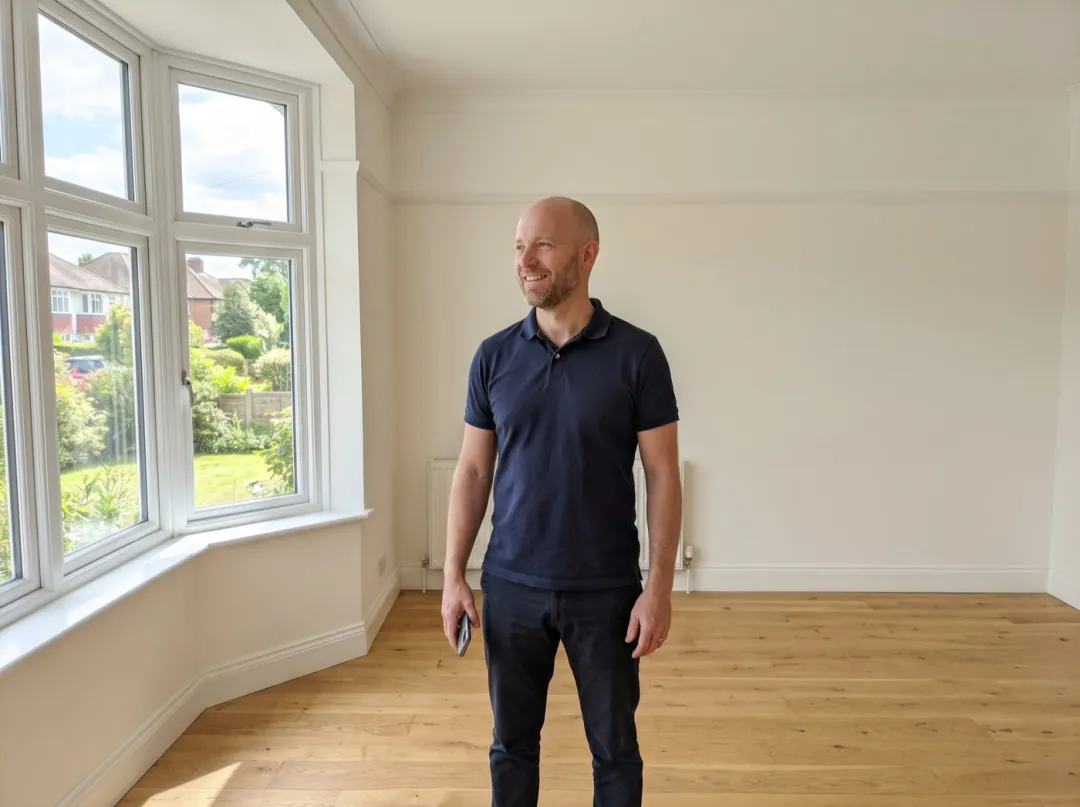
The face on every listing you post
An agent’s photo sits on every listing and flyer, and it looks dated after one haircut. A selfie taken between showings can come back as a clean portrait that looks like it came from a studio session.
Stand facing a window, phone at eye level, with your usual smile. Upload it to your listing profile and send the file to the printer for new business cards.
Make an agent headshot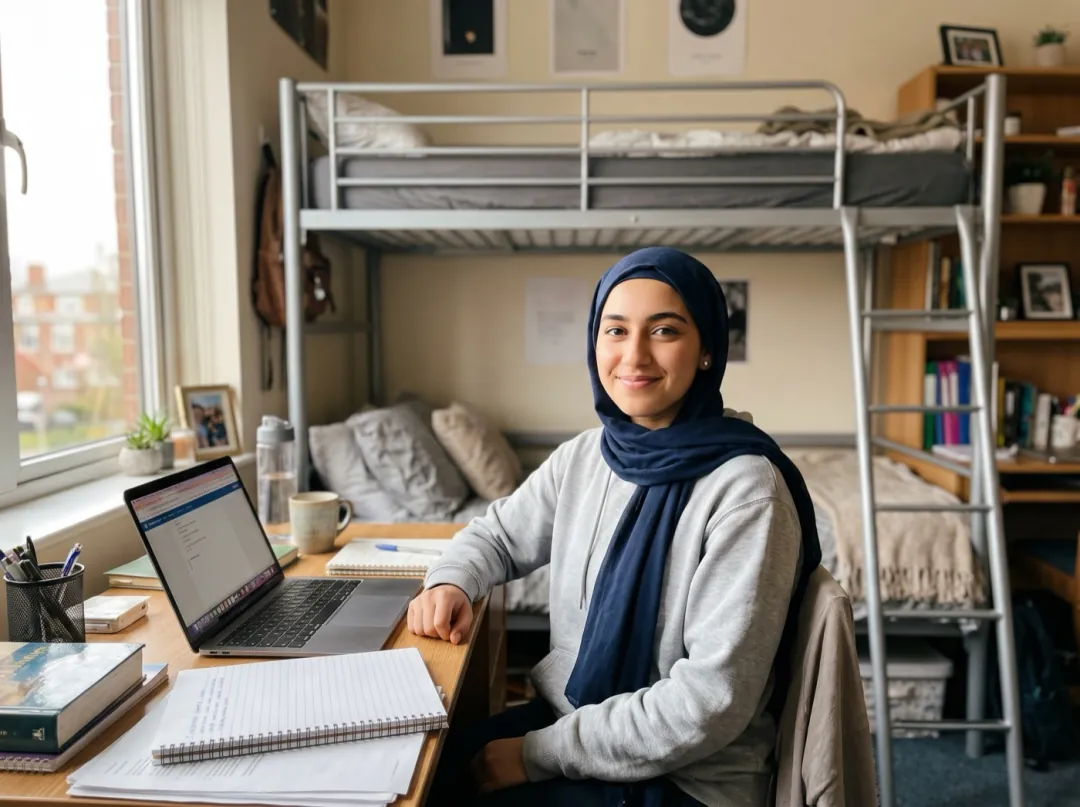
A first headshot for internship applications
Students applying for internships are asked for a profile photo long before they own a blazer or can book a photographer. A selfie at the dorm desk becomes a portrait that looks ready for the interview, with the bunk bed gone.
Tie your hair back if it falls across your face, and look straight at the lens. Use it on the career site and every application portal.
Make a student headshot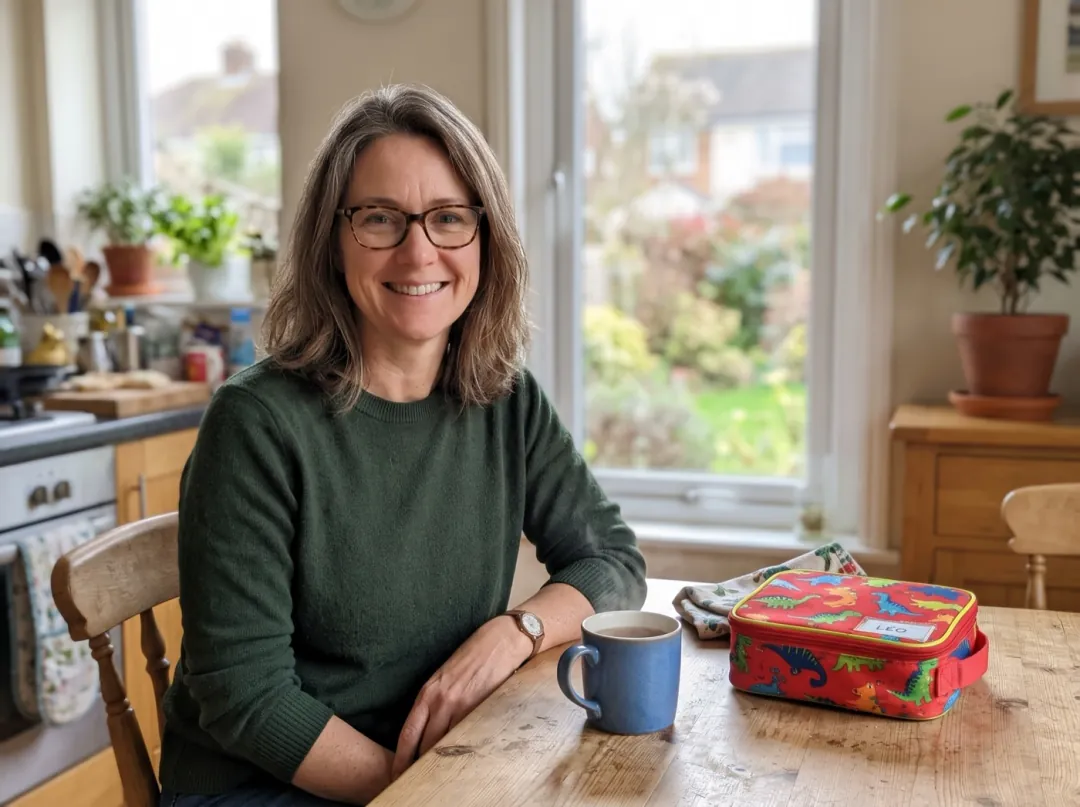
Returning to work after years at home
After years raising kids or caring for a parent, a new job search needs a photo, and the newest one of just you is from a barbecue. A snapshot at the kitchen table is enough to start from.
Ask someone to take it by a window, head and shoulders, glasses on if you wear them. Add it to your job profile before the first application goes out.
Make a back-to-work headshot
An about page that shows who clients hire
Freelance designers, translators and bookkeepers win work through a small website and a few marketplace profiles. Clients want to see a real face before they send a message, and a café snapshot does not say ready for business.
Take a few selfies in different tops and start from the one you like best. Put the headshot on your about page and on every marketplace profile.
Make a freelancer headshotSelfies that make good headshots
The edit replaces clothes and background. It keeps your face, including the light and angle it was shot in.
A dim room leaves grey skin and heavy shadows under the eyes, and the headshot keeps them. Sit facing a window.
A phone held low or tilted gives a chin-up angle that looks odd on a formal portrait. Hold it level with your eyes.
In a full-length photo the face is small, so the 2K headshot has little detail to work from. Crop in first.
A screenshot from a chat or a zoomed crop is soft, and a soft face looks wrong on a crisp studio background.
Dress it for your field
Open Edit prompt and change the outfit or backdrop. Keep "keep the face exactly" and "no text, no logo" in every version.
Smart casual, no blazer
For design, tech or teaching roles, a sweater and a warmer backdrop feel less formal but still tidy.
Make a professional headshot of the same person: plain crew-neck sweater, warm beige studio background, soft window light; keep the face exactly; no text, no logo.
Blurred office behind
A soft workplace background in place of plain grey, for company pages that show where people work.
Make a professional headshot of the same person: dark blazer, a softly blurred bright modern office behind them, even light; keep the face exactly; no text, no logo.
A colour backdrop
Pick one colour to match a website or slide deck. Name the colour plainly; deep, muted shades suit faces best.
Make a professional headshot of the same person: navy suit jacket, white shirt, deep teal studio background, even light; keep the face exactly; no text, no logo.
Fix the selfie first, use the headshot after
The original and the headshot are both saved in your library, so each can go through another tool.
Brighten a dull selfie
Lift a dark or grainy photo before it becomes a headshot.
Open Image to ImageA studio-style headshot
A 2K picture at 3:4, same face, new jacket and backdrop.
Larger for print
Upscale the headshot for a printed badge, flyer or conference programme.
Open Image UpscalerSay hello on video
Use the headshot as the photo for a short wave-hello clip on a profile.
Open Wave HelloProfessional Headshot FAQ
What people ask before they swap a studio session for a selfie.
Will Professional Headshot keep my face the same?
That is the main instruction in the prompt: keep the face exactly. Your features, skin tone and expression stay; the clothes, background and overall light change. Always look closely at the result before you use it, and run it again if anything about the face looks off.
Is Professional Headshot a video?
No. It is a picture effect and returns one 2K still at 3:4, with no motion and no clip. If you want the headshot to move, add it to an effect such as Wave Hello afterwards.
How much does Professional Headshot cost?
Each headshot uses 4 image credits. The 10 free image credits you get at sign-up cover 2 headshots, so you can try it before you pay. After that, packs start at $9.90 for 600 credits. A failed or blocked run gives the credits back.
What photo should I use for Professional Headshot?
A recent photo of one person, head and shoulders, looking at the camera in good daylight. A phone selfie is fine. Avoid sunglasses, hats, strong filters and photos where a hand or a cup covers part of the face.
Can Professional Headshot change the blazer or the background colour?
Yes. Press Edit prompt and name the outfit and backdrop you want, for example a white shirt on a navy background. Keep "keep the face exactly" and "no text, no logo" in the prompt.
Can I use a Professional Headshot for a passport or an ID card?
No. It is an edited picture, and official documents ask for an unedited photo taken to their rules. Use it for profiles, bios, team pages and CVs, where an edited portrait is normal.
My Professional Headshot does not look like me. What should I try?
Start with a sharper, better-lit photo where you face the camera straight on; the edit can only keep what it can see. If the expression changed, add "same expression" to the prompt and run it again.
More effects for your profile photo
 StylesMagazine cover
 AnimeAnime portrait
 FunSticker pack
The selfie is on your phone. The headshot is one tap away.
Add one photo and get a studio-style headshot with your own face, in a blazer, on grey.